
The Egg - Only 10G!
Print Profile(1)

Bill of Materials


Description
Boost Me (for free)
If this model helped you out, gave you a smile, or saved you some time—consider giving it a boost! Every click helps me keep designing useful, clean, and printable models for the maker community. Your support fuels the next idea!
The Egg - Only 10G! (Multi-Use Surprise System)
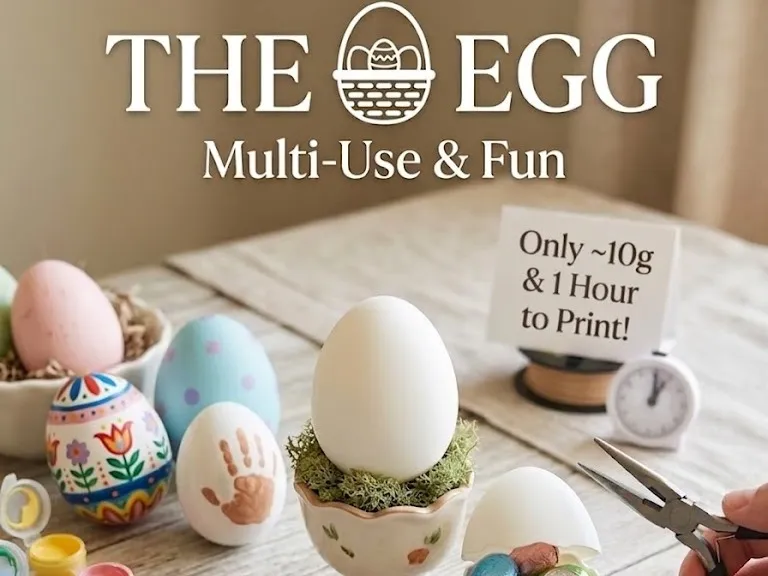
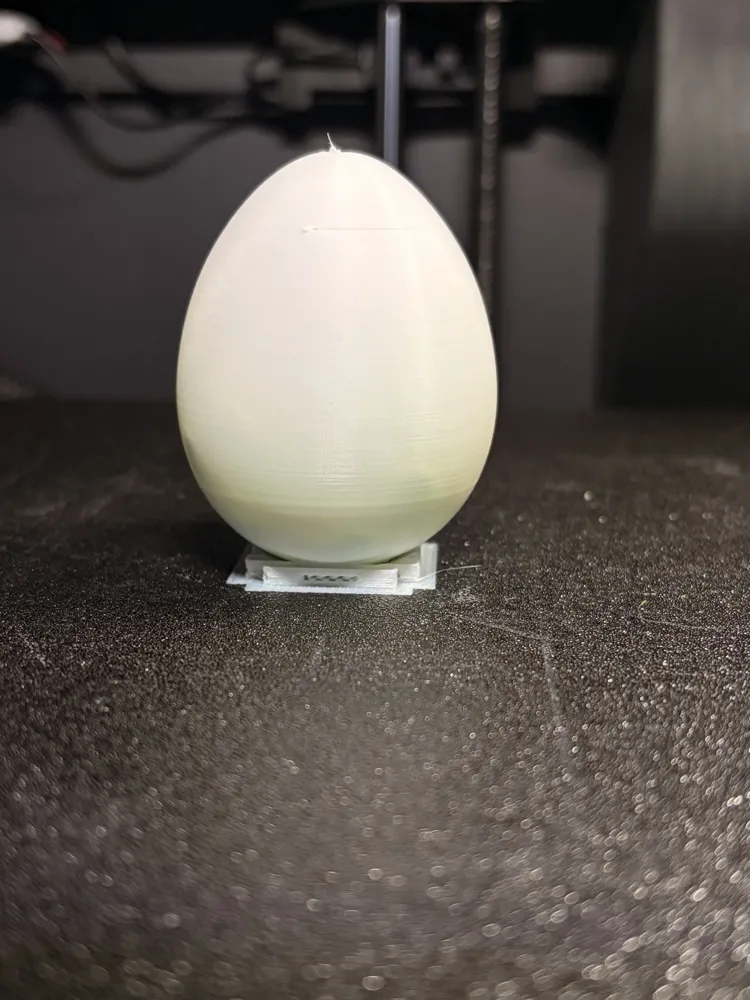
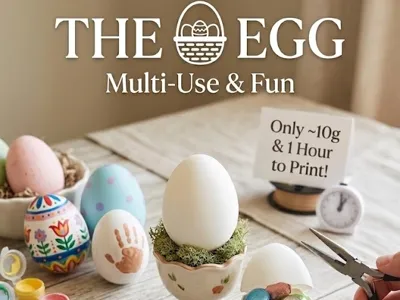
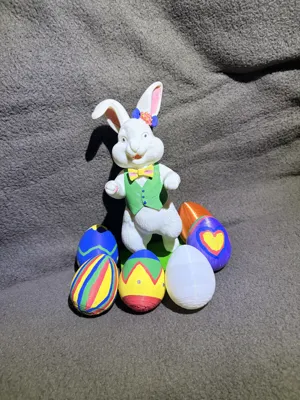
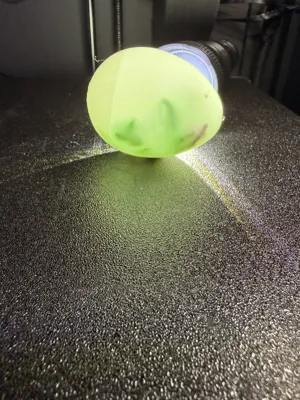
Stop wasting filament on bulky, heavy models. The Egg - Only 10G! is the most efficient, versatile, and high-speed egg design on the market. Engineered to use 10 grams of filament, this is the ultimate "print-a-dozen" solution for Easter, classroom activities, or DIY decor.
Choose Your Version:
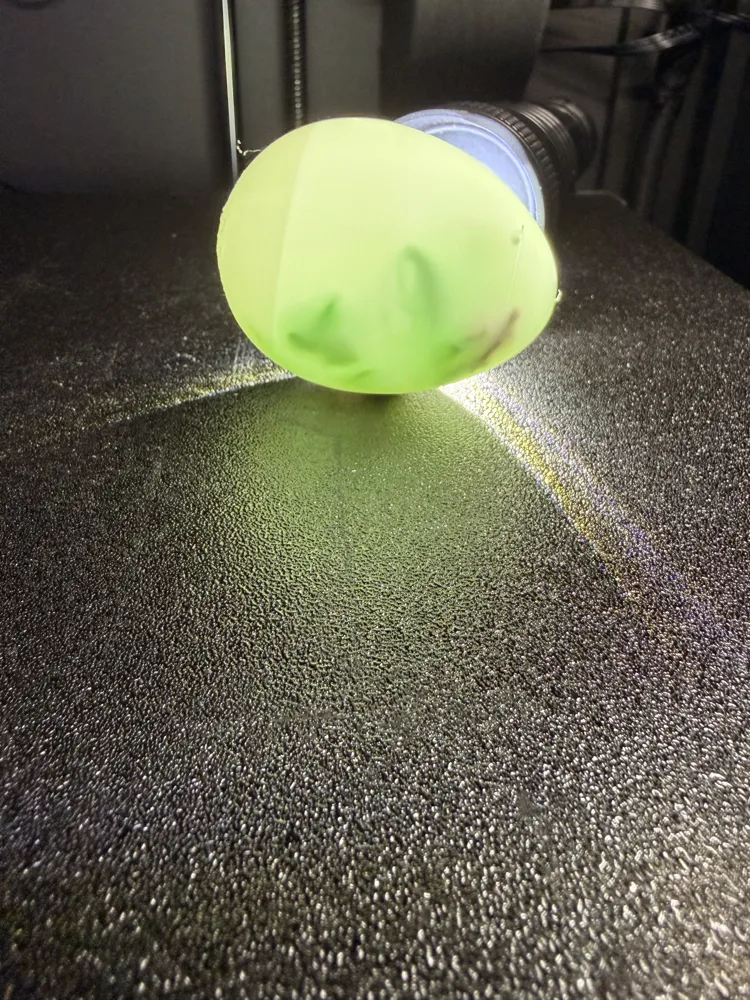
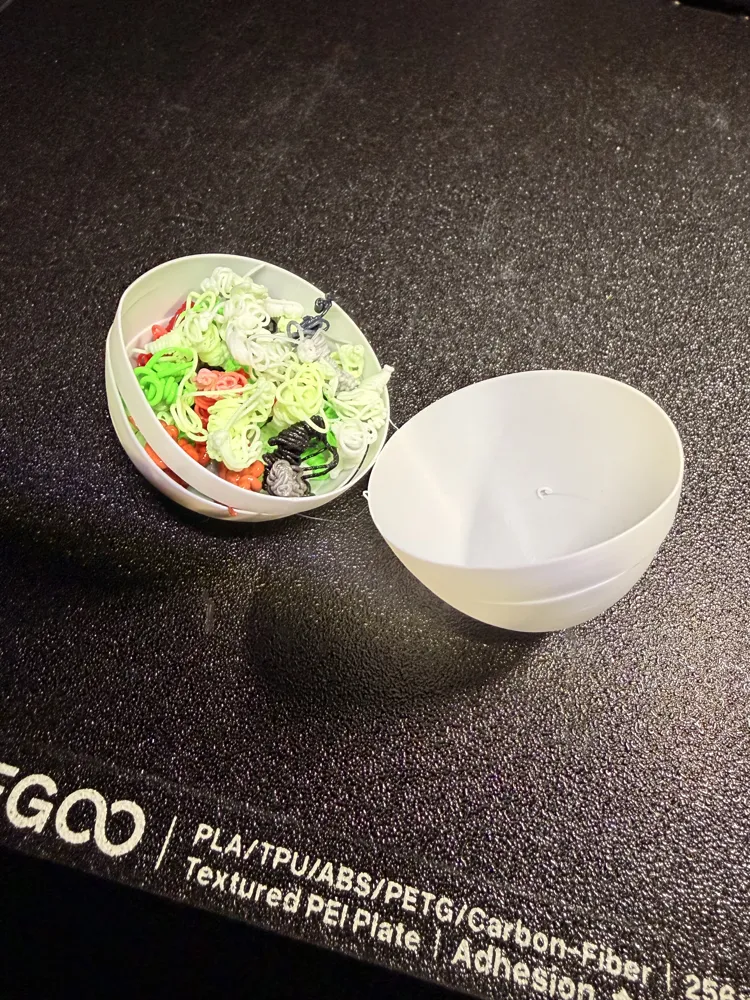
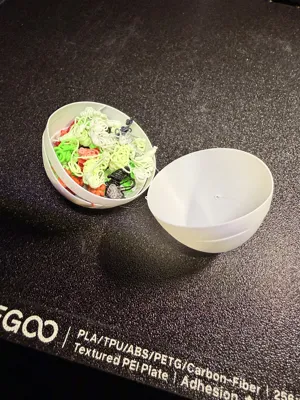
- The "Break-Open" Surprise : * The Goal: A satisfying "crack" to reveal a prize.
- The Tech: Thin-walled and hollow. Use the "Add Pause" feature in your slicer to drop in candy or coins before the top closes!
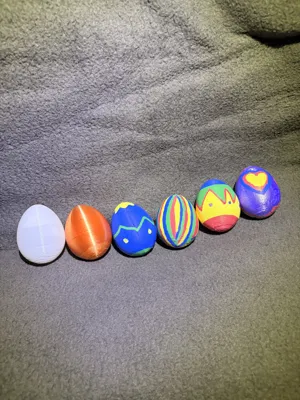
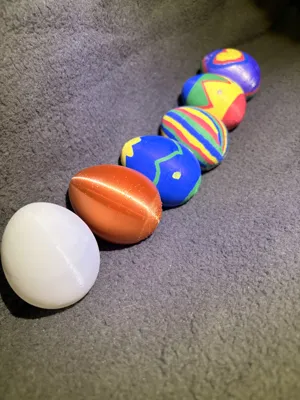
- The "Sturdy Decor" Edition : * The Goal: A robust, high-definition surface for painting and play.
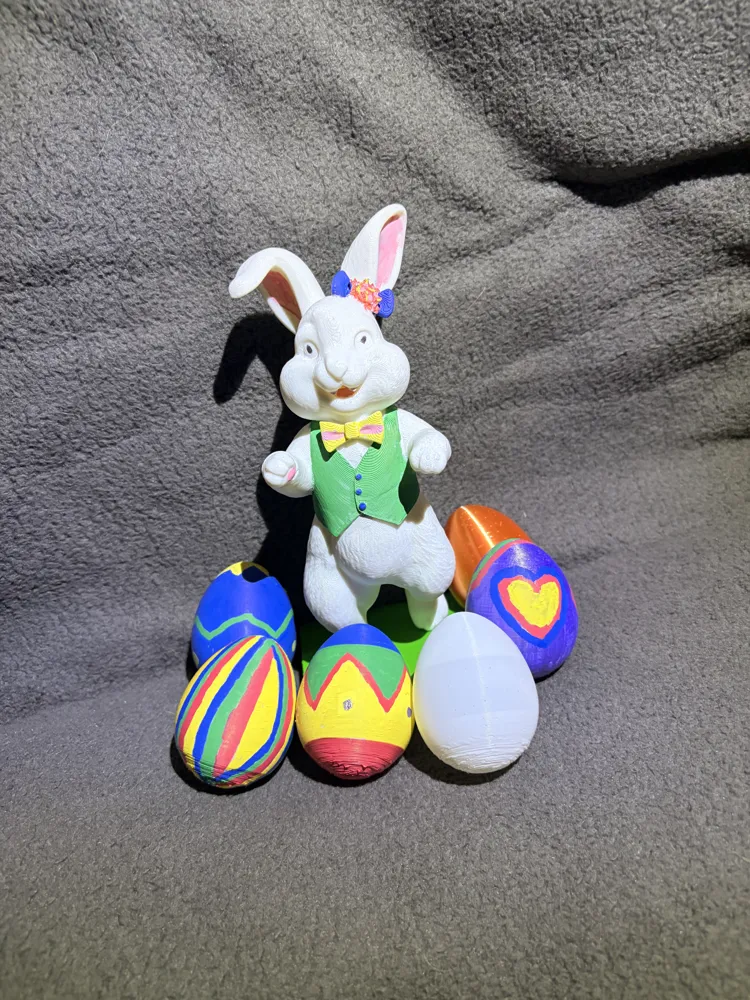
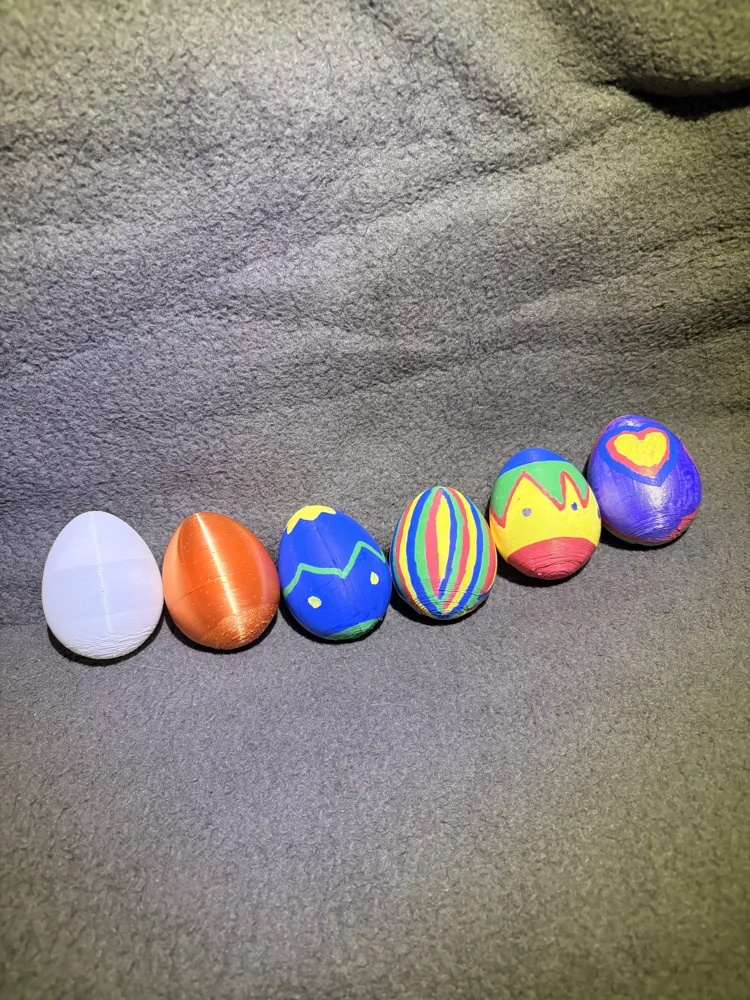
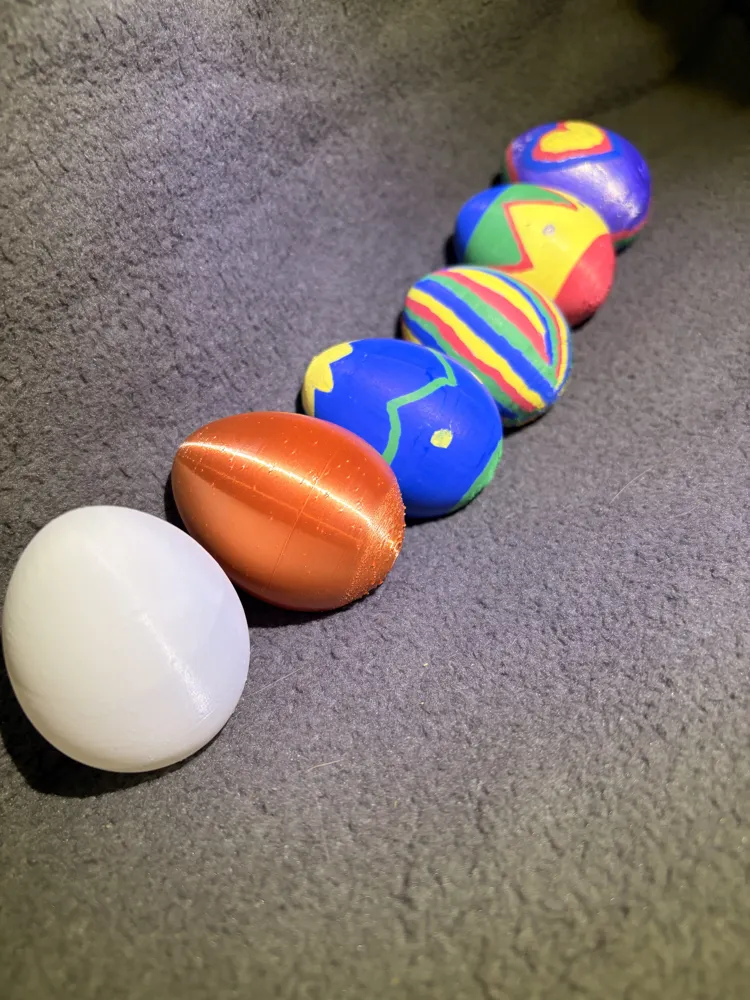
- The Tech: Reinforced with extra wall loops. Perfect for acrylic paints, markers, or even as a base for your own 3D designs.
Why This is the "Egg-Cellent" Choice:
- Ultra-Lightweight: At only 10g, you can print 100 eggs from a single 1kg spool!
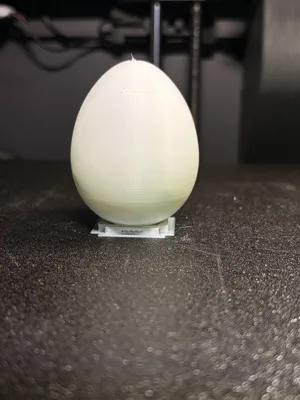
- High-Speed: Optimized for High speed printing (Approx. 1 Hour print time)
- Slicer Optimized: Designed to print cleanly with minimal supports and a smooth finish.
- Paint-Ready: The white or silk surface provides a perfect "Infinite Canvas" for artists and kids alike.
Pro Printing Tips:
- Material: PLA (White is best for painting).
- The "Gap Fix": Use Variable Layer Height in Bambu Studio to ensure the very top of the egg closes perfectly every time.
- The Surprise: To hide an item inside, slice the model, find the layer about ¾ ways up, and right-click the layer bar to "Add Pause."
Breakable Version:
For the breakable version these are the main settings to change.
Wall count: 1
infill: 0%
Wall generator: arachne
Supports: normal (auto) - Default
License

You shall not share, sub-license, sell, rent, host, transfer, or distribute in any way the digital or 3D printed versions of this object, nor any other derivative work of this object in its digital or physical format (including - but not limited to - remixes of this object, and hosting on other digital platforms). The objects may not be used without permission in any way whatsoever in which you charge money, or collect fees.


Comment & Rating (0)