
Print Profile(1)
Description
📝 Description
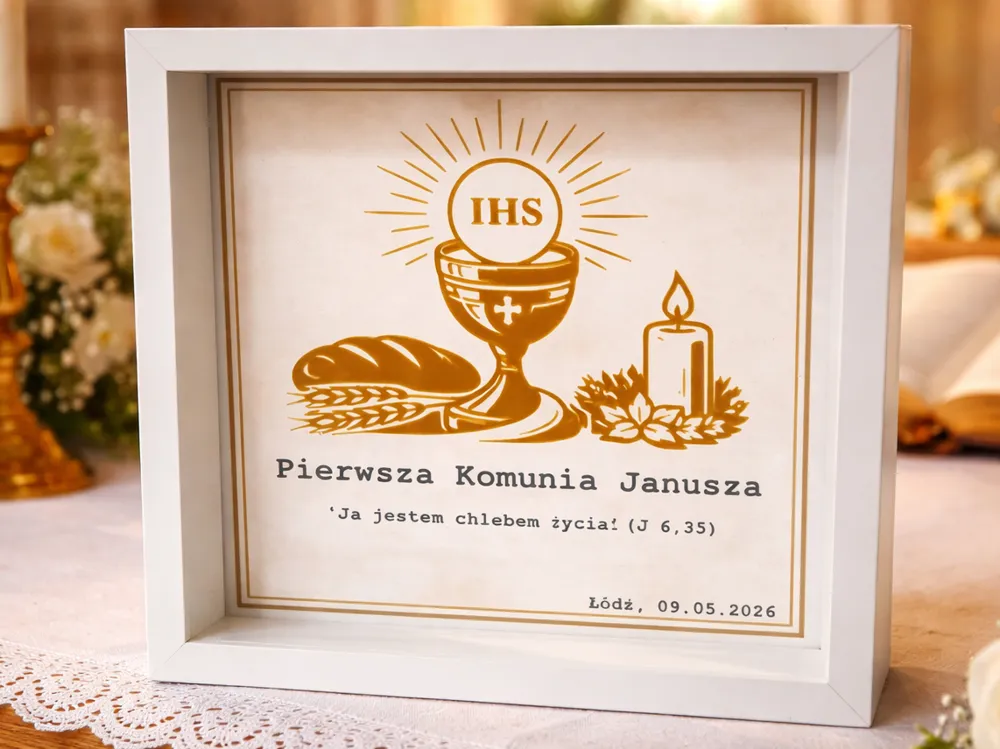
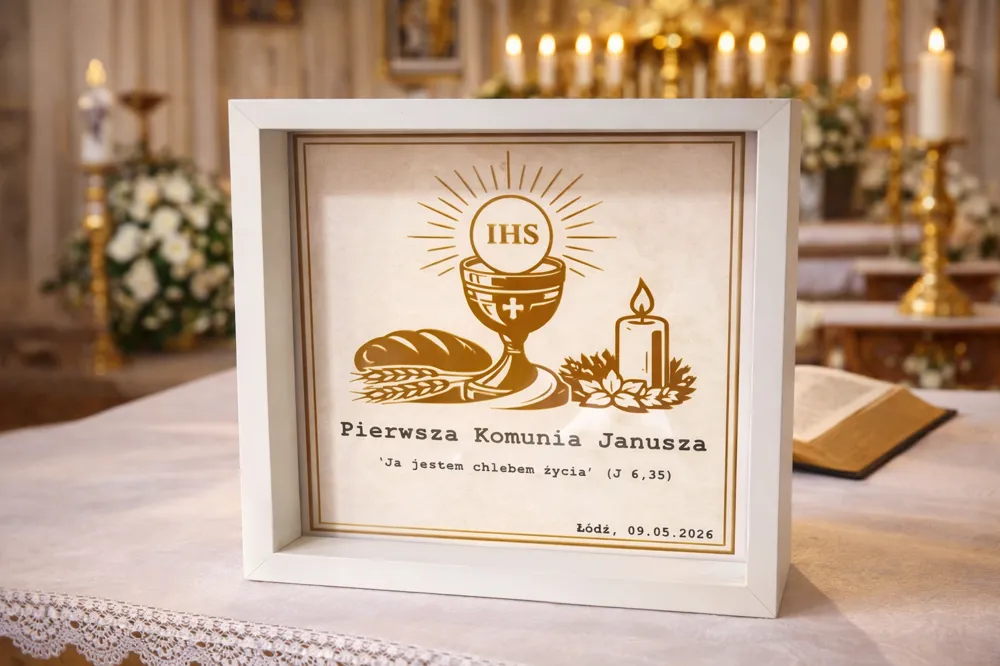
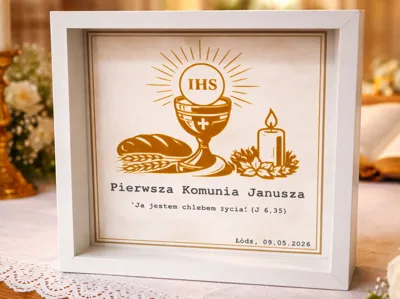
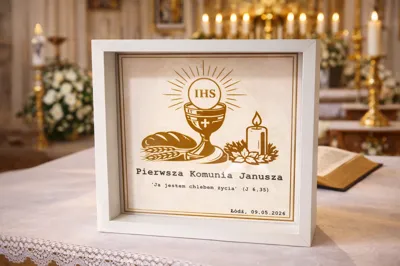
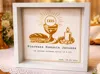
Elegant and minimalist 3D printed poster designed for a First Holy Communion ✨
Perfect as a meaningful keepsake or a personalized gift.
📐 Compatibility:
The model is designed to perfectly fit this IKEA frame:
👉 https://www.ikea.com/pl/pl/p/sannahed-ramka-bialy-00459116/
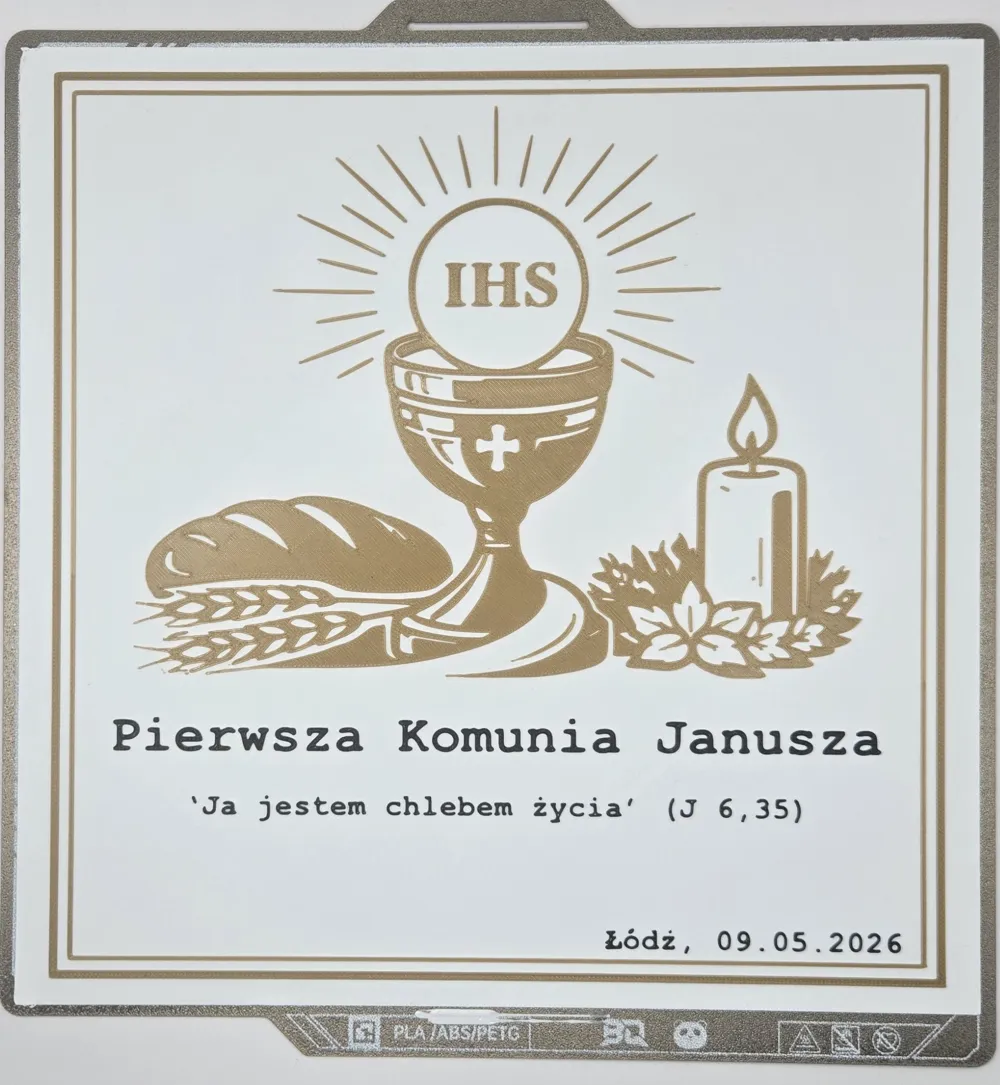
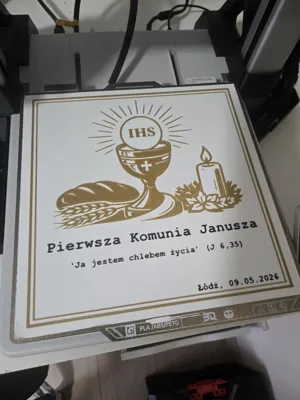
🎨 Filaments Used
- Black: Aurapol PLA Black
- Gold: F3D Filament PLA Gold Pearl
- White: F3D Filament PLA White
✏️ Customization
EDIT: So it seems that Bambu Studio has some issues/bug modyfing text area by object.
So simply click on model, click TEXT, edit new text then remove existed text area under your new text object.
I'm sorry about that. When I created that model, text editing works like a charm.
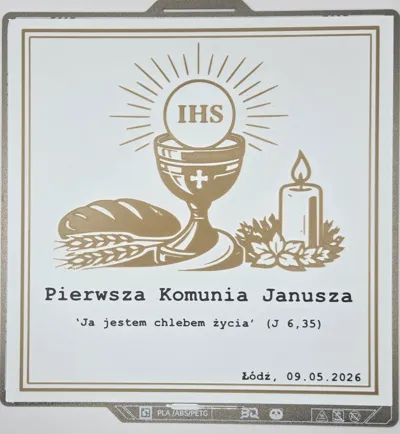
The model includes 3 editable text areas, which can be easily modified in:
- Bambu Studio
- or any slicer supporting text/mesh editing
You can customize:
- name
- quote
- date / location
🧱 Model Structure
Key visual elements are separated into individual parts, allowing full control over colors 🎯
Separate objects include:
- candle
- bread
- chalice with wheat
- IHS lettering
- sun rays
Size is 25x25cm
➡️ This makes it easy to assign custom colors or create different visual variants (e.g. silver instead of gold)
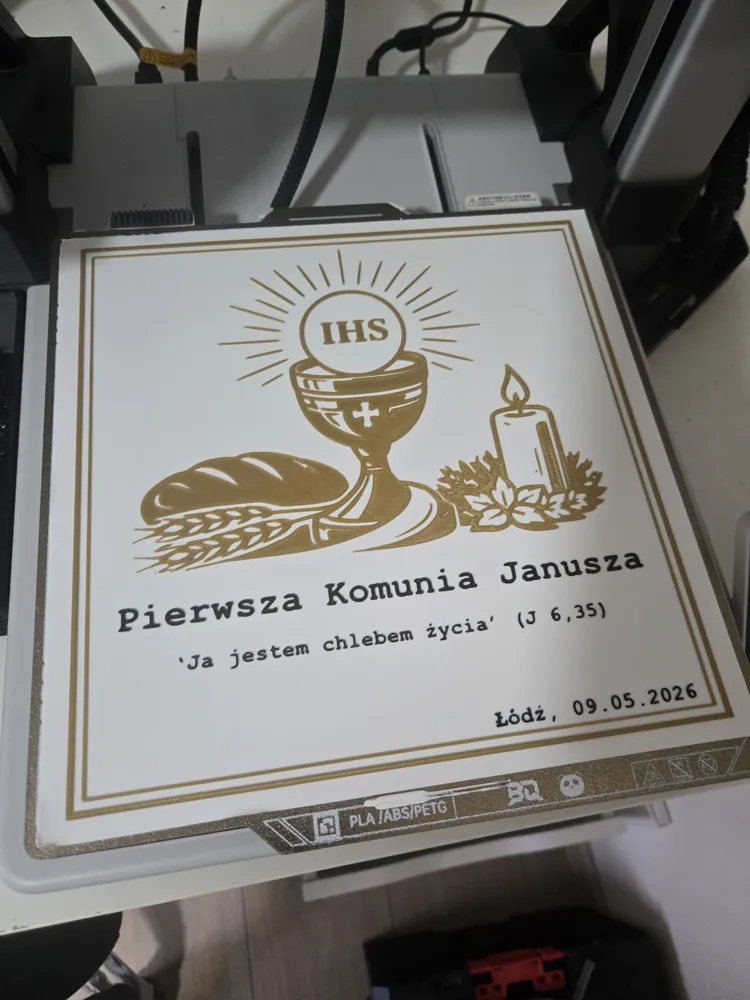
🖨️ Printing
- Optimized for multicolor printing (AMS / MMU)
🎁 Use Cases
- First Communion gift
- home decor
- personalized keepsake
- ready-to-sell customizable product
━━━━━━━━━━━━━━━━━━━━━━━━━━━━━━━
🔗 Check my profile! 🔗
👉 Click here!
🇵🇱 Proudly using Polish filament: 🇵🇱
👉Click here!
🇵🇱 Polish Community Discord 🇵🇱
👉 Click here!
🔍 Filament Finder 🔍
👉 Click here!
Boost Me (for free)
Your support keeps the ideas alive – boost me!
━━━━━━━━━━━━━━━━━━━━━━━━━━━━━━━
License

You shall not share, sub-license, sell, rent, host, transfer, or distribute in any way the digital or 3D printed versions of this object, nor any other derivative work of this object in its digital or physical format (including - but not limited to - remixes of this object, and hosting on other digital platforms). The objects may not be used without permission in any way whatsoever in which you charge money, or collect fees.


Comment & Rating (2)