
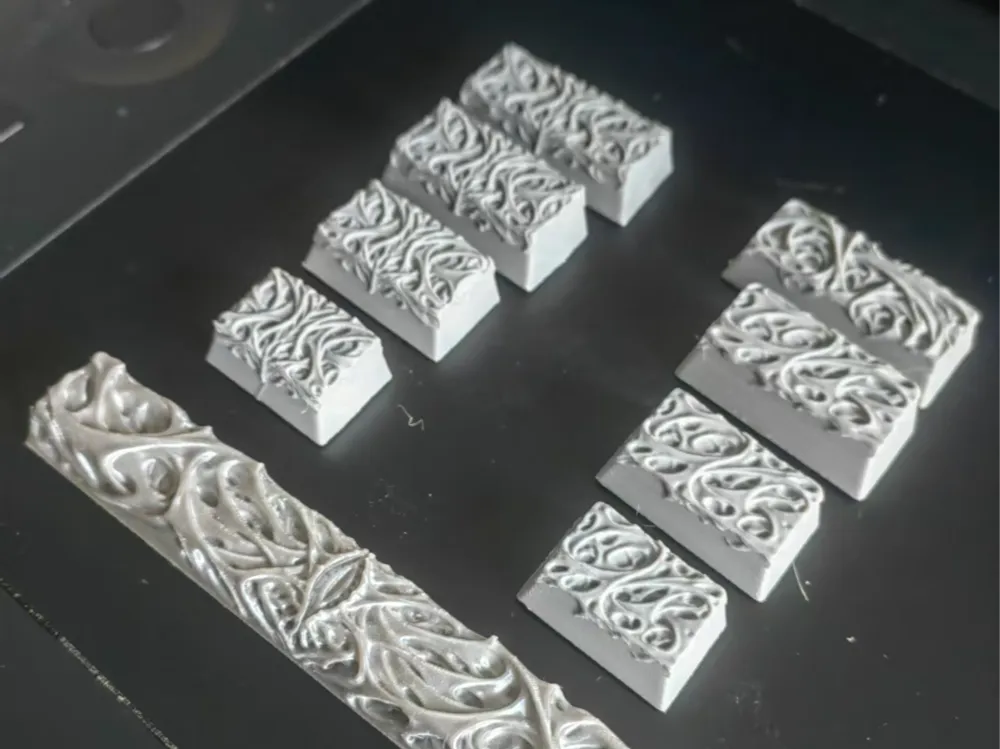
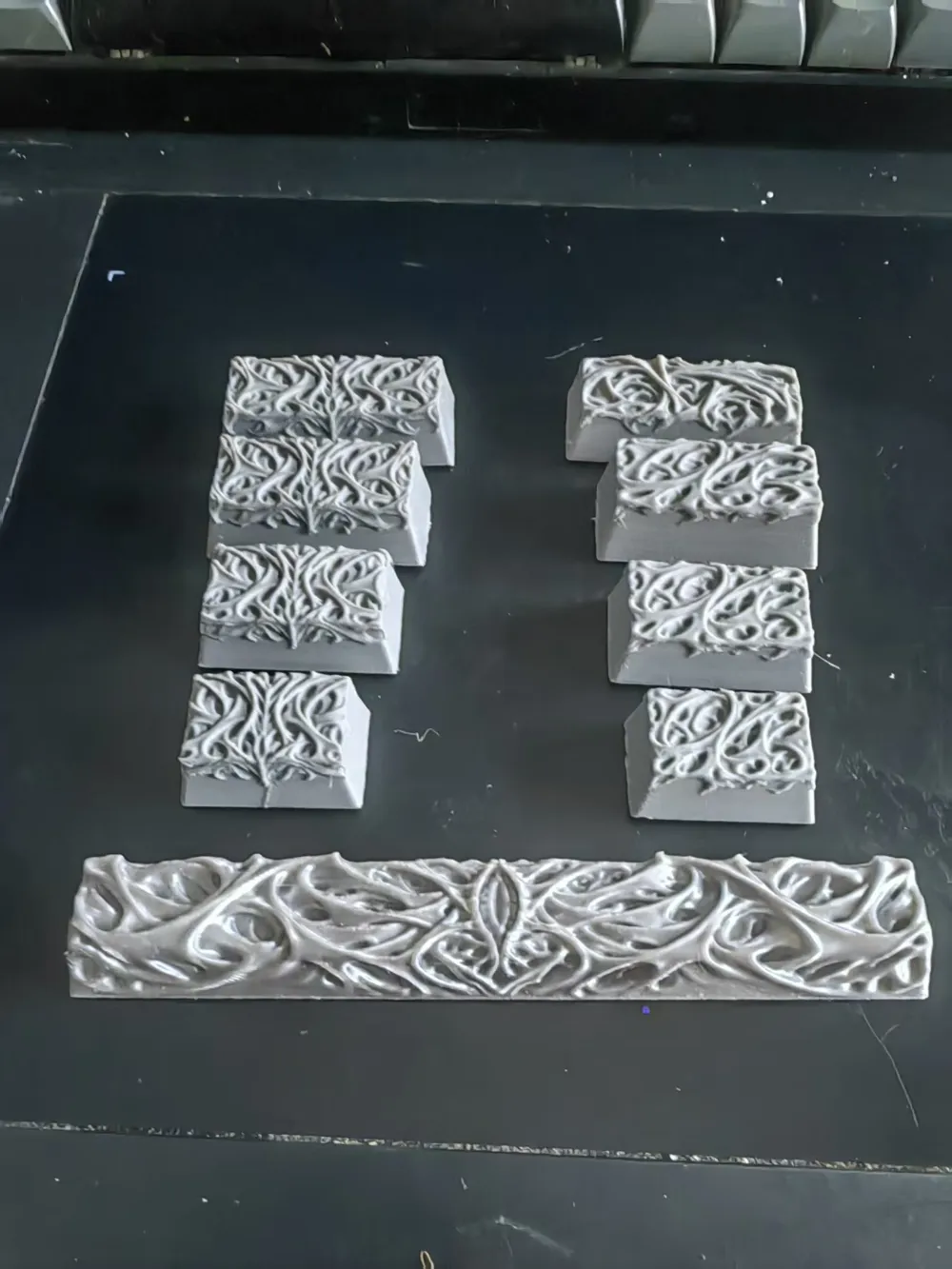
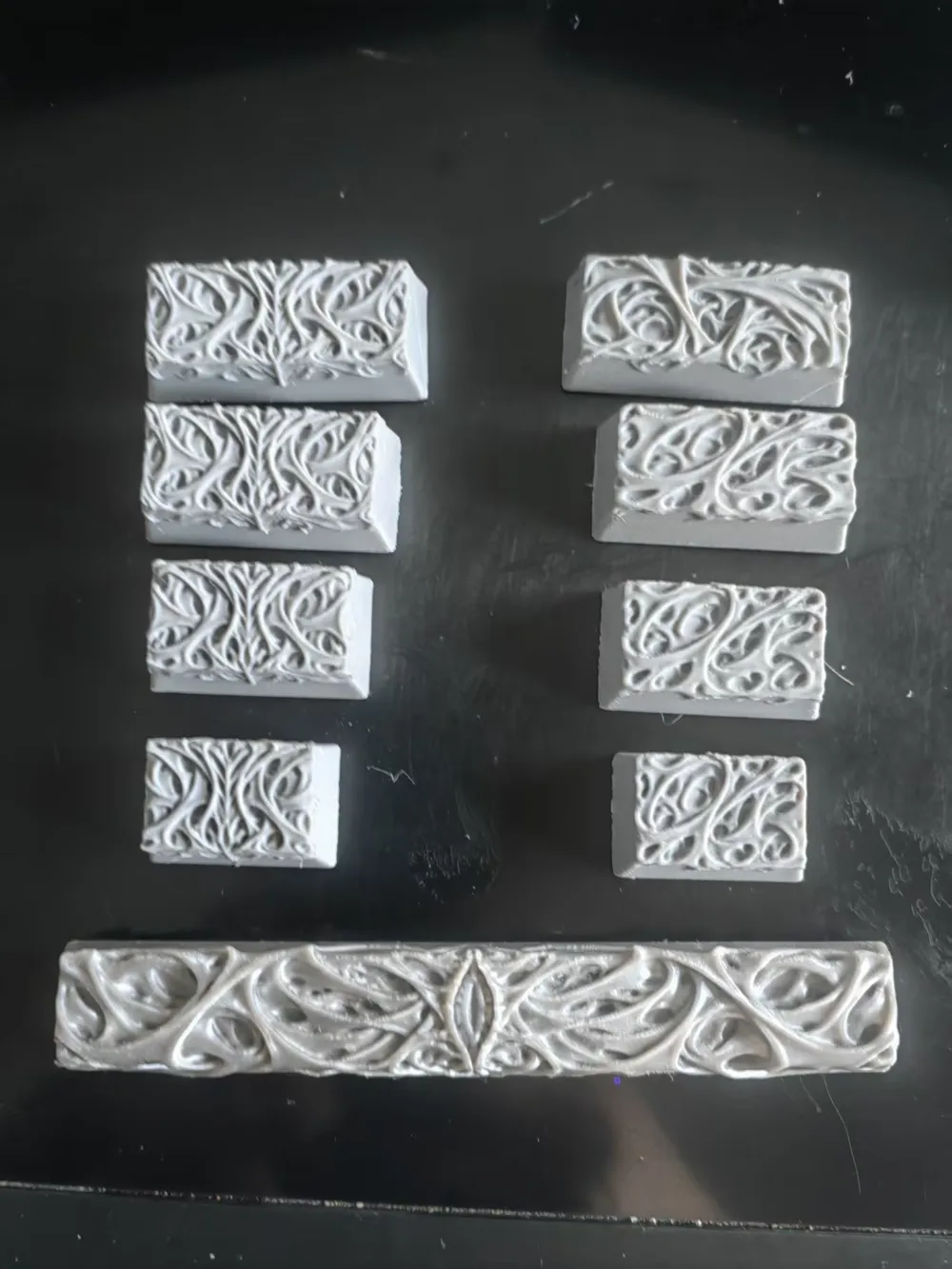
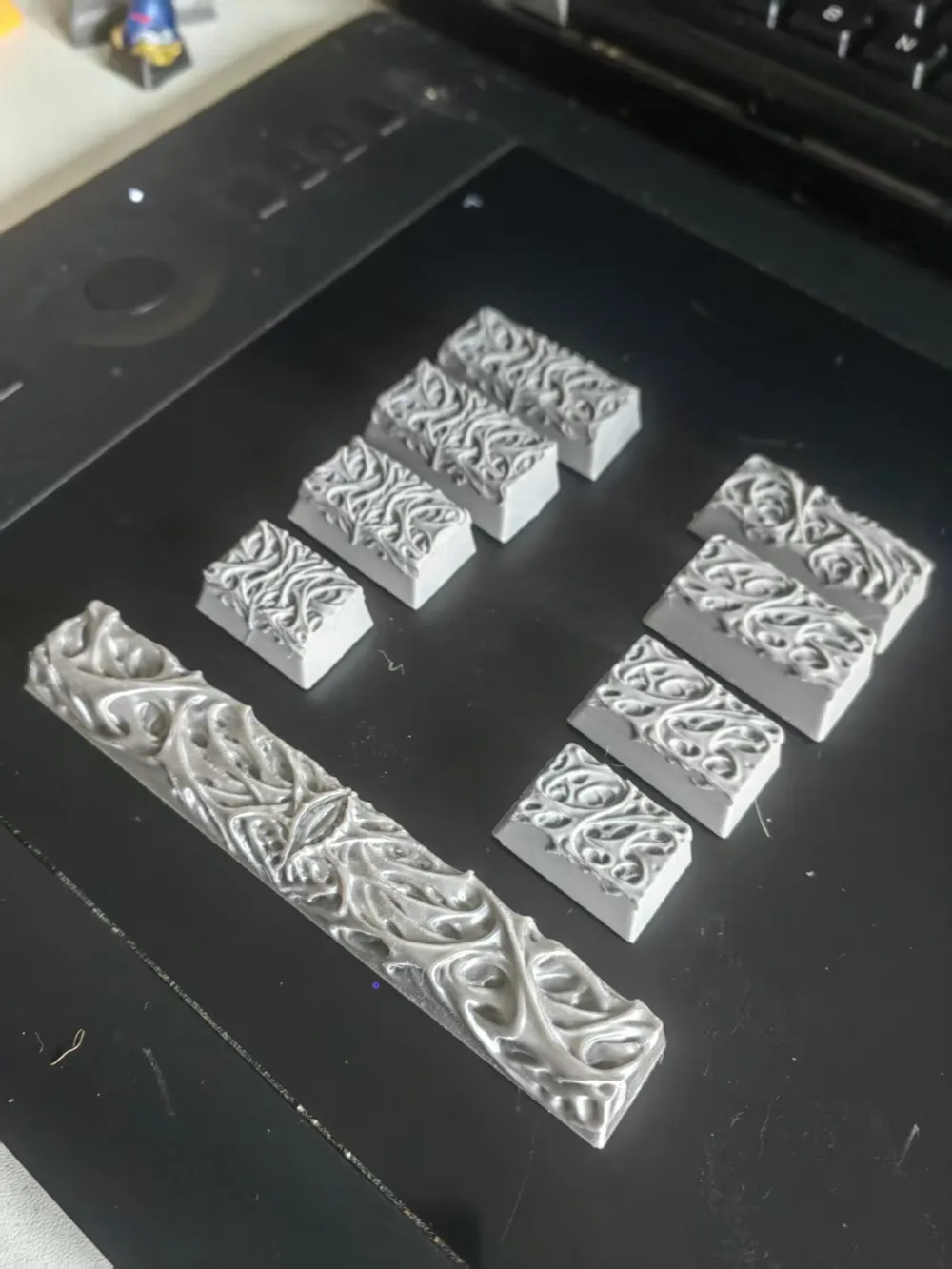
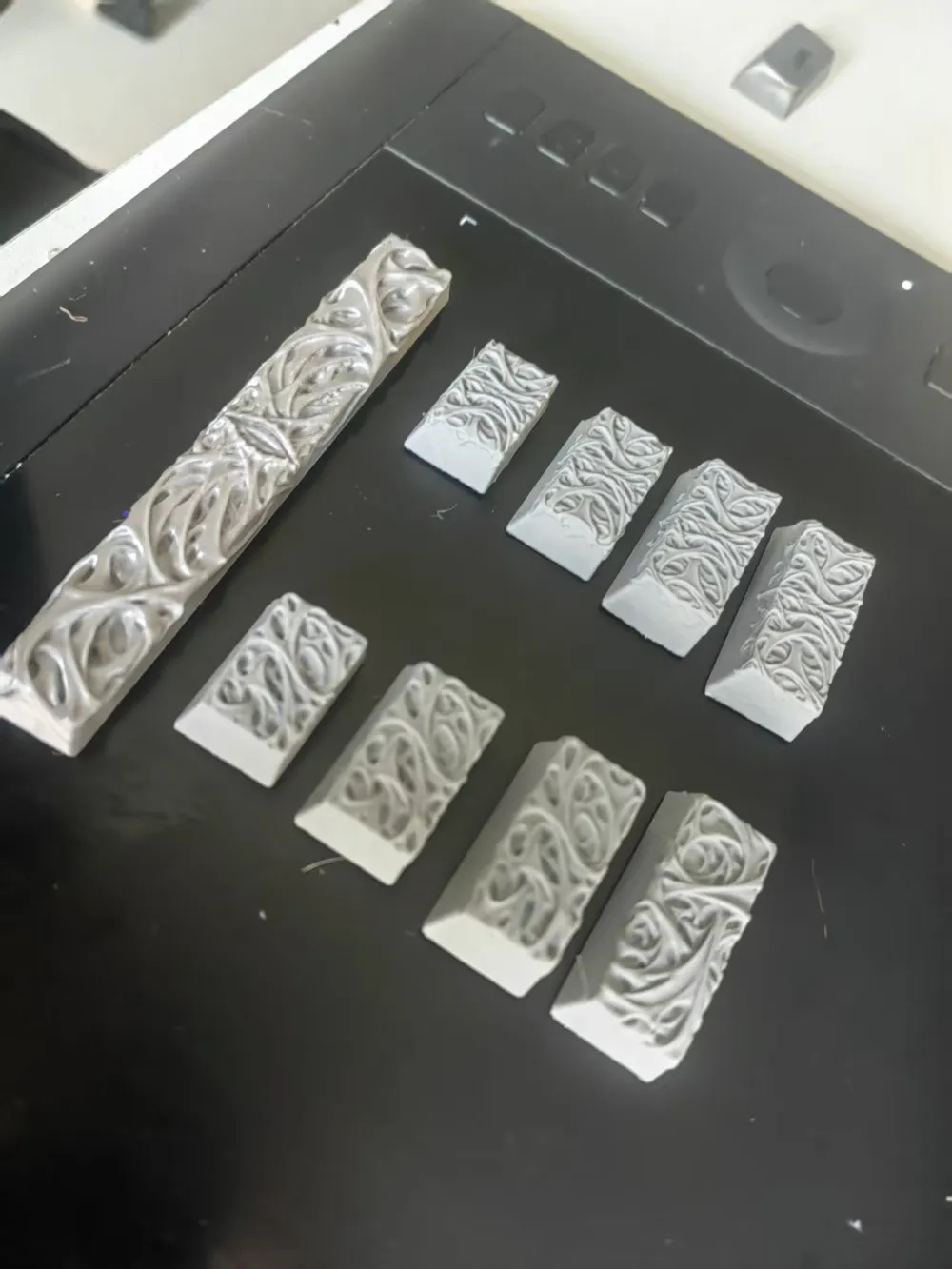
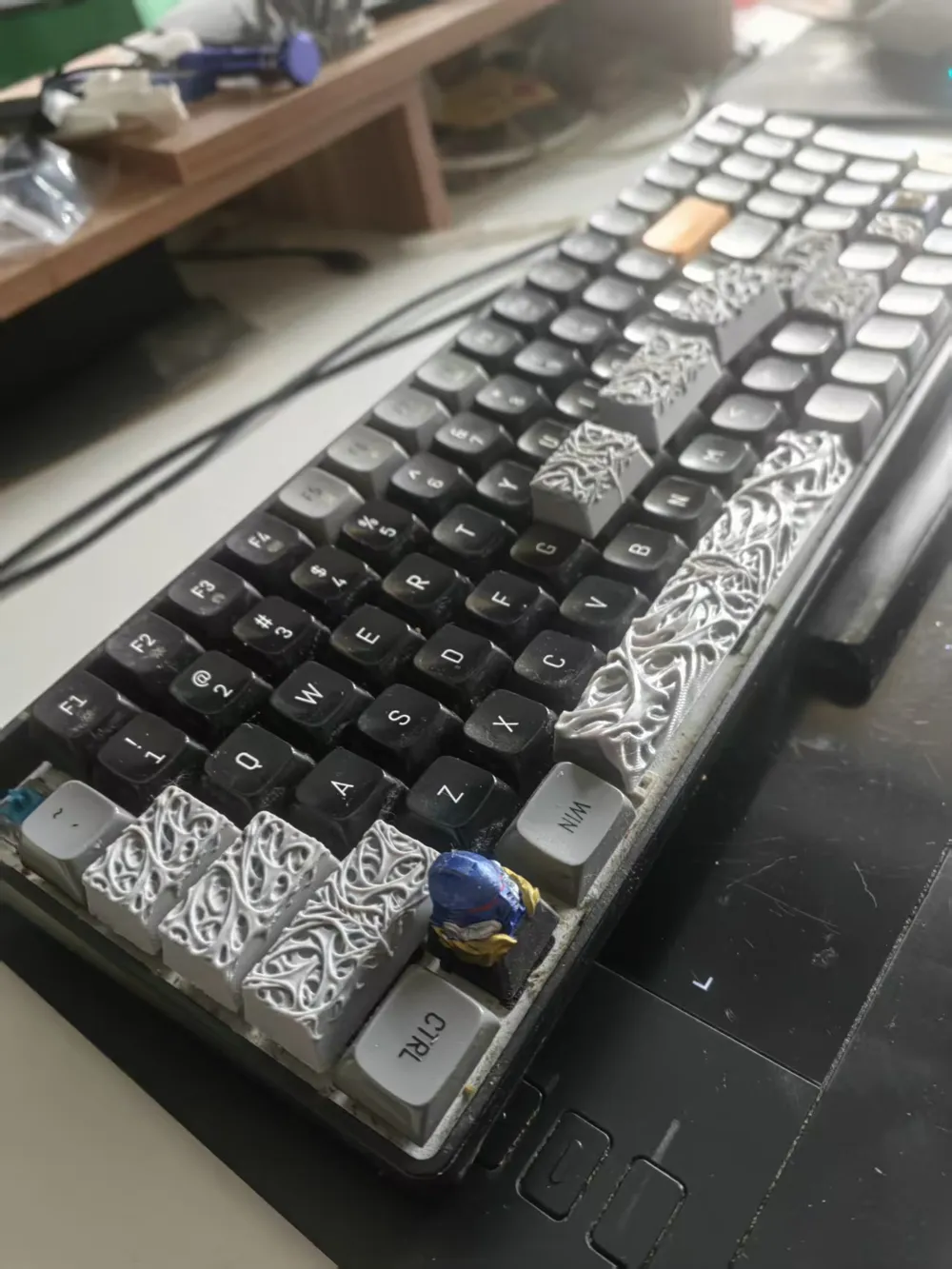
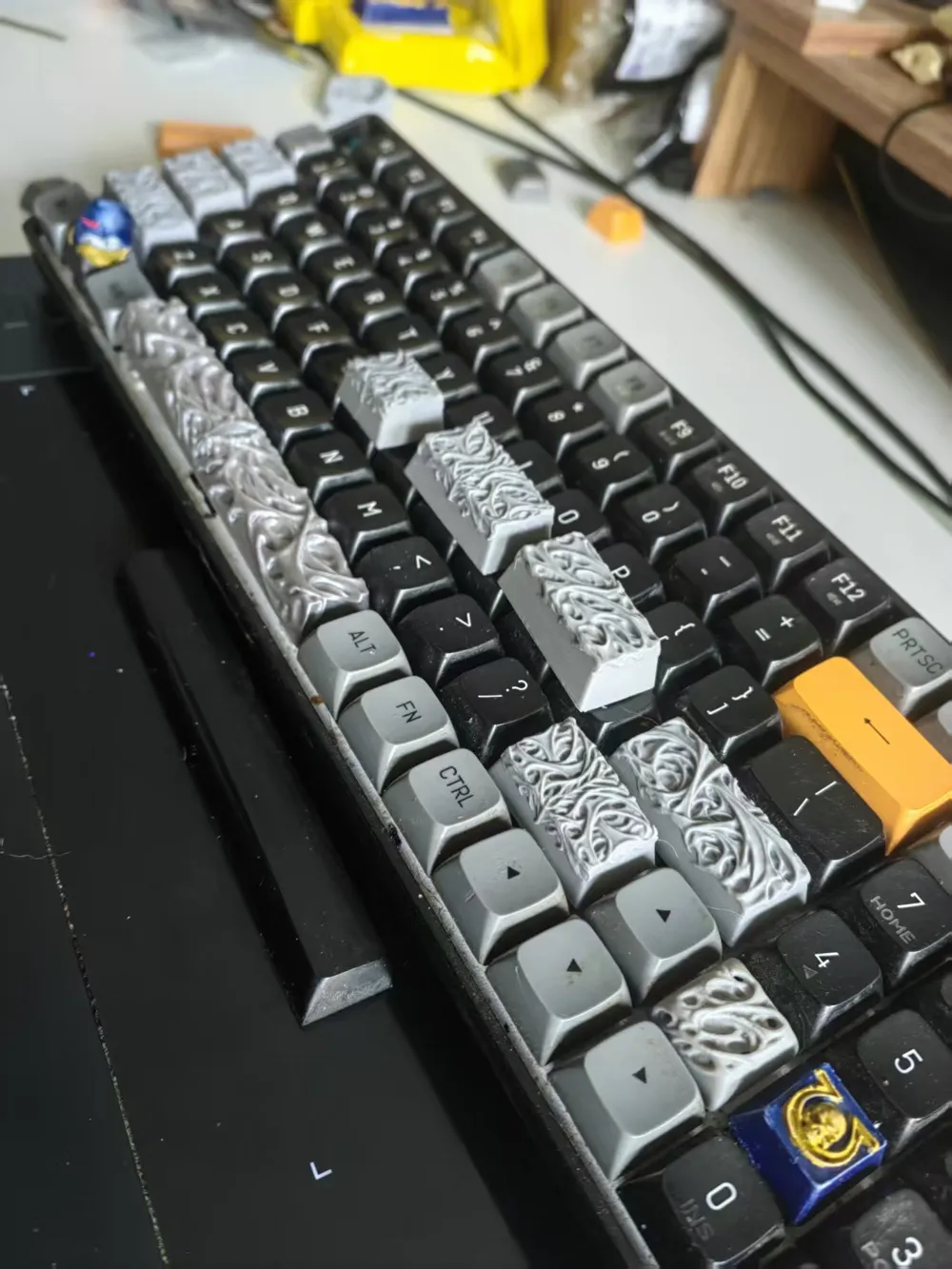
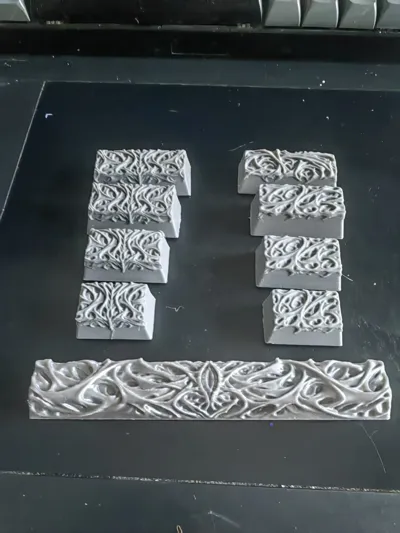
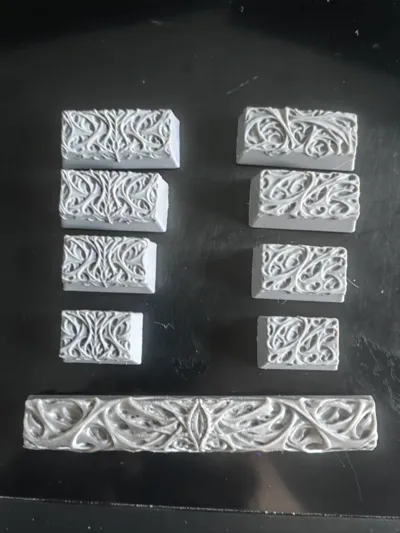
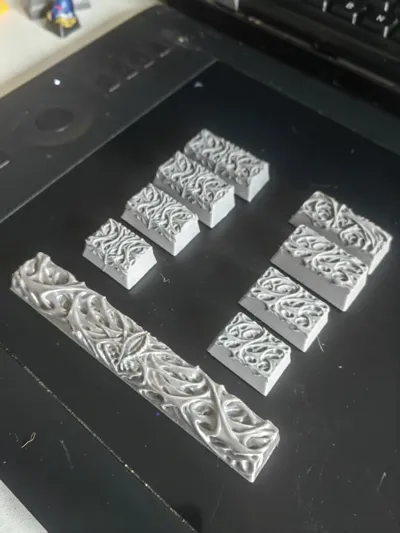
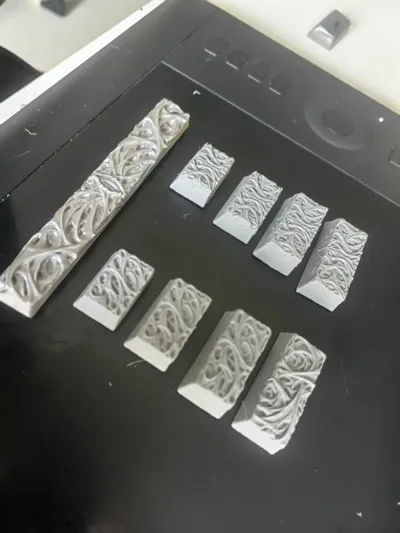
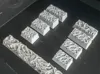
Hive Keycaps shift caps lock TAB Enter
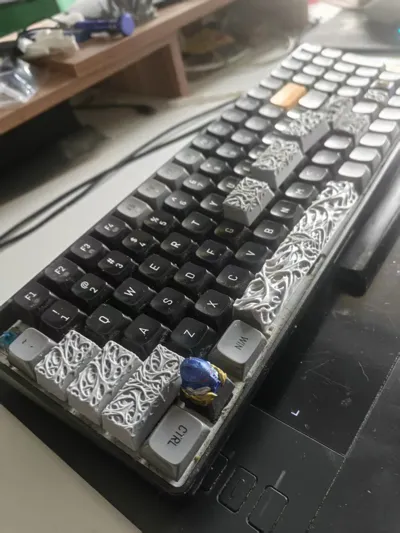
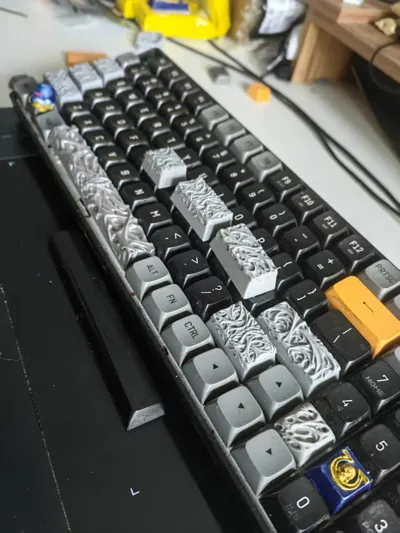
Print Profile(3)
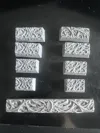
Description
Updated two sets of keycaps for both sides: shift, caps lock, TAB, and Enter
If you find the keycaps too high, you can cut off part of the bottom using the trim function, or you can select the keycap, flatten the model by selecting the bottom face, and then use the scale tool to slightly flatten it
Boost Me (for free)
Request boost, request boost, request boost, important things said three times
License

You shall not share, sub-license, sell, rent, host, transfer, or distribute in any way the digital or 3D printed versions of this object, nor any other derivative work of this object in its digital or physical format (including - but not limited to - remixes of this object, and hosting on other digital platforms). The objects may not be used without permission in any way whatsoever in which you charge money, or collect fees.


Comment & Rating (38)