Search models, users, collections, and posts

Print Profile(1)
0.2mm layer, 2 walls, 15% infill
Designer
1.3 h
1 plate
Open in Bambu Studio
Boost
1
5
0
0
7
4
Released
Bill of Materials
Maker's Supply Kits and Parts
Select all


Description
Description
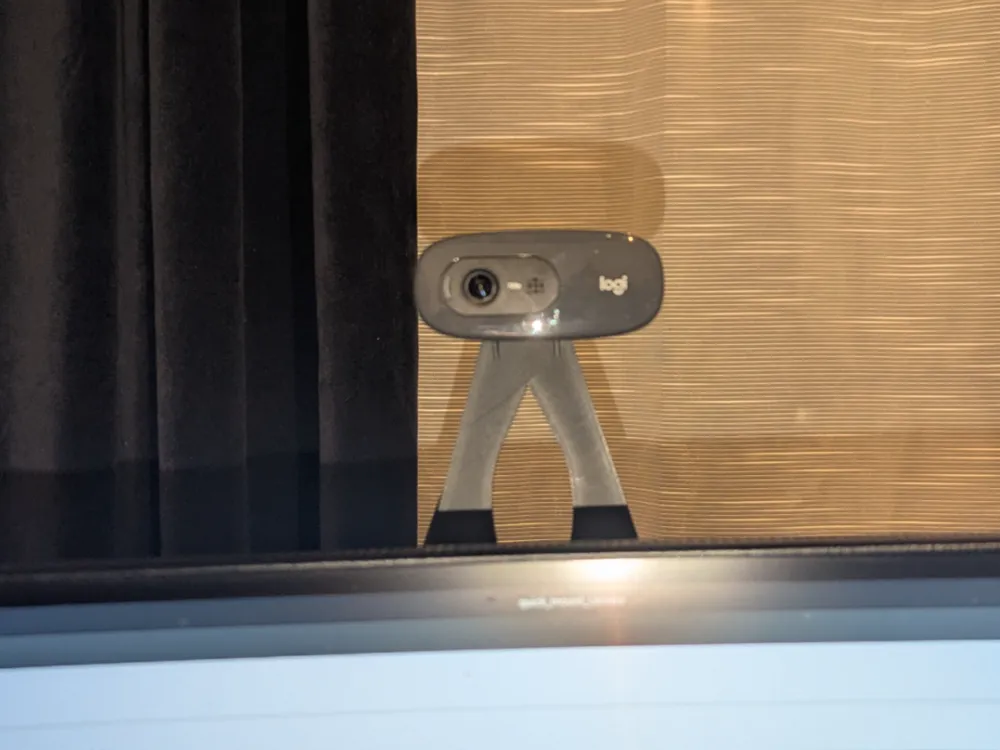
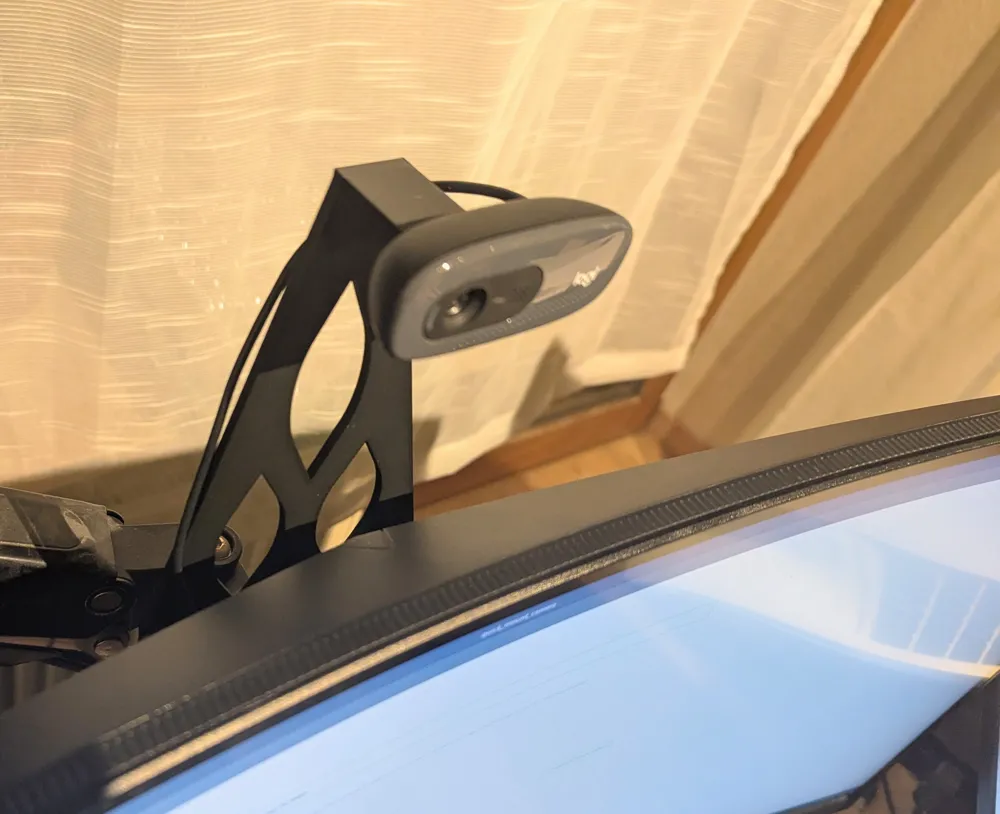
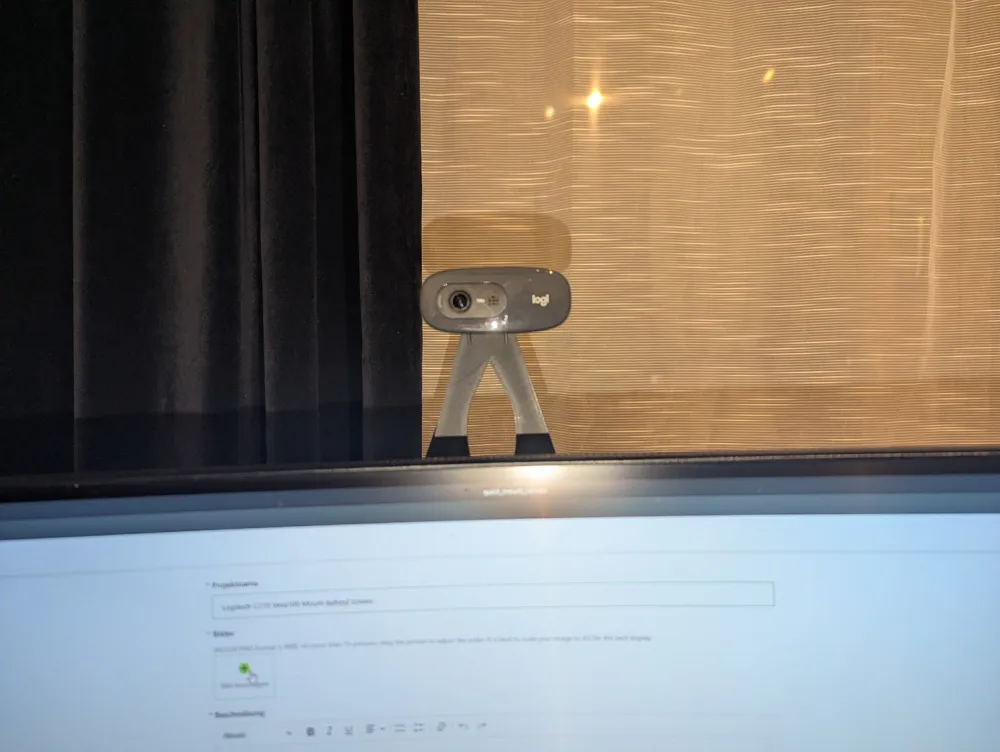
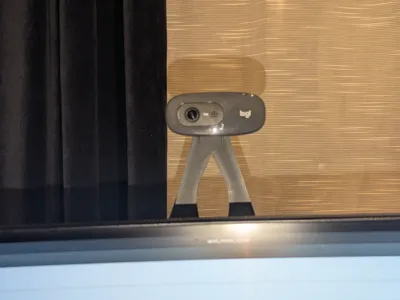
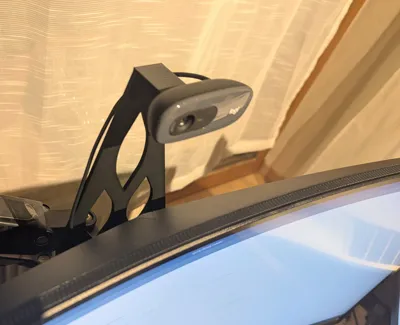
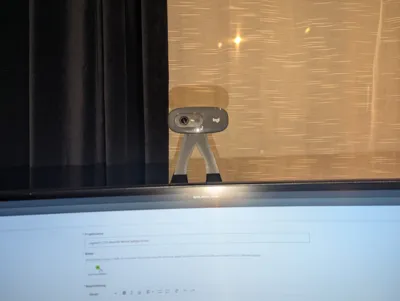
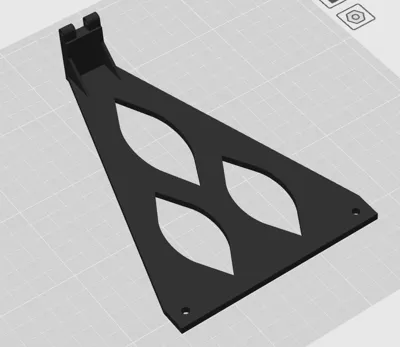
I designed this mount to attach my webcam to the unused upper holes of my VESA monitor mount.
For the webcam interface, I reused and modified a design by @ernesi, reducing it to only the required section.
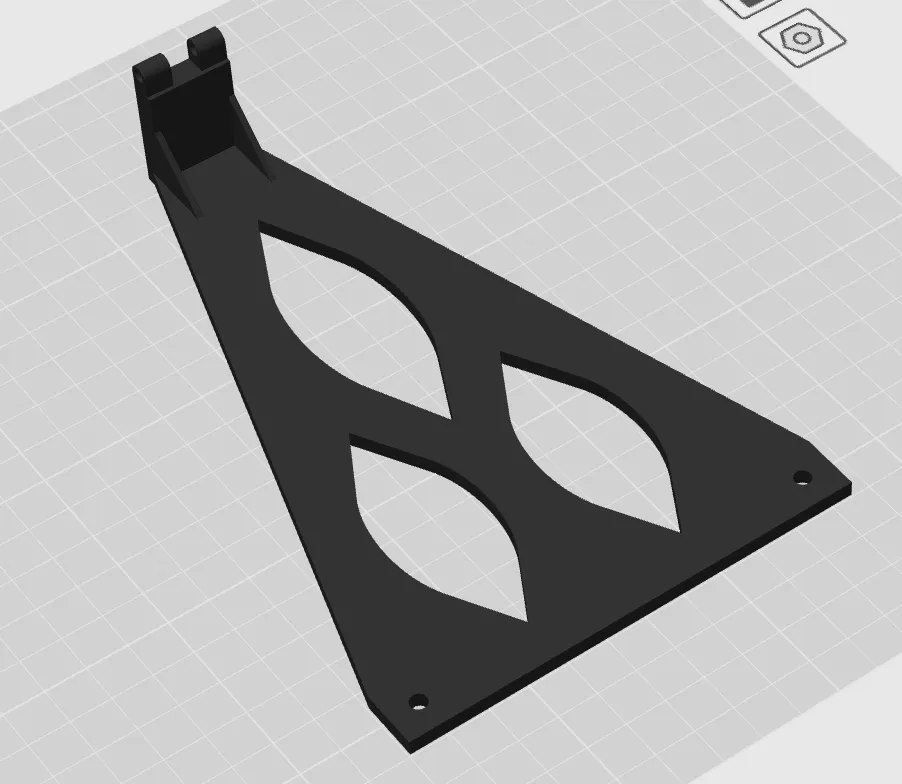
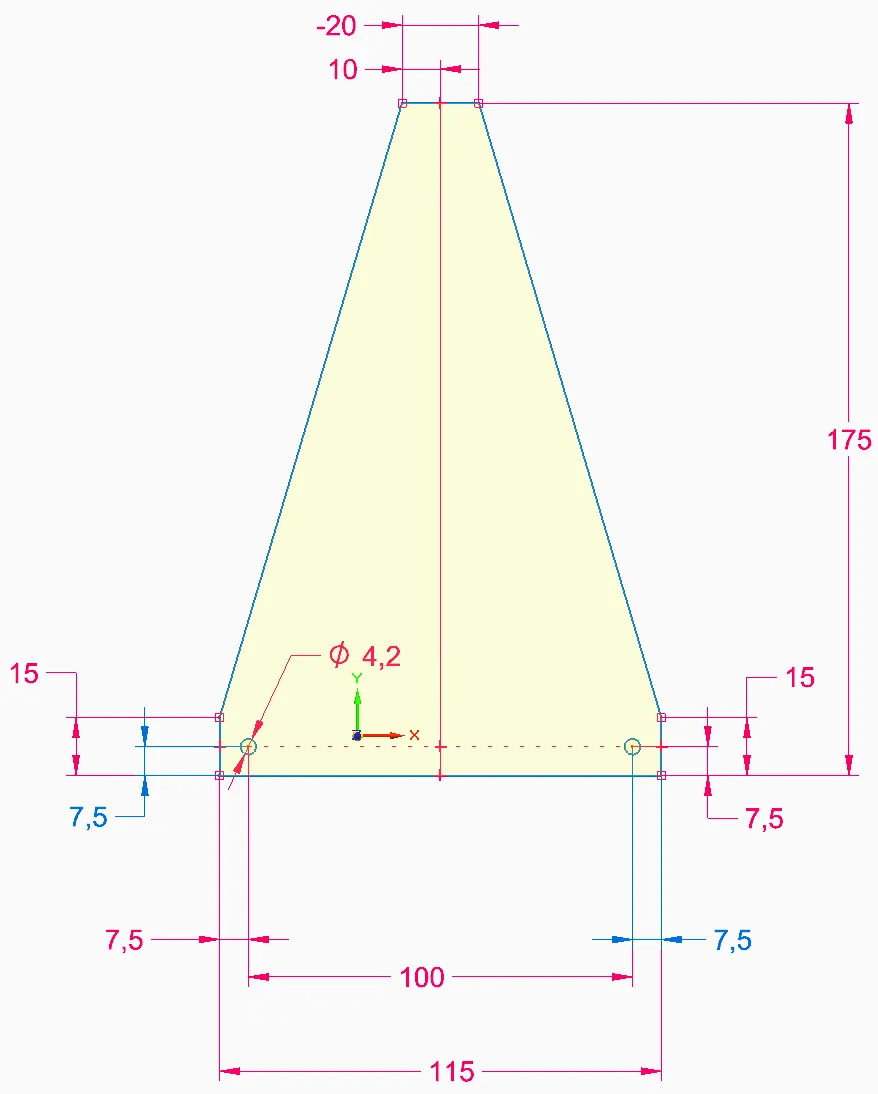
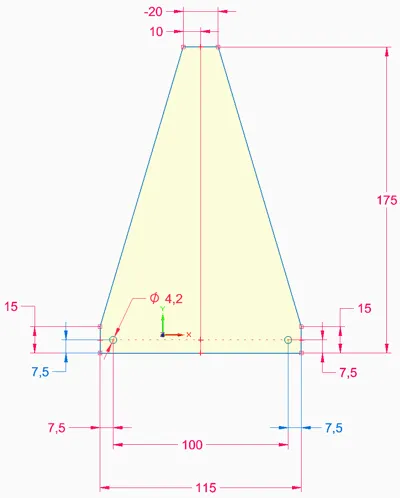
The exact dimensions of the mount are shown in the images. I also added cutouts to reduce filament usage and print time.
Hardware Required
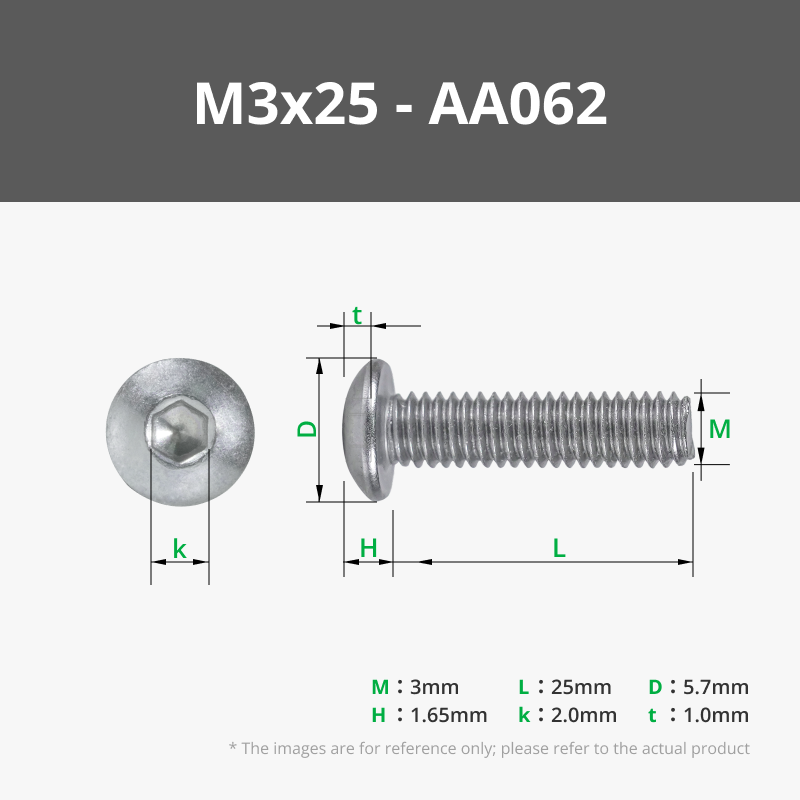
- 1× M3x25 screw + 1× M3 nut (to attach the webcam)
- Optional: 2× M3x12 screws + 2× M3 nuts (to attach the mount to the VESA bracket)
- Optional: 2× printed washers (included), since the hole diameters did not match perfectly
Notes
- Designed for VESA mount holes (please check spacing in the images before printing)
- Lightweight design with reduced material usage
- Simple assembly with standard hardware
Disassembling the Webcam (Logitech C270)
To remove the webcam from its original mount:
- Between the webcam housing and the holder, there are two small caps. Remove them using a pointed tool (e.g. tweezers or pliers).
- Remove the small screw located underneath one of the caps.
- Insert a screwdriver or tweezers into the screw hole and push gently. The shaft will slide out from the opposite side.
This remix is based on

License

This user content is licensed under a
Creative Commons Attribution-Noncommercial-Share Alike


Comment & Rating (0)