Search models, users, collections, and posts

Dusty Crophopper from movie Planes - Kit Card

Print Profile(2)

All
A1 mini
P1S
P1P
X1
X1 Carbon
X1E
A1
H2D
H2D Pro
H2S
P2S
H2C
X2D
A2L

(AMS Version) 0.2mm layer, 2 walls, 15% infill
Designer
4.5 h
1 plate
5.0(14)

(ONE color) 0.2mm layer, 2 walls, 15% infill
Designer
1.5 h
1 plate
5.0(2)

Open in Bambu Studio
Boost
375
902
27
45
674
377
Released 

Description

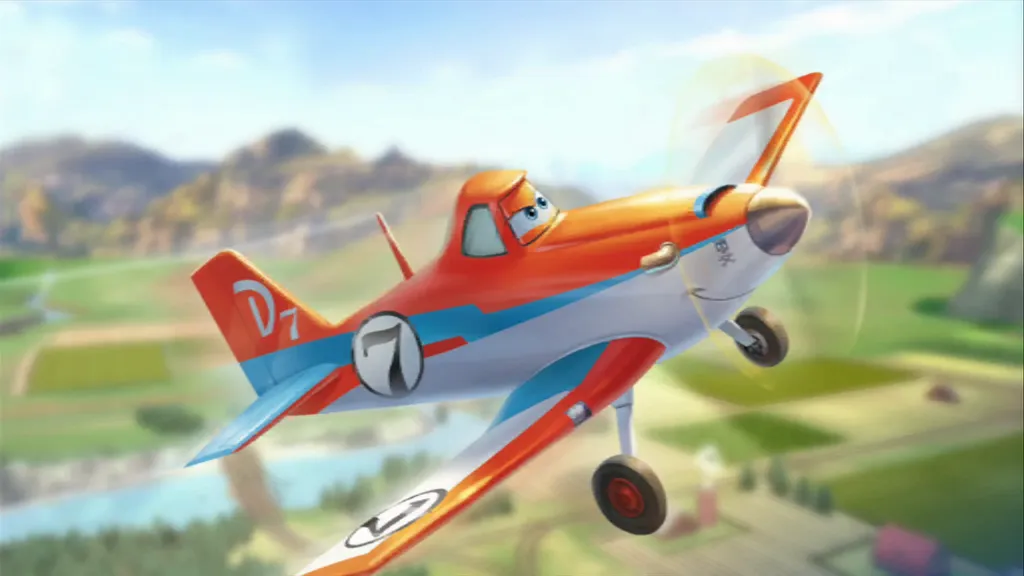
"Dusty Crophopper: A Tale of Dreams and Determination"

Dusty Crophopper, the beloved crop-dusting plane from Disney's "Planes," teaches audiences big lessons in a short time. Despite humble beginnings, Dusty's determination to race with the best inspires everyone. With perseverance and support from friends, he proves that size doesn't limit success. Dusty's story reminds us to believe in ourselves and never underestimate the power of chasing our dreams.

Perfect gift for kids!
 

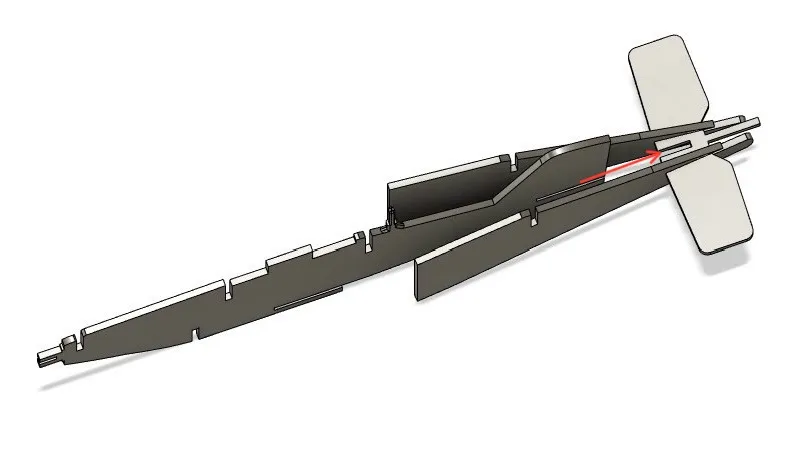
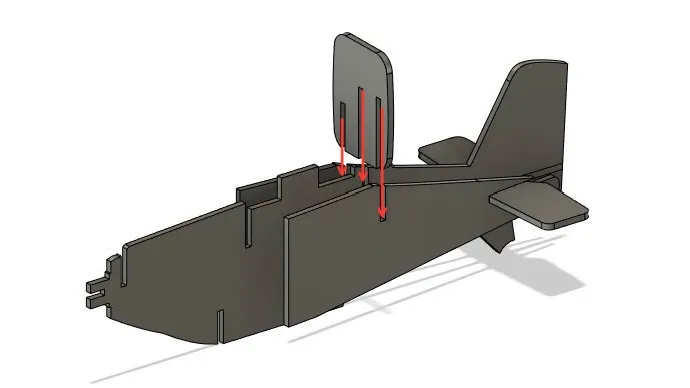
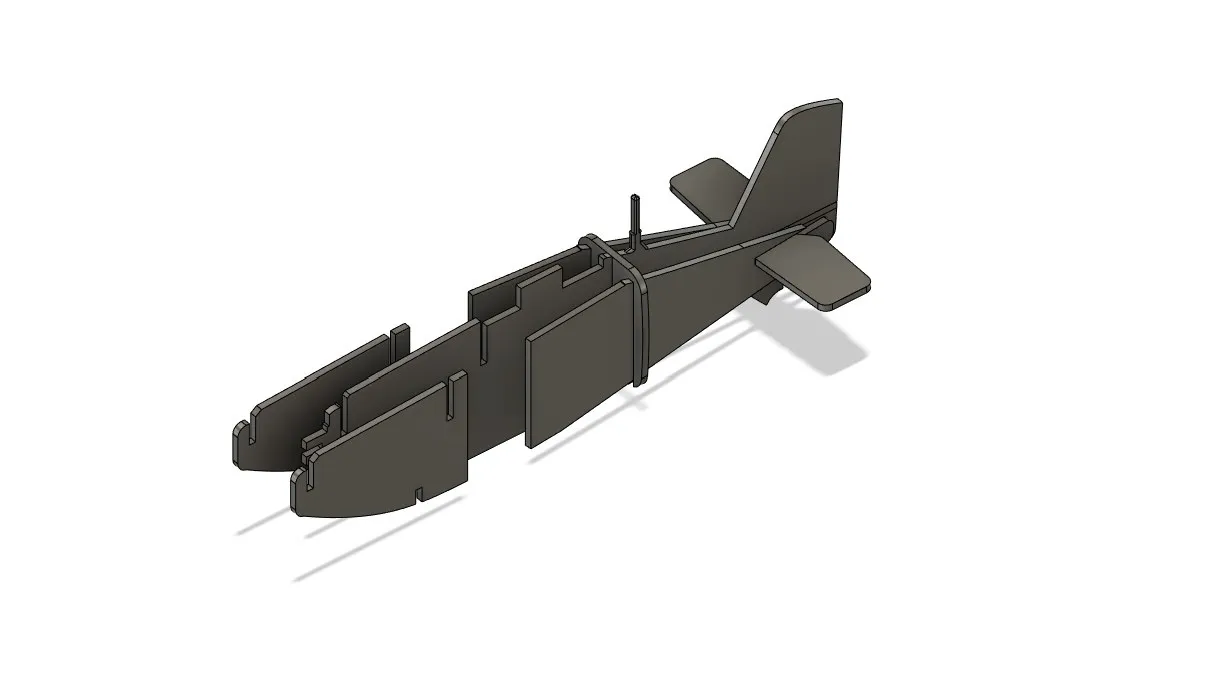
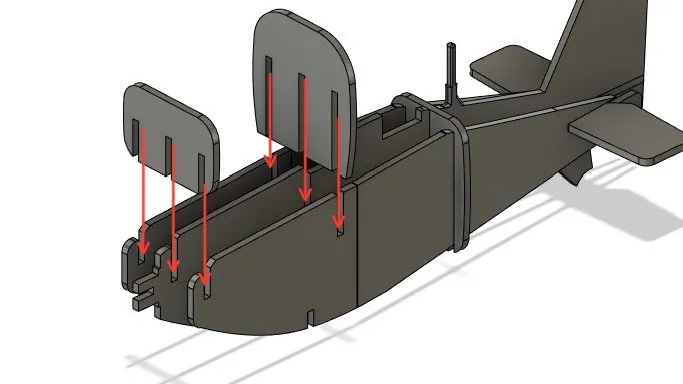
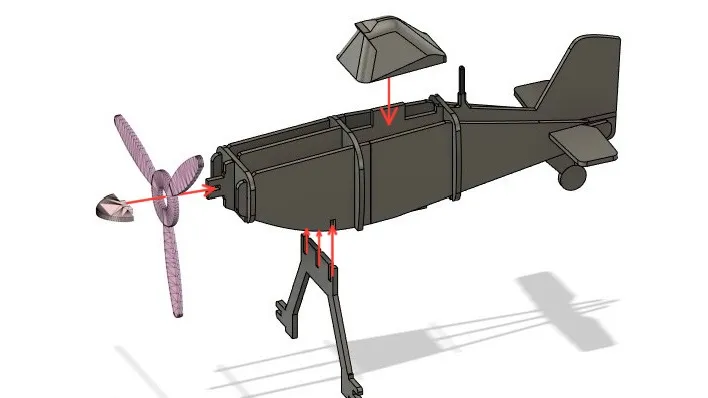
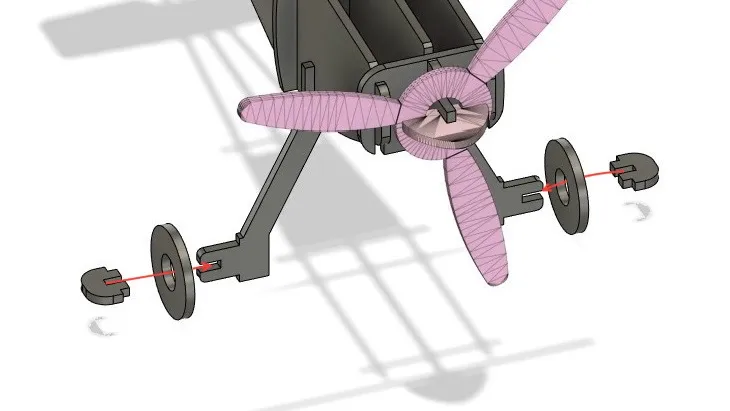
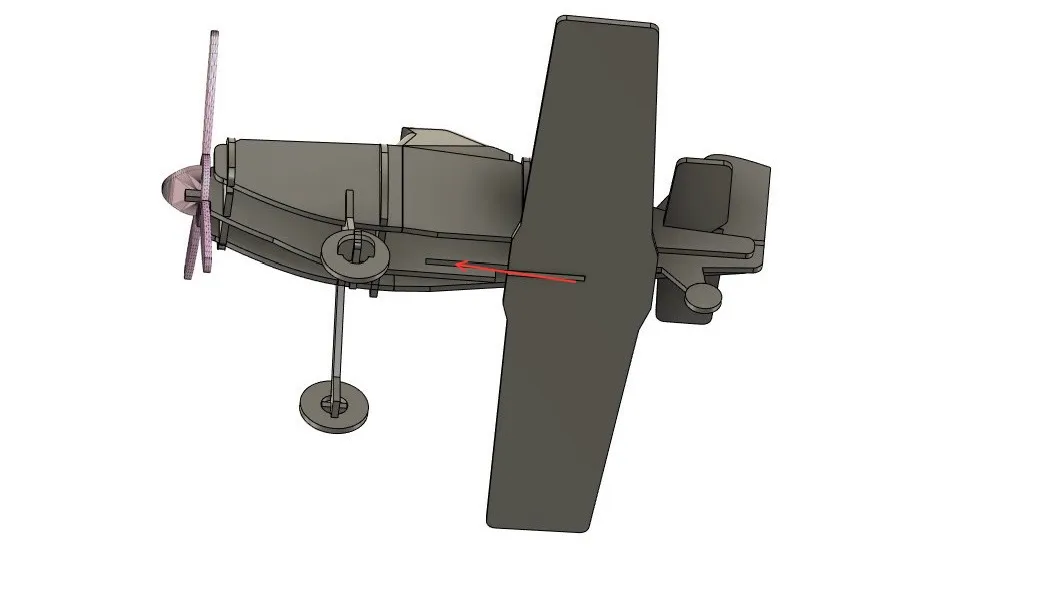
Steps to assembly:
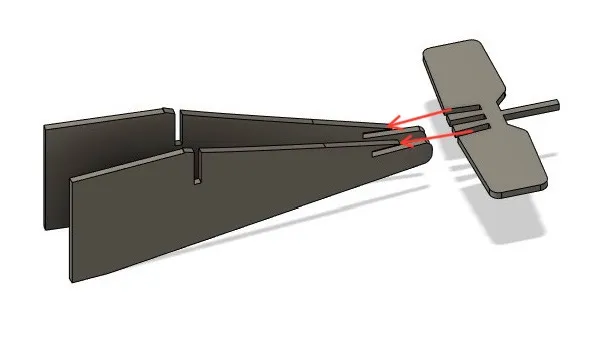
1


2


3


4


5


6


7


8


Comment & Rating (27)

(0/1000)

Print Profile
(AMS Version) 0.2mm layer, 2 walls, 15% infill
Perfect, my son is very happy 😀
Show original
1
Reply
Print Profile
(AMS Version) 0.2mm layer, 2 walls, 15% infill
I would like it to be in parts so I can make it bigger. It is truly beautiful
Show original
0
Reply
Print Profile
(AMS Version) 0.2mm layer, 2 walls, 15% infill
top notch haven't assembled it yet but it looks amazing
Show original
0
Reply
Boosted
Great Print, Kids will love this. Thanks
0
Reply
Print Profile
(AMS Version) 0.2mm layer, 2 walls, 15% infill
very nice model! The parts go together quite tightly, but snapped into place after some hard pushing. The good news is that glue was not required. it’s very possible that the fit issue is on my end, as I am just not familiar enough with my printer profiles yet.
0
Reply
11 months later... I'm back and printed another one. The kid just loves it. The 3.5 year old destroyed the first two pretty quickly. But now that he's a bit over 4years old he's matured a bit more so I'm trying it again. This time he was the one that asked me to super glue the nose cone and wheels on so they don't come off. I printed with the stock profile using PLA via the Bambu Handy app directly after drying the filament for a day. Everything fits together very nice and very tight, with the exception of the nose cone that I feel could benefit from a similar depth of mounting that the wheel hubs have. The nose cone slits/joint seem to be about 50-70% as deep as the wheels. The wheels locked in really well. I used some super glue just on the nose cone this time, but think the wheels will hold on well this time.
0
Reply
Print Profile
(AMS Version) 0.2mm layer, 2 walls, 15% infill
excellent print
0
Reply
Print Profile
(AMS Version) 0.2mm layer, 2 walls, 15% infill
worked great!
0
Reply
It printed perfectly! I have always wanted to 3D print Dusty!
0
Reply
My compliments go to the creator of this. My 3 year old loves it, even though I only had red, white, and black to work with. To put my review in context, I used ASA since that's why I keep handy in my AMS and use most often for everything else I do. I had not printed anything in close to three weeks with the Christmas season going on and I ignored the "3" in my AMS for indication, so the quality of my print is not a reflection of the model creator and only a reflection of me being impatient because my kid had just watched the movie. I have designed things from scratch and recognize the work involved here, it is very well done overall. The fit of each piece is tight and better than many other "airplane card" prints I've done for my son previously of Cessnas. The pieces fit in really well and hold tight without glue, unlike the other card prints I've done. A few did not hold tight, such as the nose code - so I did use some super glue there (hence the one picture being upside down while it dries (as well as one of the main legs that I half snapped putting it on). I don't know where it was designed, but if it was done in Fusion 360 and the exported project file was available, I'd do these improvements: 1) I would flip over all the parts with lettering and exterior color/design on them so the flat plate could be the resulting texture and be a higher quality finish. The cockpit area being taller than all the others is the reason you can't simply flip the design over to print unfortunately. 2) I would attempt to make the fuselage and engine cowling one piece. I'm not sure why they are designed as separate pieces, maybe due to how they'd bend to make the tail narrower? But I'd attempt to make each side one piece to increase the overall rigidity, simplify it, and make use of some of the natural flexibility of plastic. (I don't do much with PLA, but perhaps that's the reason? ASA bends without snapping pretty easily for what this purpose is). 3) I would offer a separate download without the frame as one multi-part 3mf where I could reprint just a the pieces I want when I or my kid ultimately breaks one of them. 4) I appreciated the middle of the pieces being a solid color (white) to reduce the amount of filament changes where we are just trying to get some thickness to the parts (well done!) I'd potentially try to figure out how to make that cockpit a 3 (or 4?) piece design like the fuselage and cowling. Perhaps have the fuselage and centerline pieces come up to provide the shape, then have the center support bracket angle backwards to provide the eyes as a flat service as the "windshield". The windshield could be printed eyes down and the angle could potentially be 45º to allow printing without support, then just angle the slots at which they go to the fuselage by 25 or 30º to obtain the proper windshield vertical angle look. Again... overall, this is well done, but those are the improvements I'd offer as suggestions. For those complaining about poop waste - it's a 4 color print, the design is actually pretty good for limiting waste, but regardless, when you have 4 colors on layers you're going to have a lot of waste. My #4 above with making the cockpit a "flat" design could help in that regard though, as it's changing 3 colors during part of it. My print used 61.56g total, 28.58g for the model and the rest was flushed or put into the tower, "flush into infill" isn't much of an option on a relatively flat print though, retrospectively looking at it it would have saved 0.2g, not a significant enough change to care. Within a day my kid broke the propeller of the first one (red/black/white ASA). So I swapped out my AMS and put the PLA in so I did a second one with orange/white/black. The profile prints and fits together much better with PLA than ASA. Most of the parts were able to simply be friction fitted, but the nose cone I had to super glue onto the PLA one as well, but did not have to glue the wheels like the ASA one I printed. One thing I noticed was the ASA version separated from the frame much easier, where my PLA version I had to make use of diagonal cutters and trim down the nubs left. Would still love to just print the pieces individually without the frame. The frame version is great if you're giving it as a gift for someone else to build though.
(Edited)
0
Reply

License

This user content is licensed under a
Creative Commons Attribution-Share Alike