
Custom display bezel for P1P / P1S
Print Profile(1)
Description
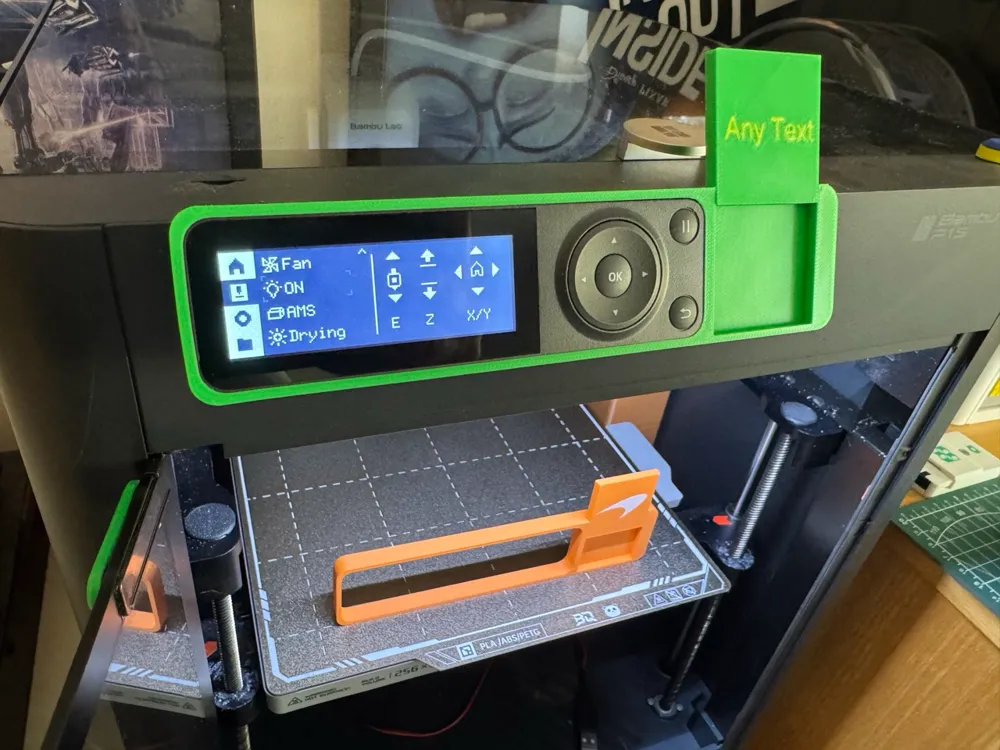
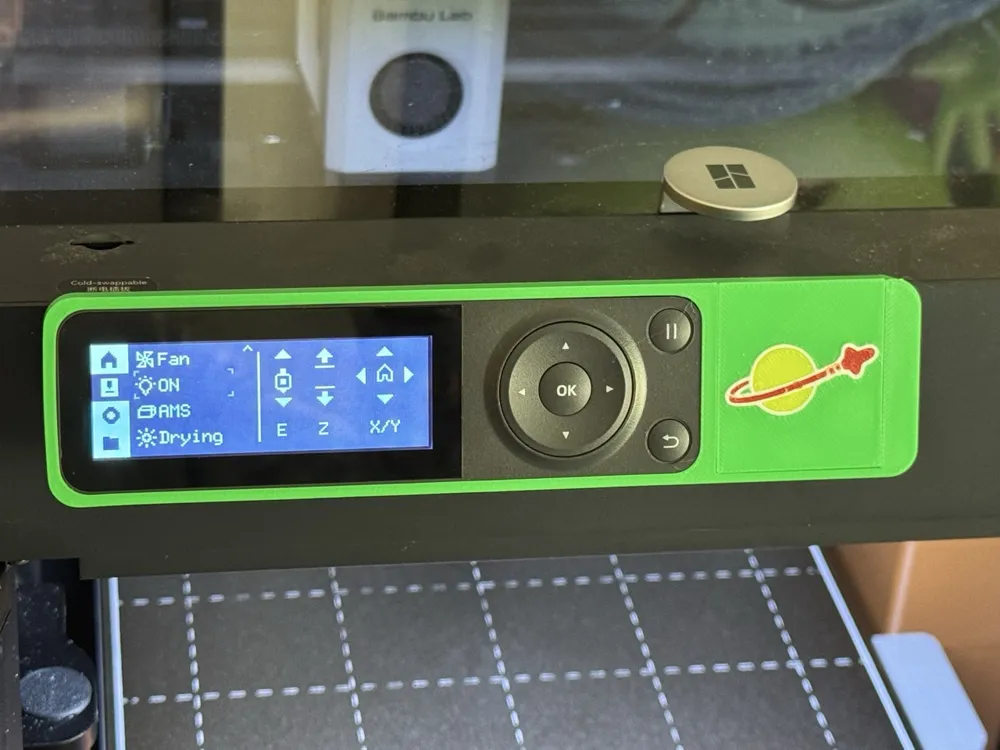
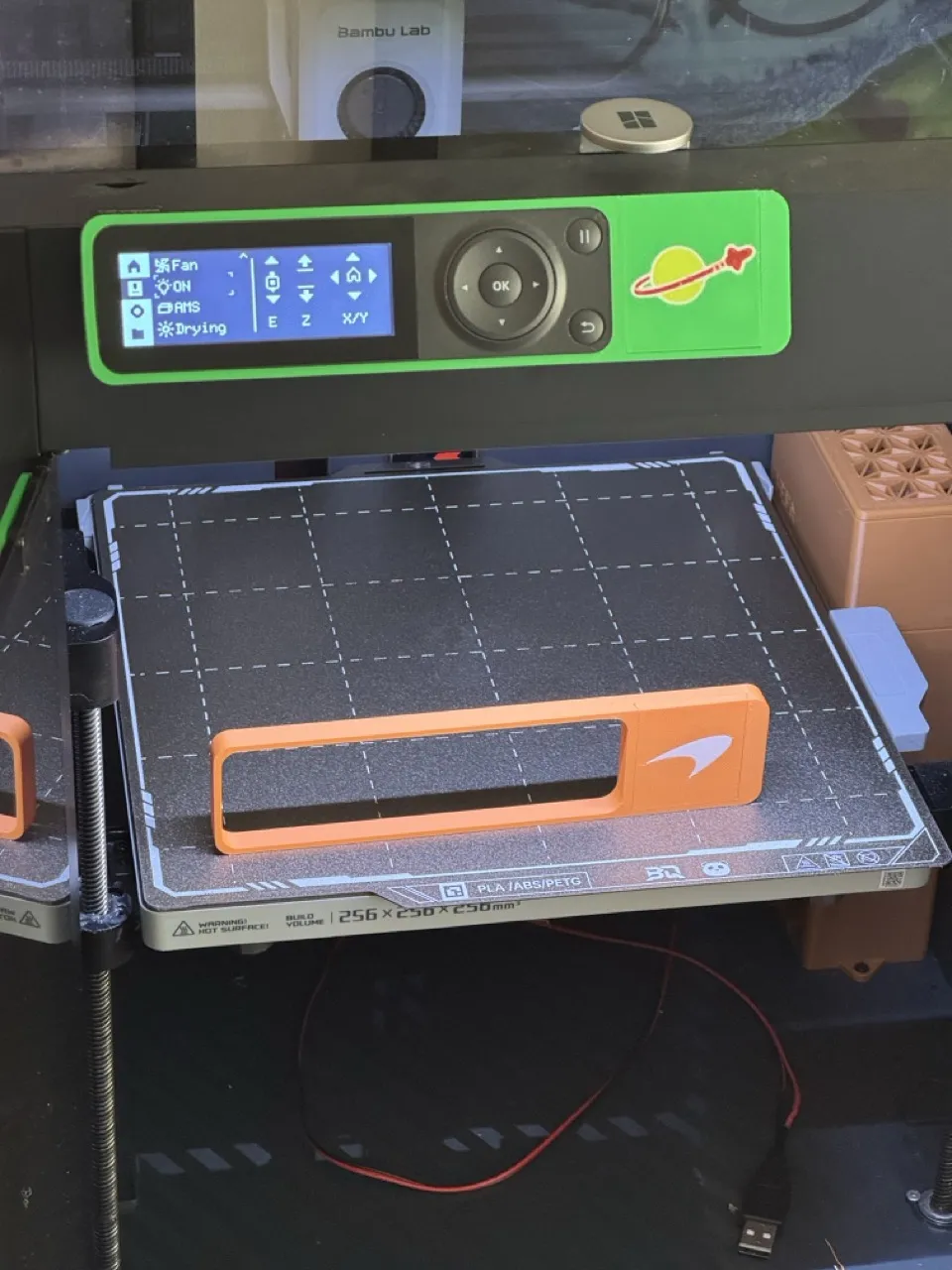
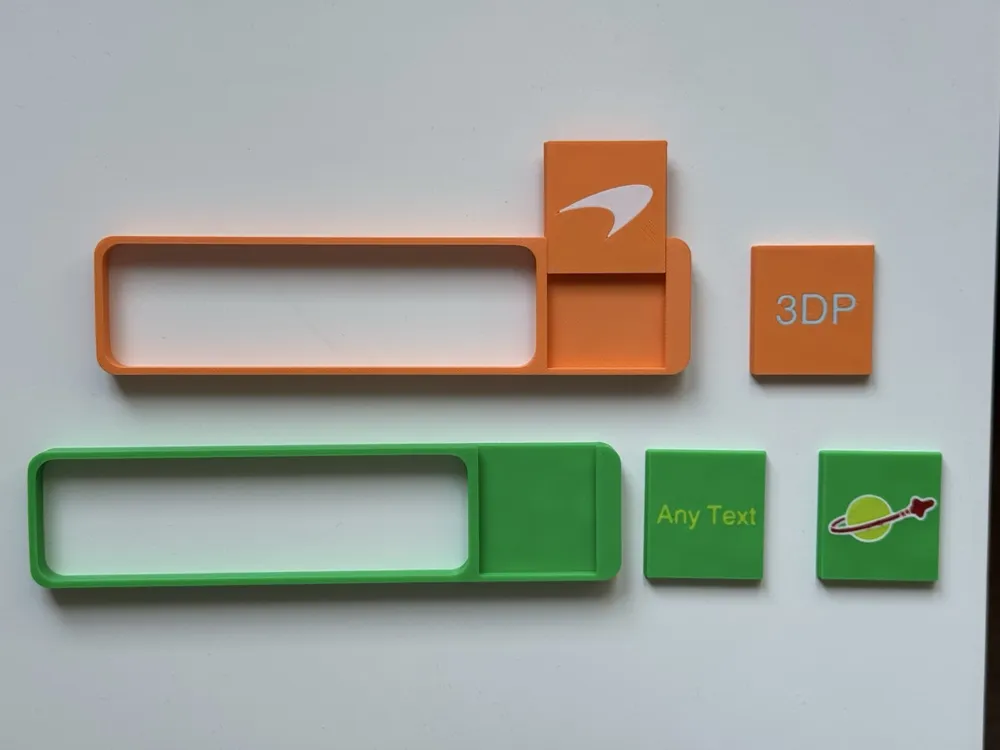
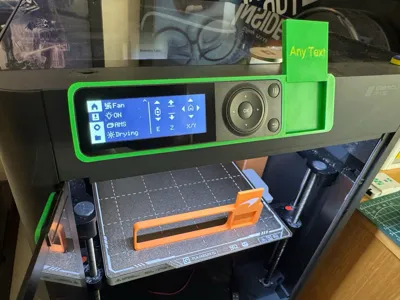
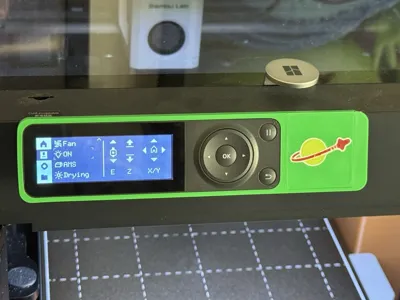
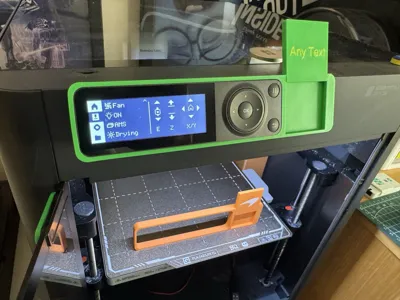
Customise your P1S Display with this simple push fit display bezel with cutout slot. The surround can be quickly printed in any colour to bring life and character to your printer.
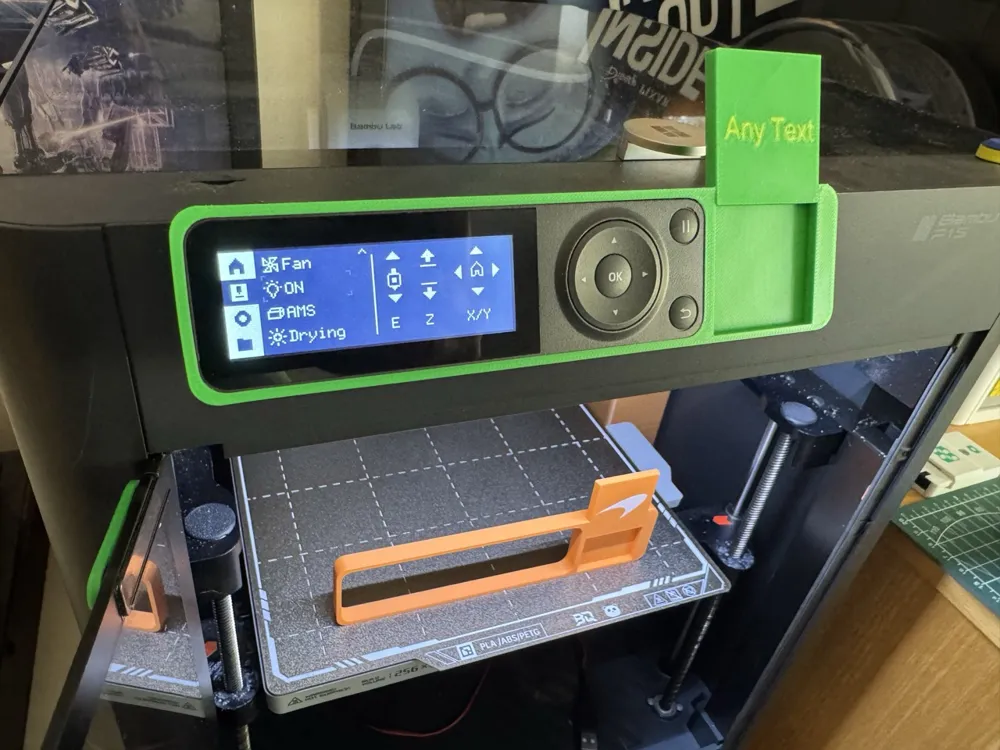
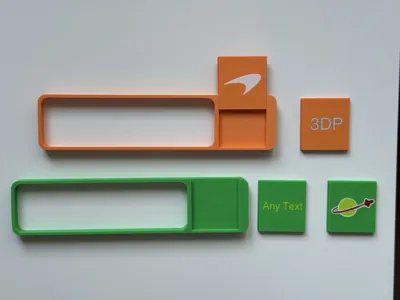
The cutout can be customised with text to identify the printer name or number, particularly when close to other printers. Alternatively, add an SVG of your favourite logo to the blank cut-out, which can easily be slotted in or swapped out whenever you fancy it.
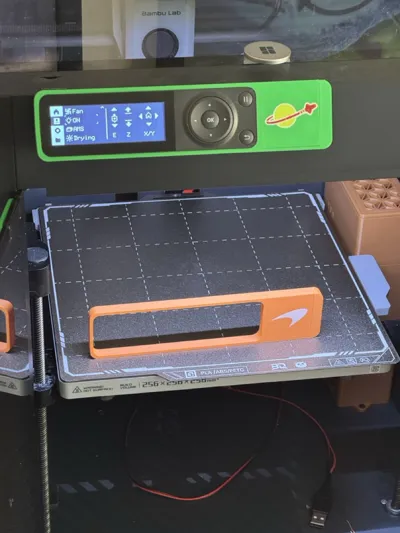
For examples, I have included a brick space logo on one and also a McLaren F1 logo - as shown in the pictures. Try it out and include photos in the ratings feedback with your favourite logo or text!
If you are not familiar with adding an svg modifier - below is the process.
- Find an SVG of the logo or image you want to include
- Select the Blank Cutout on plate 03
- Right Click on the object and select “add modifier…SVG”
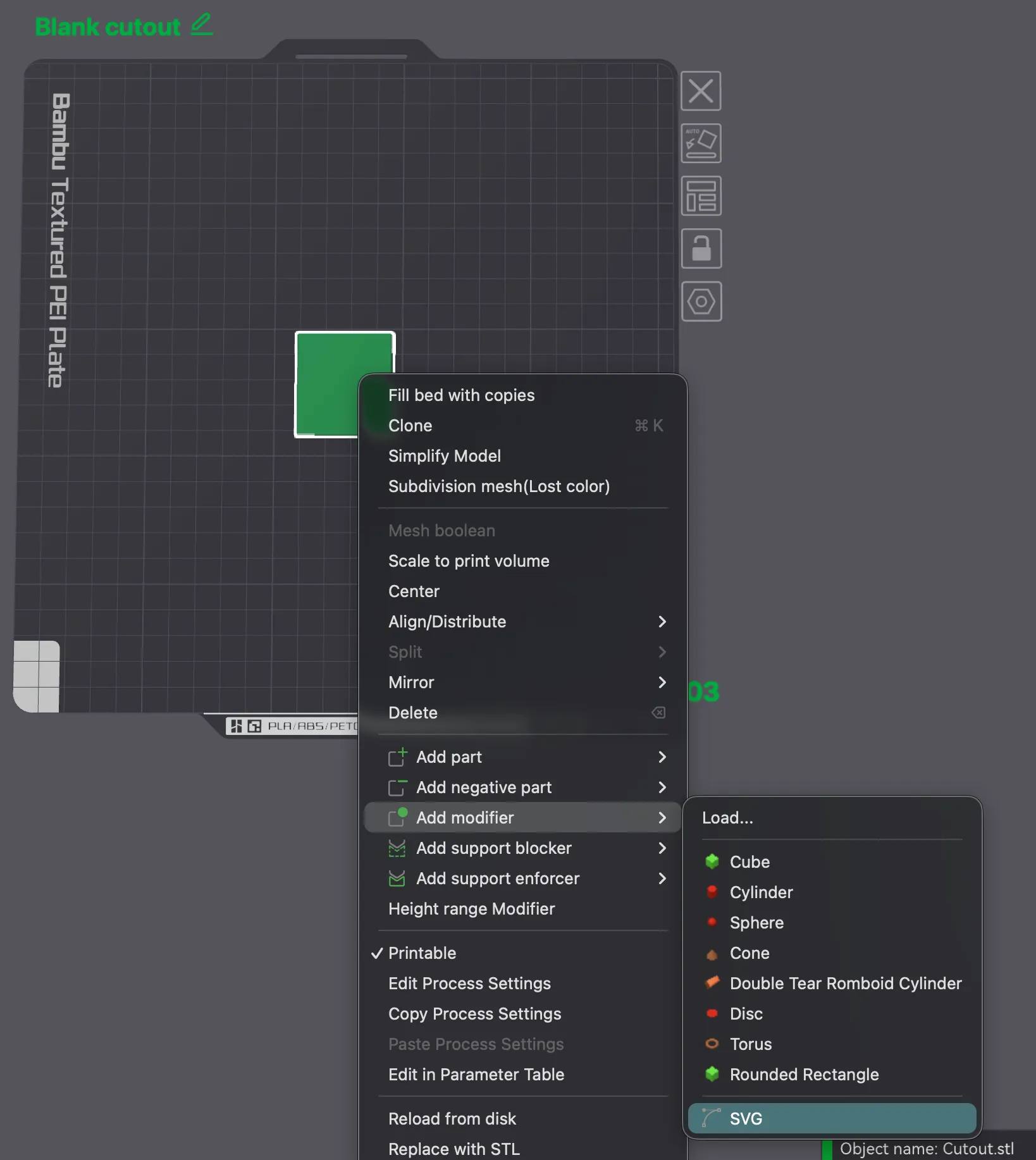
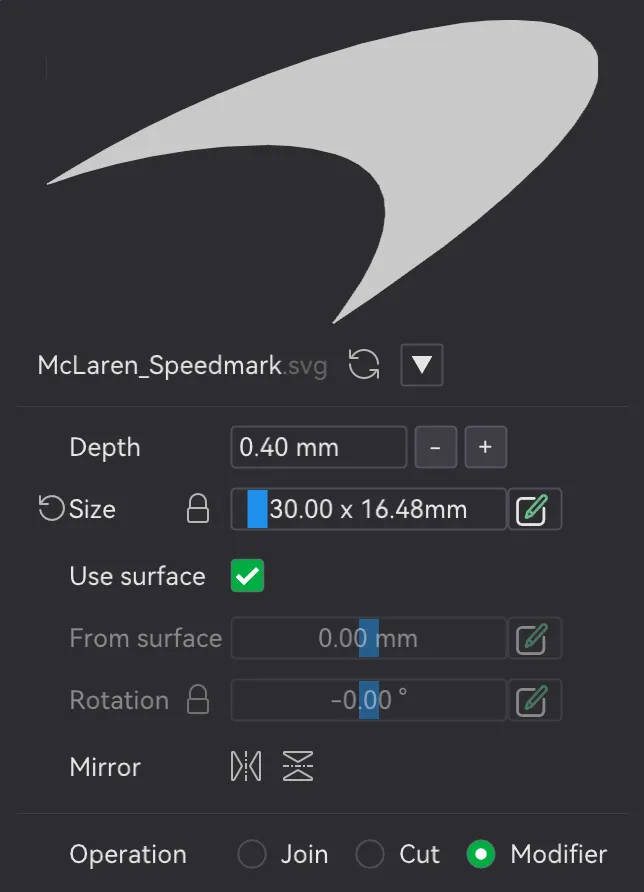
4. Set the depth to 0.4mm, use surface and set size appropriately (around 20-30mm to fit this cutout)
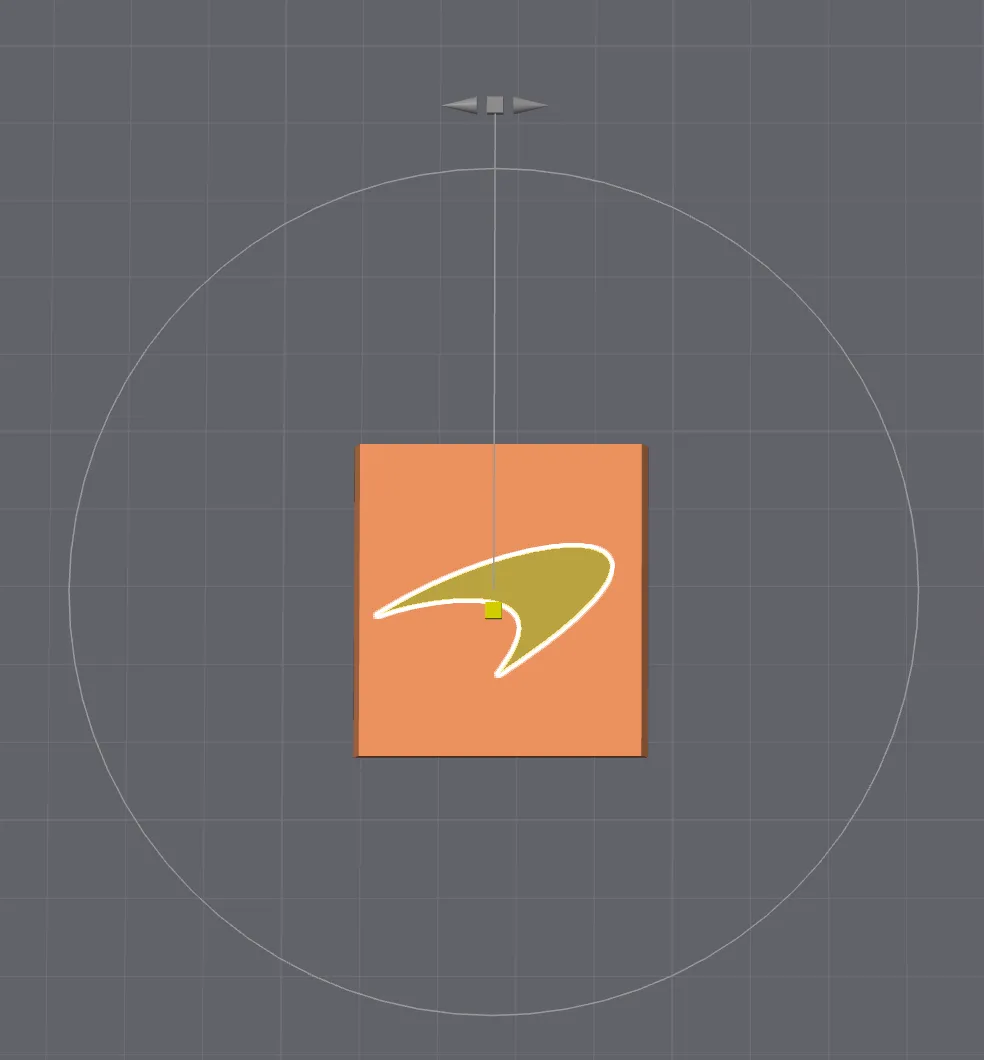
5. Click on the yellow cube to move the modifier until it is in the right position
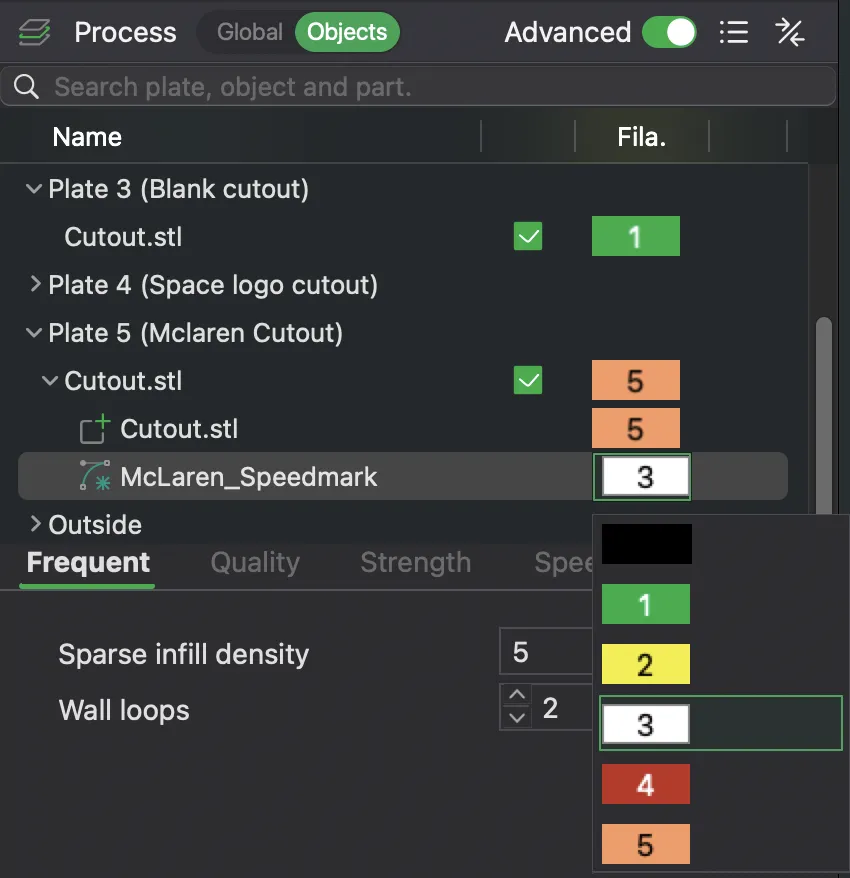
6. Then in the “object” tab, select colour next to the svg object and choose a new colour on the dropdown
7. Slice and check it looks good. (Be careful with any small text as it may not be readable with a 0.4mm nozzle)
8. Print and enjoy!
License

You shall not share, sub-license, sell, rent, host, transfer, or distribute in any way the digital or 3D printed versions of this object, nor any other derivative work of this object in its digital or physical format (including - but not limited to - remixes of this object, and hosting on other digital platforms). The objects may not be used without permission in any way whatsoever in which you charge money, or collect fees.


Comment & Rating (8)