
Office Desk Organizer | Snap-Lok Desk Caddy
Print Profile(1)
Description
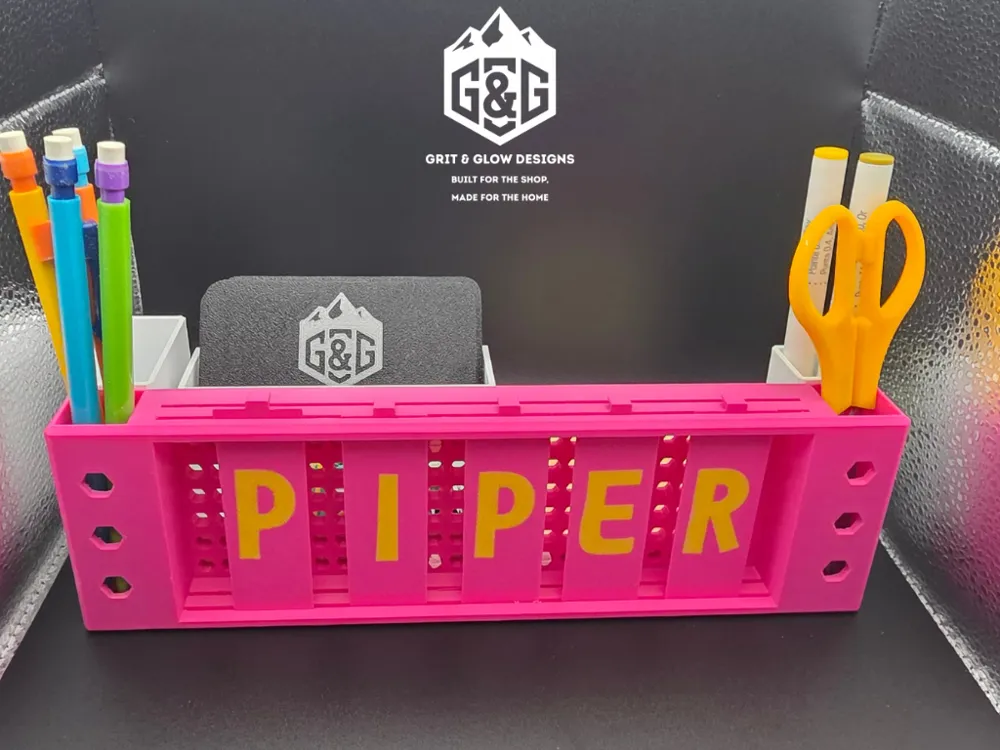
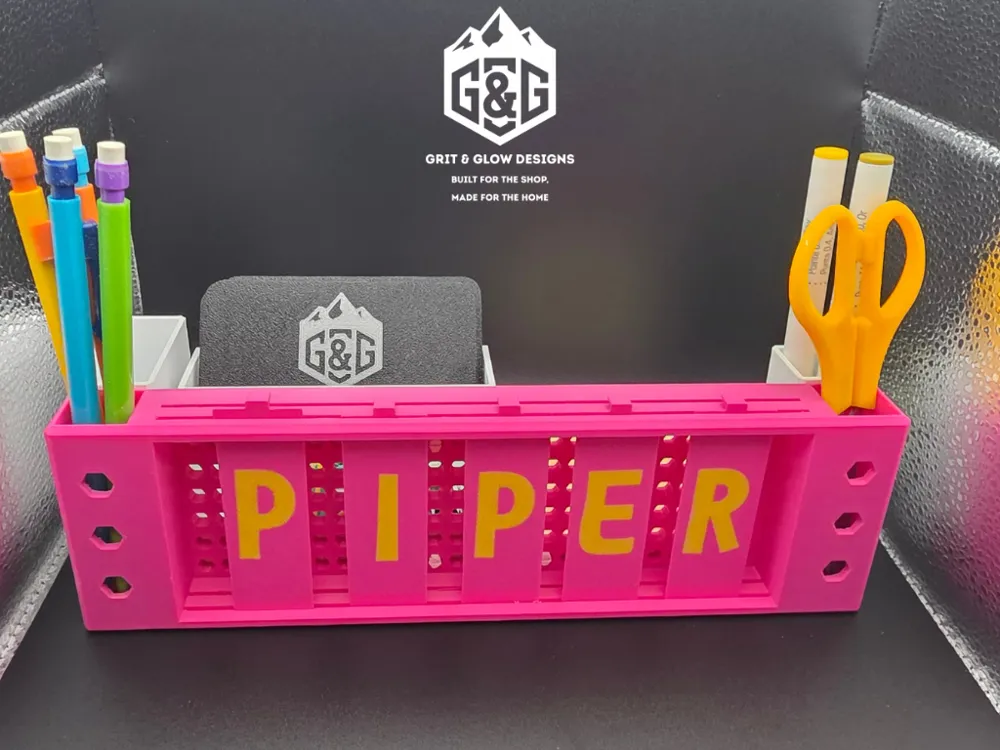
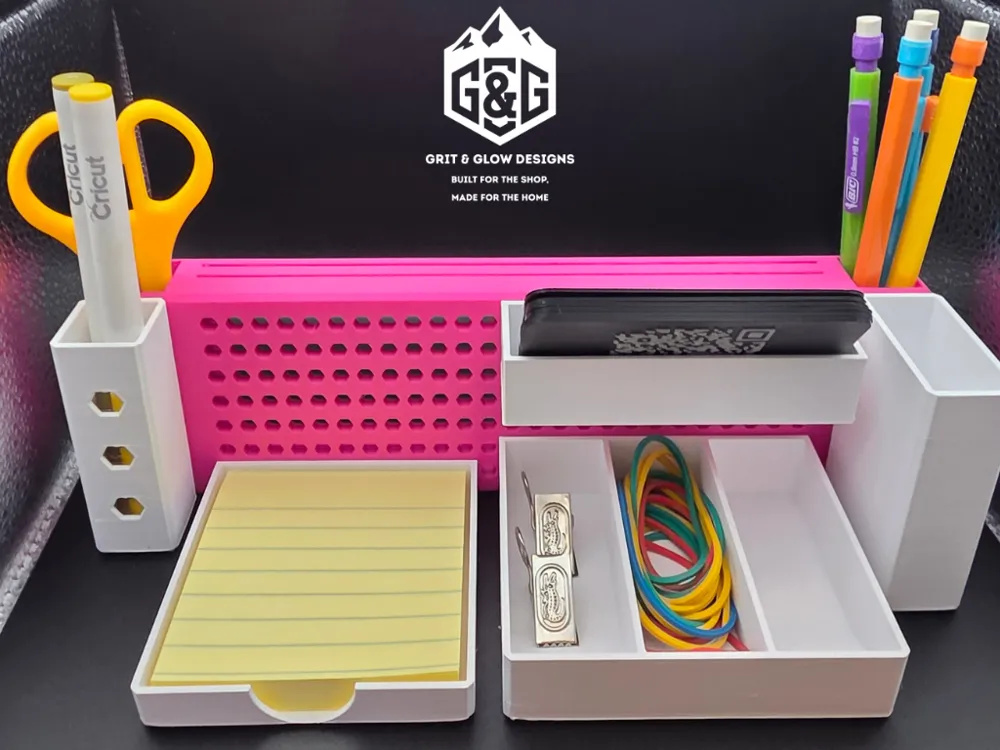
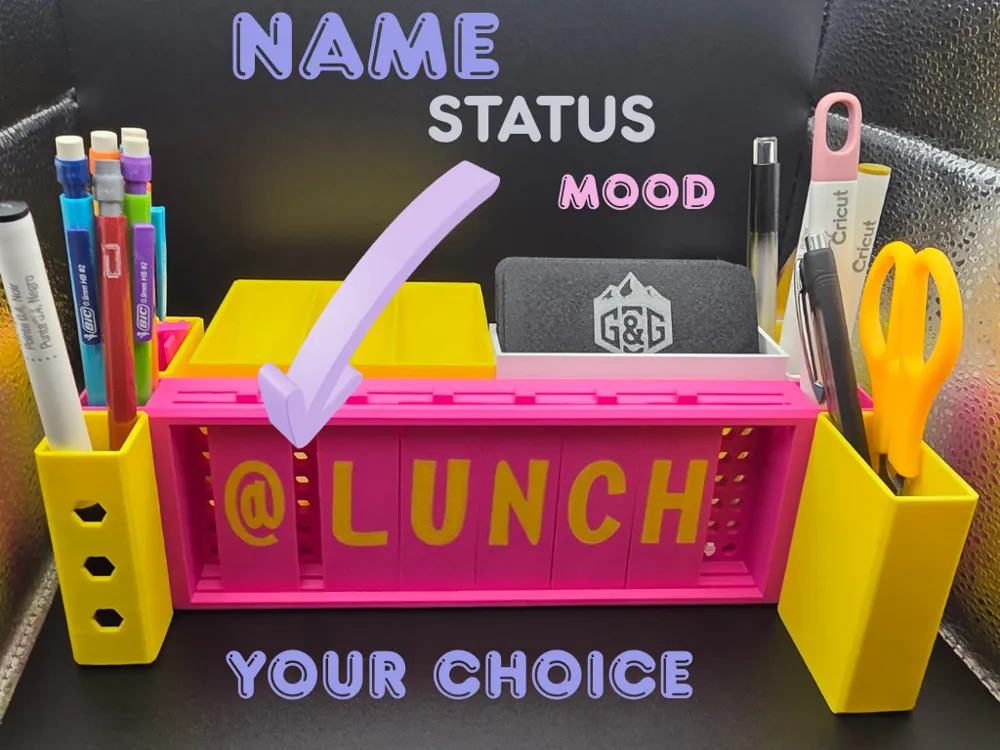
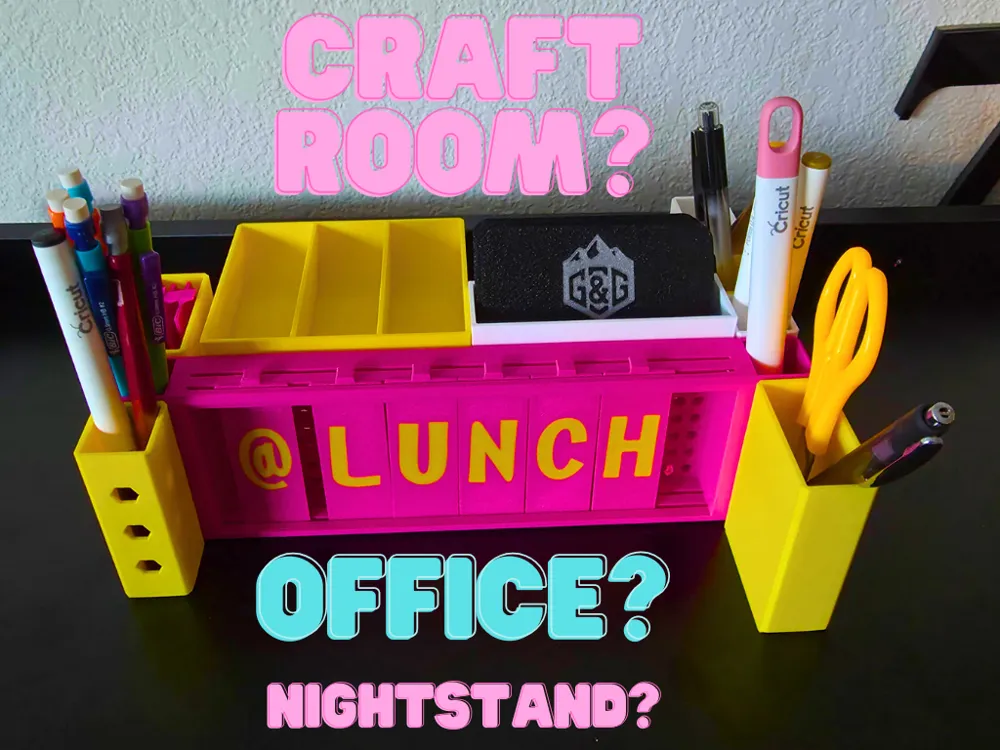

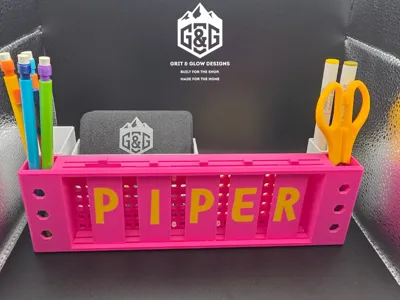
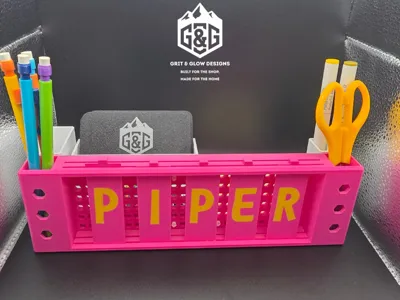
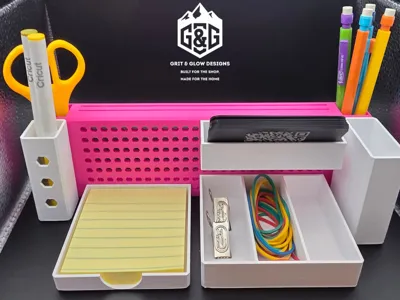
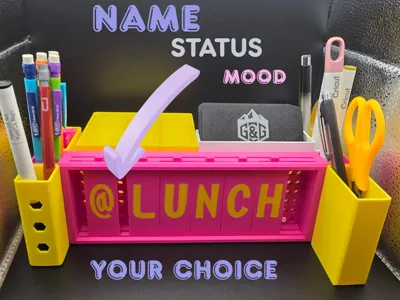
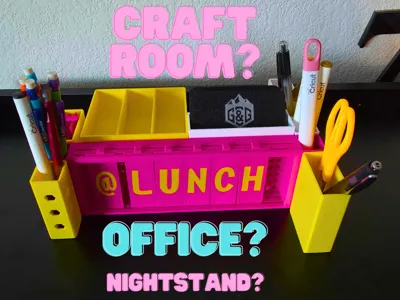
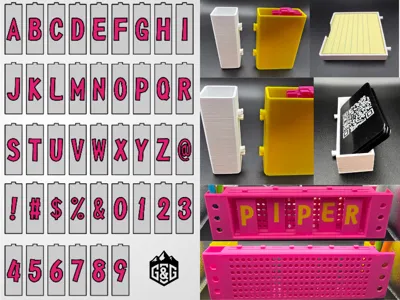
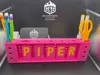
The Snap-Lok Modular Desk Caddy is a fully customizable organizational system for your workspace. Featuring a dual-slot interchangeable sign system and a suite of modular snap-on bins, you can build the exact desk setup you need.
✨ Key Features
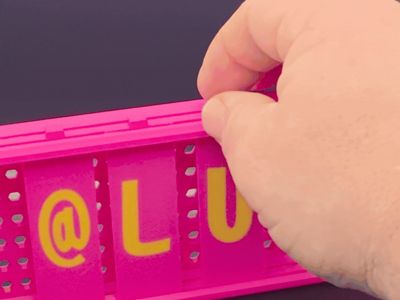
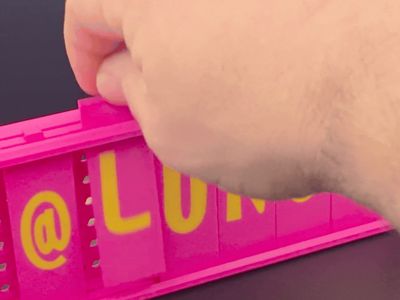
- Dual-Slot Sign: Fits up to 7 tiles. Use the two parallel slots to stagger your letters and add 3D depth to your name or messages.
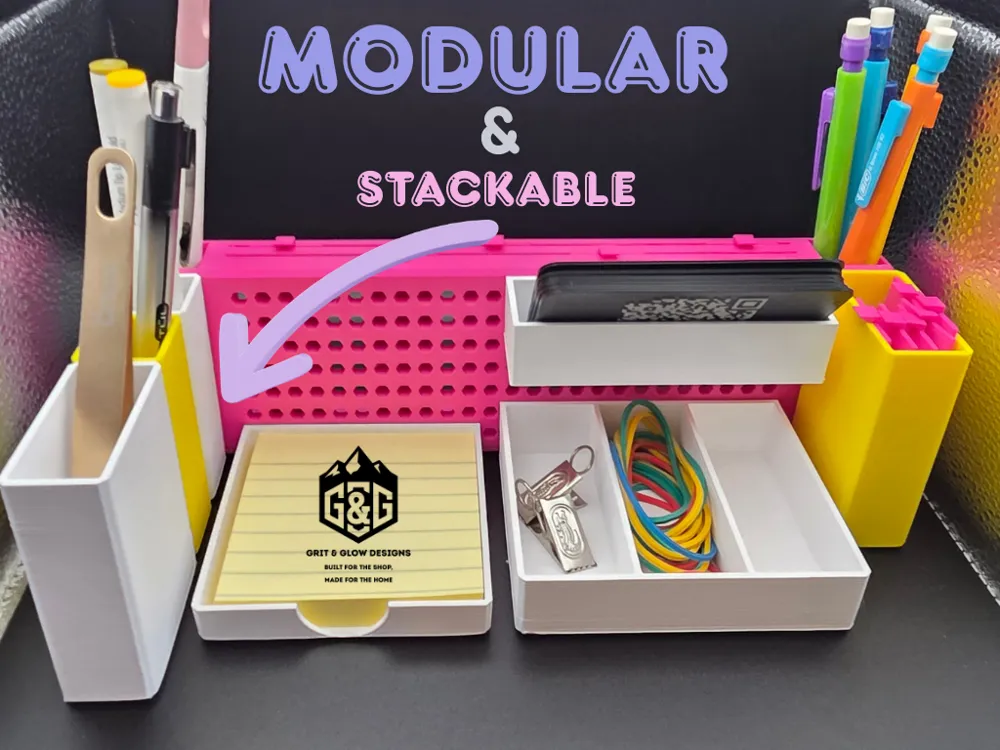

- Snap-Lok Modularity: Bins attach securely to the main frame using a custom hex-locking system.
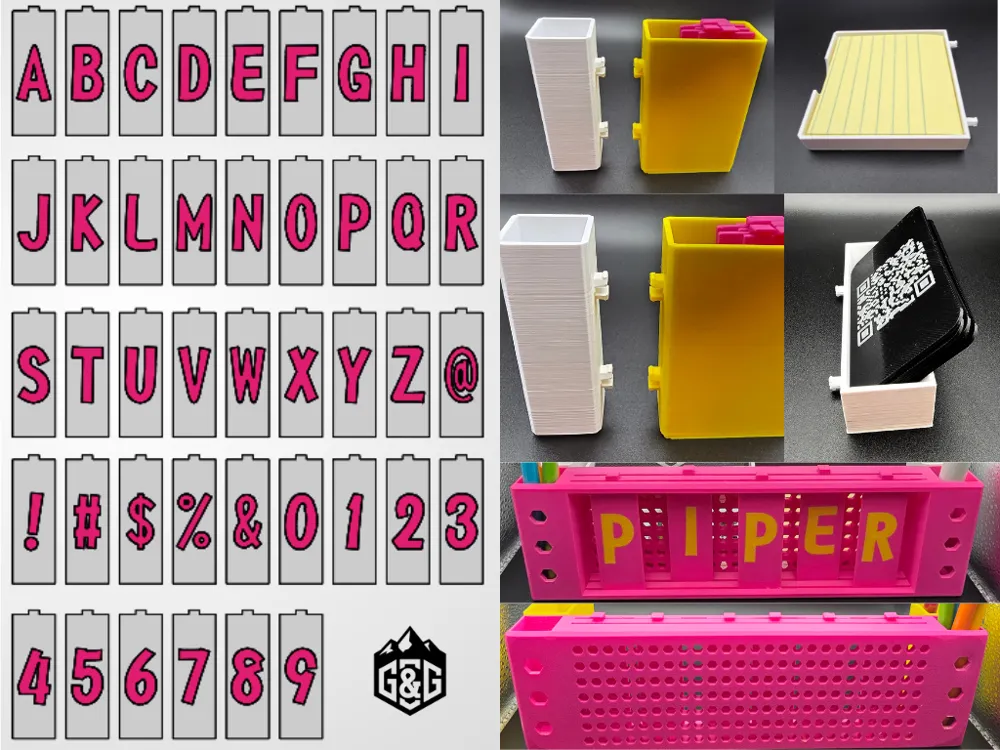
- Total Customization: Includes a full library of letters, numbers, and symbols.
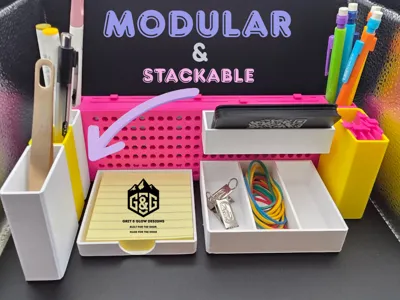
- Stackable Bins: The Narrow Pen Pockets feature rear mounting holes so you can chain multiple pockets together or attach a Wide Pen Pocket to the back.
📦 Modular Bin Library
- Narrow Pen Pocket: Great for single pens/pencils; stackable.
- Wide Pen Pocket: For markers, scissors, or larger tools.
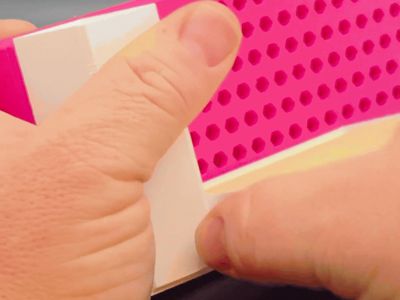
- Sticky Note Pocket: Perfectly sized for standard post-its.
- Business Card Pocket: Keep your networking gear front and center.
- Paperclip/Small Item Tray: For the little things that get lost.
🚀 Printing Instructions (Read Carefully!)
Build Plate 1: The Name Sign (Main Frame)
⚠️ CRITICAL: Do NOT re-orient this model or change the support settings. This plate uses custom-tuned supports to ensure the Snap-Lok rails and hex-holes function correctly.
Build Plates 2–9: The Library To make printing easier for Bambu Handy users, I have organized the tiles into specific plates so you don't have to print the whole alphabet for one name:
- Plate 2: Consonants
- Plate 3: Accessory Bins (Includes supports for snap-tabs)
- Plate 4: Vowels
- Plate 5: Symbols (@, !, #, $, %, &)
- Plate 6: Numbers (0–9)
- Plate 7–9: Alphabetical Sets (A-I, J-R, S-Z)
Pro Tip for Bambu Studio Users: If you are on a PC, don't print every plate! Just select the specific letter/symbol tiles you need and move them onto a single plate to save time and filament.
🛠 Assembly & Setup

- The Sign: Slide your chosen tiles into the front or back slots.
- End Caps: The Narrow and Wide Pen Pockets can be placed on the front or back of either end of the sign.
- Center Grid: Use the small hex-locking tabs on the other bins to snap them into the center grid in any configuration you like.
The dual-slot design is perfect for adding depth—try putting your name in the front slot and a contrasting color tile in the back!
I’d love to see your custom setups! Post a photo of your desk configuration and the name you chose in the 'Makes' section.
www.gritandglowdesigns.com
License

You shall not share, sub-license, sell, rent, host, transfer, or distribute in any way the digital or 3D printed versions of this object, nor any other derivative work of this object in its digital or physical format (including - but not limited to - remixes of this object, and hosting on other digital platforms). The objects may not be used without permission in any way whatsoever in which you charge money, or collect fees.


Comment & Rating (0)