Search models, users, collections, and posts

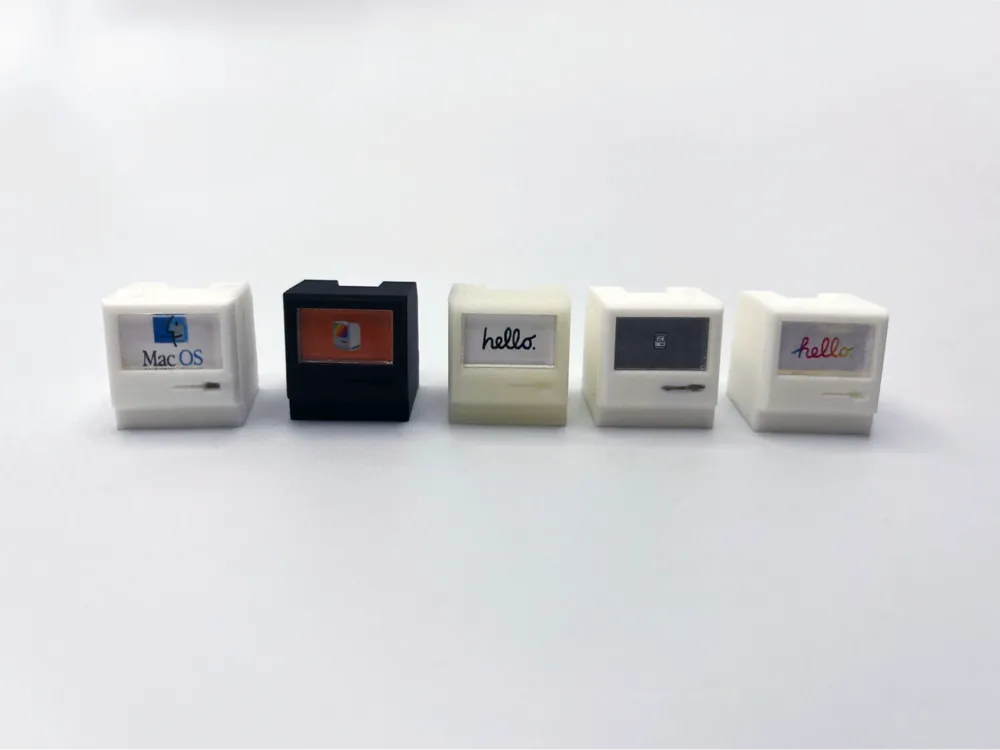
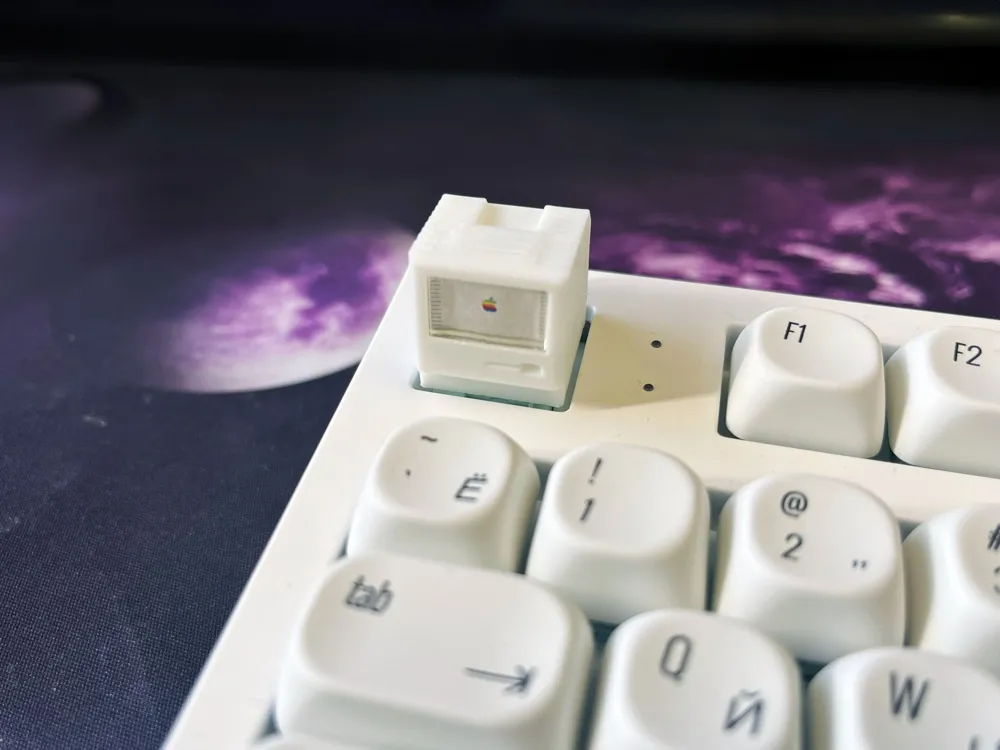
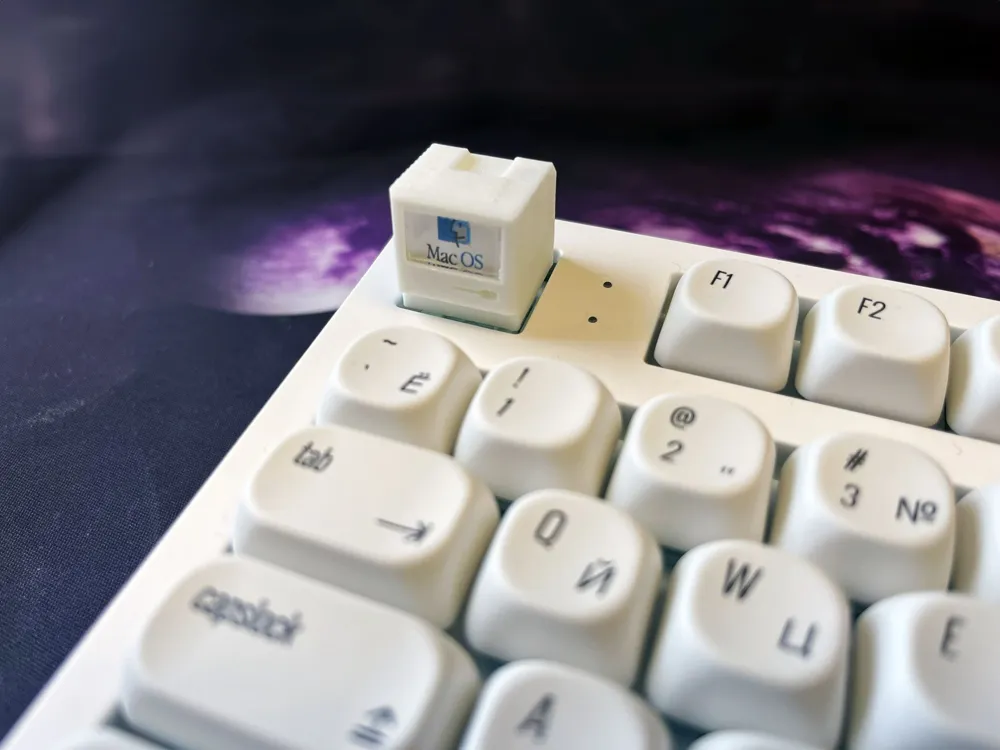
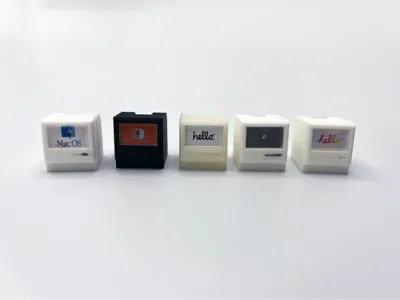
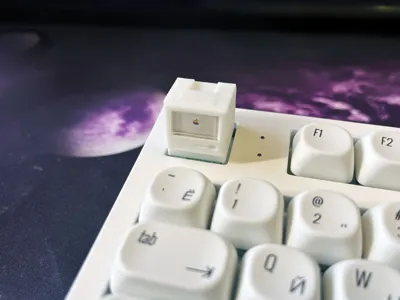
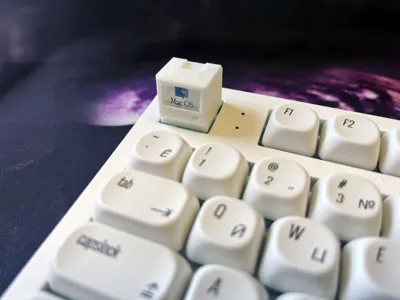
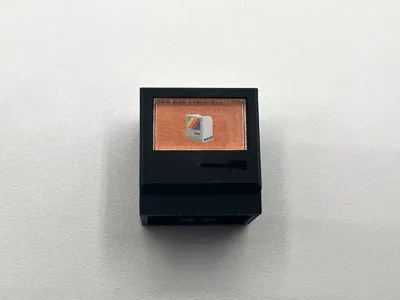
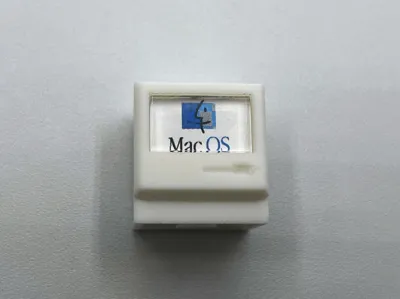
Macintosh Cherry MX Keycap with Custom Wallpapers
Remixed by
IP Report
Print Profile(1)
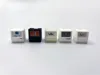
0.1mm layer, 2 walls, 25% infill
Designer
42 min
1 plate
Open in Bambu Studio
Boost
12
18
0
0
13
7
Released
Description
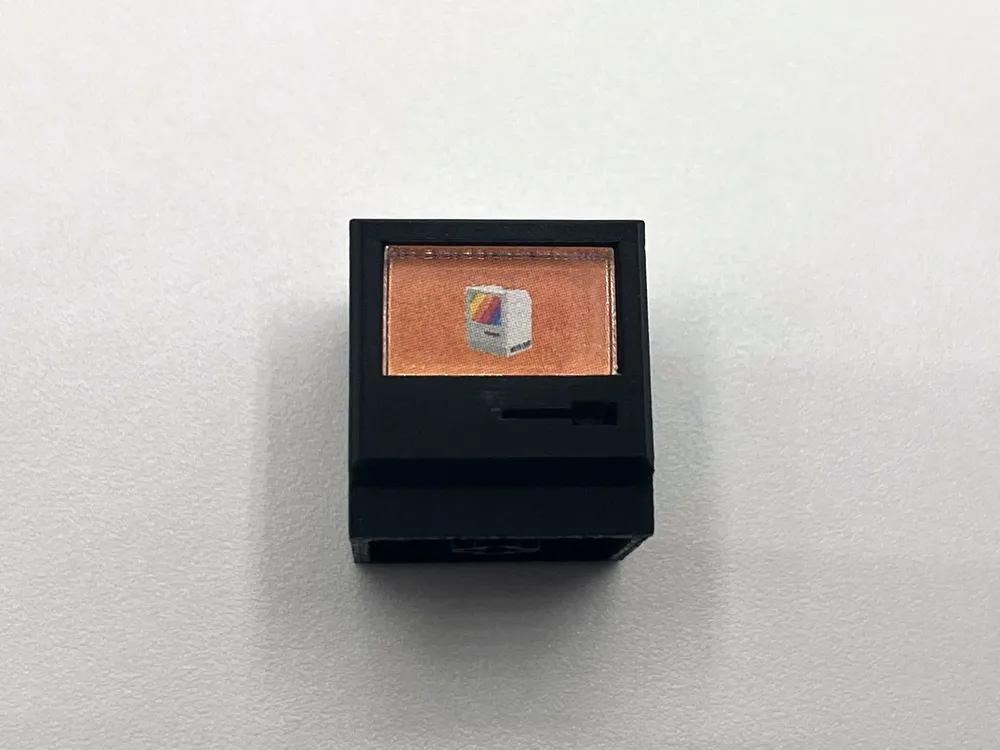
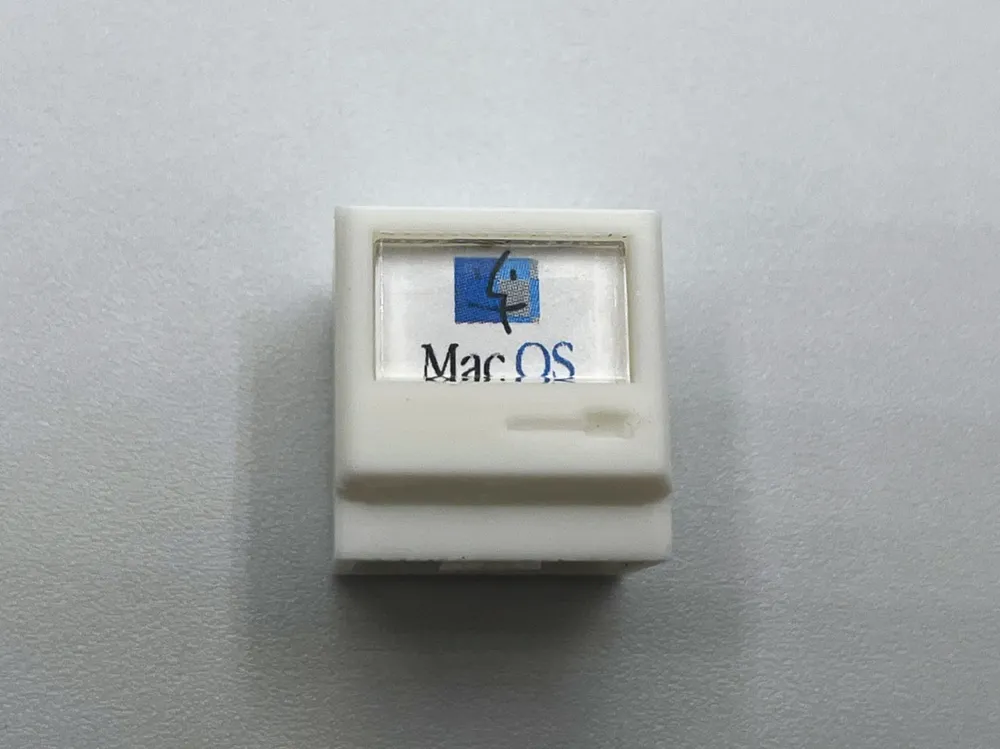
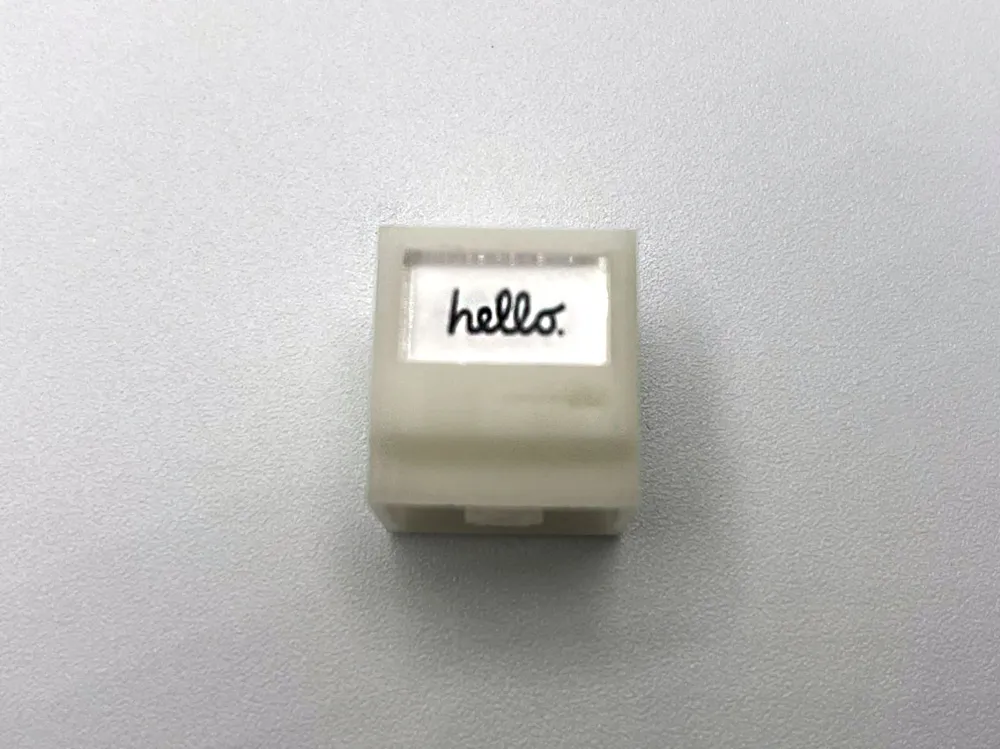
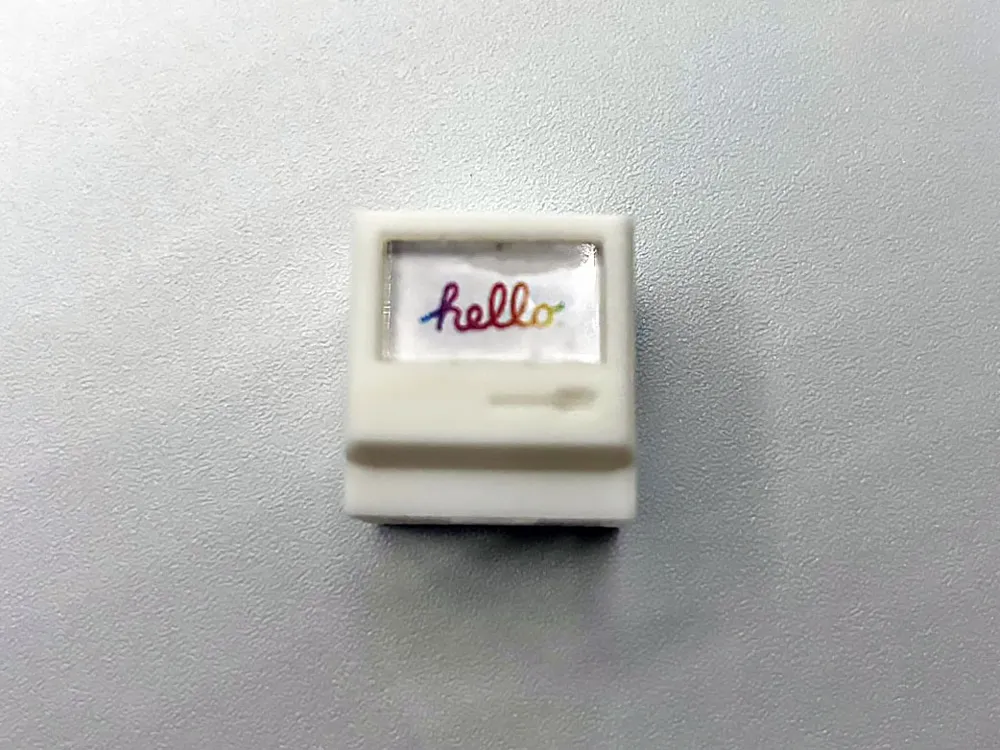
Retro Macintosh Artisan Keycap – Customizable Screen Edition
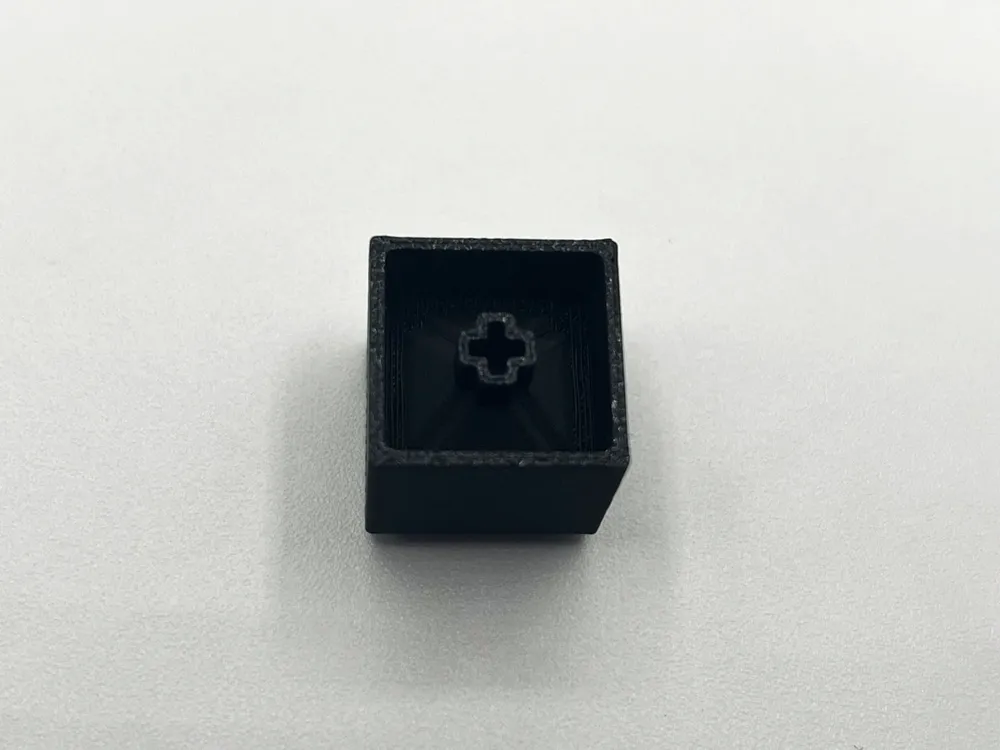
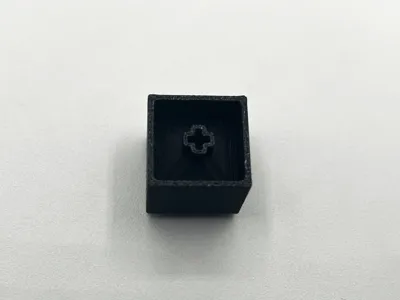
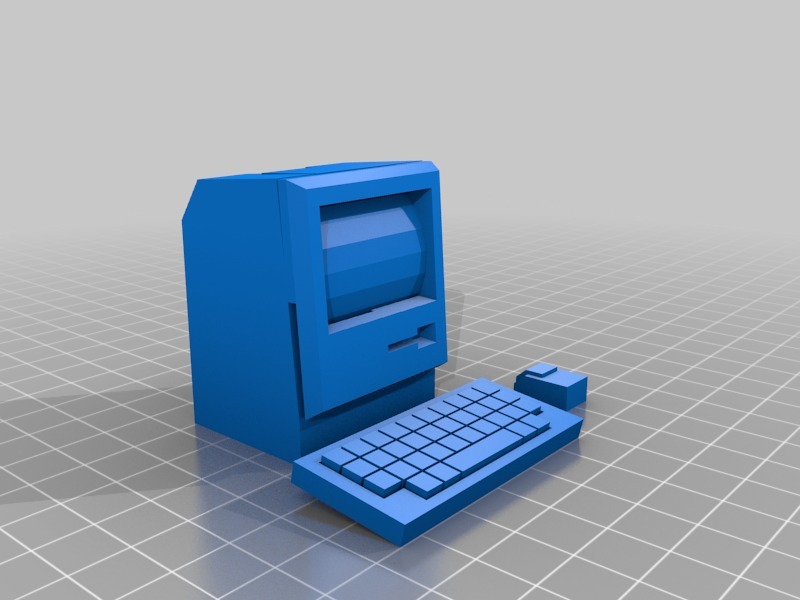
Give your mechanical keyboard a vintage upgrade with this Mini Mac Artisan Keycap. Based on the classic 1984 Macintosh, this model has been redesigned from the one I found of Thingiverse to feature a hollowed-out screen section and a precision-fit Cherry MX stem on the bottom.
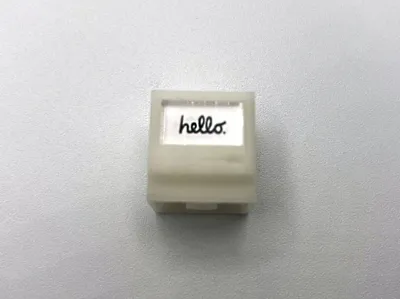
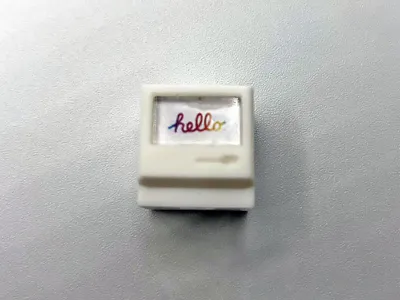
The standout feature? The "monitor" is fully customizable. I achieved the look in the photos by printing the included wallpaper files on paper and protected them with a laser-cut clear acrylic covering.
Slicer & Print Recommendations
- Recommended Slicer: I highly recommend using the attached OrcaSlicer .3mf file. I have fine-tuned this profile with specific Brim settings for stability and turned on “Make Overhangs Printable” for a specific section with a modiefier, which is not an option on Bambu's slicer.
- Bambu Studio: The Bambu Studio profile is also included and should work well, though the specialized optimizations in OrcaSlicer provide the cleanest results for me so far.
- Layer Height: 0.1mm or lower is recommended to capture the fine details of the floppy drive and chassis lines.
- Ironing: Enabled for top surfaces to give it that smooth, injection-molded plastic feel.
How to Customize Your Screen
- Print: Use the attached "Mini Wallpaper" files (included in the post).
- Cut: Cut the paper to size. For the best look, I recommend a thin piece of clear acrylic (laser-cut to fit) to act as the "glass" screen. Size is 8.561mm by 14.45mm.
- Assemble: Place your image in the hollowed-out screen section, snap the acrylic in front, and you’re ready to go!
custom
remix
Cherry MX
cherrymx
keycap
Mac
machintosh
mini
tiny
small
cherrykeycap
nosupport
strong
Apple
retro
mechanical keyboard
miniature
artisan
DIY
decorative
functional
cute
orcaslicer
vintagetech
Documentation (9)
Assembly Guide (9)
Tiny Wallappers.pdf








This remix is based on
License

This user content is licensed under a
Creative Commons Attribution-Noncommercial-Share Alike


Comment & Rating (0)