
00152 Lettering hello summer
Print Profile(2)



Description
Boost Me (for free)
Boost it if you print it! Boosts cost you nothing, but help me develop new designs.
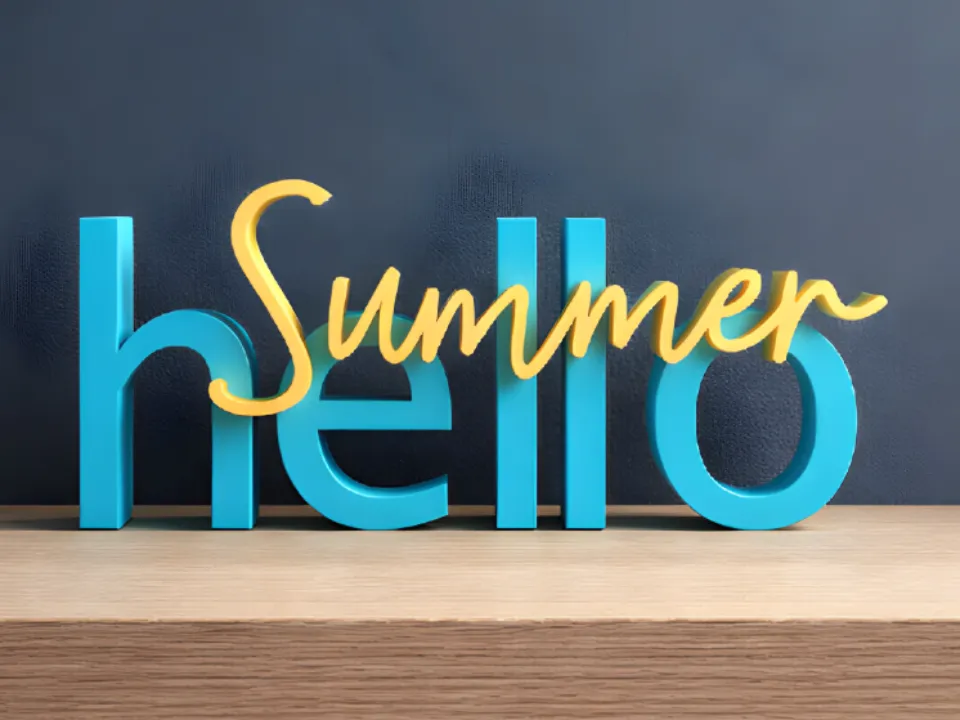
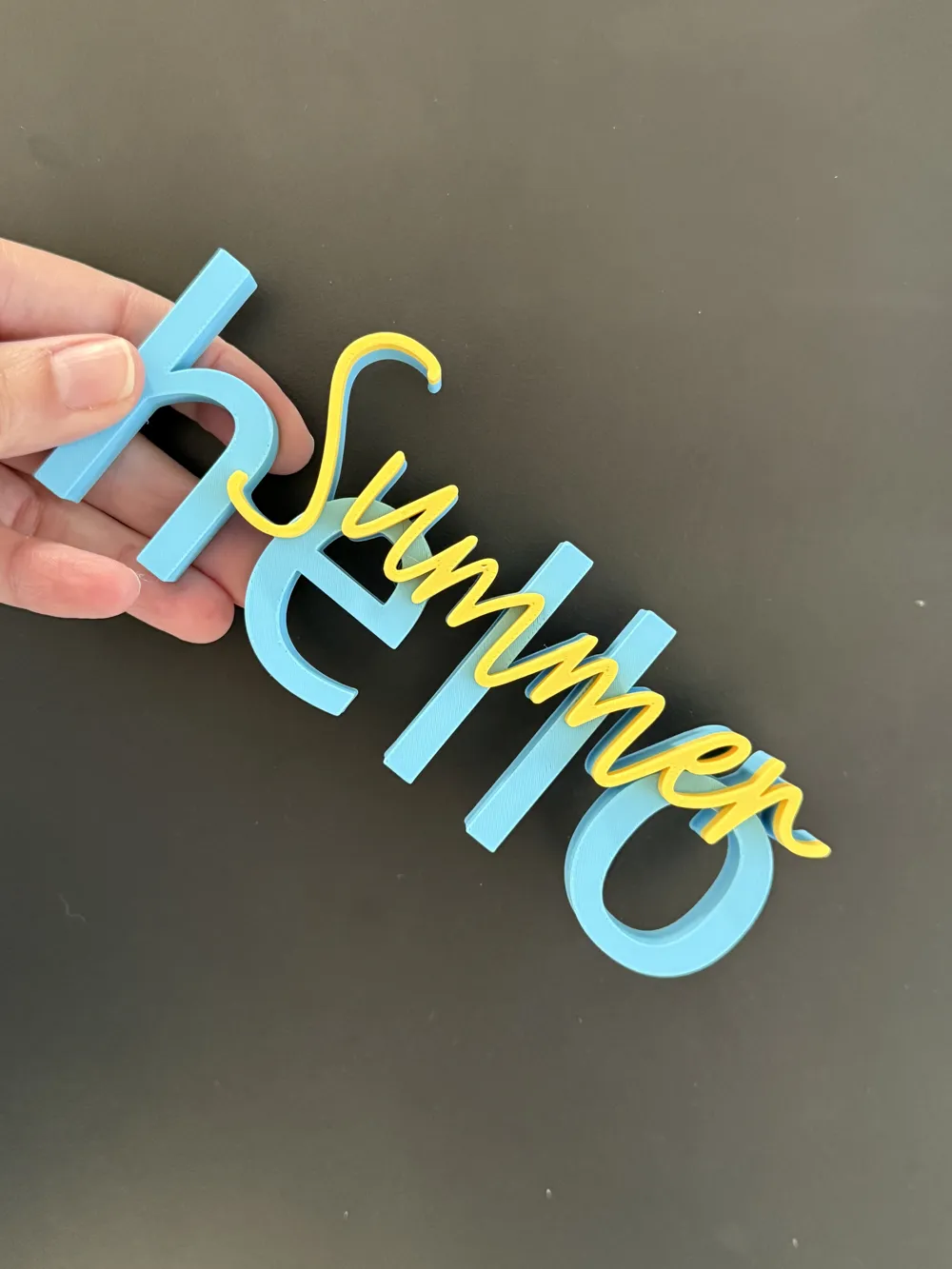
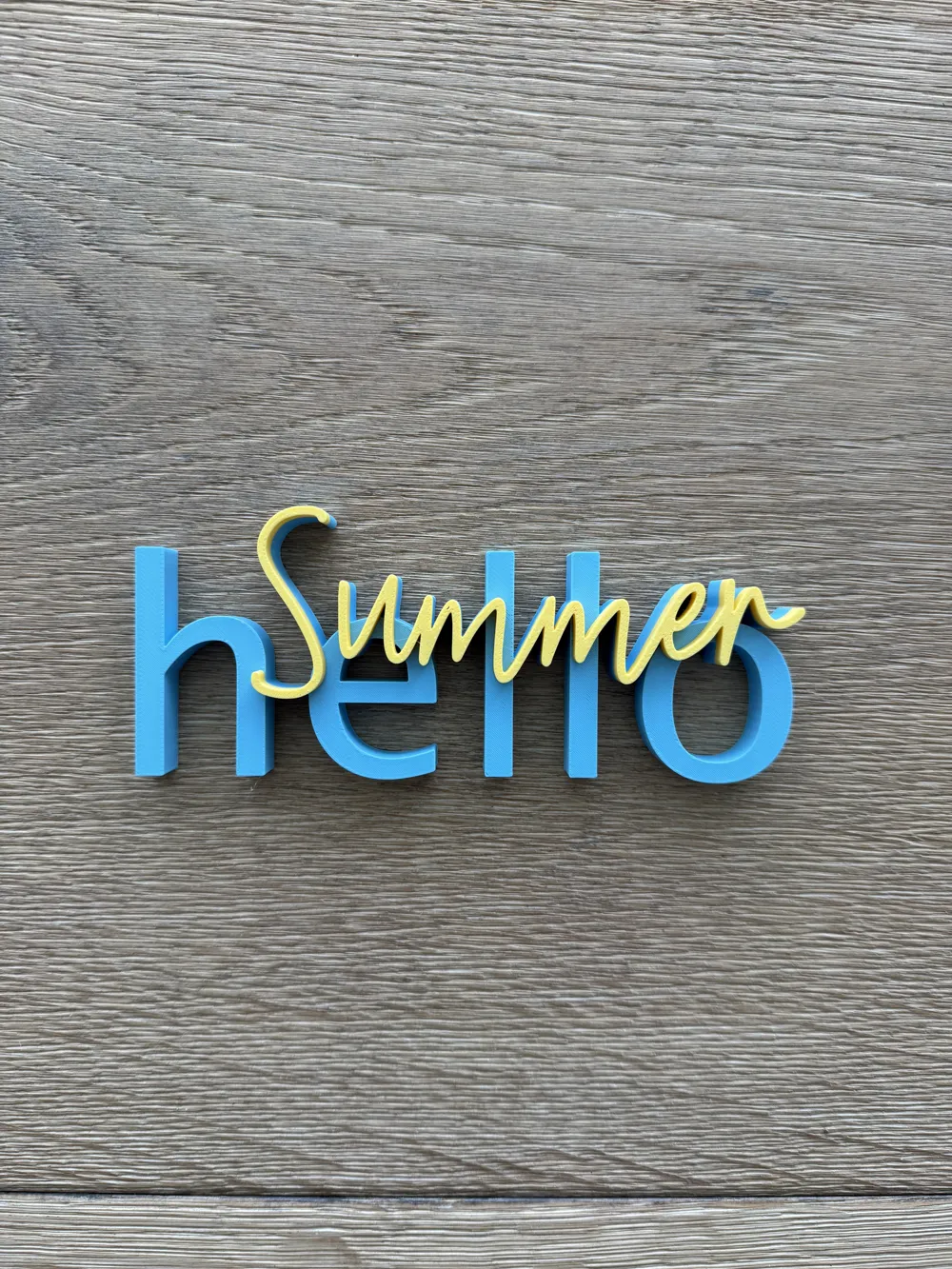
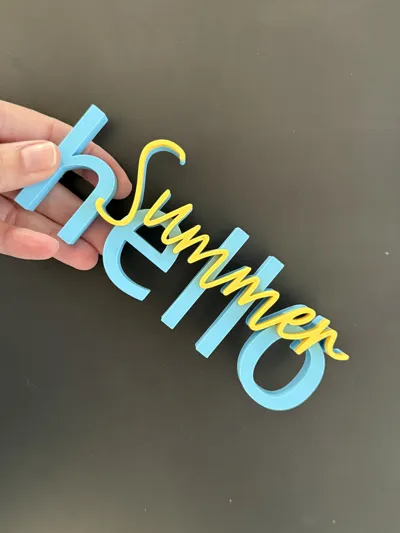
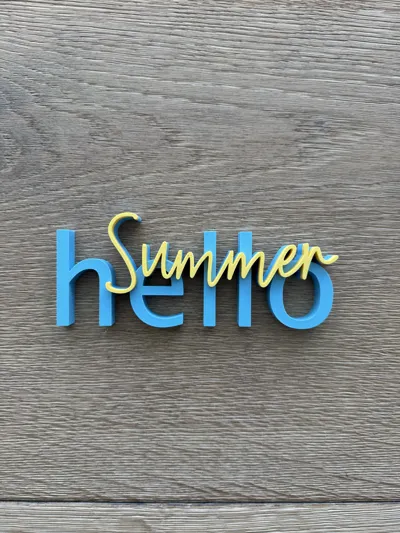
Lettering – Hello Summer
"Hello Summer" immediately brings a sunny mood and lightness into your home. The decorative 3D lettering is a cheerful statement for warm days, long evenings, and the most beautiful time of the year.
The design appears modern and playful at the same time and is perfectly suited as seasonal decoration for living rooms, balconies, terraces or summer parties. The freestanding lettering prints cleanly and quickly becomes a stylish eye-catcher in any summer arrangement.
💡 Ideal for:
– summer home and table decoration
– balcony or terrace decoration
– seasonal decoration for parties and celebrations
– cheerful gift idea for summer fans
A decorative statement that immediately spreads good cheer and welcomes summer. ☀️🌴
📏 Dimensions: 153 × 63 × 15 mm
🖨️ Test print with Bambu Lab A1
📦 Included print profiles:
- AMS without smoothing:
- Filament change is already set (Base = Color 1, Lettering = Color 2)
- Smoothing not set (Short guide on how to set the smoothing function under FAQ below)
- PAUSE without smoothing:
- With pause for manual filament change without AMS
- Smoothing not set (Short guide on how to set the smoothing function under FAQ below)
- Mirrored (separate parts):
- Base and lettering are printed separately and then glued
- for a particularly clean surface
- faster printing
- extra effort due to gluing
- Base and lettering are printed separately and then glued
❓ FAQ:
- How can I make the lettering deeper?
- It is best to use the mirrored version for this.
- Click on the corresponding object on the plate.
- Select the "Scale" icon at the top of the bar.
- Remove the checkmark for "Uniform Scaling".
Enter the desired depth of the lettering in mm in the Z column of the Size column.
- How can I smooth the surface of the lettering in the non-mirrored versions?
- In the left menu, go to "Global" under Process.
- In the "Quality" tab, scroll down to the "Ironing" option.
- For "Ironing Type", select "All surfaces".
- Depending on the printer and filament, further settings may need to be adjusted in the detail settings to achieve a clean result.
⚖️ Legal Notice:
- Copyright belongs to me as the designer.
- Liability for faulty prints, material loss, or damages is excluded.
- Preview image and description were generated with the help of AI.
🔧 Found an error?
- Feel free to let me know – I will adjust the file as soon as possible.
💭 Have a wish in mind?
- I welcome suggestions for new lettering!
License

You shall not share, sub-license, sell, rent, host, transfer, or distribute in any way the digital or 3D printed versions of this object, nor any other derivative work of this object in its digital or physical format (including - but not limited to - remixes of this object, and hosting on other digital platforms). The objects may not be used without permission in any way whatsoever in which you charge money, or collect fees.


Comment & Rating (10)