
BC-250 Scooper
Print Profile(1)

Description
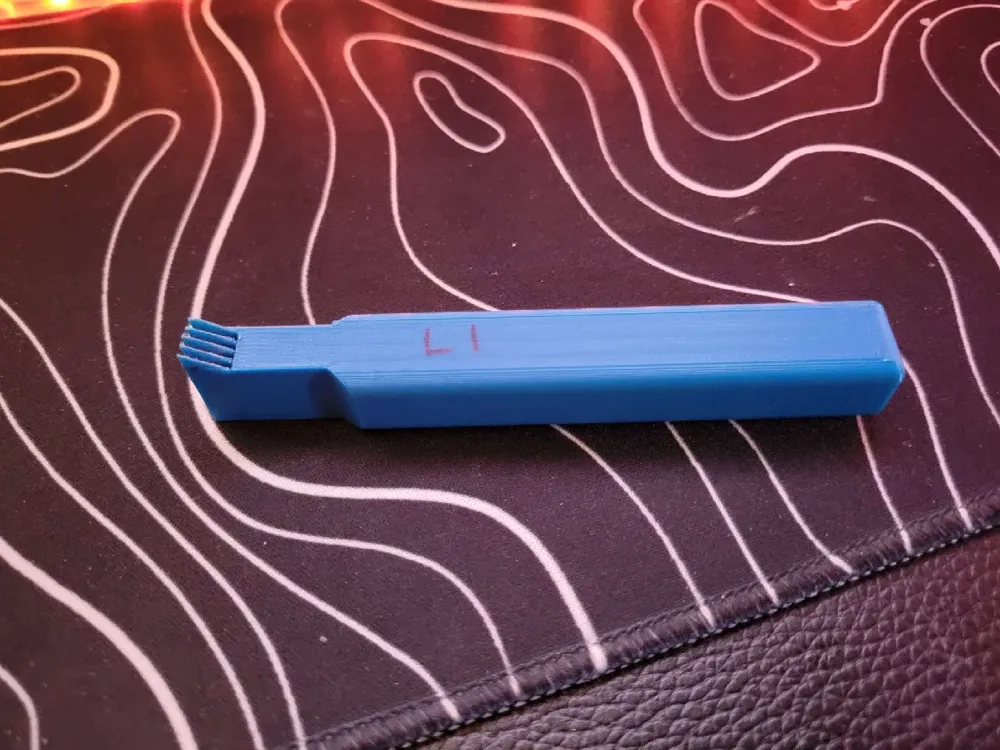
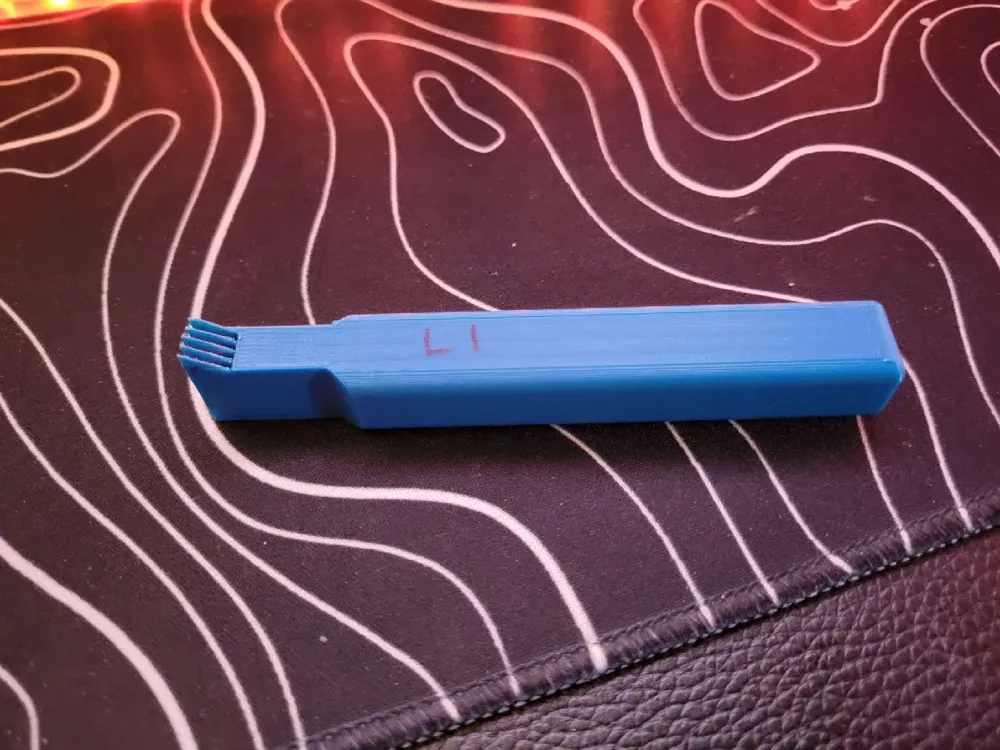
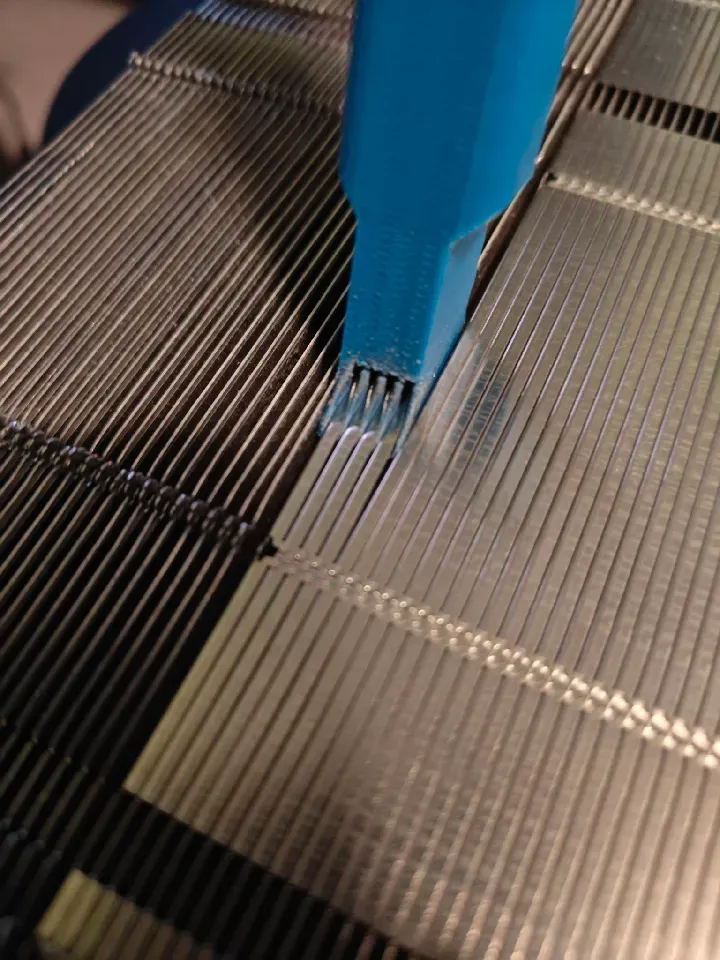
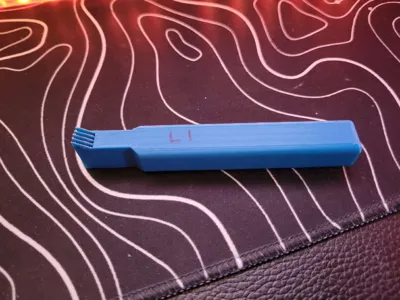
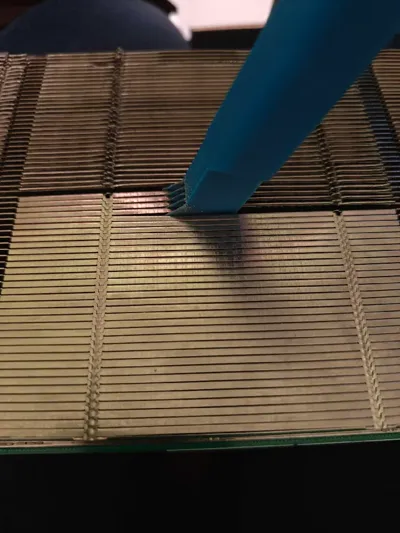
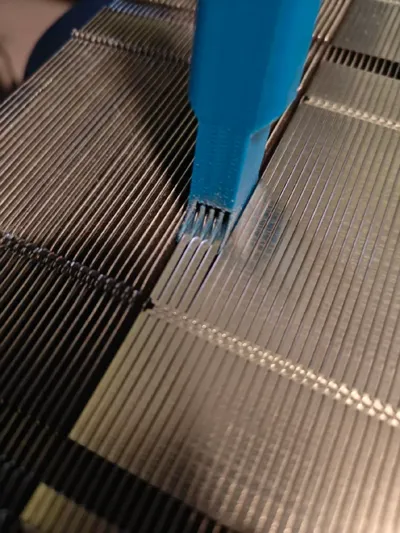
A solution he came up with for opening up the heat sink fins on the BC-250. This idea was inspired by the tools that are used for straightening AC radiator fins.
Recommended Usage Instructions:
- Please be careful. The fins on the heat sink are thin and will cut you. He sliced my fingers a couple times in the process of straightening the heat sink on my BC-250.
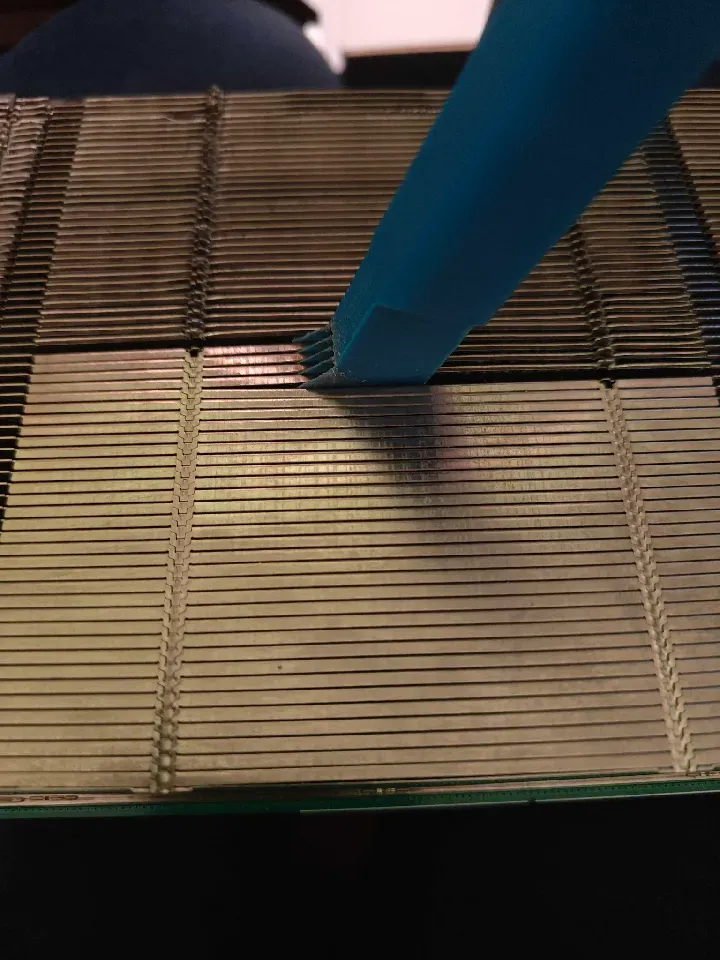
- Hold the scooper like this:
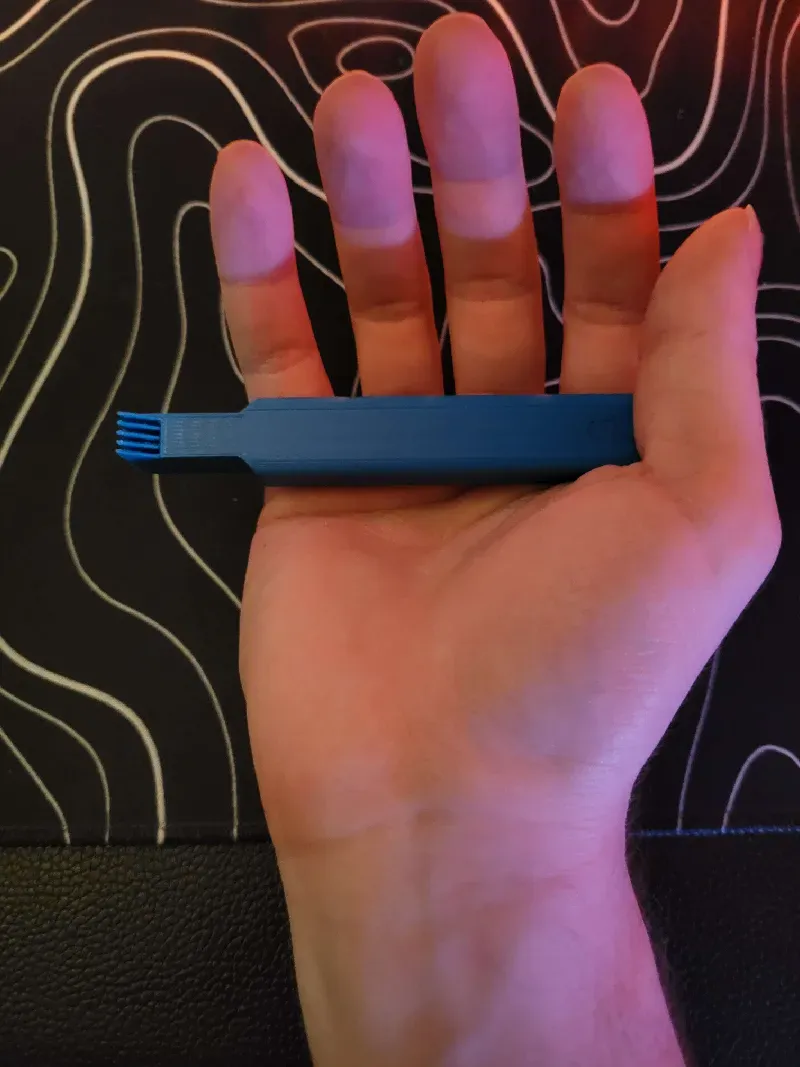
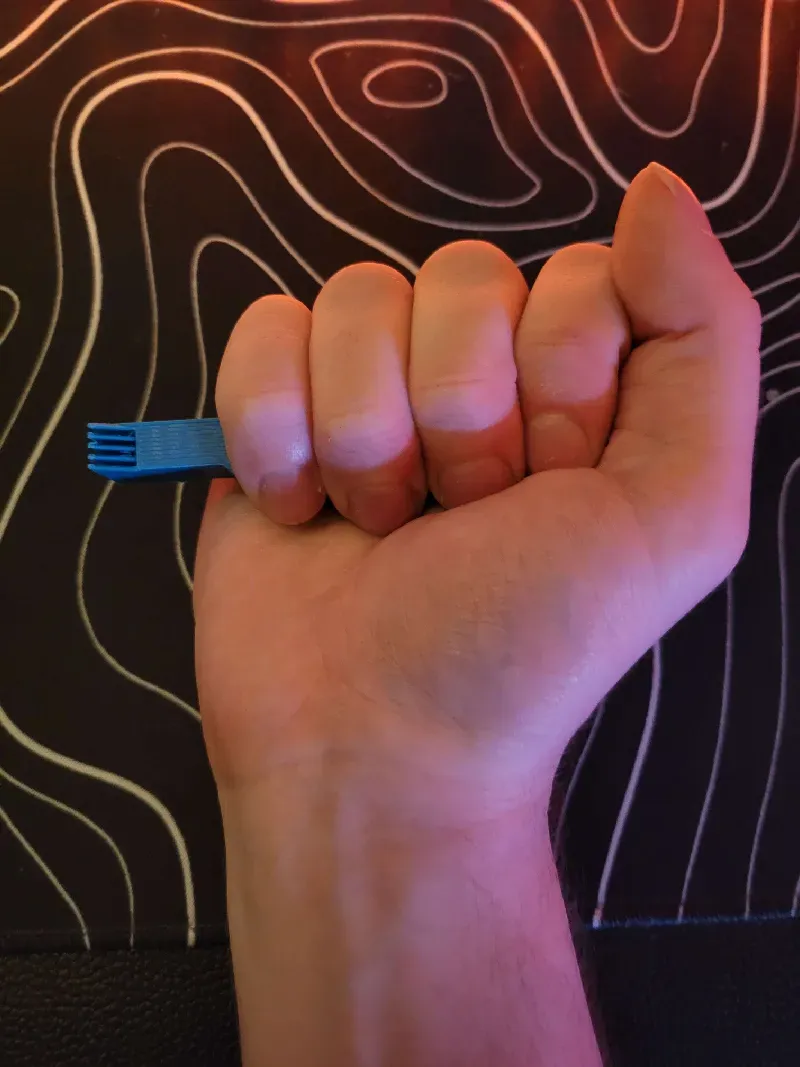
2. Slide the pointed end of the teeth into the heat sink from the side. Take your time getting the fins open on the end. Also, make any fins you wish to straighten pass through one of the gaps between 2 teeth (this means a maximum of 4 fins at a time). The straightening action is achieved by jamming the fins in between 2 adjacent teeth.
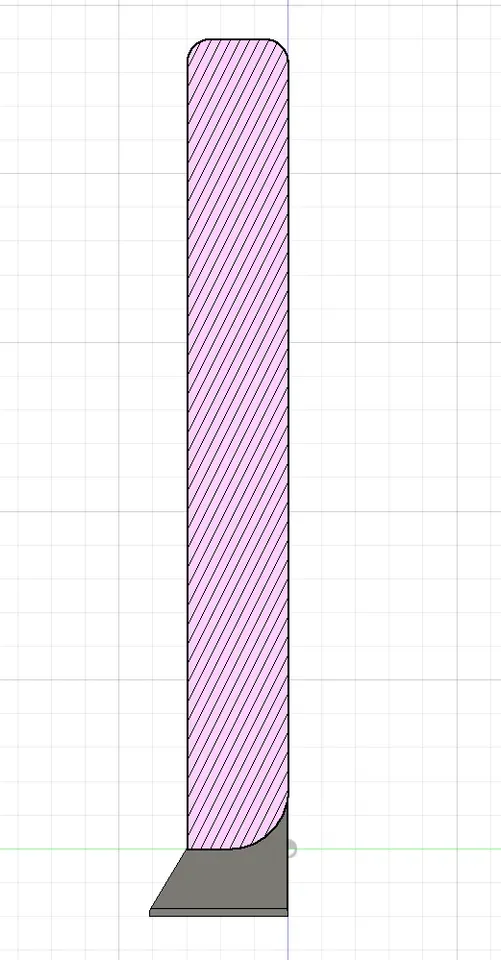
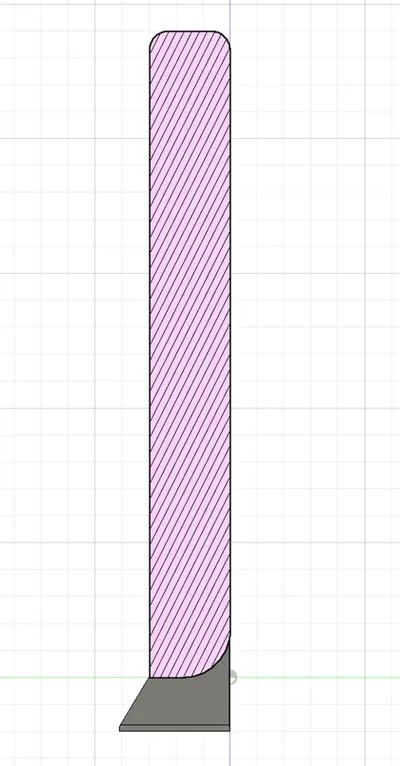
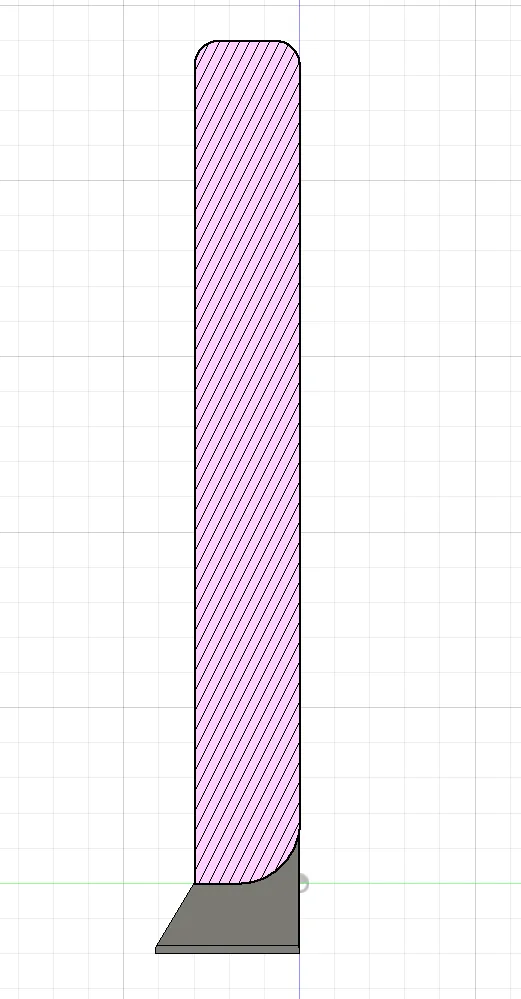
3. Once you have the tool worked in about an inch from the end, you can start to use more force. The heat sink fins should be bottomed out in the gaps between the teeth. The gaps are round on the back so that the scoop can be used as a lever smoothly and without denting the fins (see picture below). If you're careful you can bend the little hooks that held the fins together without breaking them, but he ended up cutting them off later anyway so that he could mount fans flush with the fins. The heat sink fin on the edge nearest the cmos battery (his had a barcode sticker) will fall off during the process. It is only held on by the little hooks, so unless you leave it bent, this is unavoidable.
Printing Instructions:
He recommends printing with the flat side of the teeth against the build plate. This prevents overhangs and puts the layer lines on the teeth in a plane that doesn't make them susceptible to snapping off. I printed at 0.2mm layer height with 3, 0.4mm walls using PLA. After printing, he used a hobby knife to clean up stringing and surfaces blobs in between the teeth. The fins tend to eat up the teeth on the tool, so you may want to print 2 or 3 of these.
Results:
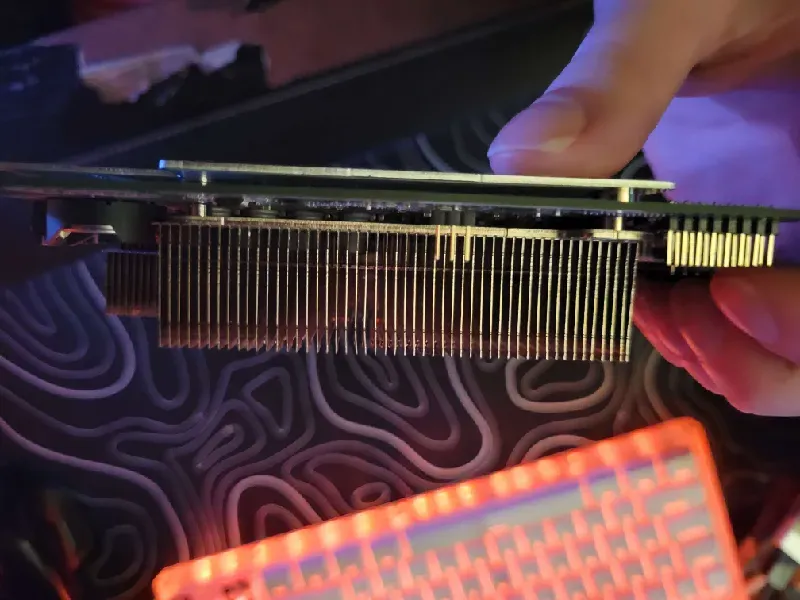
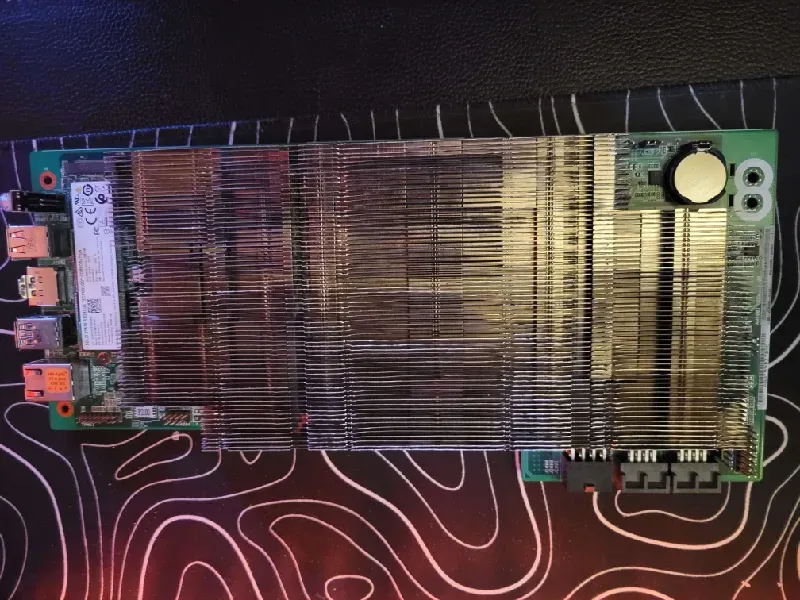
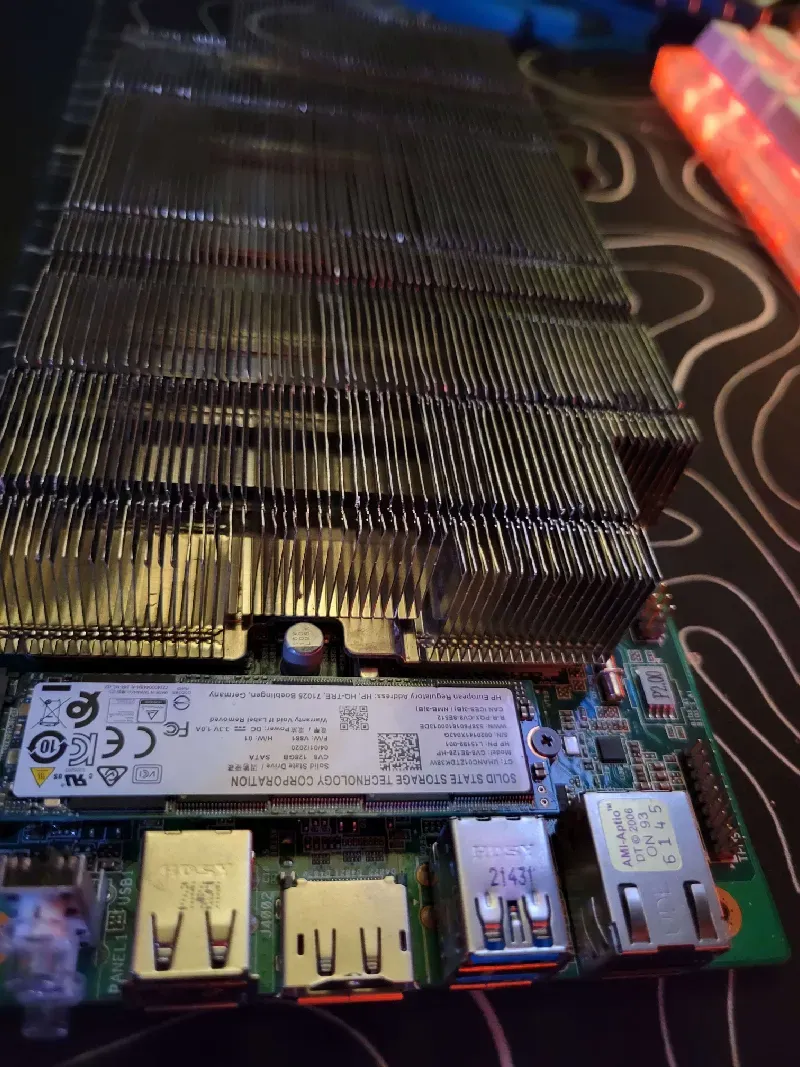
Finals Notes:
Straightening the fins on my BC-250 heat sink took him and myself well over an hour and it was somewhat tiring. This is NOT a fast or scalable process, but if you're just looking to do this once (like me), it's cheap and gets relatively pretty results. Please be very extra careful when you're starting. Once you get a feel for the process, you can work faster, but remain aware that the fins can and will cut your hand if you slip.
----I myself the uploader of Justin's file onto Makerworld have printed this tool, it does work, it does take over an hour to do and yes…you will want to print at least 2 but preferably 3 or more to make this job easier and as quick as possible….and please use some type of glove that is slightly cut proof otherwise you will have cuts on your hands.
Please go to Justin's page and follow him!!
This remix is based on

License



Comment & Rating (7)