Search models, users, collections, and posts

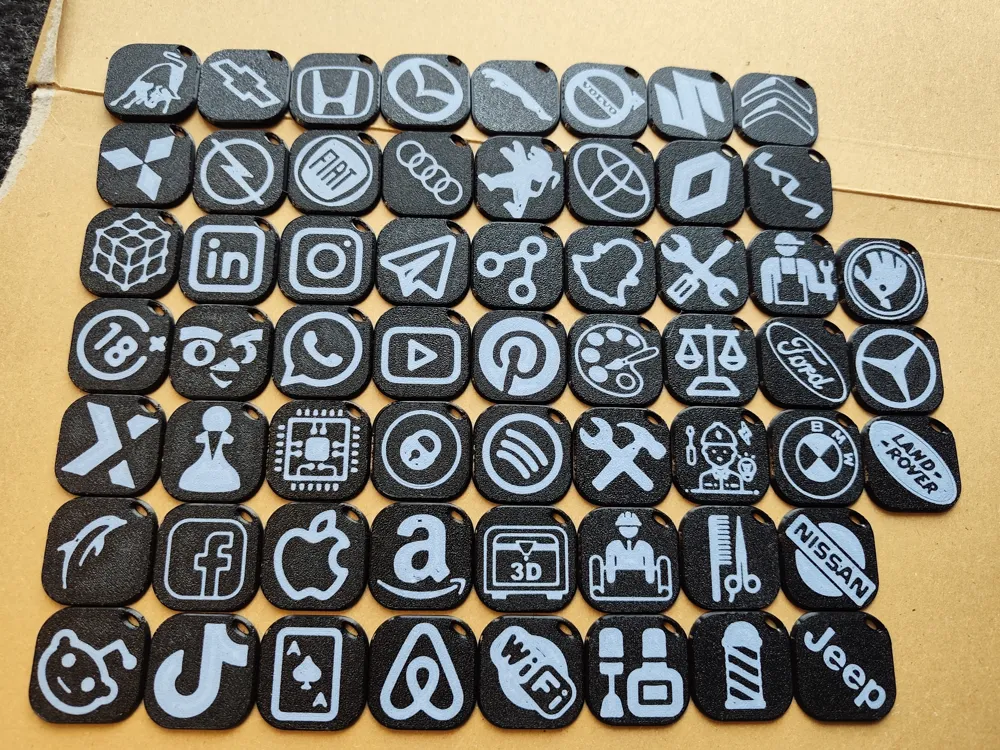
Strong Keychains with NFC Pocket - 70+icons
IP Report

Print Profile(5)
All
P1P
H2D
H2C
X1
X1 Carbon
P2S
X1E
P1S
A1
H2D Pro
A1 mini
H2S
X2D
A2L

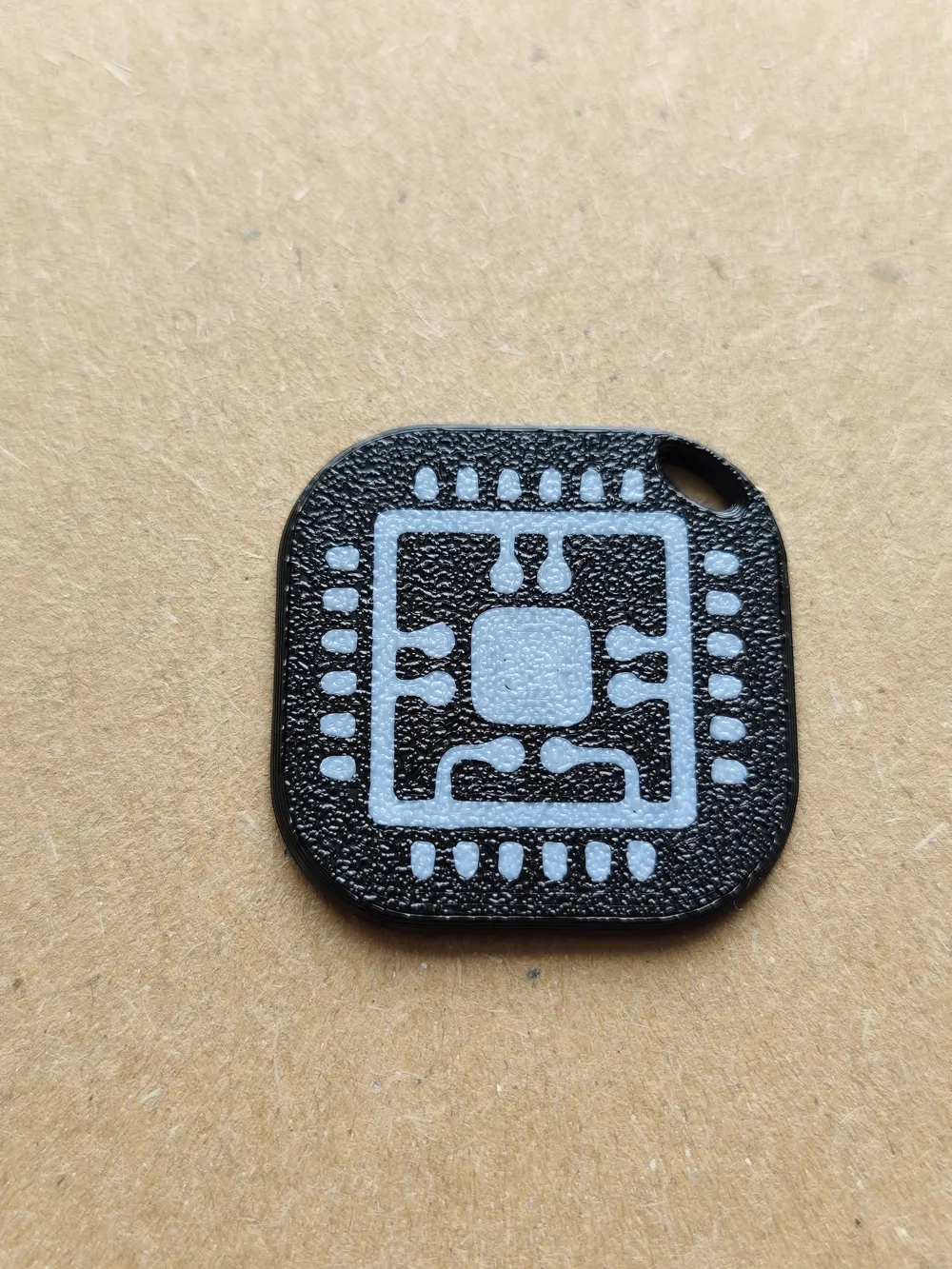
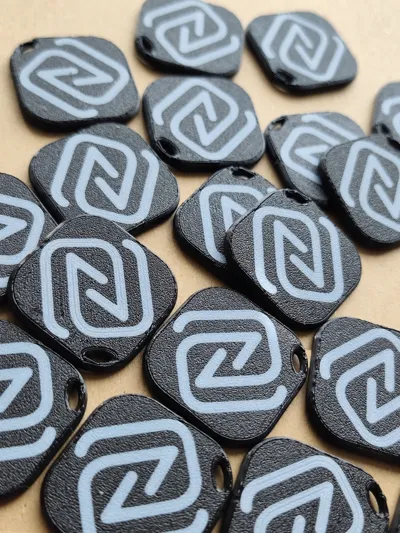
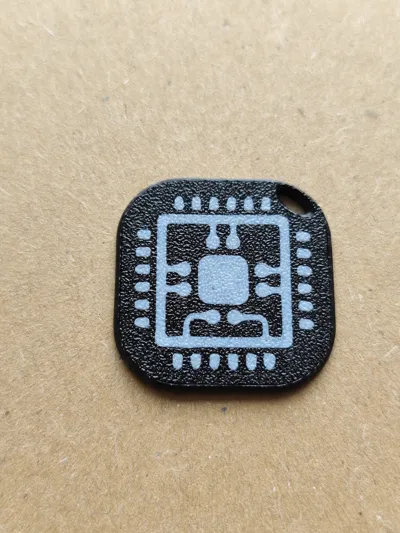
Base Modell For your custom Keychain! Only NFC logo one side
Designer
21 min
1 plate

0.2mm layer, 4 walls, Social Meda&Apps
Designer
2.7 h
1 plate

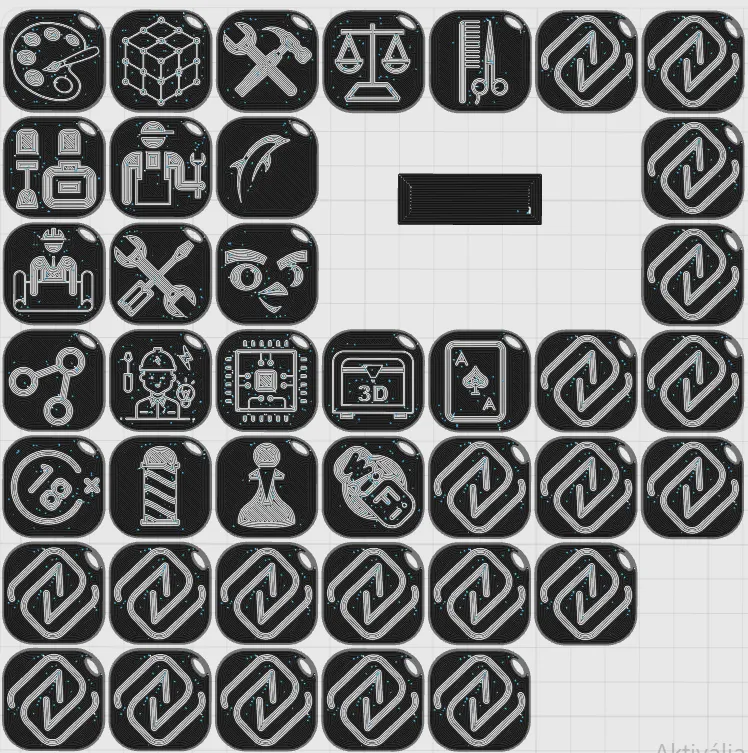
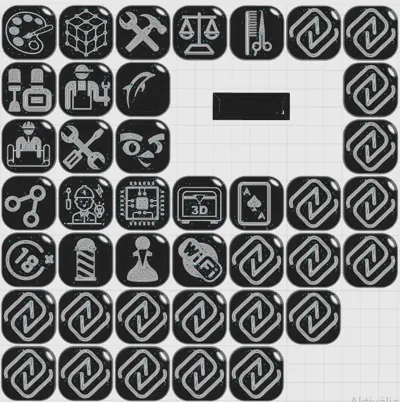
0.2mm layer, 4 walls, Jobs and Another icons
Designer
3.2 h
1 plate

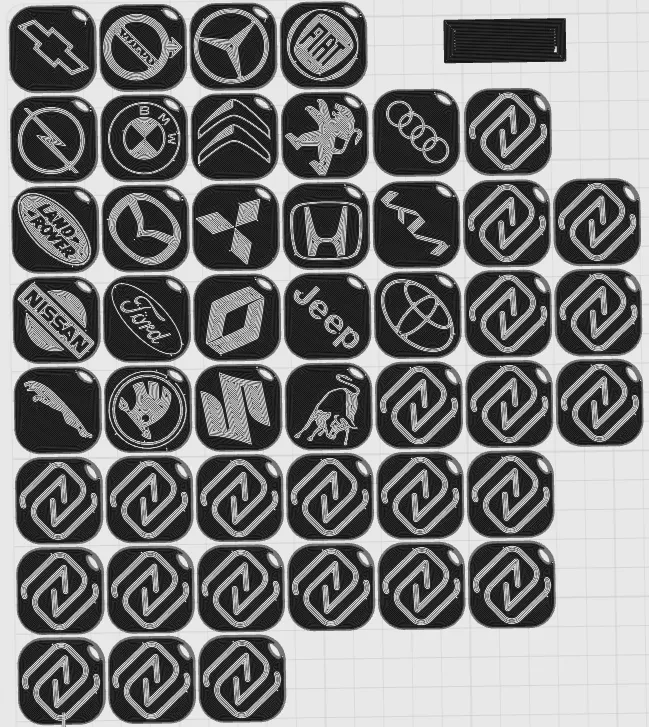
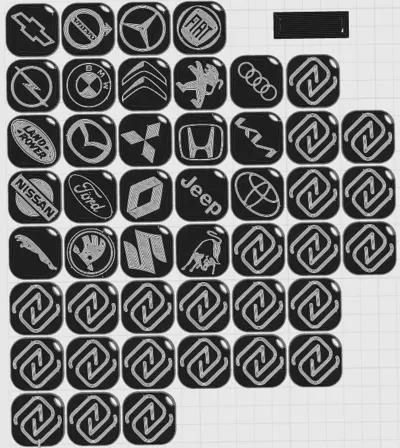
0.2mm layer, 4 walls, Car Brands
Designer
3.6 h
1 plate
Click to see more

Open in Bambu Studio
Boost
106
317
9
3
72
25
Released 

Bill of Materials

Maker's Supply Kits and Parts
Select all
NFC Tag Sticker (20PCS) - XD001
25mm Silver Keychain (10pcs) - MA001

Description

!!!!!!Please read carefully before printing!!!!!!


Hi everyone!
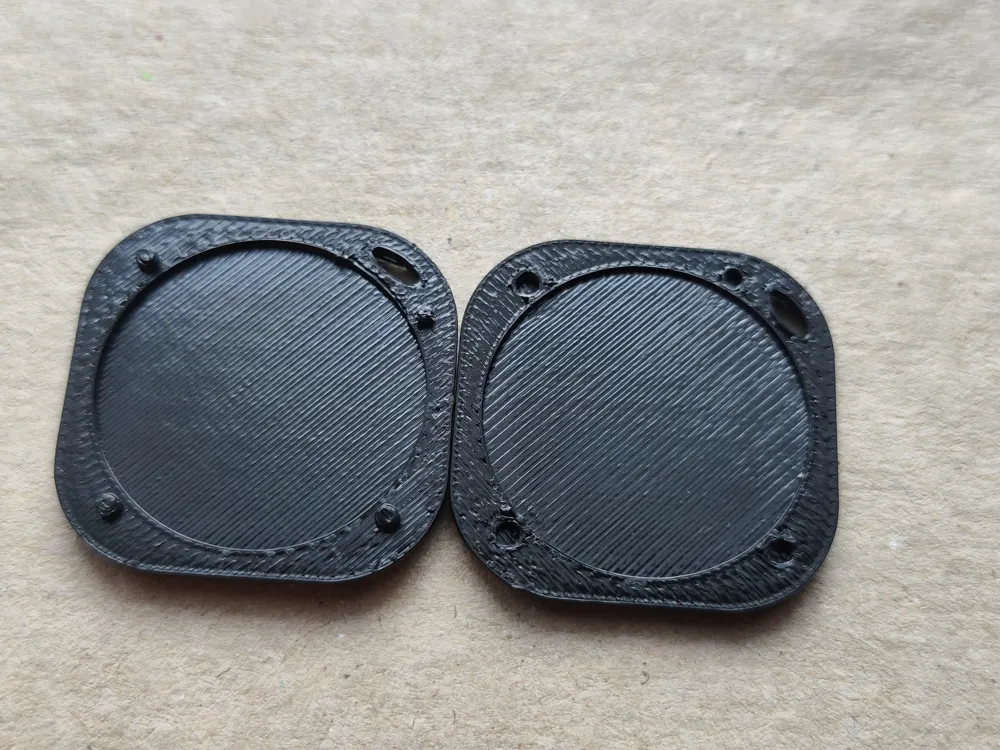
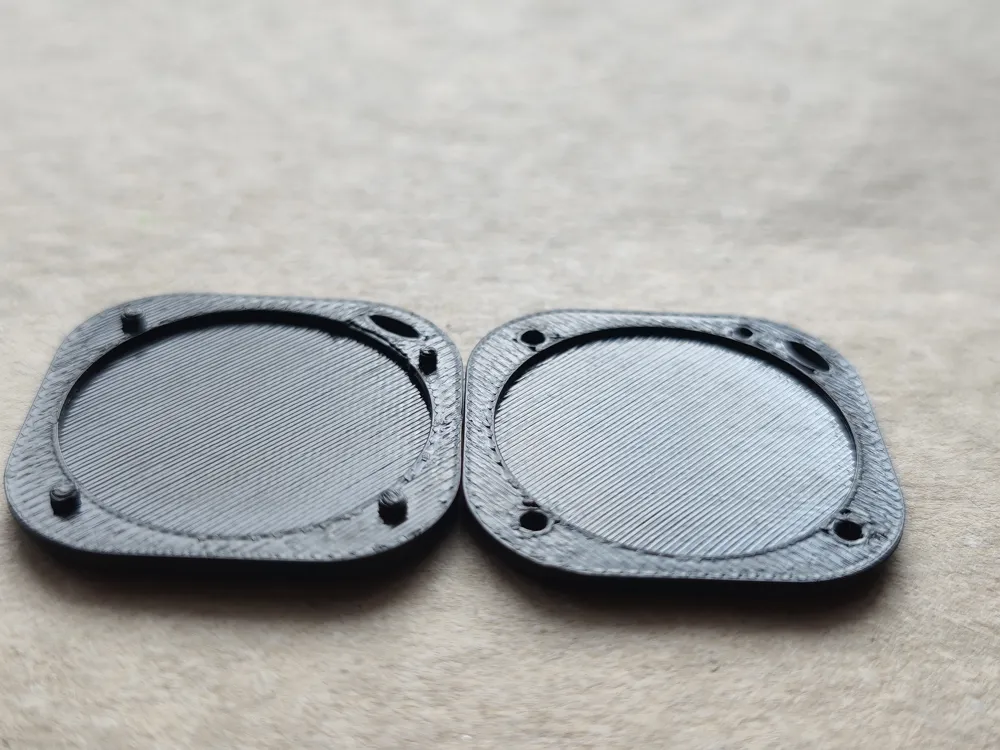
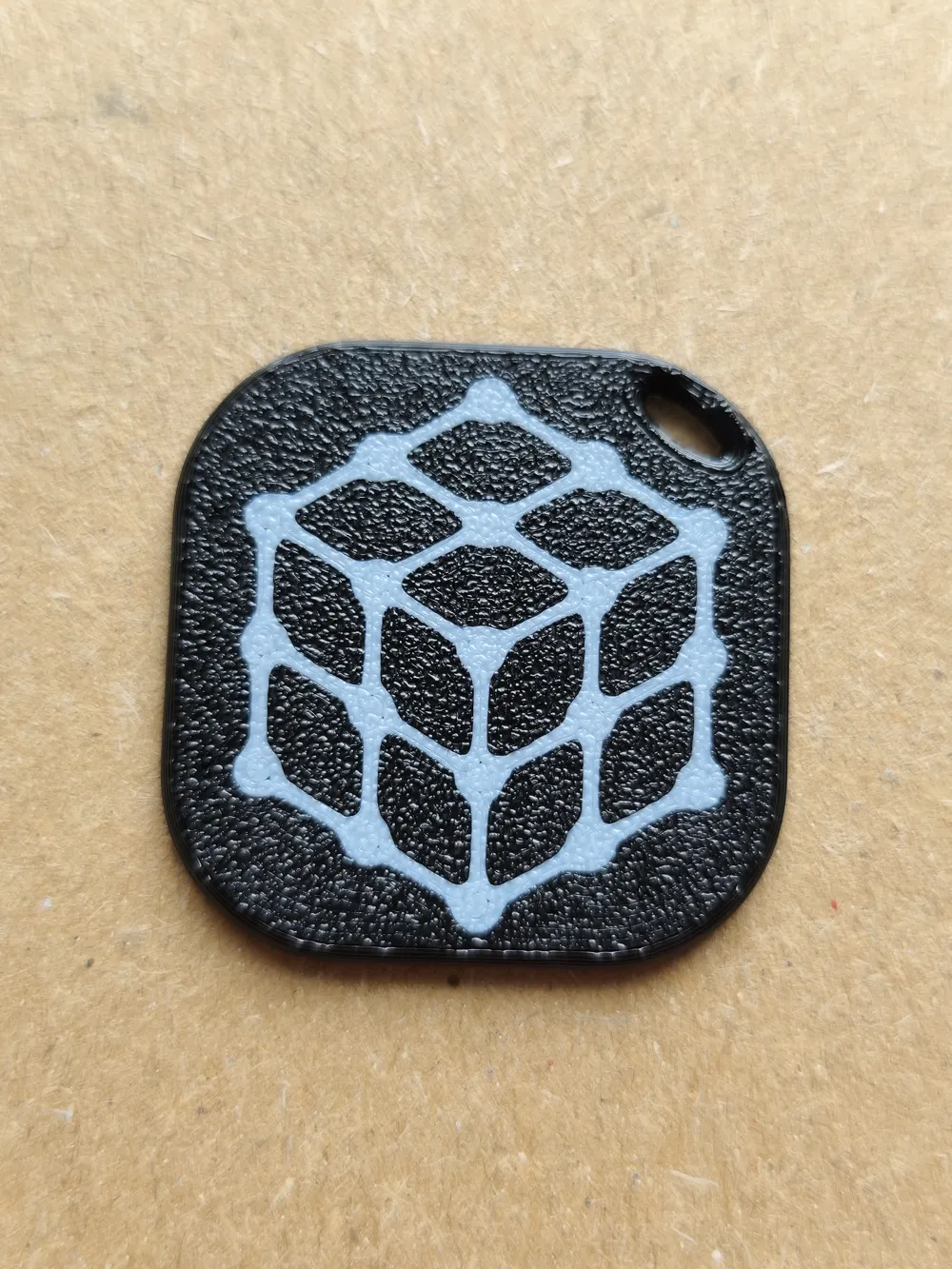
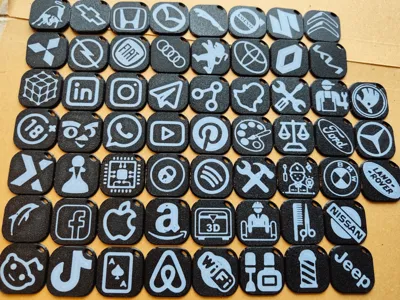
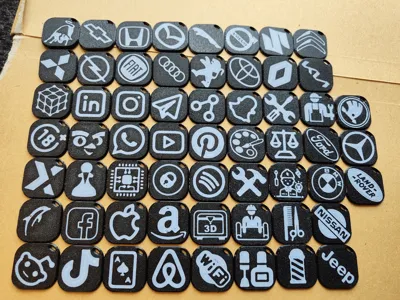
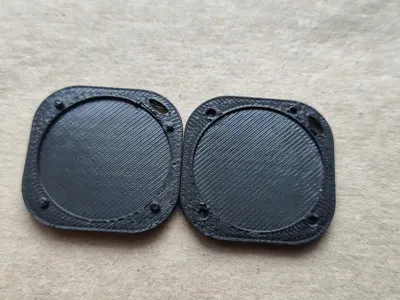
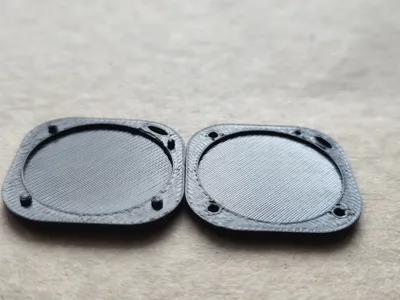
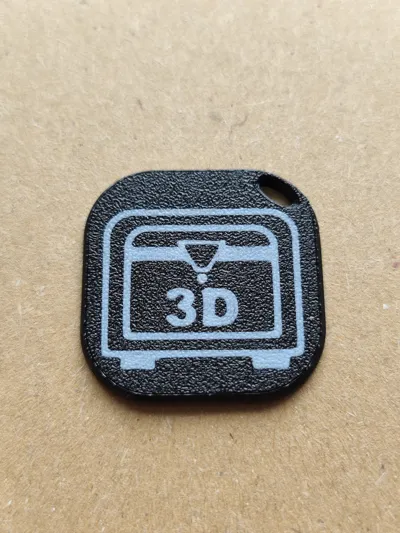
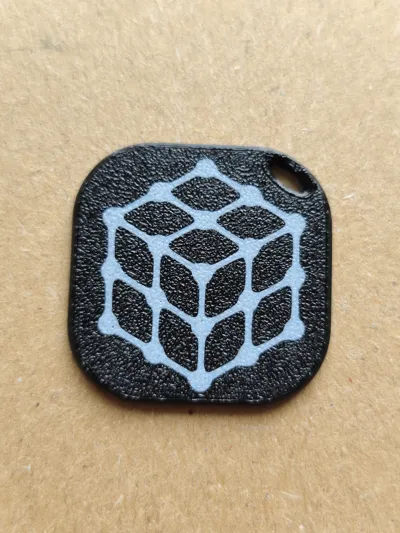
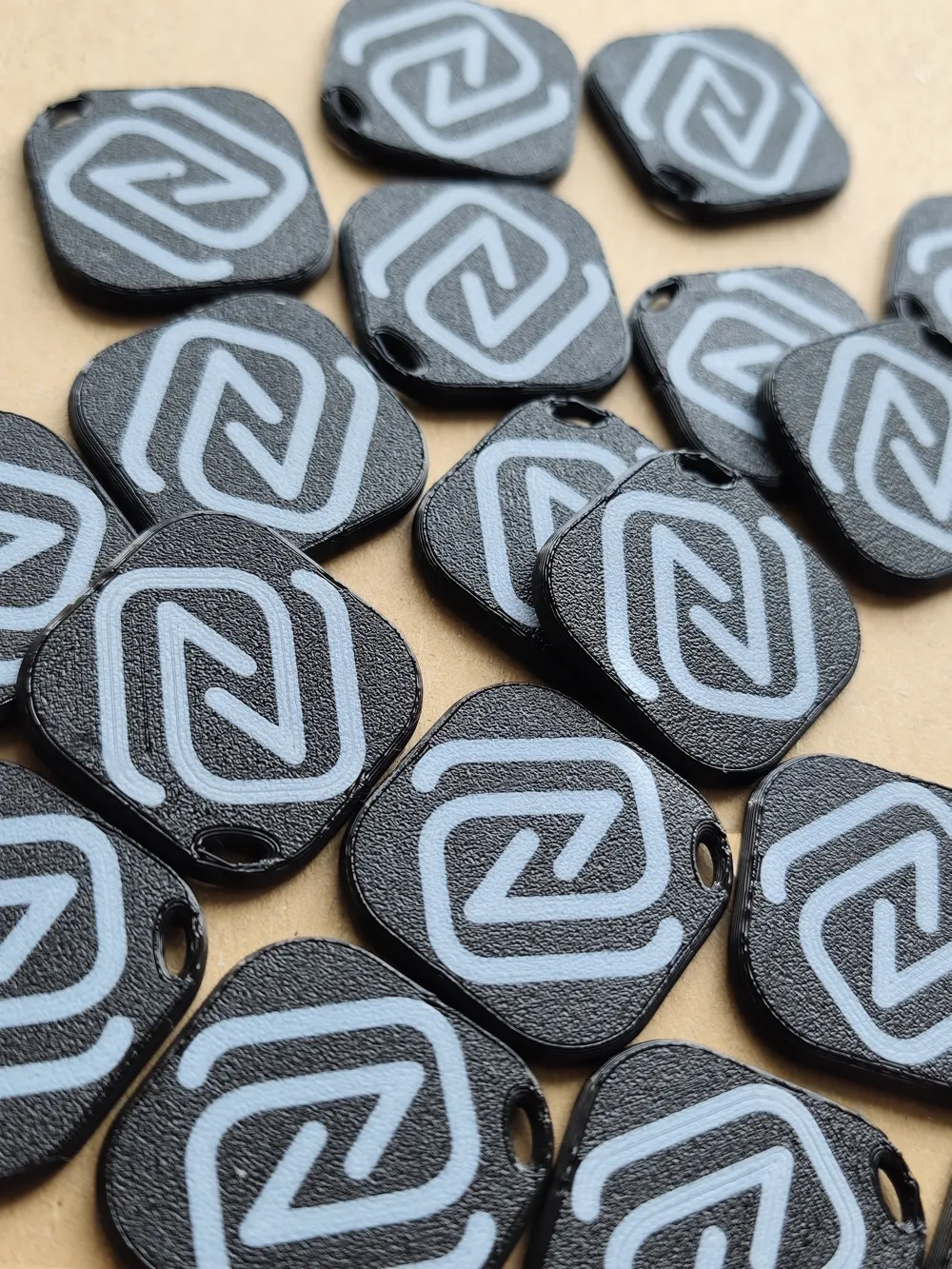
This is my simple but tough keychain design packed with lots of patterns and a nice internal pocket perfectly sized for an 25mm NFC chip / tag.

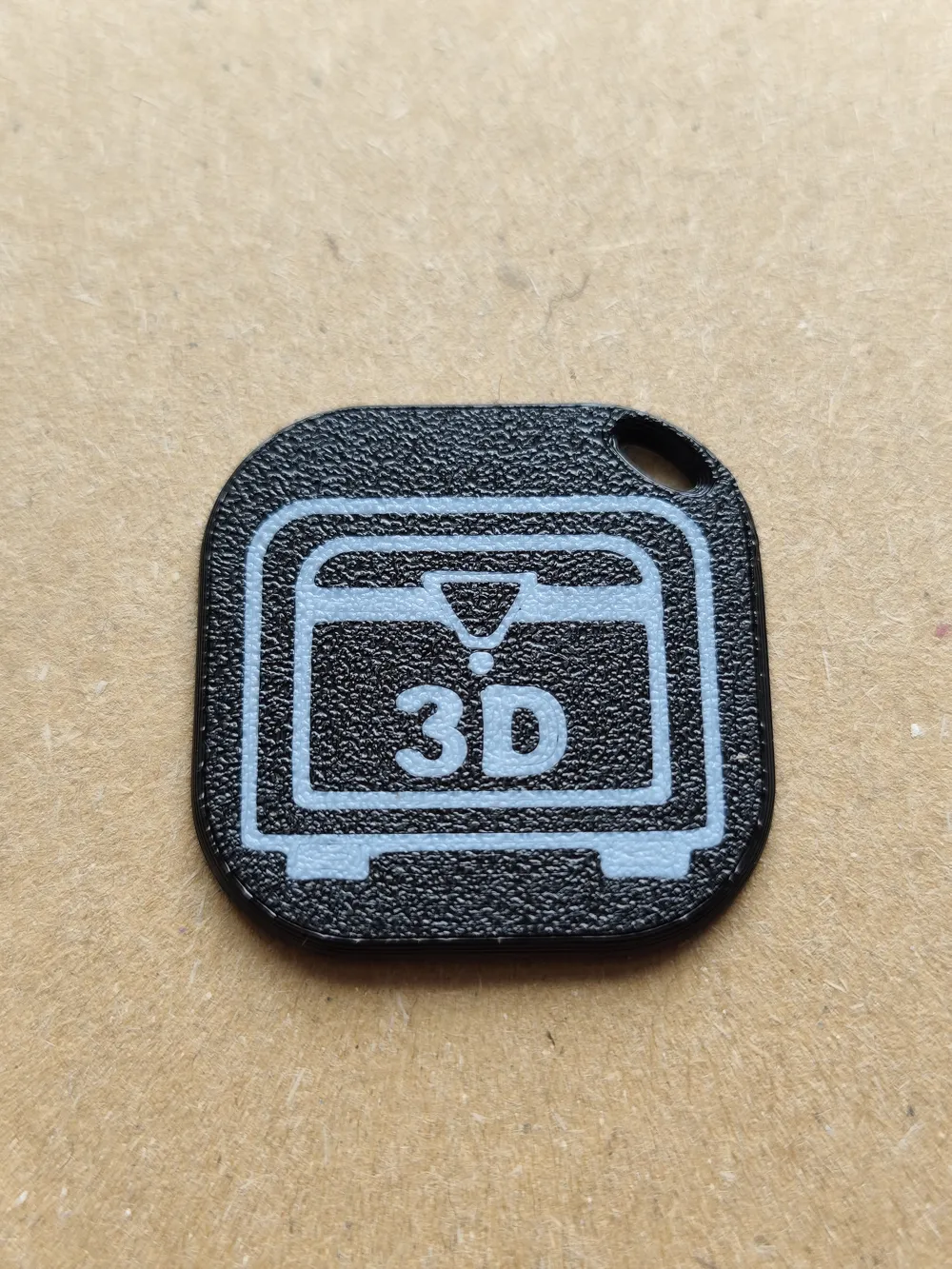
I don't offer flashy rainbow multicolour prints – I focus on clean, strong logos/text that look cool and last forever. (recommended from petg)


-Halved Snap together sides optimised for mass printing

-The chain hole strong and big enough for use direct on the ring

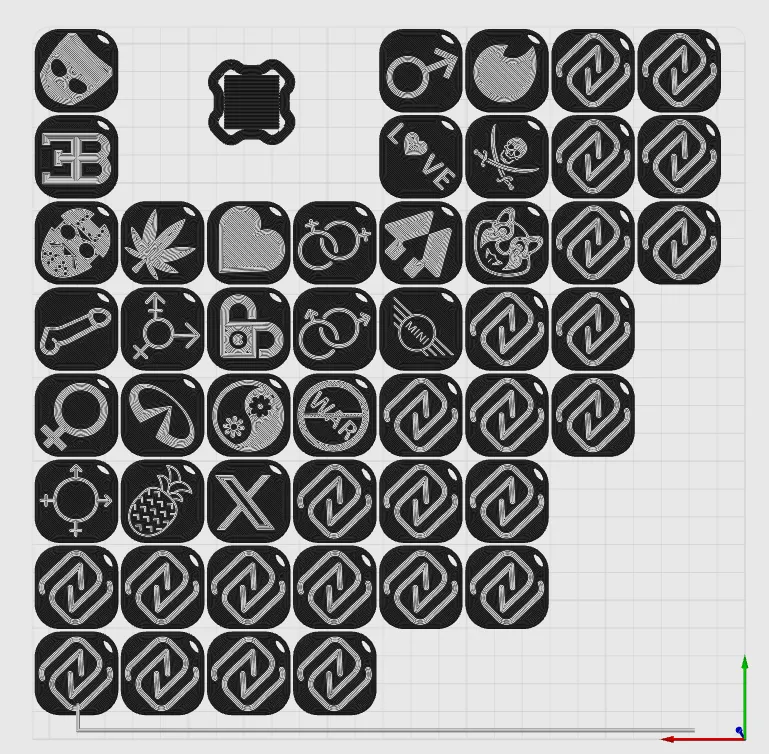
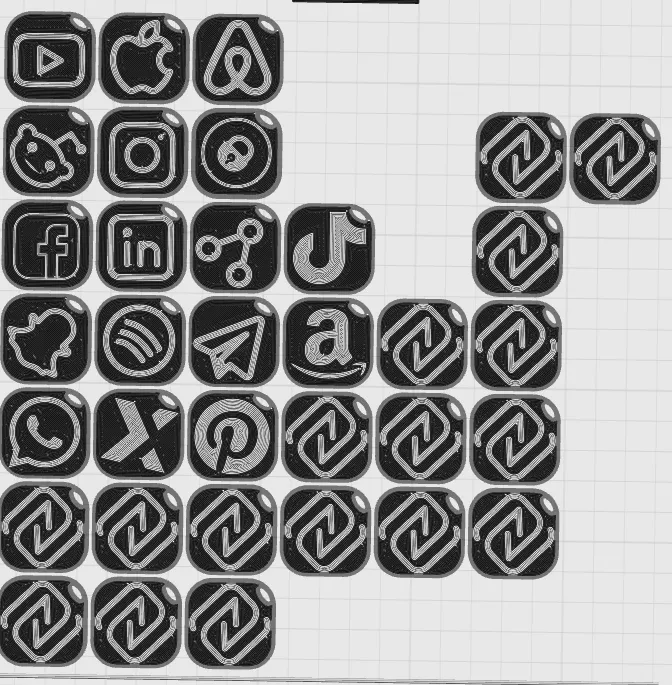
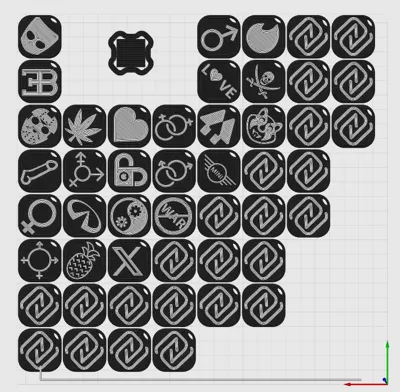
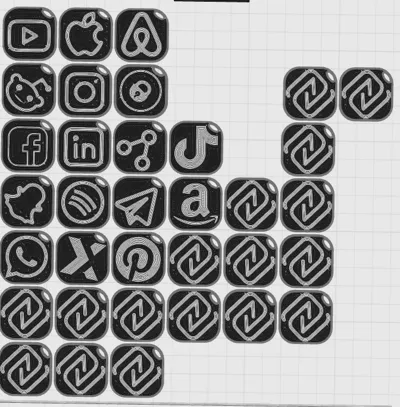
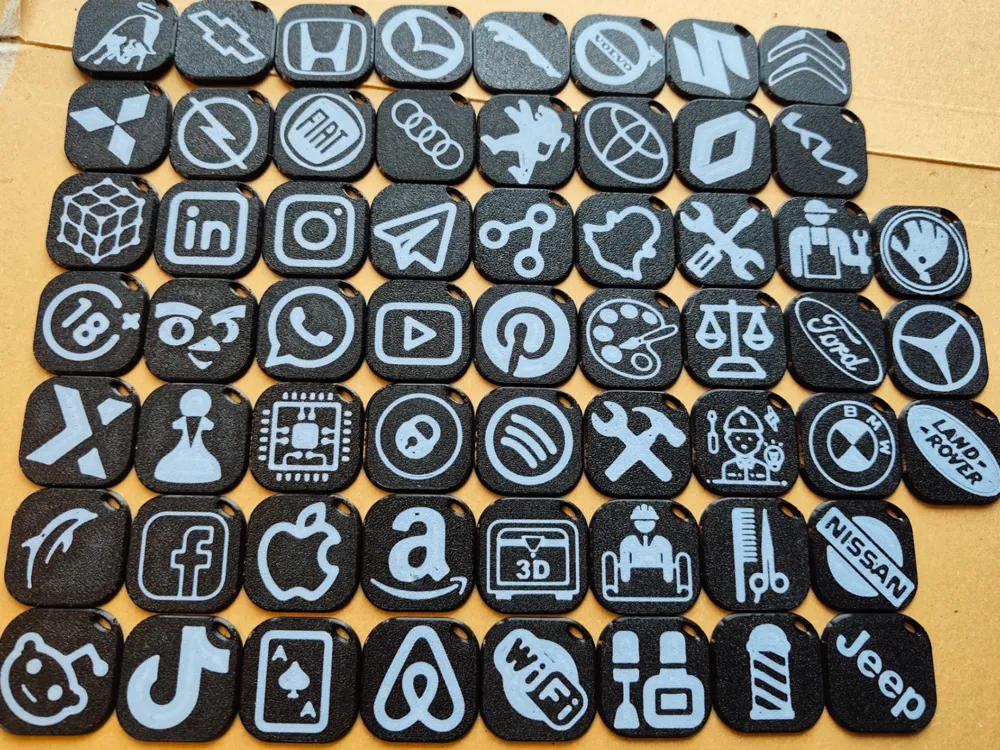
-70+logos and icons and coming more

-3 Big Group : Social Media and Apps, Jobs and another icons, Car brands

-One short tutorial for midlayer pause for NoAms


And the best part: you can now achieve almost AMS-quality two-tone results even without an AMS!

How it works (very easy mid-layer filament swap without AMS):


-Slice the model in Bambu Studio using your preferred settings.
-Use two filaments/colors:

 ˙--Filament 1 = body/main color 
  --Filament 2 = logo color (the one you want to appear in the first layer)

-Important – add the pause command (this is the trick):
    Go to Filament tab →

- select Filament 2 (the starting/logo filament) →

- click the settings/gear icon to edit it.
-Go to the Advanced tab.
At the very end of the Filament end G-code box, add this line:  

M400 U1 
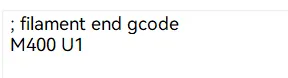

Bambu Studio will place the M400 U1 pause command exactly where it would normally do an AMS filament swap

 — that is, right after the logo part finishes printing and before the body color continues.
When the printer reaches that point: 

- It will pause automatically  
-You manually unload the first filament  
-Load the second filament (Body color)  
-Press Resume on the printer screen
→ The print continues with the body color without needing any AMS!

Result: a super strong, permanently embedded logo in the keychain body – no gluing for the logos. Looks clean and pro from both sides.

Enjoy printing!
Any questions → feel free to ask in the comments.


Boost Me (for free)

Pls boost me if you like this concept

Comment & Rating (9)

(0/1000)

Pinned by Designer
Its looks good in pink tho. And this sunlu white is strong in one layer 🤩
1
Reply
I want to make some figures for scavenger hunts and geocaching. how could I print a small figure, say like a D&D minifig, with a base, and somehow put one of these NFC stickers you linked INSIDE the printed base? like, I want to be able to pause the print, slap the sticker into a groove, then resume print to encase it inside the bottom of the figure, kinda like how some people do with magnets (that I also can’t figure out)
The designer has replied
0
Reply
Hey, make one modifier plate/ token. Change the size of the nfc chip +0.6/7 mm. Then move it where you want the nfc chip. By objects setting 0 infill for the modifier. Maybe less walls too. Then slice the modell, and pull the layer thing untill you foung your modifier token. And add pause.
1
Reply
Replying to @TheeDavid :
I’m gonna try this but I GUARANTEE I will mess it up haha…thank you though!!
1
Reply
Replying to @sasirawr :
Your welcome! Good luck! Modifiers giving you so much potential
0
Reply
Boosted
love it
The designer has replied
1
Reply
Thank you! 😁
0
Reply
Do you have to do the filament change if you're using a 3MF and two filaments?
The designer has replied
0
Reply
Im not sure what you mean. But if your printer able to print with two filament in time then yes. But normally without ams you need manual filament change
0
Reply
No more