
customizable buttons with S-MATE
Print Profile(1)
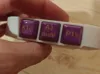
Description
🔧 Custom Buttons with Sonoff S-MATE to Turn On Printers
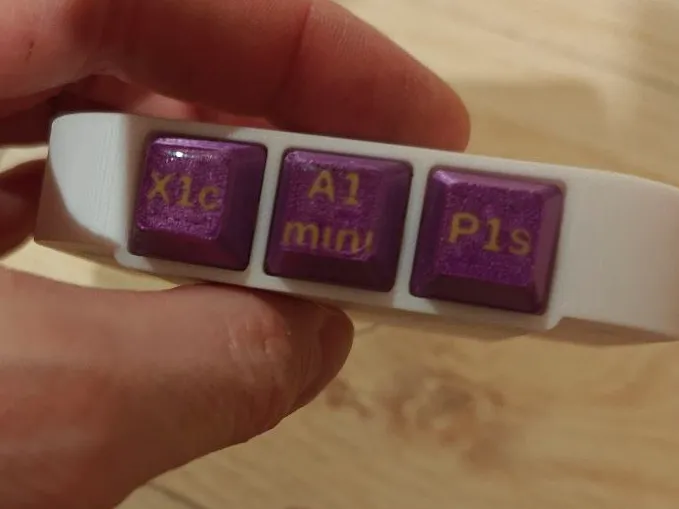
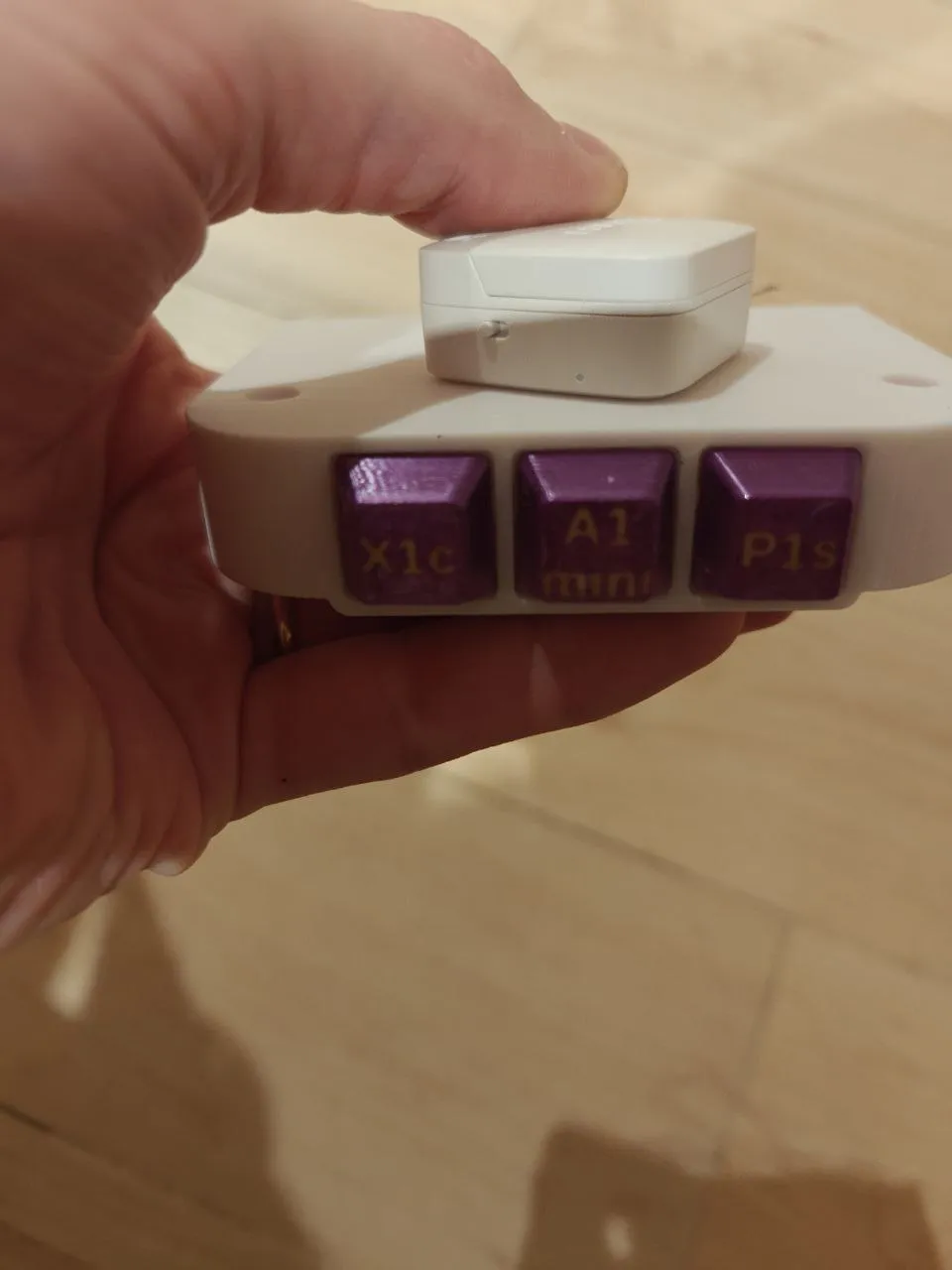
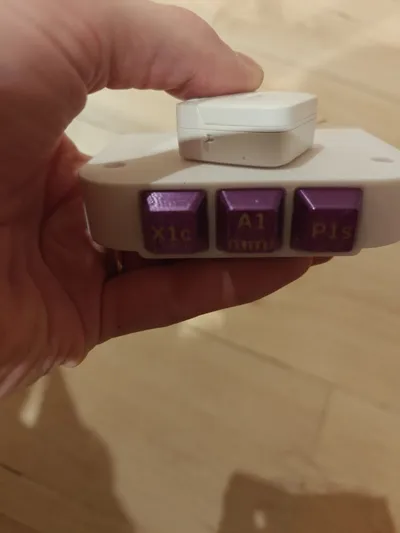
To simplify turning on my printers, I created a small custom button keypad using a Sonoff S-MATE.
The printers are connected to Sonoff S60TPF smart plugs, so I can turn them on directly with the buttons without having to use my smartphone.
💡 How it works
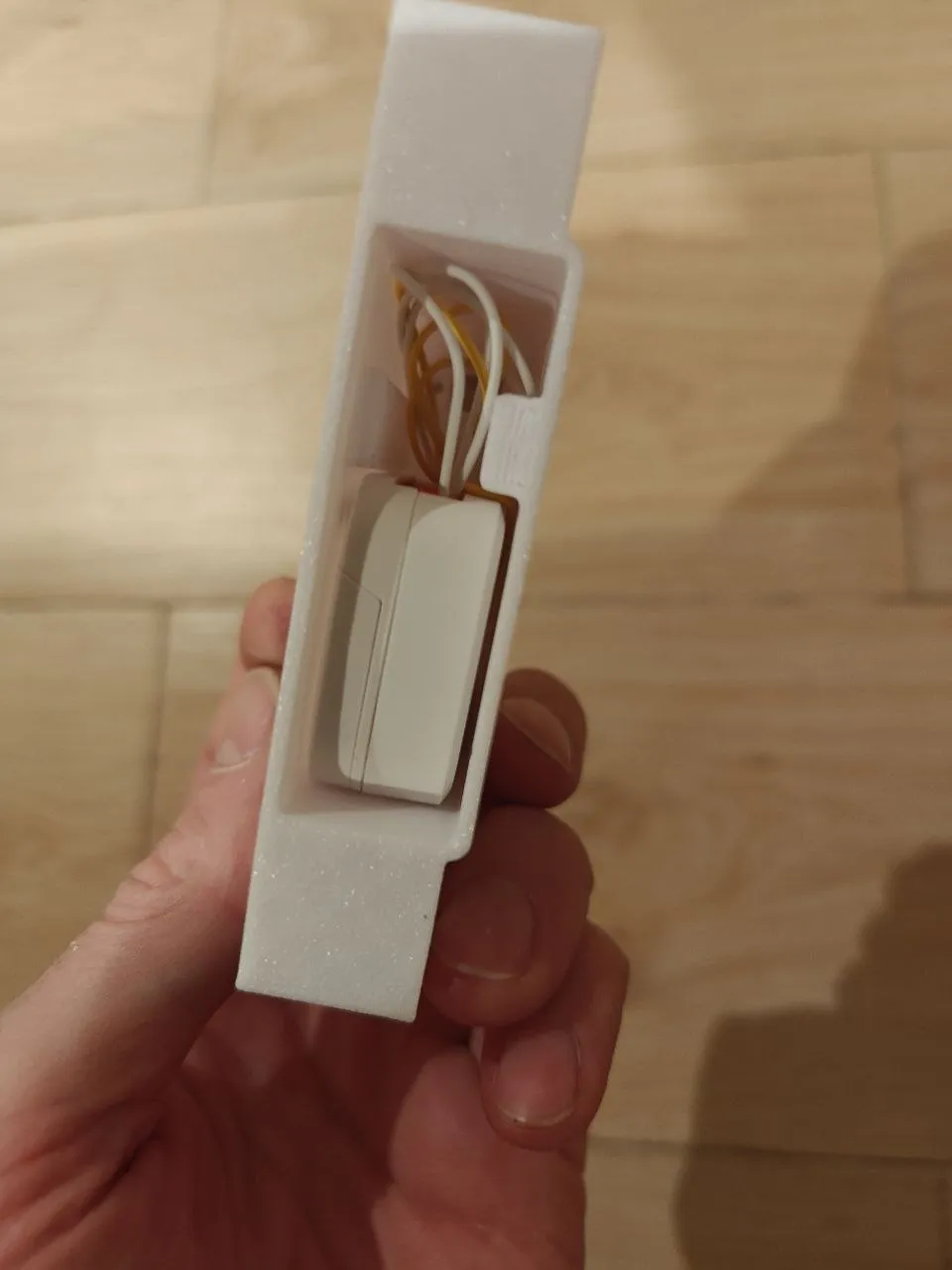
The buttons send the command to the Sonoff S-MATE which, through integration with the Sonoff system, activates the smart plugs where the printers are connected.
🖨️ Advantages
- quick printer startup
- no smartphone needed
- everything at hand at the workstation
🛠️ Installation
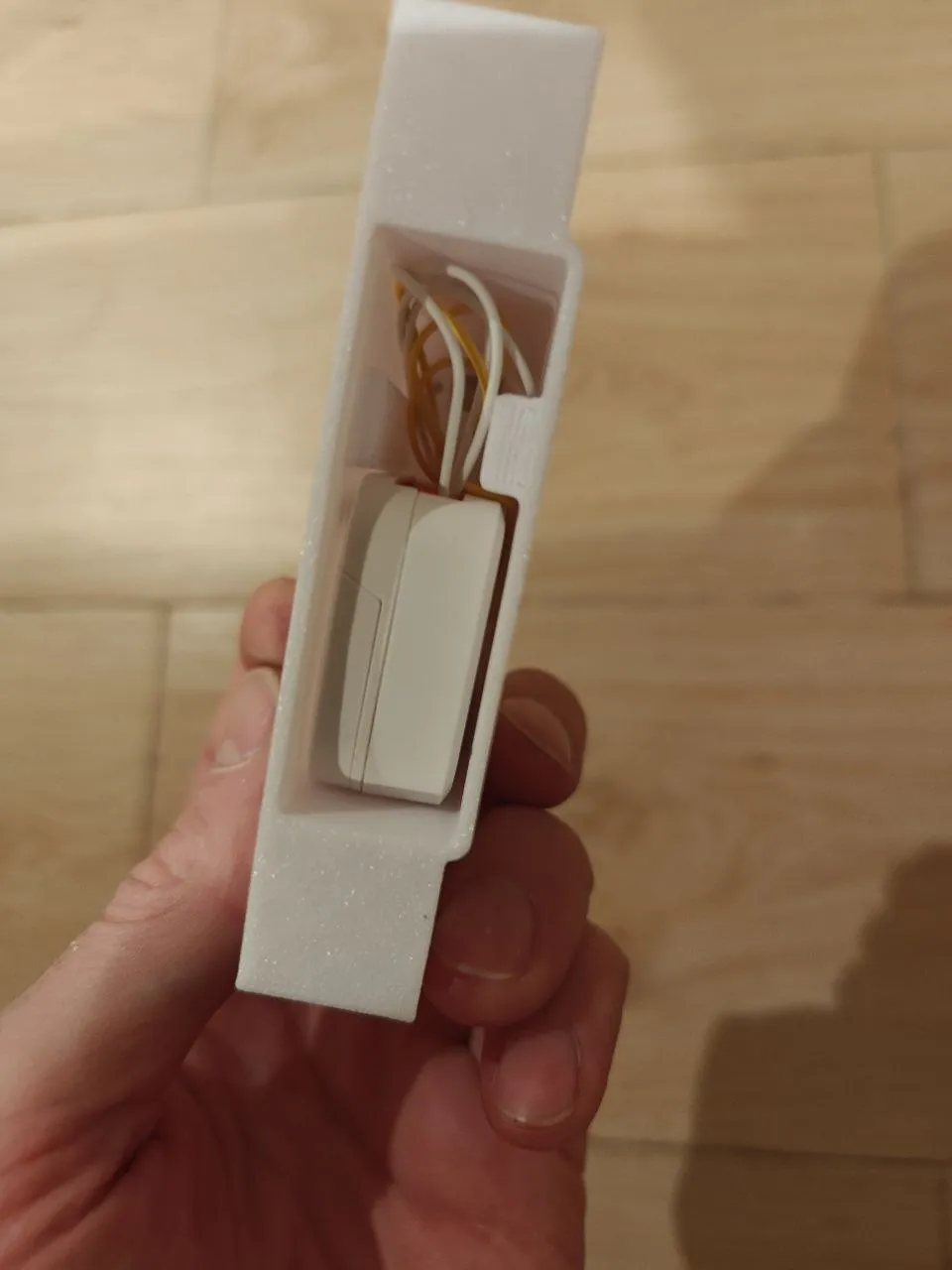
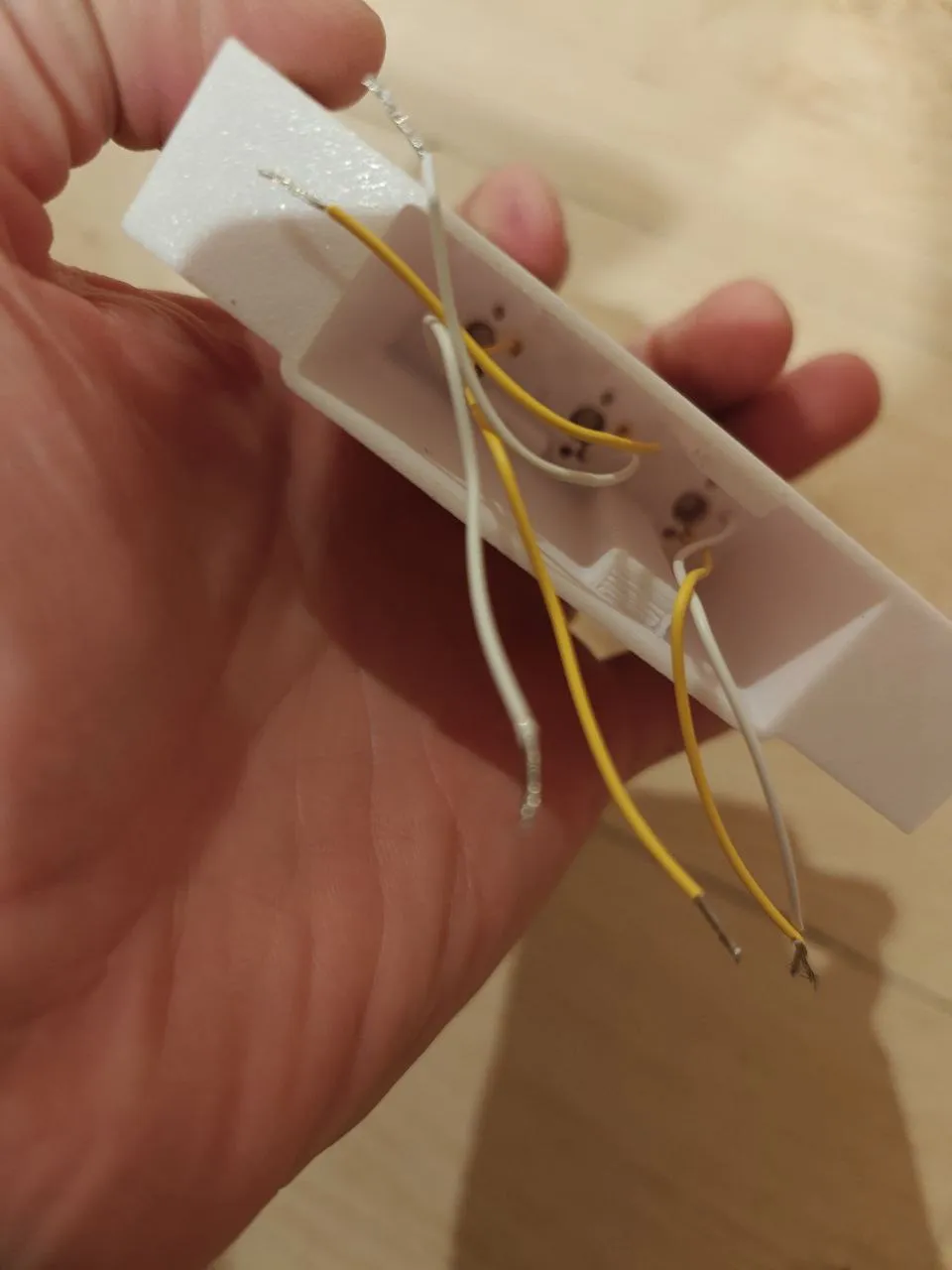
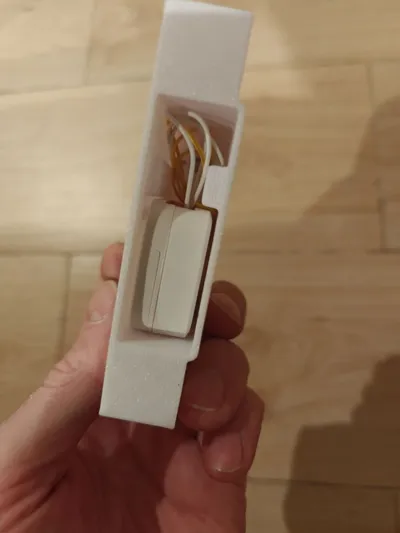
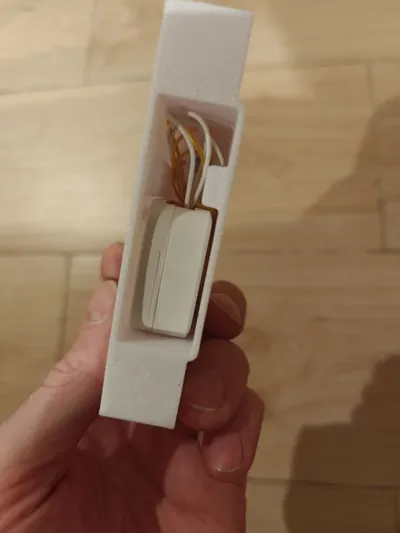
I made a small support to fix the keypad under the workbench with two screws.
This way it remains hidden, doesn't take up space on the desk, but is always easily accessible.
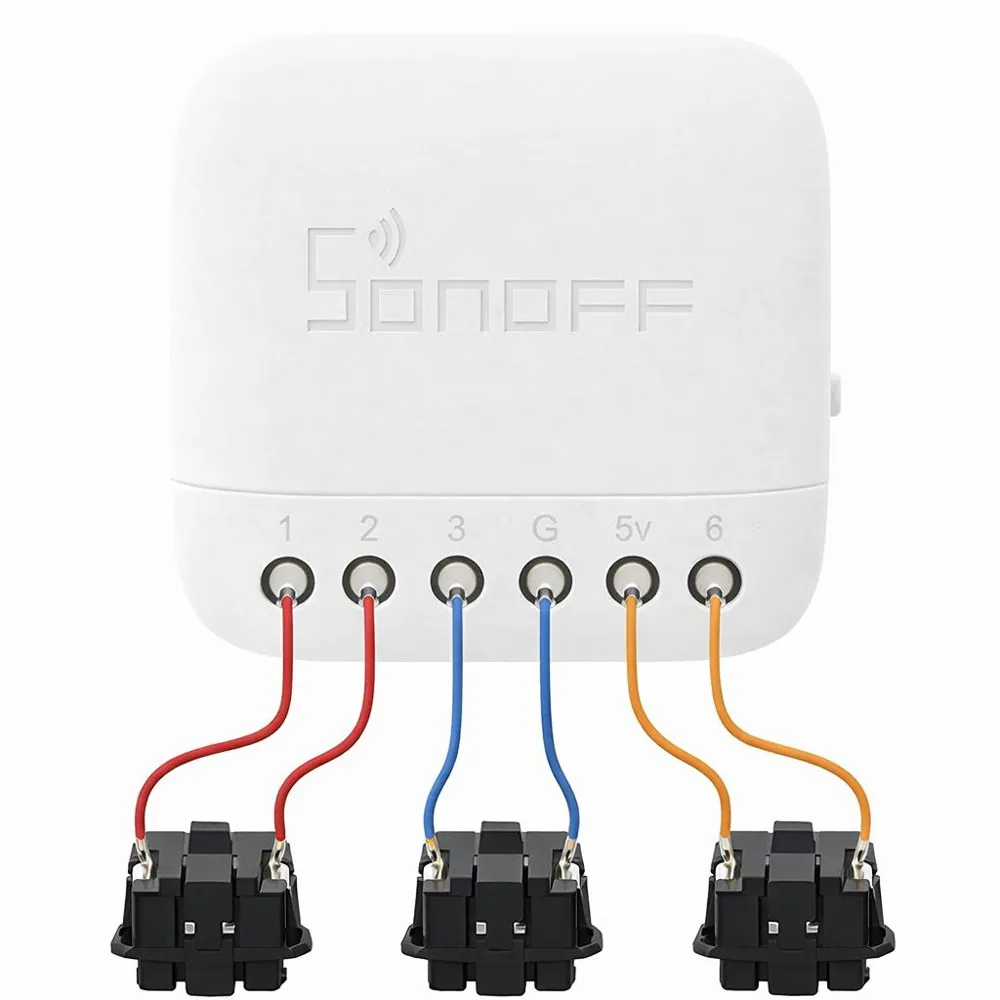
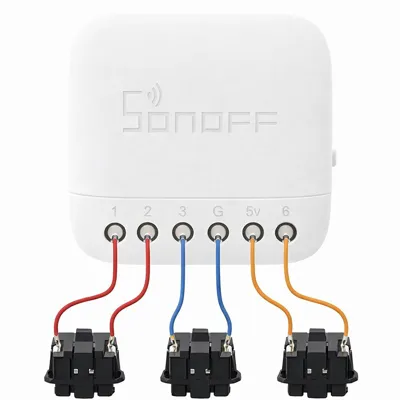
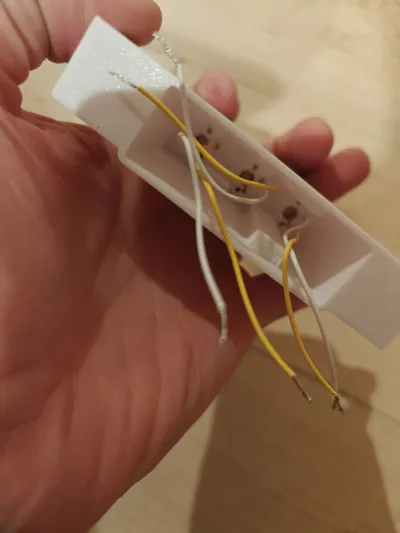
📷 In the attached photos you will also find the wiring diagram used to build the system.
🔗 Components used
- Sonoff S-MATE https://www.amazon.it/funziona-interruttore-intelligente-soluzione-conduttore/dp/B0CLLKJNW3/ref=ast_sto_dp_puis
- Buttons https://www.amazon.it/dp/B07BLY1GGR/ref=sspa_dk_detail_3psc=1&aref=2oZyQ0OWi3&sp_csd=d2lkZ2V0TmFtZT1zcF9kZXRhaWxfdGhlbWF0aWM
- Custom Buttons https://makerworld.com/it/models/2237996-the-ultimate-parametric-keycap-generator?appSharePlatform=copy#profileId-2435707
License

You may create derivative works based on this object, provided that all such derivative works are published exclusively on the MakerWorld platform and include proper attribution to the original creator. You may not share, upload, host, distribute, or publish this object—or any derivative work of this object—on any other digital platform, marketplace, or distribution channel. Commercial use of this object and any derivative works is strictly prohibited. This includes, but is not limited to, selling, renting, sublicensing, or using the object in any context in which you receive monetary compensation or other financial benefits.


Comment & Rating (0)