
Cheap Yellow Display Holder for Siedle HTS811-0
Print Profile(1)
Description
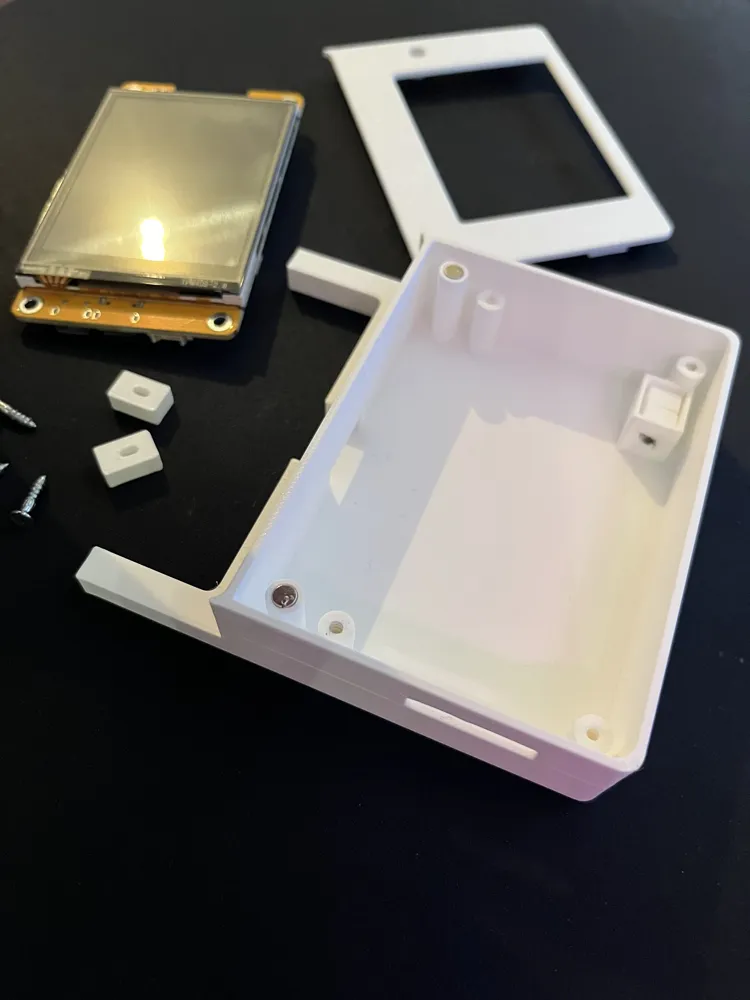
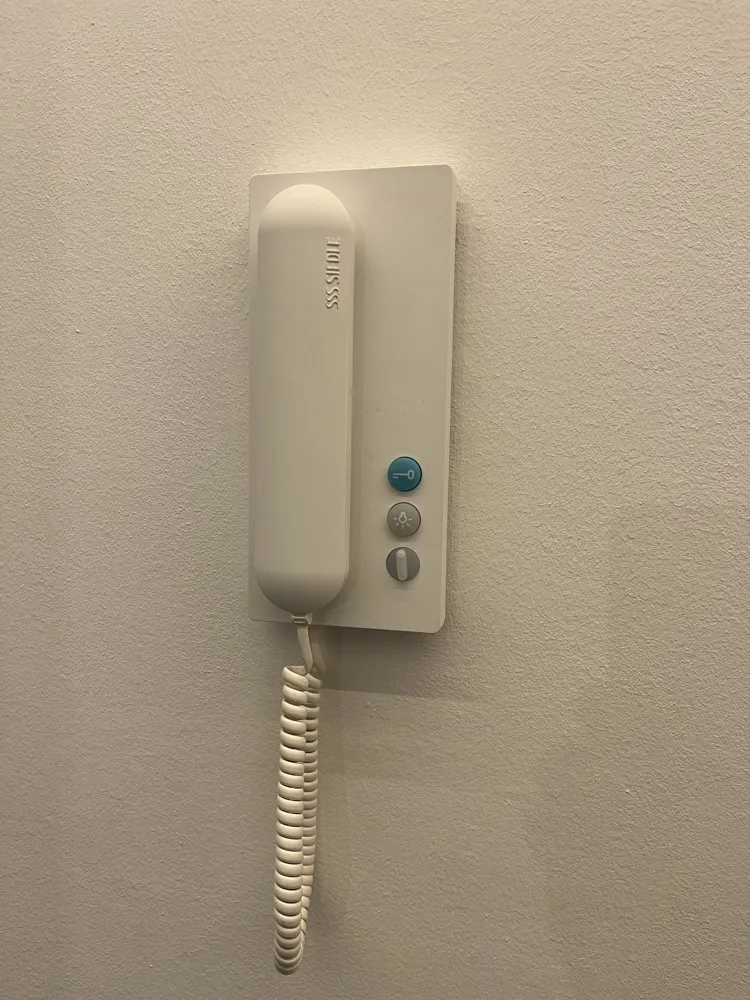
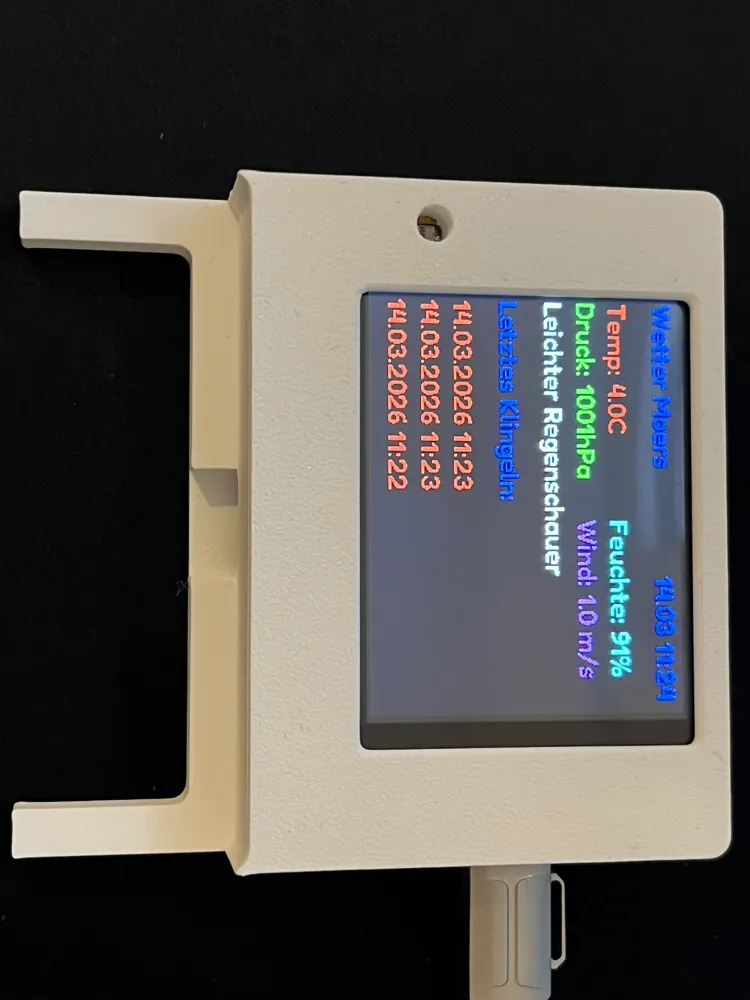
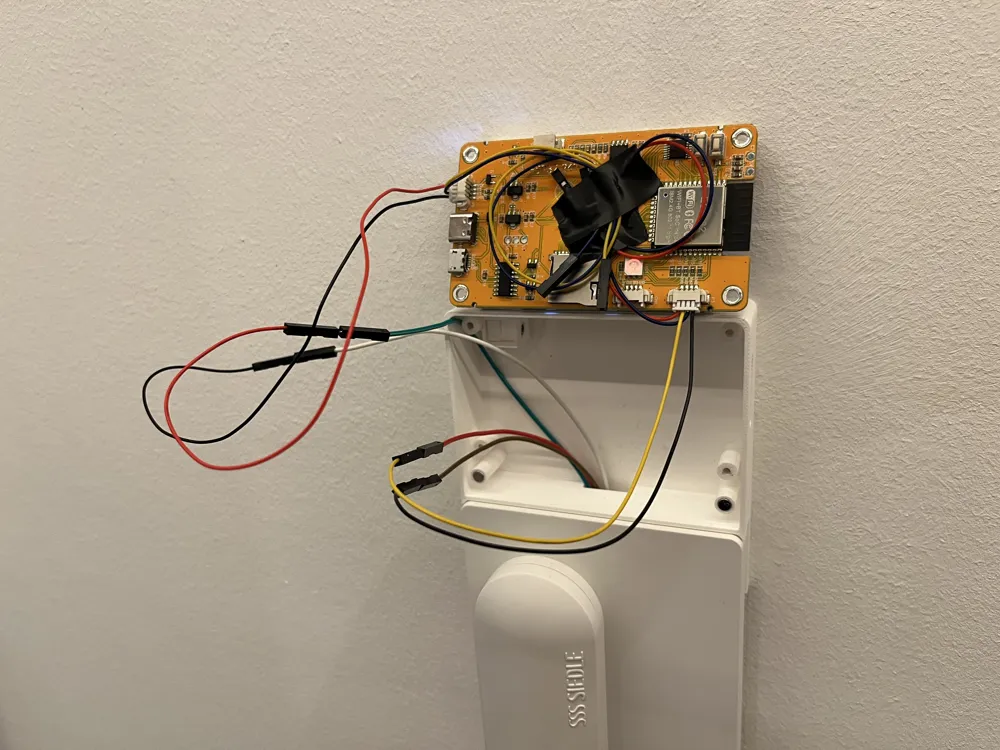
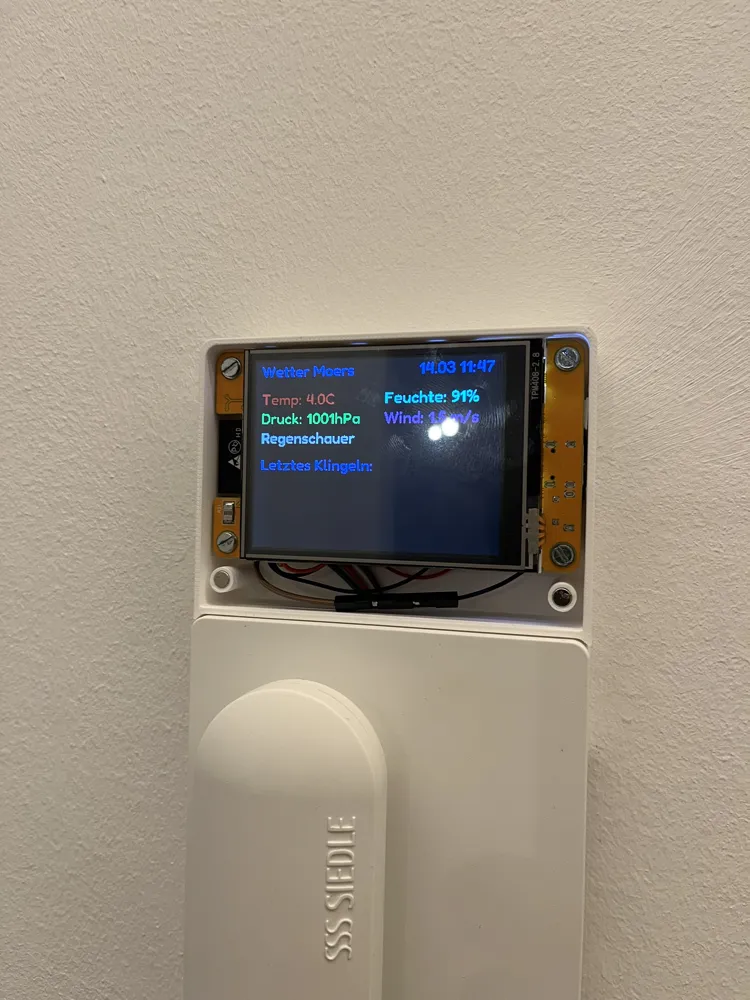
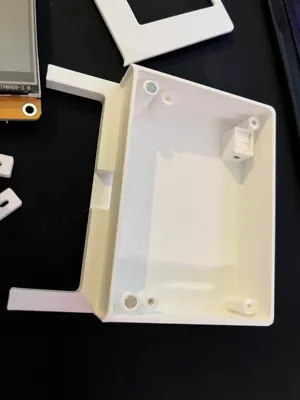
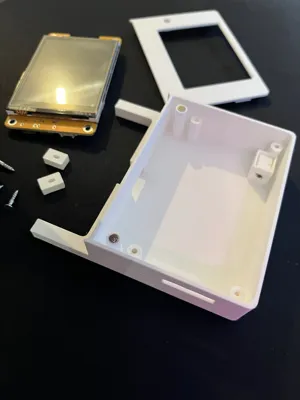
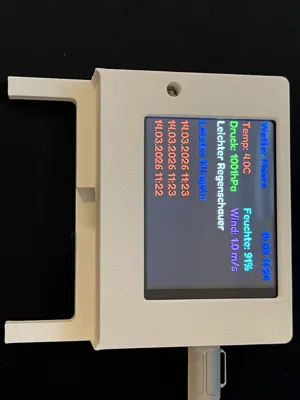
ESP32 CYD Display Holder for Siedle HTS 811-0
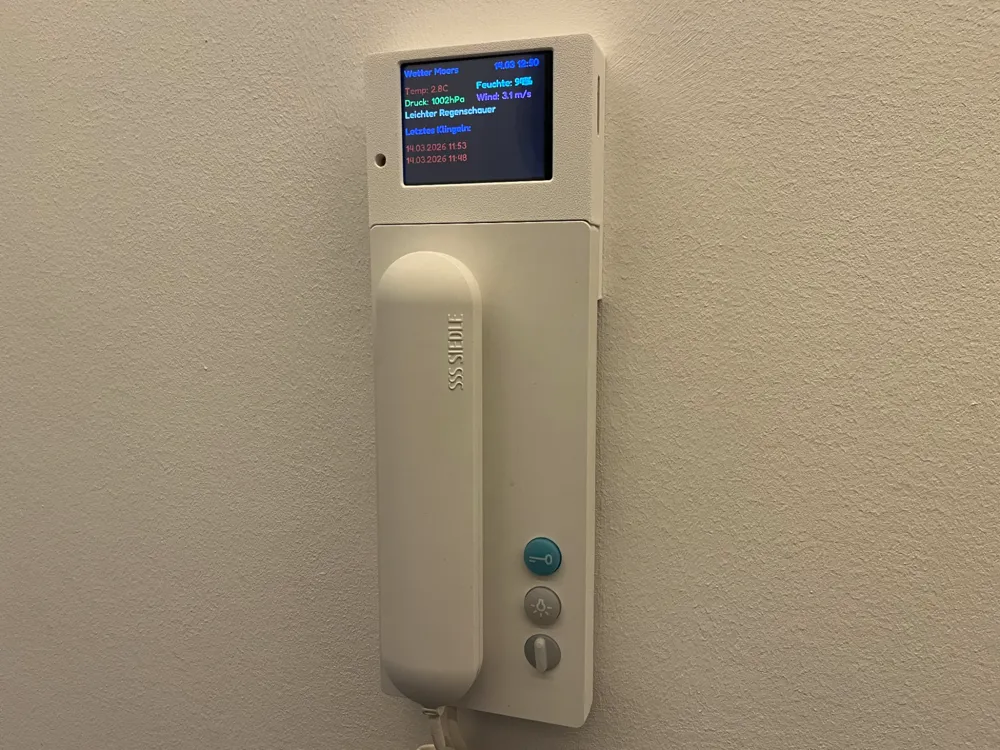
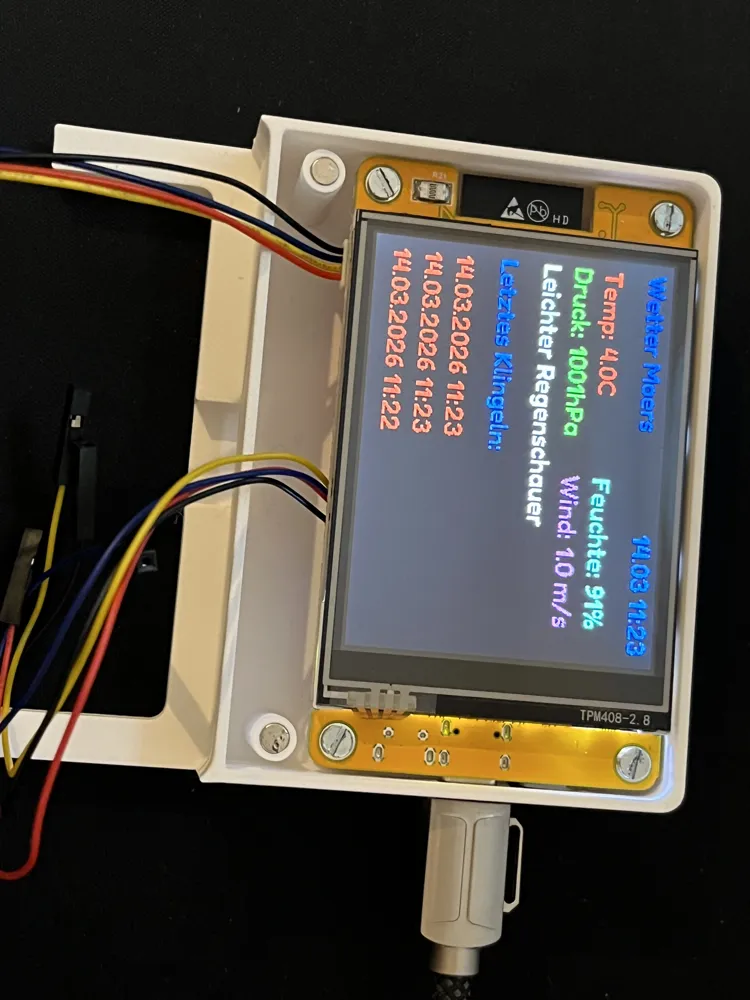
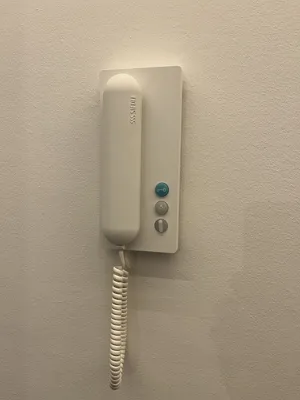
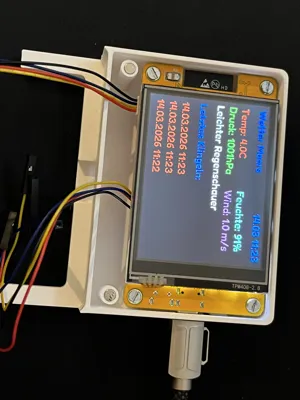
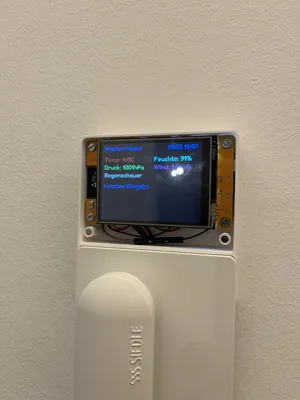
This enclosure allows the mounting of a Cheap Yellow Display (CYD) based on ESP32 onto a Siedle HTS 811-0 indoor telephone.
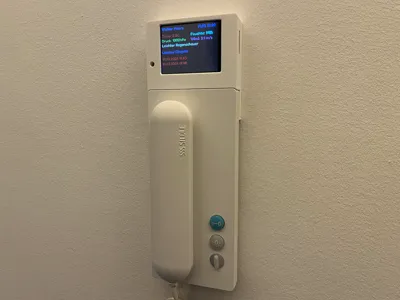
The enclosure is mounted above the existing indoor telephone and serves as a holder for an ESP32 CYD display to show additional information such as weather data, time, sensor data, or smart home information.
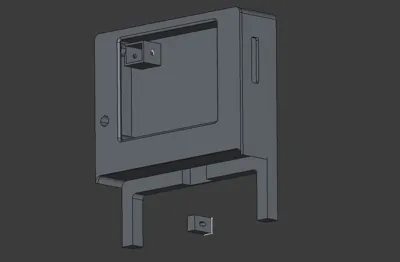
The holder was specifically designed to visually match the shape of the Siedle HTS 811-0 well and can be neatly mounted over the existing unit.
Features
- Holder for ESP32 Cheap Yellow Display (CYD)
- Mounting above a Siedle HTS 811-0 indoor telephone
- Perfectly suitable for projects with Home Assistant, ESPHome
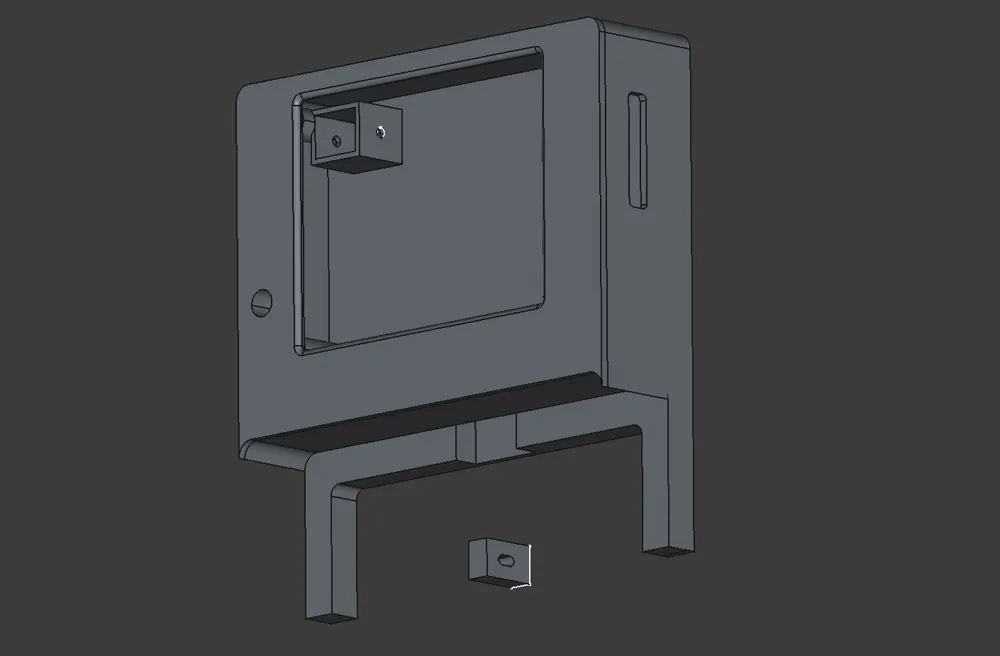
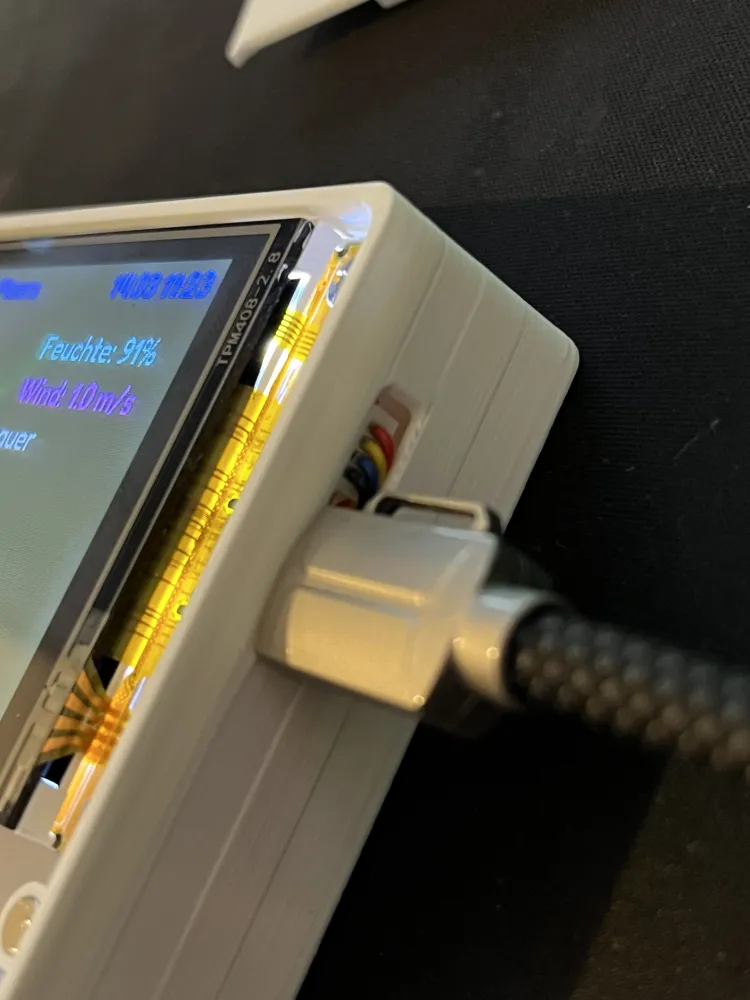
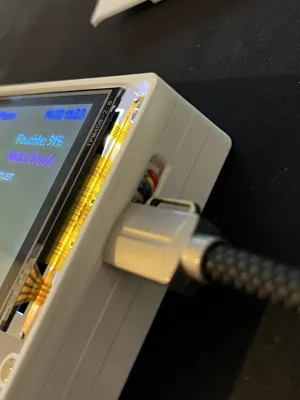
- The side opening allows direct access to the USB port
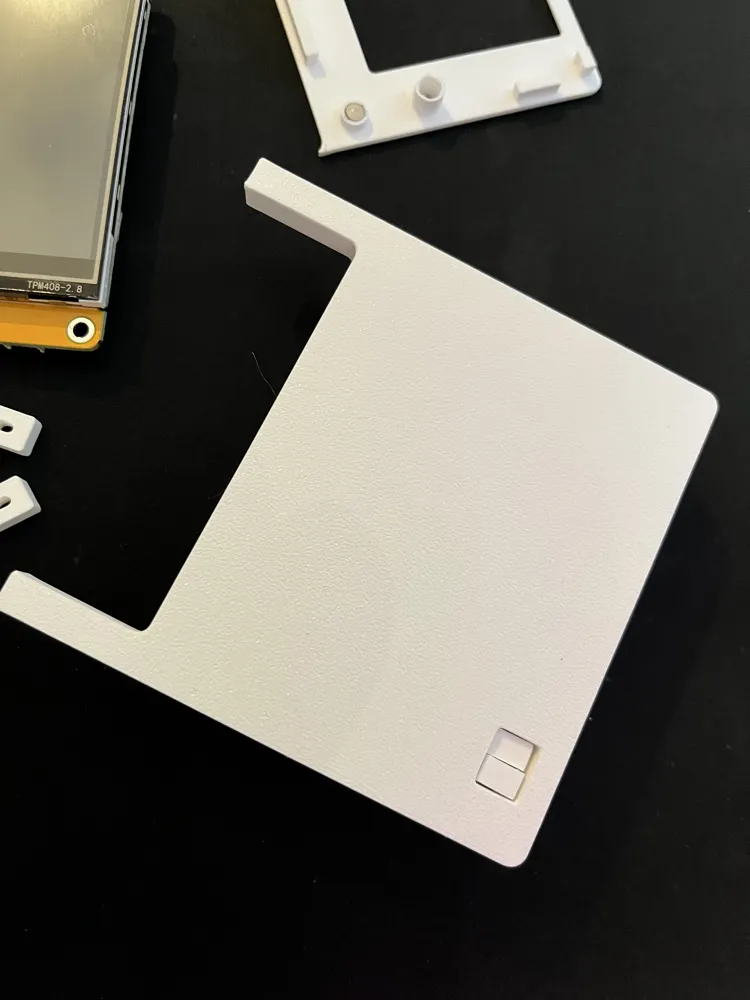
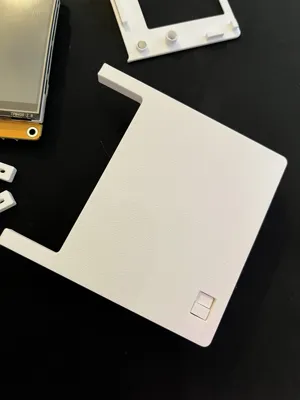
- Two buttons on the back, which allow operation of the display even when installed
Possible Uses
With the integrated CYD display, for example, the following can be displayed:
- Time and Date
- Weather data
- Ringing events
- Smart Home status
- Sensor data (temperature, air pressure, humidity)
Required Accessories
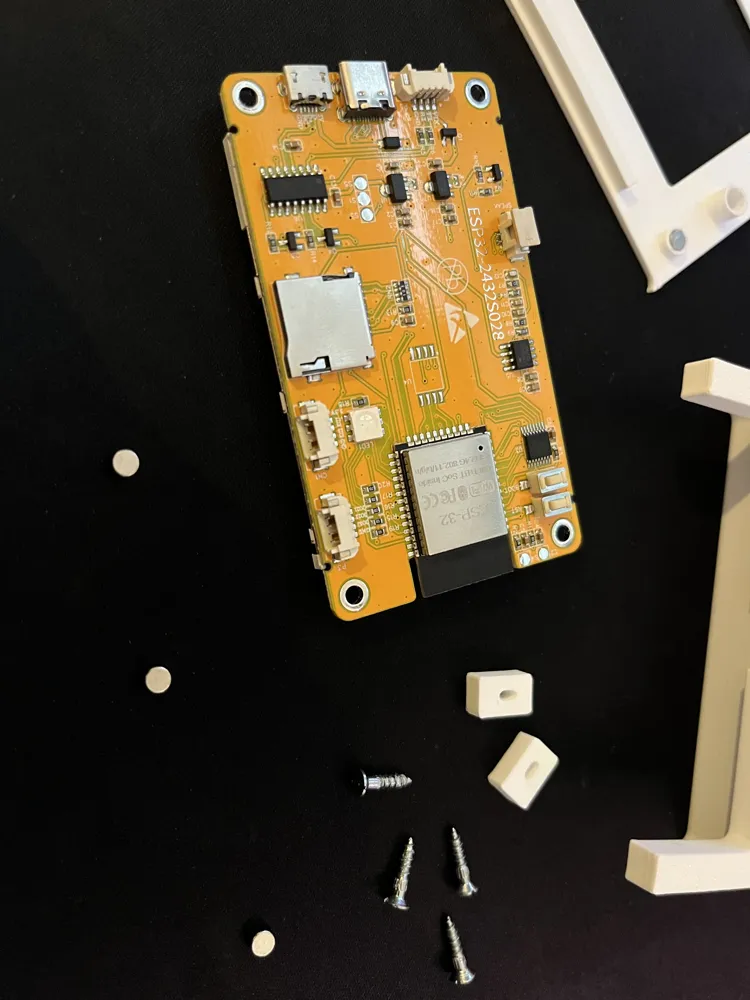
The following parts are required for assembling the display holder:
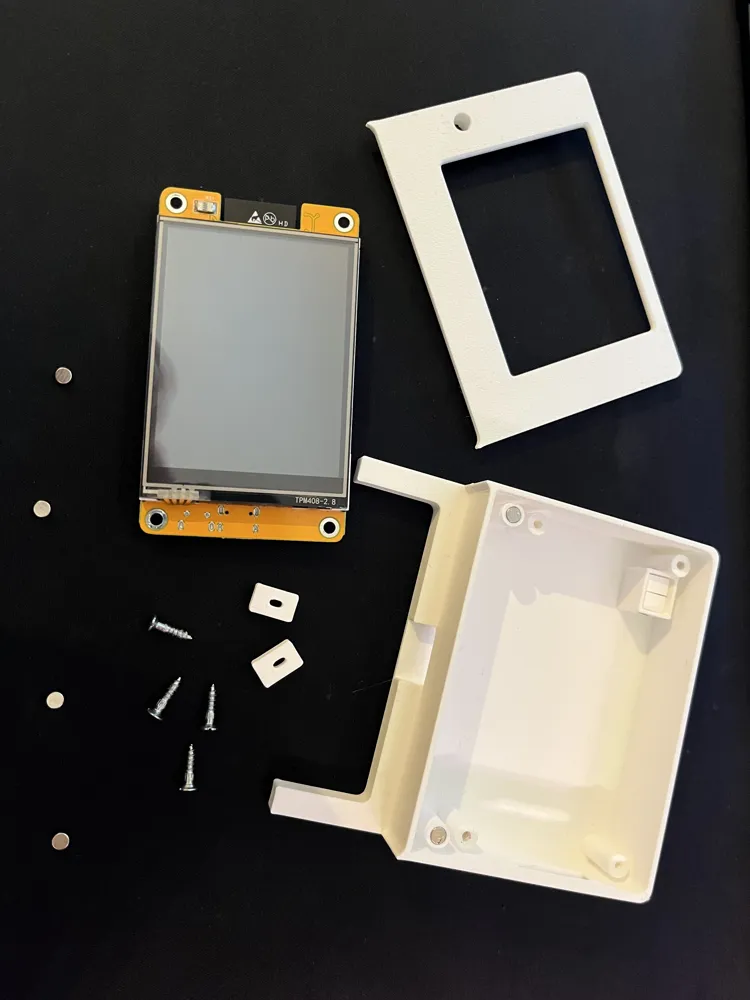
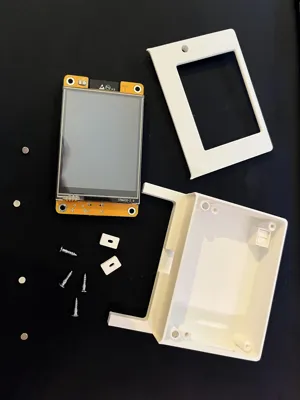
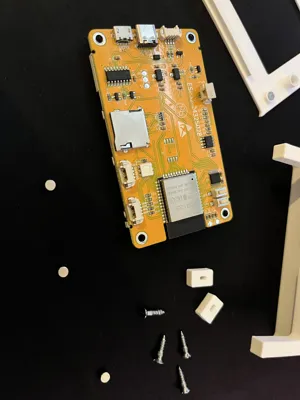
- 4 × Neodymium magnets – 2 mm × 4 mm
- 4 × Screws – 2.5 mm × 10 mm
- Superglue – for gluing in the magnets
- 2 x Connection cables for the CYD
- CY Display
Assembly
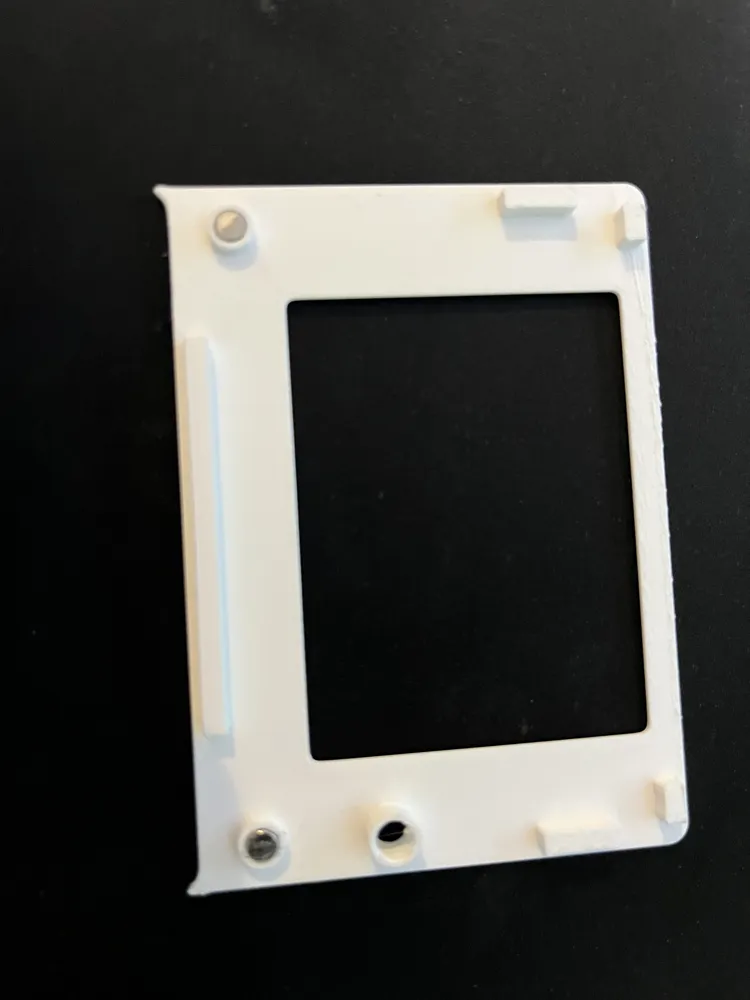
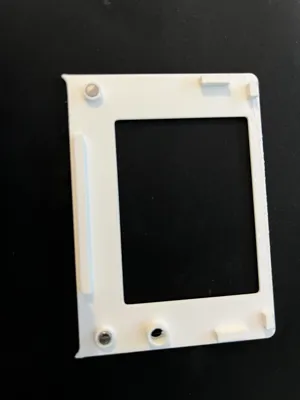
- Insert magnets
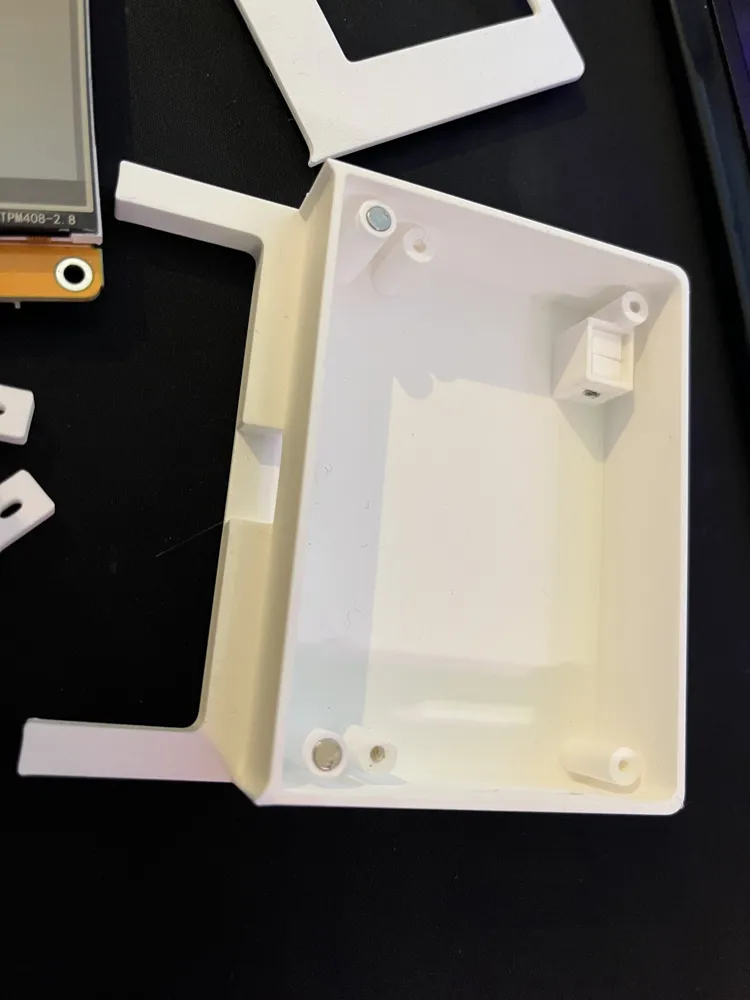
The four Neodymium magnets (2 × 4 mm) are inserted into the designated recesses in the enclosure and secured with Superglue. Insert display
The ESP32 Cheap Yellow Display (CYD) is inserted into the designated cutout of the holder andthen mounted with four screws (2.5 × 10 mm).
- Prepare cable feed-through
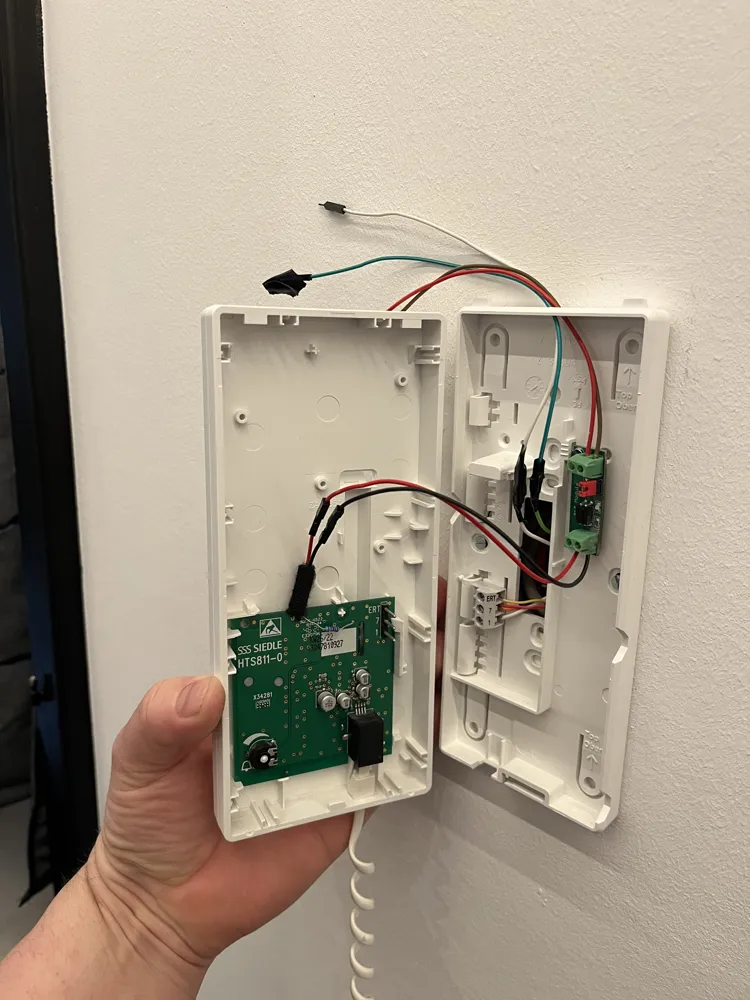
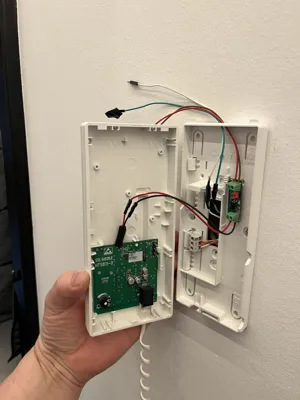
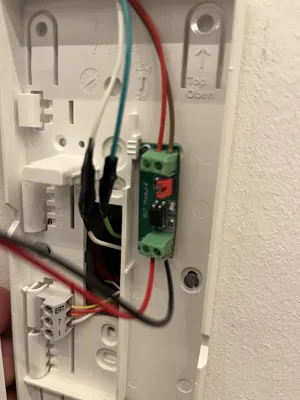
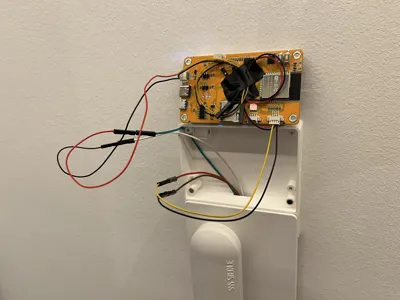
For routing the connection cable, a small hole must be drilled into the upper part of the telephone.
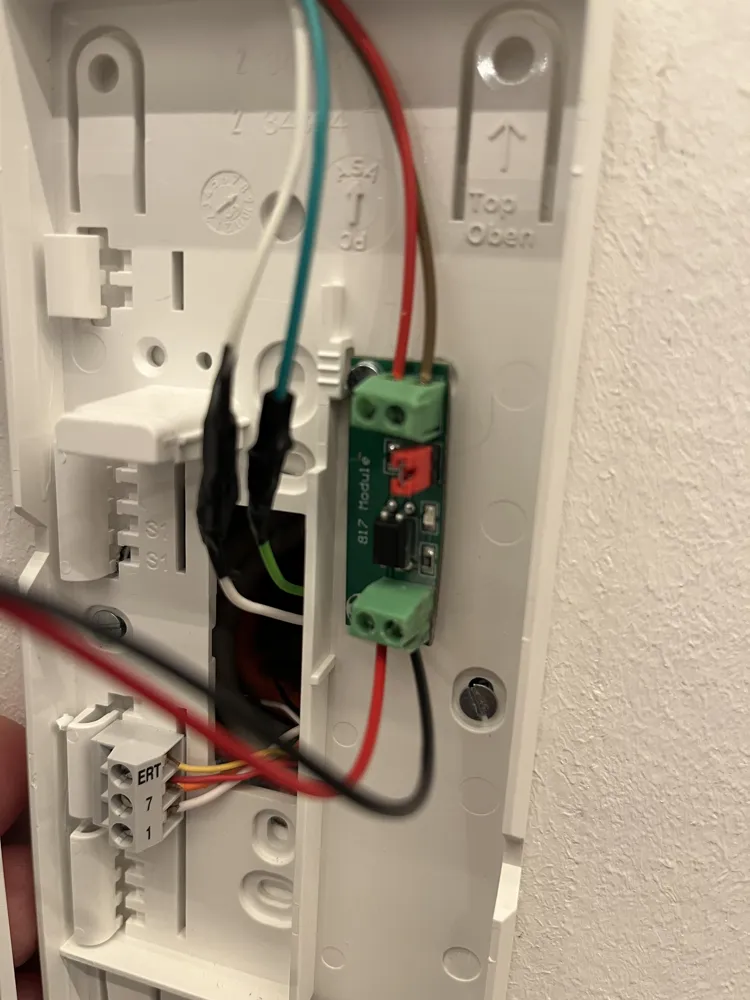
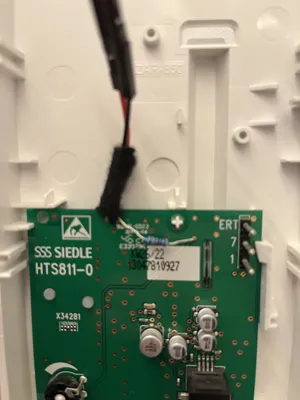
Through this hole, the cable from the display holder can be discreetly guided into the interior of the telephone. - Route cable
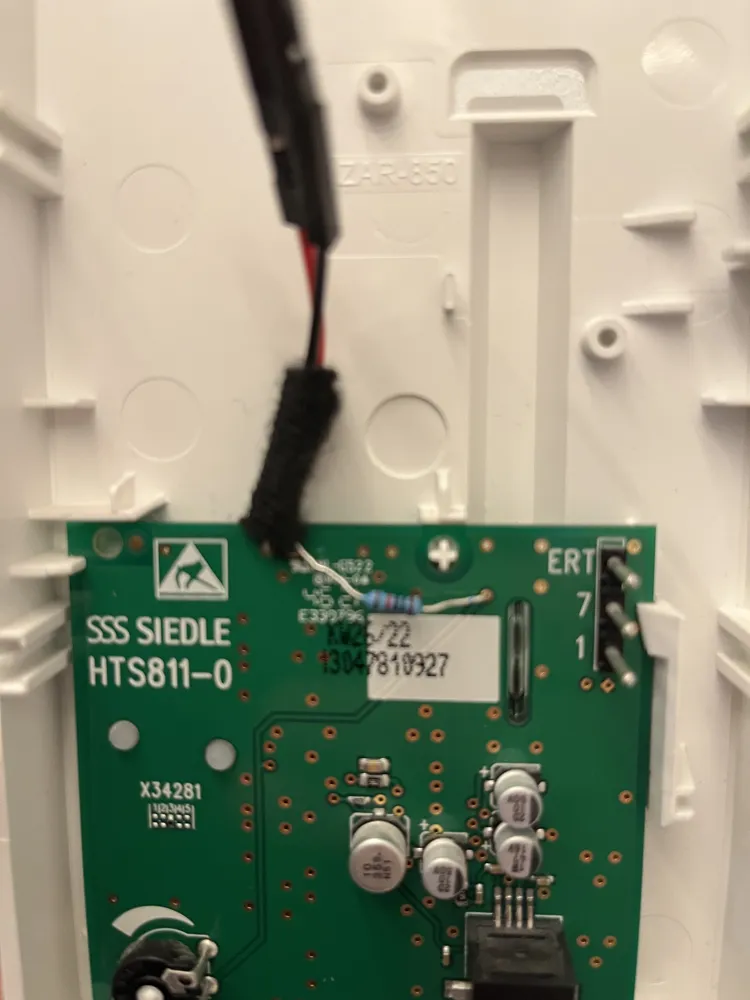
Guide the display cable through the drilled hole into the telephone and connect it accordingly. - Mount enclosure
The display holder is simply pushed in from above behind the telephone
License



Comment & Rating (0)