
Pie Cut Cutting Jig - Collection of multiple sizes
Print Profile(1)
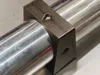
Description
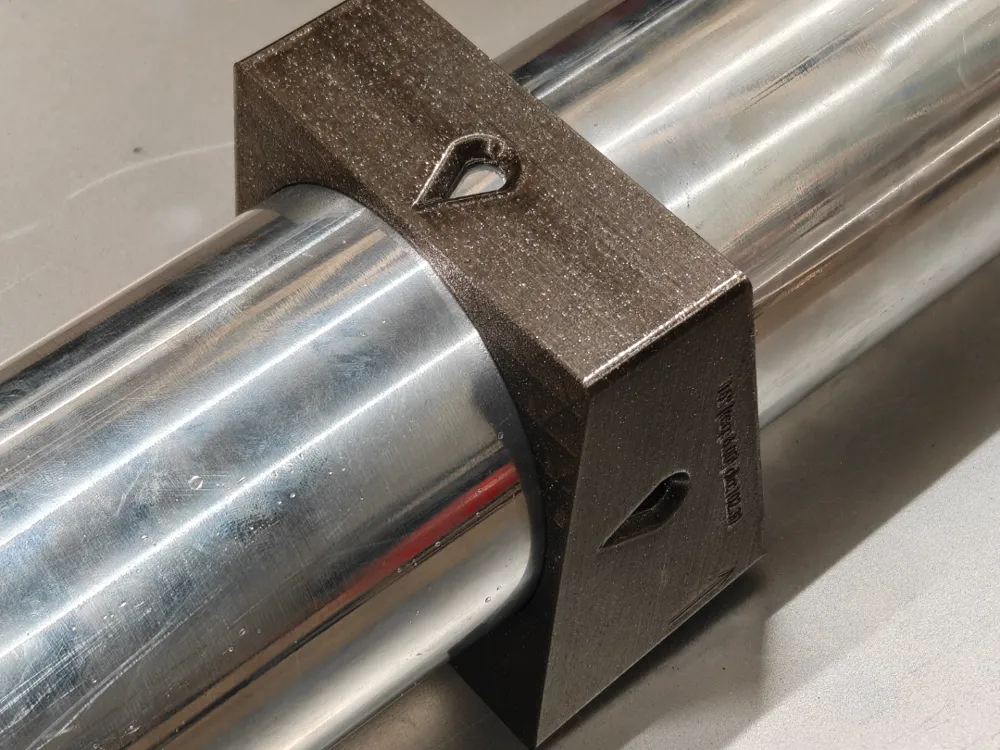
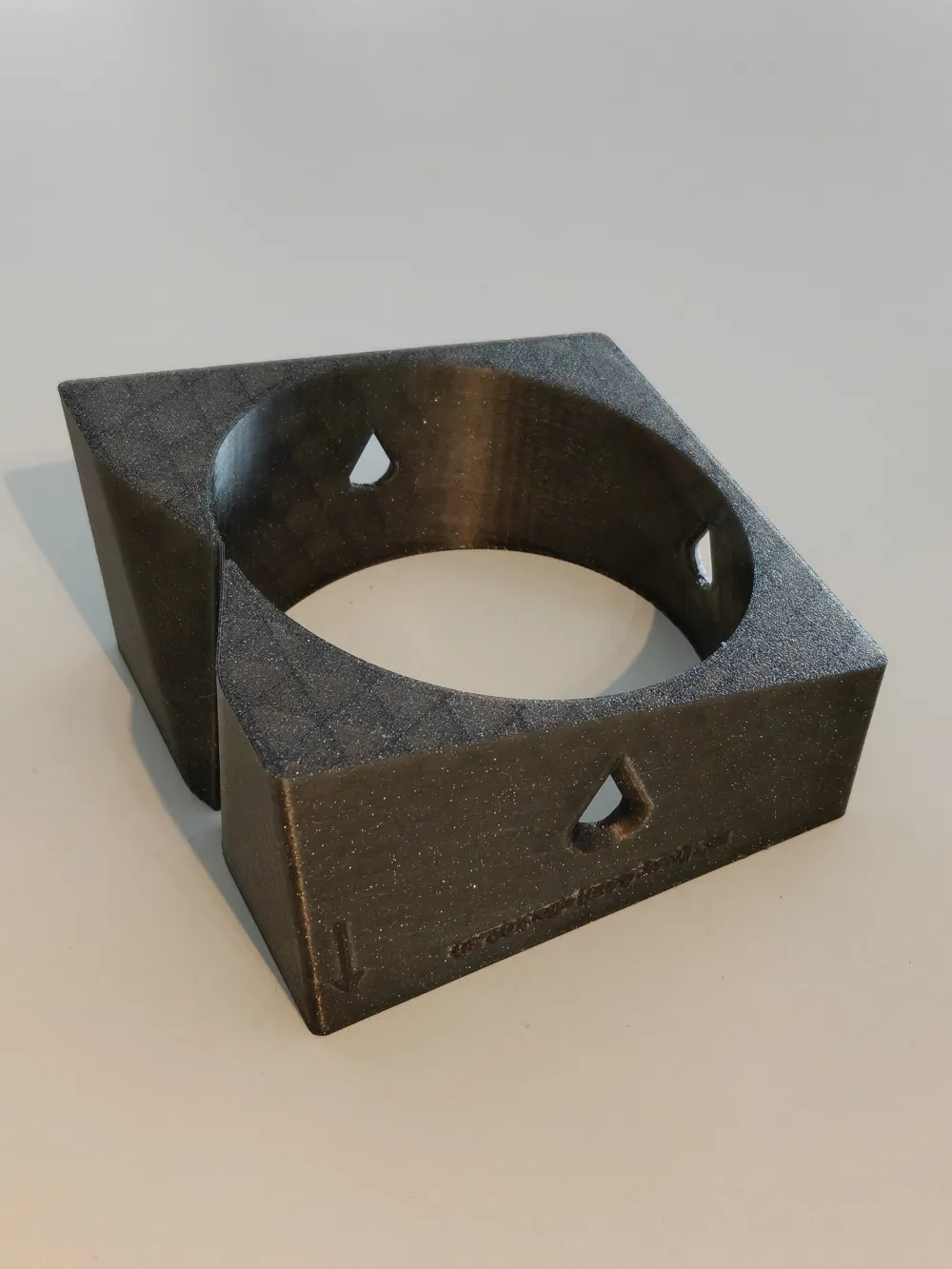
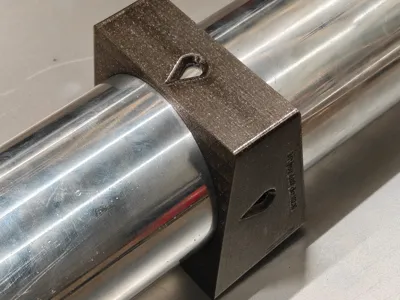
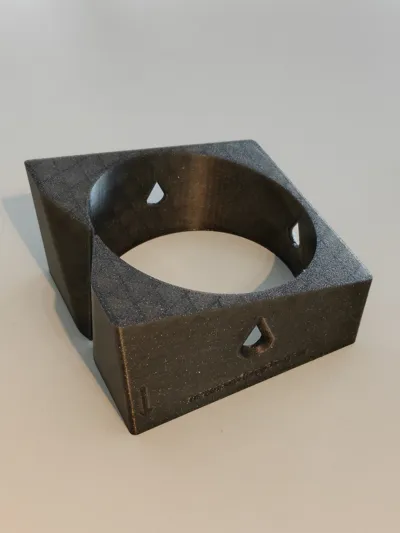
Pie Cut Cutting Jig – Exhaust / Fabrication Tool
This jig is designed to make perfect and repeatable pie cuts in tubing for fabrication work such as exhaust systems, intercooler piping, turbo manifolds, roll cages, or any project requiring segmented bends.
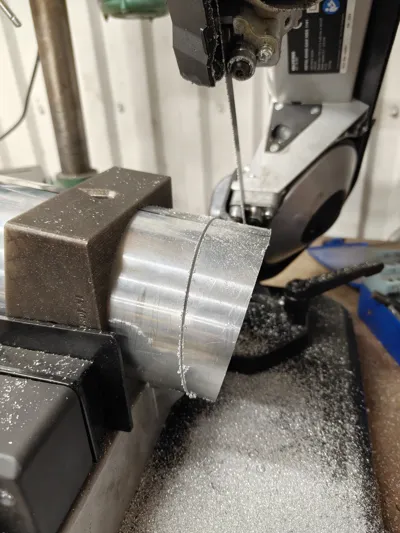
The jig can be used in several different ways depending on your workflow:
• As a marking jig for manual cutting
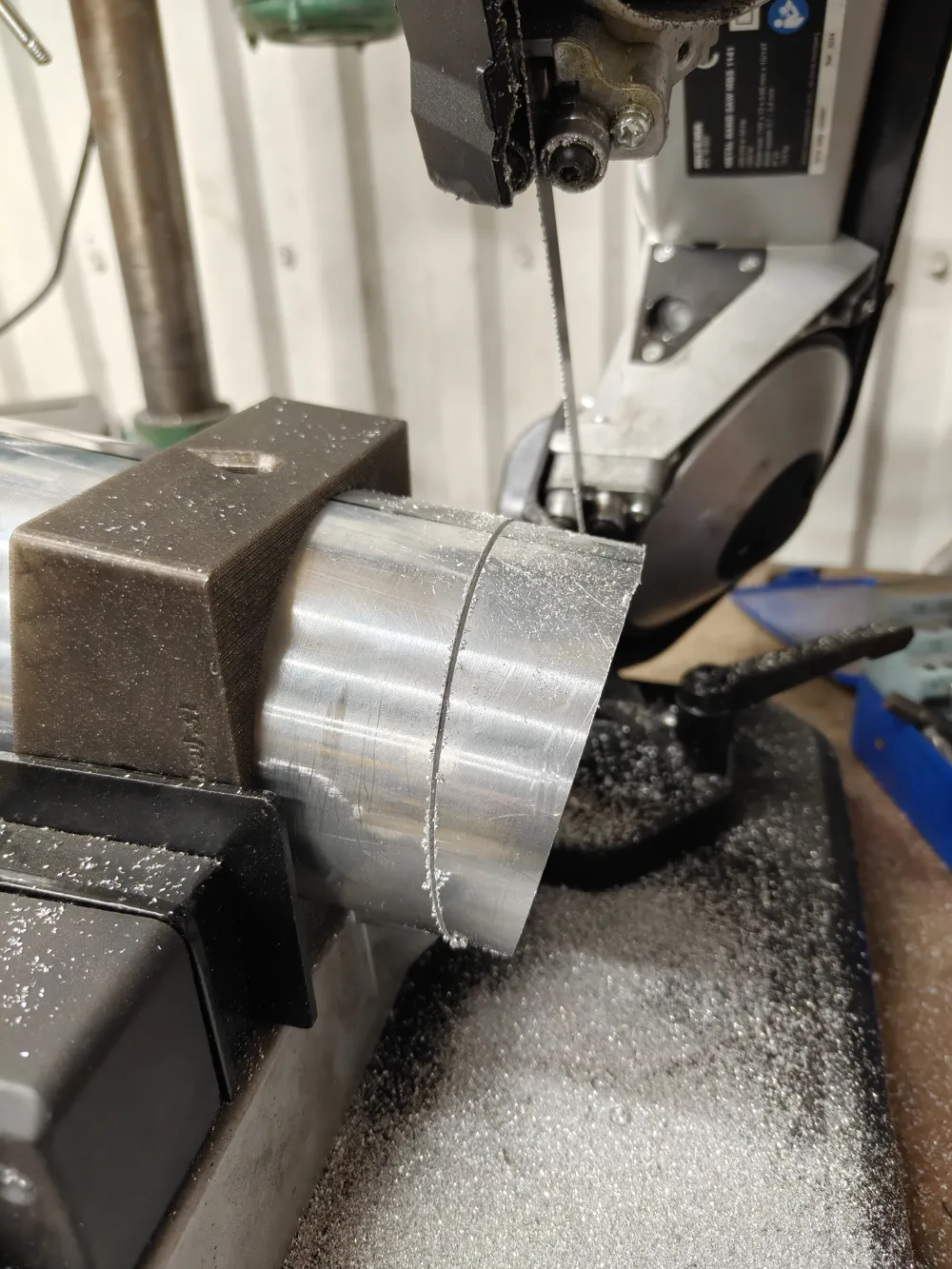
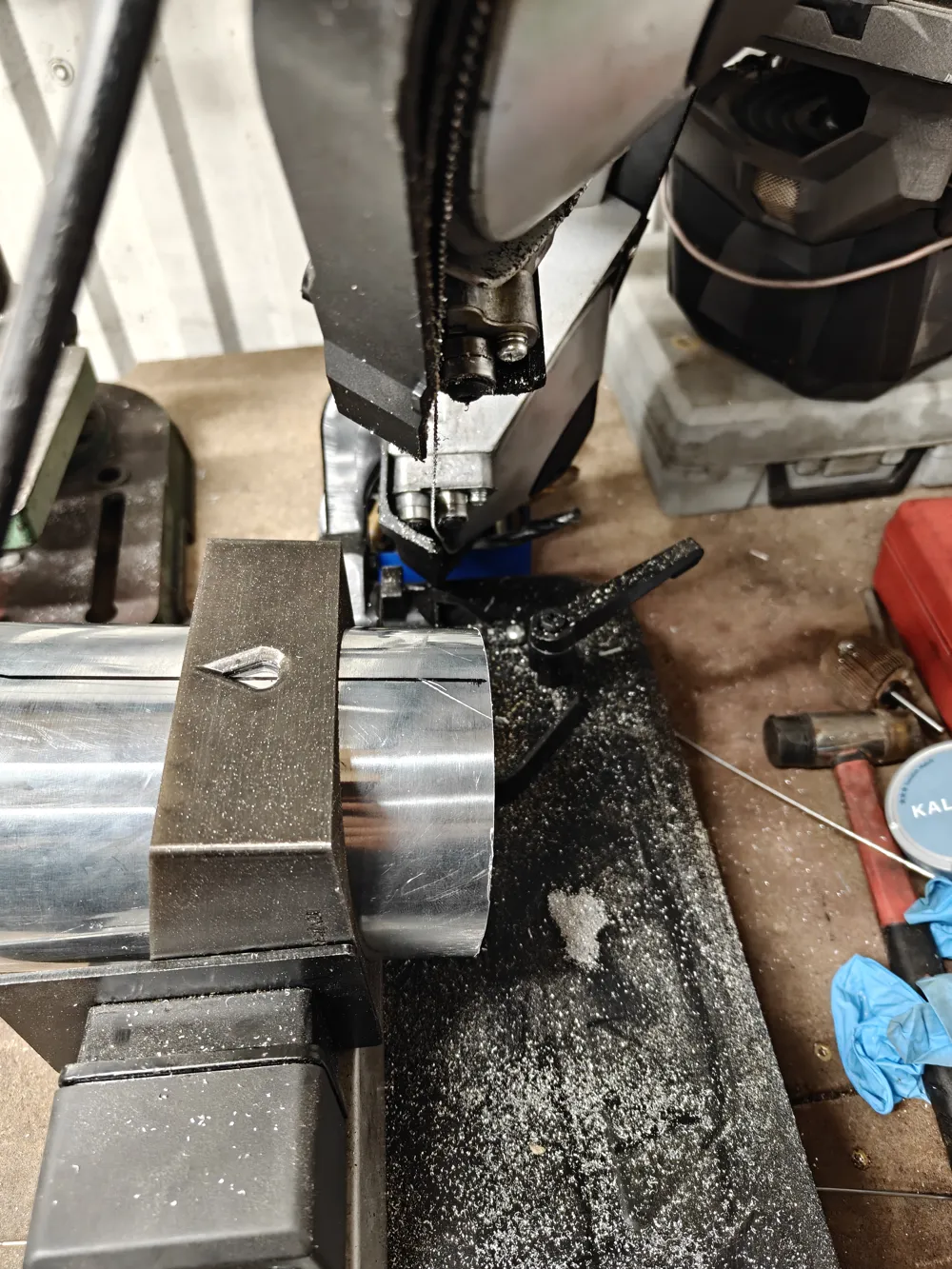
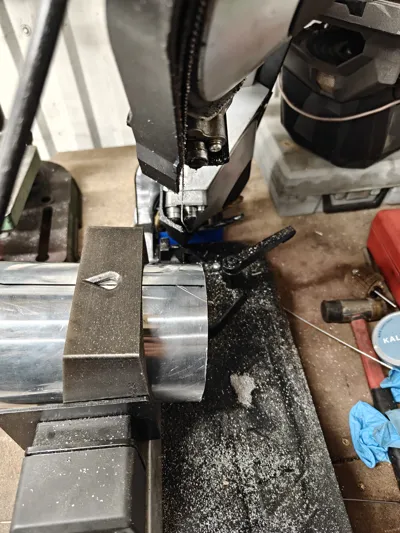
• Clamped directly in a vise on a metal bandsaw
• Used for hand sawing
• Or any other cutting method you prefer
The design makes it extremely quick to position, mark and cut consistent pie segments.
Self-Centering Grip
A slot in the bottom of the jig slightly pinches the tube when the vise is tightened.
This provides several advantages:
• The jig self-centers on the tube
• The tube stays firmly in place while marking or cutting
• Tubes are very quick to reposition between cuts
No extra clamps or fixtures are needed.
Built-In Reference Line System
The bottom slot also acts as a reference guide for marking a straight line along the tube.
This reference line is very useful because it allows you to:
- Mark the first cut
- Rotate the tube exactly 180°
- Align the reference line again
- Make the opposite cut perfectly
This ensures your pie cuts stay symmetrical and aligned.
Teardrop Sight Windows
The jig includes teardrop-shaped sight windows that make it easy to see the reference line even after rotating the tube.
This helps you quickly verify alignment before making the second cut.
Setting the Segment Length
After making the first cut, the length of the pie segment needs to be marked before the second cut.
You can do this in several ways:
• Measure the distance from the saw blade to the top of the tube
• Use a scriber or marker set to a fixed distance
• Use a caliper to mark the spacing
For example:
When cutting 4" tubing, I marked 30 mm from the first cut, which produced a well-proportioned lower segment.
Simple guideline
Segment length can be estimated using:
Segment Length ≈ Tube Diameter × 0.3
Examples:
| Tube Size | Segment Length (approx) |
|---|---|
| 2.5" | ~19 mm |
| 3" | ~23 mm |
| 3.5" | ~27 mm |
| 4" | ~30 mm |
You can adjust this depending on the desired bend radius and appearance.
Shorter segments → tighter radius
Longer segments → smoother radius
Available Sizes
Tube diameters:
• 2.5"
• 3"
• 3.5"
• 4"
Cut angles:
• 10°
• 15°
• 18°
• 22.5°
• 30°
• 45°
These angles allow you to build anything from smooth gradual bends to tight segmented turns.
Typical Uses
Perfect for:
• Exhaust fabrication
• Turbo manifolds
• Intercooler piping
• Roll cages
• Custom metal fabrication
• Stainless or mild steel tubing
Print Recommendations
For best durability:
• PETG, ASA or ABS recommended
Requests / Custom sizes
If there is interest in additional sizes or angles I’m happy to create more models. Feel free to leave a comment with the pipe diameter and angle you need, and I’ll add it when time allows.
License

You shall not share, sub-license, sell, rent, host, transfer, or distribute in any way the digital or 3D printed versions of this object, nor any other derivative work of this object in its digital or physical format (including - but not limited to - remixes of this object, and hosting on other digital platforms). The objects may not be used without permission in any way whatsoever in which you charge money, or collect fees.


Comment & Rating (25)