
Imperial Hex Bolt Parametric Generator (#0–2")
Print Profile(1)
Description

Boost Me (for free)
Click “Follow” so you don’t miss the next models. Share your photos in the comments and, if you found it useful, leave a like 👍 or a boost 🚀. Every suggestion is always welcome.
🔹 Description
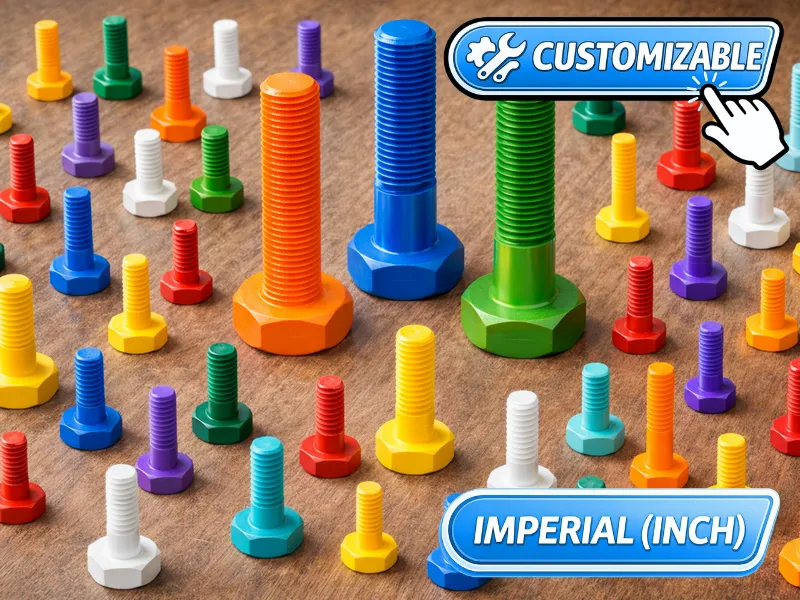
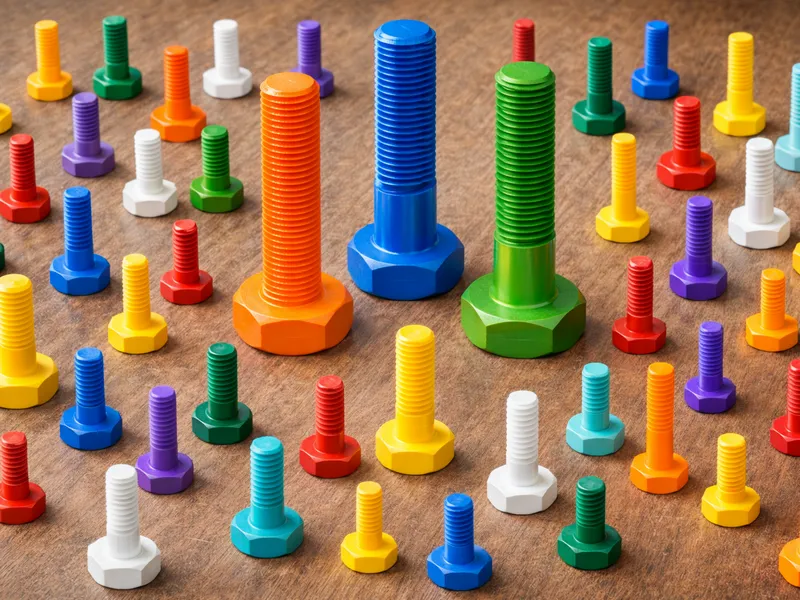
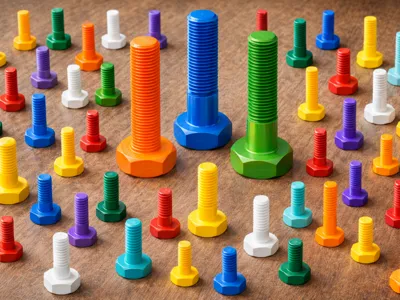
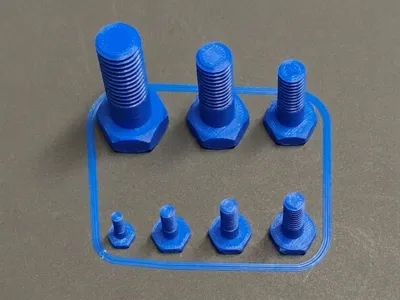
This is a fully customizable imperial hex head bolt (inch).
Simply click the Customize button and adjust the parameters to generate the bolt according to your needs.
Once the parameters are set, clicking Generate updates the model and allows you to download the customized STL file using Download.
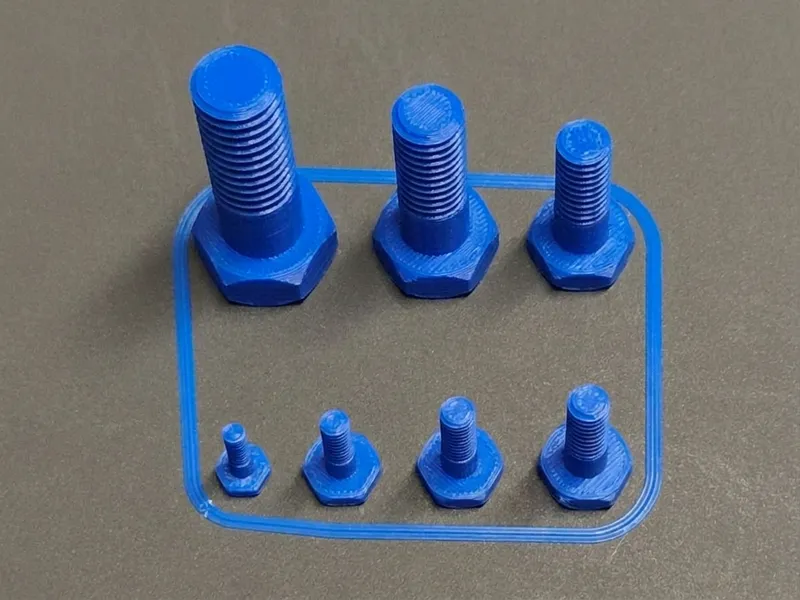
A ready-to-use print profile is also included, covering bolt sizes from #4 to 3/8" UNC, allowing you to print the most common sizes immediately.
Additionally, an STL file is provided for every standard imperial bolt size (from #0 to 2" UNC).
🔹 Parameters
Let’s see how to configure the parameters.
- Imperial size (#0 to 2")
Nominal imperial thread size (e.g. #6, 1/4", 1-1/2").
In most cases, selecting one of the available sizes without modifying the other parameters will generate a standard imperial bolt of the desired size.
If you need a non-standard bolt, you can modify the other parameters.
Each parameter follows this rule:
• if set to 0, the standard imperial value is used
• if set to a value different from 0, the inserted value is used
• physically invalid parameter combinations will generate an error during model generation
Thread type
UNC = coarse thread (standard)
UNF = fine thread
UNEF = extra fine threadHead height
Height of the hex head.Smooth shank length
Length of the smooth shank below the head, before the threaded section begins.- Threaded length
Total length of the threaded section of the bolt.
🔹 Advanced settings (for experienced users)
- TPI (New feature)
Custom TPI override for special imperial threads. - Tolerance
Tolerance applied to the external thread to compensate for FDM printing inaccuracies and ensure proper threading.
The default value is 0.02 mm, which has been tested to provide good compatibility with both 3D printed and metal nuts.
🔹 Printing Notes For smaller sizes or higher printing precision, a 0.1 mm layer height is recommended. 3D printed components have lower strength than metal parts and are intended for light-duty, non-structural applications. A non-manifold warning in Bambu Studio can be safely ignored: the model prints perfectly even without repair.
Recommended print settings:
|
Use Collect  to save this project to your personal collection and reuse it in the future.
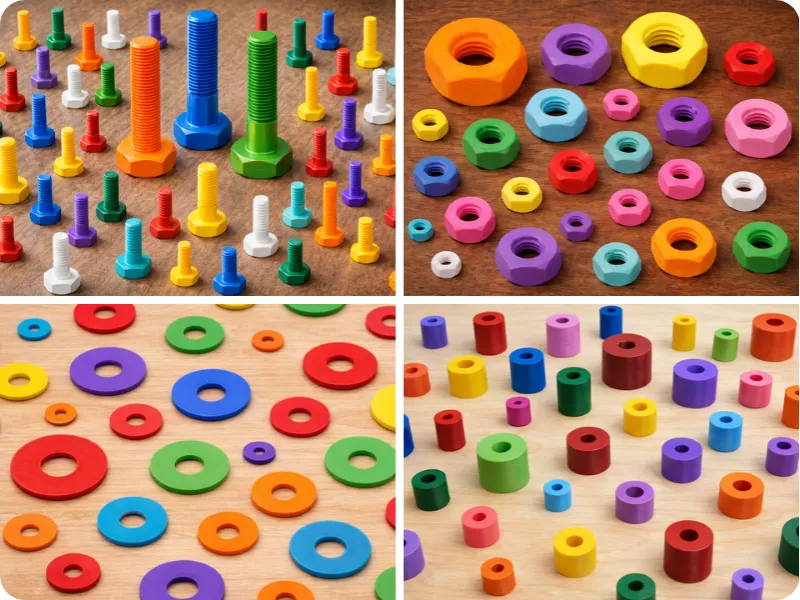
Check out the full collection:
Questions or doubts? Send me a message using the button  on my profile.
Boost Me (for free)
Click “Follow” so you don’t miss the next models. Share your photos in the comments and, if you found it useful, leave a like 👍 or a boost 🚀. Every suggestion is always welcome.
My collections:


License

You shall not share, sub-license, sell, rent, host, transfer, or distribute in any way the digital or 3D printed versions of this object, nor any other derivative work of this object in its digital or physical format (including - but not limited to - remixes of this object, and hosting on other digital platforms). The objects may not be used without permission in any way whatsoever in which you charge money, or collect fees.


Comment & Rating (5)