
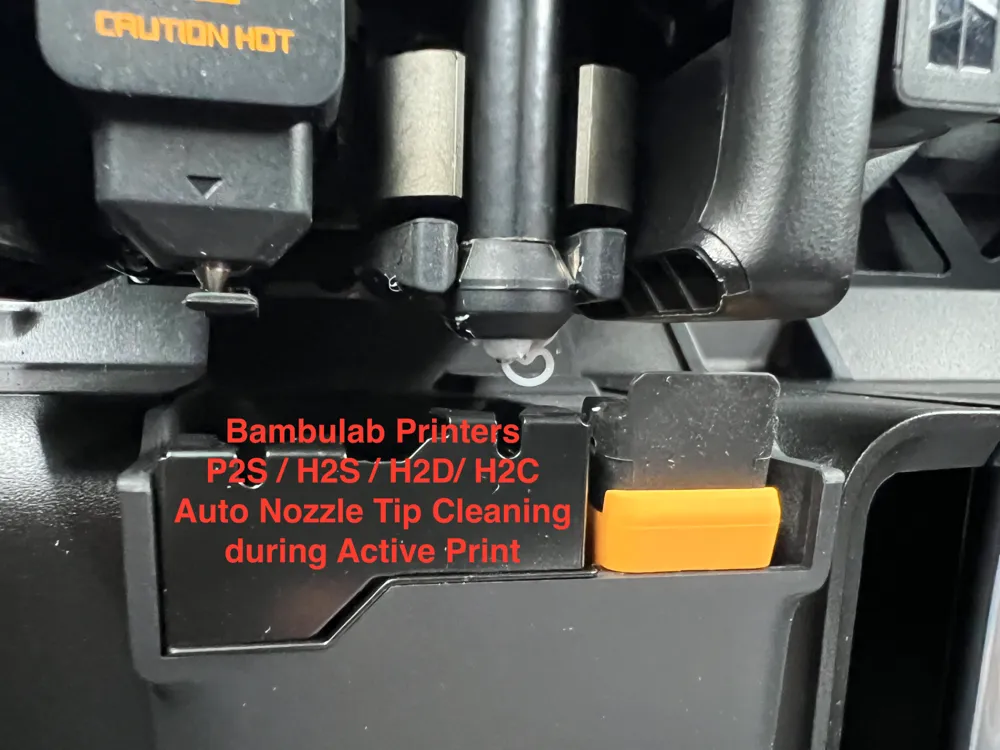
Bambulab Nozzle-Wipe Sequence For Active Prints
Print Profile(1)
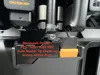
Description
Compatible with: X2D, P2S, H2S, H2D+Pro, H2C
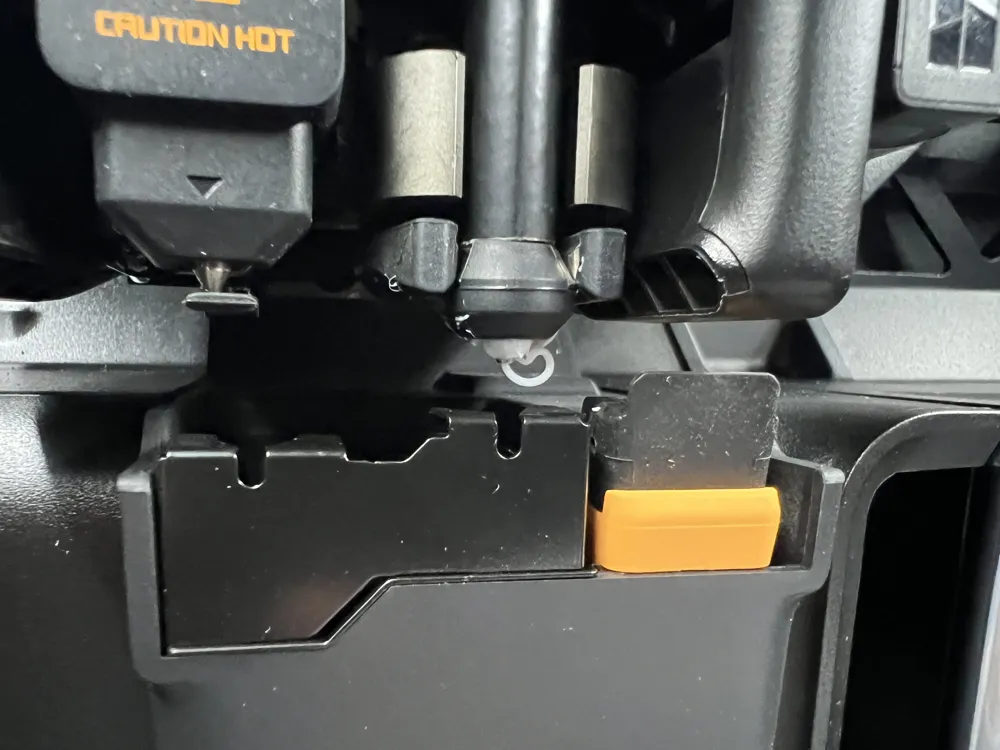
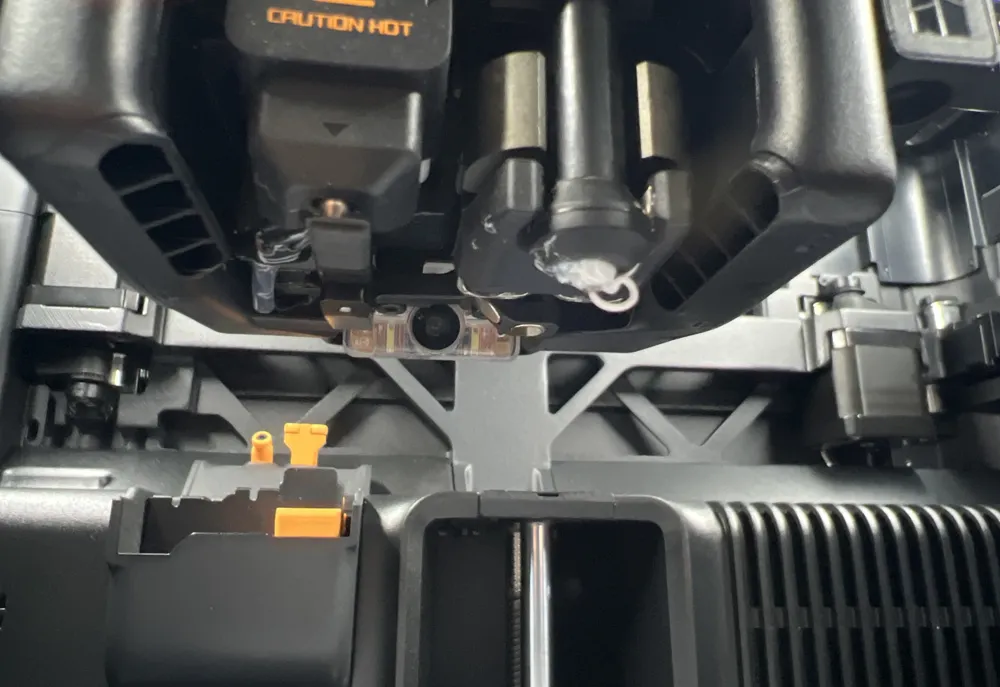
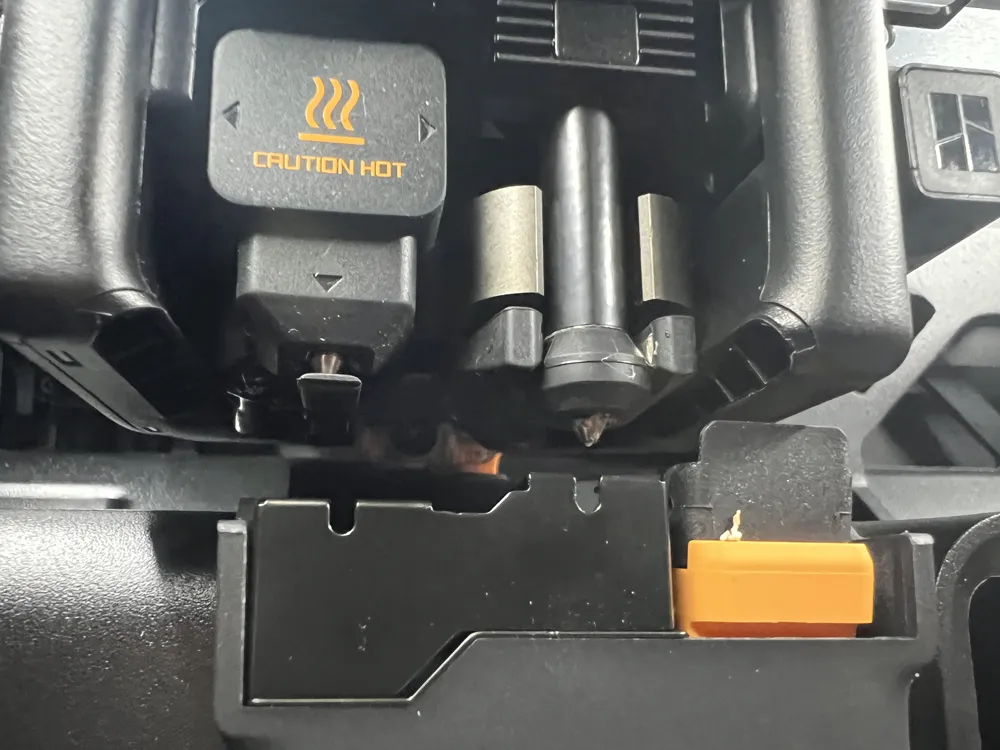
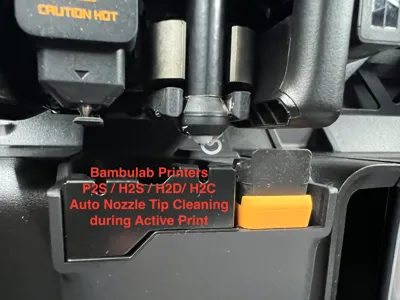
I'm providing a modified Layer Change G-code that introduces an automated nozzle-wipe sequence during active prints. This feature is designed to mitigate the heavy debris build-up common with "sticky" filaments like PETG, which often results in blobs or ruined surface finishes.
Why this is needed:
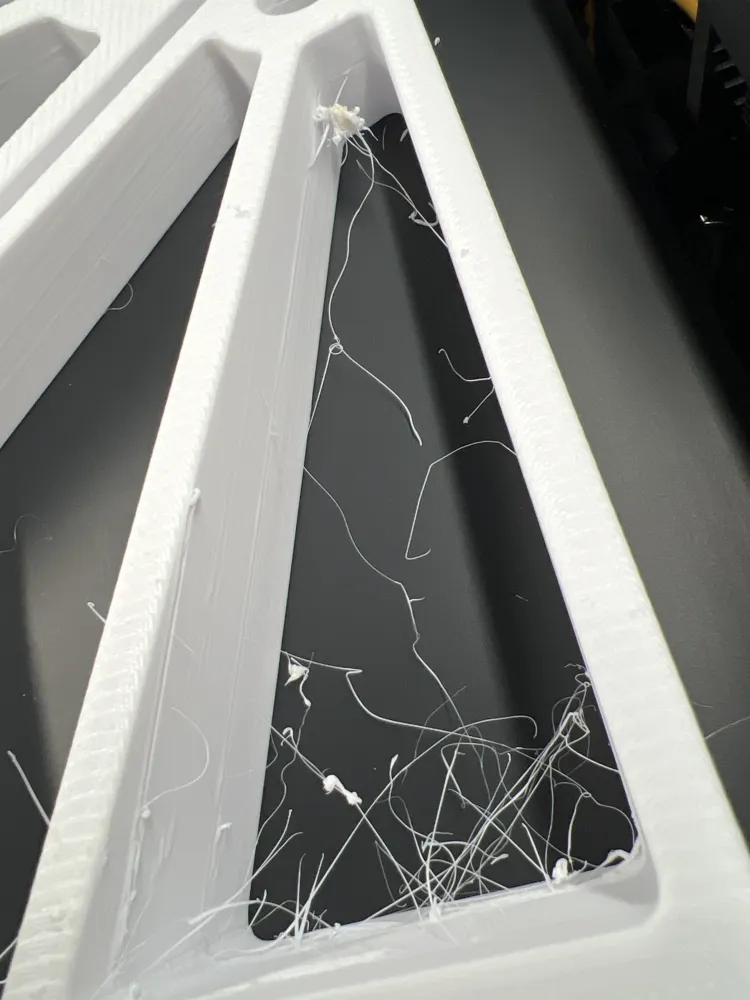
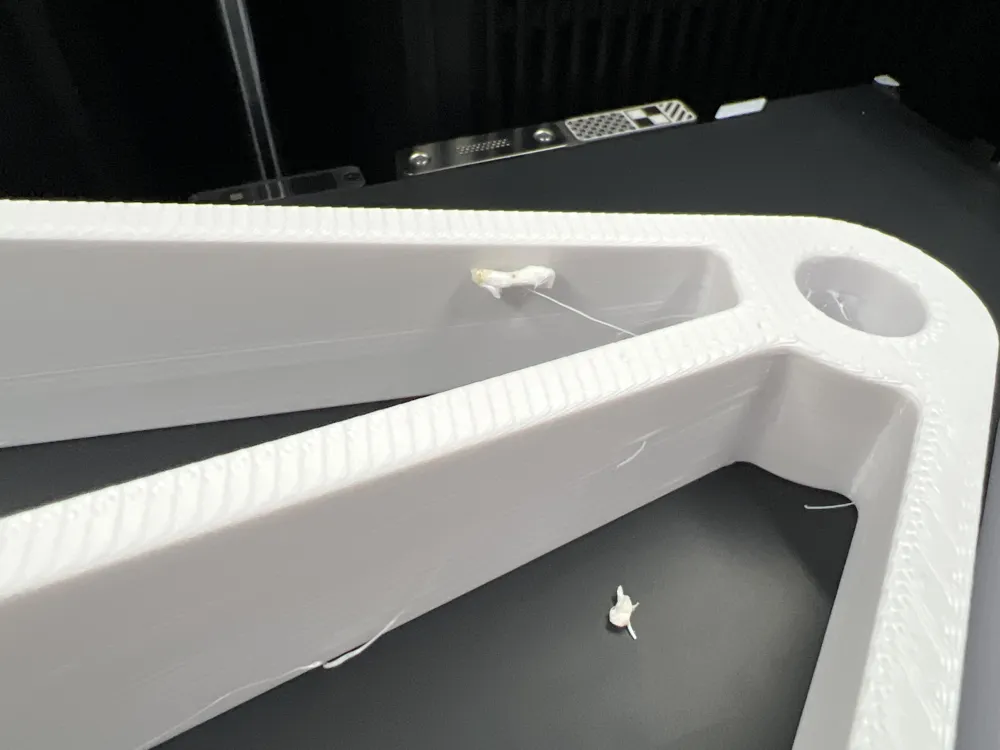
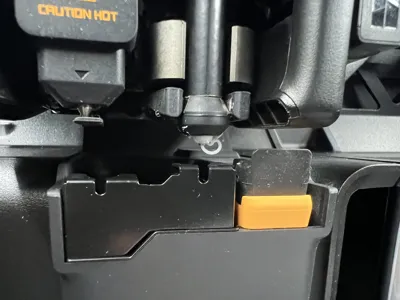
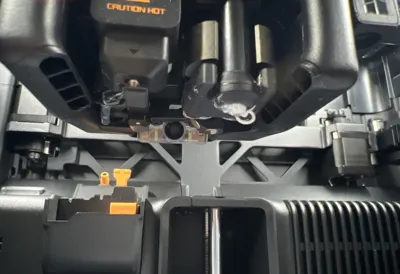
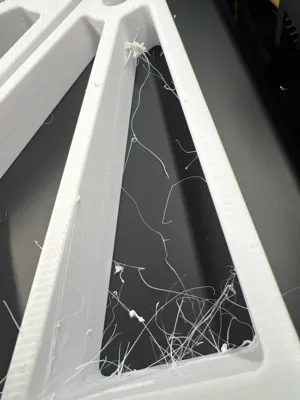
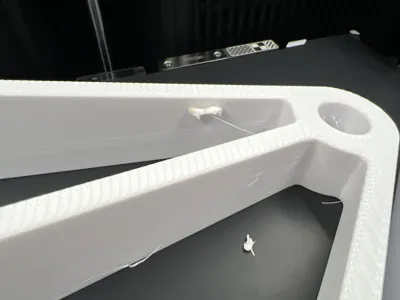
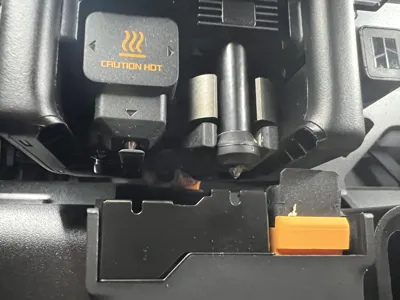
Filaments like PETG tend to accumulate debris on the nozzle tip over time. Currently, users must either pause the print to clean the nozzle manually or risk "nozzle boogers" falling onto the heatbed or getting stuck in the print walls (see pictures). This modification automates maintenance by performing a quick wipe every few layers to mitigate these print quality issues.
Key Functionality:
- Tool Detection: The code automatically targets the active tool head (critical for dual-extruder models like the H2D/H2C). No manual tool commands are required.
- Customizable Layer Count: By default, the triple wipe occurs every 10 layers, but this is easily configurable within the G-code to balance print time and cleanliness.
- Streamlined Execution: Instead of complex individual movements, this uses the standard Bambulab gcodes G150.3 to move to the trash bin and G150.1 to initiate the native wipe sequence without an unnecessary purge.
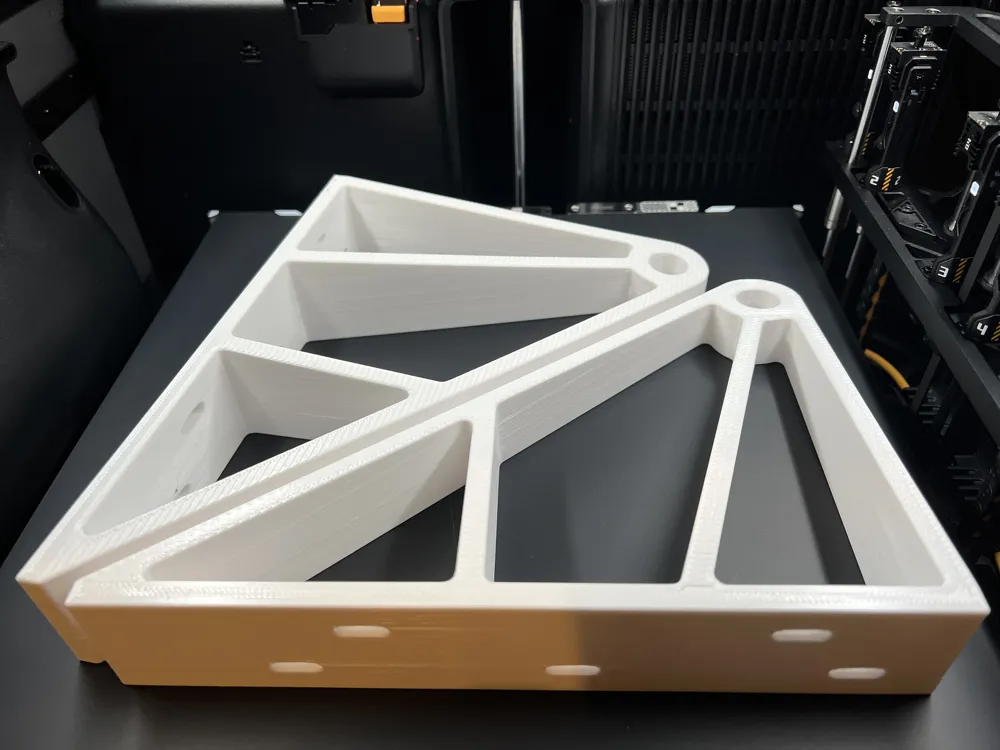
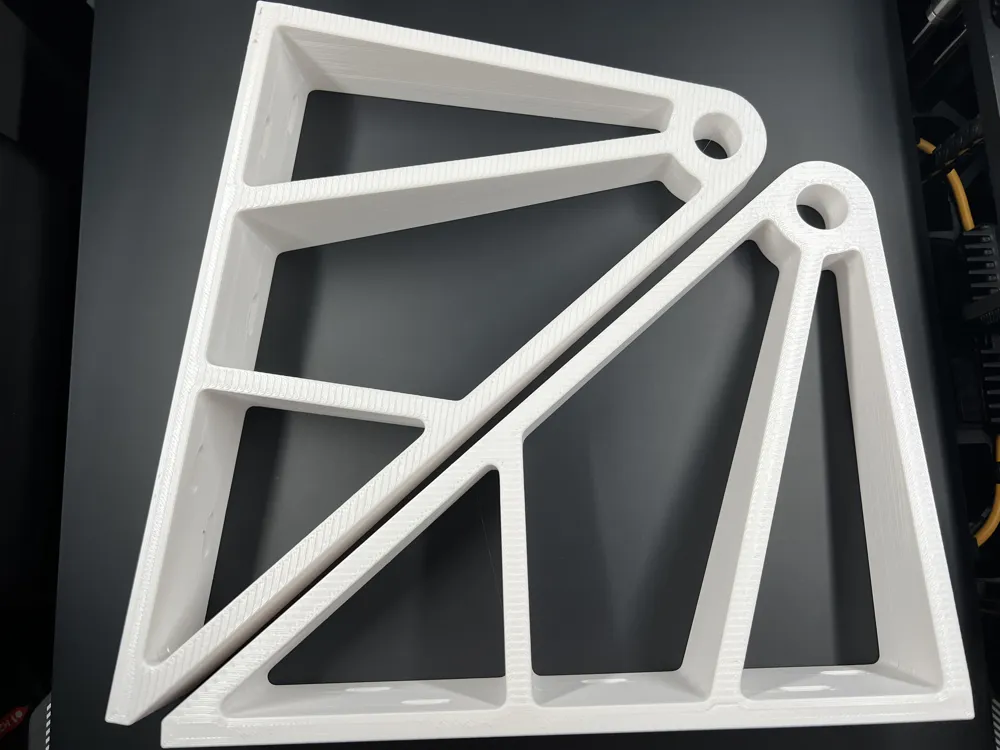
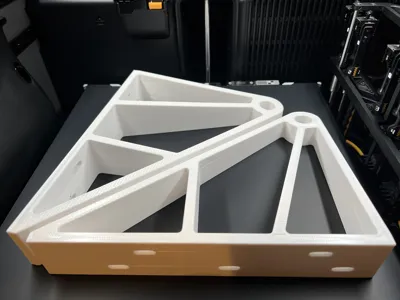
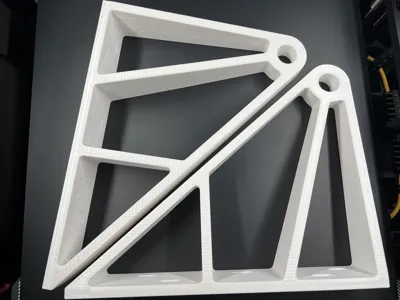
- Proven Results: Extensively tested on long-duration PETG prints with significant improvements in layer consistency and surface quality, see example pictures.
How to Use:
The custom G-code is located in the Machine G-code settings under the Layer Change section of the provided .3mf file or you can use the instructions in the provided text file. Simply copy the wipe logic block from the 3MF file or text file into your own slicer's machine settings under the Layer Change section ABOVE the layer progress lines at the bottom and leave all stock G-code untouched above it.
Note:
This custom wipe G-code supports both print sequence modes: "by layer" and "by object".
In "by layer" mode, the nozzle is wiped at regular layer intervals throughout the print.
In "by object" mode, the wipe runs only once per object, right before its first layer, never mid-object. Before the toolhead travels to the bin for the wipe sequence, the bed lowers below the tallest already-finished part, so a collision with completed objects is mitigated.
Before applying, please verify that your printer supports the G150.1 (wipe) and G150.3 (move to trash bin) commands. You can confirm this by checking your printer's stock Start G-code, where both commands are typically used.
Feel free to adapt the G-code to your needs and happy printing!
Disclaimer: Use this modification at your own risk. While it has been tested thoroughly, final print quality depends on your specific slicer settings and environmental factors.
Documentation (1)
License



Comment & Rating (30)