
Epson Projector "Upside-Down" Stand
Print Profile(2)
Description
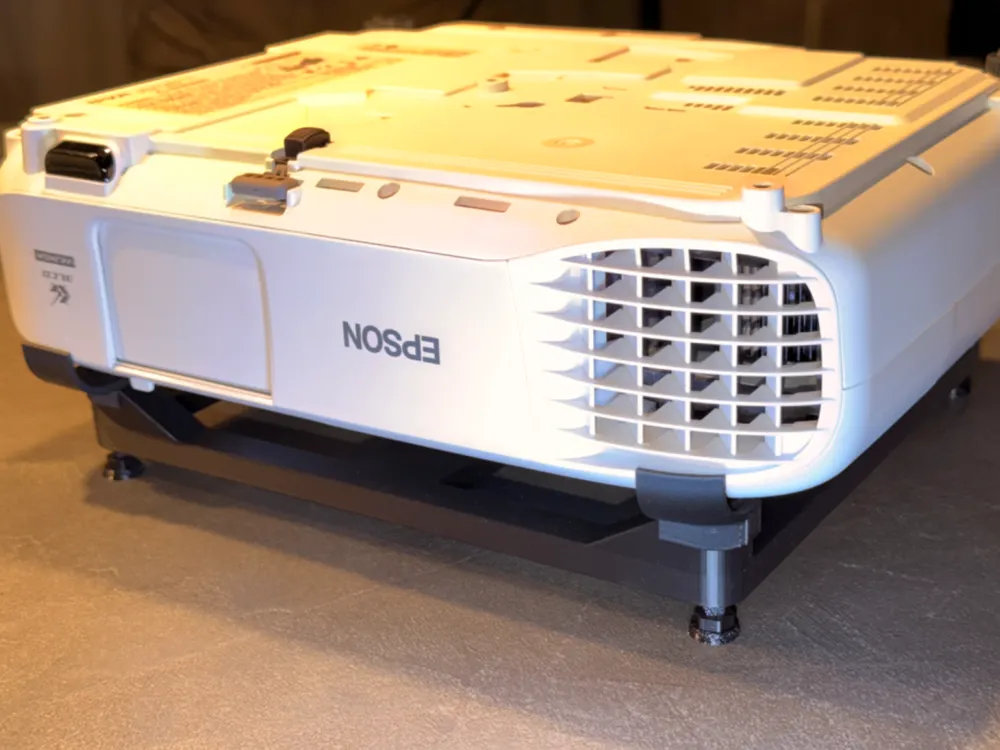
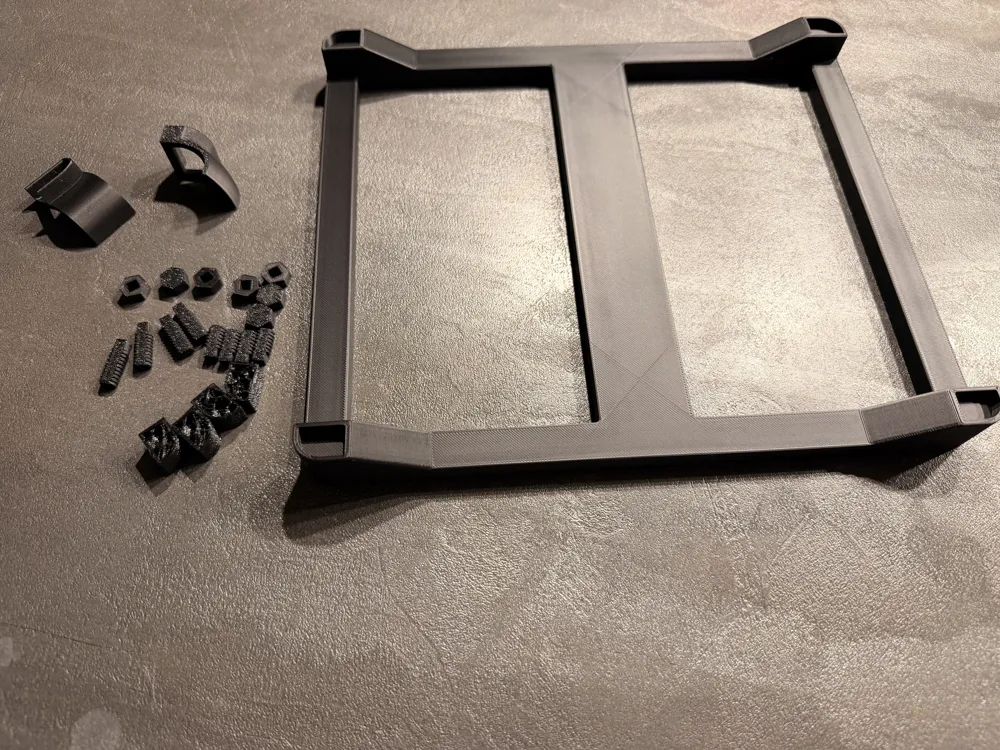
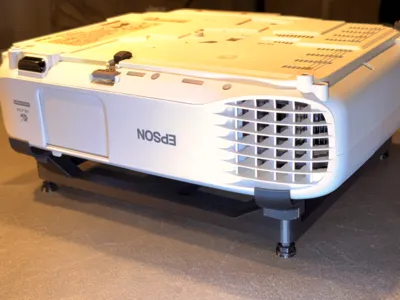
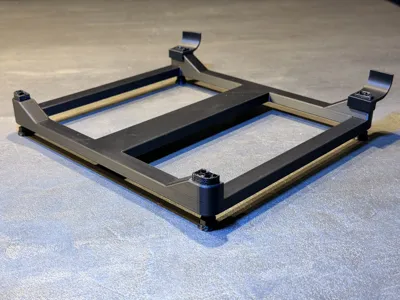
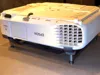
The ultimate "no-drill" solution for Epson projectors. Place your projector safely upside down on any high shelf or cabinet!
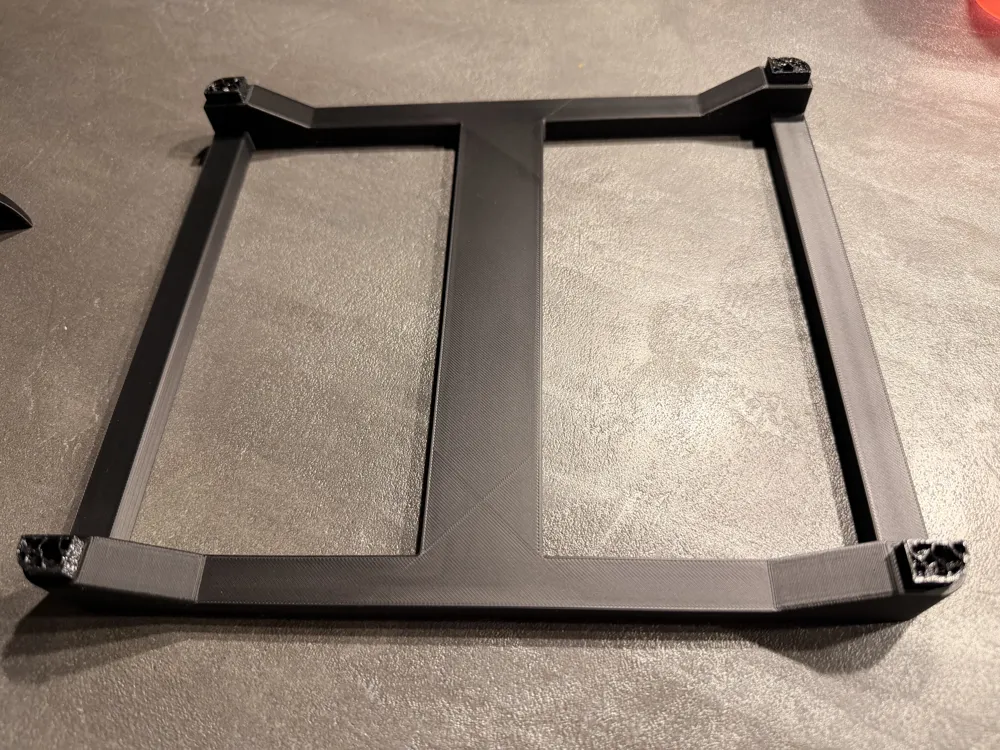
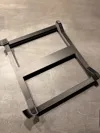
This modular stand is specifically designed for projectors with curved tops (like the Epson EB-U05 series). It allows for perfect leveling and secure positioning without the need for a ceiling mount.
Smart Features:
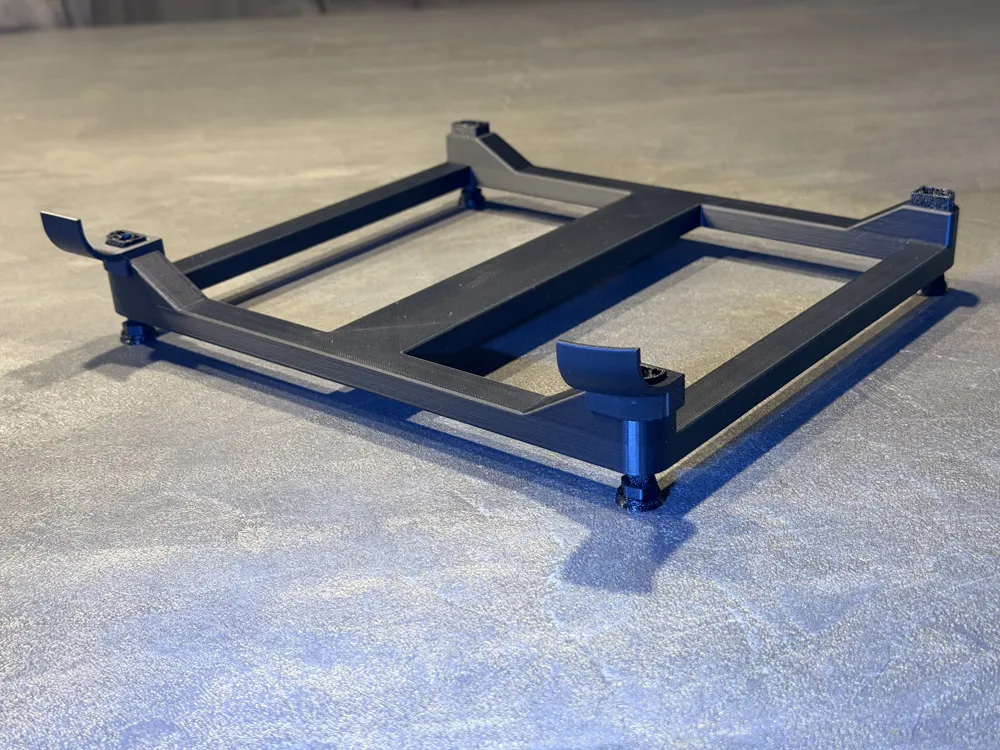
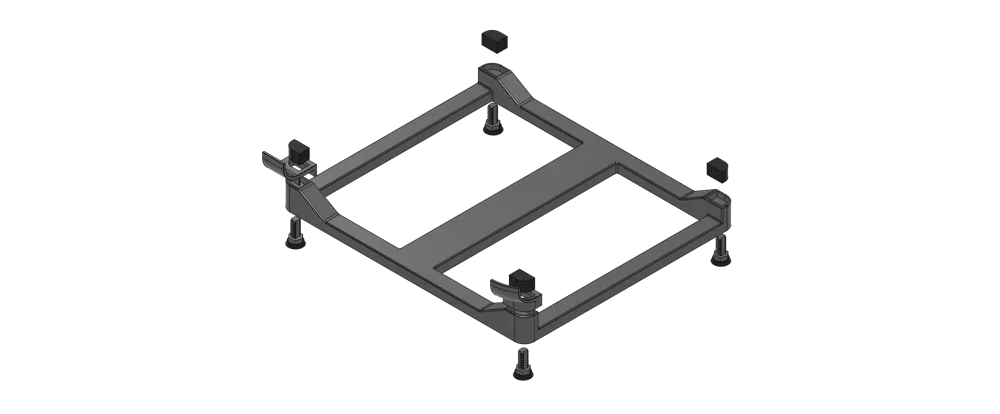
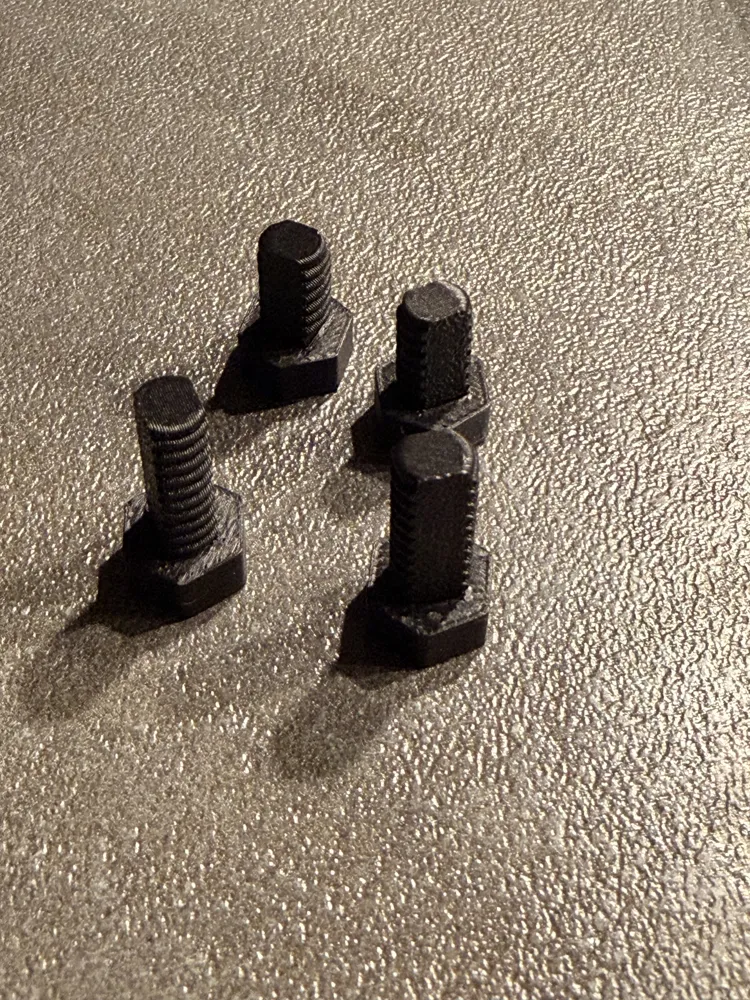
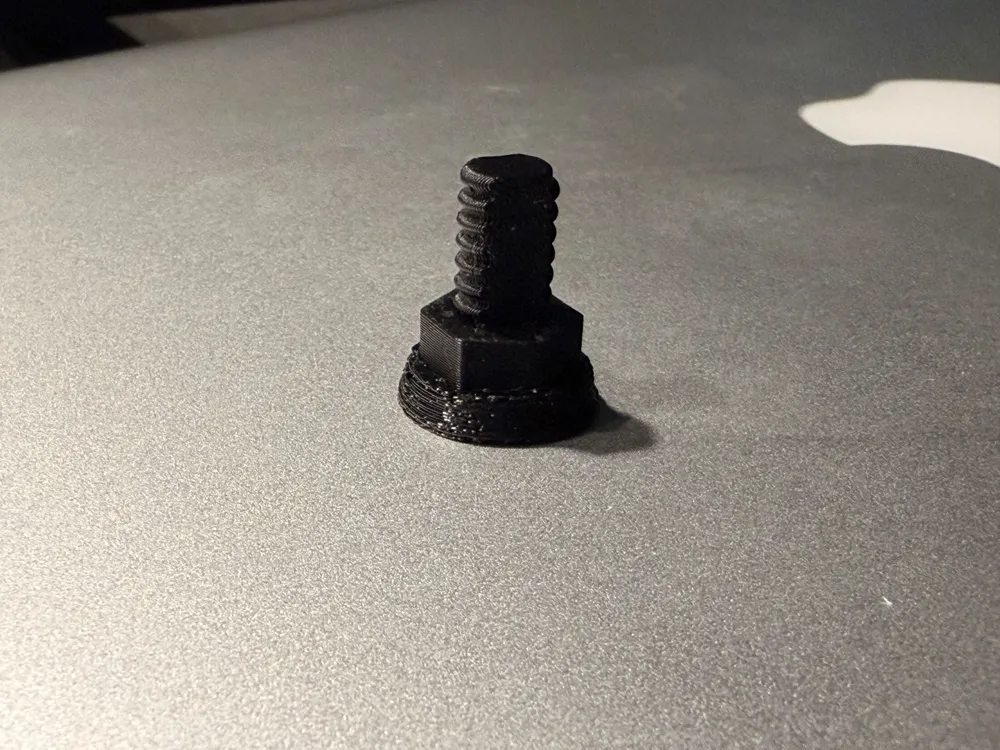
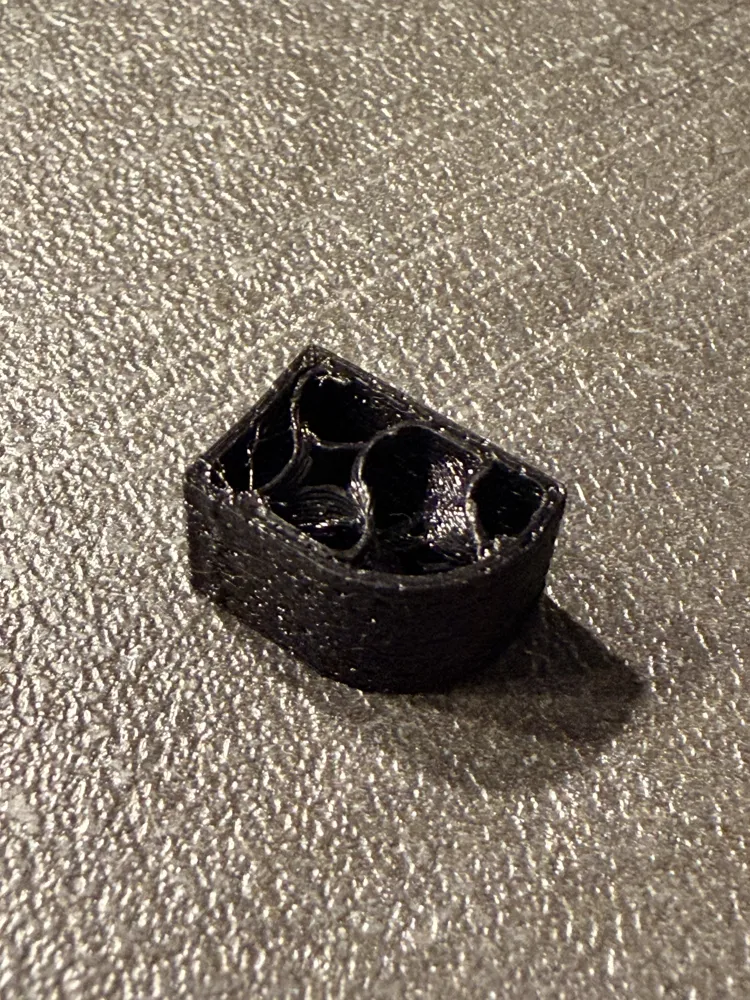
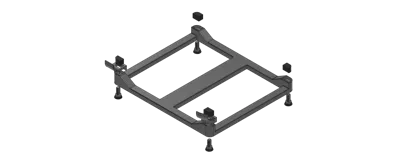
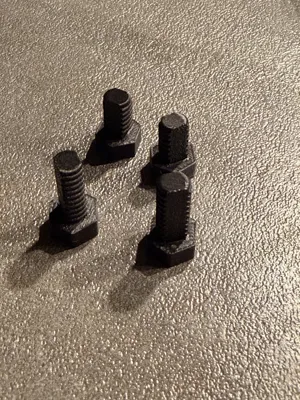
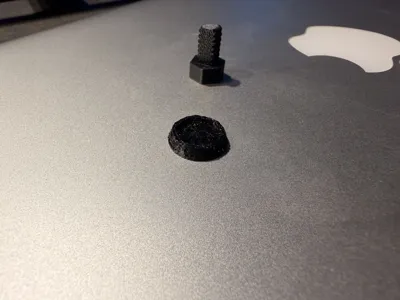
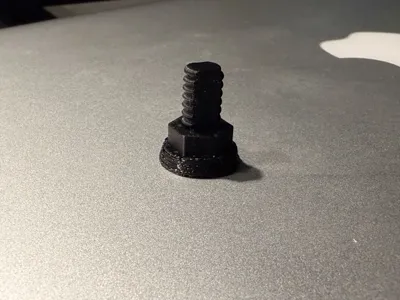
- Tool-less Assembly: The M8 trapezoidal screws are printed flat for maximum strength. The screw heads are designed as a press-fit connection—just push the threaded bolts into the heads with a bit of pressure. No glue required!
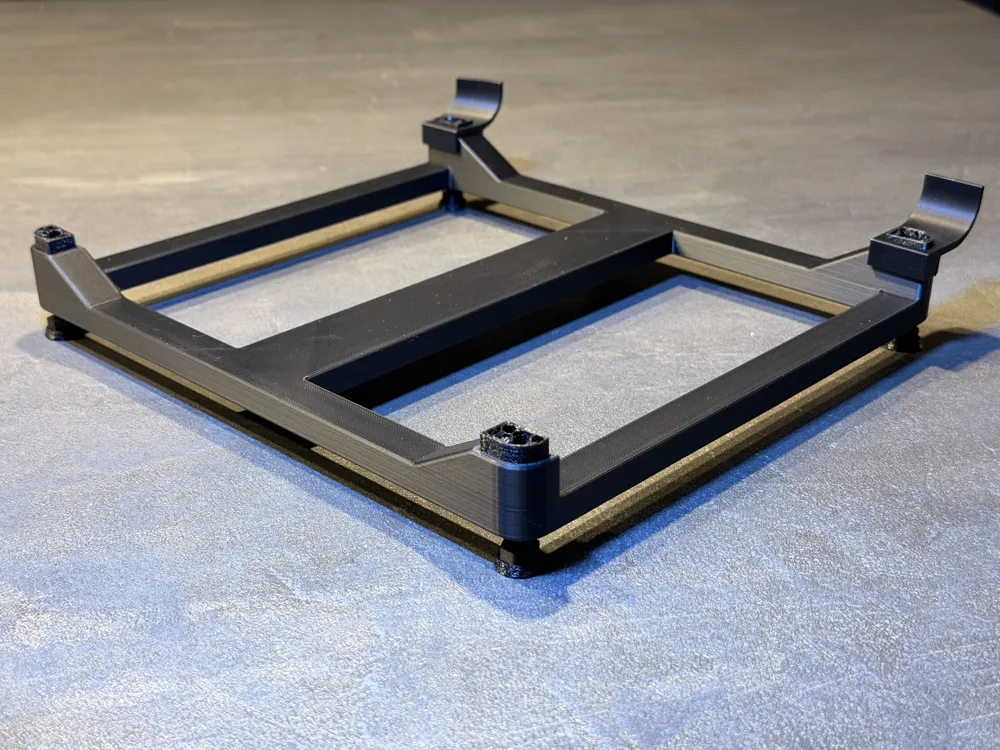
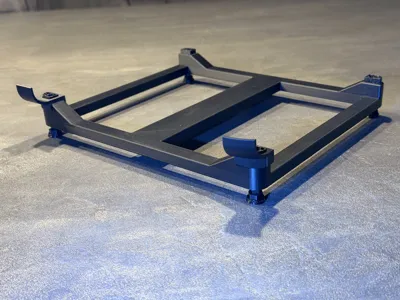
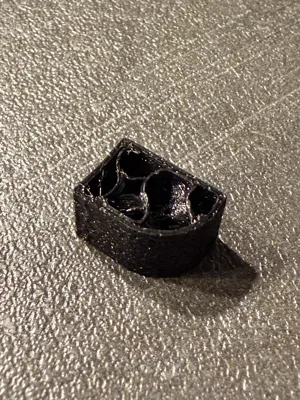
- Safety First: The frame includes optional safety stoppers (limiters). These prevent the projector from sliding forward off the stand. You can print and plug them in or leave them out if not needed.
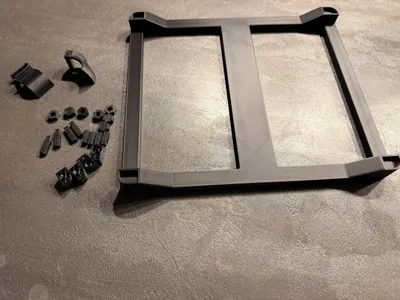
- 3-Plate Print System:
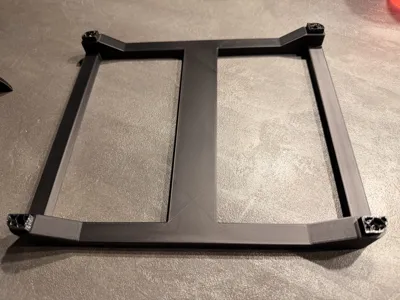
- Plate 1 & 2 (PLA): Contain the main frame, the M8 bolts, and the knurled heads.
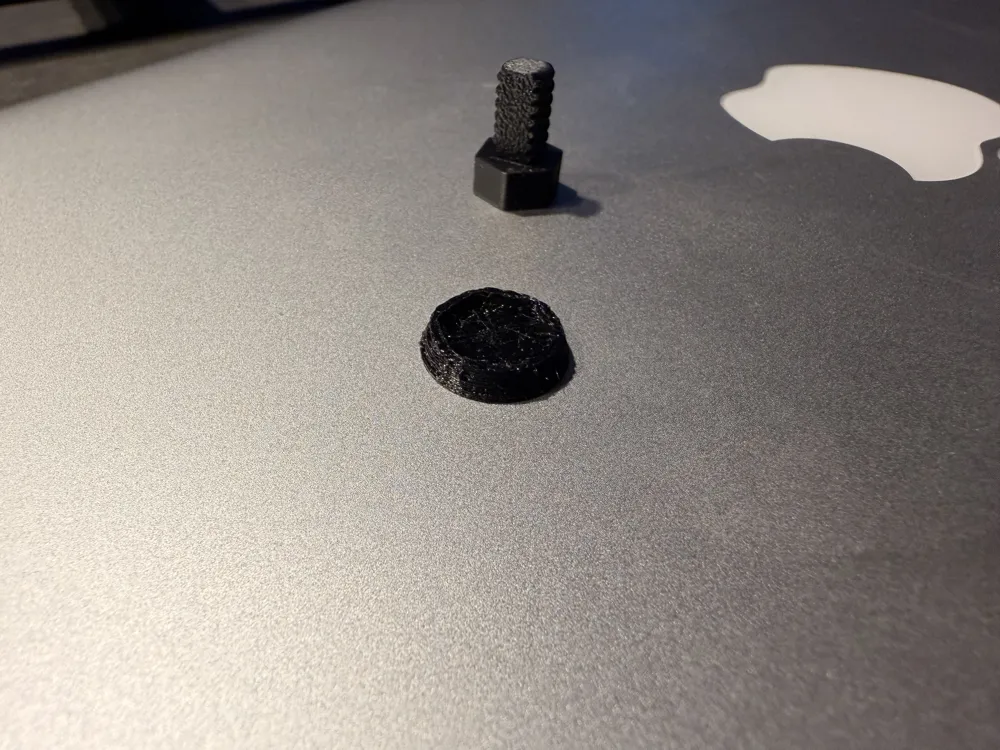
- Plate 3 (TPU): Contains the "Grip-Socks" for the screws and the "pillows" for the projector
- Material Flexibility: While TPU is highly recommended for the feet to prevent slipping, I have included a Full-PLA Profile. Note: If you choose to print the Full-PLA version without the TPU pillows, I highly recommend sticking small pieces of rubber or double-sided anti-slip tape on it. This will prevent your projector from sliding and ensure a secure setup.
- Precision Leveling: 4x M8 Trapezoidal screws allow you to dial in the perfect angle, even on uneven surfaces.
Printing Tips:
- Orientation: The screws are designed to be printed flat on the bed. This ensures the layers run lengthwise, making the screws much stronger than if they were printed standing up.
- TPU Parts: Print speed reduced for TPU objects manually and set up as print by object to reduce fading
- Tolerance Adjustment: Every 3D printer is calibrated differently. If you find it too difficult to press the bolts into the screw heads, try slightly scale the screw heads (e.g., to 101% or 102%) for a smoother fit.
Boost Me (for free)
Boost me if like this project and want to support my work
License

You may create derivative works based on this object, provided that all such derivative works are published exclusively on the MakerWorld platform and include proper attribution to the original creator. You may not share, upload, host, distribute, or publish this object—or any derivative work of this object—on any other digital platform, marketplace, or distribution channel. Commercial use of this object and any derivative works is strictly prohibited. This includes, but is not limited to, selling, renting, sublicensing, or using the object in any context in which you receive monetary compensation or other financial benefits.


Comment & Rating (5)