Search models, users, collections, and posts

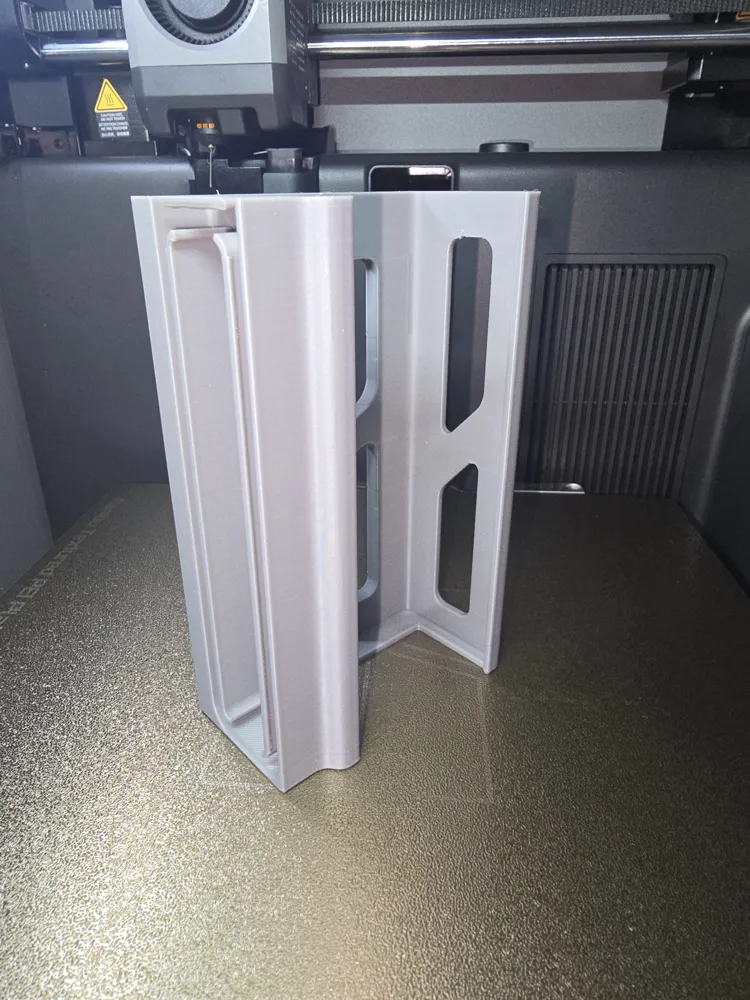
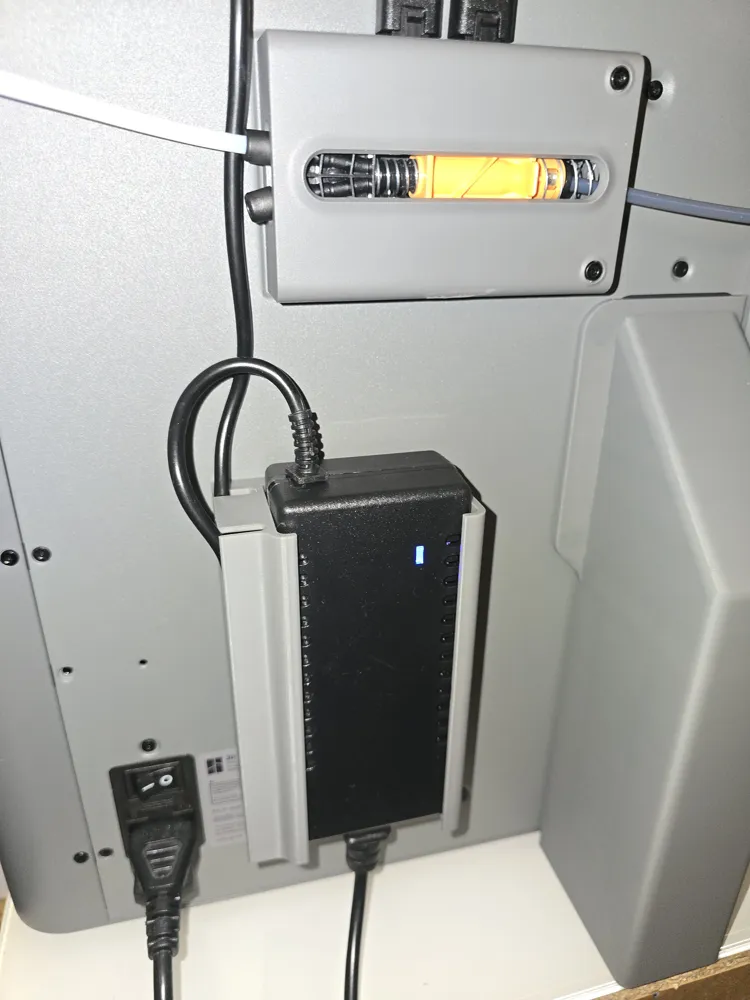
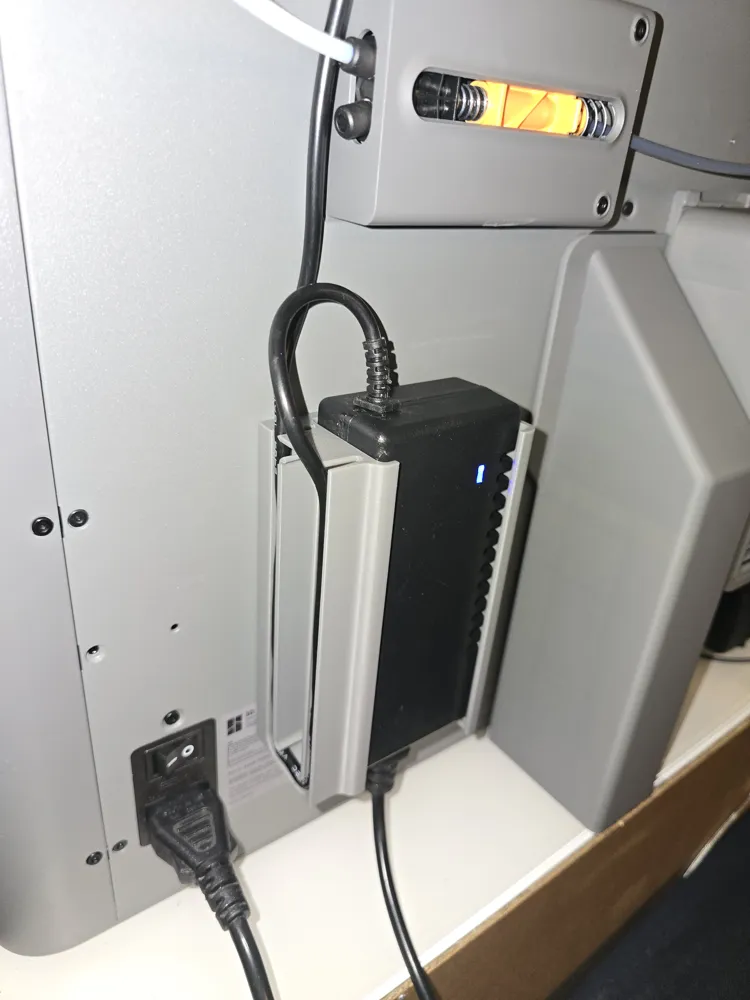
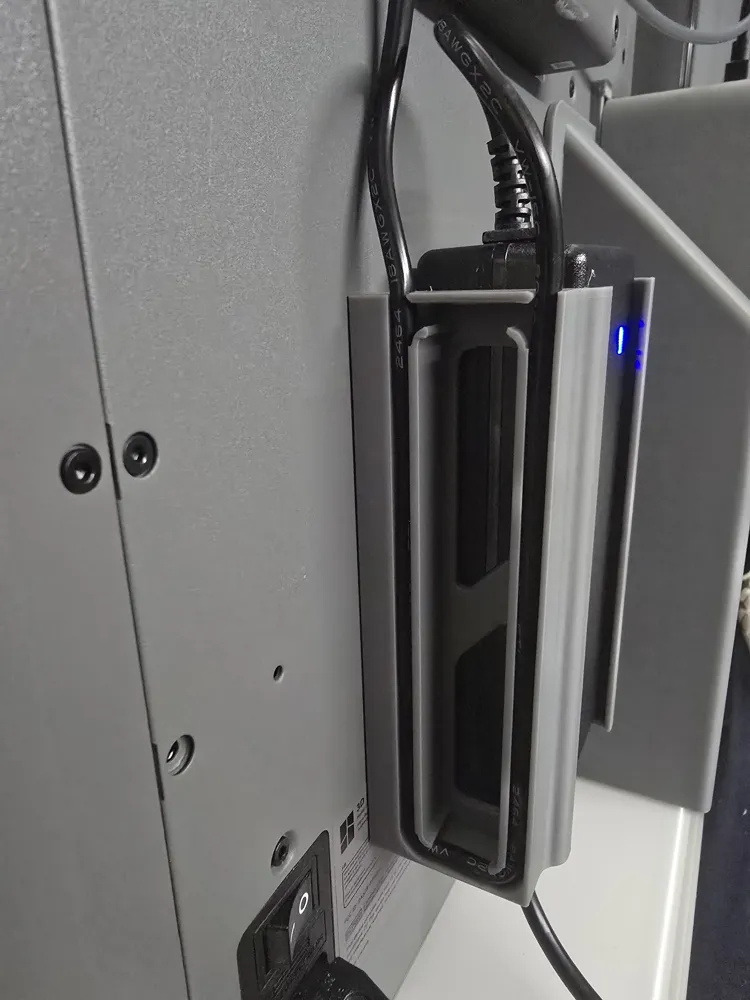
AMS 2 Pro Power Adapter Holder Magnetic Remixed
Print Profile(1)
All
P2S
H2D Pro
H2D
X1
A1 mini
X1 Carbon
H2S
P1S
P1P
X1E
H2C
A1
X2D
A2L

0.2mm layer, 2 walls, 15% infill
Designer
2.5 h
1 plate
4.9(26)

Open in Bambu Studio
Boost
144
767
57
13
294
210
Released 

Bill of Materials

Maker's Supply Kits and Parts
Select all
D5x3 mm Round Magnet (20PCS) - CA006
Bambu Filaments
Select all
Blue Grey (10602) / Refill / 1kg

Description

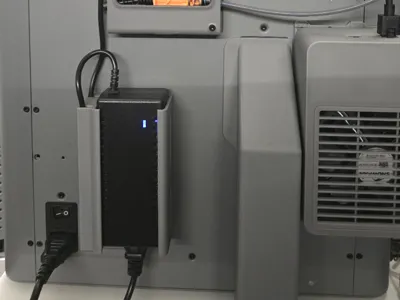
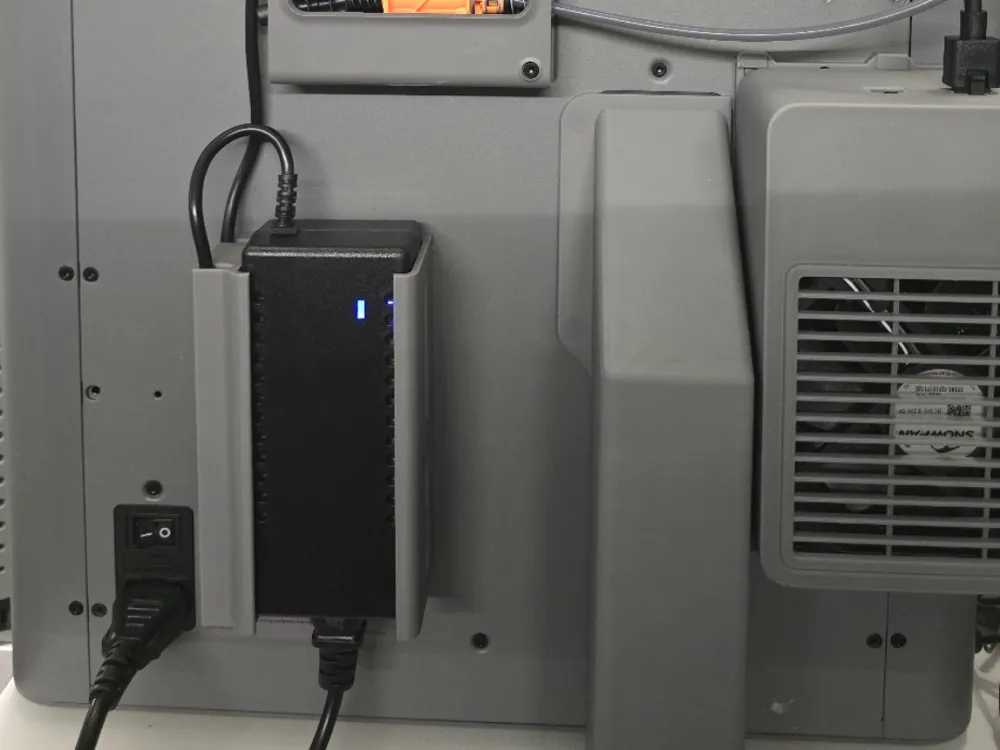
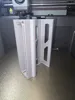
This is a modified remixed Power Supply Holder from idea Lab here

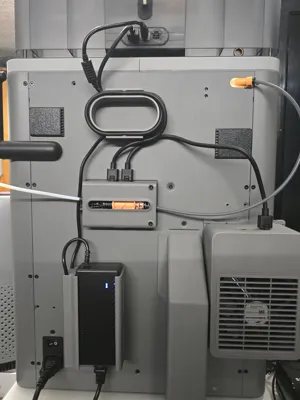
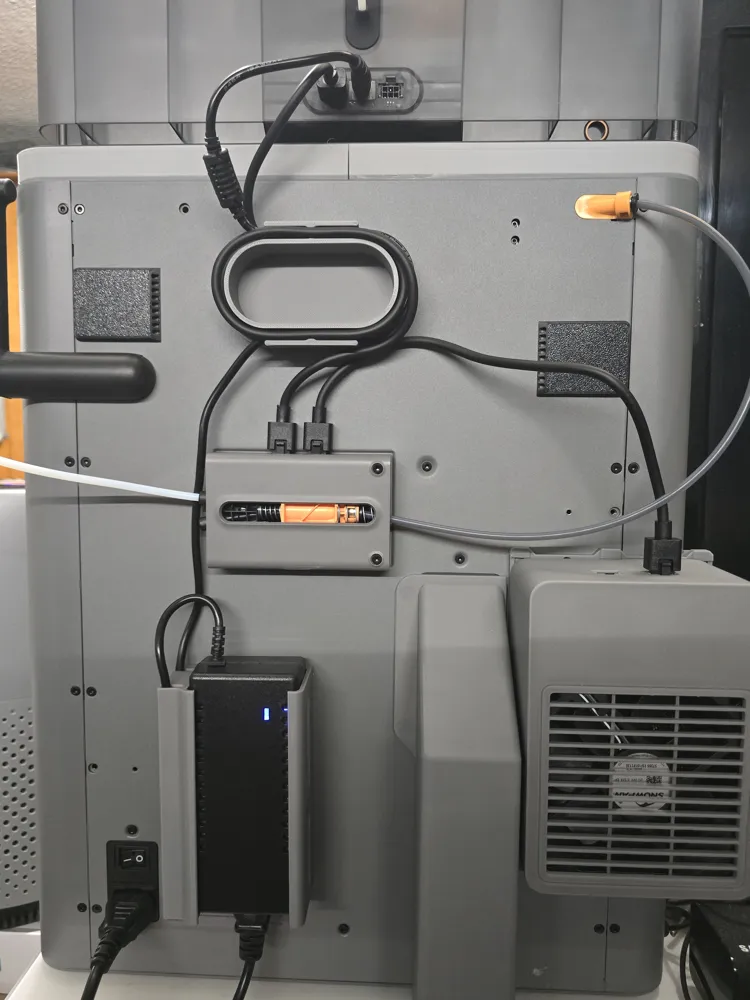
I was looking for a good looking slim Power Supply Holder with an integrated Cabel managment. I found the idea Lab Model but sadly cause of my Riser i could not hang it from above. I also did not have a ton of Space cause of the Loop AMS Cable Management.
So i changed the model slightly:

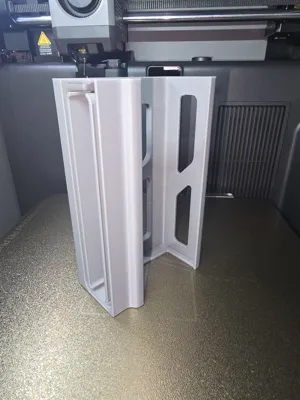
-removed the hanger and made the Back flat
-made the back thicker to a total of 5mm for the Magnets
-added 10 Magnet Holes currently 5x3mm but can be changed to your own liking in your Slicer
 

Comment & Rating (57)

(0/1000)

Printed mine in petg added the magnets. But it is a bit loose for the EU bambu adapter. Other than that came out great!
The designer has replied
0
Reply
The color looks great. Yeah i took the biggest design cause that one is guaranteed to hold all sizes without issues
0
Reply
Replying to @AbdulaMaleek :
Here is my setup now 😃
0
Reply
Replying to @c0d3Dx :
I'm trying to find the cable router model that you show in the middle of the picture. Do you have a link?
0
Reply
And why is this power supply needed? You can't dry during printing, the printer itself handles one AMS system, and it can't dry two simultaneously. Only from the power supply, zero. My guy tried his best
The designer has replied
Show original
0
Reply
Bambu released beta firmware for the H2S, H2D and yesterday for P2S. Now you can Print & Dry at the same time. But the P2S needs an external Power Supply for this to work.
6
Reply
Replying to @AbdulaMaleek :
Ok. That would be great
Show original
0
Reply
Even without the beta firmware you'll still need the power supply to dry while printing with another AMS unit. Meaning if you have multiple AMS units and is only printing off of one, you can dry with the other unused AMS 2 Pro units with a power supply. I've been doing that with my AMS 2 Pro if I'm printing off of my AMS HT.
1
Reply
Print Profile
0.2mm layer, 2 walls, 15% infill
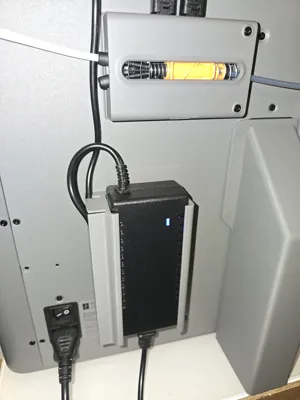
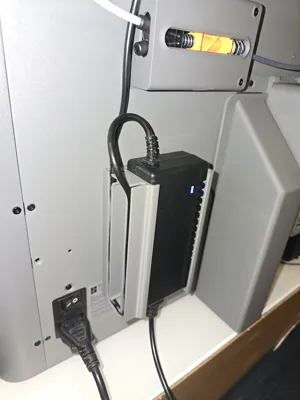
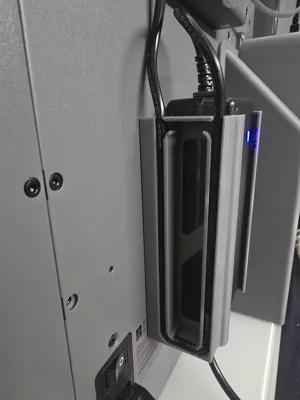
I have adjusted the holder in height to the original Bambu Lab AMS 2 Pro power supply (EU version). As can be seen in the pictures, I am using the holder in a horizontal orientation, which works perfectly. Finally, the power supply has a fixed place and is no longer lying around loosely behind the printer
Show original
0
Reply
Print Profile
0.2mm layer, 2 walls, 15% infill
perfect everything without problems with modified magnets 10x3
Show original
0
Reply
Hello, I want to use magnets of size D12x3mm. how do I change this in the slicer?
The designer has replied
Show original
0
Reply
In the Slicer on the Left Panel you see Global | Object. You do to Object and under the Main Body there are many generic discs. You Select them ALL and then you can change the size of them all
0
Reply
Thank you, I understand that much. But where exactly do I enter or change the measurements?
Show original
0
Reply
Replying to @masteron2142 :
You click on the Generic Disc and then on Scale (S) Now the holes are specified as 5.5x3.2mm and you can change this to your magnet size
Show original
0
Reply
Print Profile
0.2mm layer, 2 walls, 15% infill
0
Reply
Hi, great design. Thank you for your work and sharing this. I am trying to print this, but I have only have 5x2mm magnets. I tried to change the size in bambu studio slicer but in the prepare section the holes are not visible. Once I hit slice, they are, but I can't edit them. I am a complete newb to printing (2 weeks) so I am likely doing something wrong. Any guidance would be greatly appreciated.
The designer has replied
0
Reply
In the Prepare Tab on the Left side in Section "Process" it then says Global | Objects. You click on Objects then scroll the List down. Under Body there are 10 x Generic Disc. If you press on one or select all of them they will Outline themselfs in the 3D Model. These Generic Discs are the Magnet Modifiers. Just select them all then adjust the size and then adjust the position so they are on the Back. Have fun and happy printing
1
Reply
Replying to @AbdulaMaleek :
Thank you so much for the quick reply. I will try this now and report back.
1
Reply
Print Profile
0.2mm layer, 2 walls, 15% infill
The power supply fits perfectly. I would just like stronger and larger magnets to hold it more. I had to glue the small magnets with glue, the holes were a little bigger. It looks good right away. Thanks
The profile uploader has replied
0
Reply
I also said this in the description but you can change the Magnet Sizes in the Slicer to fit your own Magents. I know not everyone has the same Magnets thats why you can change the Size from 5x3 to any size
0
Reply
Cool design, I'm facing the exact same issue due to my riser. Question: Has printing this with PLA caused you any issues? Power bricks can get quite hot. I just got mine for the AMS, so I'm not sure how hot these get.
The designer has replied
0
Reply
True my Brick also gets quiet Warm and i do use the drying feature everytime my Printer is on (so alot). And now 1 Months after making it, its still solid. No melting, flexing, warping nothing. Even tried touching the PLA while the Brick is very hot during ABS drying and it did not move. I use SunLu PLA Grey.
0
Reply
Hello. Which of the three sizes posted by Idea Lab did you use? Sincerely 3D_FS
The designer has replied
Show original
0
Reply
The Biggest one so all can Fit
0
Reply

License

This user content is licensed under the MakerWorld Exclusive License.

You may create derivative works based on this object, provided that all such derivative works are published exclusively on the MakerWorld platform and include proper attribution to the original creator. You may not share, upload, host, distribute, or publish this object—or any derivative work of this object—on any other digital platform, marketplace, or distribution channel. Commercial use of this object and any derivative works is strictly prohibited. This includes, but is not limited to, selling, renting, sublicensing, or using the object in any context in which you receive monetary compensation or other financial benefits.