
Print Profile(1)
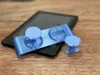
Description
📌 Features:
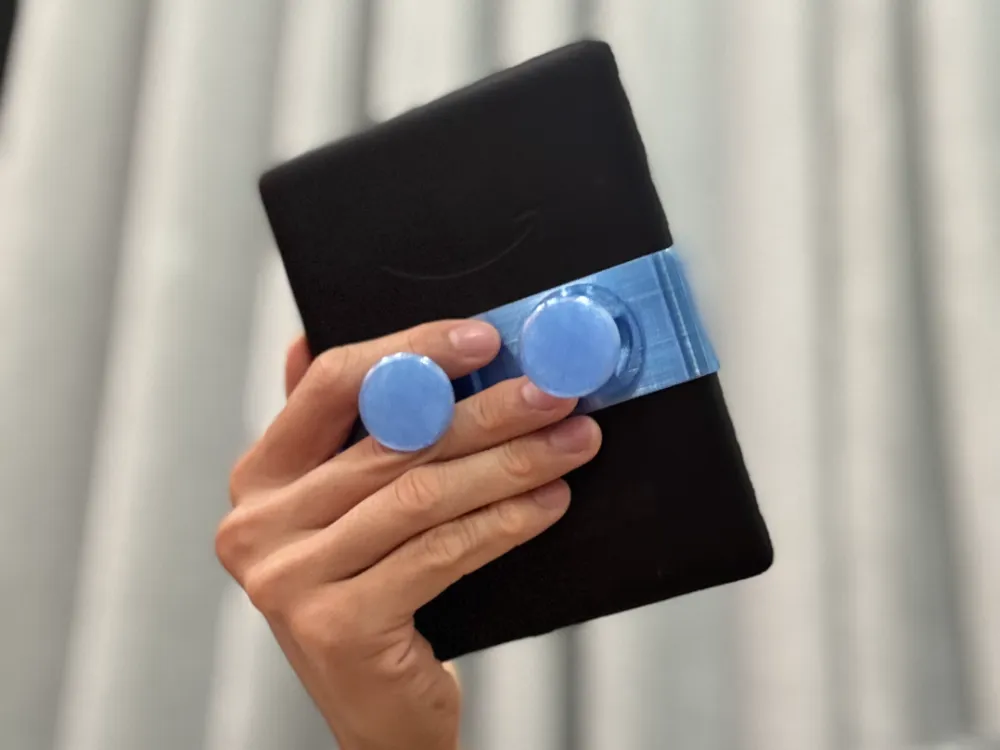
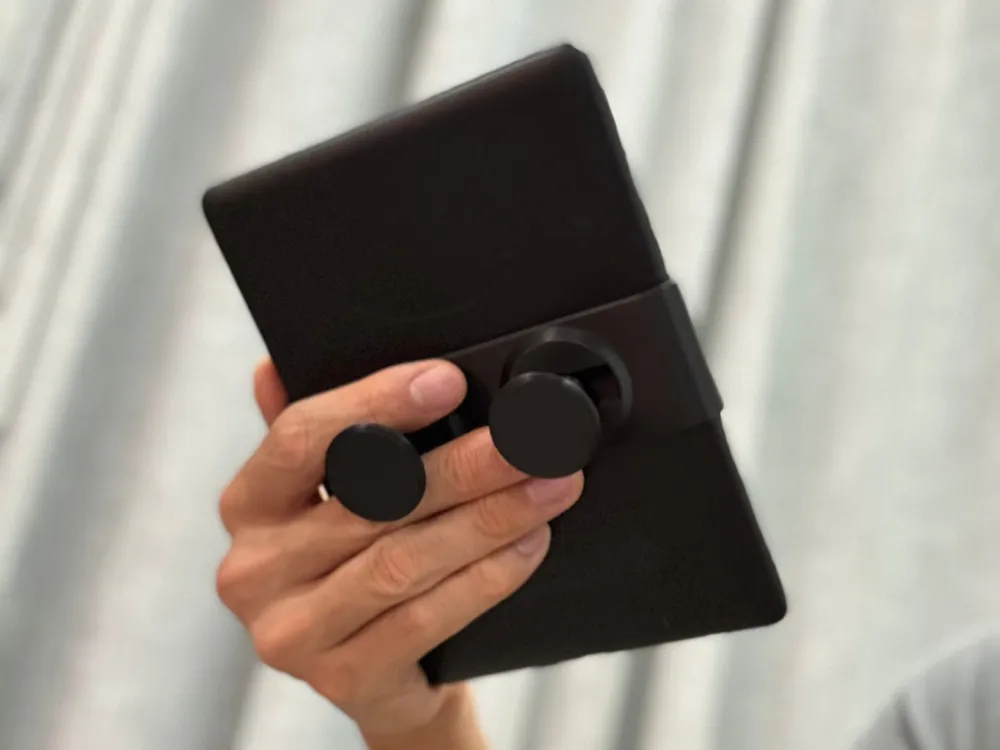
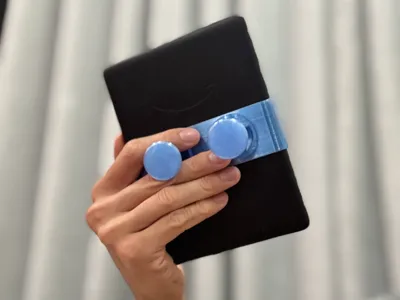
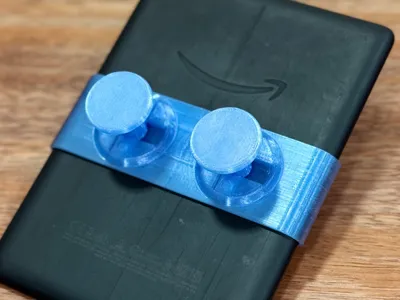
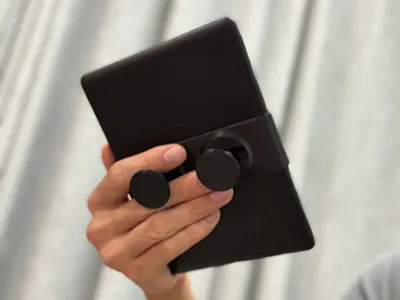
- Hold your Kindle comfortably with either hand. The Kindle just rests securely on your finger, no need to grip it.
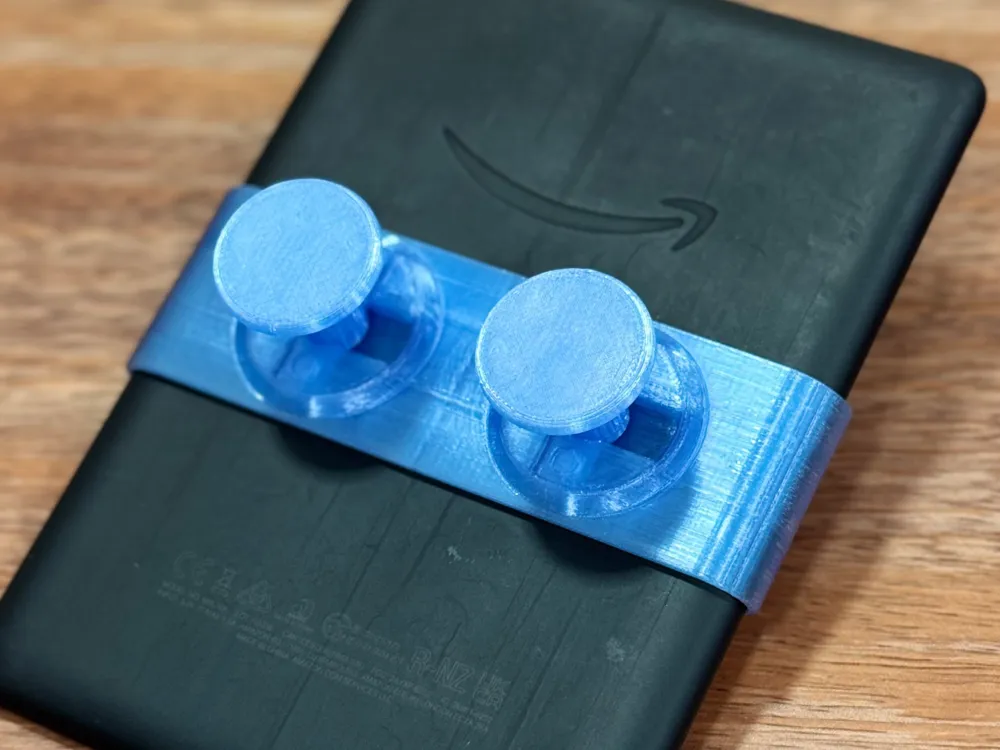
- Slide the case up and down to find the most comfortable position.
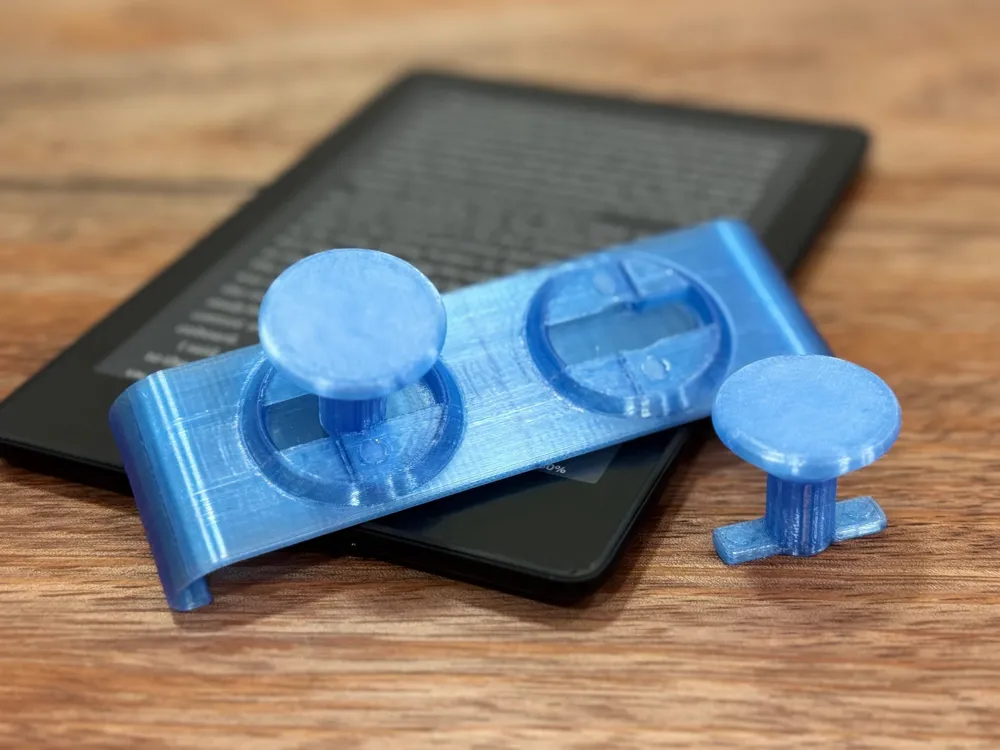
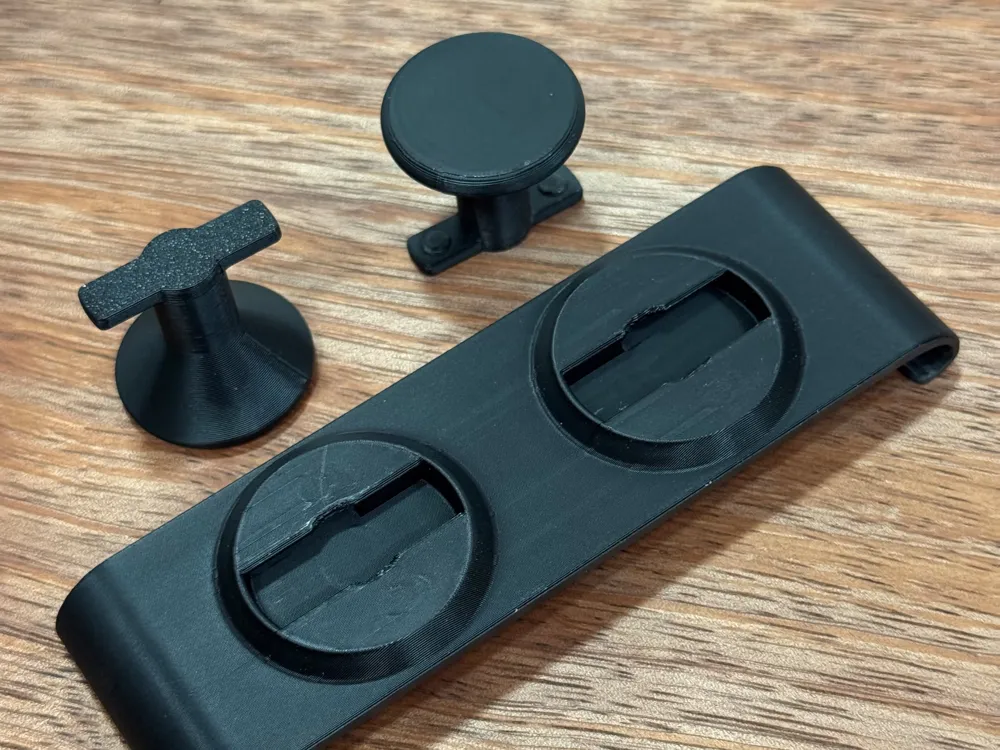
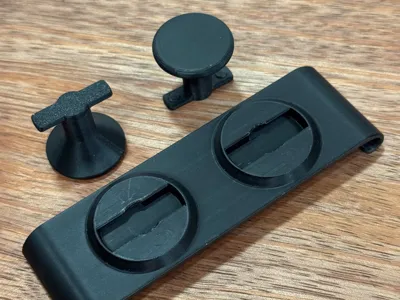
- Finger grips twist and lock with a satisfying snap. Removable for easier stowage of your Kindle.
- The length of the finger grips are ✨customizable✨.
- Reinforced finger grip shaft to allow printing vertically for best print quality while preserving strength.
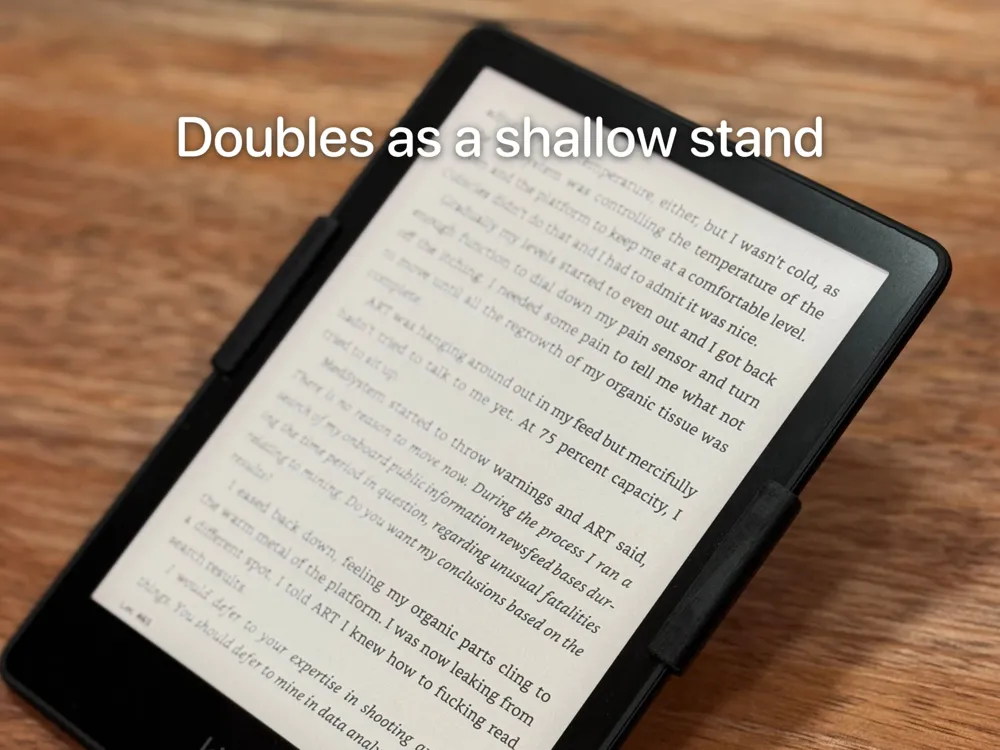
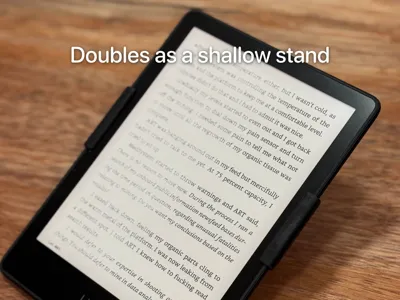
- Doubles as a stand, so you can also read on a table.
🧩 Compatibility:
I'm using this with my Kindle Paperwhite 11th gen, tested print with Bambu PLA Basic, PETG HF and PETG Translucent. The case part fits with a comfortable resistance when sliding the case.
✅ Paperwhite 11th gen
✅ Paperwhite Signature 11th gen
⚠️ Paperwhite 12th gen: I don't have one to test. Please test and tell me if the provided one works for you?
The provided has build plates for 11th and 12th gen, please choose the appropriate one for you.
🔪 Slicer Settings
If you're not using the provided profile, do the following just for the case that wraps the Kindle:
- Enable auto supports
- Set Brim type in “Others” tab to “Outer brim”. I've had bed adhesion issues sometimes because of the very narrow profile.
- Draw a seam line on the inner flat side of the case. Or just anywhere but the thin outer edges where the slicer usually defaults to.
🛠️ Post-processing
- Thoroughly remove the support material inside the key holes. There is this small piece that often gets stuck inside. You may dislodge it by inserting the finger grip and twist it with some force.
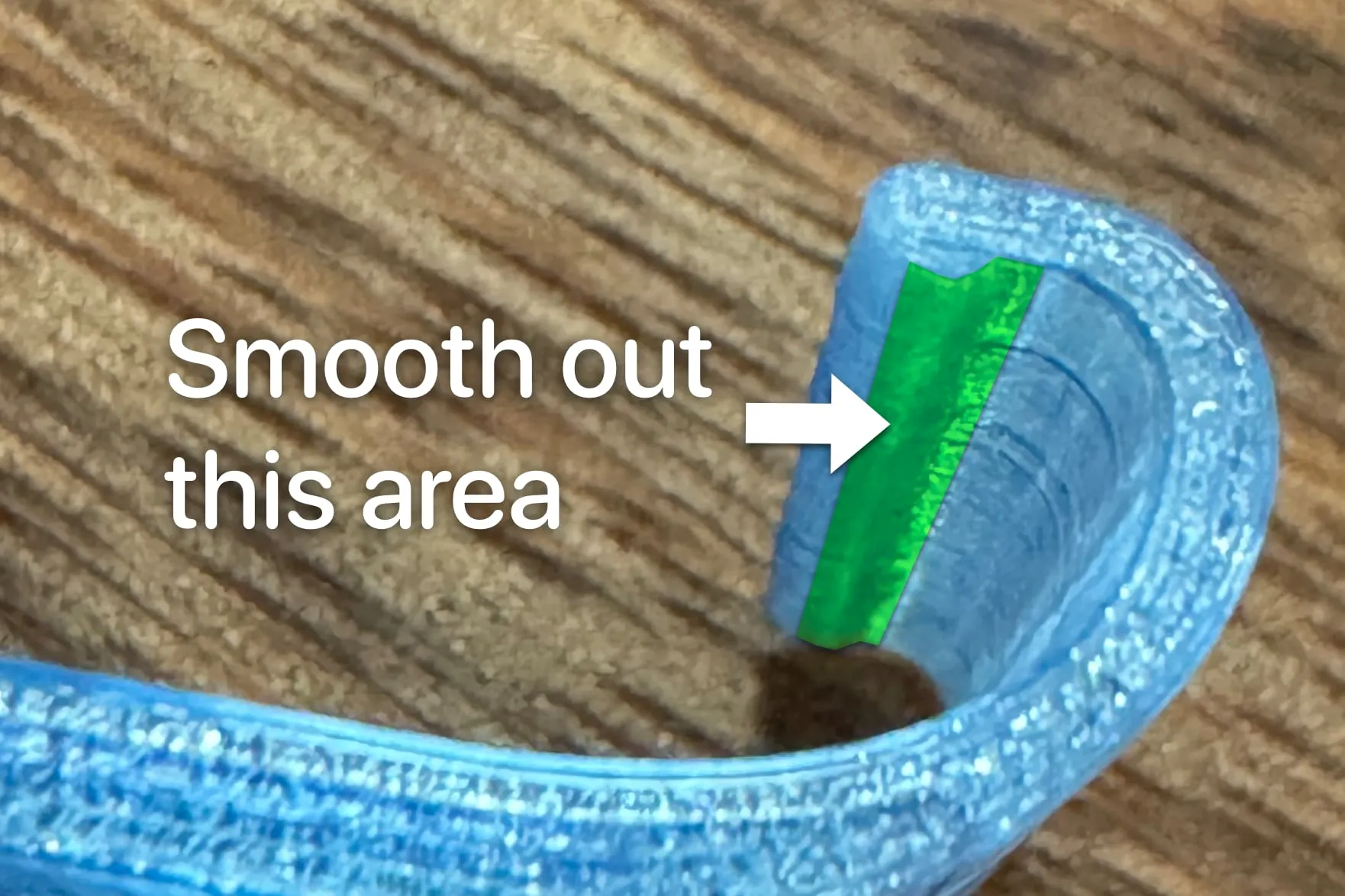
Lightly sand and smooth out any imperfections on the narrow surface that contacts the screen to prevent scratching.
- PETG Translucent is rather grippy, which makes the finger grip too tight. Gently sand off the bottom of the key against a flat surface until you find a fit that you like. Only very little needs to be removed, so go slow!
License

You shall not share, sub-license, sell, rent, host, transfer, or distribute in any way the digital or 3D printed versions of this object, nor any other derivative work of this object in its digital or physical format (including - but not limited to - remixes of this object, and hosting on other digital platforms). The objects may not be used without permission in any way whatsoever in which you charge money, or collect fees.


Comment & Rating (10)