
Moon Bones
Print Profile(3)






Description
Boost Me (for free)
If you wish, you can help me by supporting my work with a Boost. Don't have a Boost? You can like the project and follow me. Thanks in advance for your help!
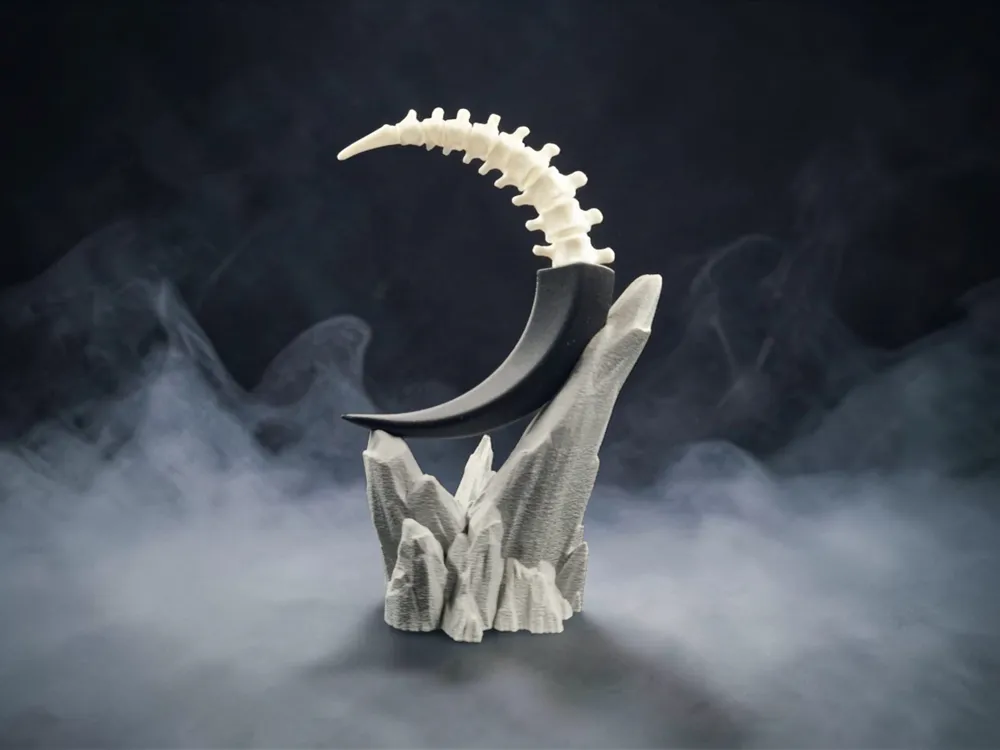
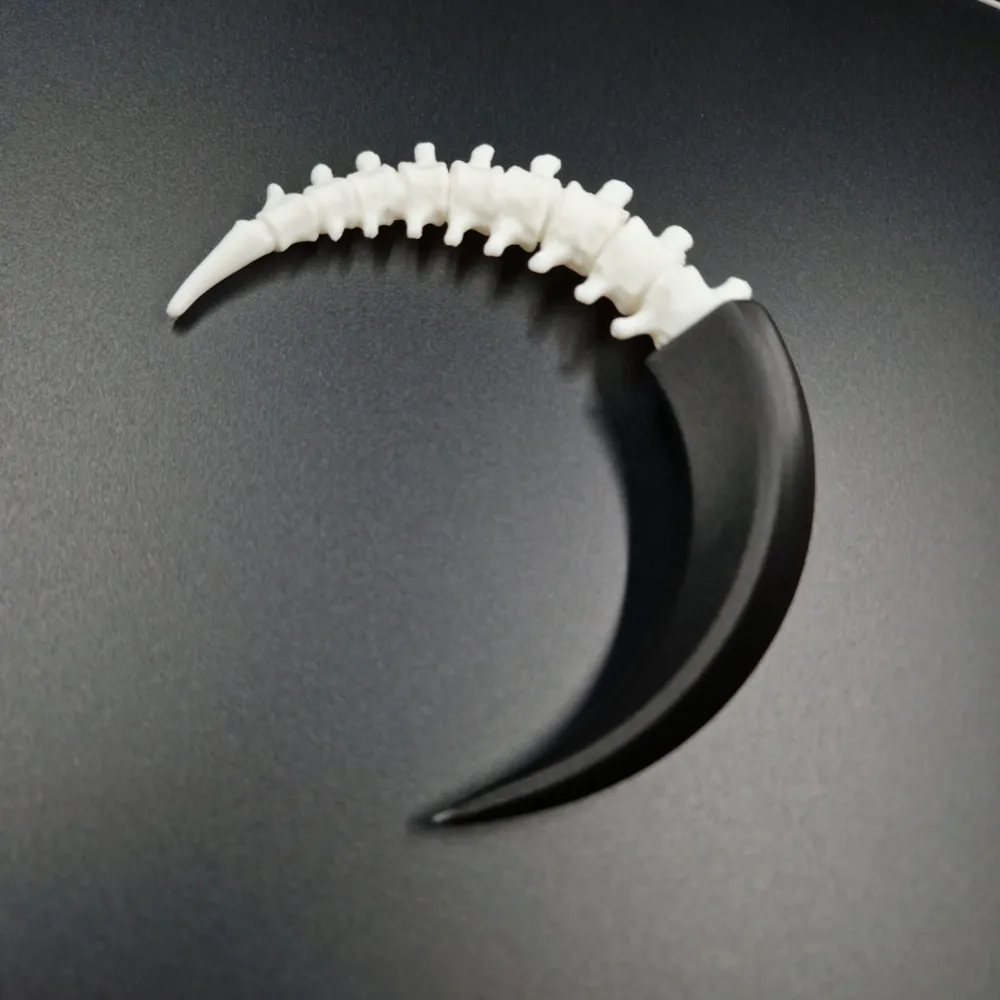
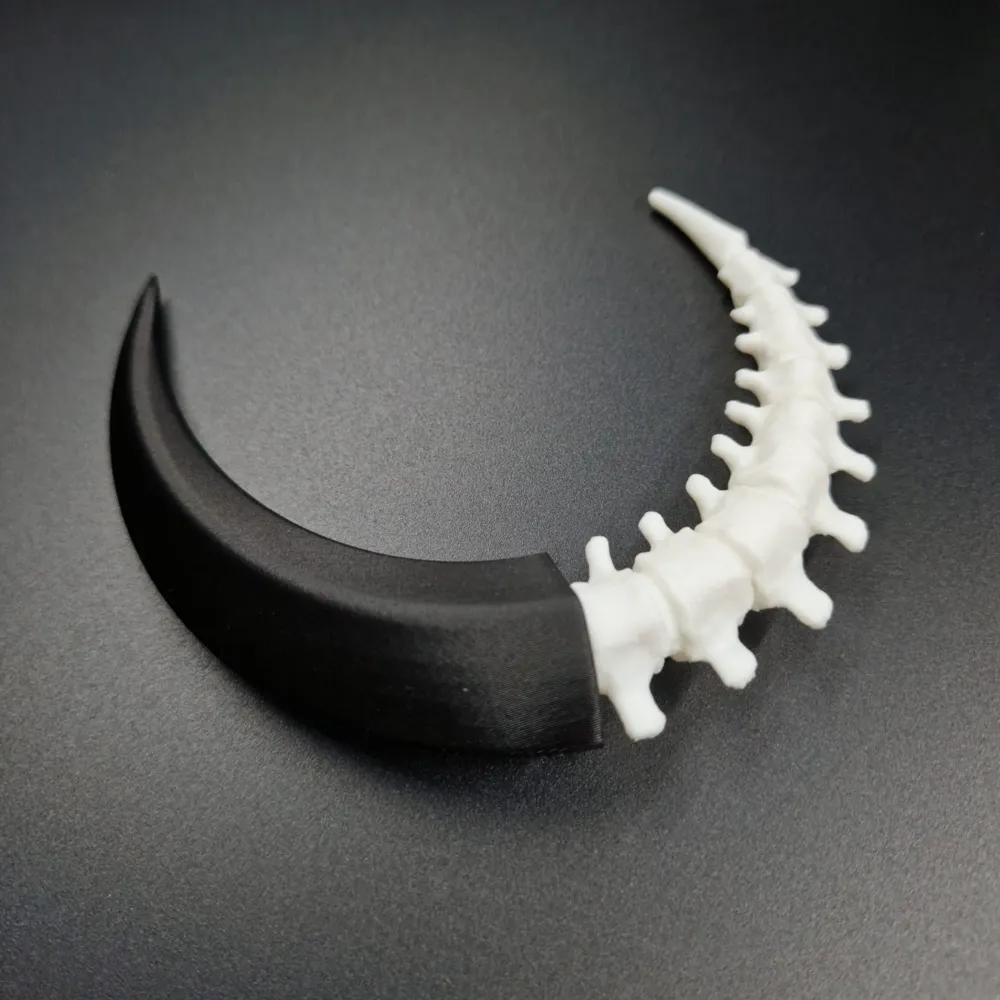
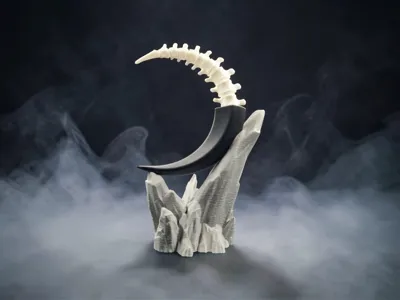
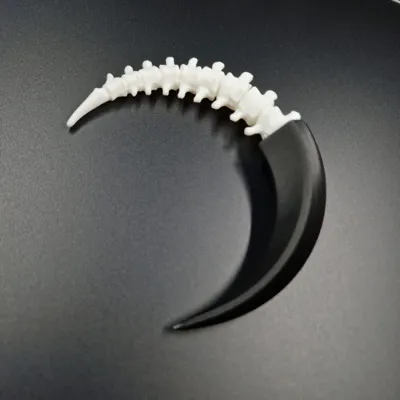
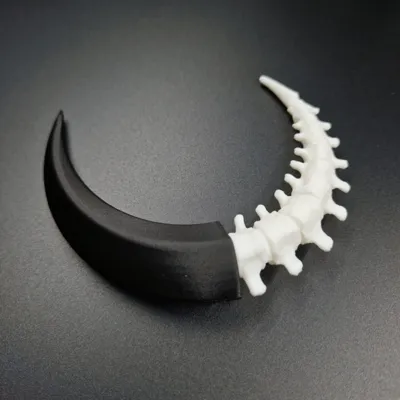
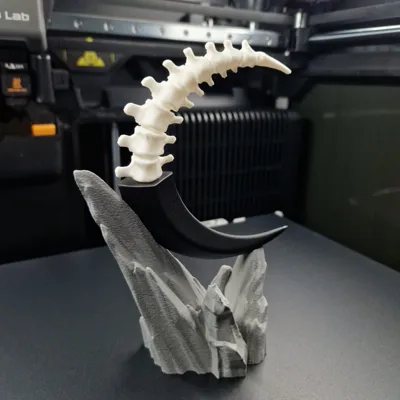
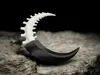
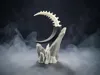
A distinctive black half-moon sculpture with a skeleton, it can be used as a decoration and is sure to stand out with its striking form!
📐 DESIGN FEATURES:
- Dimensions in Photos: 135 x 35 x 86 mm (Scalable according to your needs).
- Design optimized for 3D printing with 0.4 mm nozzle.
- Suitable for home and garden decoration.
- 2 robust designs, profiles with combined or separated structure for individual printing.
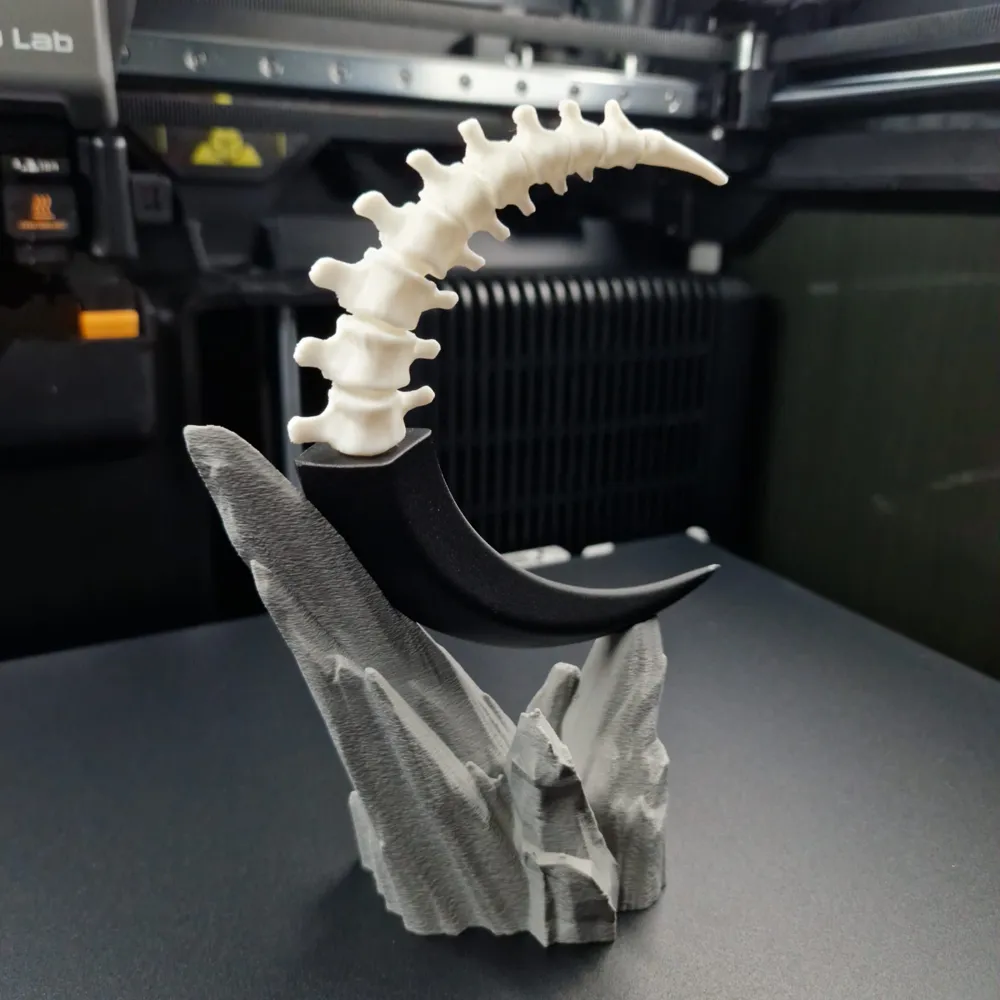
- Dedicated moon pedestal, in two different print modes: Normal and Fuzzy Skin.
🖨️ CUSTOMIZATION:
- Can be printed in the colors you prefer according to your taste or preferences.
- Can be resized. Larger is not a problem. Avoid making it smaller for printing within the limits of a 0.4 mm nozzle.
🎨 FILAMENT USED and RECOMMENDATIONS:
- Filament used: Bambu Lab PLA Basic.
- To maintain the characteristics seen in the photos, I recommend PLA Basic filaments.
- For outdoor exposure, I recommend PETG, ABS, or ASA filaments.
- To attach the moon to the pedestal, use a drop of glue.
⚙️ MOON ASSEMBLY FOR NO AMS PROFILE:
- Apply a drop of glue between the two parts to be joined.
- Use the shape created in the black part as a reference for positioning.
- Join the two parts and hold them together long enough for the glue to dry.
⚙️ MOON ASSEMBLY ON THE PEDESTAL:
- Position the moon using the shape created in the pedestal as a reference.
- Apply a drop of glue on the part of the pedestal designed to join with the moon.
- Join the two parts and hold them together long enough for the glue to dry.
✨ Did you like this project?
- Check out my profile for other original models by clicking HERE!
- Follow the ART and SCULPTURE DESIGN Collection to stay updated by clicking HERE!
*Photos, designs, and trademarks of manufacturers mentioned on this page are the exclusive property of their respective owners.
(If you are interested in commercial use of my models, early access, exclusive designs, or if you simply like my work and want to support me, contact me privately)
License

You shall not share, sub-license, sell, rent, host, transfer, or distribute in any way the digital or 3D printed versions of this object, nor any other derivative work of this object in its digital or physical format (including - but not limited to - remixes of this object, and hosting on other digital platforms). The objects may not be used without permission in any way whatsoever in which you charge money, or collect fees.


Comment & Rating (0)