Search models, users, collections, and posts

Yoyo Unresponsive
IP Report
Print Profile(1)
Unresponsive Yoyo
Designer
2.7 h
1 plate
Open in Bambu Studio
Boost
64
142
31
4
225
96
Released
Description
Hey everyone!
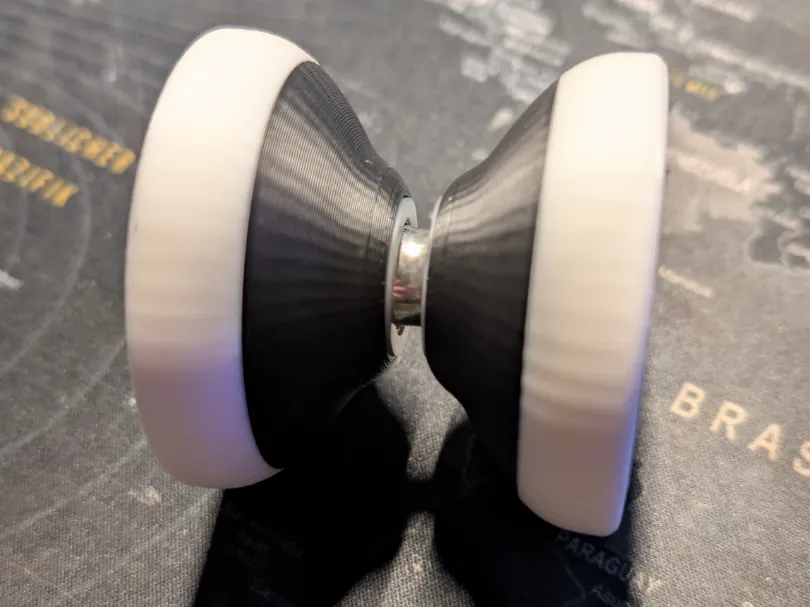
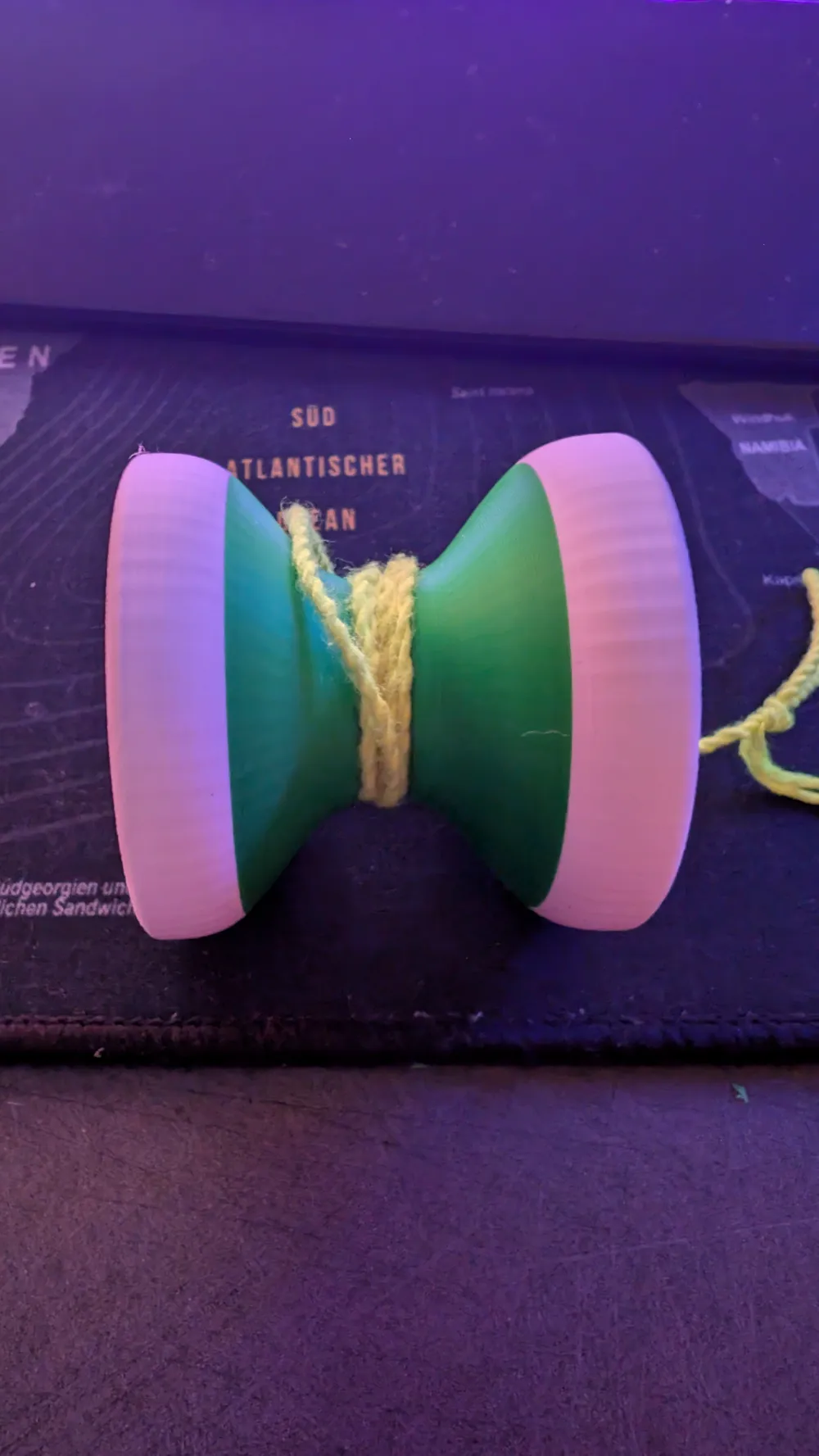
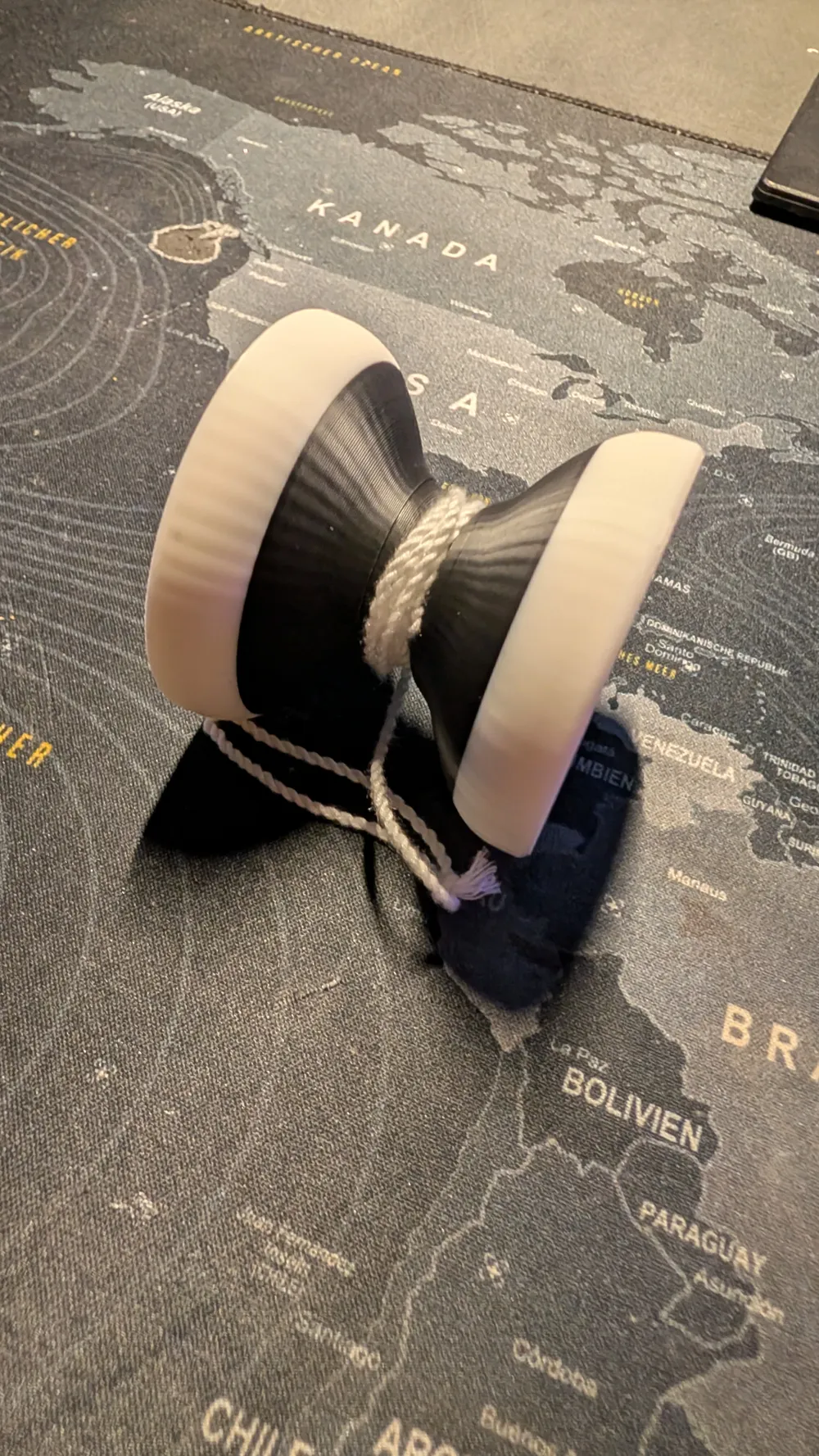
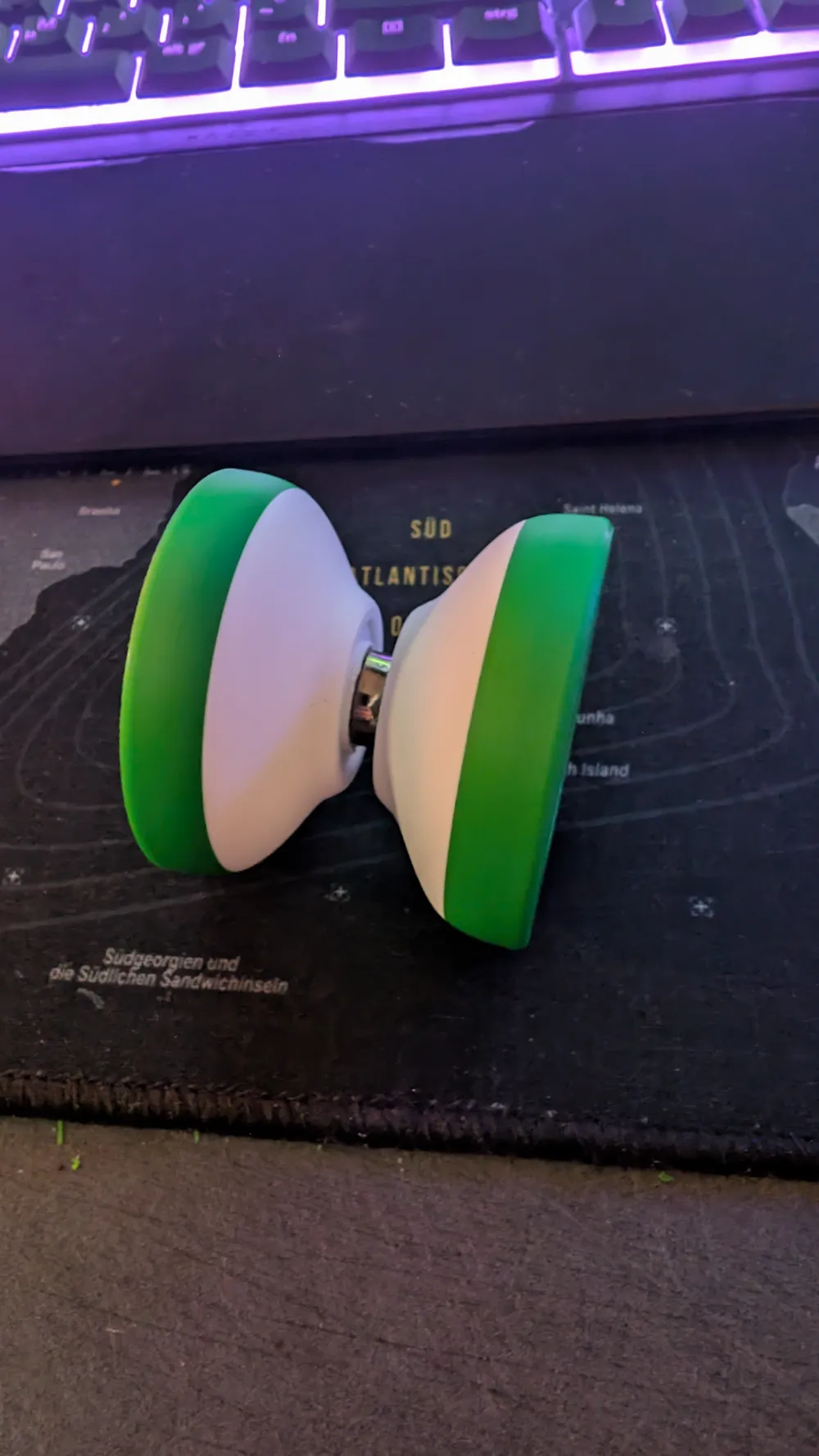
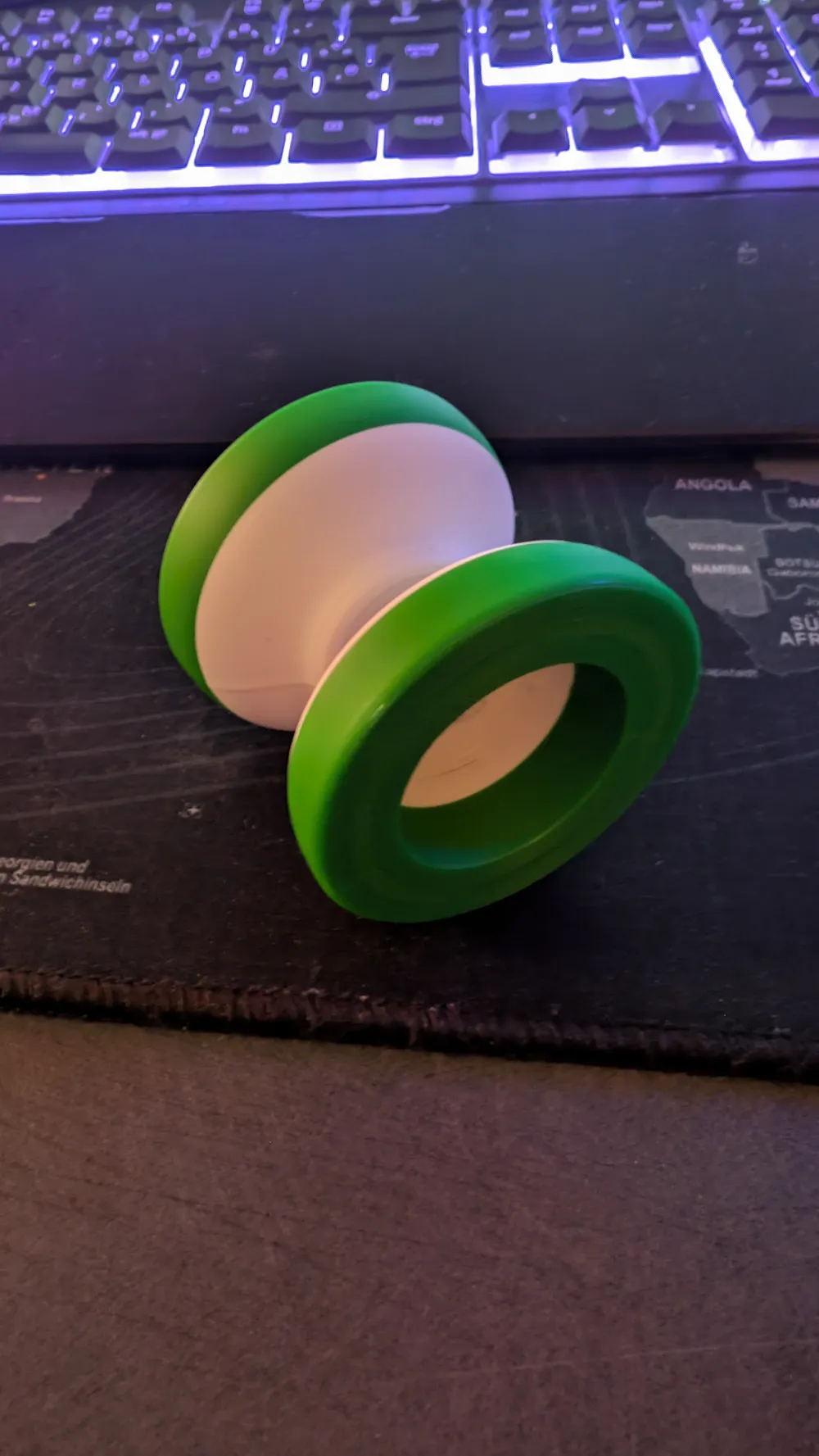
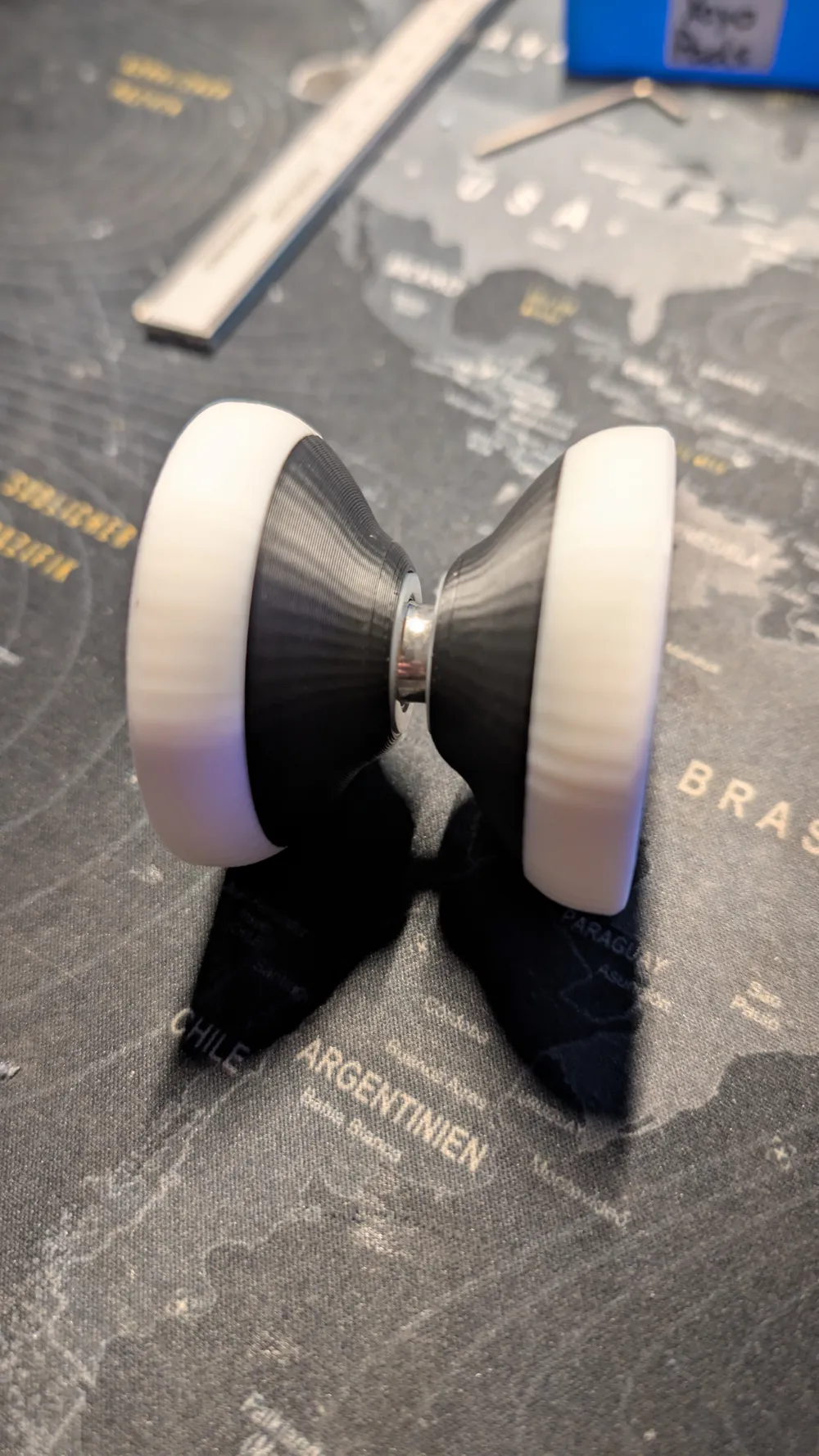
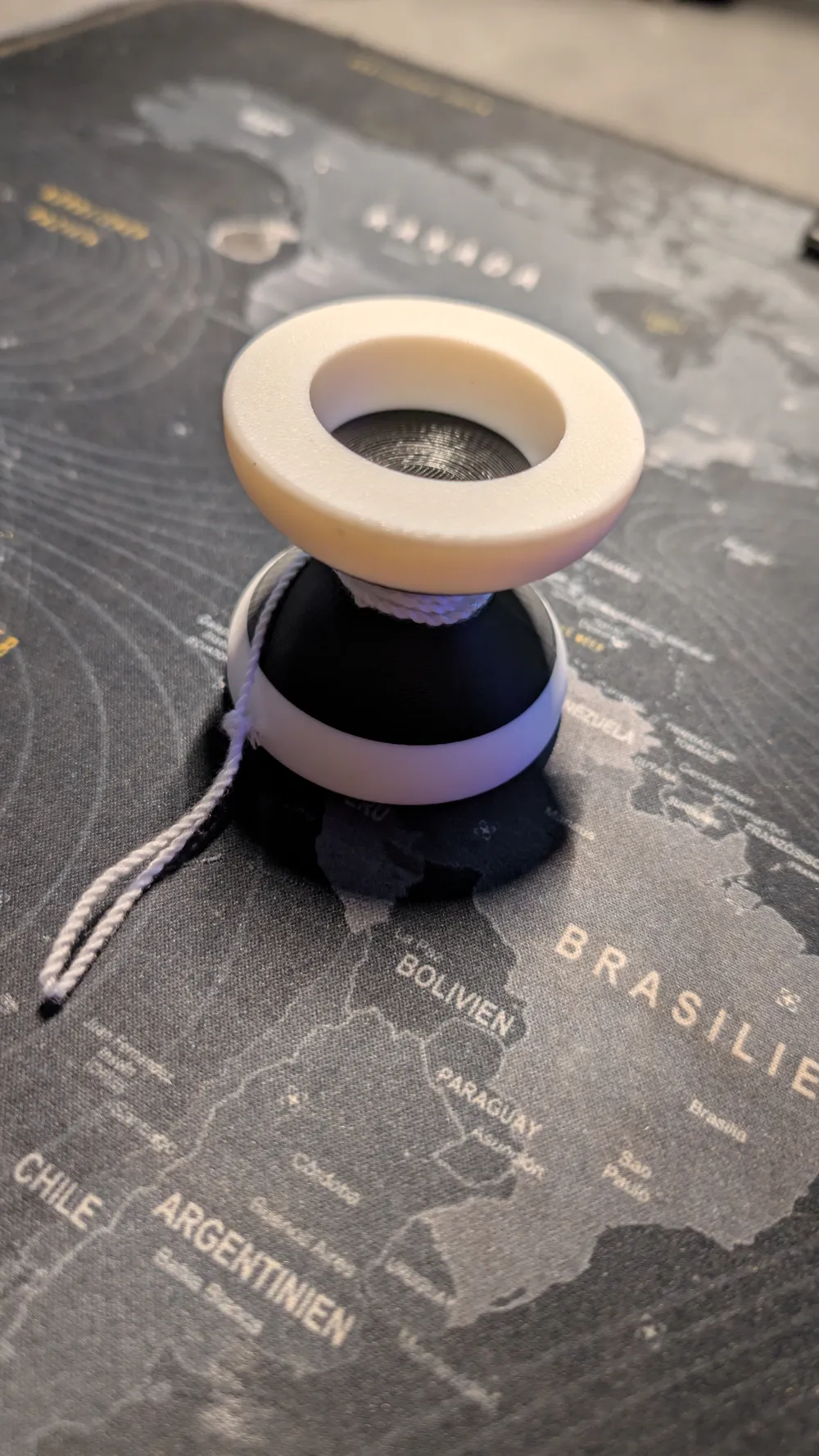
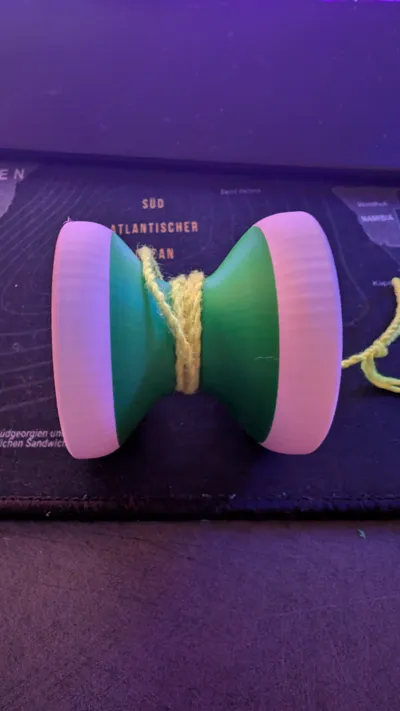
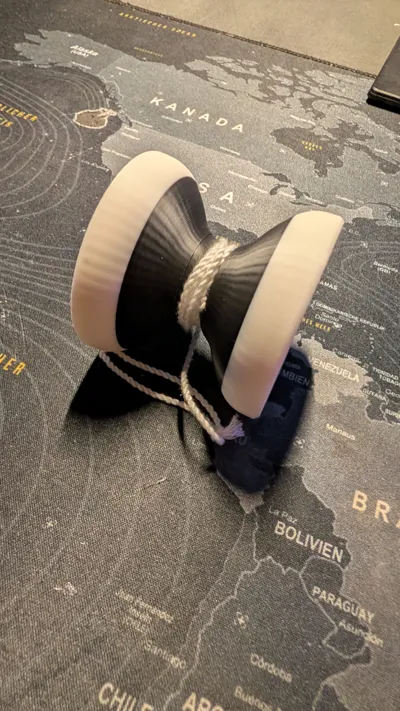
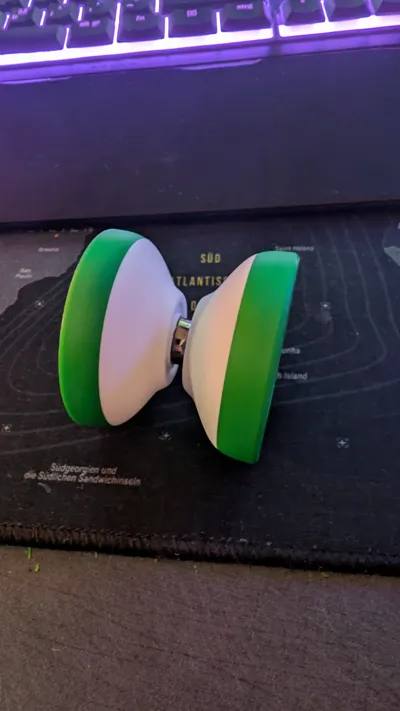
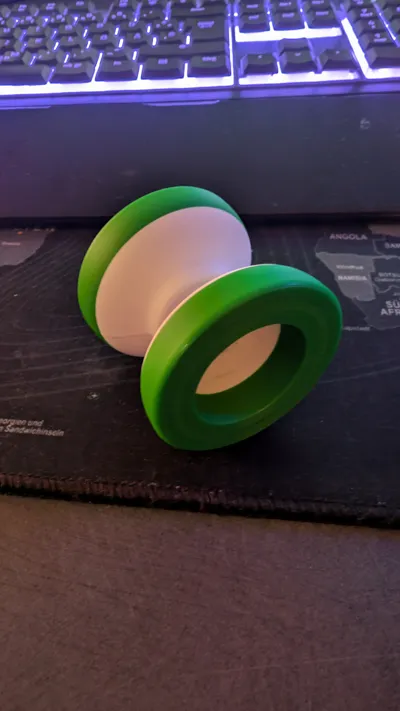
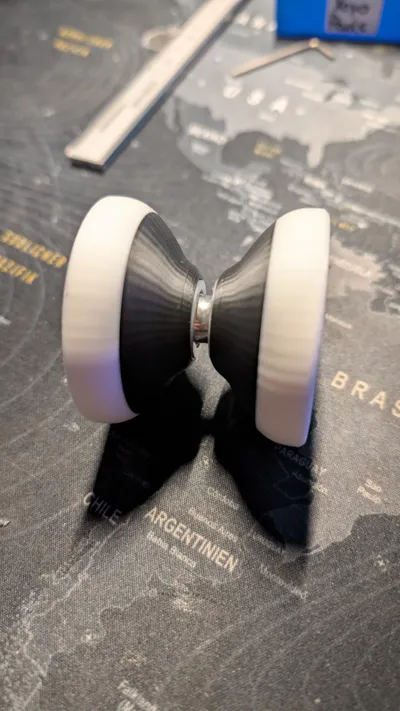
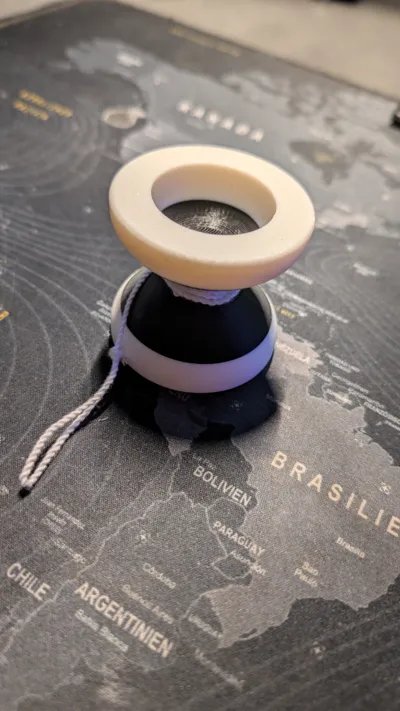
Here is my designed unresponsive yoyo. I hope you like it and have fun printing and playing with it!
Required parts
To assemble the yoyo you will need:
- 2× M4 nuts
- 1× M4 set screw (16 mm)
- 1× unresponsive yoyo bearing
- 2× yoyo pads
Print settings
This yoyo must be printed with 100% infill. This increases the weight and helps distribute the mass more evenly, which improves spin time and stability.
Important – Pause the print
Very important:
During the print you need to pause the printer at the layer where the nut slots are reached. Insert the two M4 nuts into their slots and then resume the print so they get enclosed inside the model.
Assembly
After printing:
- insert the yoyo pads into the pad recesses.
- Insert the yoyo bearing onto the axle seat.
- Screw both halves together using the 16 mm M4 set screw.

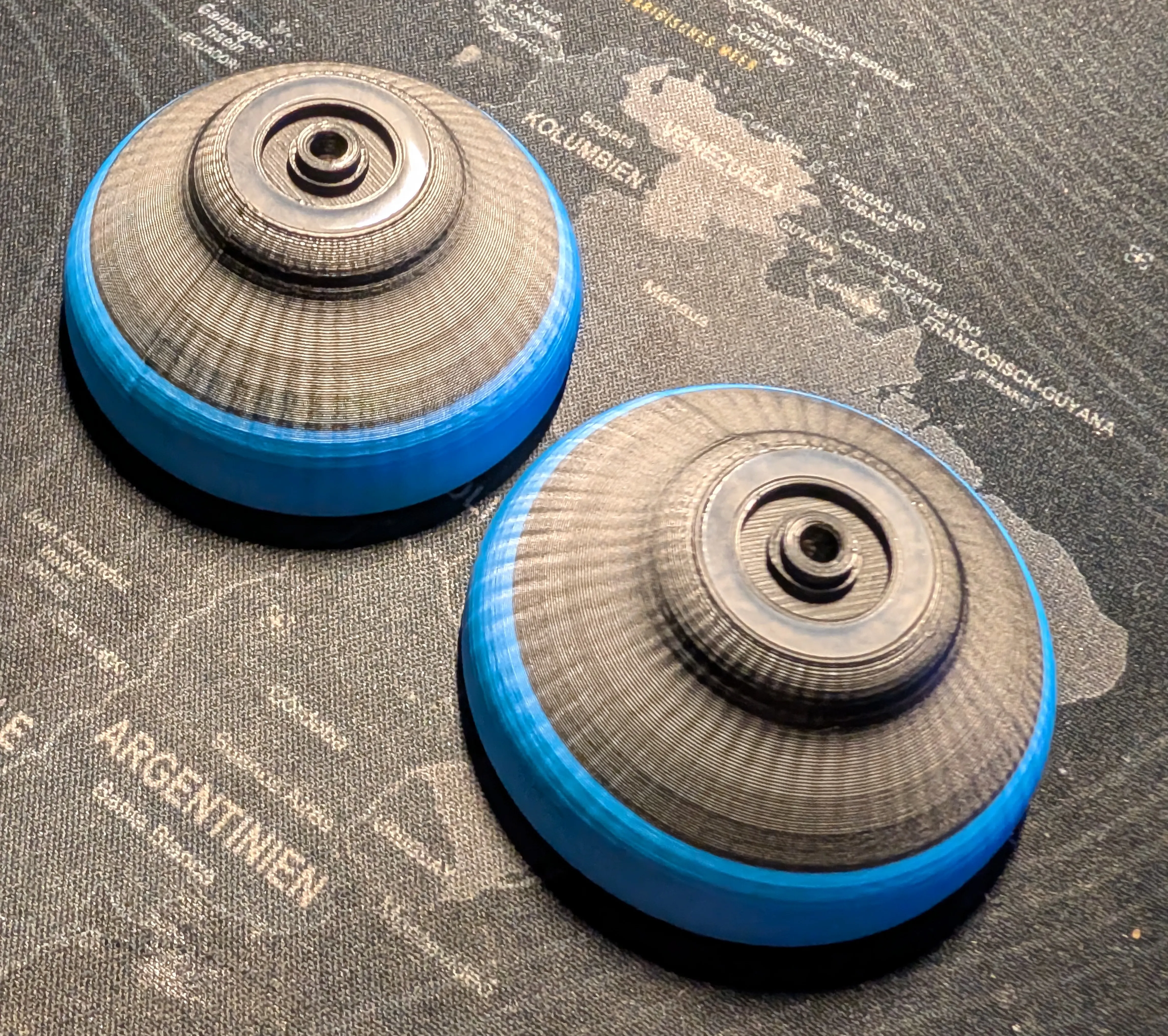
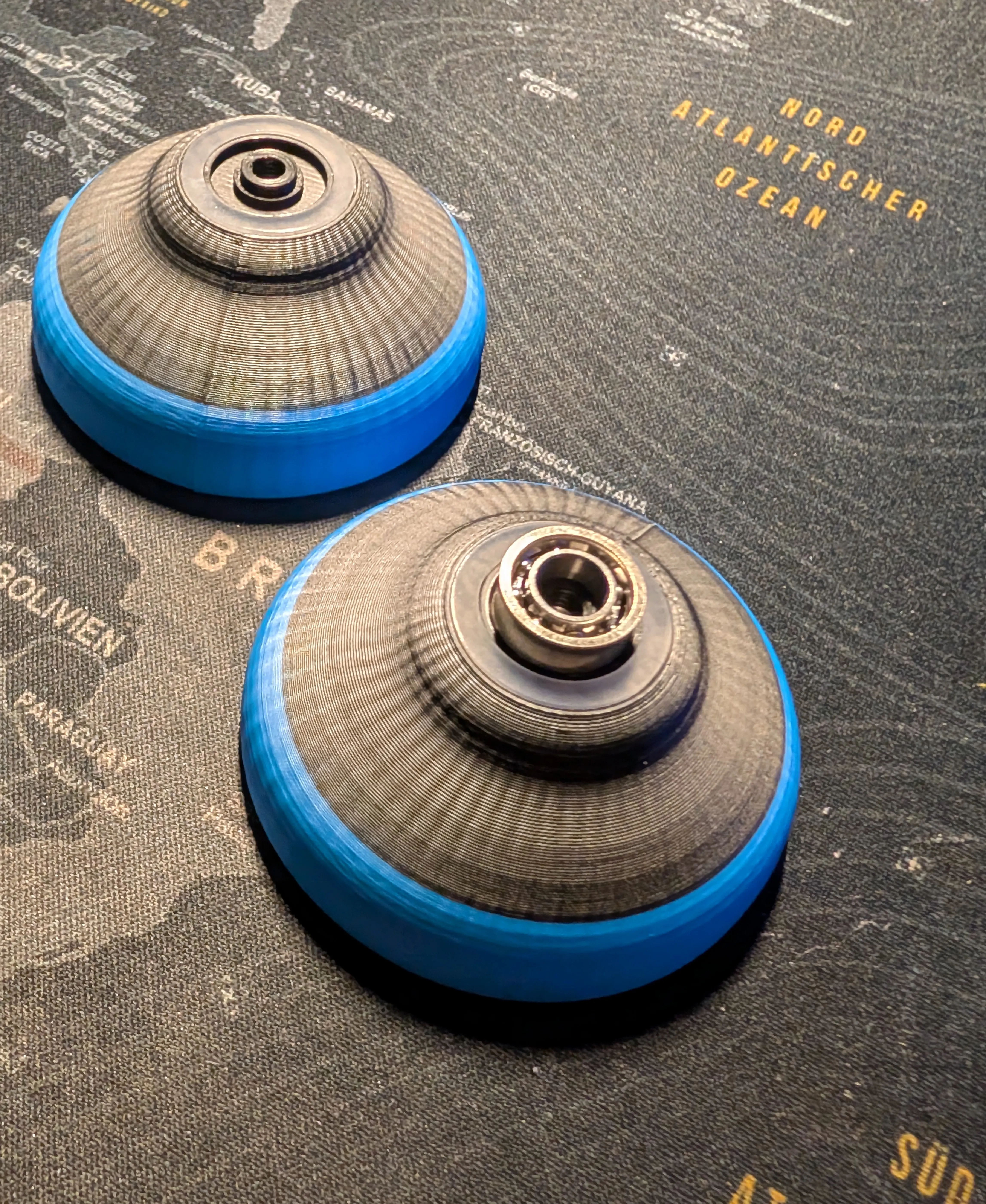
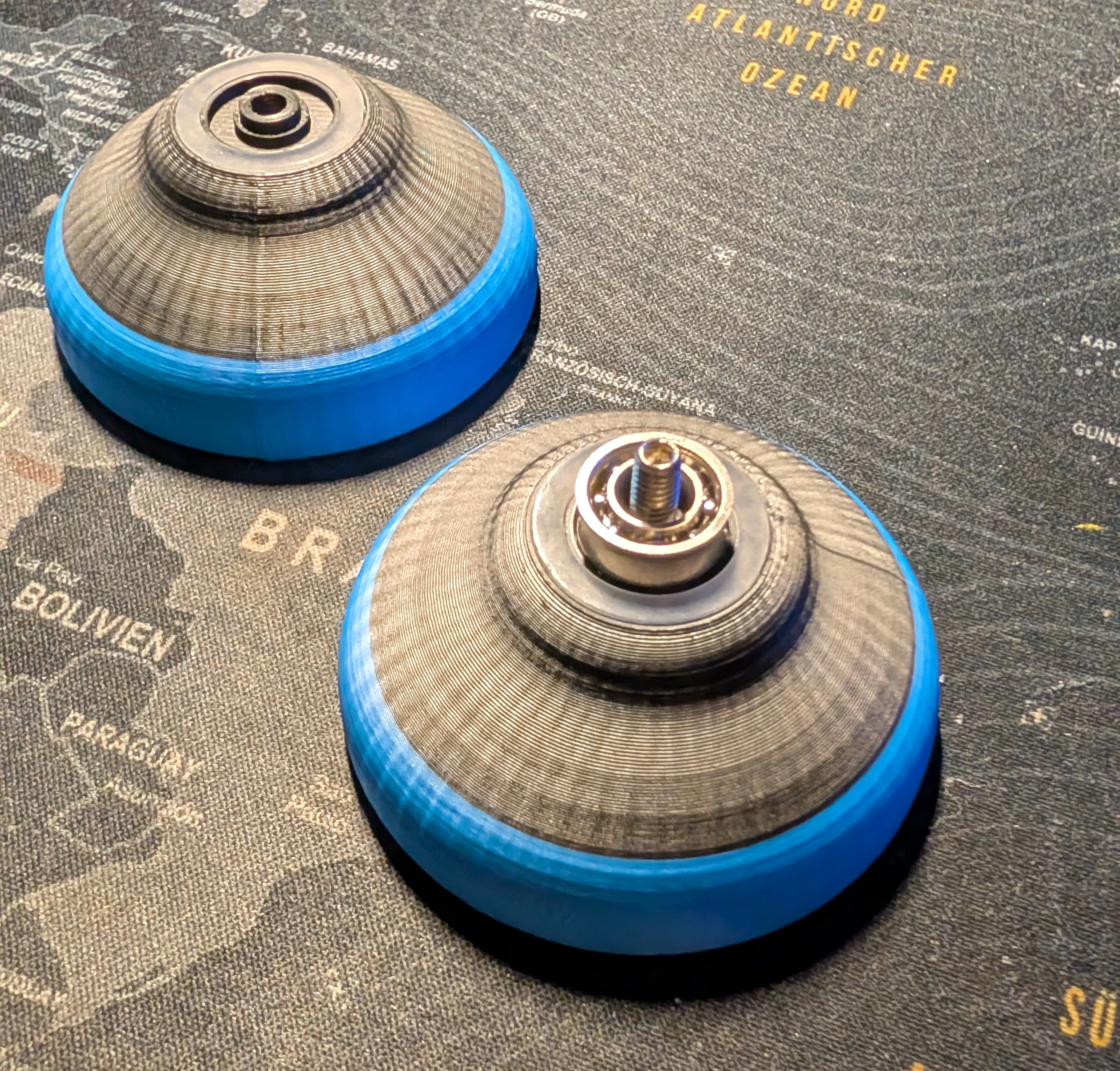
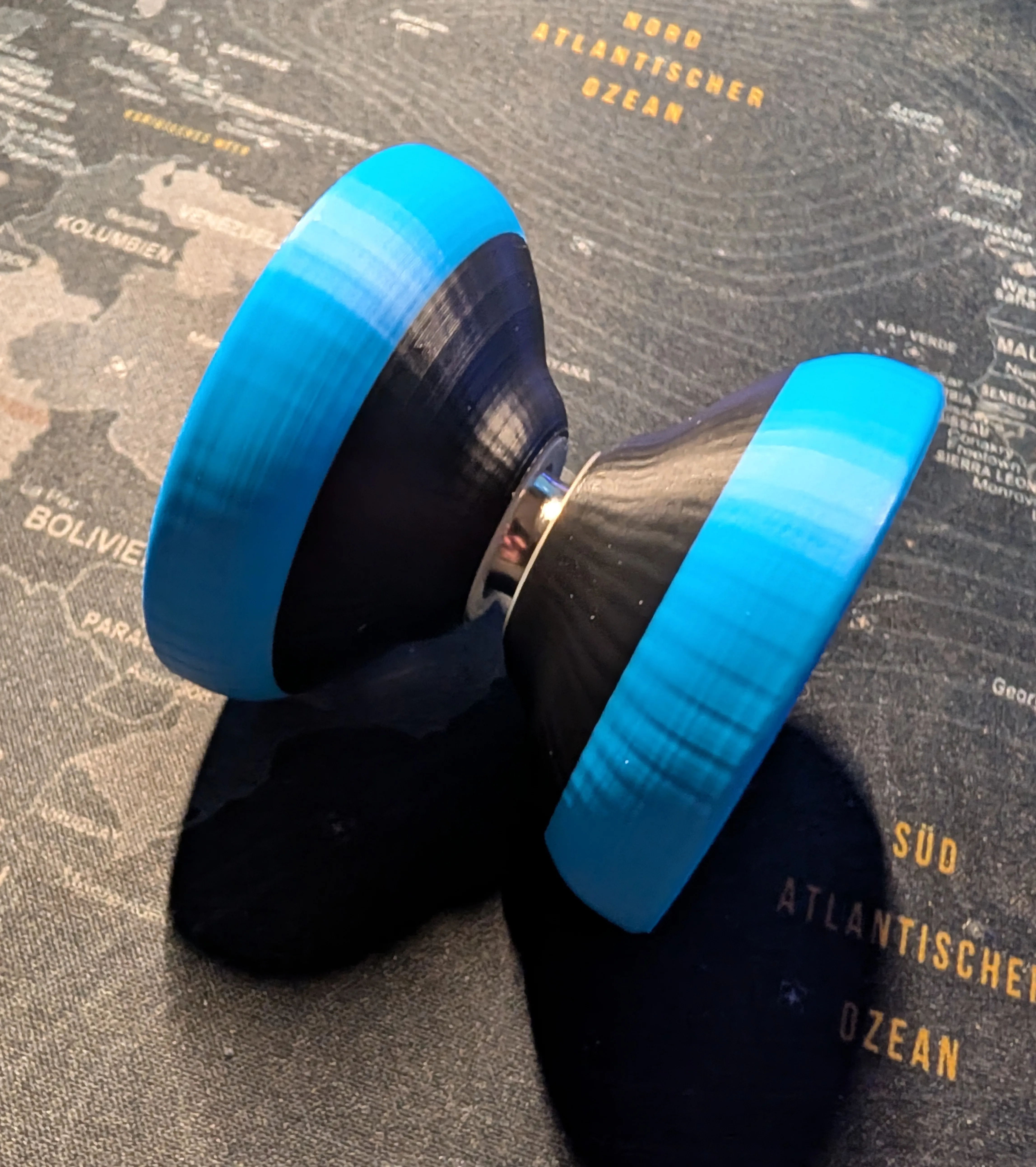
That's it your yoyo is ready to go!
License

This user content is licensed under a
Creative Commons Attribution-Noncommercial-Share Alike


Comment & Rating (31)