
Cthulhu Death May Die Player Dashboard
Print Profile(4)
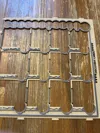
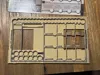
Description
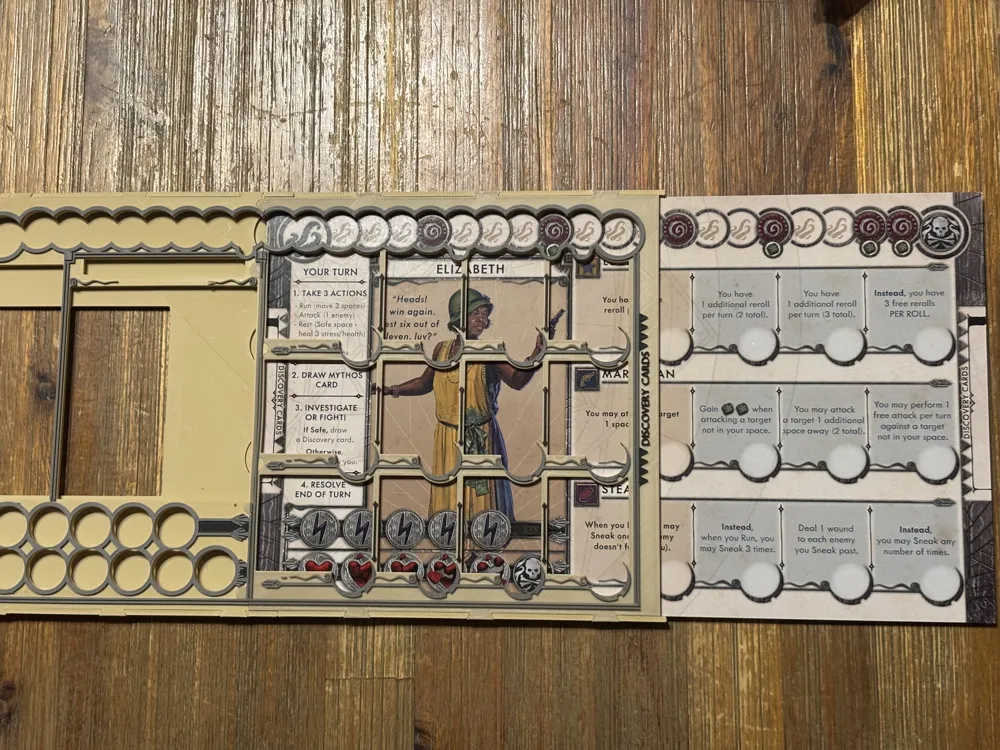
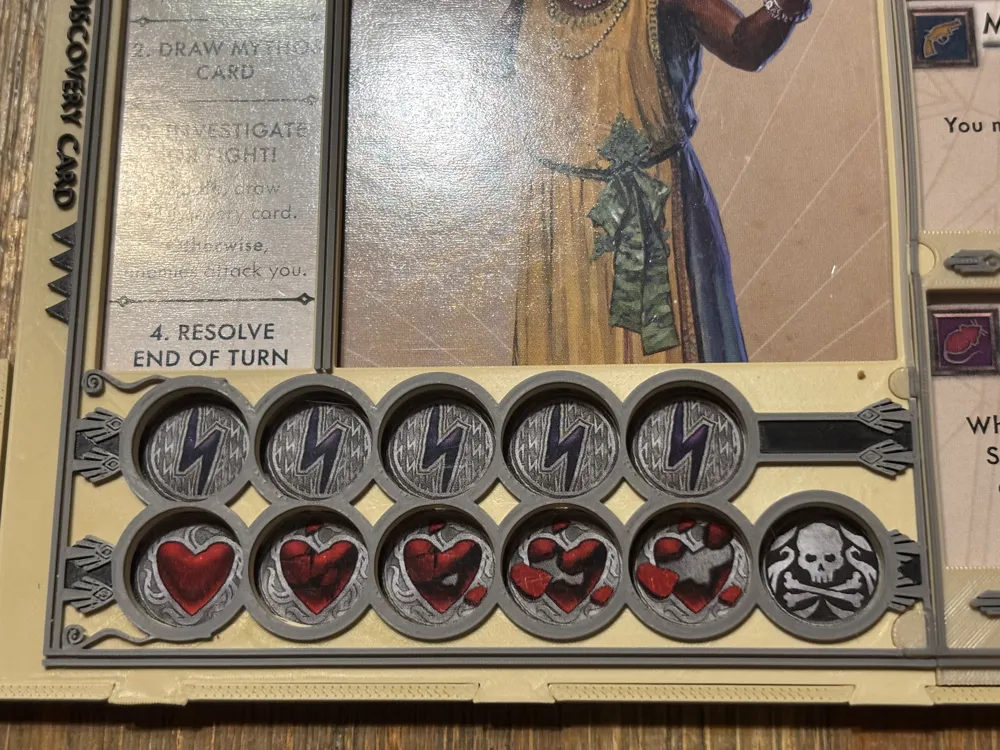
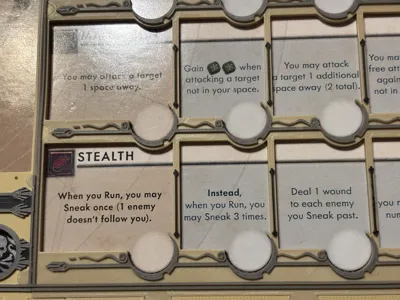
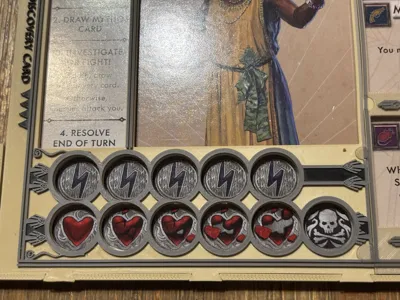
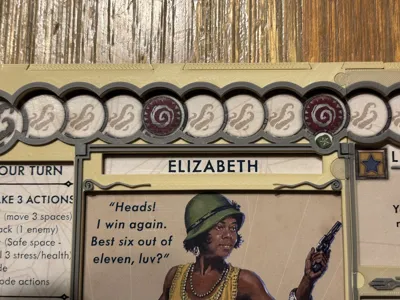
EDIT 2: There's a updated version of this project here: https://makerworld.com/en/models/2542639-cthulhu-death-may-die-player-dashboard-v1-1#profileId-2799513. The changes are relatively minor and it's even possible (but probably unlikely) that some people might actually prefer this older design (the markers sit deeper in the dashboard in this version). Note that although a very minor change was made to the bottom sections, the old ones here are still compatible with the newer top sections and shouldn't need to re-printed if you want to upgrade.
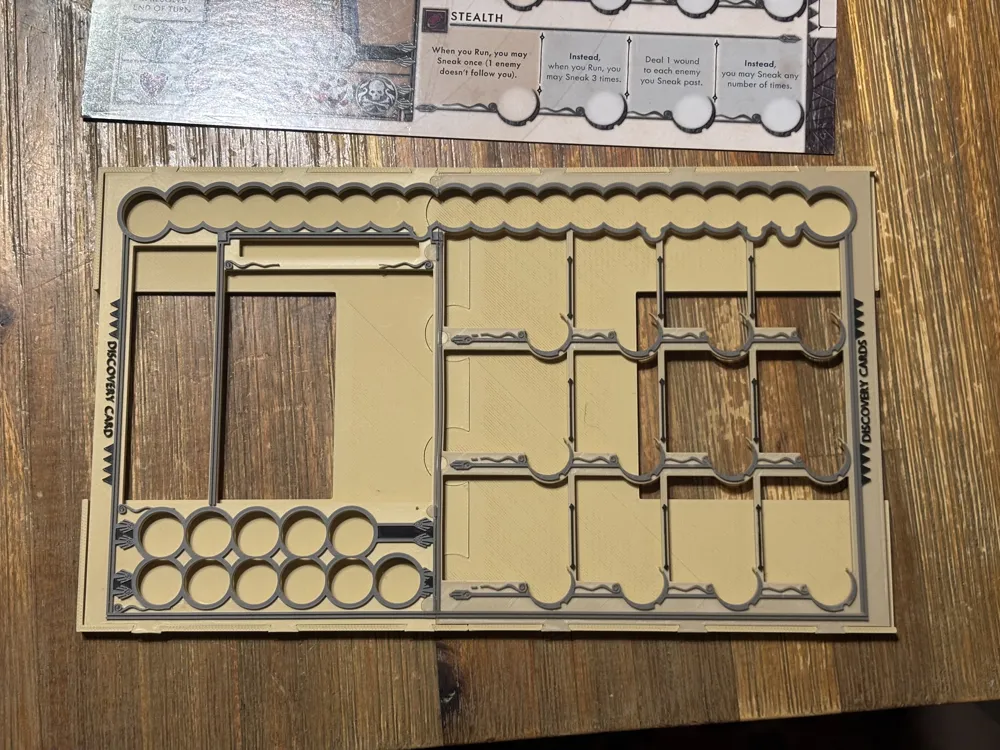
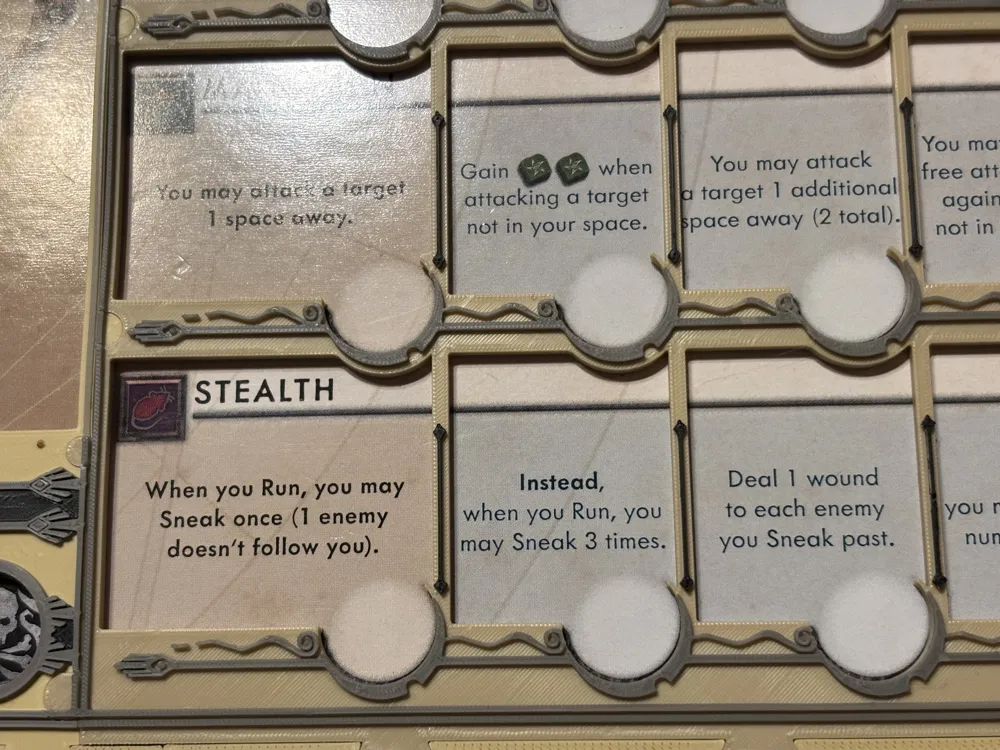
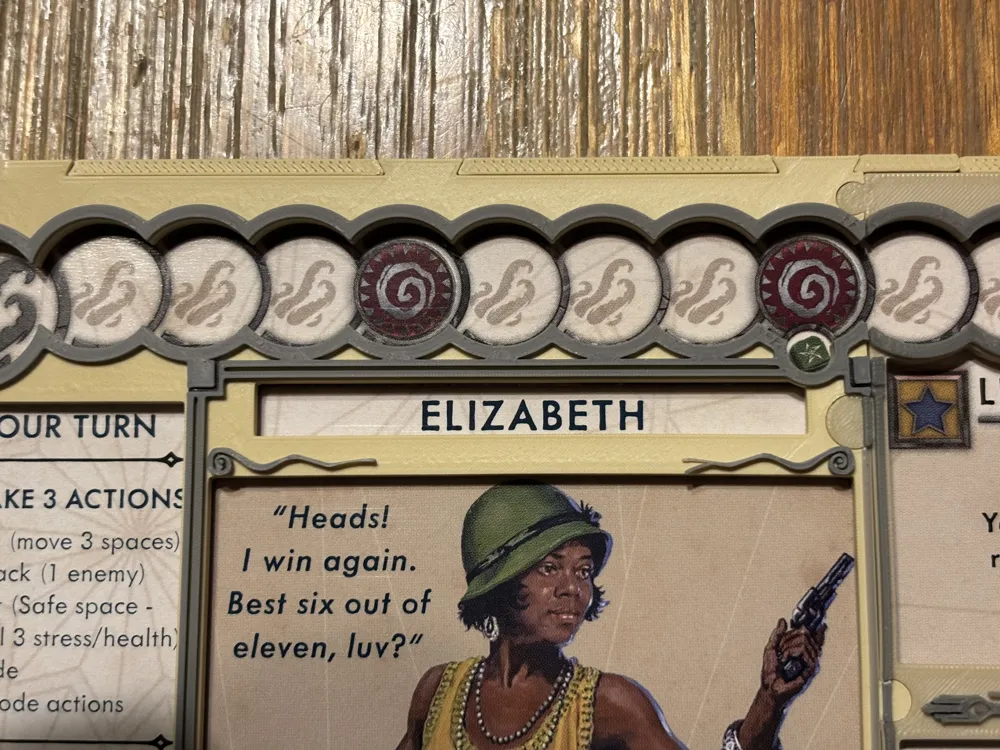
EDIT: After comparing the prints of the top sections using the 0.2mm nozzle and 0.4mm nozzle, I'd recommend printing the latter as very little detail is lost and the 0.4mm nozzle print takes ½ the time and the extruded details should be less fragile. Further (and unexpectedly), I prefer the results of the colored layers vs. the painted ones as it gives the gray details a little more “pop” to have their initial layers black. If you're using an AMS, it will print as expected without a pause. I didn't test it, but my understanding is it will pause at the color changes, if you're not.
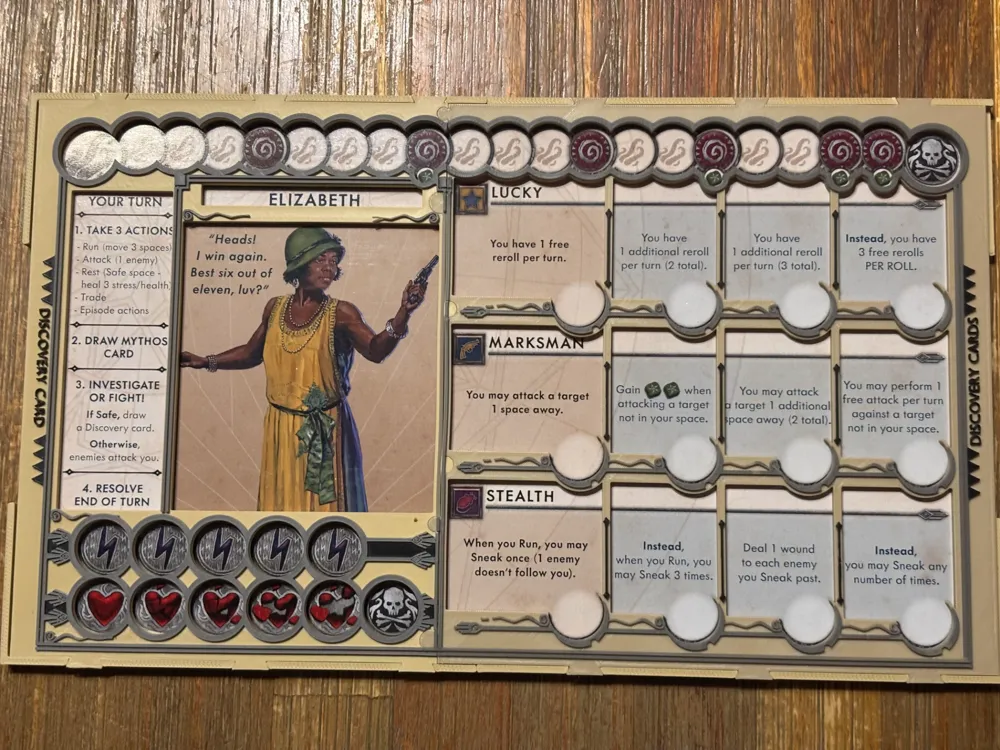

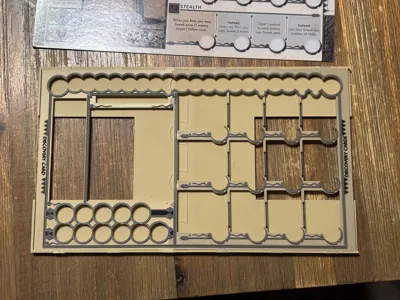
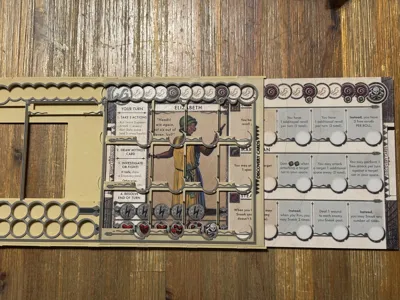
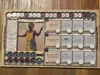
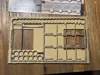
This can be printed on any Bambu printer, including the A1 mini and can be printed in multi-color with or without an AMS (colors are on separate layers). The parts snap together and shouldn't require glue. Once assembled, the player board simply slides into the dashboard from the right side.
The top sections are intricately detailed, so their provided profile uses a 0.2mm nozzle. If you can't handle the LONG print times required and are less concerned with the (non-essential) details, the profile can be easily modified to use a 0.4mm nozzle with a 0.20mm layer height without issue (I tested with this originally).
Attached is a quick video that discusses the dashboard's features/gotchas and demonstrates its use. Someday, I'll invest in a decent camera setup…
Here's a quick video demonstrating assembly the dashboard. A couple of notes of clarification, you'll likely need to exert more force then I'm doing in this video, because I likely assembled, disassembled and reassembled this dashboard multiple times. Also, the only slots that might need touching up with an exacto knife are the ones along top and bottom of the bottom sections. None of the circular shaped tabs/slots required adjustment in any of my prints, although they were often very tight fitting.
License



Comment & Rating (23)