Search models, users, collections, and posts

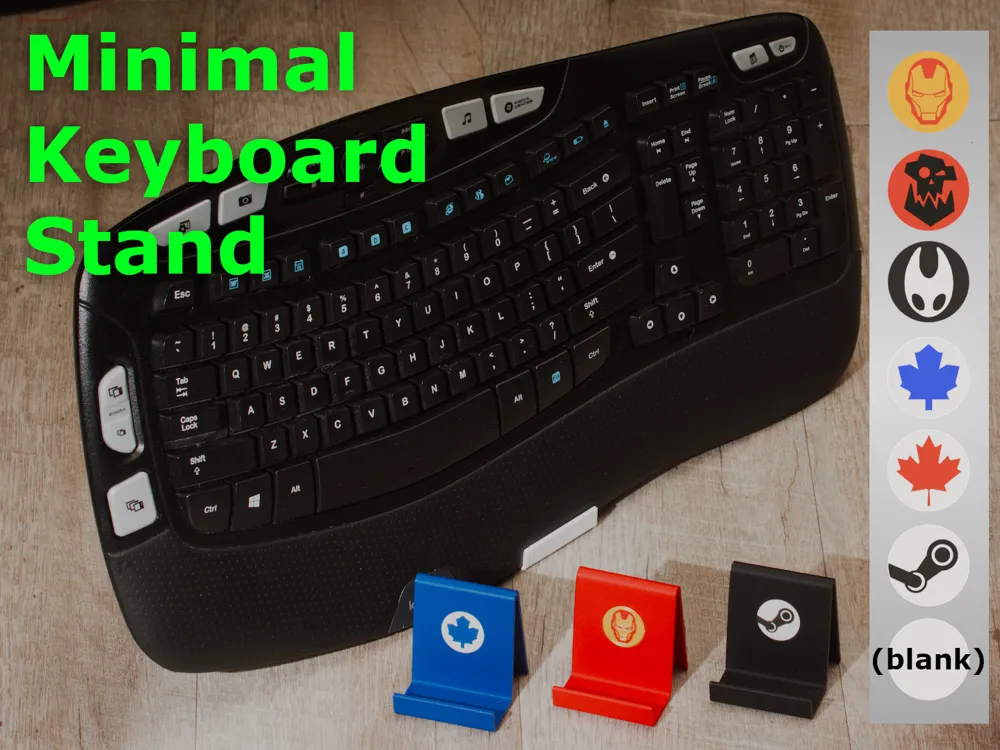
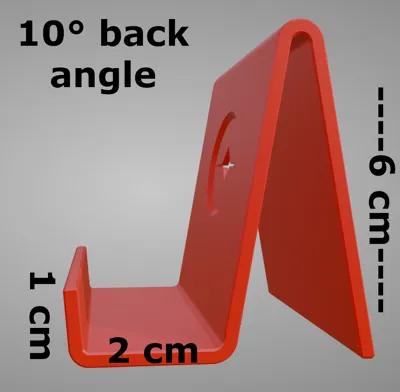
Minimal Keyboard Stand
Print Profile(1)
0.2mm layer, 3 walls, 15% infill
Designer
3.6 h
3 plates
Open in Bambu Studio
Boost
0
5
0
0
2
2
Released
Description
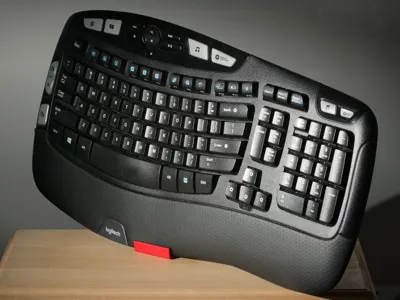
Get Temporary Desk Space!
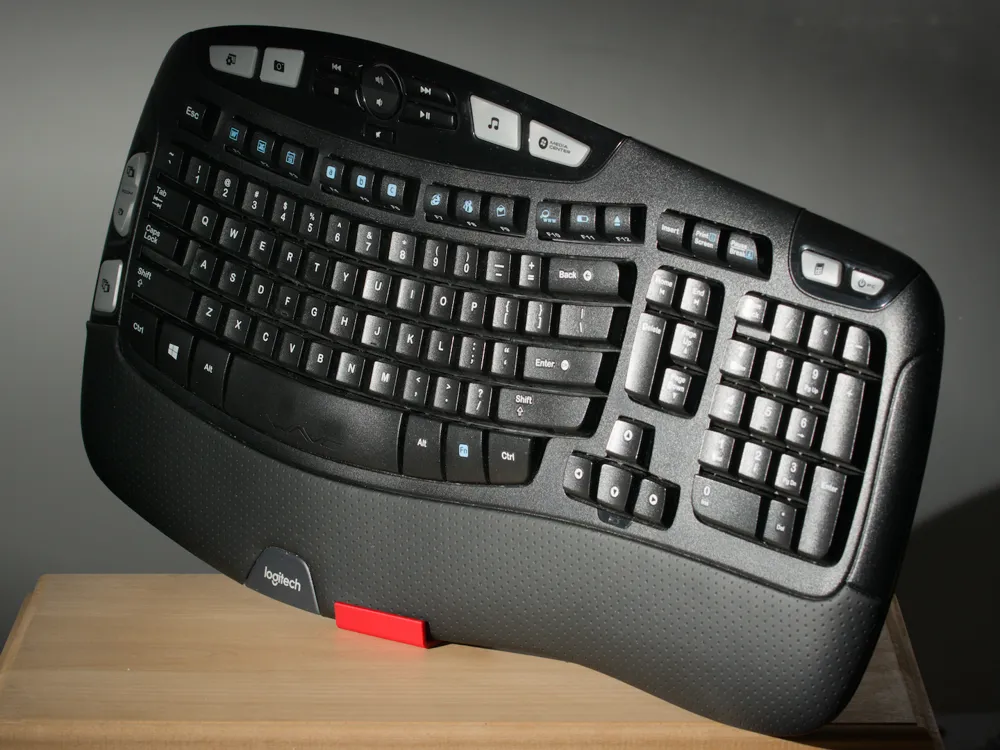
Stow your keyboard vertically, simply
Printing
No supports are required
Two Keyboard Stand plates are provided:
- One with Brim Ears for use if your bed adhesion is inconsistent
- One without Brim Ears for use if your bed adhesion is consistently good
- Look at the plate labels to differentiate between the two
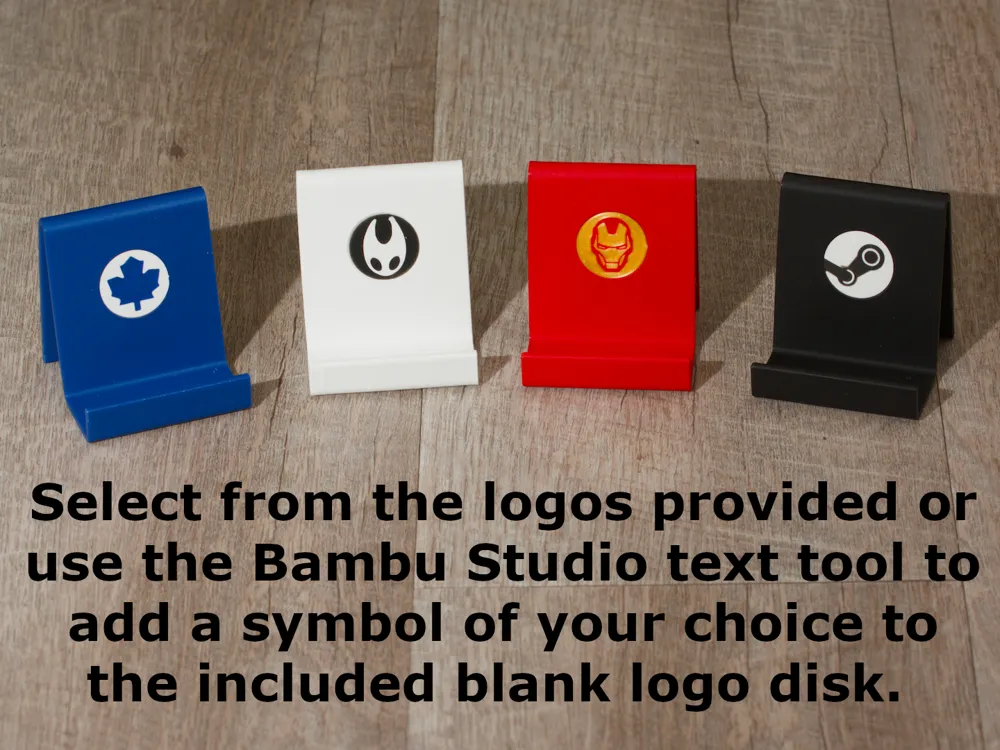
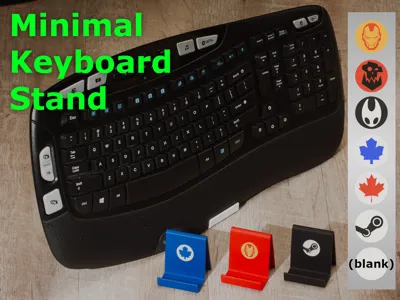
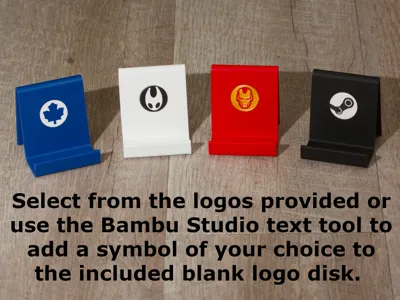
One Logo Disk Collection plate is provided. Select the logo disk you wish to print and mark the remaining logo disks as non-printable.
Assembly
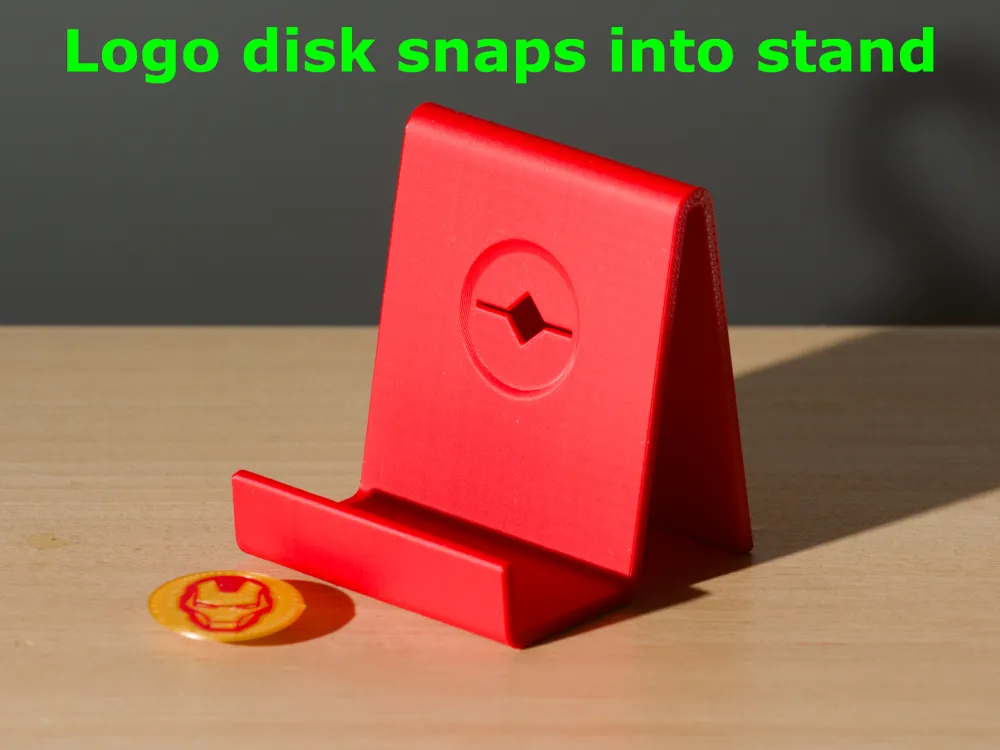
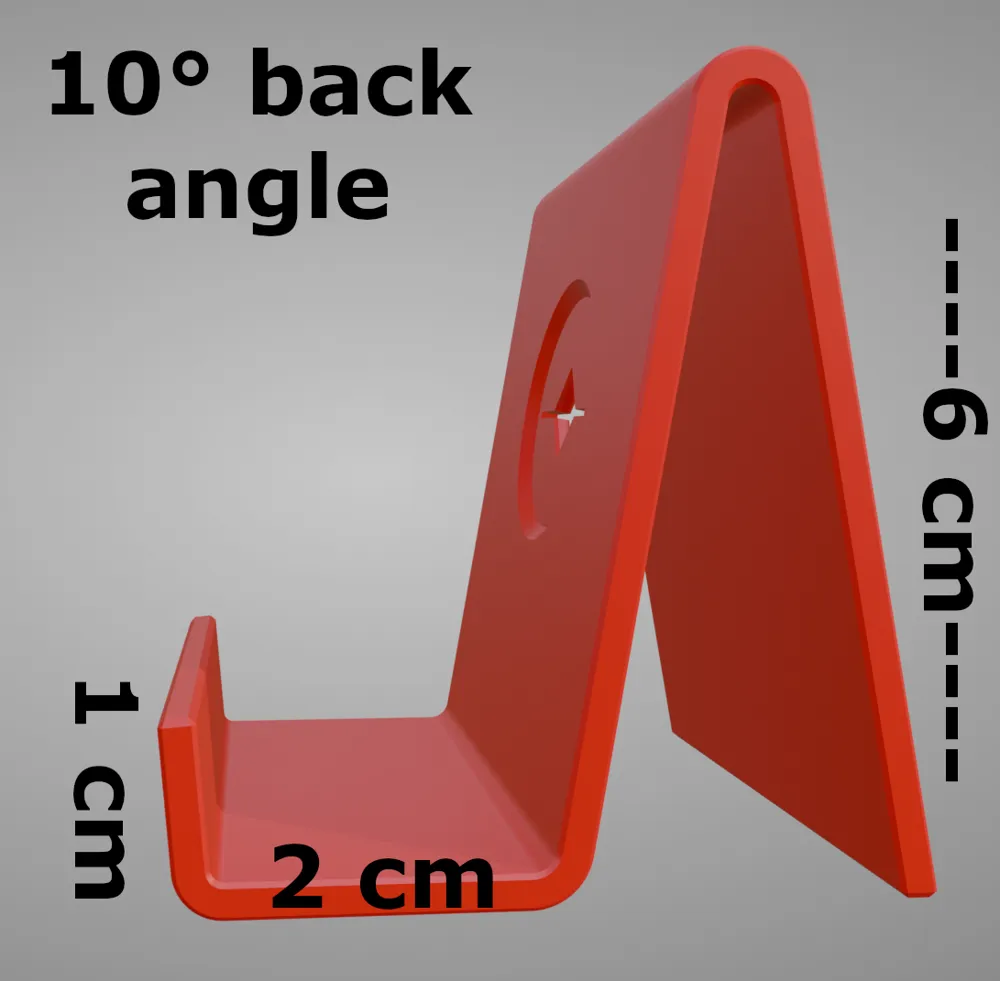
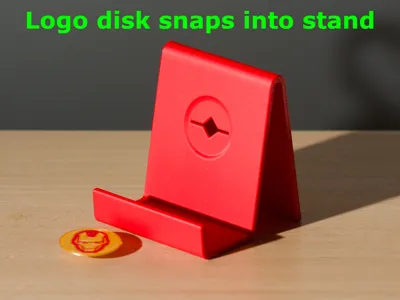
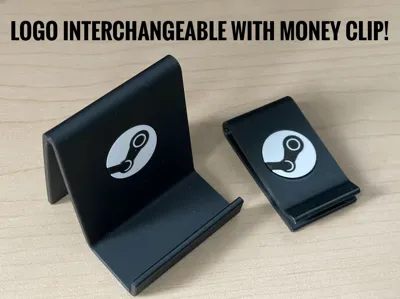
- Align the logo disk with the slot & hole in the keyboard stand
- While keeping them aligned, place the logo disk / keyboard stand combination face down at the edge of a table or desk
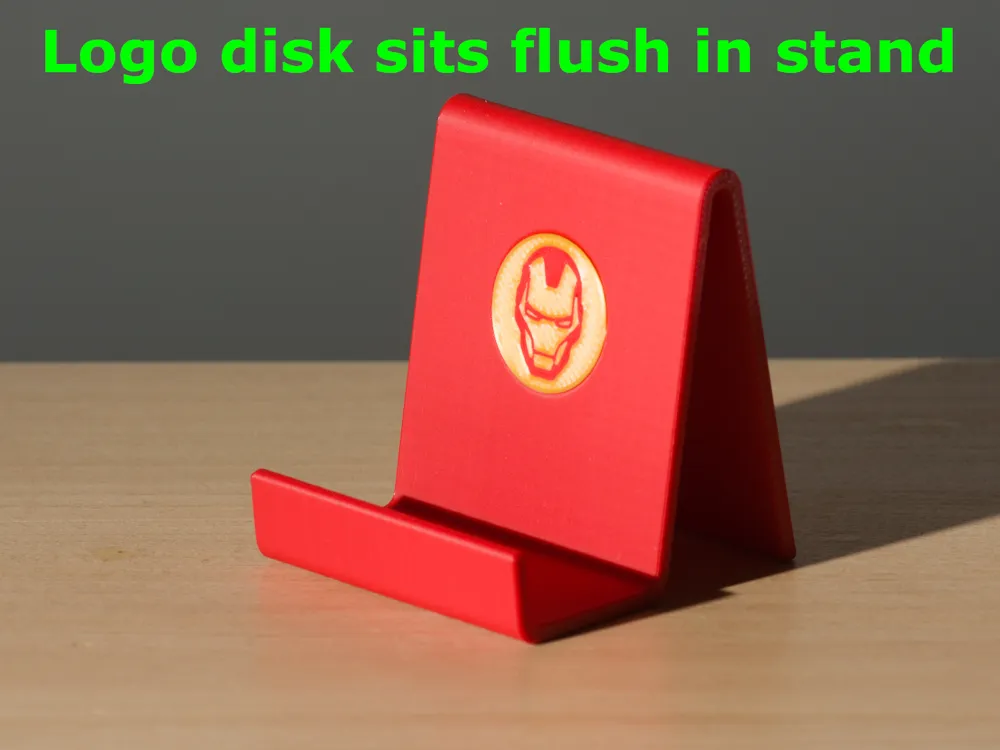
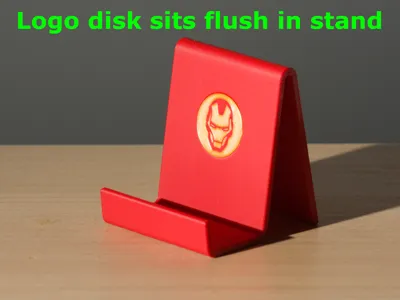
- Press firmly on the keyboard stand to either side of the logo disk to click it into place
- The slots are designed to keep the logo correctly oriented
Creating Your Own
- Rotate the included blank disk face-up before adding your own text (to avoid Bambu Studio from adding the text reversed)
- Select a typeface and add a symbol of your choice using Bambu Studio's text tool
- Rotate face-down
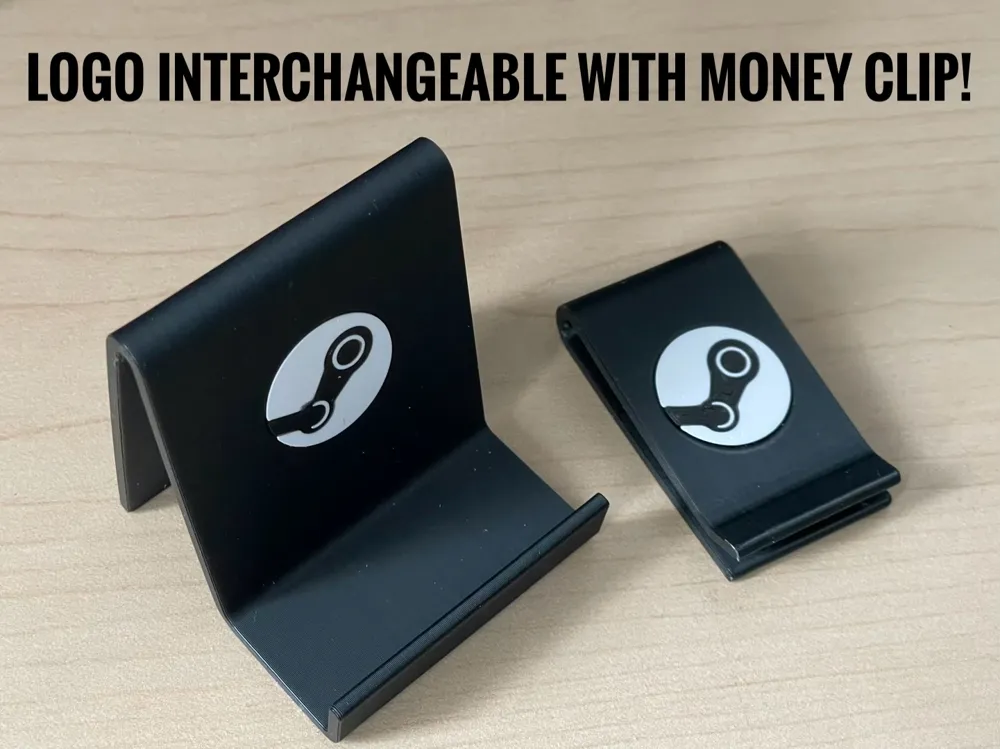
This model utilizes the same logo disks as my Customizable Money Clip:
License

This user content is licensed under a Standard Digital File License.
You shall not share, sub-license, sell, rent, host, transfer, or distribute in any way the digital or 3D printed versions of this object, nor any other derivative work of this object in its digital or physical format (including - but not limited to - remixes of this object, and hosting on other digital platforms). The objects may not be used without permission in any way whatsoever in which you charge money, or collect fees.


Comment & Rating (0)