
Top Z Distance Support Test
Print Profile(2)


Description
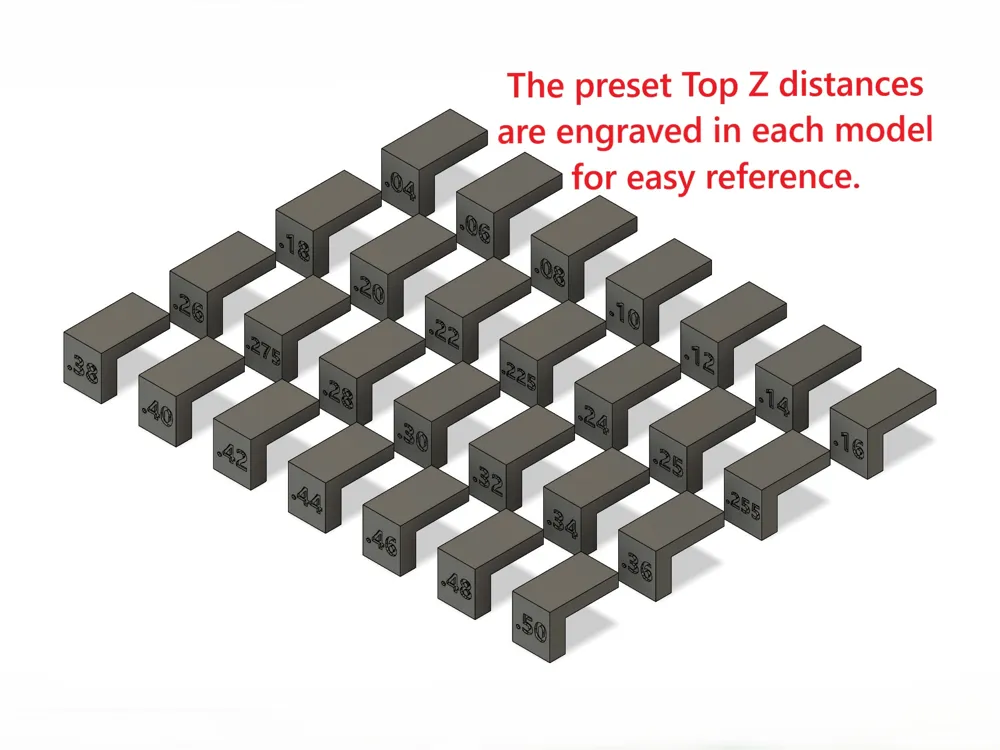
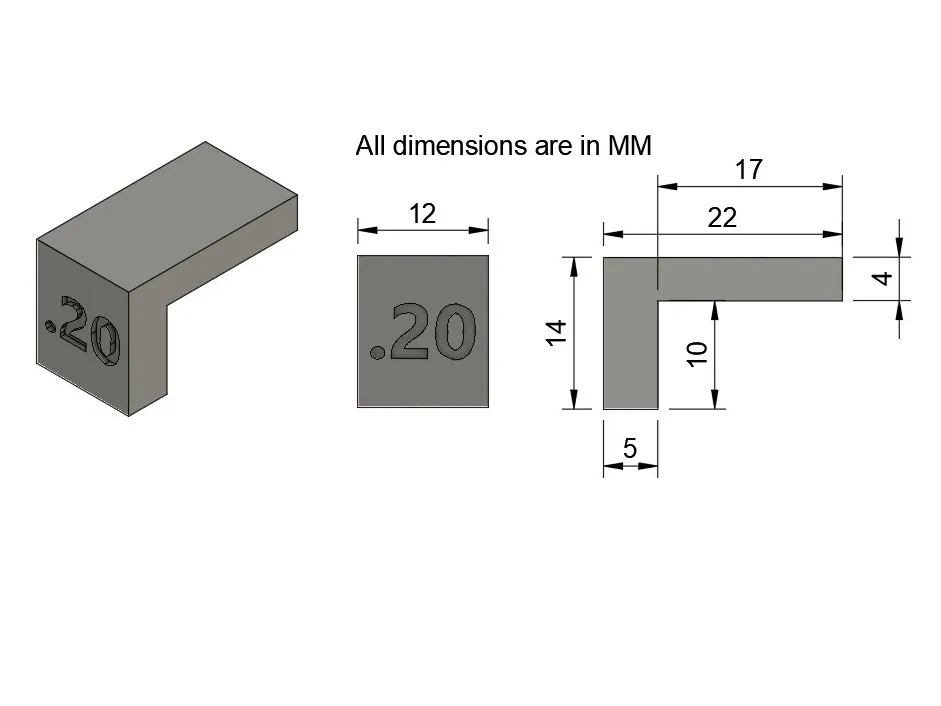
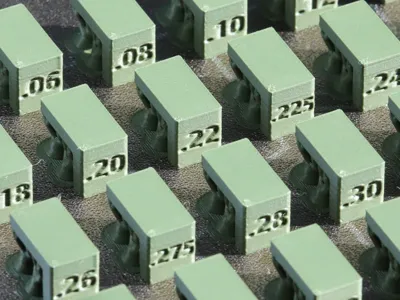
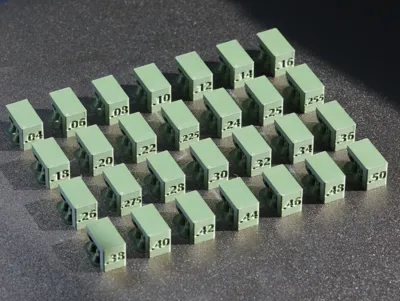
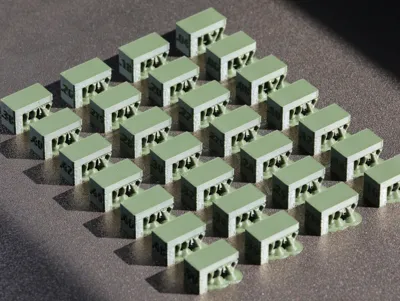
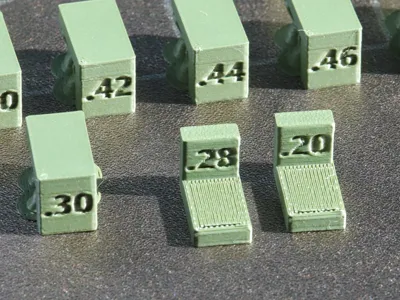
Find the perfect gap between your support and your model for clean, easy-to-remove supports.
Top Z Distance Support Test
QUICK START INSTRUCTIONS
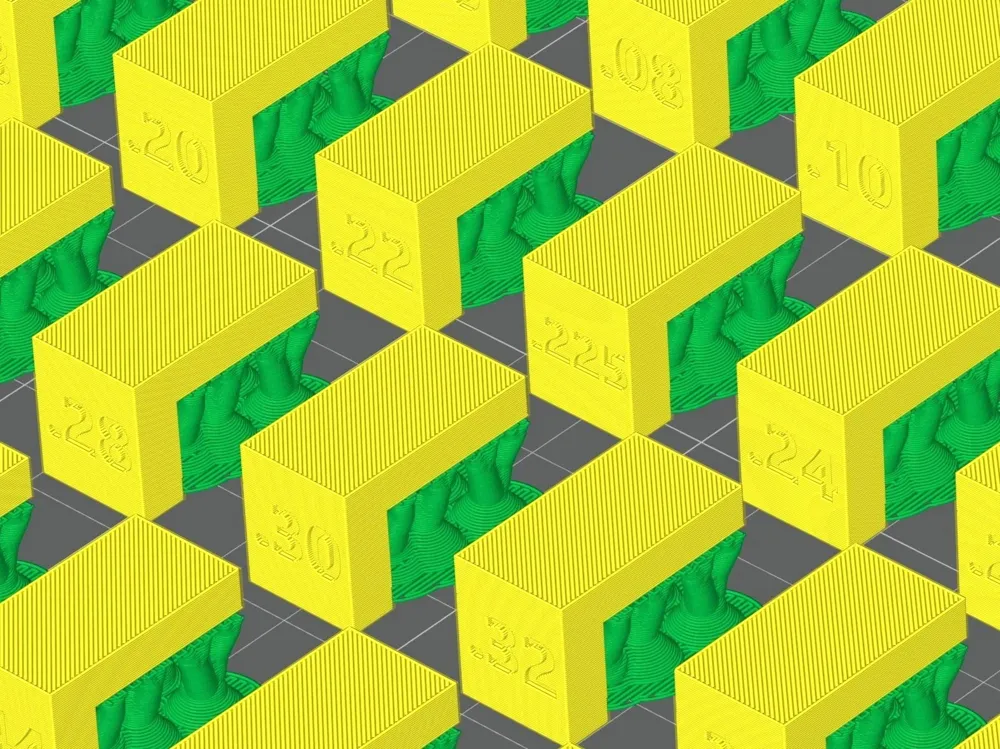
1. Load the File:
* Bambu Studio: You can change the quality and global support type if you want.
* Bambu Handy: Files are set to standard quality. Choose the file for the support type you want to test:
- Tree Supports: TREE_Top Z distance support test_StndQ.3mf
- Normal Supports: NORMAL_Top Z distance support test_StndQ.3mf
2. Setup: Select your specific Printer and Filament profile.
3. Refine: To save time and filament, delete any test models outside your expected range, or experiment and try them all!
4. Print: Slice the plate and start your print.
How to Use Your Results
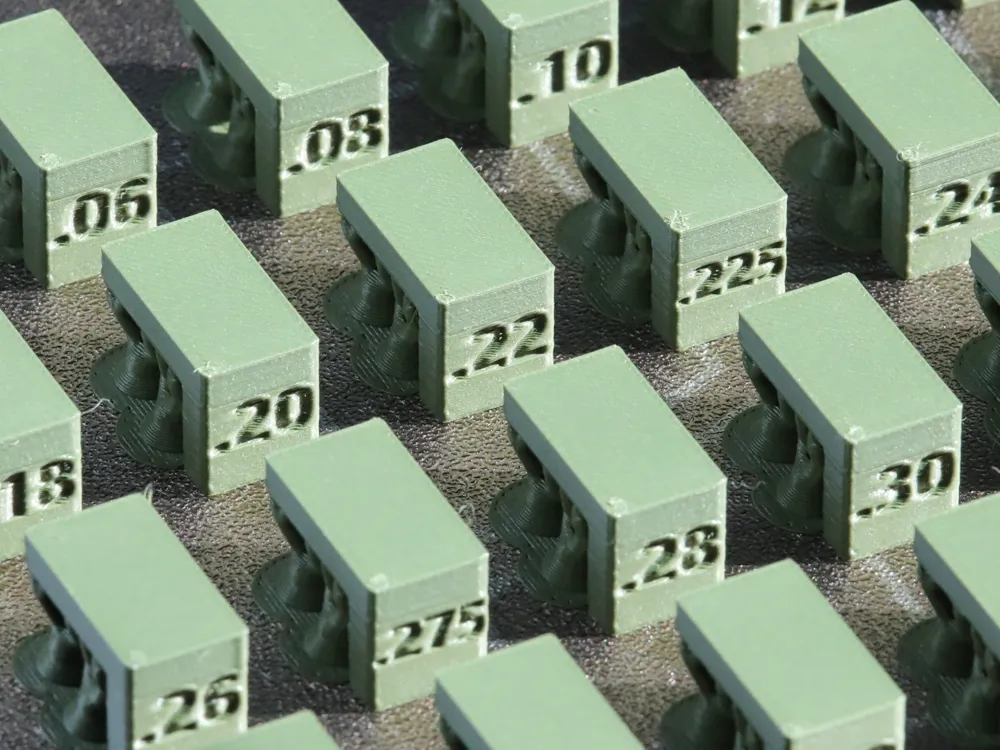
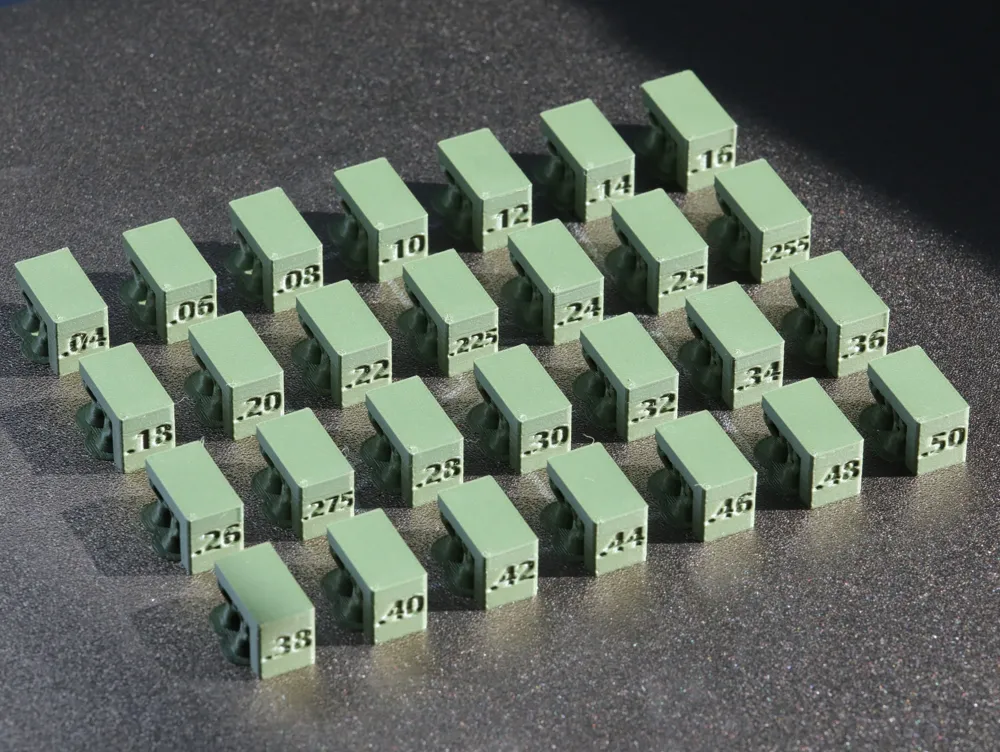
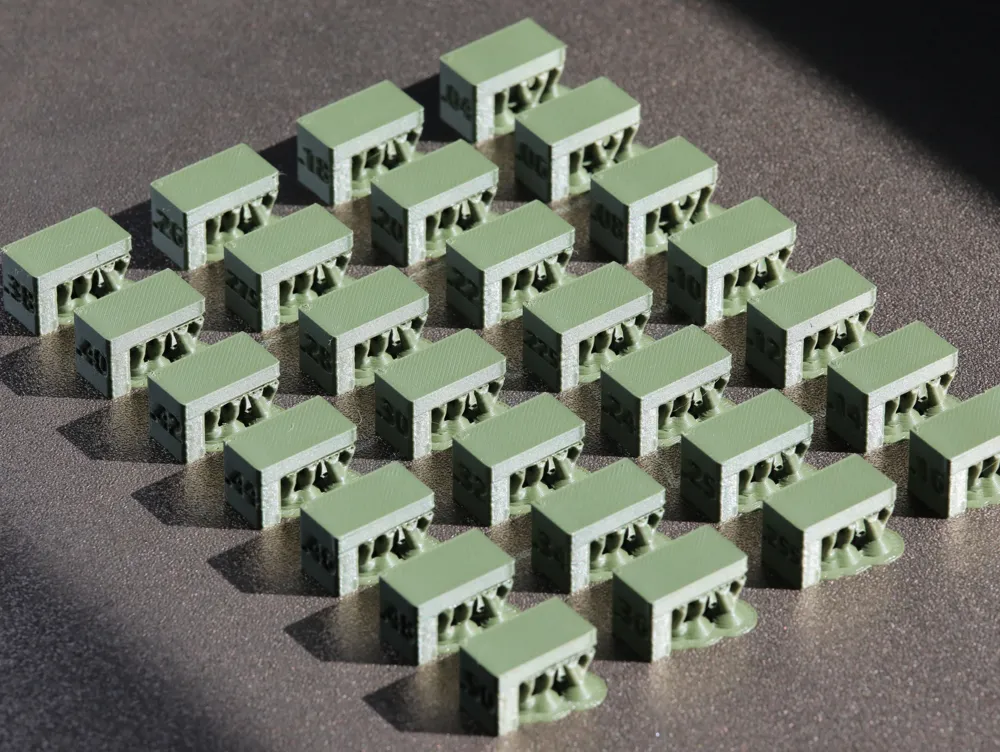
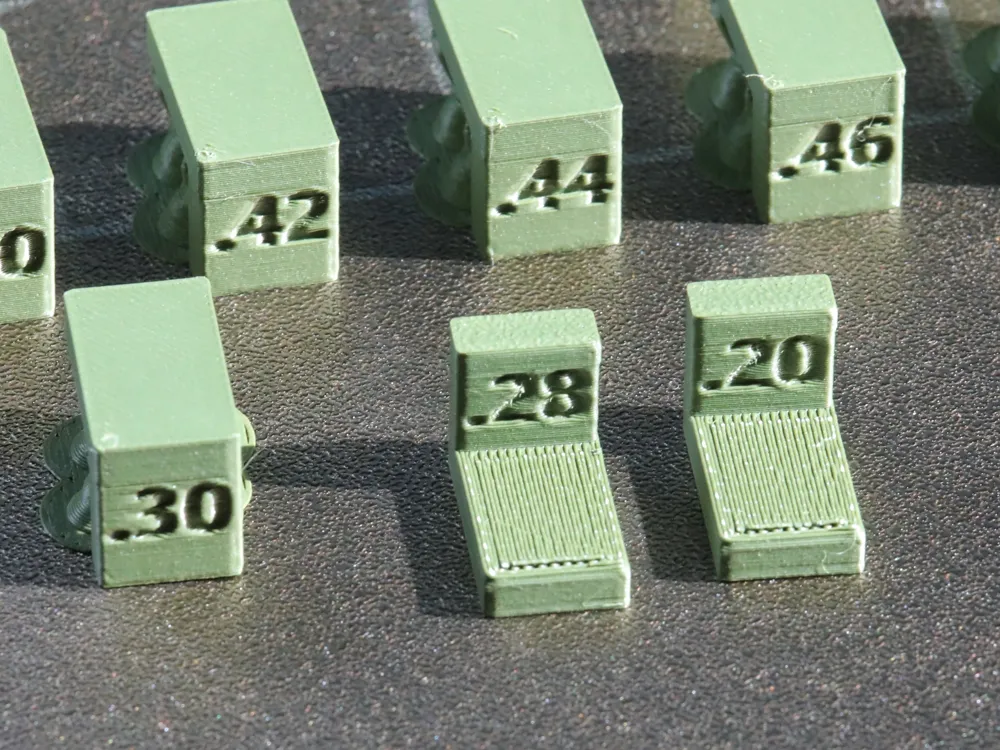
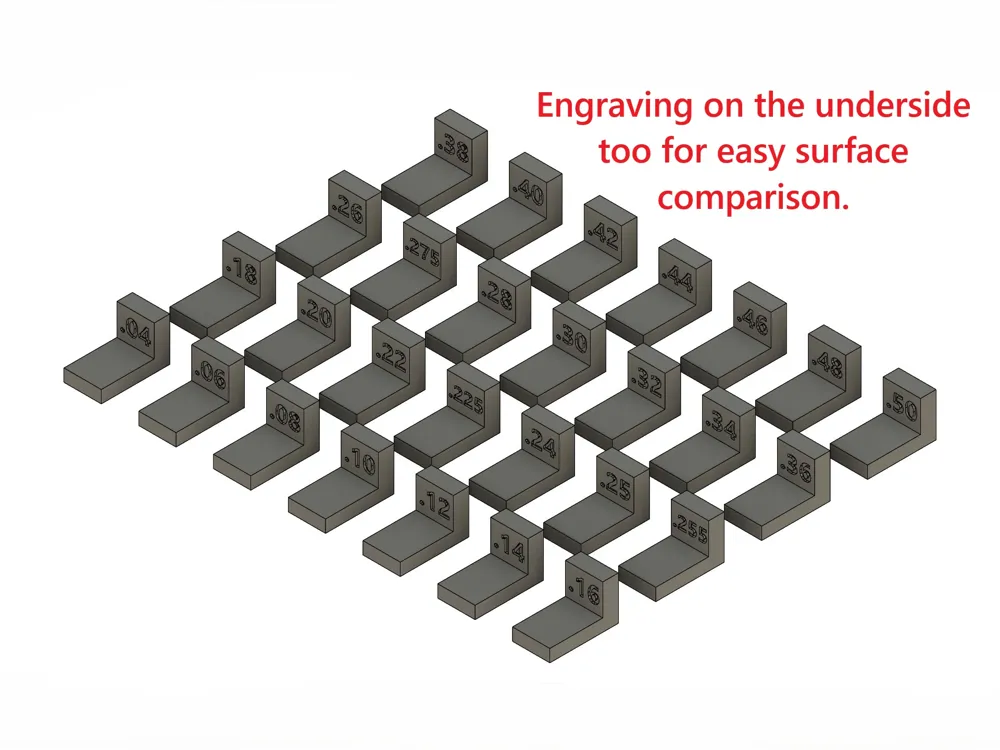
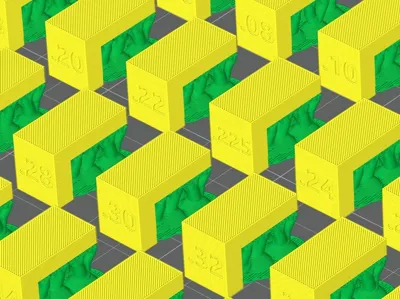
1. Once the print is finished, find the model where the support pops off easily (but not too easily) and the bottom surface of the part still looks smooth.
Caution: Avoid choosing a value that is too loose. If the gap is too large, the model may detach from the supports during prints, causing a messy failure or "spaghetti."
2. Apply to Future prints: In Bambu Studio, go to the Support tab and enter your winning value into the Top Z distance field. you can save this as a custom Process or manually enter it as needed.
When to Re-Test
You should run a test if you change the following for a future project:
- Filament Type: Materials like PLA and PETG have different "stickiness." A gap that works for PLA might be too tight for PETG.
- Layer Height (Quality): The gap is physical space. A gap that works for a 0.20mm layer height will rarely work for a fine 0.08mm print.
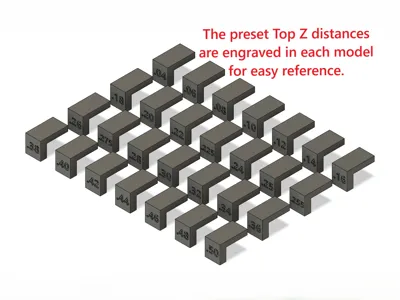
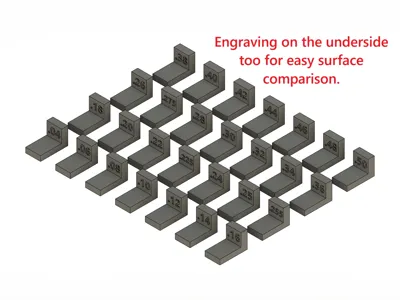
Available Preset Test Values (mm)
0.04, 0.06, 0.08, 0.10, 0.12, 0.14, 0.16, 0.18, 0.20, 0.22, 0.225, 0.24, 0.25, 0.255, 0.26, 0.275, 0.28, 0.30, 0.32, 0.34, 0.36, 0.38, 0.40, 0.42, 0.44, 0.46, 0.48, 0.50
Suggested Starting Ranges
If you aren't sure where to start, these are common ranges based on your layer height:
0.08mm Layer Height (Extra Fine): Try 0.06mm – 0.14mm
0.12mm Layer Height (Fine): Try 0.10mm – 0.18mm
0.16mm Layer Height (Optimal): Try 0.14mm – 0.22mm
0.20mm Layer Height (Standard): Try 0.18mm – 0.28mm
0.28mm Layer Height (Draft): Try 0.24mm – 0.34mm
Oversites to be corrected:
1. A1 mini: If using multi-material with a prime tower, manually move models to ensure build plate clearance and avoid 'out of bounds' errors.
License

You shall not share, sub-license, sell, rent, host, transfer, or distribute in any way the digital or 3D printed versions of this object, nor any other derivative work of this object in its digital or physical format (including - but not limited to - remixes of this object, and hosting on other digital platforms). The objects may not be used without permission in any way whatsoever in which you charge money, or collect fees.


Comment & Rating (46)