Search models, users, collections, and posts

Dual-Color Filament Test – Free 3D STL Model
IP Report
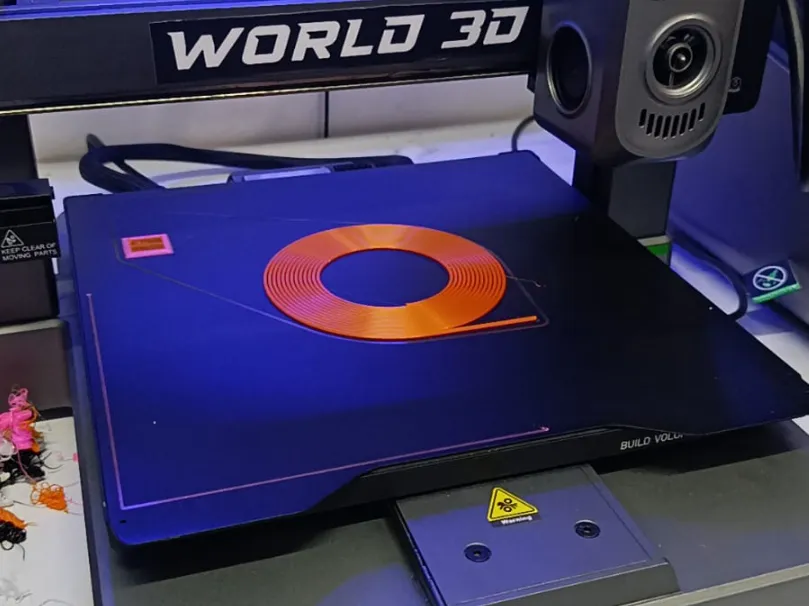
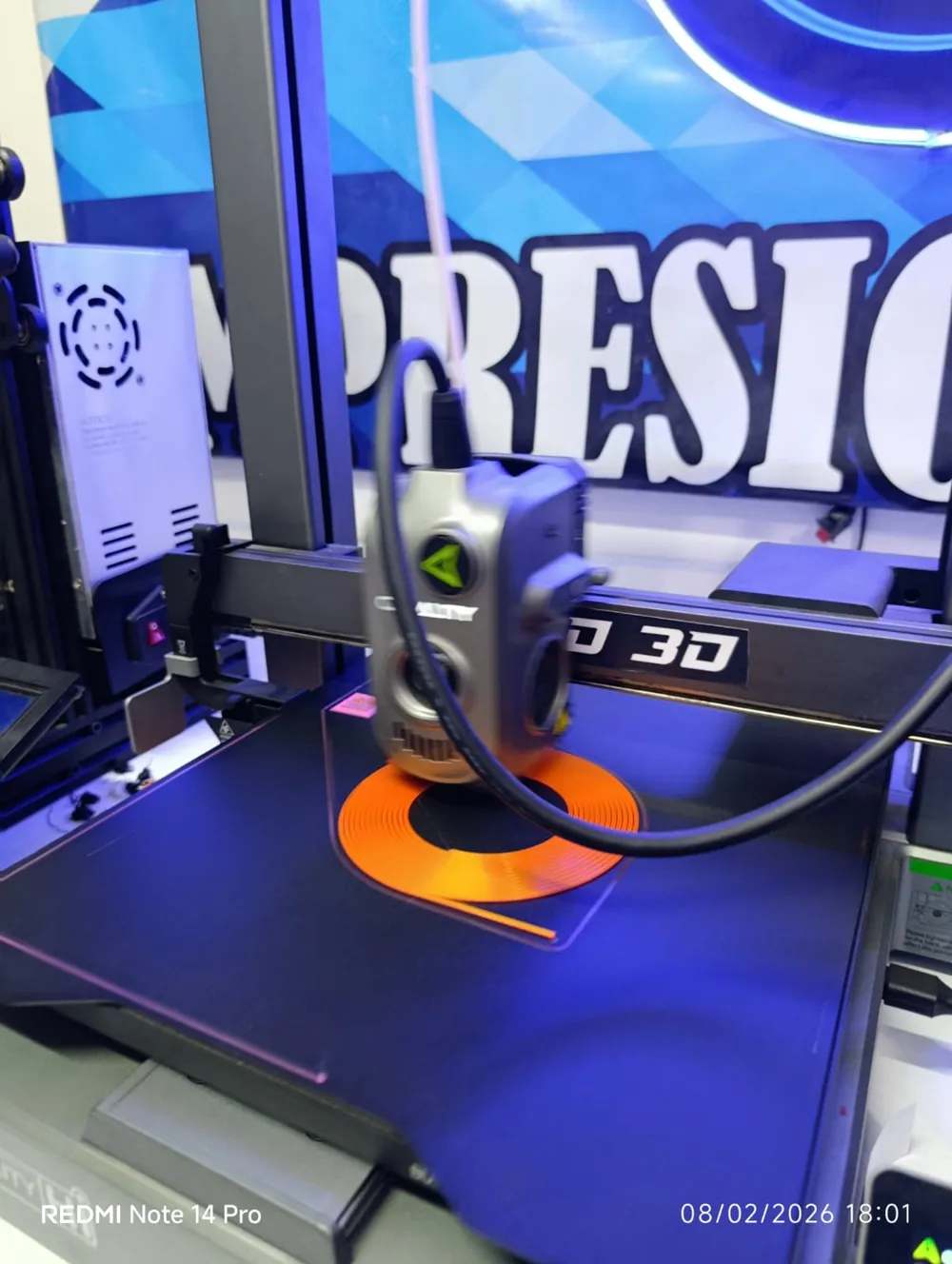
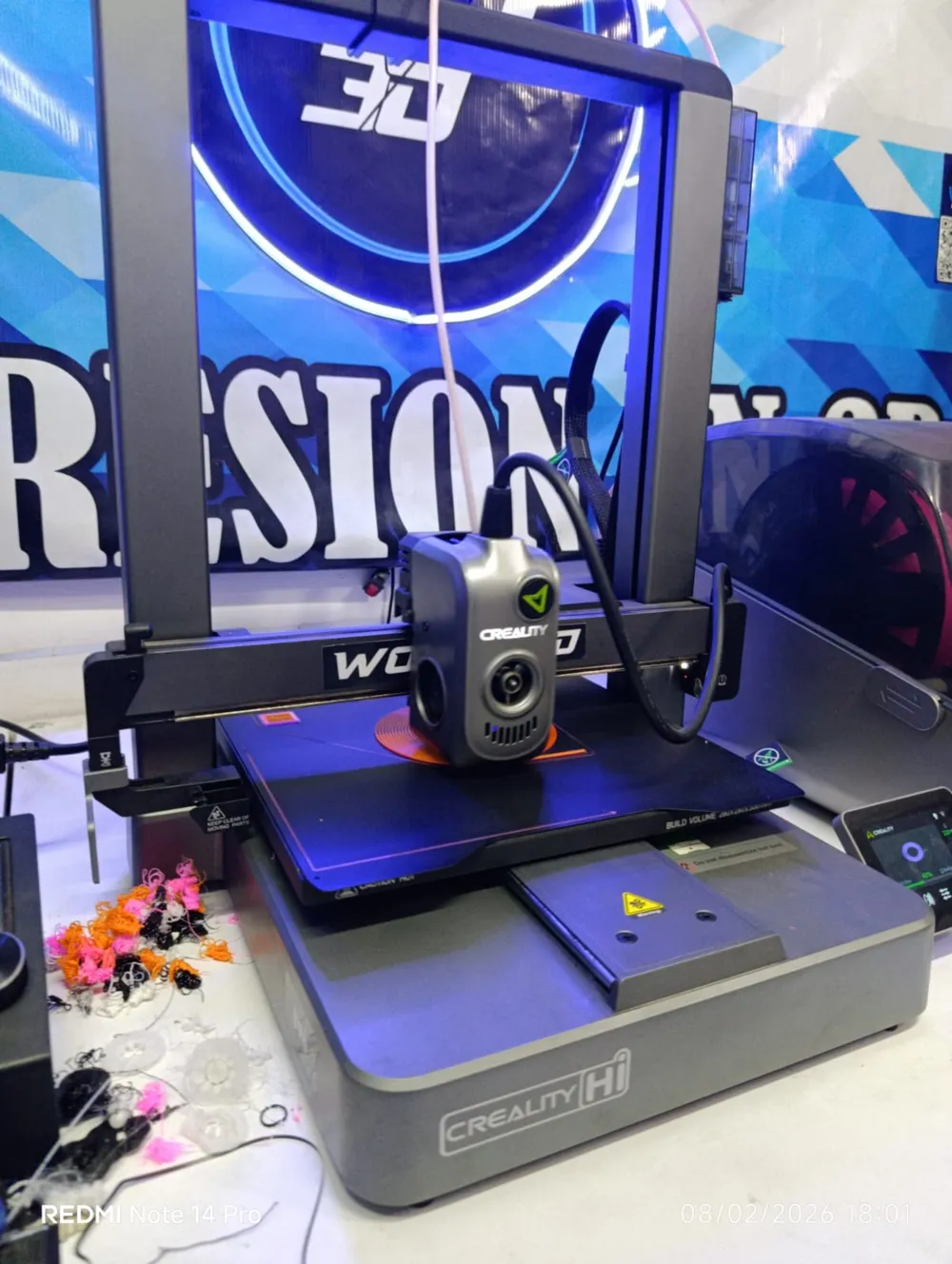
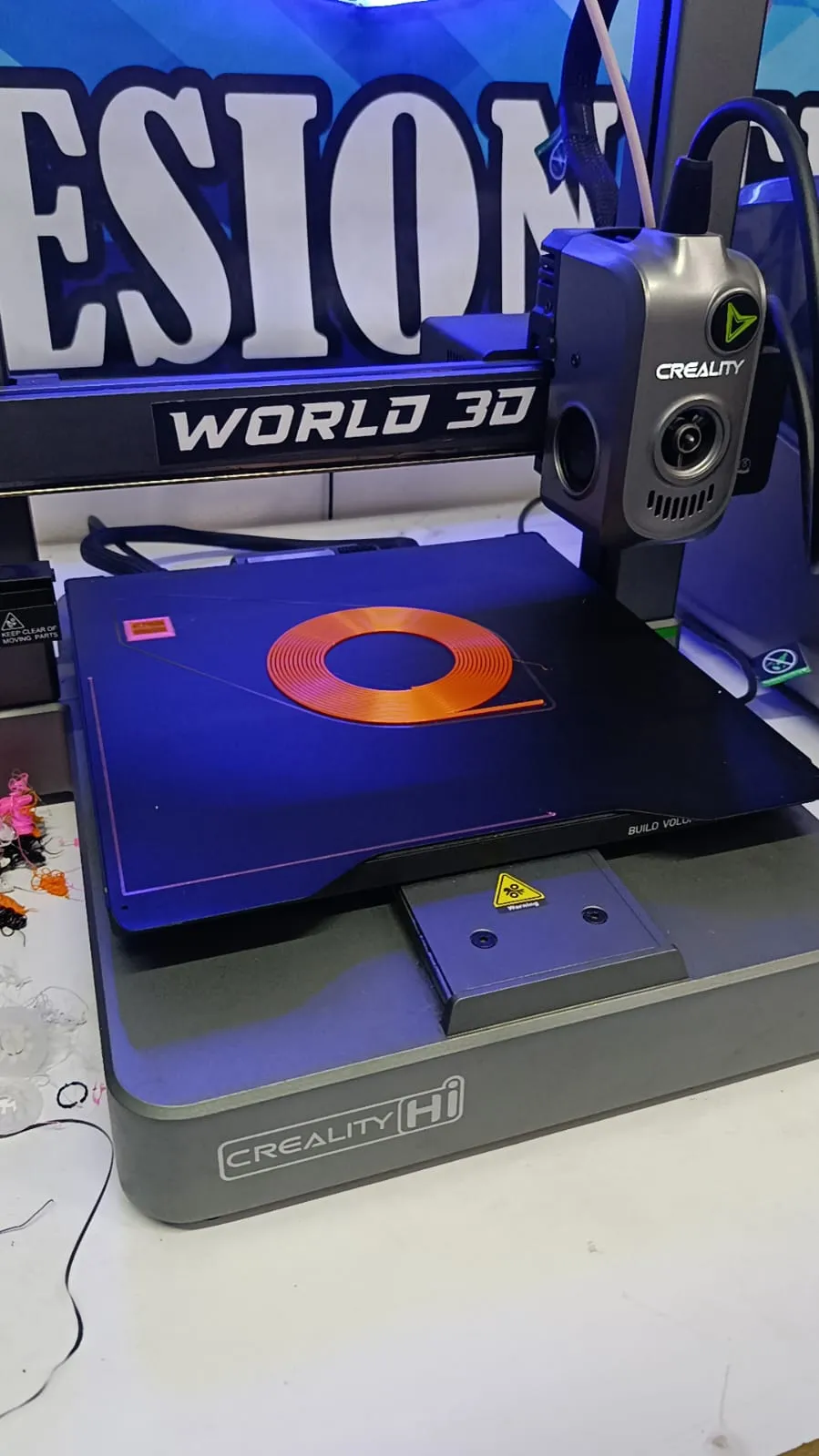
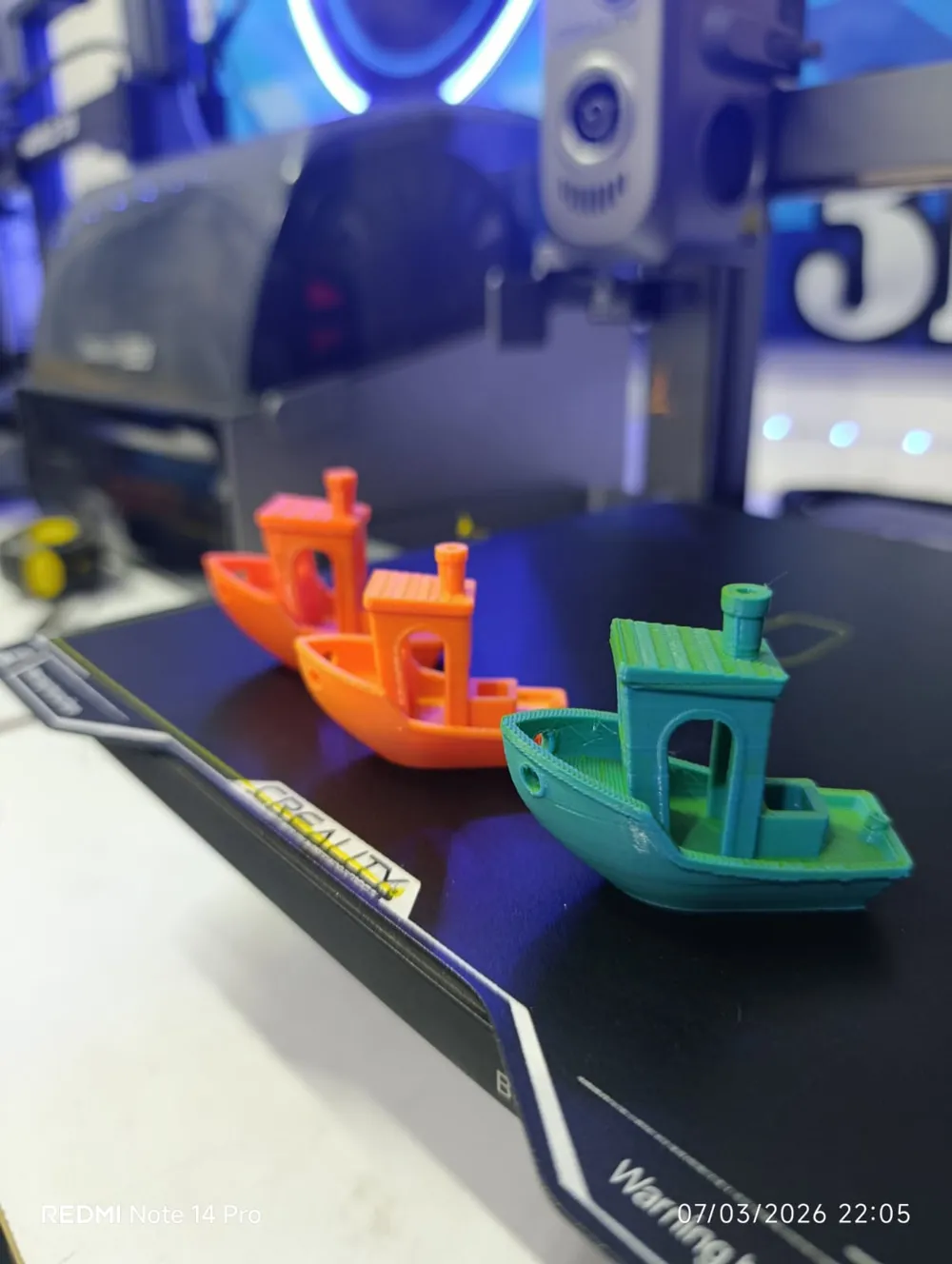
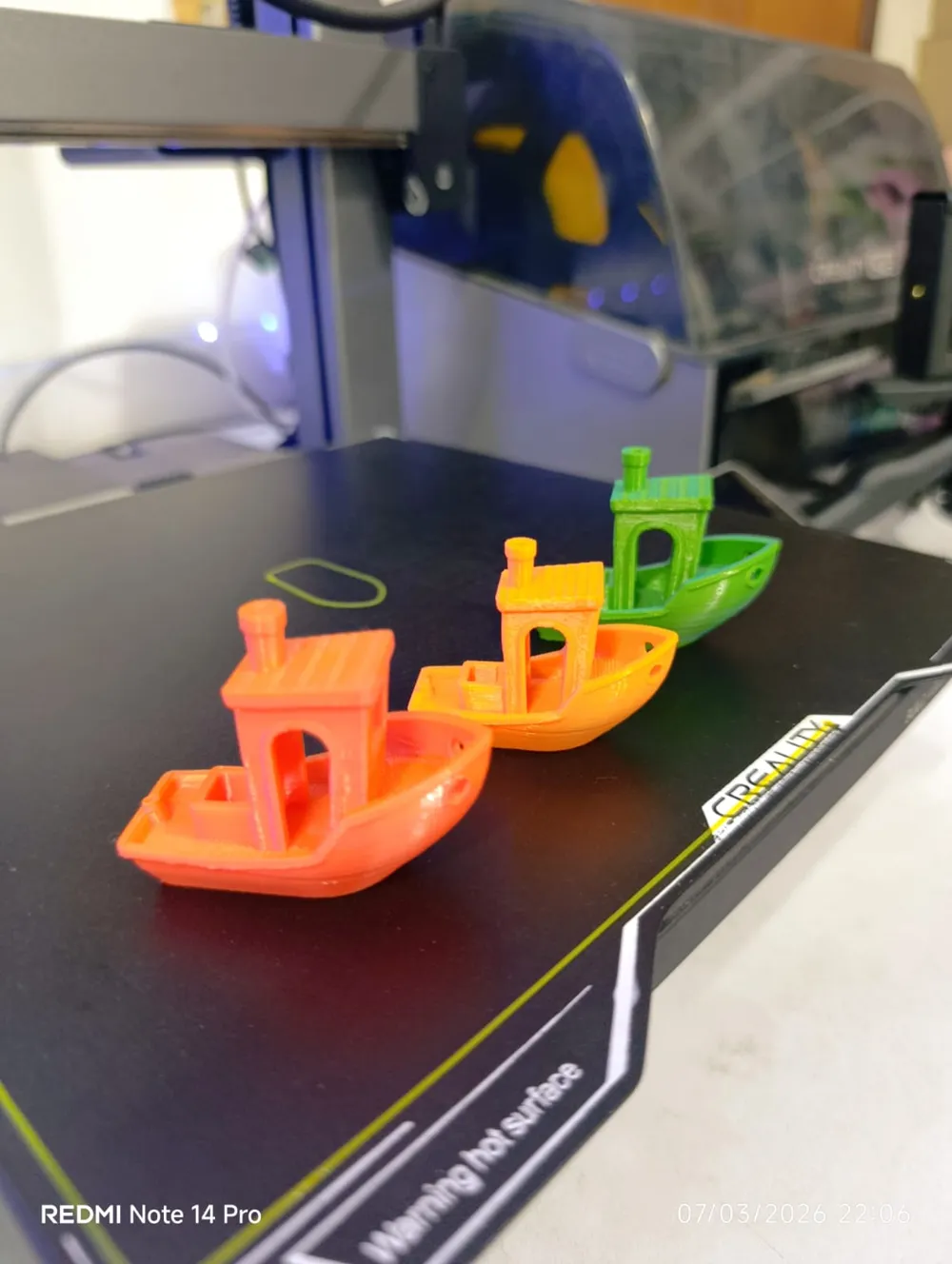
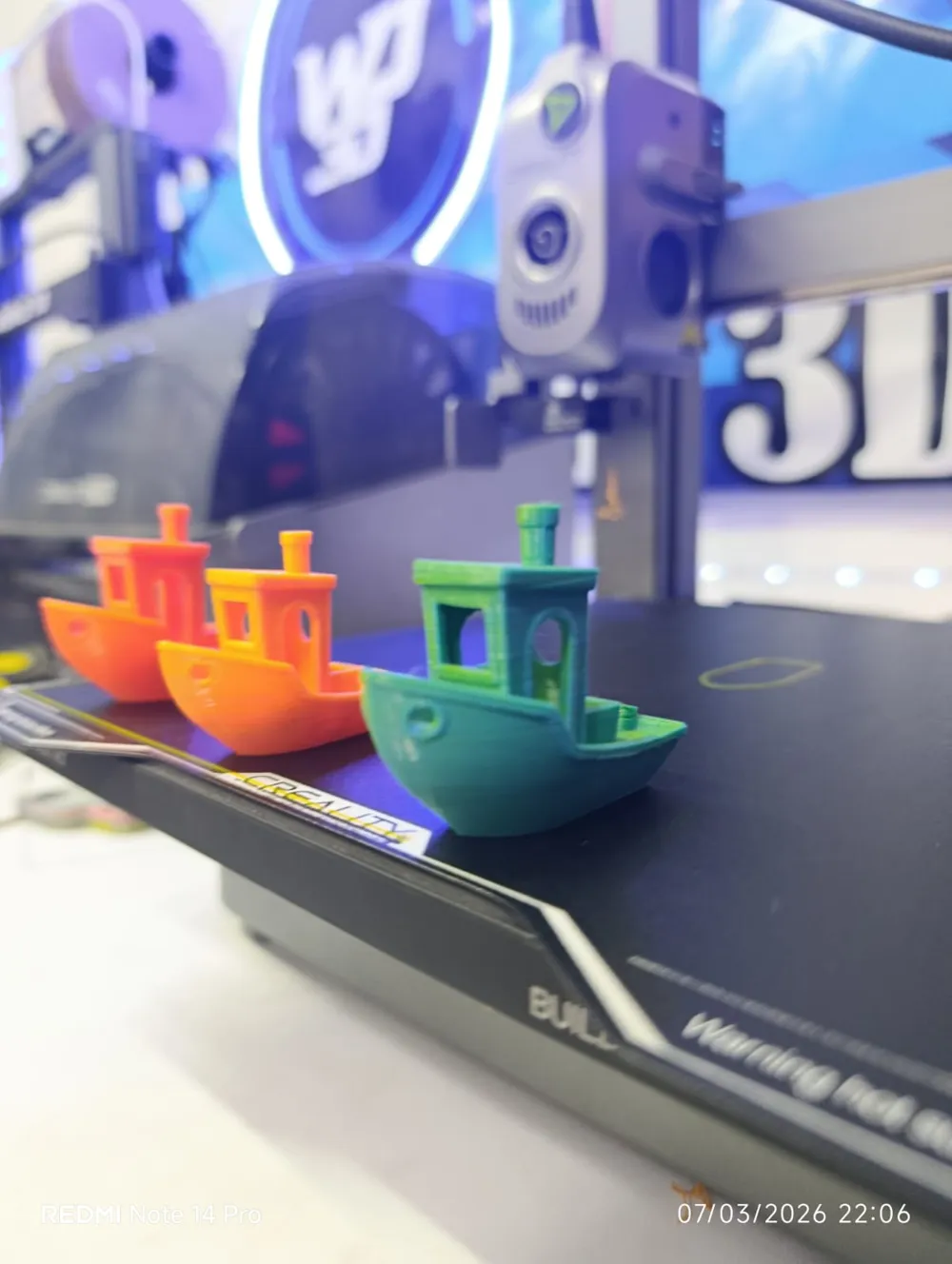
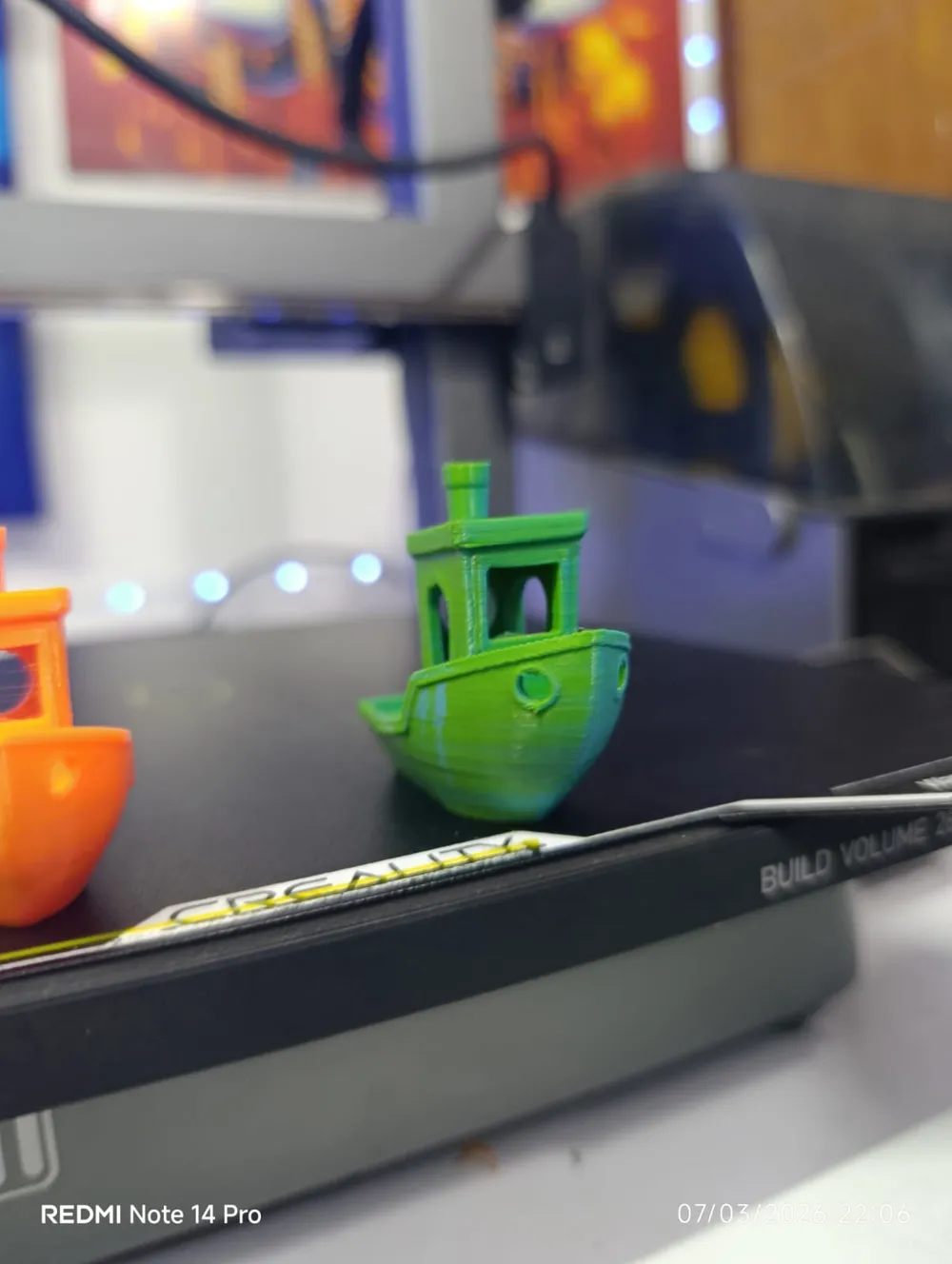
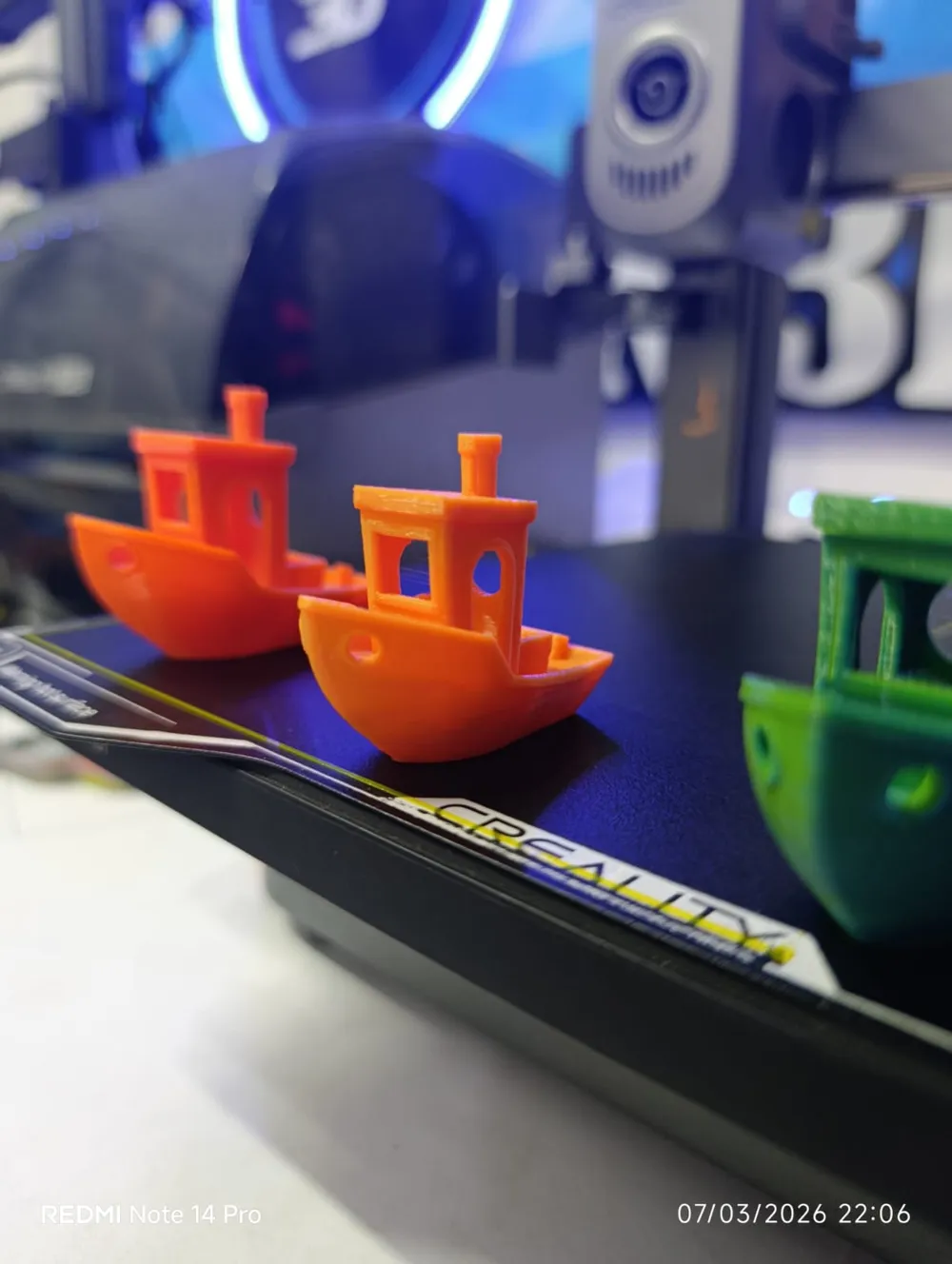
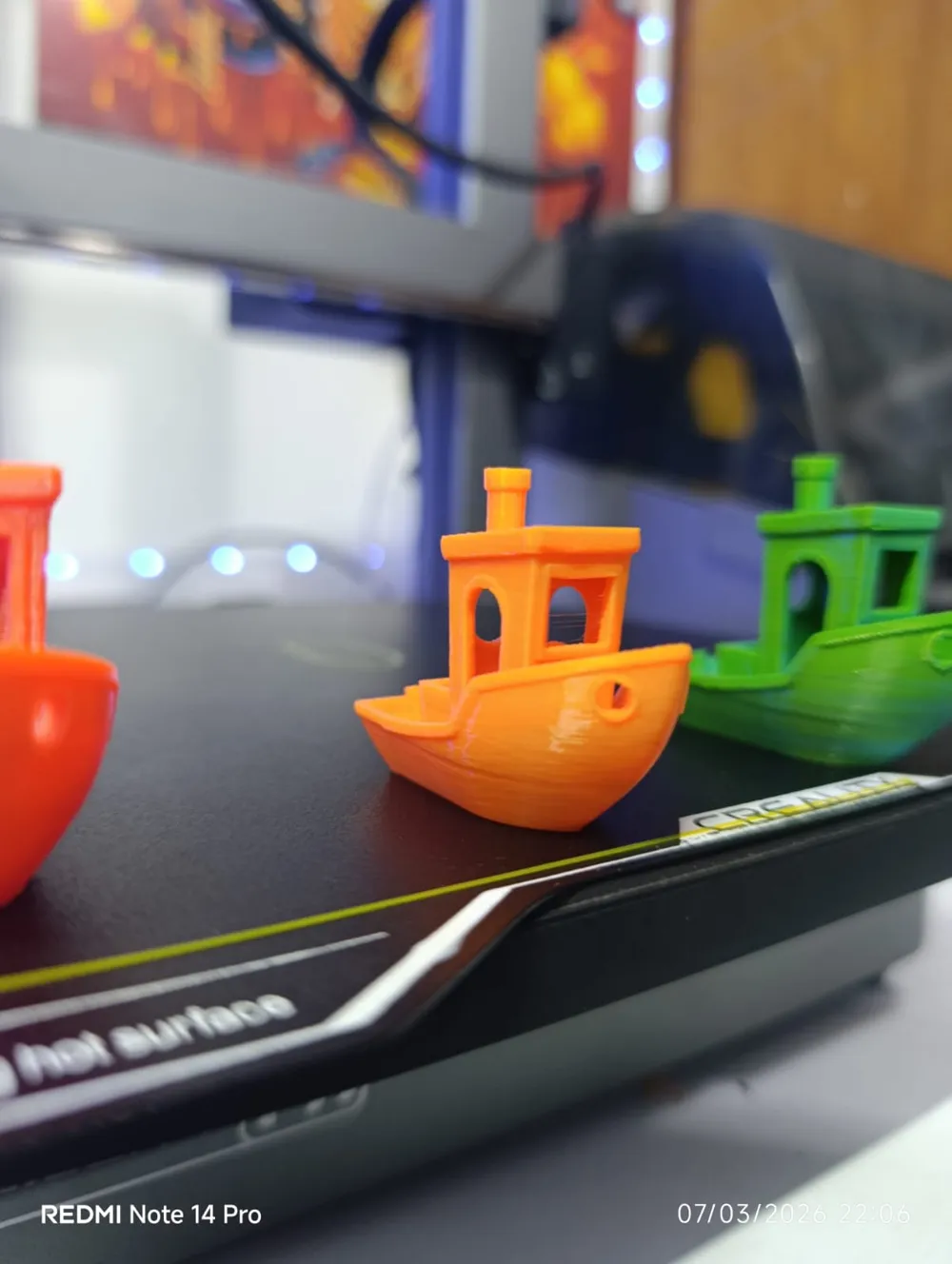
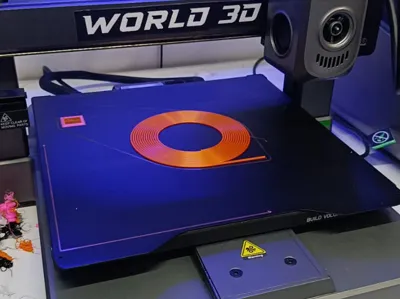
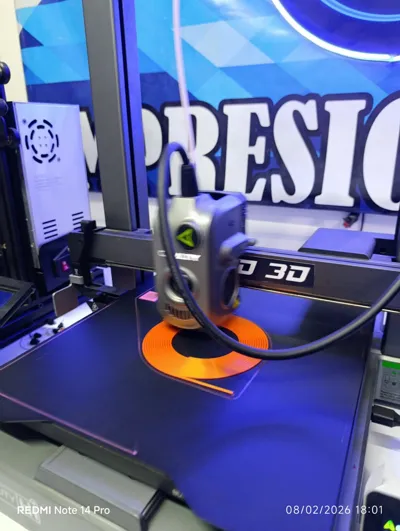
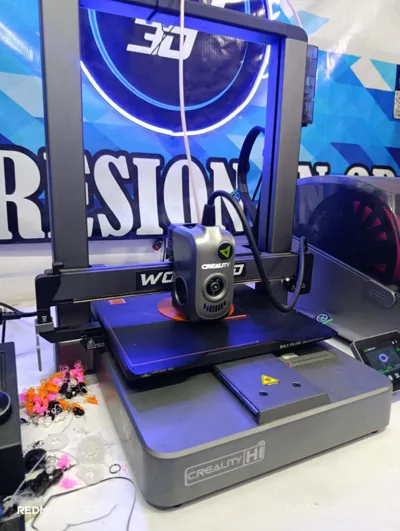
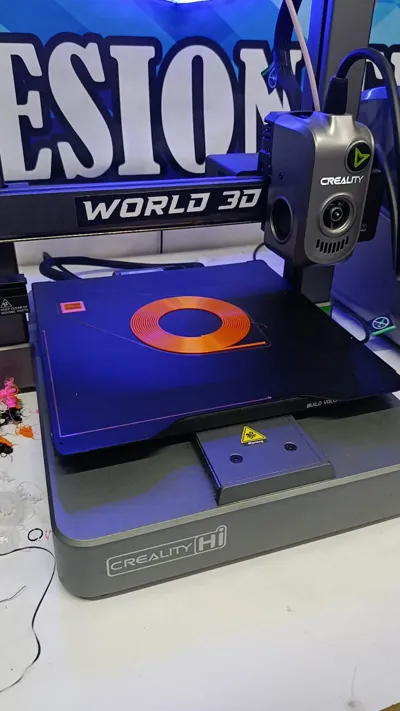
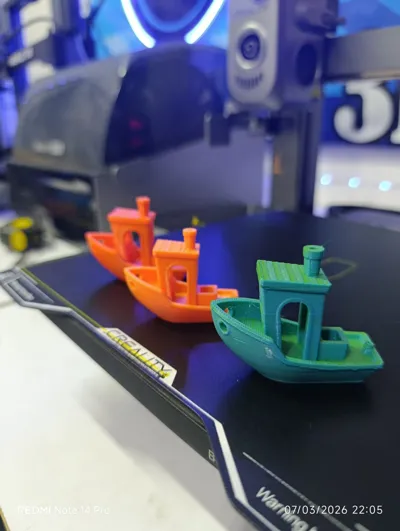
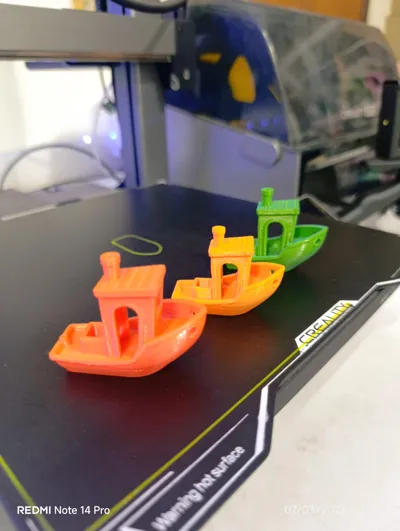
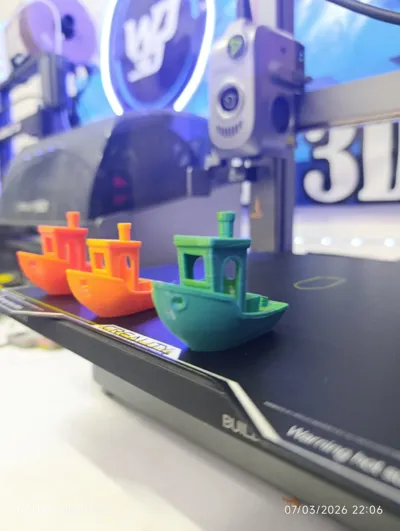
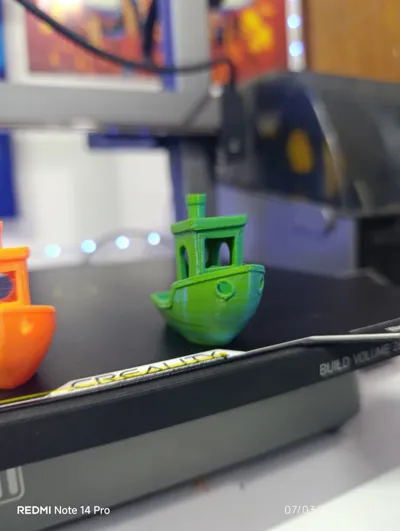
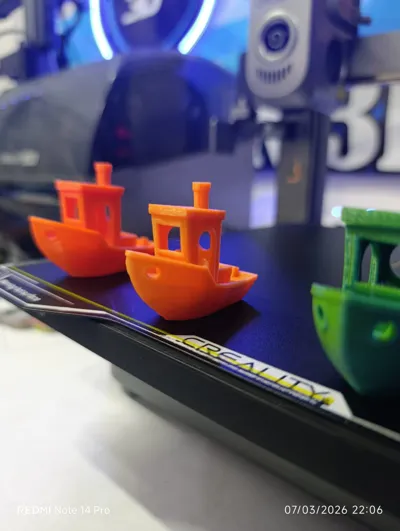
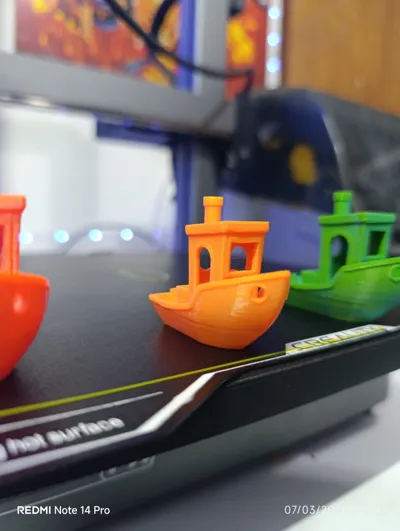
Print Profile(4)
DUAL COLOR 10g
Designer
25 min
1 plate
DUAL COLOR 33g
Designer
1.3 h
1 plate
DUAL COLOR 64g
Designer
2.7 h
1 plate
DUAL COLOR 71g
Designer
2.7 h
1 plate
Open in Bambu Studio
Boost
4
8
2
0
17
7
Released
Description
Content has been automatically translated.
Free STL model designed to test the effect of dual-color filaments in 3D prints.
Dual-color filaments contain two colors in the same filament, so the visible color changes depending on the orientation of the part and the light.
This model has faceted surfaces that help highlight the color-shifting effect of the filament.
⚙ How to use it
- Download the STL file.
- Open it in your slicer (Cura, OrcaSlicer, PrusaSlicer, etc.).
- Select a dual-color filament.
- Print the model normally.
- Observe how the color changes depending on the viewing angle of the part.
💡 Recommendation
For the best visual effect:
- Use dual-color or PLA Silk Dual Color filaments.
- Print with 0.2 mm layers or less.
- Use contrasting colors.
📦 Included versions
The file includes different sizes optimized for various material consumptions:
- 10 g
- 64 g
- 71 g
- 73 g
📁 File included
Print-ready STL.
📢 Extra
If you print this model, share your result or tag me to see your print.
License

This user content is licensed under a
Creative Commons Attribution


Comment & Rating (2)