Search models, users, collections, and posts

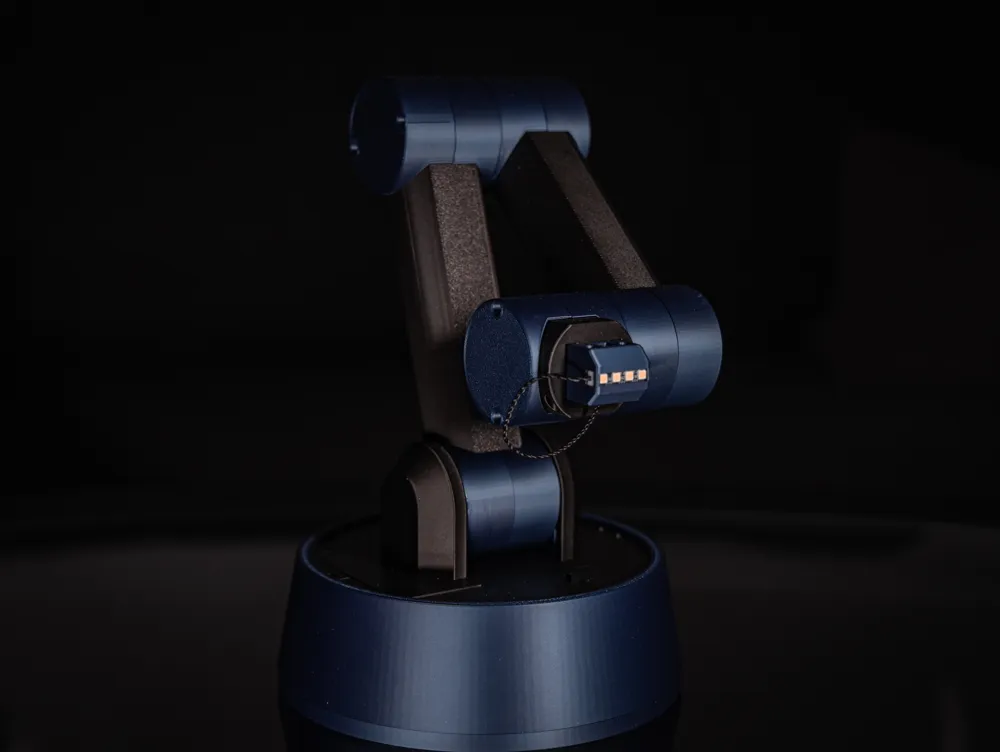
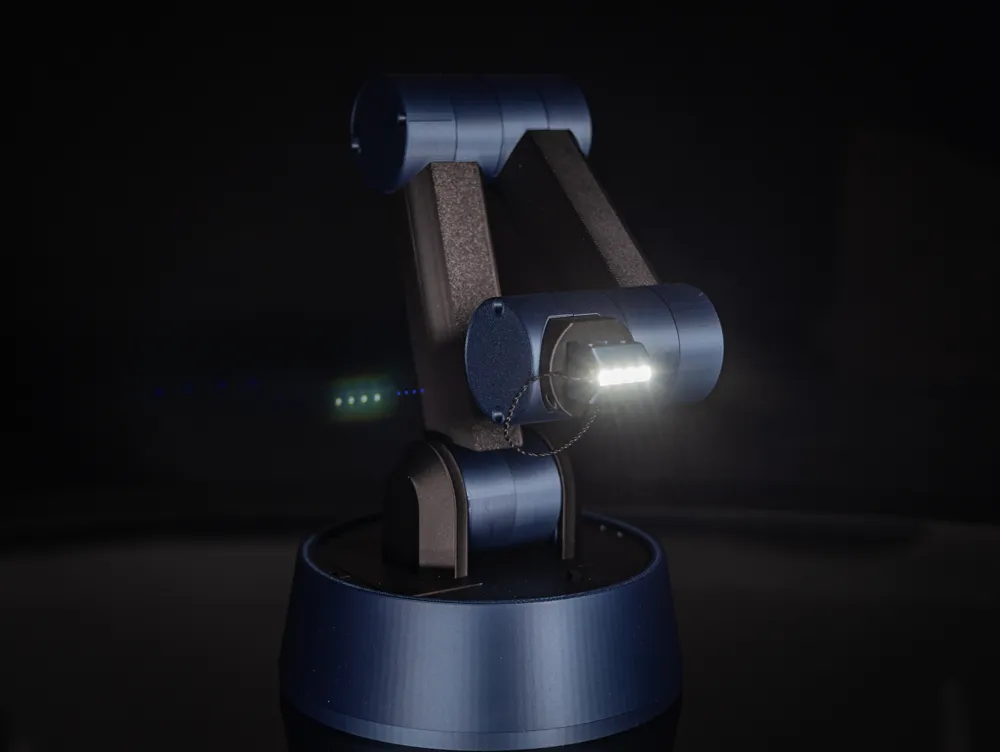
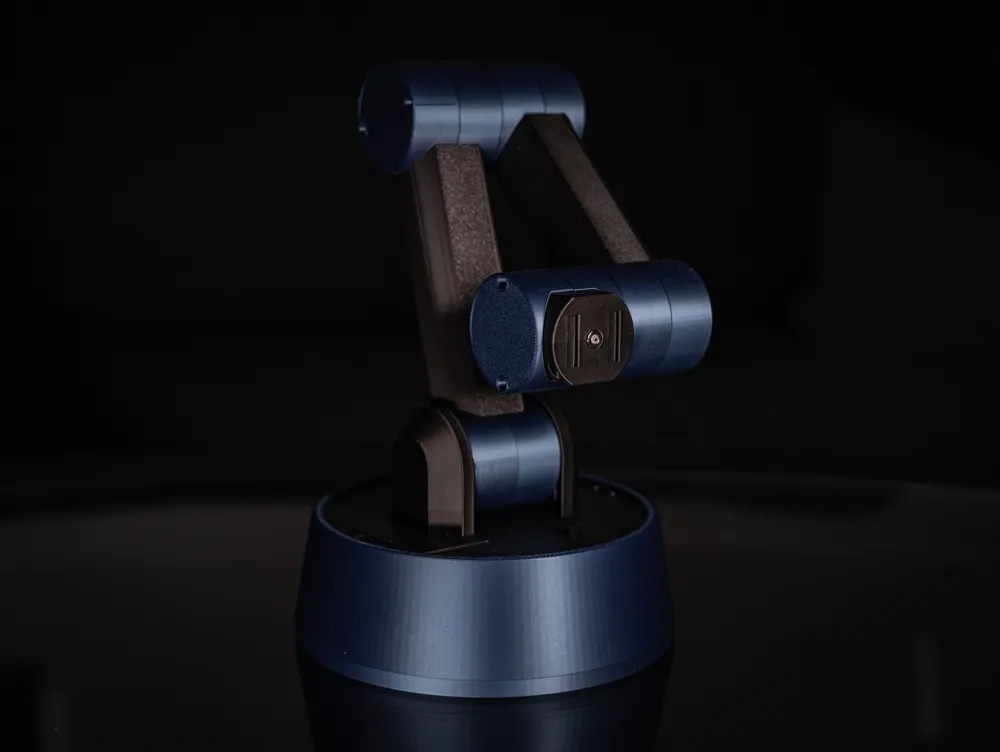
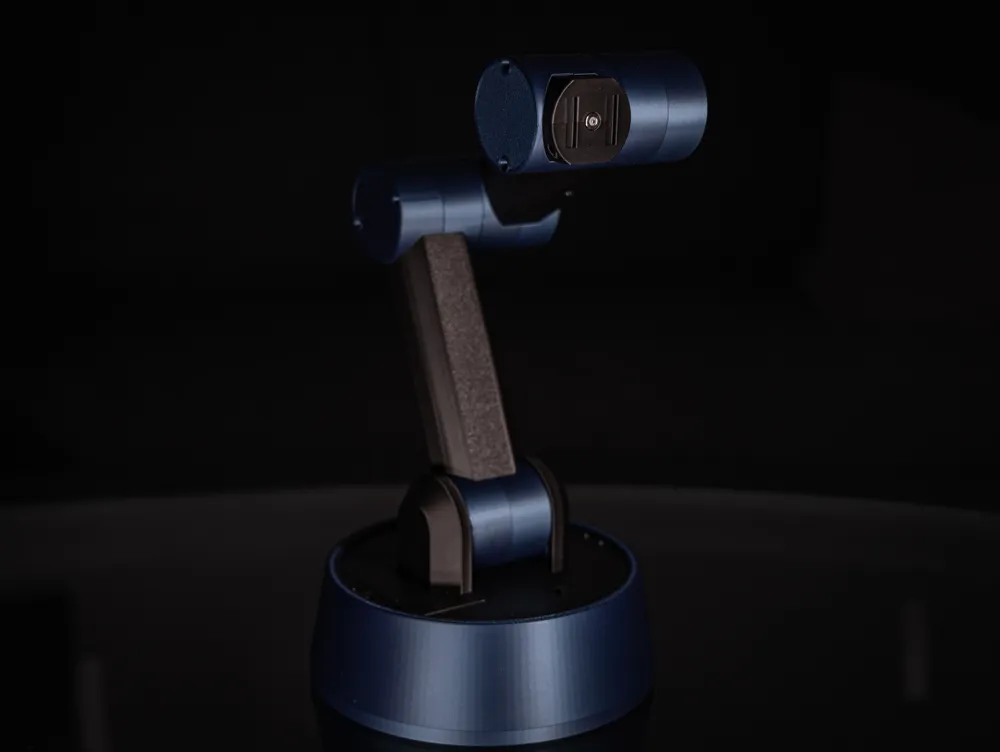
SVEN - Desktop Robot Arm
GIF
GIF
GIF

Print Profile(3)

All
P2S
X1
P1P
H2C
H2D Pro
X1 Carbon
H2S
A1
H2D
X1E
P1S
X2D
A2L
A1 mini

Robot Arm - No Toolheads
Designer
41.5 h
14 plates
5.0(4)

Gripper Toolhead
Gripper Toolhead
Designer
1.1 h
3 plates
5.0(2)

LED Toolhead
LED Toolhead
Designer
34 min
1 plate
5.0(2)

Open in Bambu Studio
Boost
397
898
38
31
134
29
Released 

Bill of Materials

Maker's Supply Kits and Parts
Select all
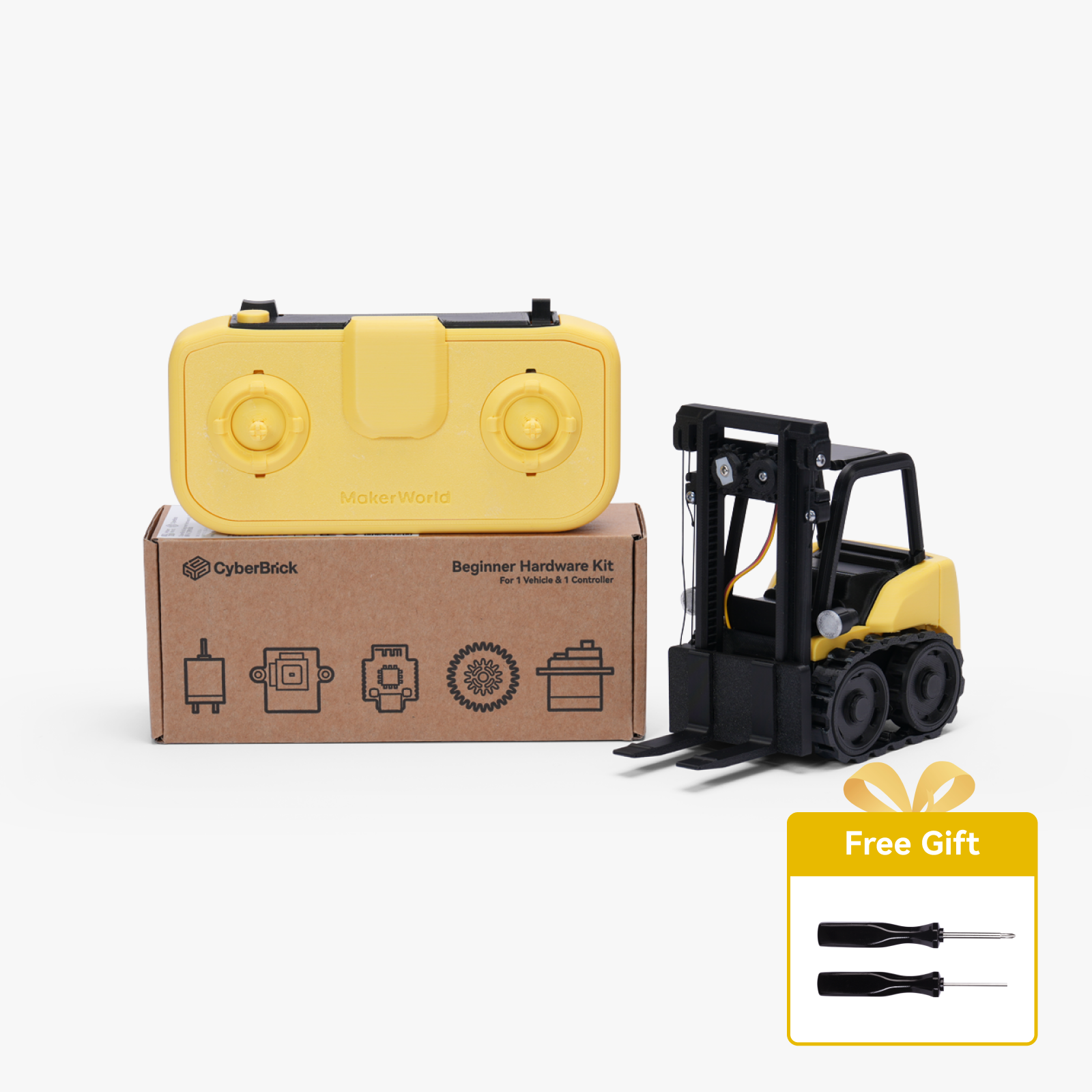
Beginner Hardware Kit - ZK004 (1 Vehicle, 1 Remote)
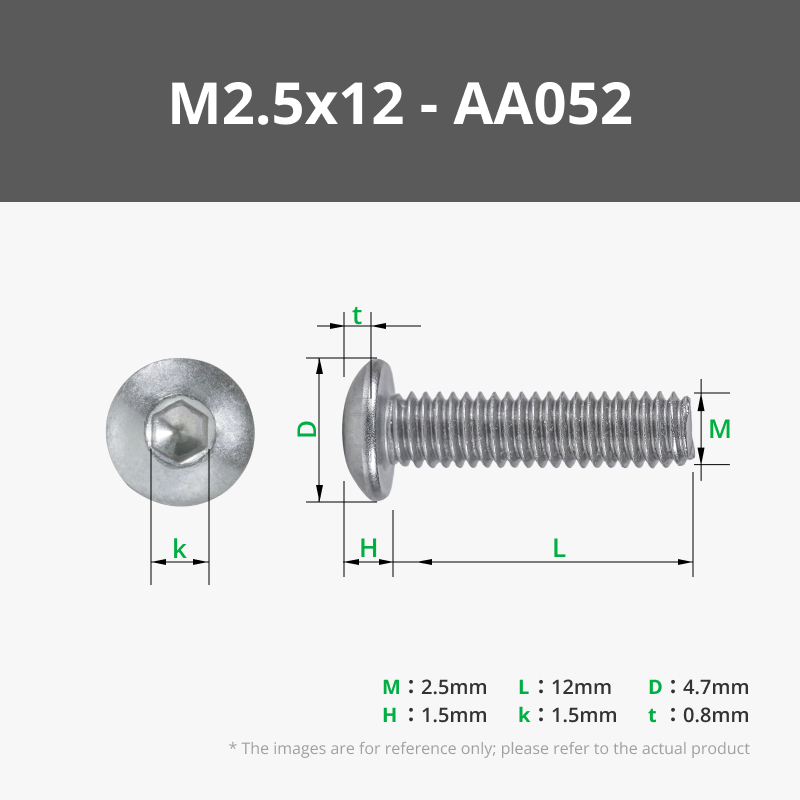
M2.5x12 BHCS Machine Screw (20PCS) - AA052
N20 Reduction Gear Motor 150rpm (1PCS) - LA002
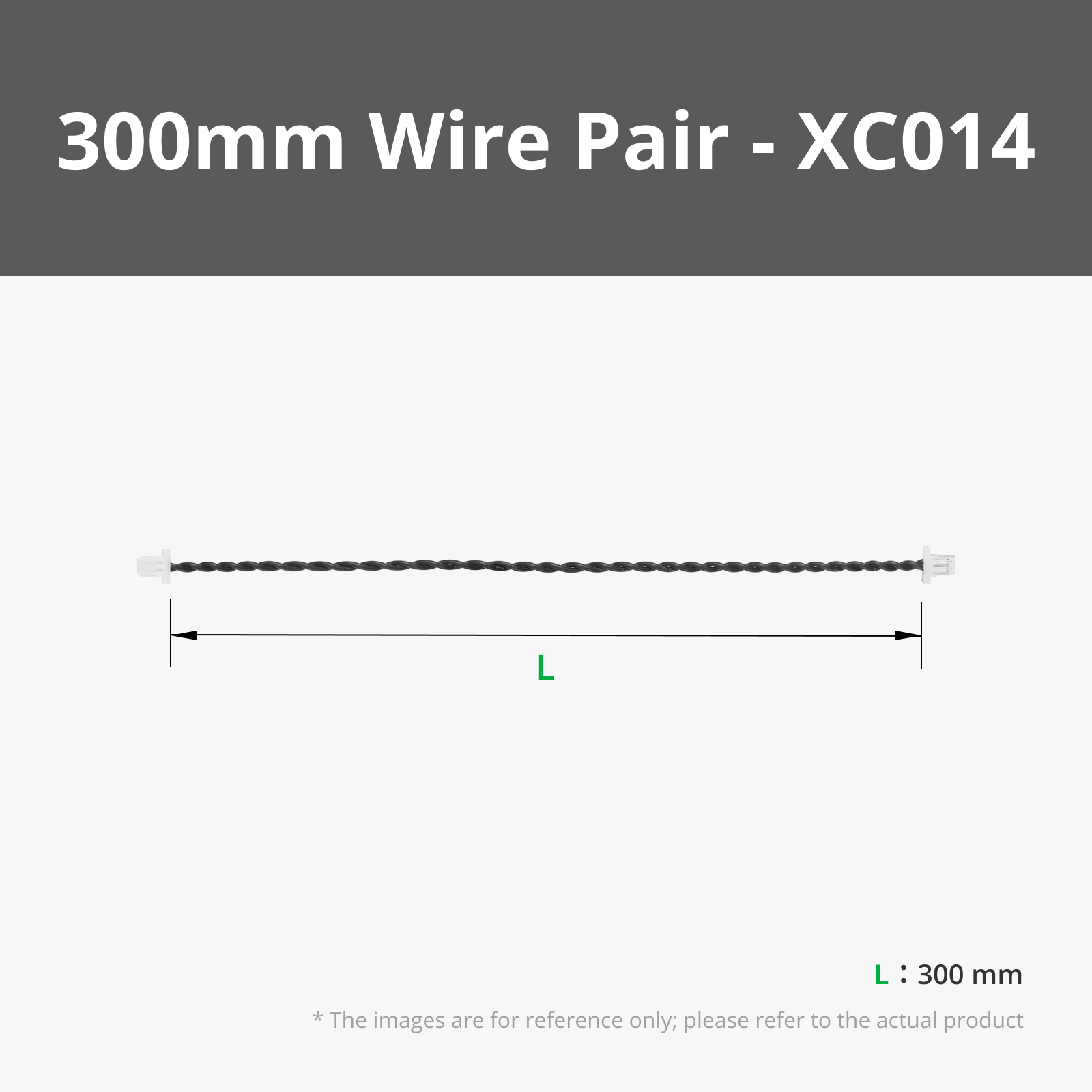
300mm Wire Pair with SH1.0(2PCS) - XC014
9g Continuous Rotation Digital Servo-360° (1PCS) - PG002
4 White 3030-LED Board with SH1.0 Connector 5V (2PCS) - KB001
7mm Round Magnetic Connector (2Pair) -XE003
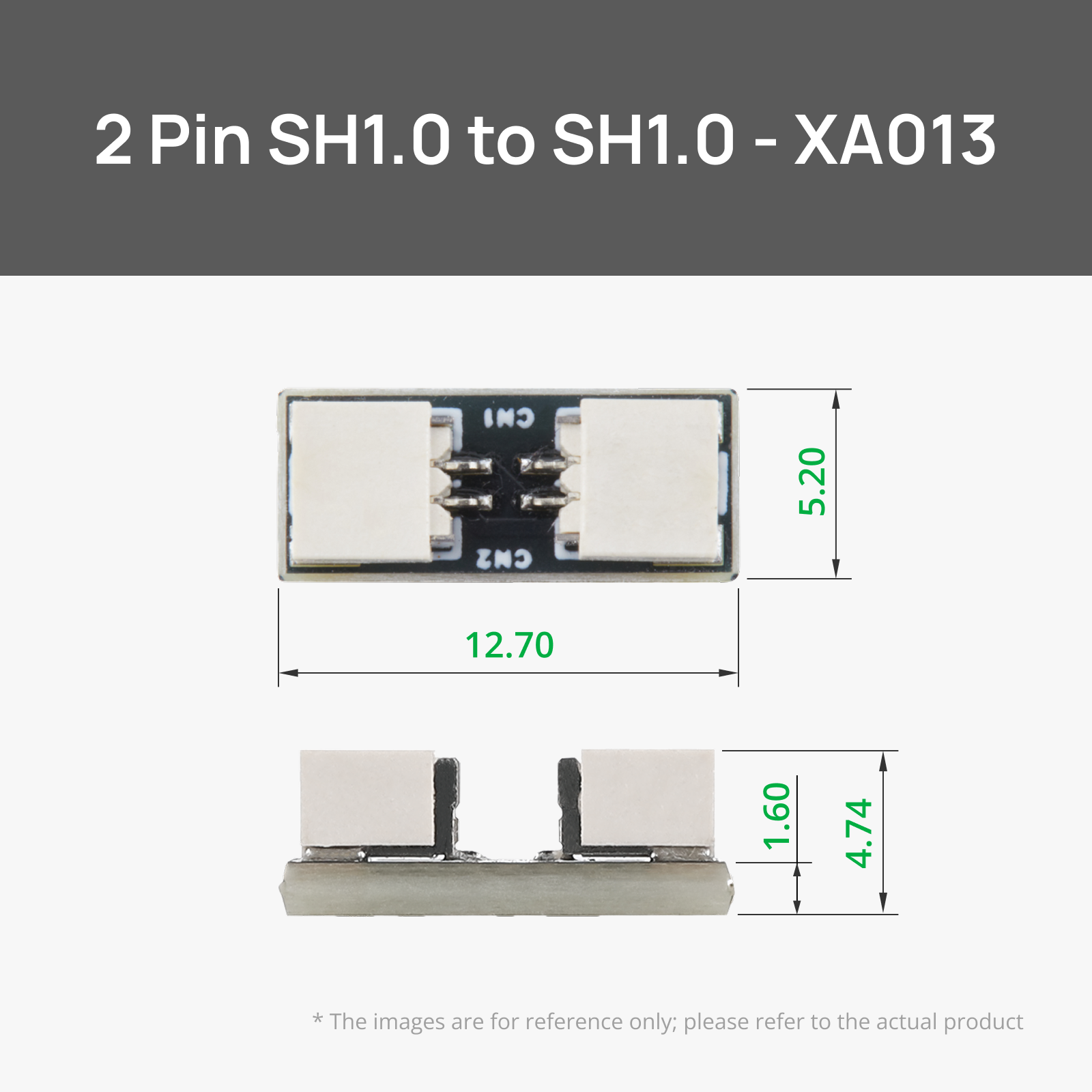
SH1.0 to SH1.0 2Pin Connector Adapter Board (2PCS) - XA013
200mm Servo Extension Cable 3Pin (2PCS) - XC011
Bambu Filaments
Select all
Cobalt Blue Metallic (13600) / Filament with spool / 1 kg
Iron Gray Metallic (13100) / Filament with spool / 1 kg
Gray (72103) / Filament with spool / 1 kg
List other parts
  • Lubricating Grease x 1:

Description


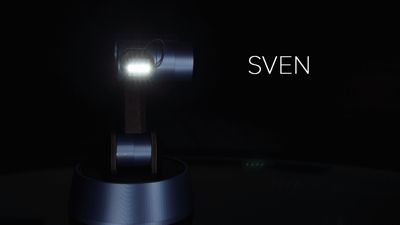
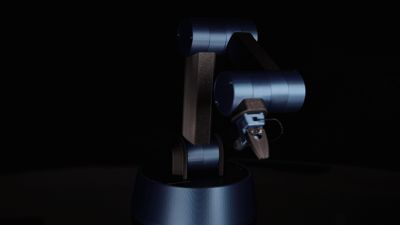
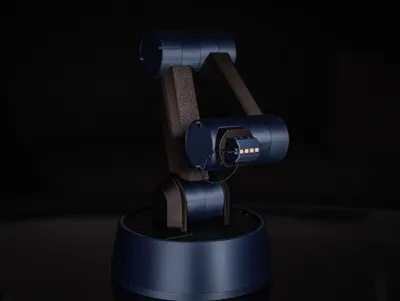
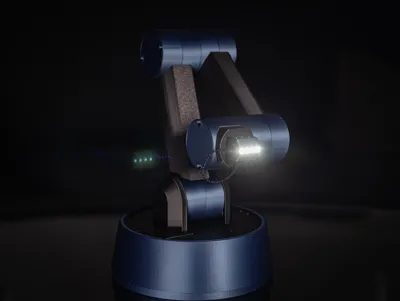
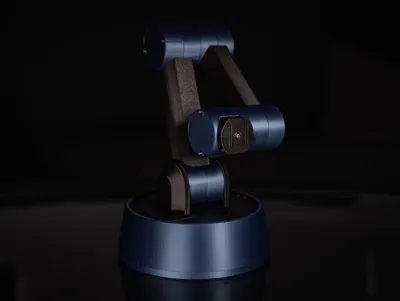
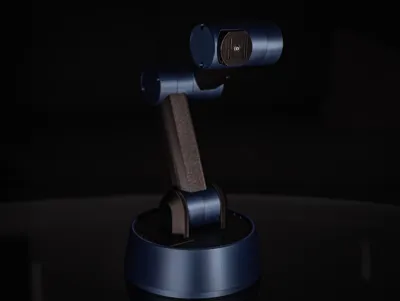
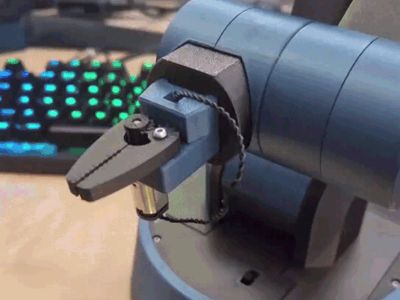


Meet SVEN - the Desktop Robot Arm

My most advanced model to date.
Hotswapable tool heads.
Strong axle joints capeable of providing a theoretical 18kgf/cm.
Fully designed with Maker's Supply items and Cyberbrick in mind.


This has been a passion project of mine for over a month now. While going through numerous itterations, I have learnt incredibly much regarding gears, forces and materials. All to bring you SVEN. 

I am still not completely finished with this model however. I have plans to add more toolheads, as well as a custom controller in the future. Keep an eye out for updates on this!


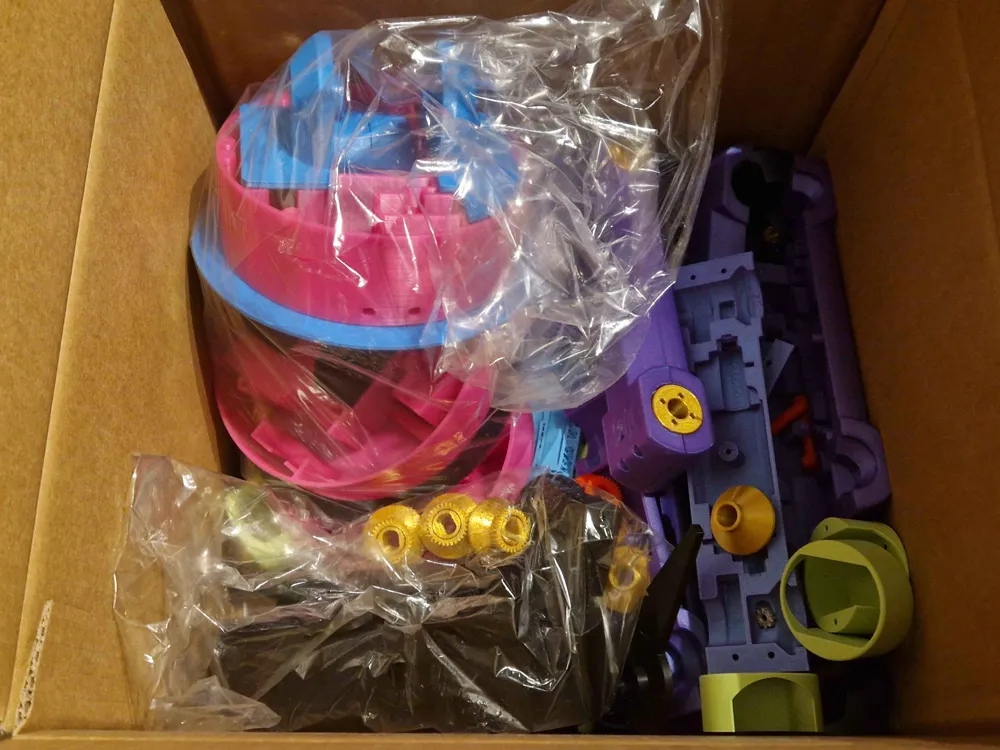
This is a highly advanced print and building project. It requires being able to print in materials such as TPU and PA6/12, along with being able to handle low tolerances. The assembly is built up of 65 steps that can be seen in the assembly instructions added below. 


The only item needed outside of what's listed in the bill of material is lubricating grease. 

The Bill of Materials includes the parts needed for both toolheads.


The Robot Arm profile includes all the parts needed to print the robot arm. All duplicated parts are already in the correct amount. 

Both toolheads are in their own separate profiles.


Estimated print time: 44 hours

Estimated assembly time: 2-3 hours


Most parts can be printed with normal settings. I have however reduced the printspeed in my profiles to max 150mm/s to ensure a good surface quality.

The only parts that must be printed in specific settings are the worm gears. These MUST be printed with a layer height of 0,08mm on a 0,4mm nozzle, along with a very slow speed. I have also found that printing all 8 worm gears together provides enough cooling on the parts to give a better print quality. All of this is included in the print profile.


Be careful to not force the arm segments to move by hand, as this can damage the gears!


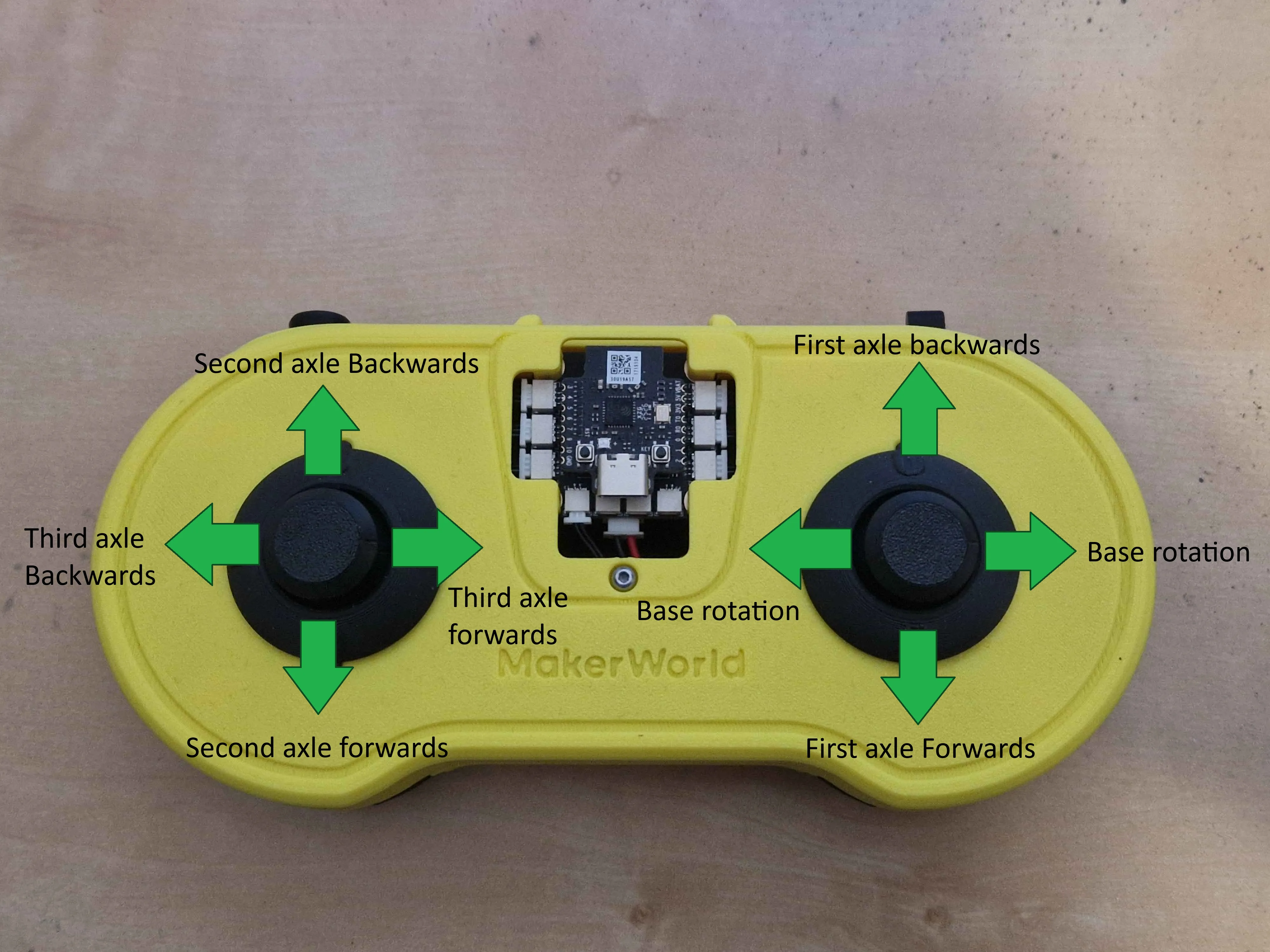
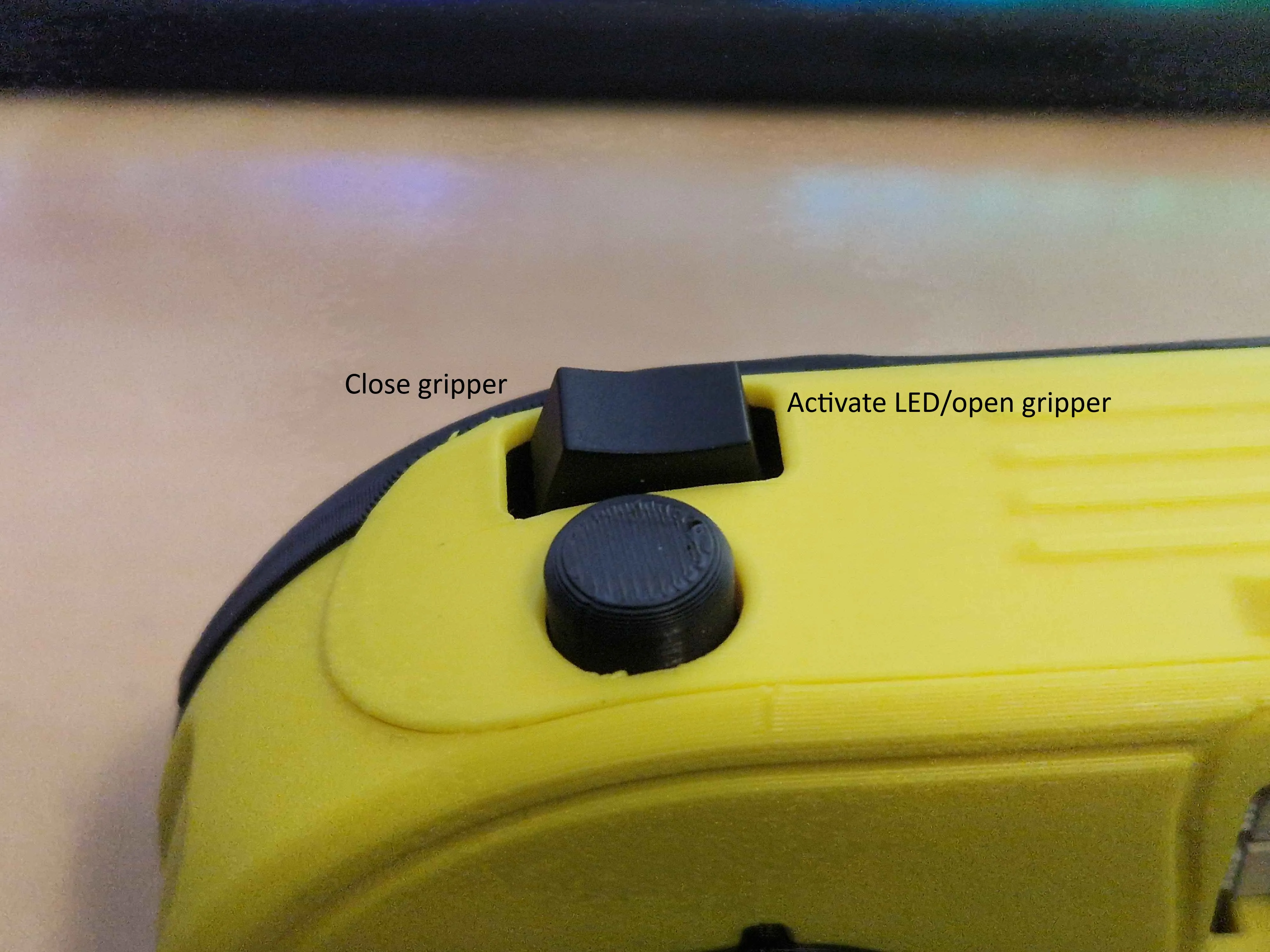
This model is currently using the  Cyberbrick Standard Remote control layout, but there are plans to design a custom controller for this. These are the controls:
 

Boost Me (for free)

This design was made possible by the points and boosts gathered by my earlier designs. Boosting this model will help me create even more new designs!


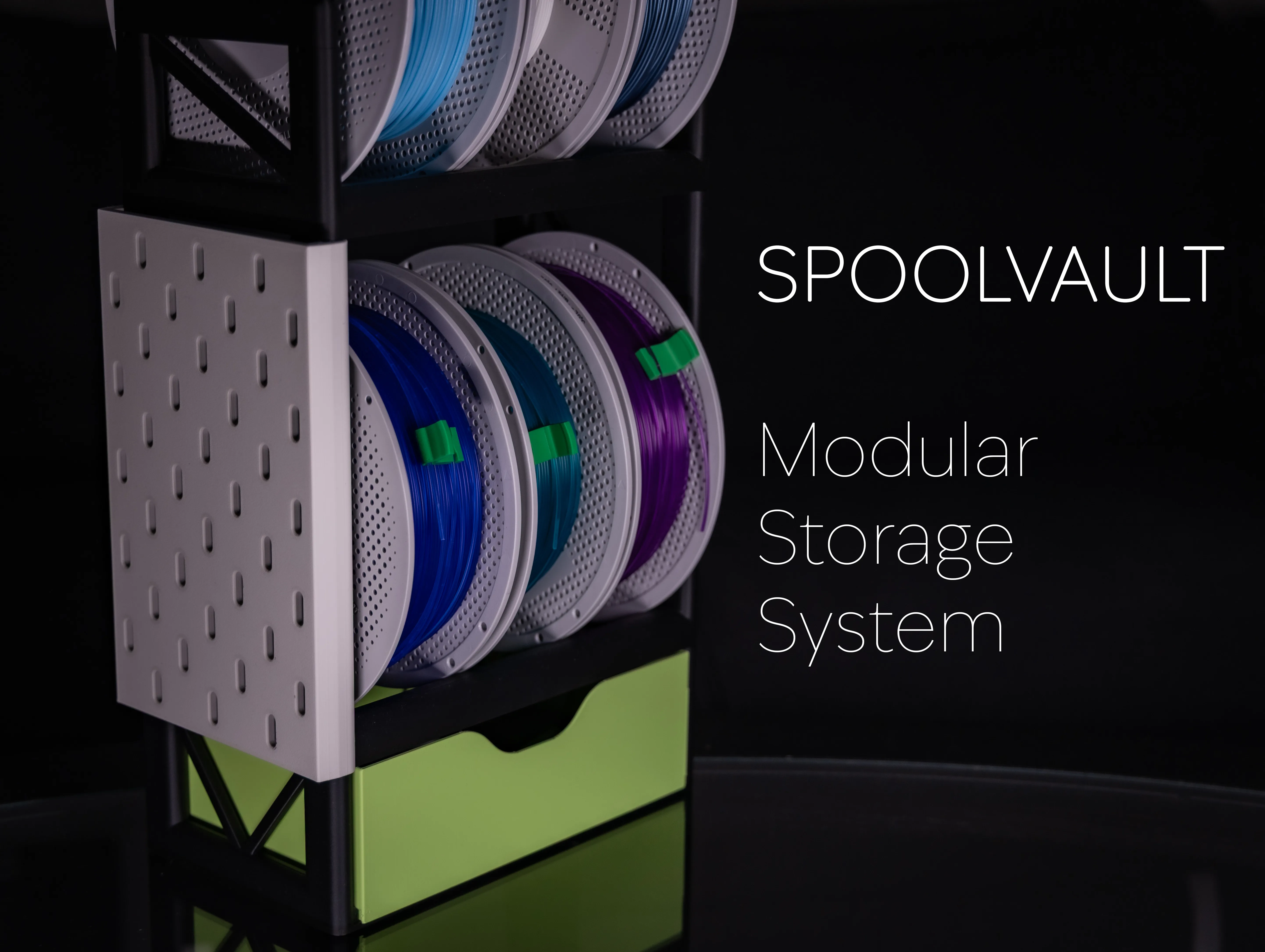
Are you in need of a storage solution for both filaments, Maker's Supply parts, AND your tools? Look no further.

Documentation (1)

Assembly Guide (1)
SVEN Assembly instructions.pdf

CyberBrick Files (1)

FAQ
Official RC Framework
SVEN

Comment & Rating (38)

(0/1000)

Print Profile
Robot Arm - No Toolheads
This was a really fun project, and all the parts were easy to print. Assembling it was the perfect level of challenge, and everything went smoothly thanks to the solid, easy-to-follow instructions. I'm still not entirely sure what I'll actually use the robot for, but I'm hoping to design a custom tool head for it as my next project. Either way, it looks absolutely fantastic with all the hidden cables and motors—it’s definitely going to be a great conversation piece in the room. Thanks for the effort you have put into making and sharing the model!
The profile uploader has replied
profile
2
Reply
yooo that’s fire
0
Reply
That is looking incredible, I'm glad both the printing and the assembly went smooth! What filament/colors did you use? Would love to see any custom toolheads you come up with in the future :)
(Edited)
1
Reply
Finally somebody who can hold the darn light straight
designer
8
Reply
Print Profile
LED Toolhead
Love the magnetic connectors for easy and fast swap of tool heads
profile
2
Reply
🔥😍🤩🫪👍👍👍
designer
2
Reply
Print Profile
LED Toolhead
nice design
(Edited)
profile
1
Reply
I am at step 29 of the arm instructions (the first test of the arm) and the joints are turning very loudly even when plenty of grease is applied. It sounds like something is rubbing but even after regreasing the joints multiple times, there is still a high-pitched screeching sound coming from the arm. If anyone has any ideas of what is happening, the help would be greatly appreciated.
The designer has replied
0
Reply
The servos that are used at somewhat loud on their own. Is it some other noise on top of that?
0
Reply
Replying to @nizze275 :
When I tested just a servo by itself, not attached to anything, it was practically silent. It doesn’t sound like it’s a servo but that something is rubbing somewhere. I think it is where each arm segment is connected to eachother but after adding sufficiently more grease the noise persists.
(Edited)
0
Reply
Replying to @KaptainFrodo :
It is not something I have experianced before unfortunately. Is it a continuous screech as the arm is moving? Because then I am thinking it might be from the contact areas between the segments. However I am still not sure as I am assuming you have appled grease to these areas aswell, which would help against this
0
Reply
Cant get motors to work in testing. I am at the point in the instructions where it is recommended to test the motors... I cant seem to get any movement at all Both Contrller and Receiver show up in the cyberbrick desktop software and are paired. Flashing blue and green. I am stuck, spent 3 hours trying to get something to work....nothing!
The designer has replied
0
Reply
Do the servos make any sound at all? Do you maybe have an extra servo to test with while its not attached to anything? I'm thinking that possible reasons for it to not work could be either: 1. Something wrong with the programming/flashing of the controller/reciever (units mixed up, errors when flashing the software) 2. The servo cables might be turned the wrong way 3. 180 degree servos used instead of 360 degree servos
0
Reply
Replying to @nizze275 :
I figured it out.... I was powering the receiver with a USB cable....When I used the Lithium battery for power all the servos worked perfectly.
0
Reply
Replying to @user_3798629524 :
I'm glad you got it working! I will add the power input to my troubleshooting list :)
0
Reply
Oh Man...still waiting on 2 items from the BOM to be in stock. I really want to give this a try.
designer
2
Reply
"what is my purpose"
designer
1
Reply
you pass butter
1
Reply
Great engineering !
designer
2
Reply

License

This user content is licensed under a Standard Digital File License.

You shall not share, sub-license, sell, rent, host, transfer, or distribute in any way the digital or 3D printed versions of this object, nor any other derivative work of this object in its digital or physical format (including - but not limited to - remixes of this object, and hosting on other digital platforms). The objects may not be used without permission in any way whatsoever in which you charge money, or collect fees.