
AMS HT Side Mount Shelf with Storage - P1S P2S X1C
Print Profile(3)

Description
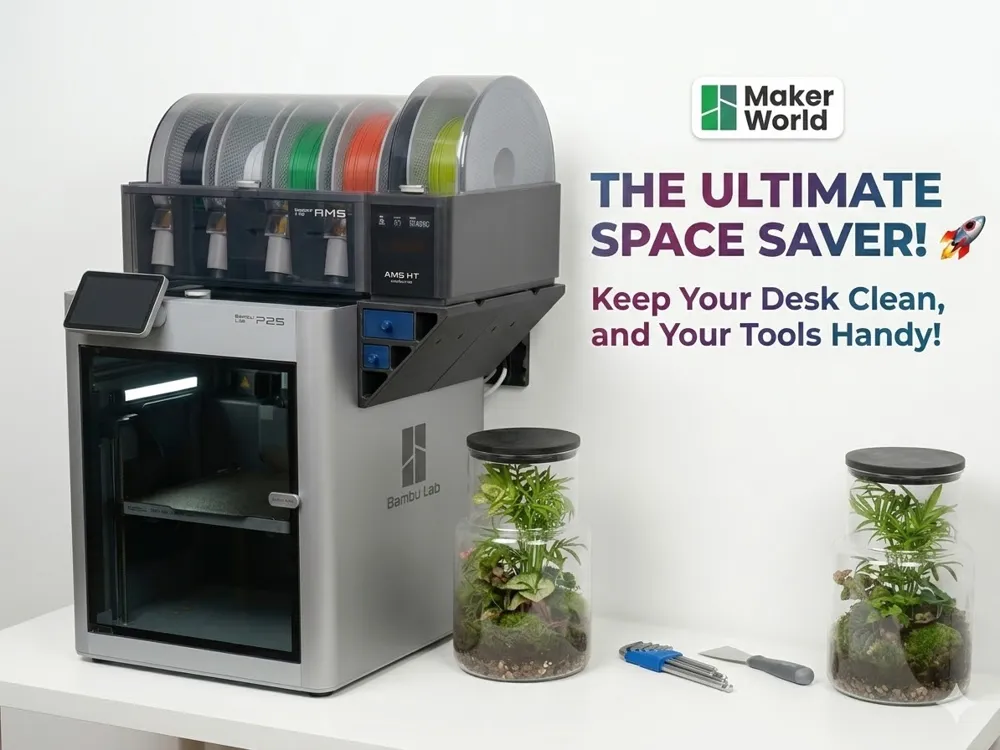
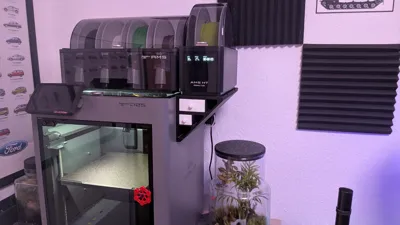
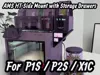
Bambu Lab AMS HT Side Mount Shelf with Storage Drawers (P1S / P2S / X1C)
Description
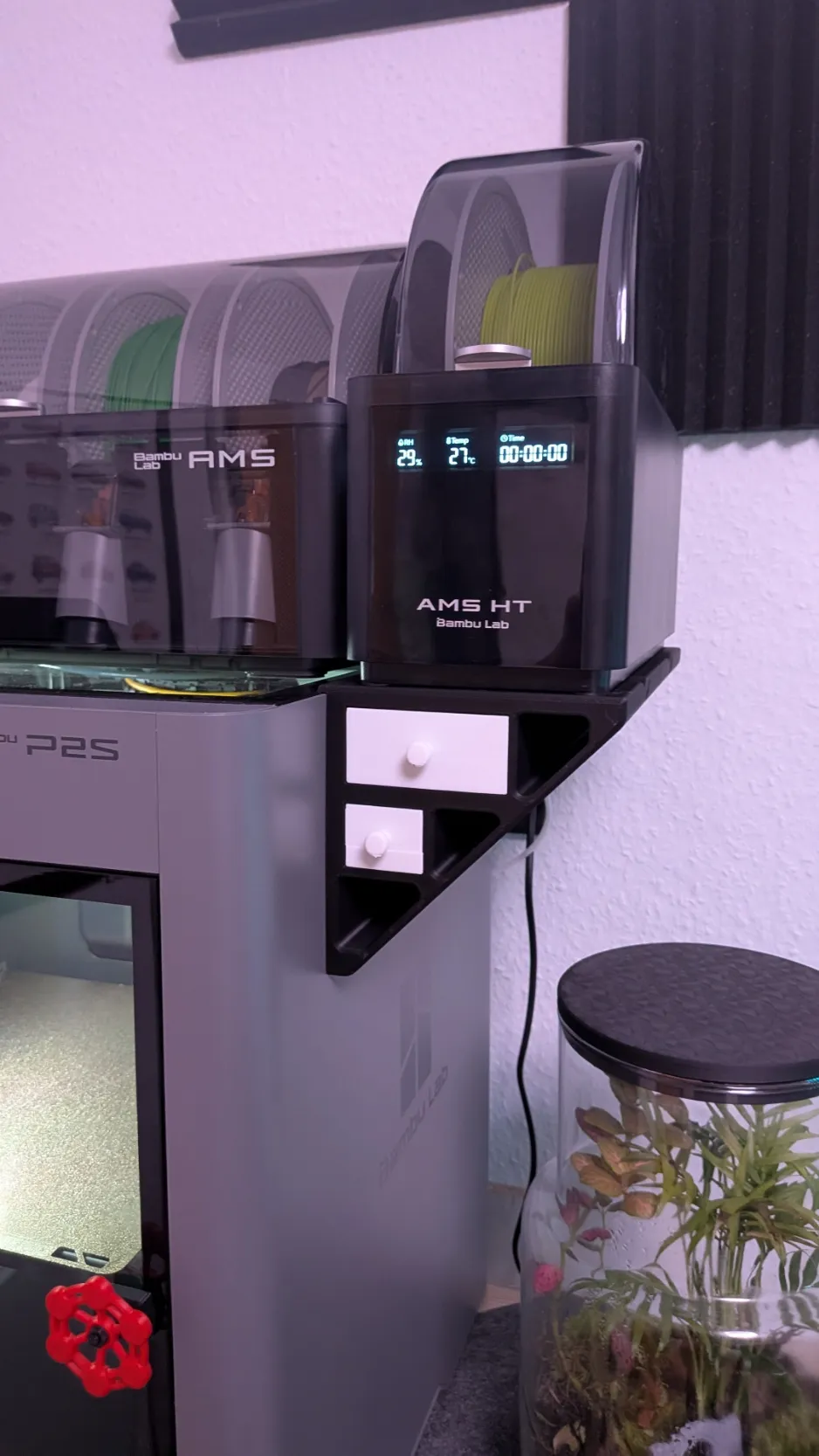
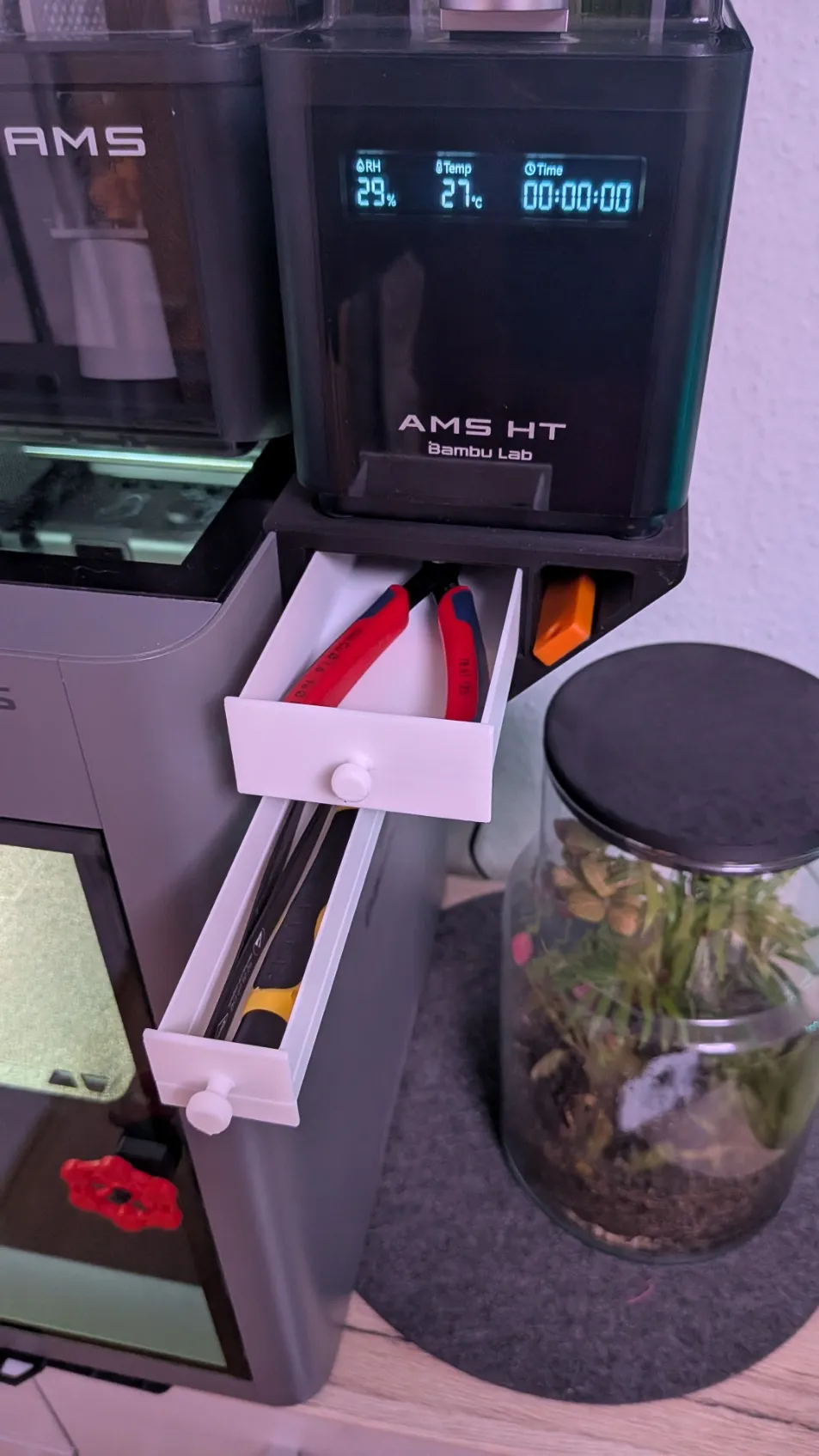
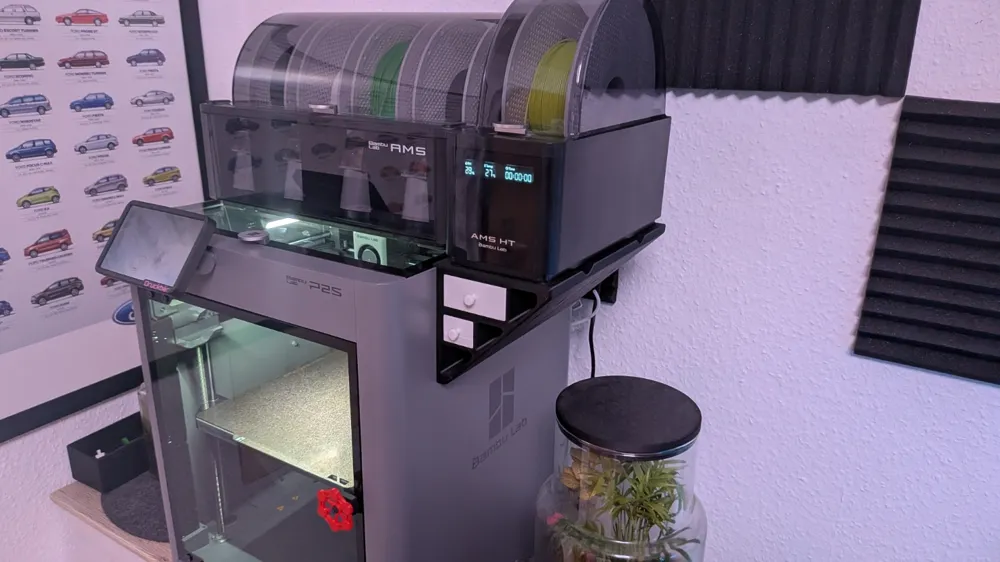
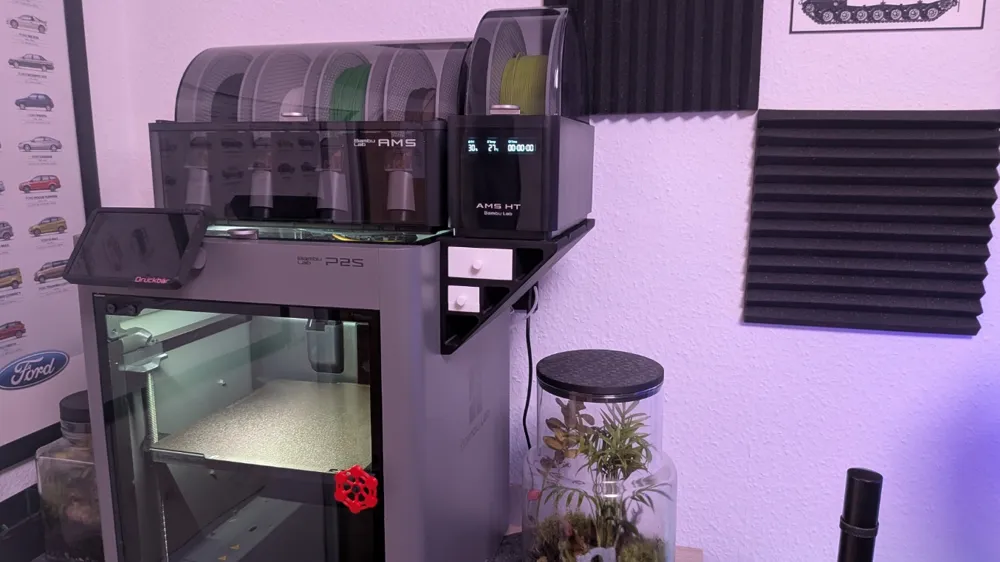
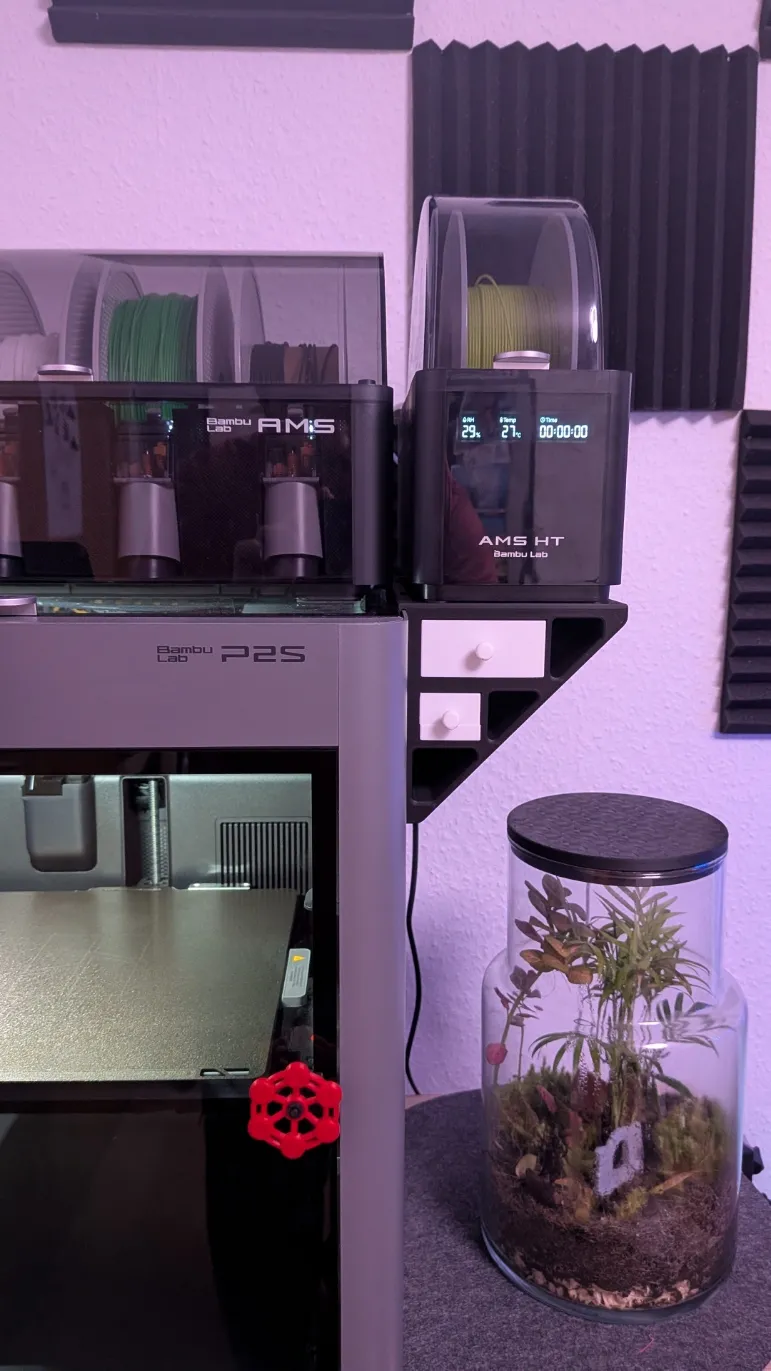
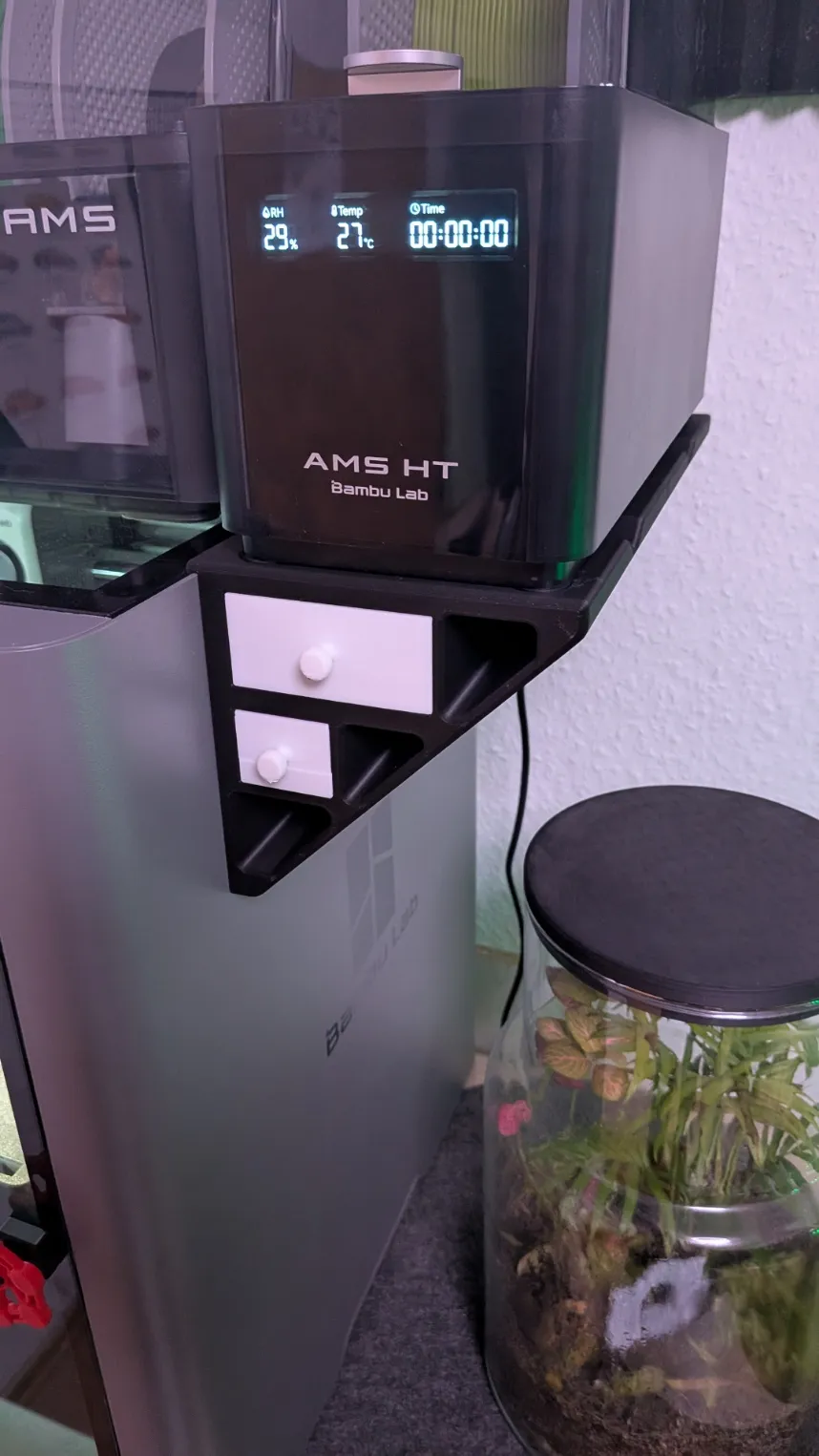
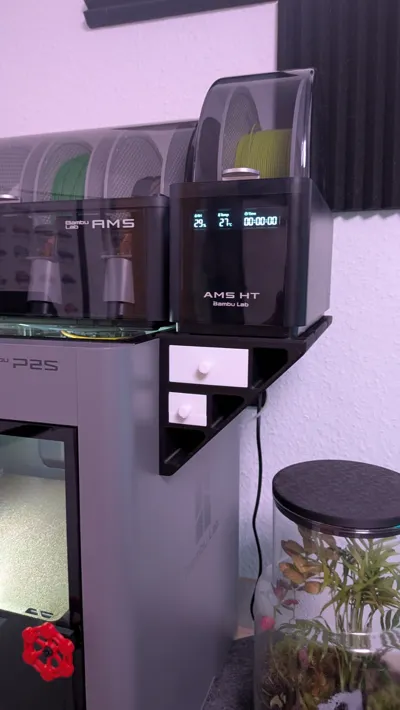
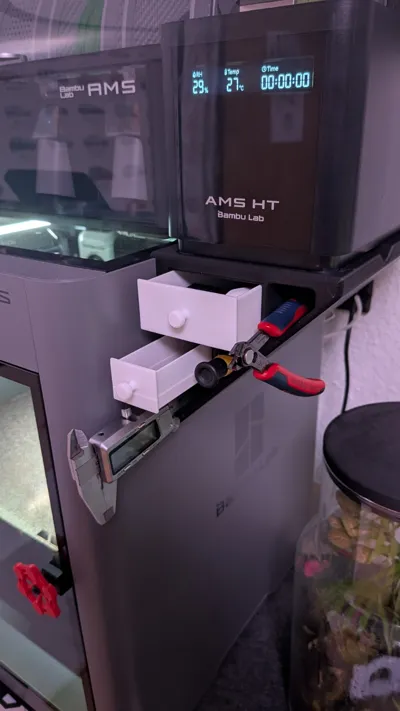
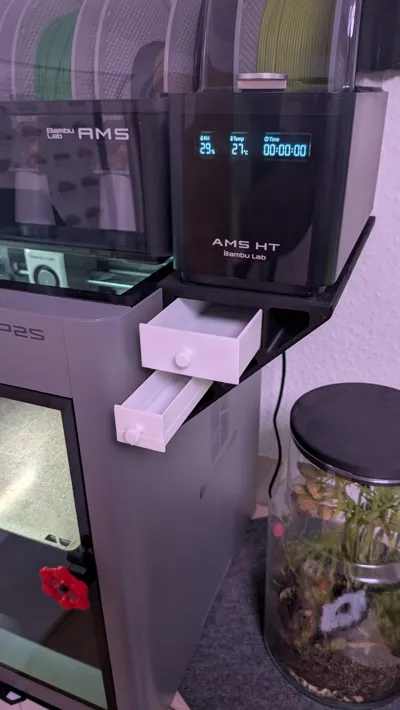
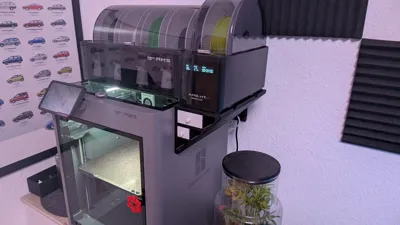
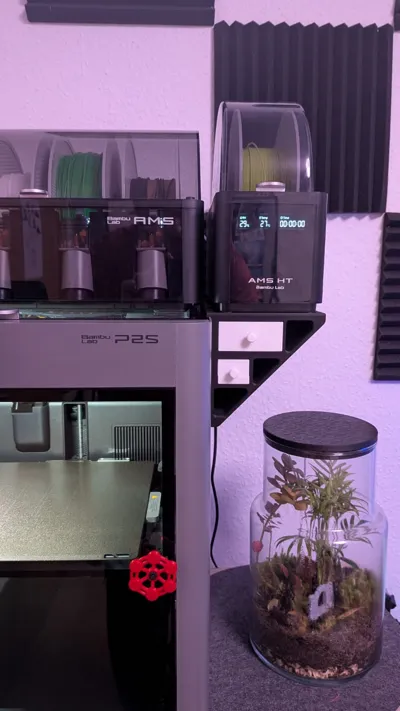
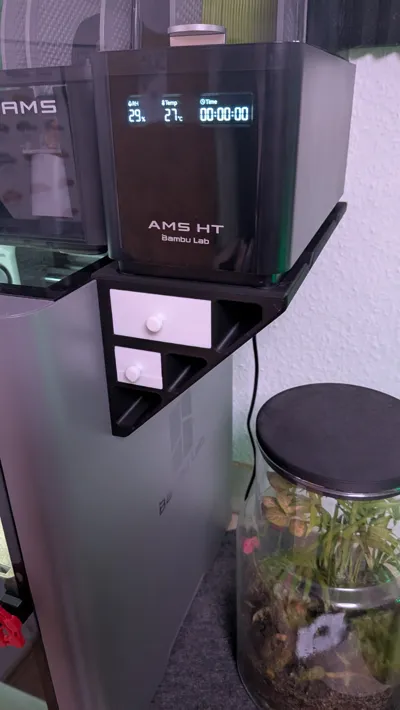
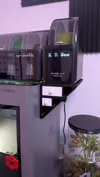
This holder allows you to mount an AMS HT on the side of a Bambu Lab printer while also creating additional storage space
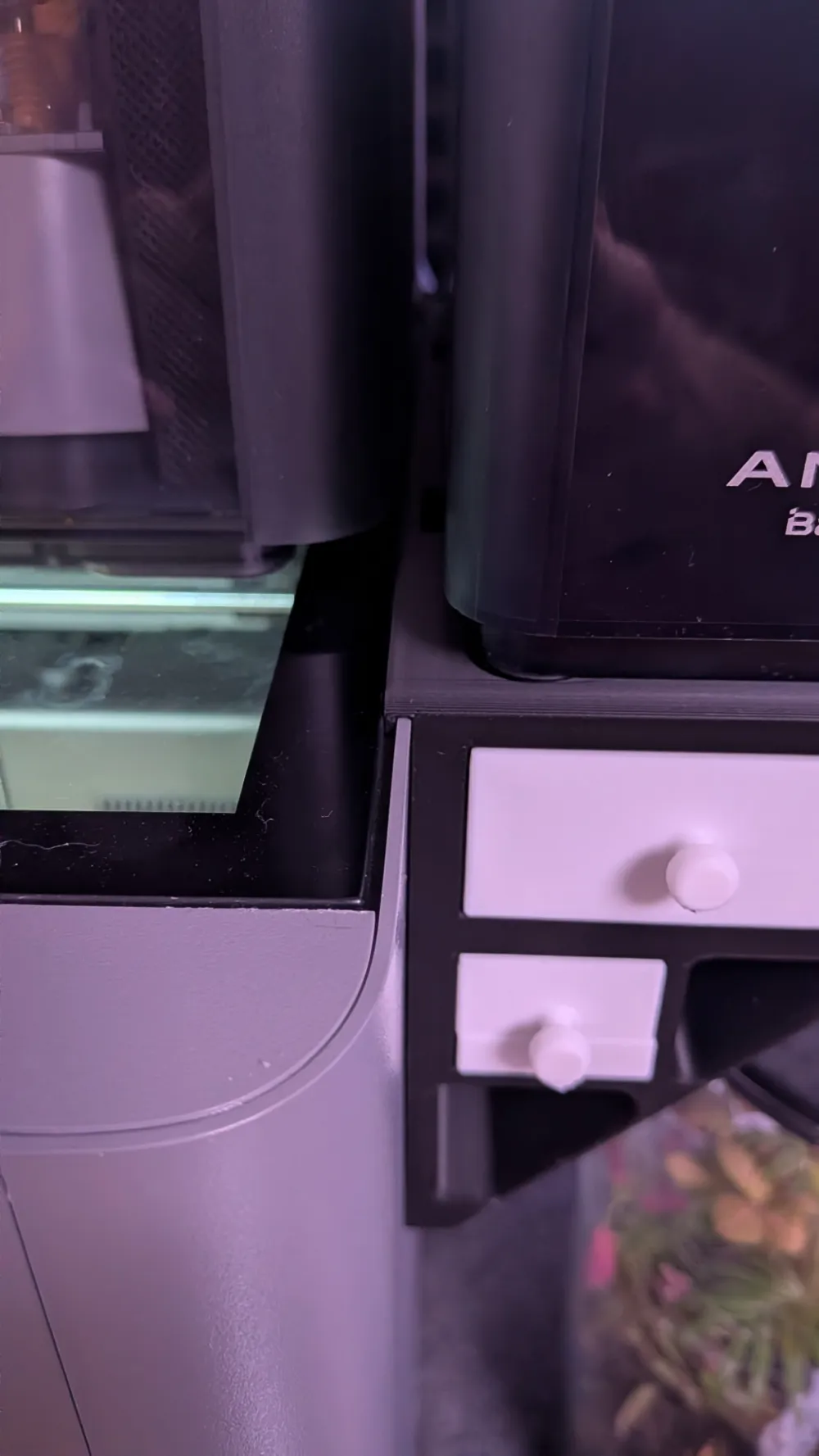
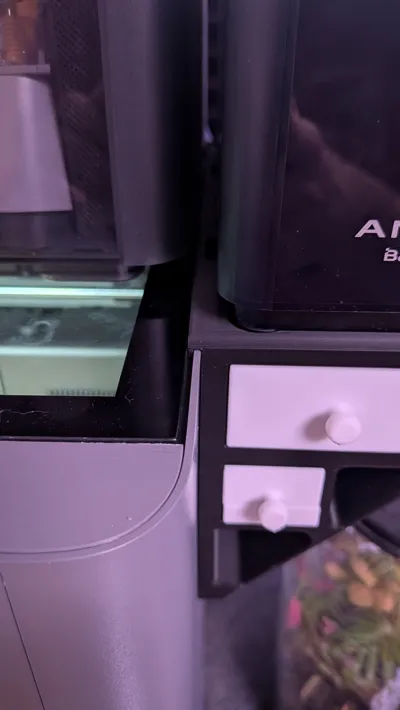
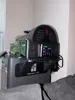
The holder is clamped to the side of the printer under the glass, making it very stable without any additional screws or modifications to the printer On the top there are four recesses for the feet of the AMS HT, so that the AMS stands securely on the holder and cannot slip Additionally, there are ventilation openings under the ventilation slots of the AMS HT, so that air can continue to circulate freely
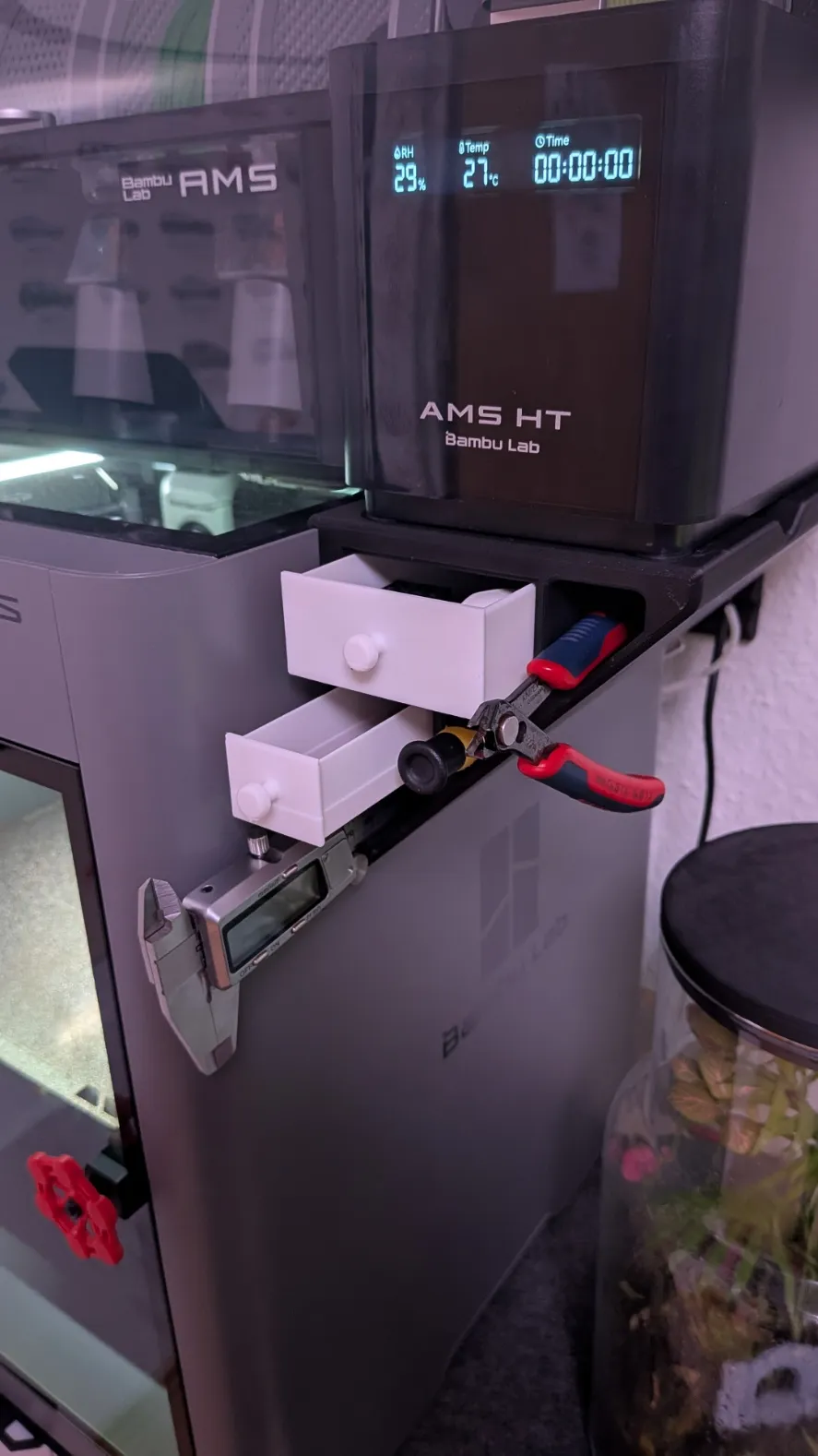
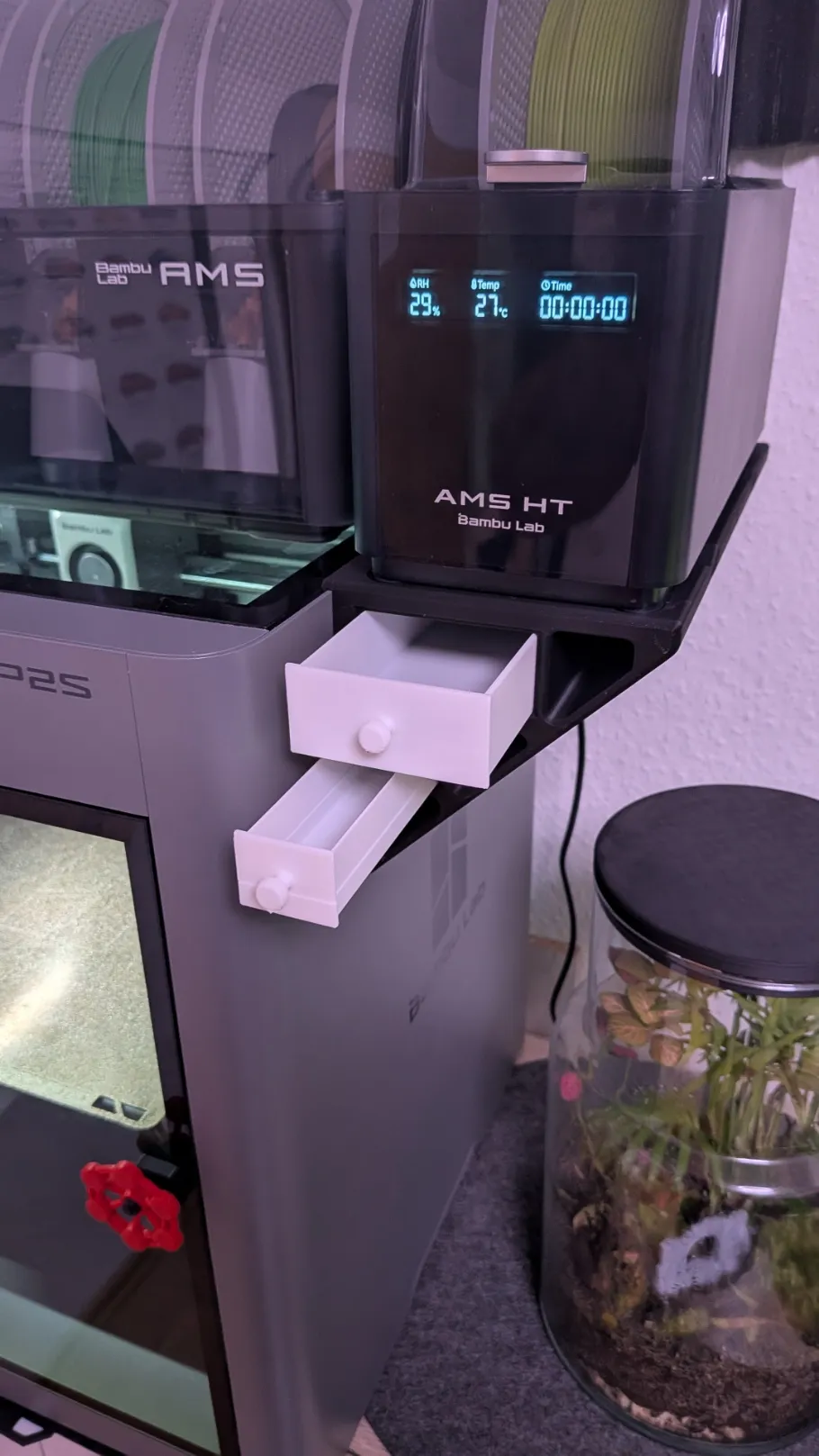
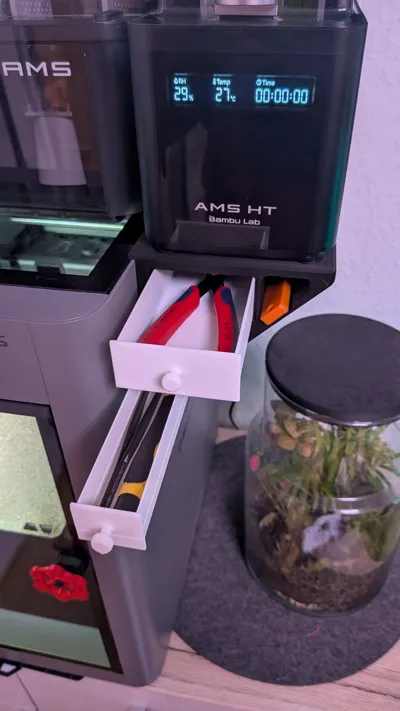
Below the holder there are several storage options:
- 1 large drawer (secured against falling out)
- 1 small drawer (not secured for quick access)
- additional open compartments for small parts, screwdrivers etc.
The small drawer is deliberately not secured, as it is very small, making access to its contents much easier
Compatibility
The holder fits the following printers:
- Bambu Lab P1S
- Bambu Lab P2S
- Bambu Lab X1C
The model is designed symmetrically and can therefore be mounted on either the left or right side of the printer
⚠️ Important:
Only one holder can be mounted per printer, as the holder requires the entire tolerance between the glass and the side wall on one side
Note: I recommend at least PETG as the AMS HT can get warm during drying
Assembly Instructions
The holder is clamped between the side wall and the glass plate of the printer
This is the easiest way to assemble:
- With one hand, gently lift the glass plate from the inside
- With the other hand, slide the holder under the glass plate from the outside
- Then, carefully lower the glass plate again or gently press it down from above until it sits correctly
⚠️ Important:
The holder should sit on the straight surface of the side wall and not in the curve of the printer housing
When positioned correctly, it holds very stably
Extension Options
On the side of the holder there are four additional drill holes
These can be used for:
- small hangers
- accessory holders
- future extensions
Print Instructions
The holder is printed in two parts on one build plate
The parts are then connected with connector pins
If the connection is not firm enough, you can simply use some super glue
Recommended settings:
- Material: PLA / PETG
- Supports: not necessary
Features
✔ Side AMS HT mounting
✔ No modification to the printer needed
✔ Integrated storage space
✔ Large and small drawer
✔ Additional open storage compartments
✔ Ventilation for AMS HT
✔ Extension holes for accessories
✔ Mountable on left or right
Boost Me (for free)
Do you like my model? Then I would be very happy about a boost!
License

You shall not share, sub-license, sell, rent, host, transfer, or distribute in any way the digital or 3D printed versions of this object, nor any other derivative work of this object in its digital or physical format (including - but not limited to - remixes of this object, and hosting on other digital platforms). The objects may not be used without permission in any way whatsoever in which you charge money, or collect fees.


Comment & Rating (60)