
"Halo F1" - Your F1 Desktop Companion
Print Profile(7)
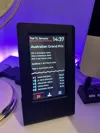
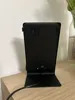
Description
Boost Me (for free)
If you like the project please consider boosting :)
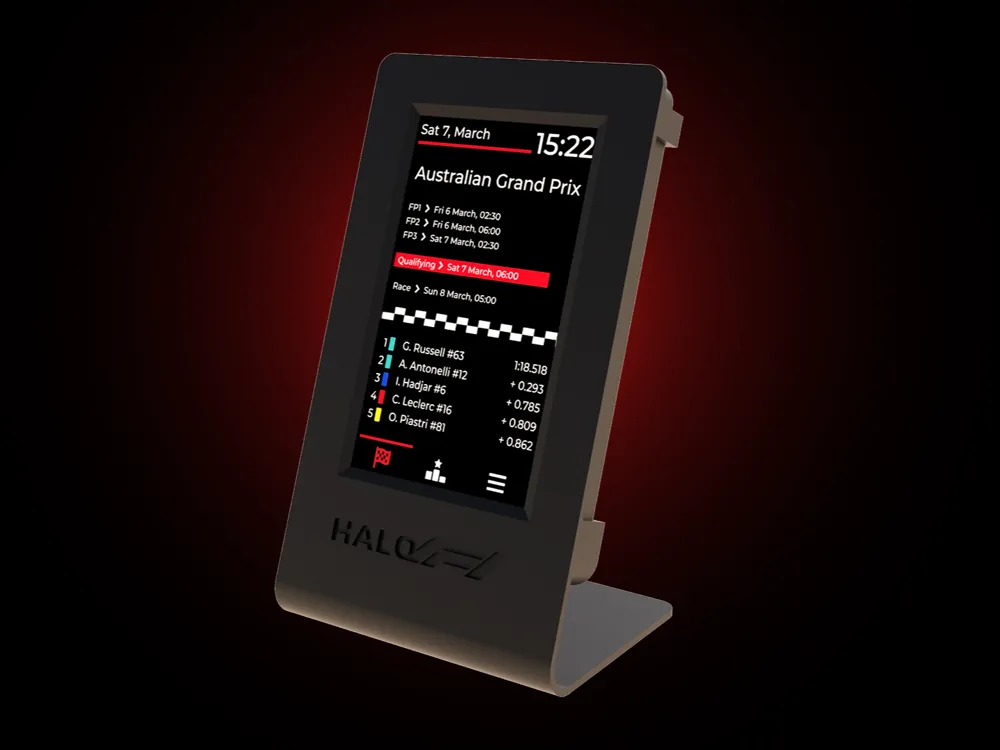
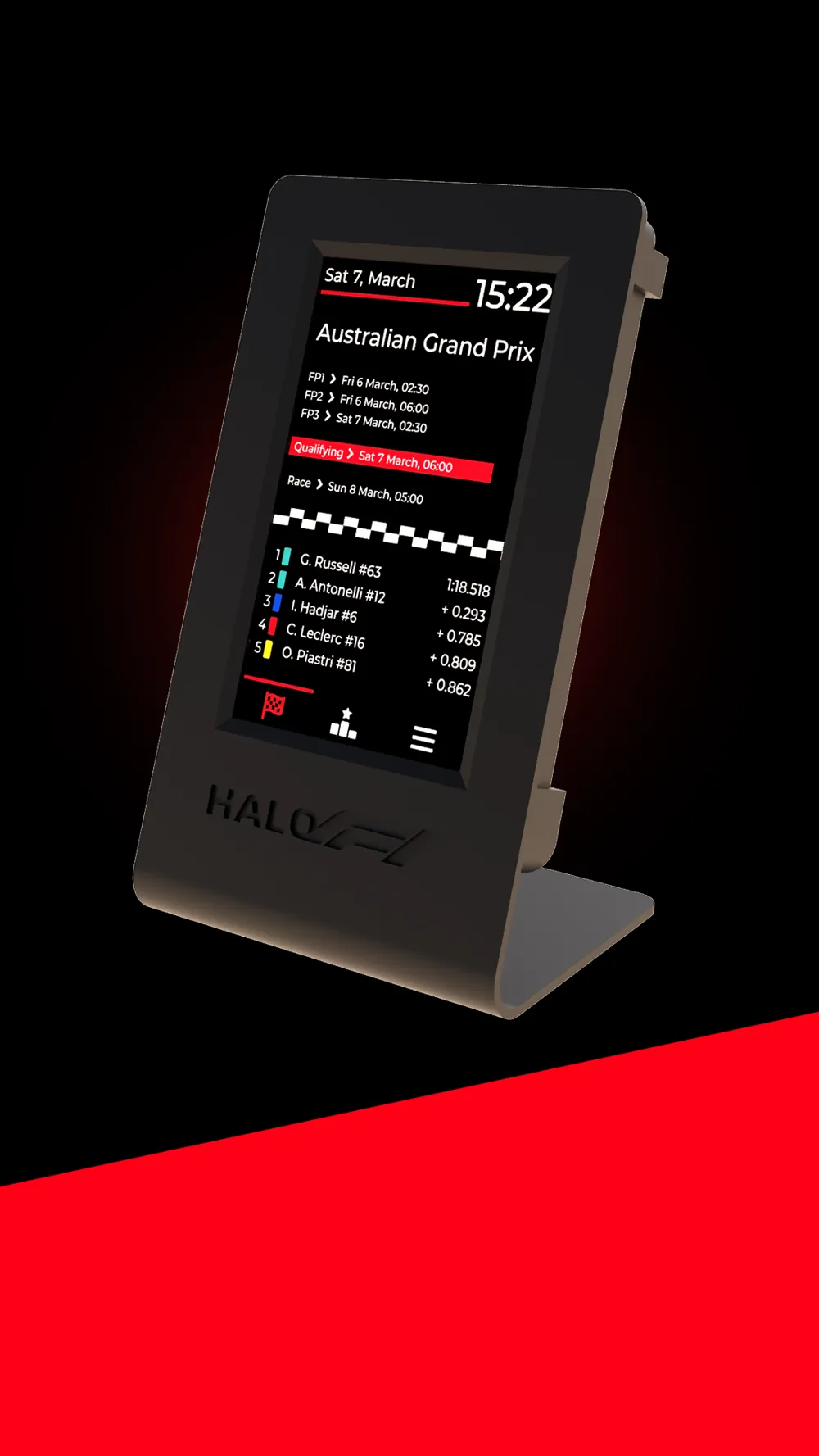
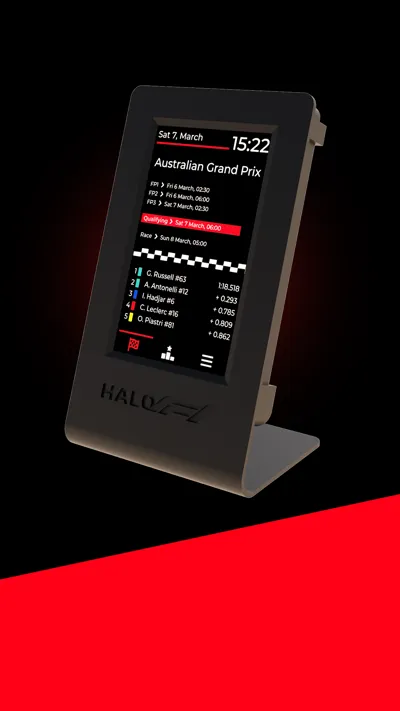
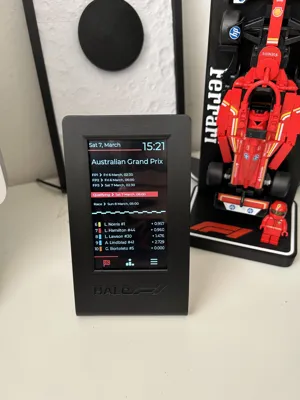
HALO F1 — F1 Desktop Companion Case
Always know when the next session starts. No apps, no aggressive ads, no searching.
What is Halo F1?
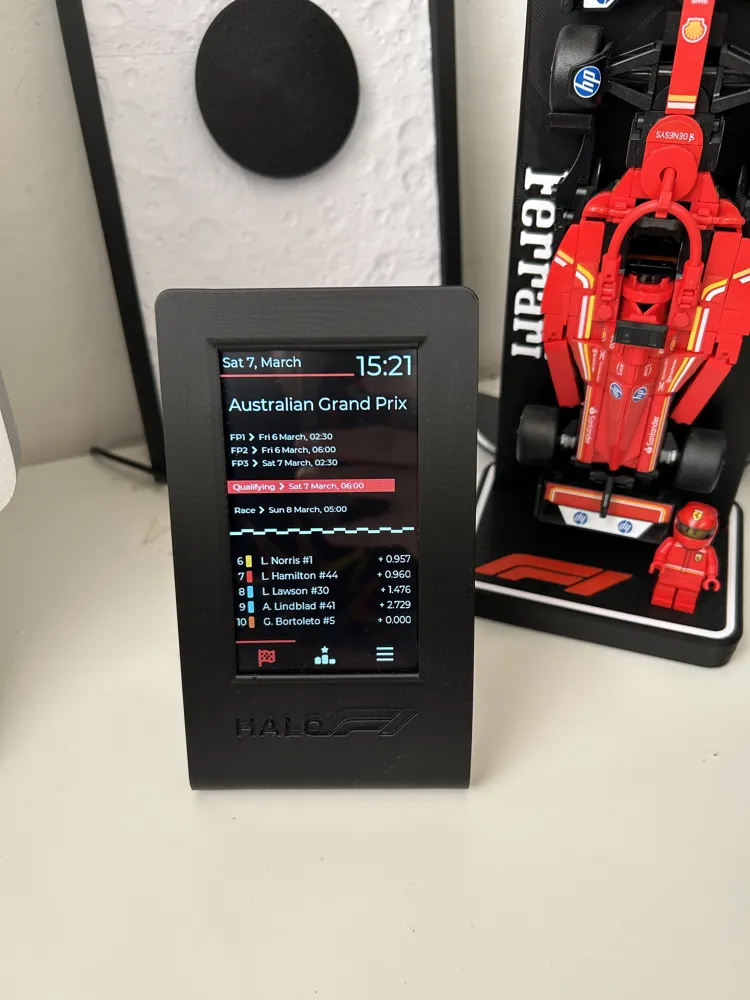
Halo F1 is a sleek, always-on desktop companion for Formula 1 fans. Built around the JC4827W543, an ESP32 all-in-one board from Guition with a 4.3" capacitive touch display. It sits on your desk and gives you everything you need about the current F1 season at a glance:
- 🏁 Session times for the next race weekend, automatically converted to your local timezone
- 🏆 Drivers' championship standings, updated live
- 📋 Session results: qualifying, race and sprint at the moment they're published
- 📰 Latest F1 news headlines, fetched directly from the web (experimental, only english for now)
- 🌙 Night mode with configurable time window and brightness
- 🌍 6 languages: English, Italian, Spanish, French, Dutch, German
No subscription. No app. No aggressive ads. Just plug it in and glance at it.
About this case
This is the official case for the Halo F1 project. It's designed to be simple to print, simple to assemble, and good-looking on a desk.
The case is a two-piece snap fit: the front and back halves slide-in together and hold the board securely with no screws, no glue, and no inserts. Disassembly takes seconds if you ever need to reflash or tinker.
Designed specifically for the JC4827W543 board with its integrated 4.3" capacitive touch TFT display.
Print settings
| Setting | Recommendation |
|---|---|
| Material | PLA or PETG |
| Layer height | 0.2 mm |
| Infill | 15–20% gyroid |
| Supports | Yes |
| Brim | Not necessary |
Print time is approximately 3 hours on a typical FDM printer. No post-processing needed beyond removing the supports.
Getting started with Halo F1
- Print this case
- Flash the free firmware directly from your browser (no drivers, no software) at halof1.com
- On first boot, connect to the Halo-F1 Wi-Fi hotspot from your phone or PC and enter your home Wi-Fi credentials
- Snap the case shut and put it on your desk
That's it. The whole setup takes under 5 minutes.
Hardware you'll need
- 1× JC4827W543 board with capacitive touch (you can buy it from Aliexpress from this link)
- 1× USB-C cable and a phone charger to power it
Important Before You Assembly:
This is the items you should receive when ordering the board. The black thing on the left is a WiFi antenna with an Ipex connector. It is very important you connect it on the back of the board, otherwise it will not get a stable connection on the WiFi. If you don't receive an antenna with your board, you can buy any Ipex Antenna from Aliexpress, Amazon, Temu, …
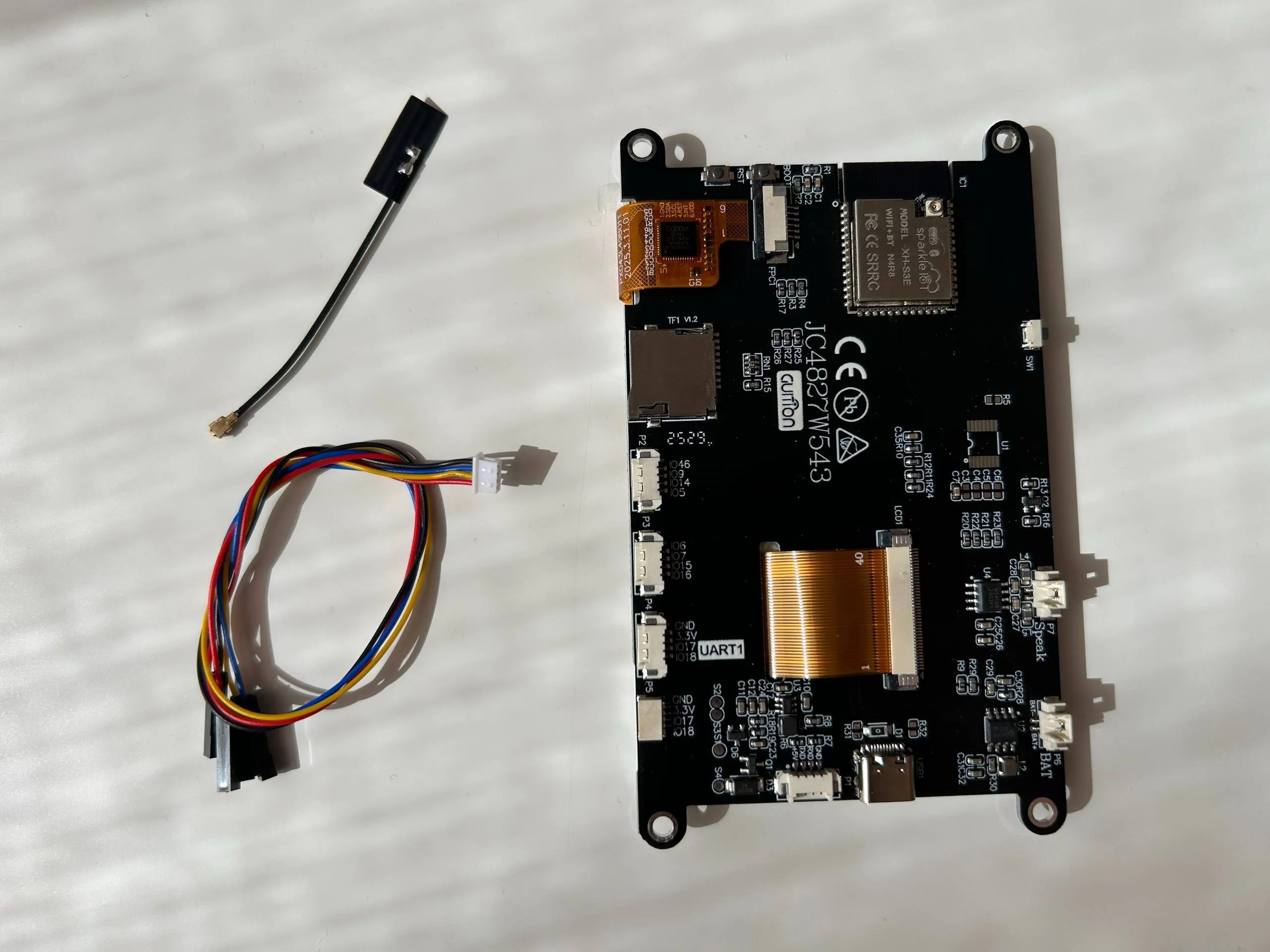
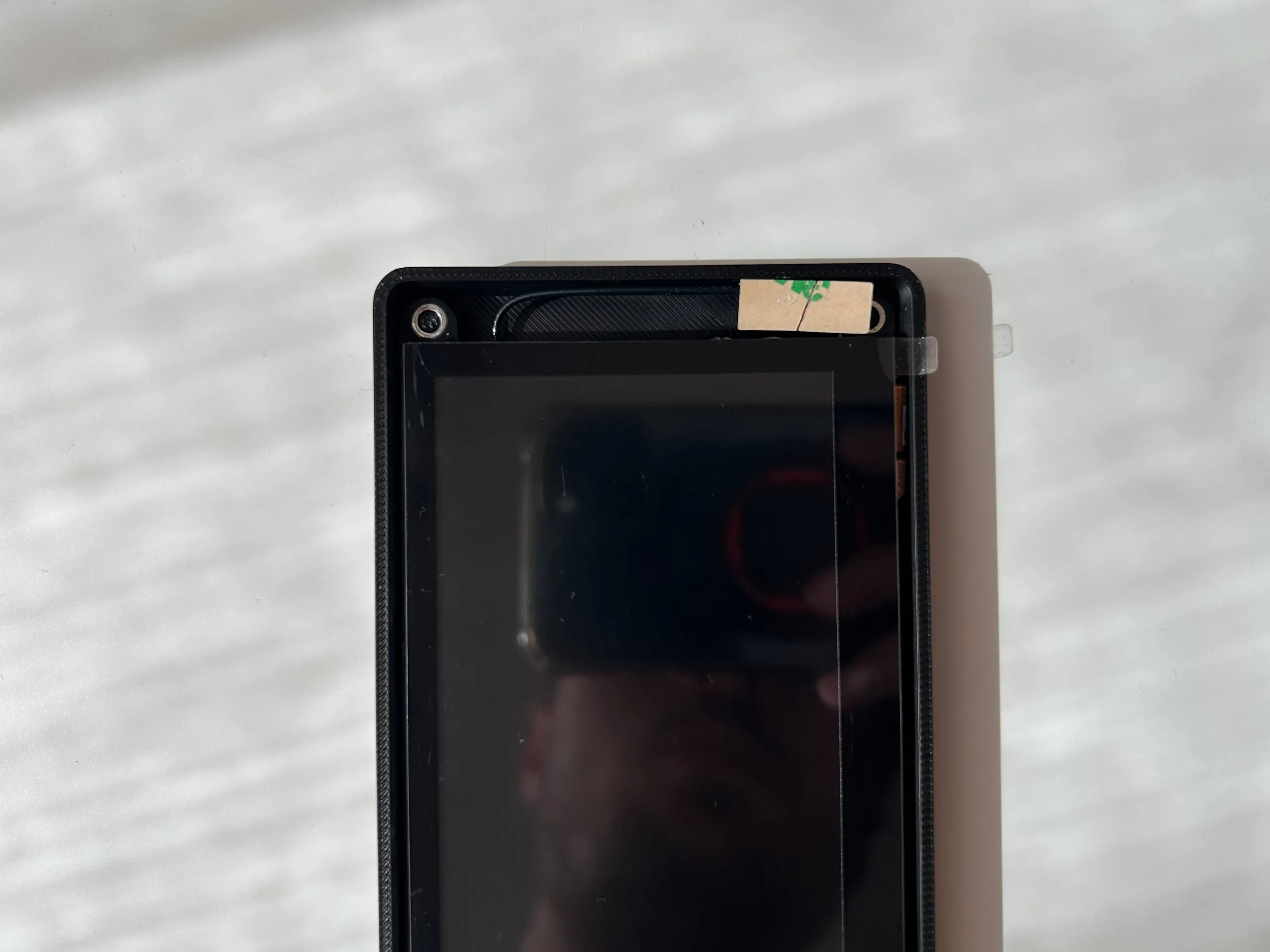
To install the antenna, simply align it on the connector on the corner of the main chip, then press firmly. It should slot into place and stay attached.
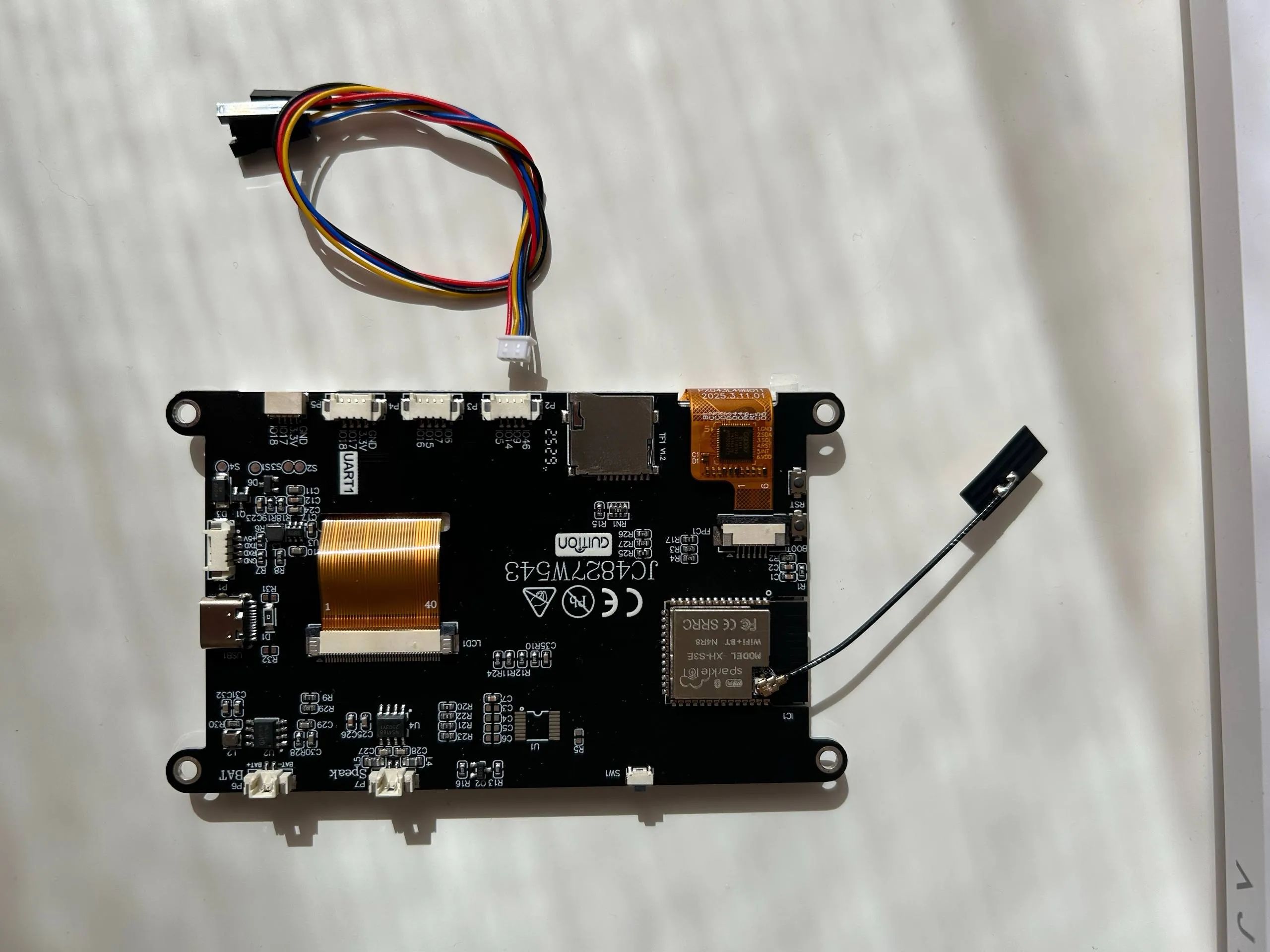
Once you place the screen into the case, simply bend the antenna to fit it in the free space at the top.
Common Troubleshooting:
Connect to the PC via a USB A → USB C cable, USB C → USB C cables usually don't work. Check that your cable is a data cable, otherwise you won't be able to upload the firmware. Once the firmware is uploaded you can use a power only cable to power it, if you prefer.
To flash the firmware connect to halof1.com and connect your board to the PC. Go to the “Install Firmware” section and press “Connect”, then select your device's COM port from the dialog and proceed with the installation wizard.
Links
- 🌐 Project website & firmware installer: halof1.com
- 💻 GitHub: github.com/FabioRoss/Halo-F1
- 📸 Instagram: @fabiotechgarage
- 👾 Discord: Discord Server
If you make one, please share a photo — it genuinely makes the project worth building. Questions and feedback are always welcome.
License



Comment & Rating (284)