
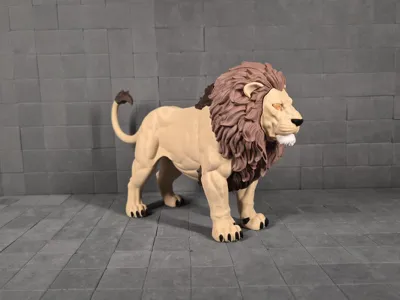
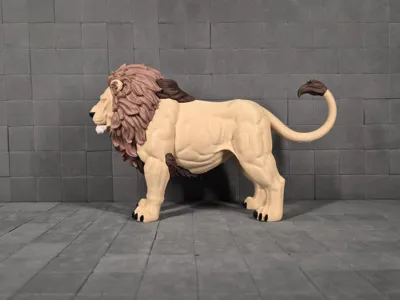
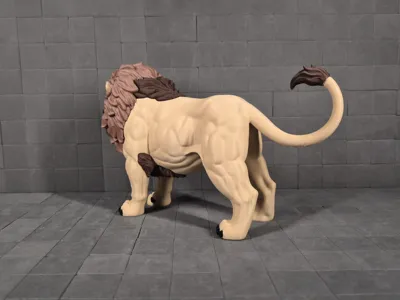
Majestic Lion | Multicolor Multipart
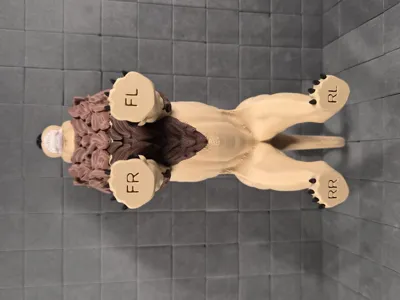
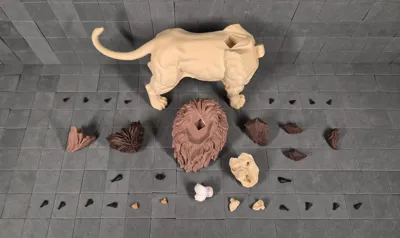
Print Profile(2)
![[A1 mini] 0.16mm layer, 2-3 walls, 5-20% infill](https://makerworld.bblmw.com/makerworld/model/US12e4ec4fbf0ba3/731227098/instance/bbf8b9385757d298.jpg?x-oss-process=image%2Fresize%2Cw_100%2Fformat%2Cwebp)
Bill of Materials







Description
Boost Me (for free)
Boost = fuel for the next design! If you’ve enjoyed my work, hit Boost and be part of the creative streak. Also, tap Follow to catch the next drop.
Membership
You can sell physical prints of this model as long as you subscribe to my Commercial License Membership.
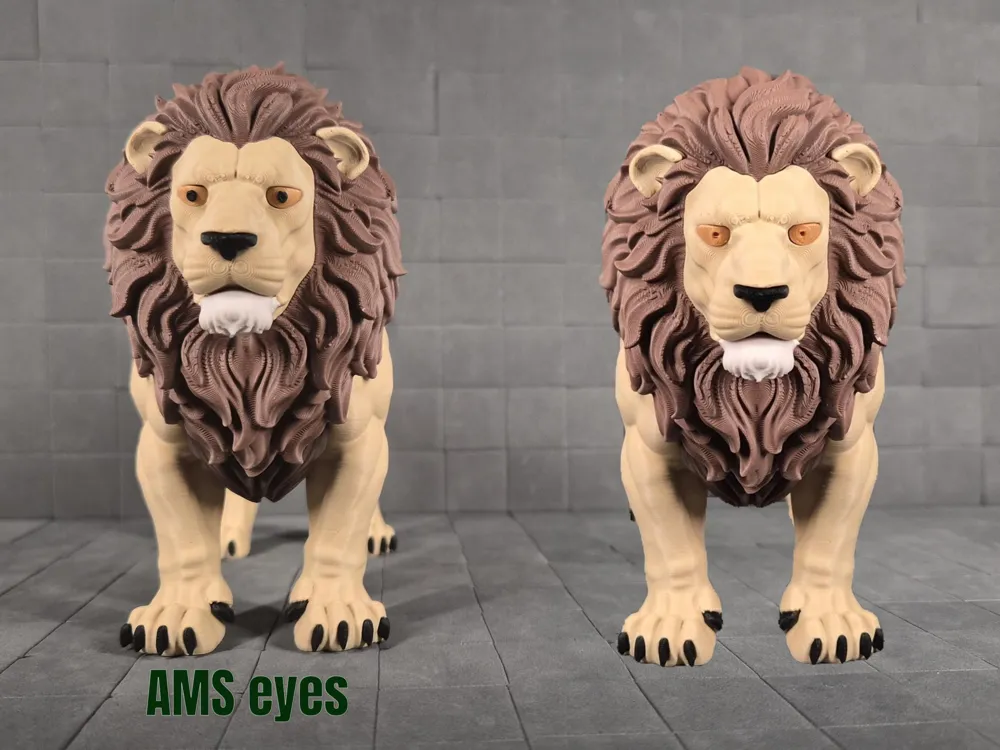
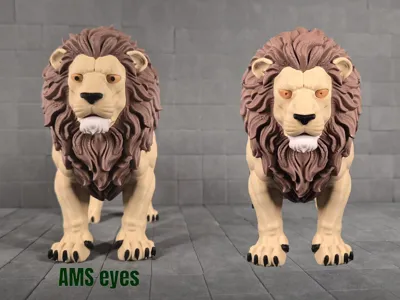
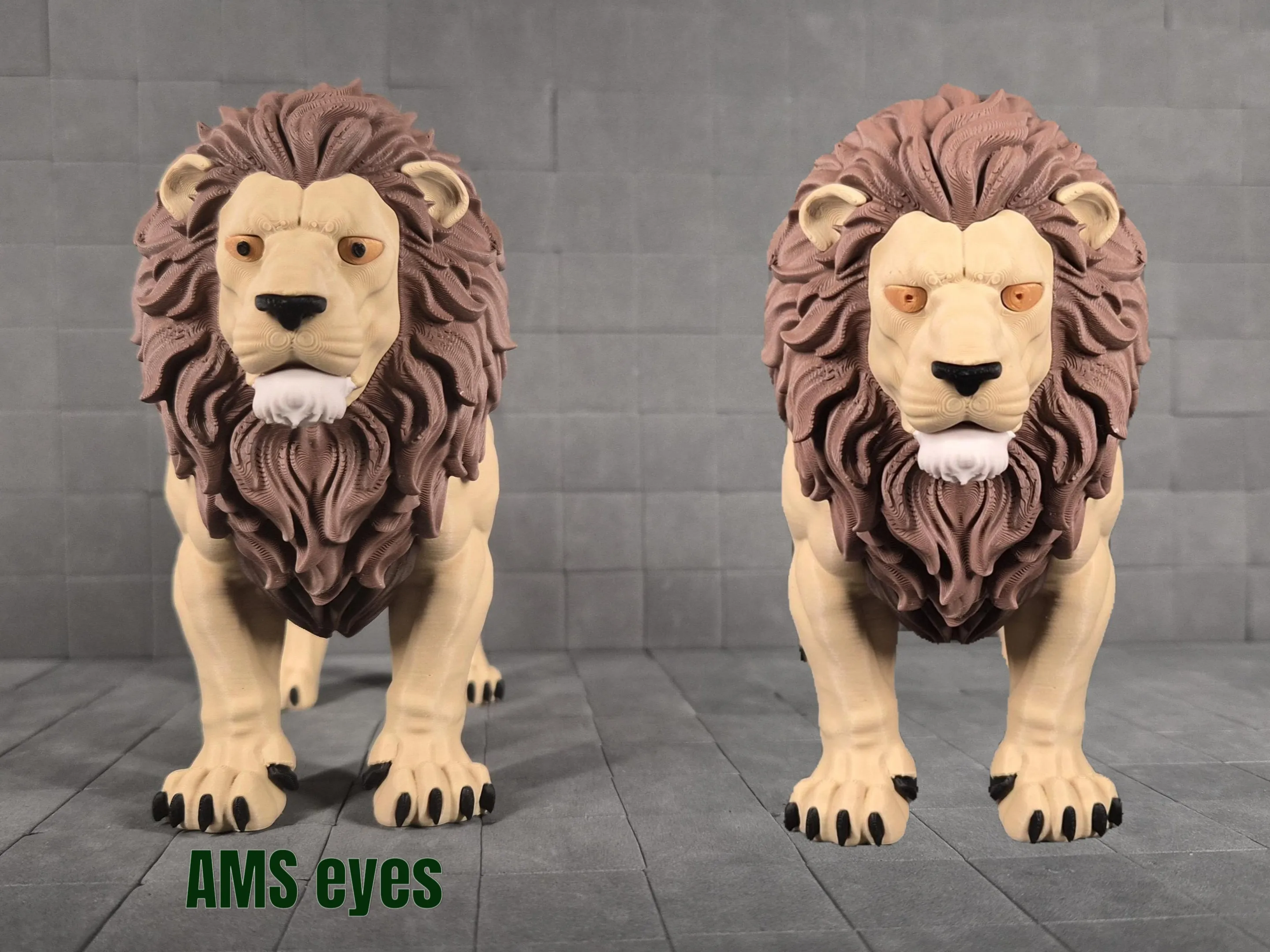
- 2026-03-08 Added AMS eyes print profile
- You can replace regular eyes with these multicolor eyes
- 2026-04-25 Updated print profile
- Tail separated from body for improved print reliability; body with attached tail remains available as an option.
- Painted supports added to reduce risk of print failure.
- Eyes AMS options moved from separate print profile into this profile.
- New options added to print the entire Lion with AMS or in single color as a single piece.
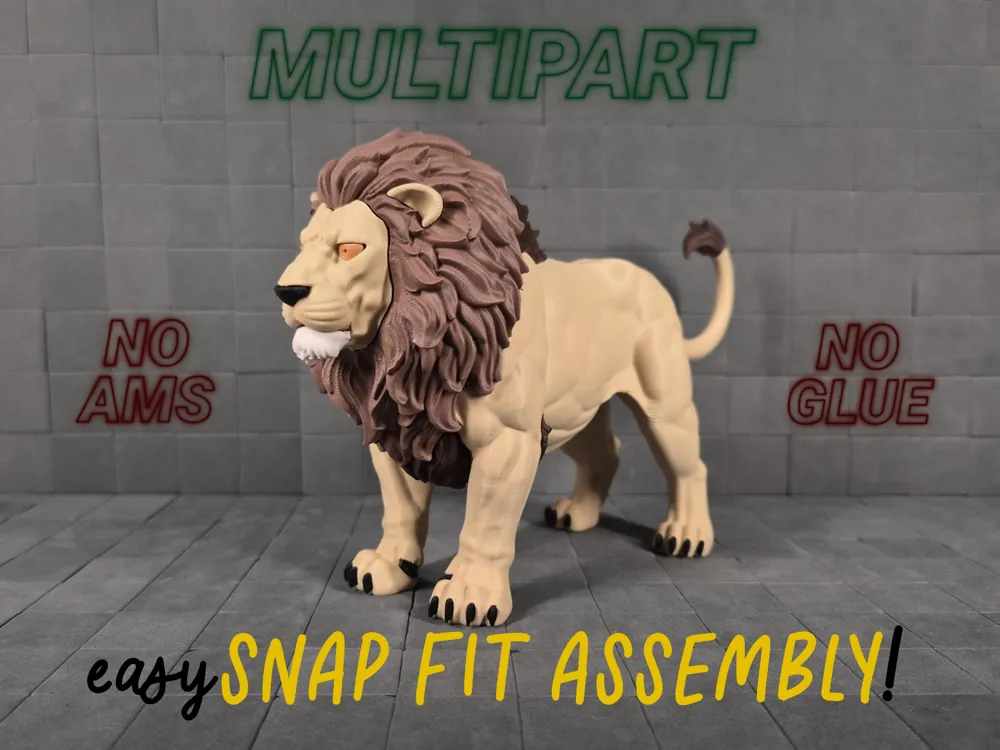
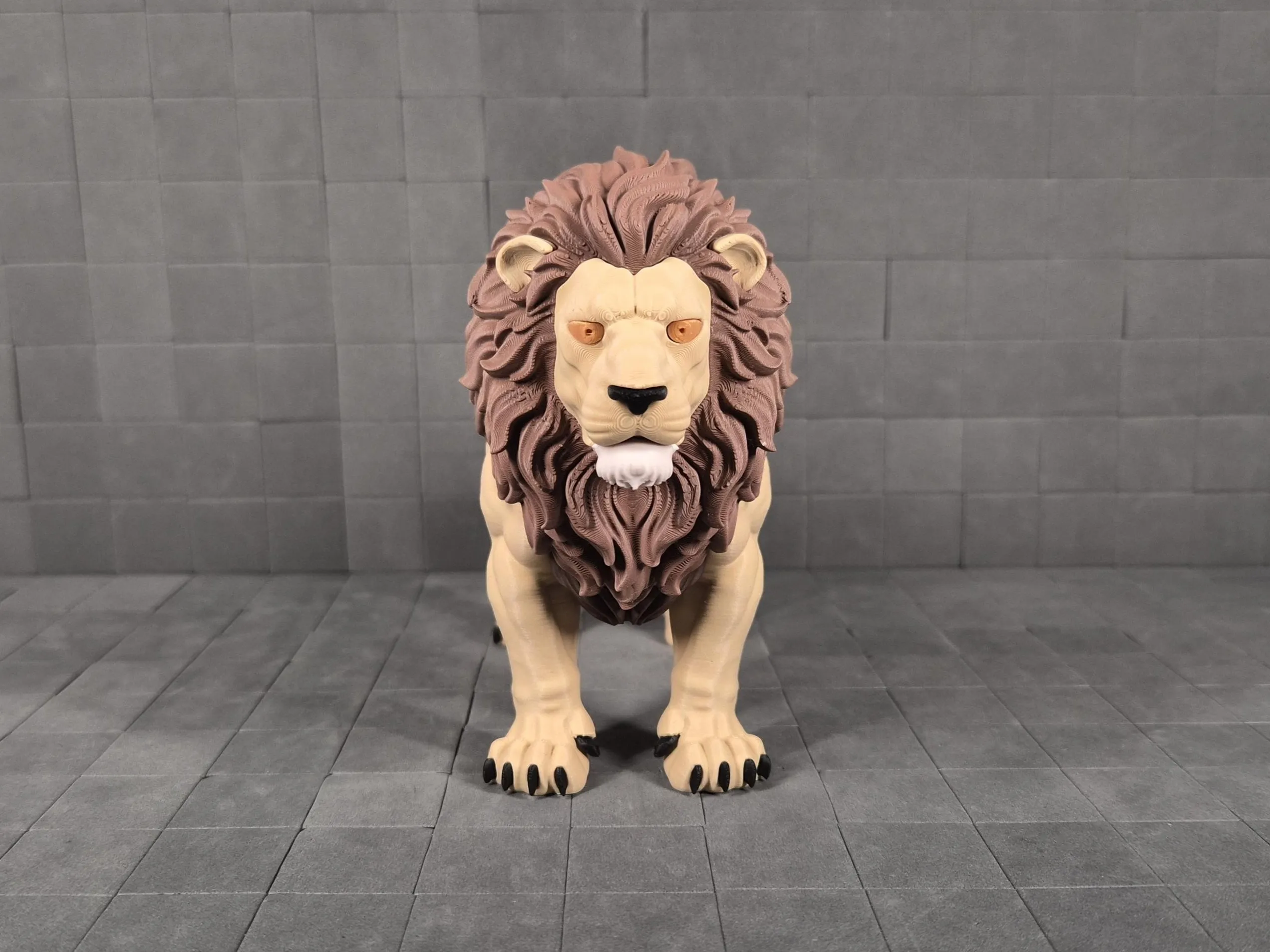
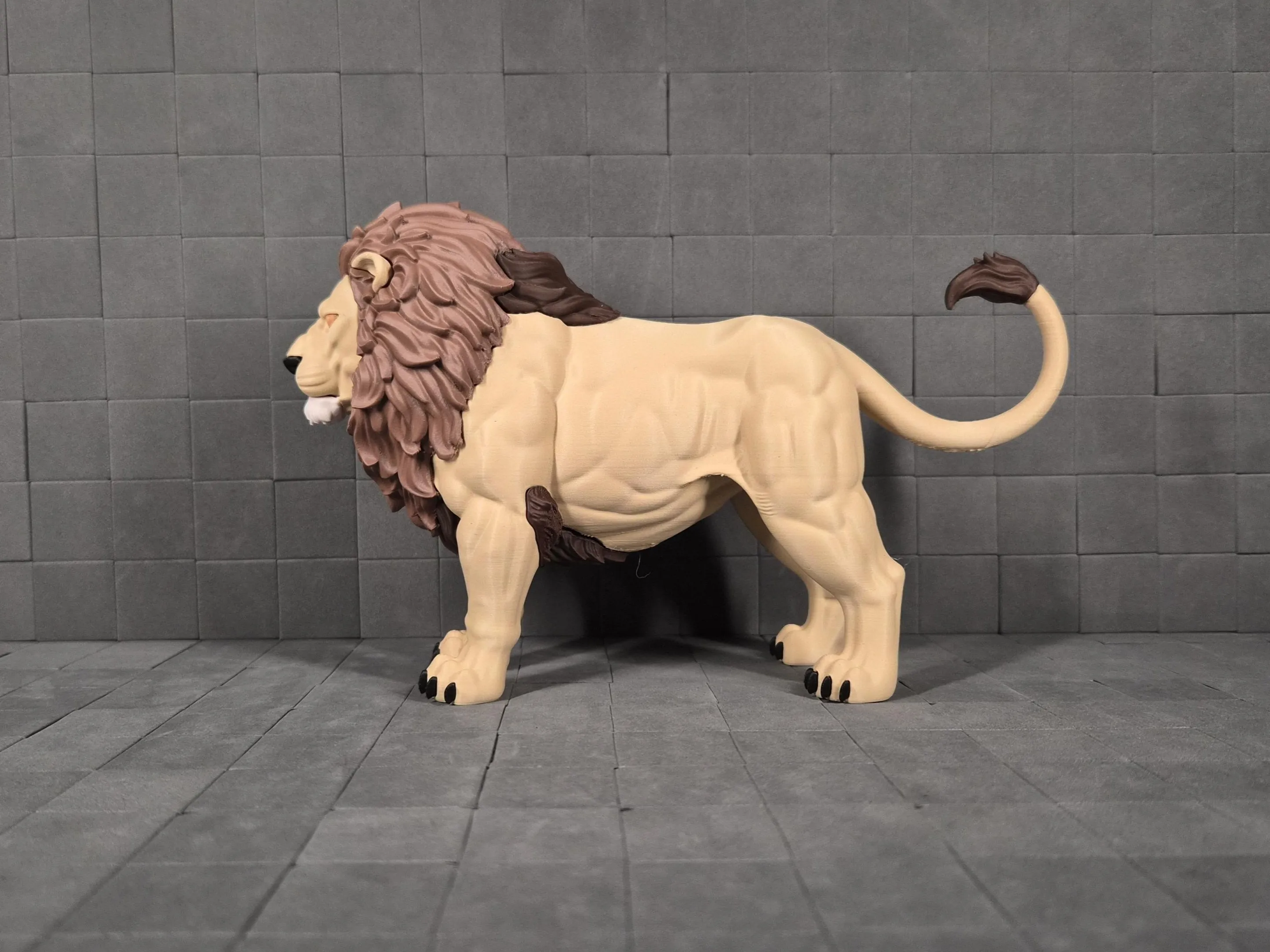
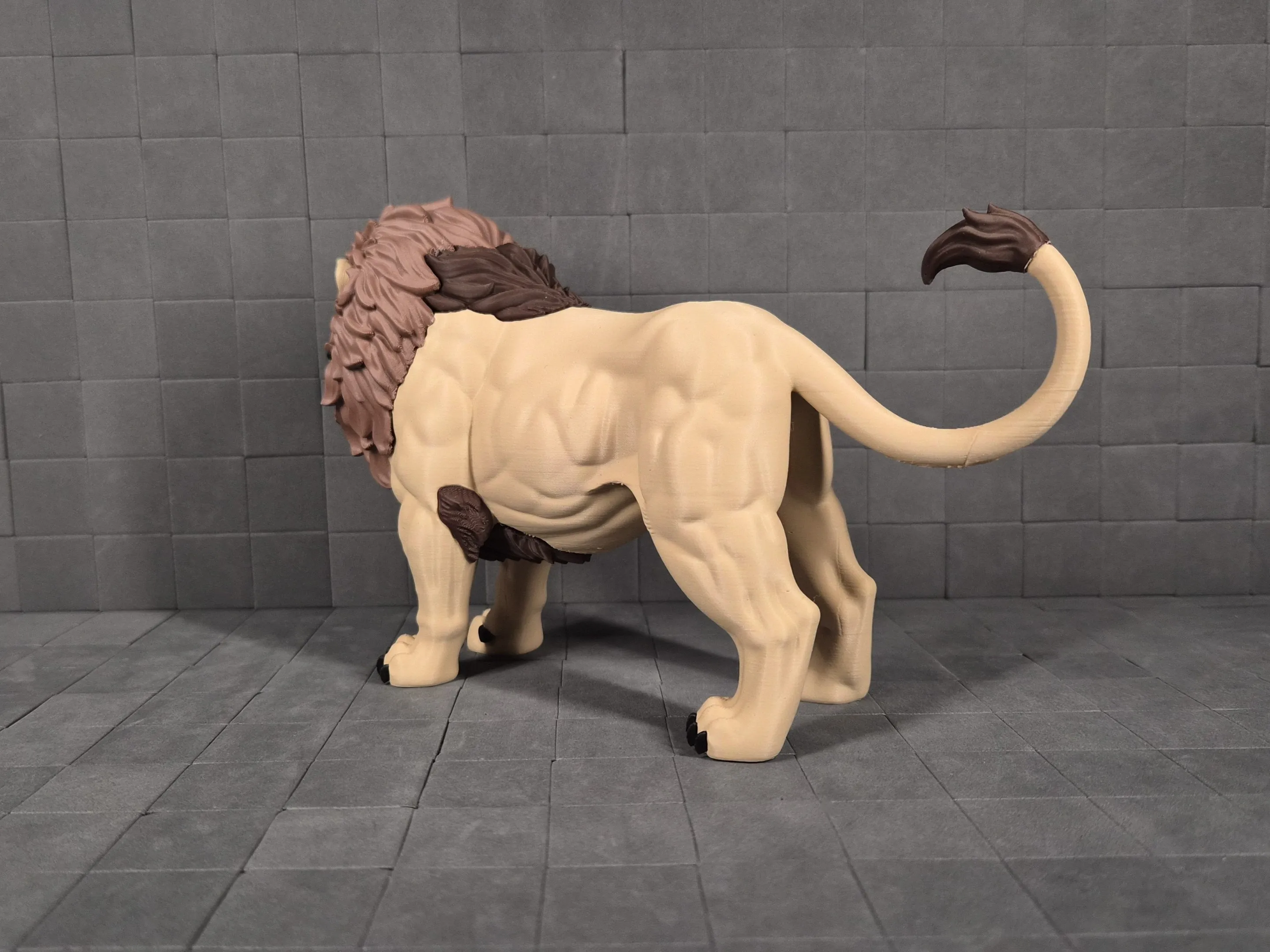
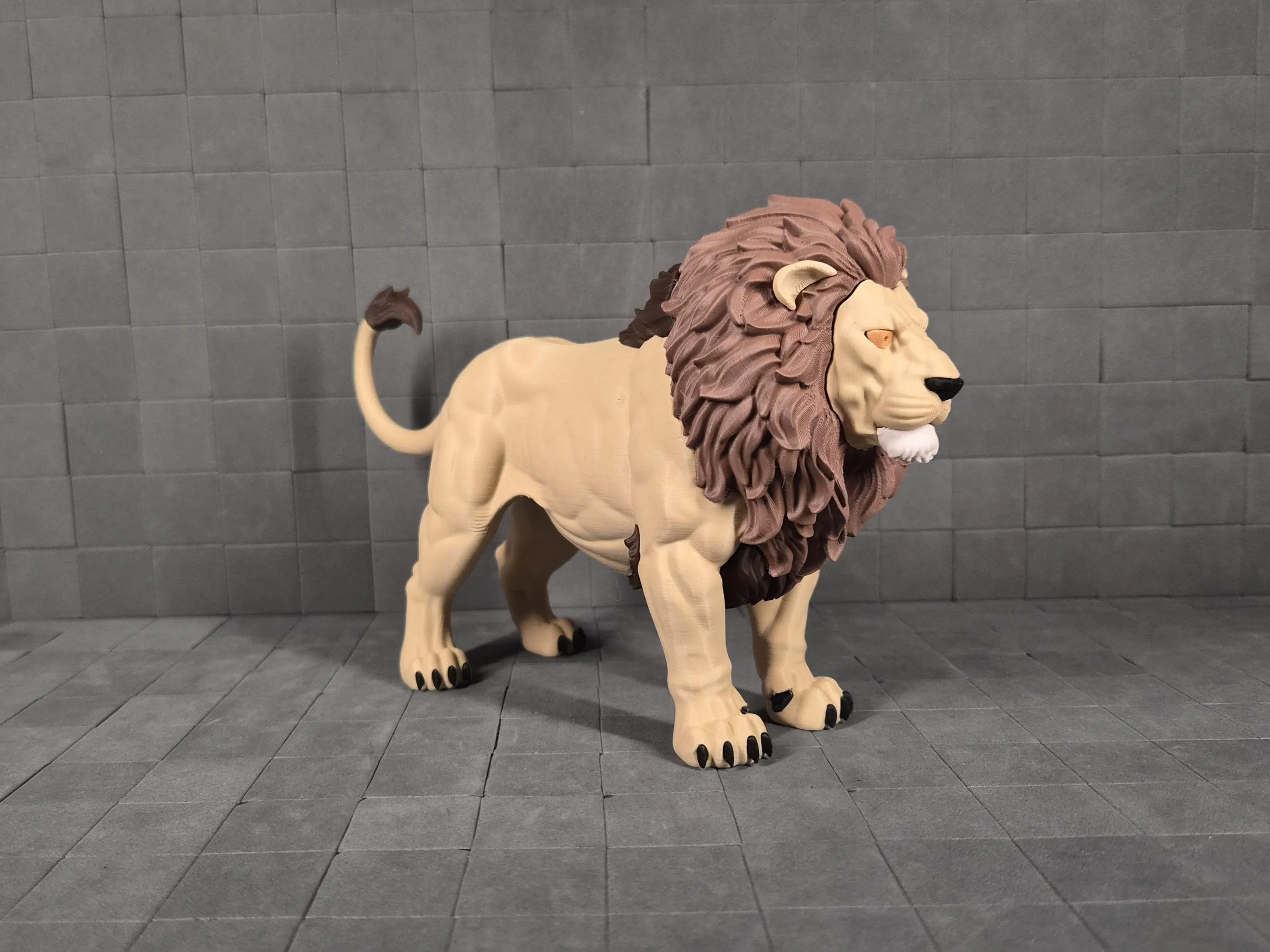
Majestic Lion - Wisdom of the Pride 🦁
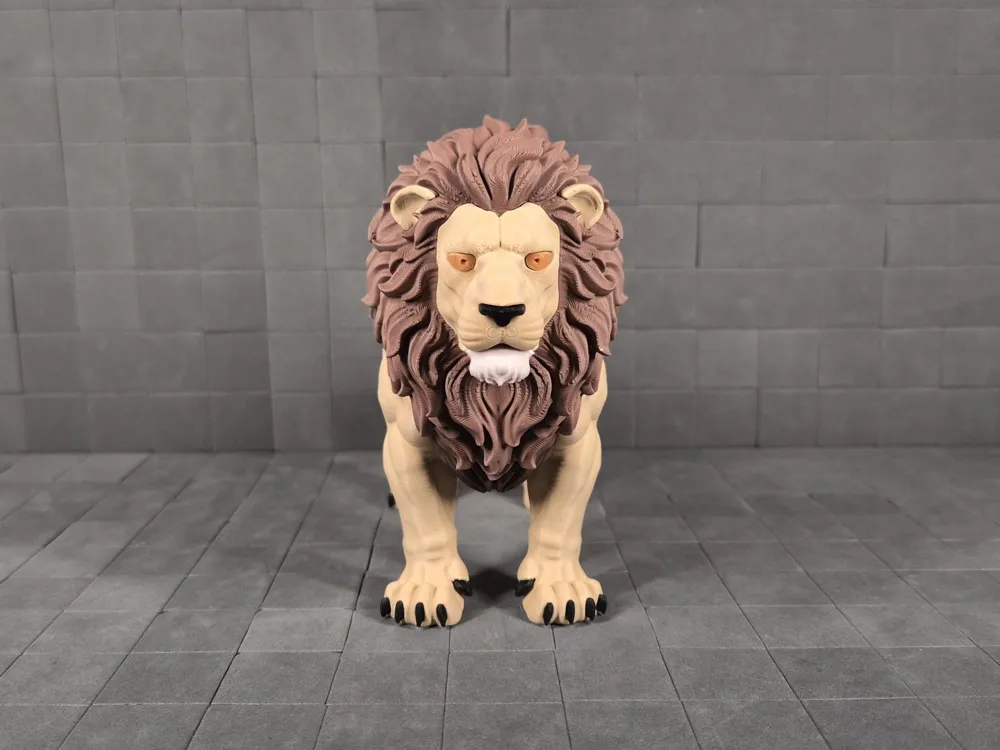
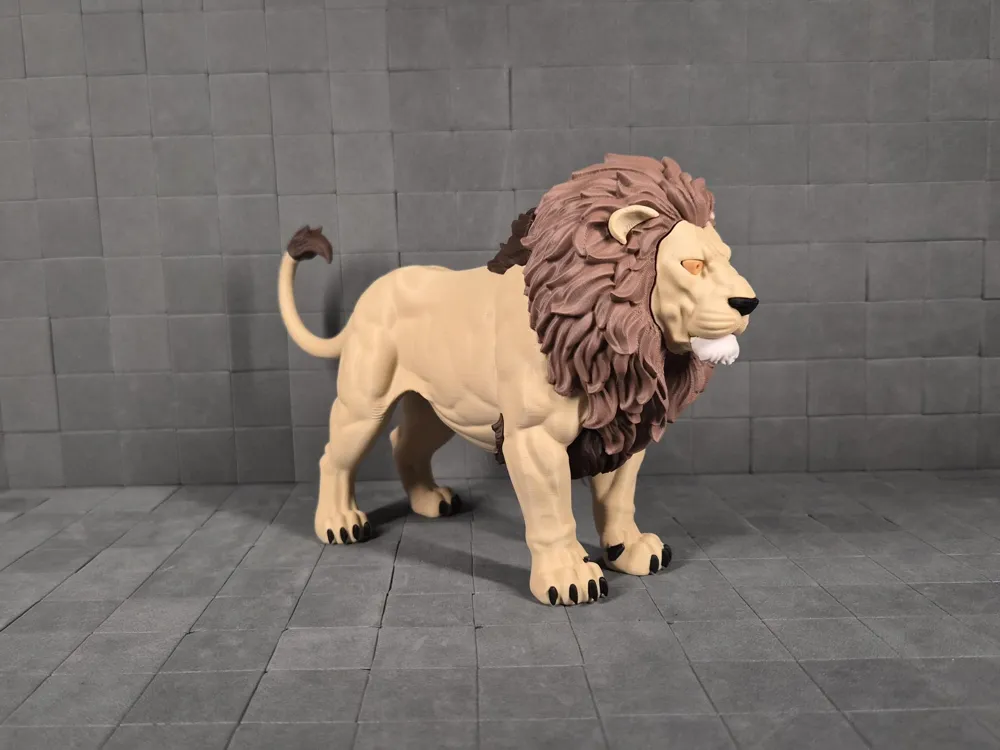
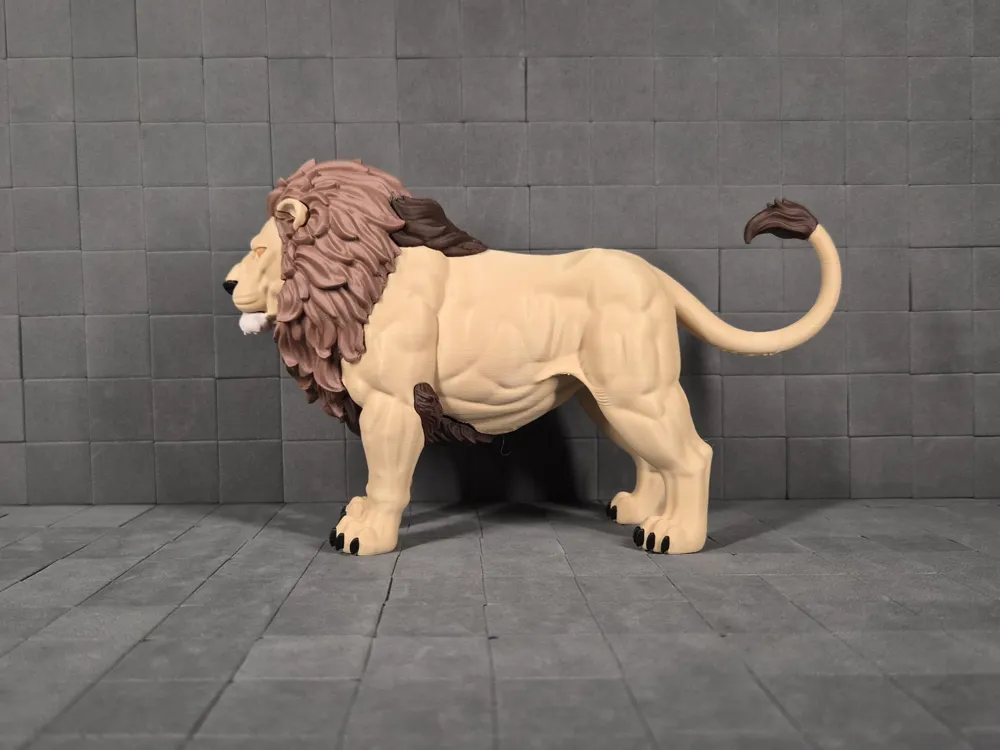
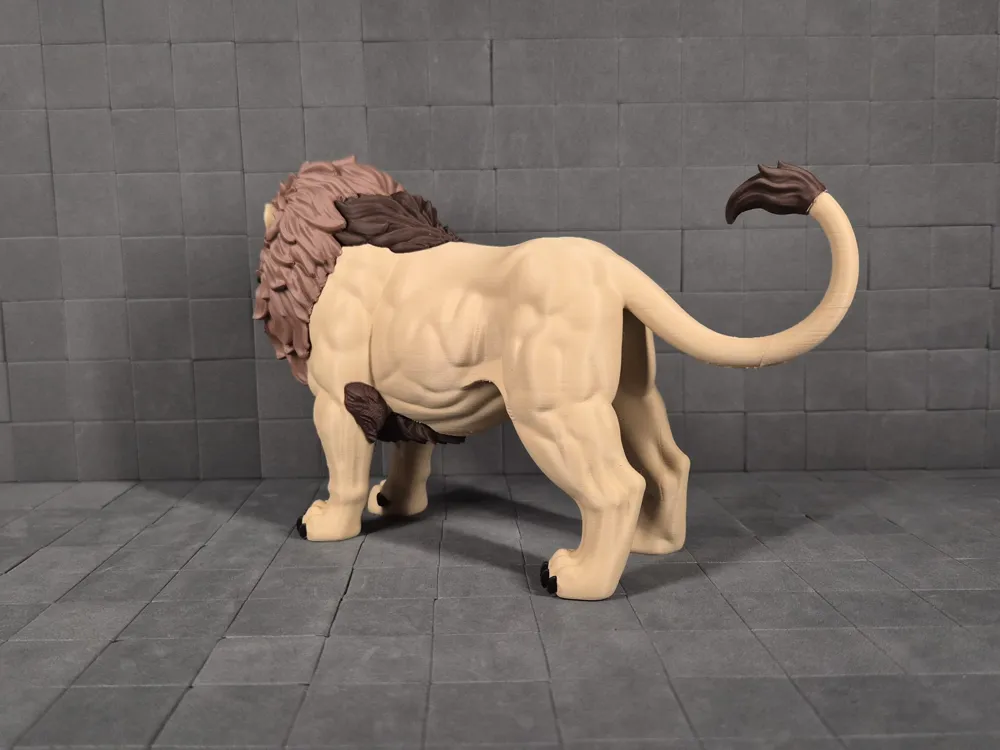
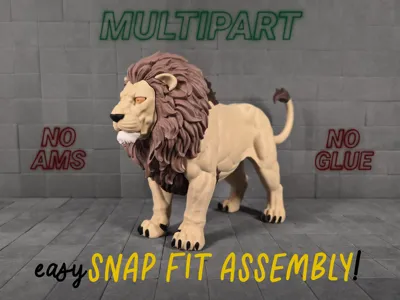
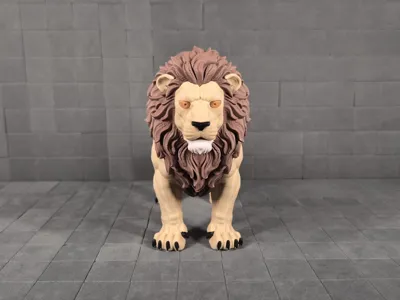
This regal multipart lion captures the calm, wise authority of a true king of the savanna! Poised in quiet confidence with an expression that radiates serene strength and watchful guardianship over his pride.
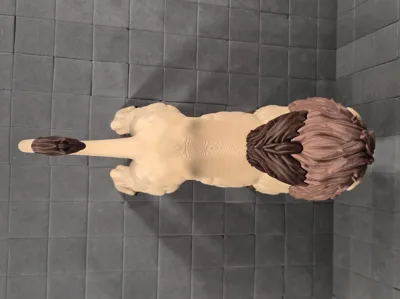
Flowing mane details and muscular anatomy that conveys untamed yet balanced power, the model breaks into easy-to-print snap-fit parts: no glue required, no AMS needed. Assembly clicks together smoothly for a satisfying build, highlighting the lifelike texture and noble pose.
Part of the Predators Unleashed collection: raw sculptural predators rendered in solid form, now with this majestic, tranquil addition embodying timeless wisdom and primal grace.
Perfect as a display piece, desk guardian, or thoughtful gift. Print in natural tans/golds for classic lion vibes or experiment with filaments for artistic twists.
Assembly Instructions
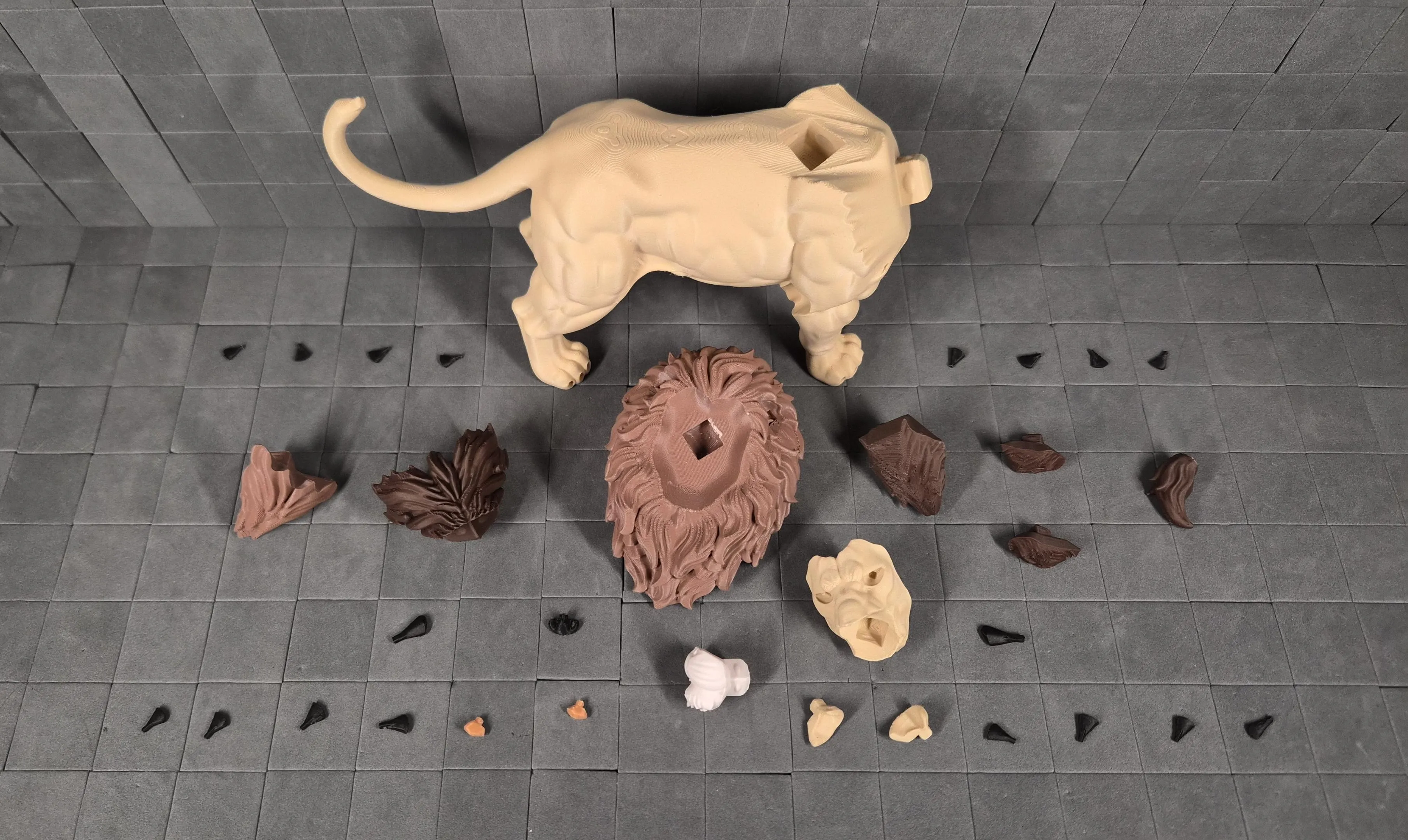
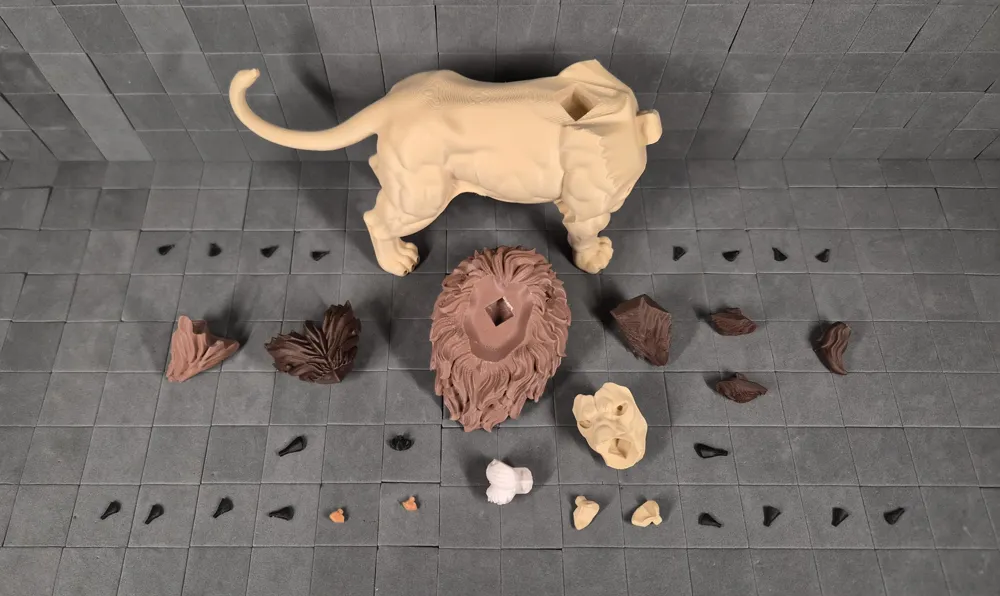
This multipart model is designed for effortless, glueless assembly! Snap everything together using the peg connectors. No glue required for a secure, satisfying fit.
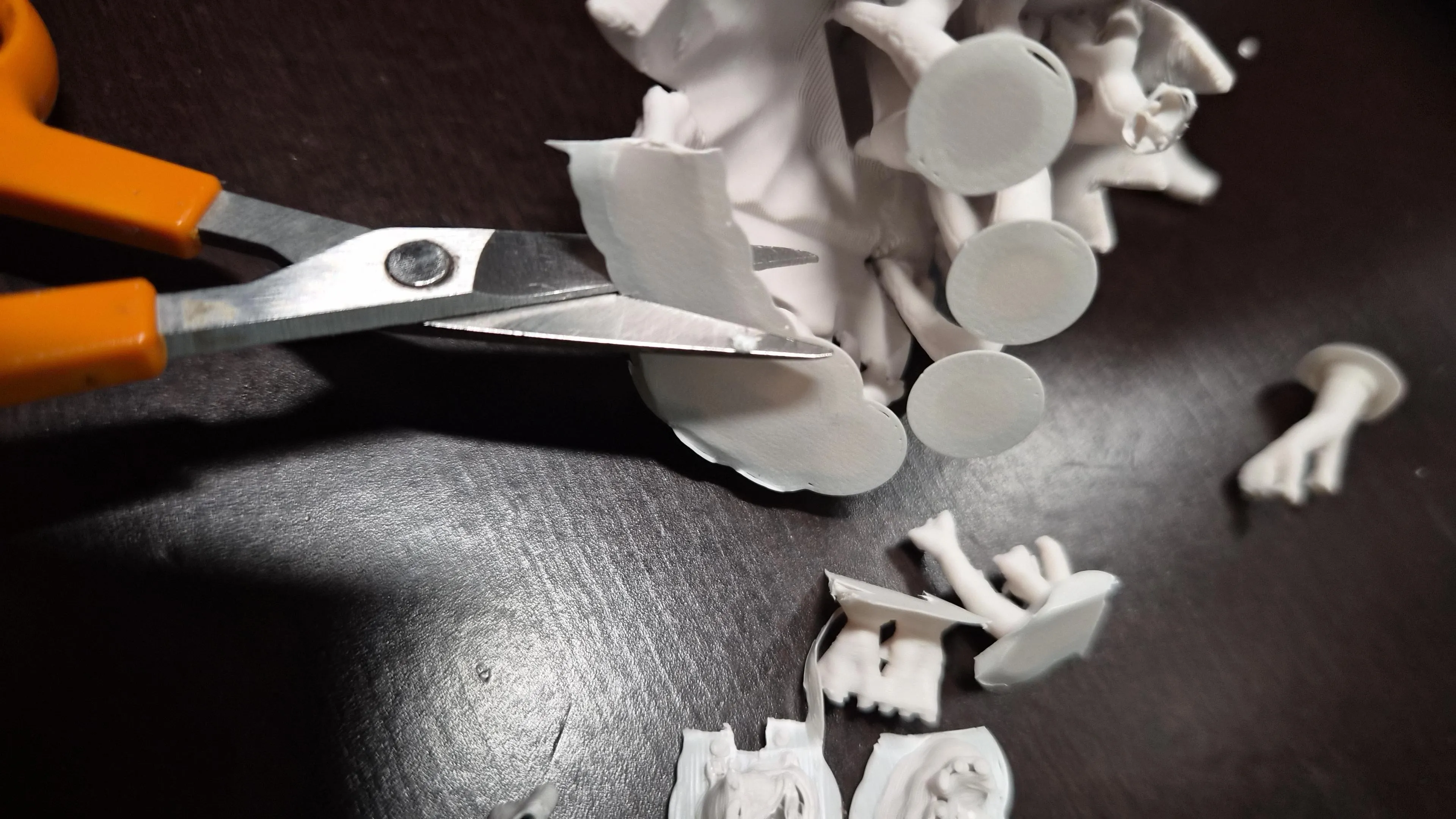
- Preparation Carefully remove tree supports before assembly. Tree supports release most cleanly when cut between branches… snap them away without stressing surfaces.
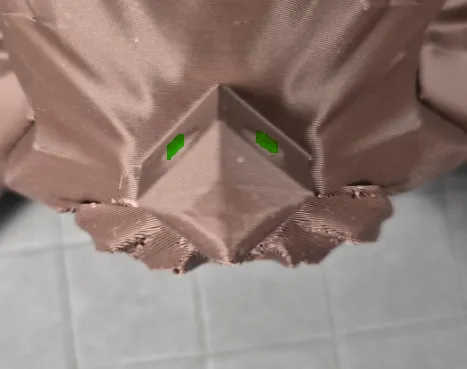
- Peg Connections Almost all parts use the same snap-fit peg system:
- Pegs are intentionally tight for rock-solid hold → align and then push firmly until you feel/hear the snap.
- If too tight → lightly trim peg domes (green) with a knife.
- If slightly loose → a tiny drop of superglue fixes it instantly.
- Smaller pegs may feel less "clicky" than larger ones but still provide reliable strength.
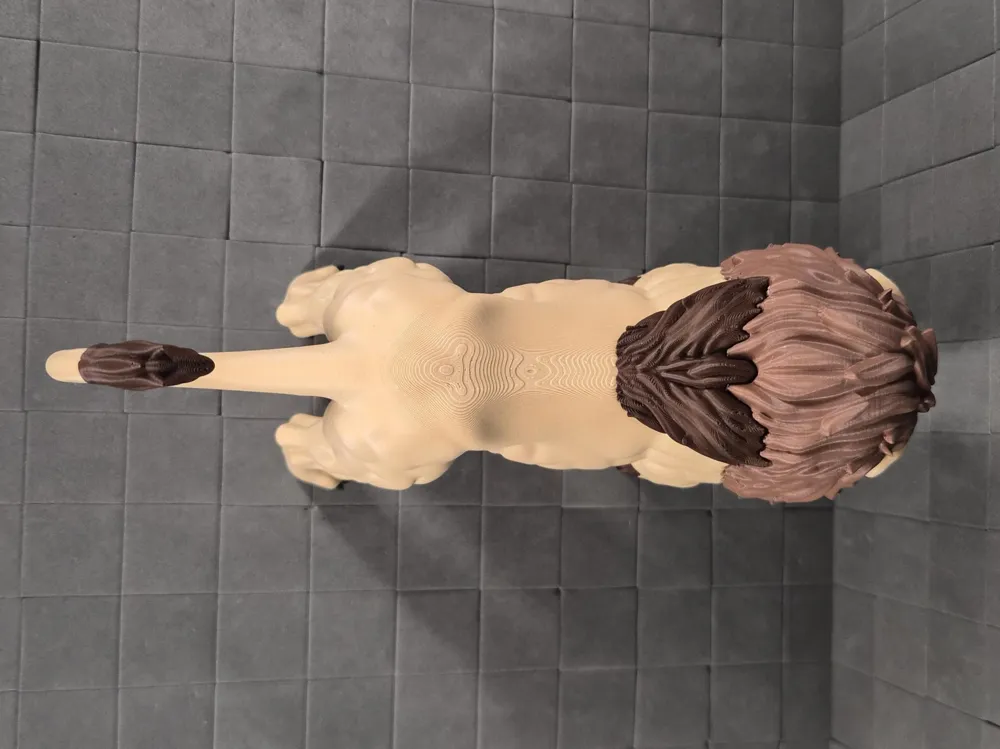
- Insert the dark manes before the light mane.
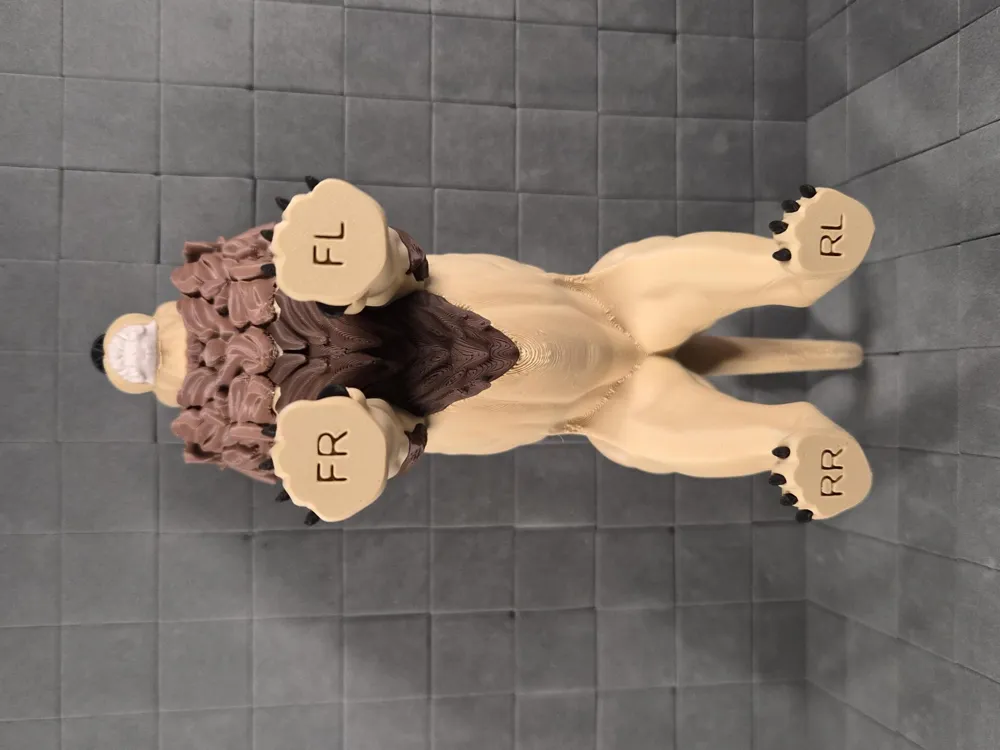
The bottom manes (2 and 3) should be aligned together between the front legs, then click both pegs into place at the same time.

Common issues & quick fixes:
- Parts don’t seem to click fully together
- Clean all support remnants thoroughly from the pegs and inside the sockets.
- Check for small blobs, strings or printing artifacts on the peg or in the hole (light scraping or sanding usually solves it).
- While pushing, try a gentle back-and-forth rotation or slight twisting motion → this helps the parts align and slide in once everything lines up.
- Connection feels too tight
- Lightly sand or scrape the peg domes → only a very small amount is usually needed.
- Connection feels too loose after cleaning
- A tiny drop of glue in the joint will lock it permanently and securely.
Still not fitting smoothly? Upload close-up photos of the peg/socket area (or the problematic joint) in the comments → I’ll take a look and give specific advice. Your photos and feedback help improve future versions and profiles for everyone!
Happy assembling! 🦅🛠️
Print profile
- 100% scale = 65 mm (width) × 202 mm (depth) × 124 mm
- Layer Height: 0.16 mm
- Walls: 2–3
- Infill: 5–20% (uses lower end for large parts to save filament/time; higher end for small/functional parts and connectors to boost durability and prevent breakage during repeated assembly/disassembly)
- Supports: Tree supports (auto generated). Painted on key areas to enhance the reliability of the prints.
- Color Handling: Multipart design → no AMS required. Print plates separately in desired filaments or use available AMS options.
- Note that the single-piece options (plates 9 and 10) are scaled down to fit within the A1 mini build plate volume and therefore are not the same size as the multipart print.
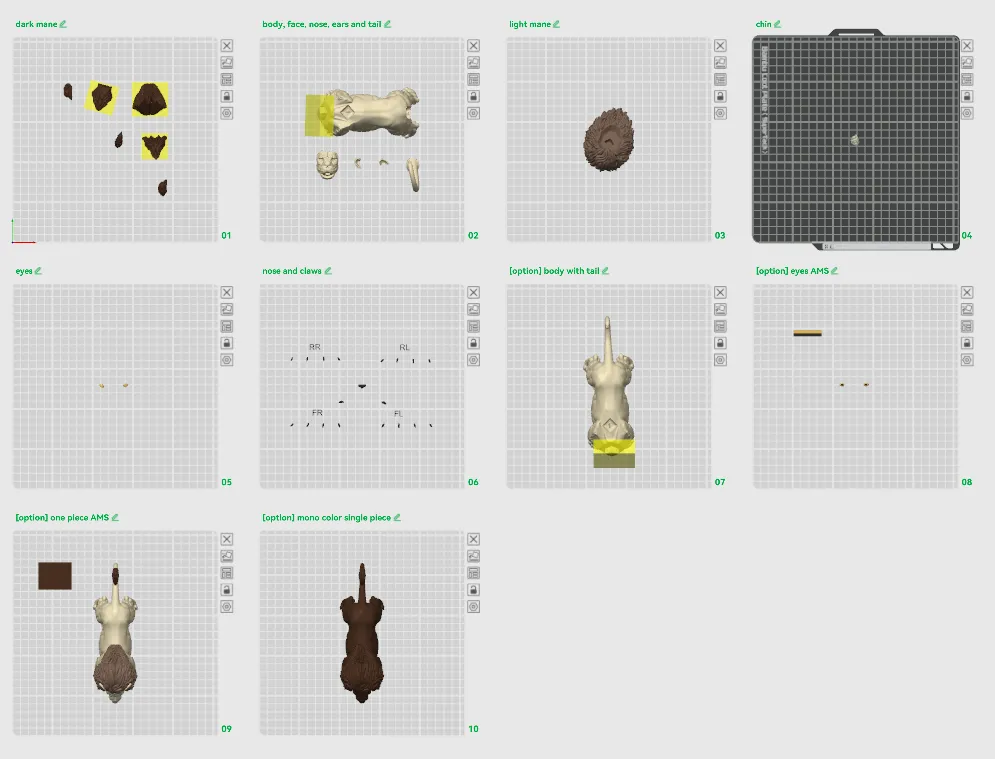
Plates
- dark mane
- body, face, nose, ears and tail
- light mane
- chin
- eyes
- nose and claws
- [option] body with tail
- [option] eyes AMS
- [option] one piece AMS (86.83% scale)
- [option] mono color single piece (86.83% scale)
Scaling Advice
- 100% Scale Reference: At default 100%, the assembled lion measures approximately 65 mm (width) × 202 mm (depth) × 124 mm.
- Scaling Up: Larger sizes should work well but not extensively tested yet. The peg connectors are robust, but connections may need minor tolerance tweaks (e.g., slight peg sanding or scaling adjustment) if fit feels off after upsizing.
- Scaling Down: Smaller sizes should also be possible, but connections might not be as clicky or secure → use glue if needed.
- Best Practice: Always scale all parts uniformly with the exact same percentage in Bambu Studio before slicing. Apply scaling globally to the entire project to keep peg/socket alignments perfect.
- Verification: After scaling, review the sliced preview in Bambu Studio. Ensure supports generate correctly on overhangs, and confirm no thin walls appear on small features.
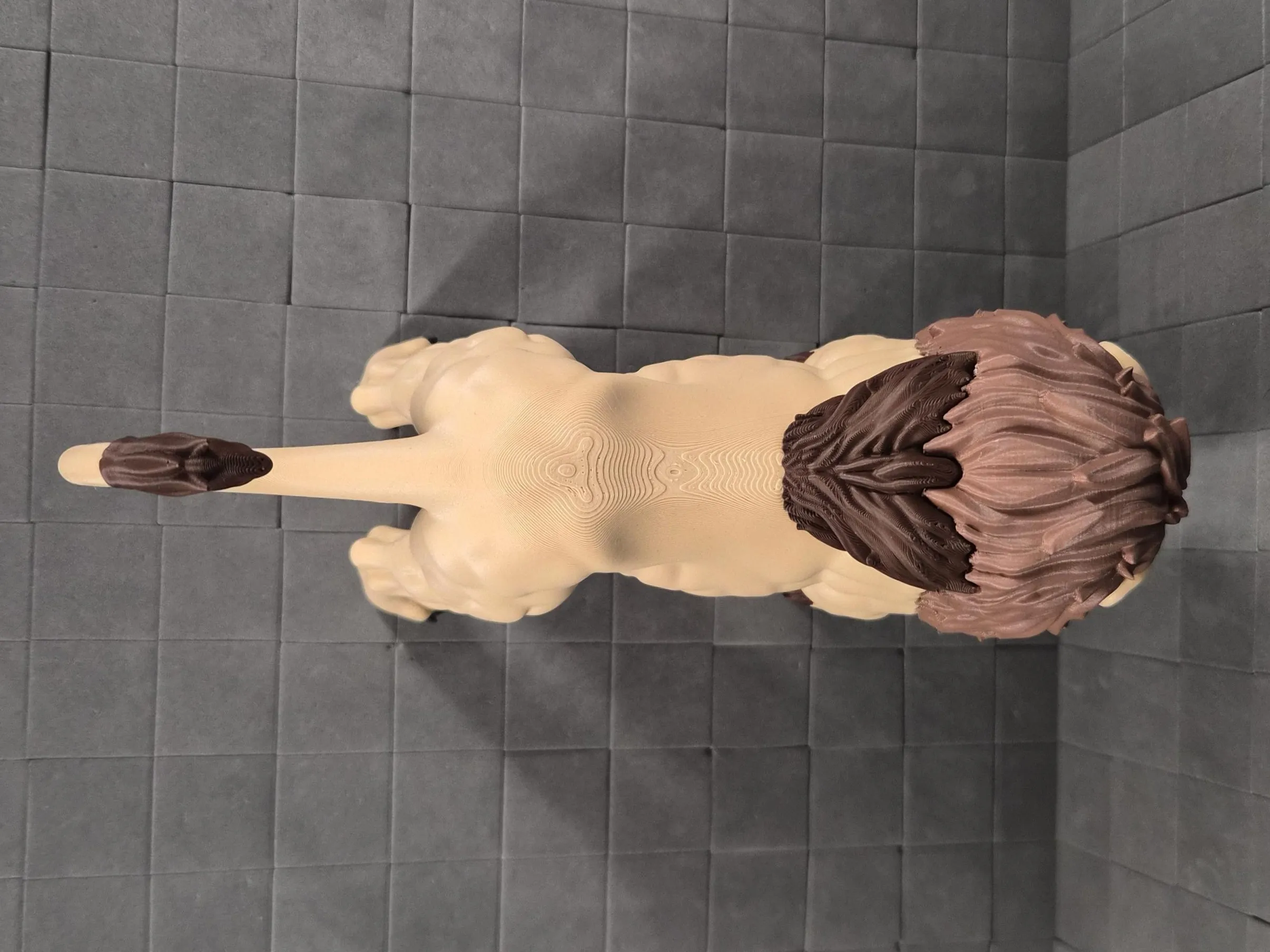
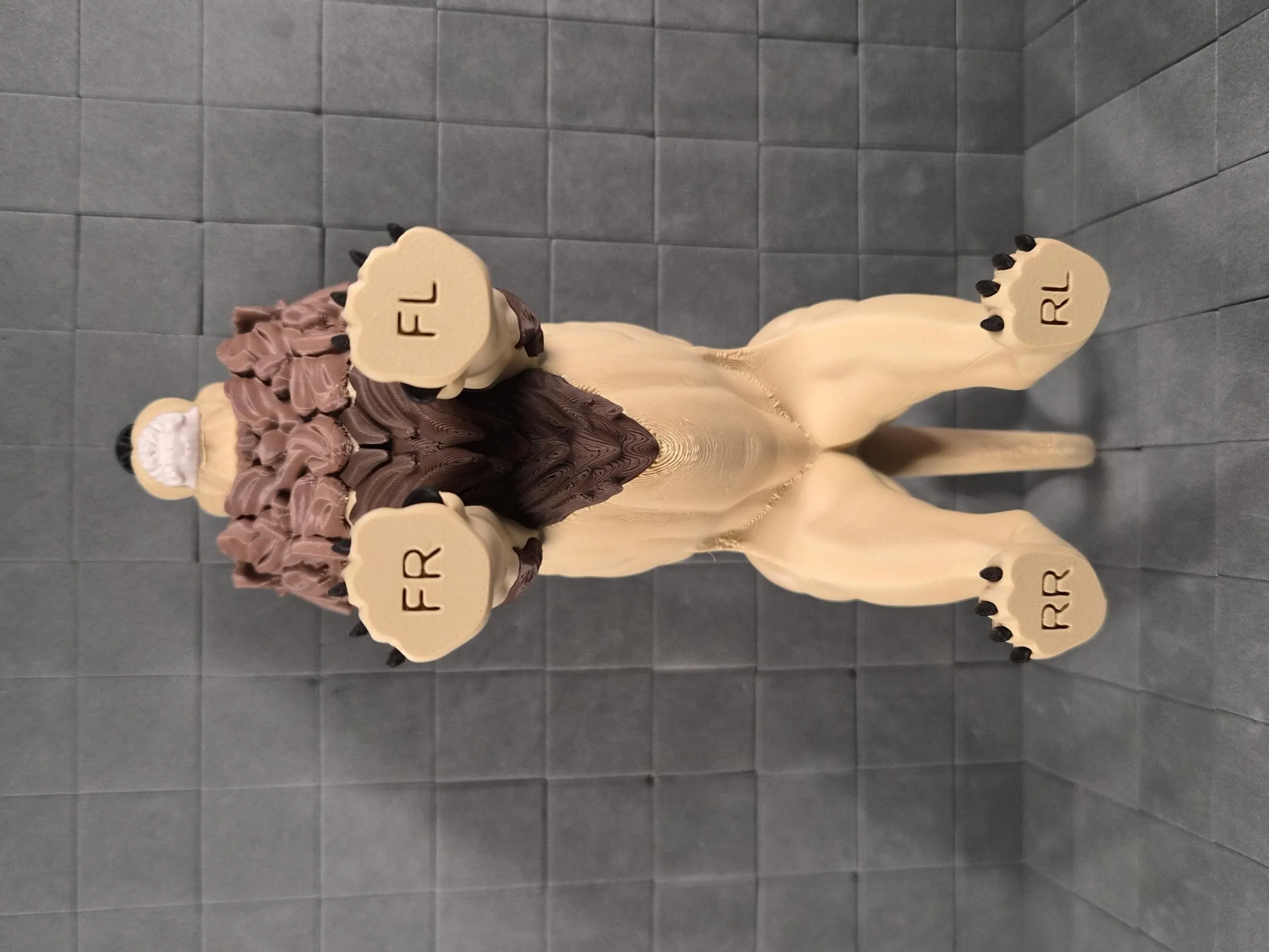
Key Printing Tips:
- Disable “Strength → Detect Thin Wall” → gives smoother, cleaner surfaces on detailed parts.
- Always check the slicing preview in Bambu Studio before starting the print.
- Support removal trick: Cut supports into small chunks first, then gently loosen → they usually pop off cleanly without damage.
- Some plates use lots of supports, if so → for reliable prints use these filament settings:
- Filament Overrides
- Z Hop When Retract: 0.6 mm
- Z Hop Type: Spiral
- Travel Distance Threshold: 1 mm
- ✅ Enable Retract When Changing Layer
- Also, disable these settings in Bambu Studio if Variable Layer height is used:
- Supports
- ❌ Disable Independent Support Layer Height
- Others
- ❌ Disable Reduce Infill Retraction
- I’ve found that a 0.15 mm top Z distance works best when printing with variable layer height.
- Supports
- Filament Overrides
Happy printing! Can't wait to see photos of your prints! If you're scaling, experimenting or encounter any issues, let me know → your input helps the next iteration. Please share your feedback for any rating below ⭐⭐⭐⭐⭐ so we can work on improving, thank you!
Boost Me (for free)
Boost / like / collect / follow if it made your day! 🚀
Membership
Now that you’ve printed this model, are you happy with the results? If so, why not sell it? With a subscription to my Commercial License Membership, you’re free to do so.
Documentation (1)
License

You shall not share, sub-license, sell, rent, host, transfer, or distribute in any way the digital or 3D printed versions of this object, nor any other derivative work of this object in its digital or physical format (including - but not limited to - remixes of this object, and hosting on other digital platforms). The objects may not be used without permission in any way whatsoever in which you charge money, or collect fees.


Comment & Rating (9)