
Macro Pad – 12 Keys Productivity Controller
Print Profile(1)

Description
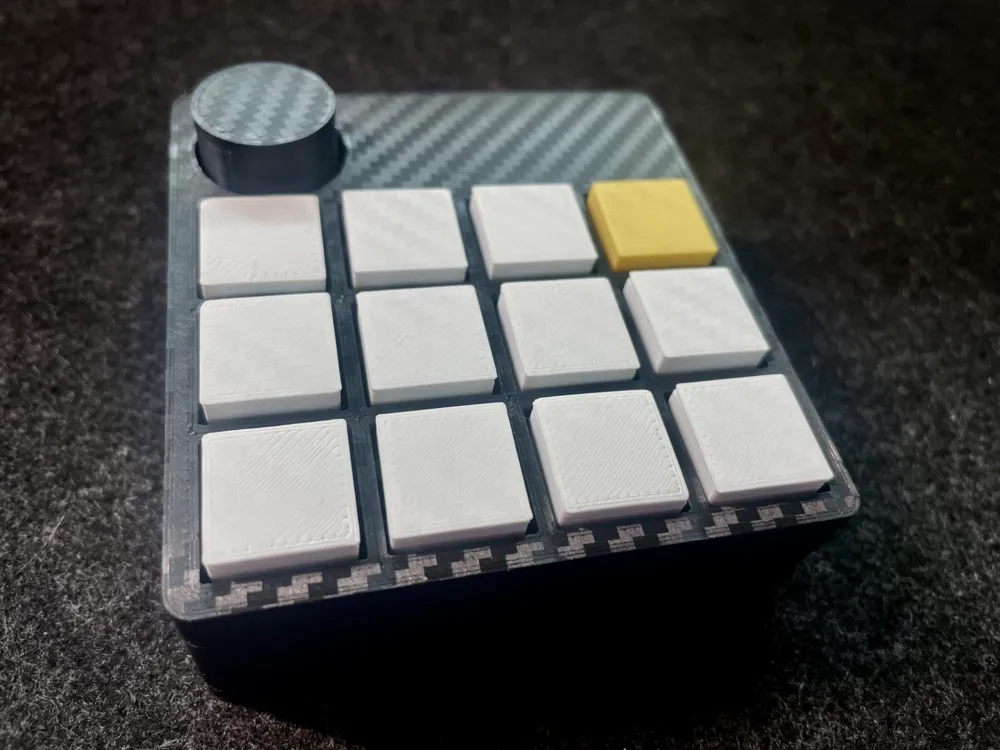
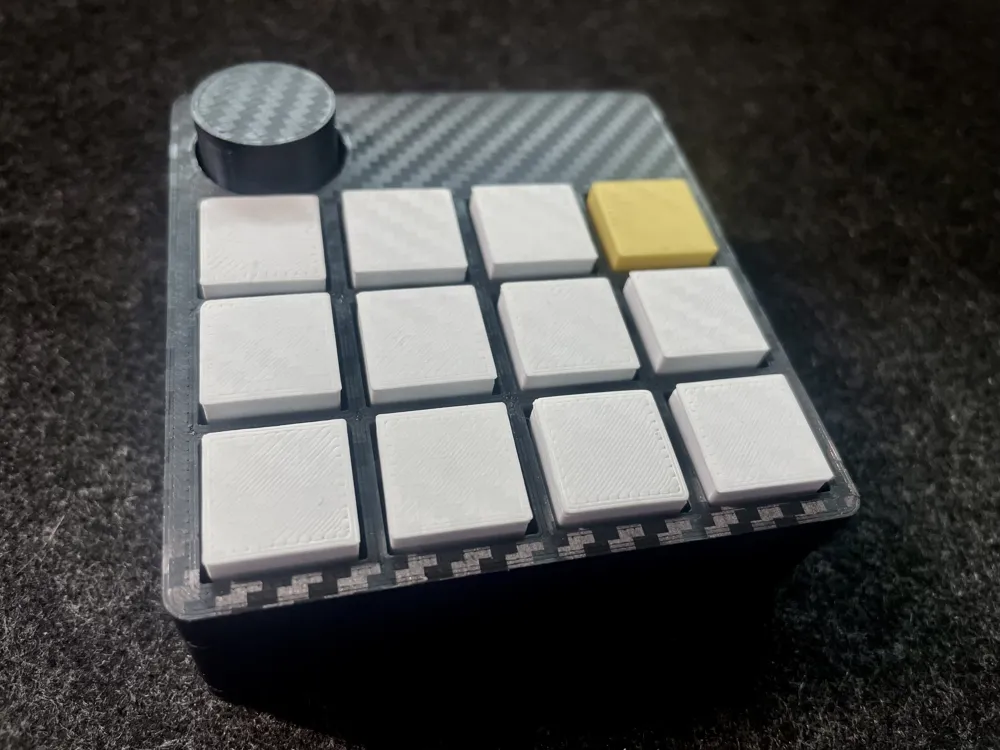
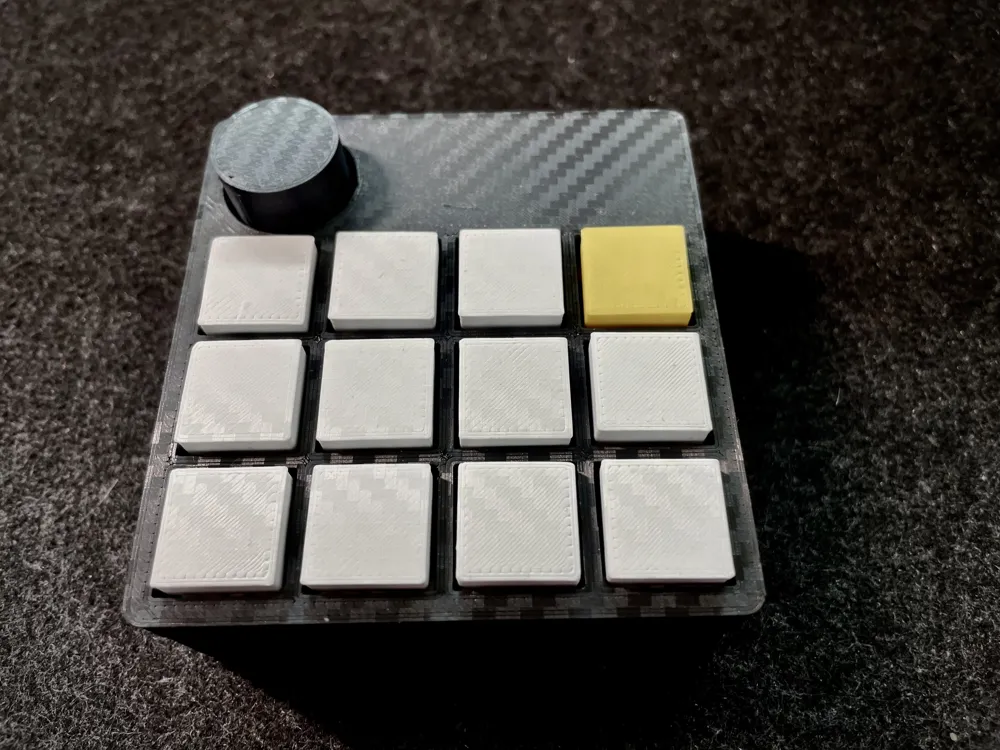
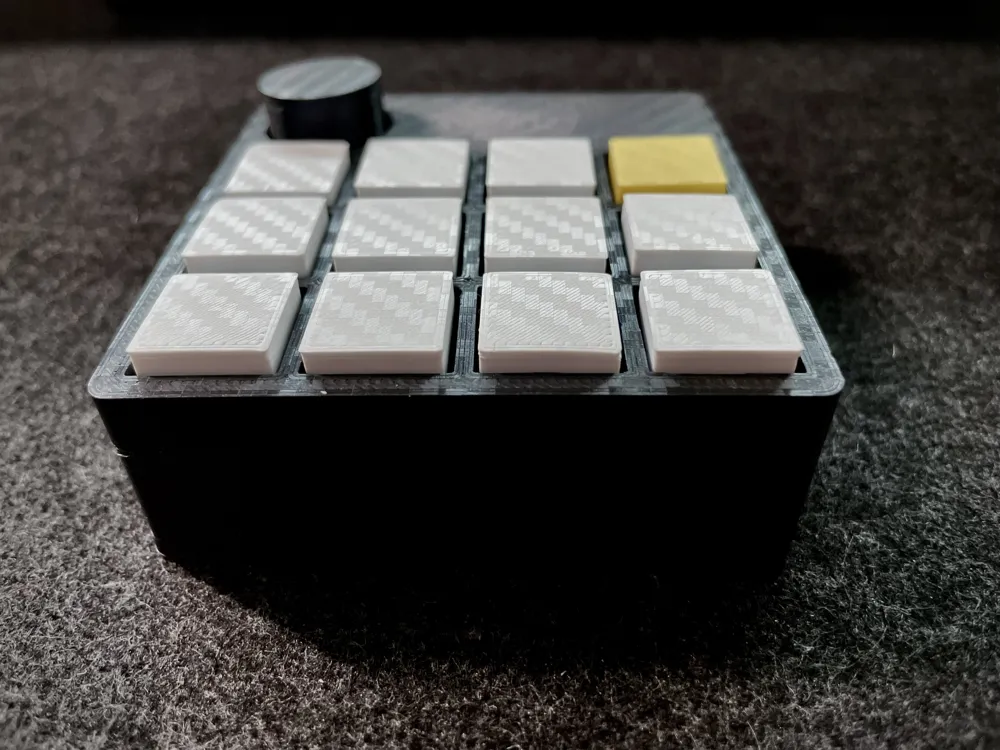
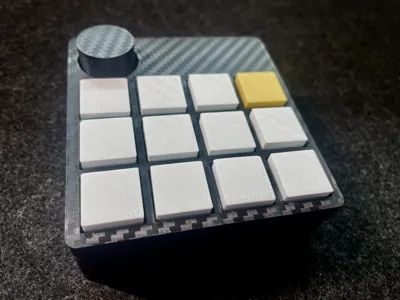
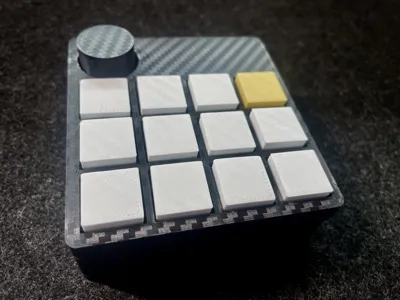
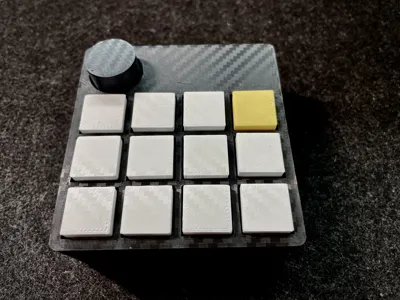
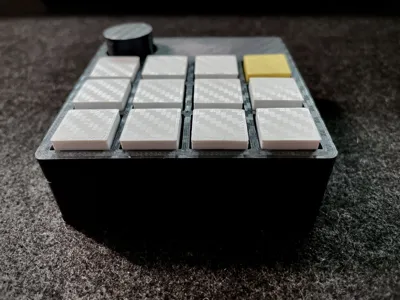
Compact 12-key macro pad designed to control workflows in macOS using Hammerspoon automations.
The device functions as a USB keyboard (HID) that sends Hyper key combinations (Ctrl + Alt + Cmd + key). Hammerspoon listens for these shortcuts and converts them into system actions, application launches, focus modes, and multimedia control.
Additionally, it includes a rotary potentiometer for precise volume control, turning the macro pad into a small desktop control surface.
The project's idea is to create a simple, reliable, and fully customizable tool to improve daily productivity on macOS.
Features
- 12 programmable buttons
- Rotary potentiometer for volume control
- USB keyboard-type device (HID)
- Full integration with Hammerspoon
- Productivity work modes or “scenes”
- Quick access to applications
- Multimedia control (Music / Podcasts / Play)
- Screen lock
- Color-coded key design
Fully configurable firmware
Required Components
This macro pad is built with simple, inexpensive, and easy-to-find components. I have linked the components I used. Cheaper ones can be found on Aliexpress or similar sites. I'm listing the ones I used for the project:
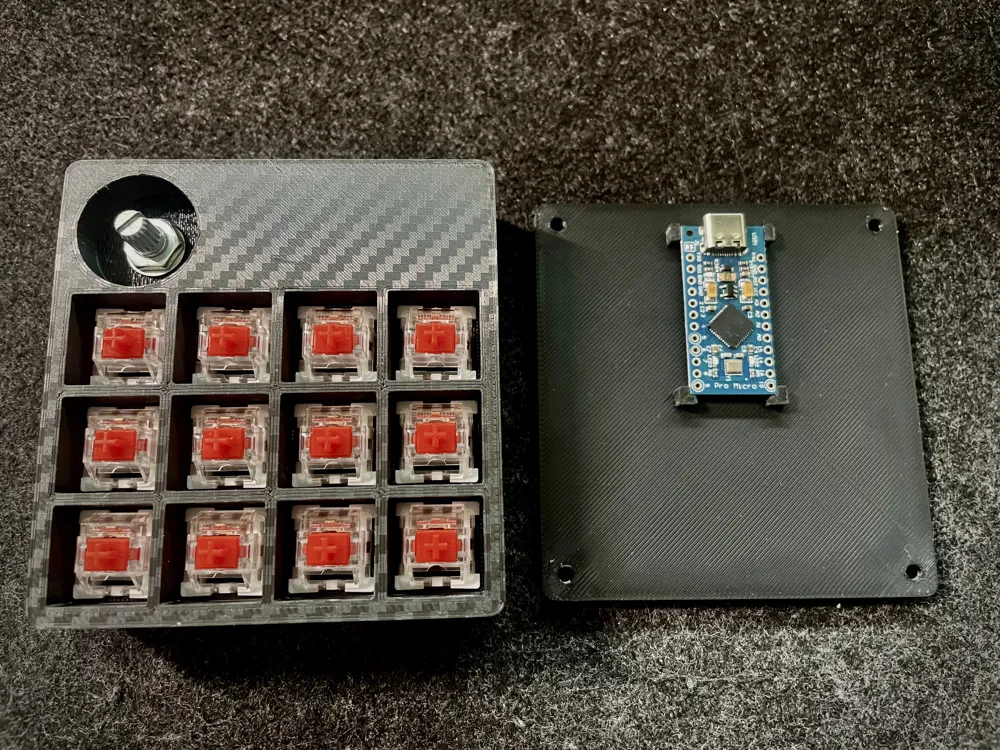
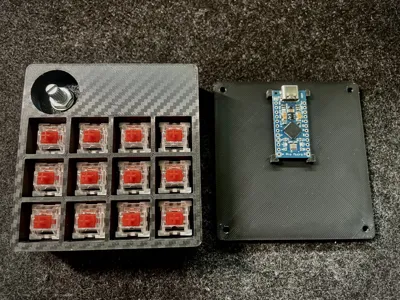
- Arduino Pro Micro (ATmega32U4): This microcontroller allows the device to function as a native USB keyboard.
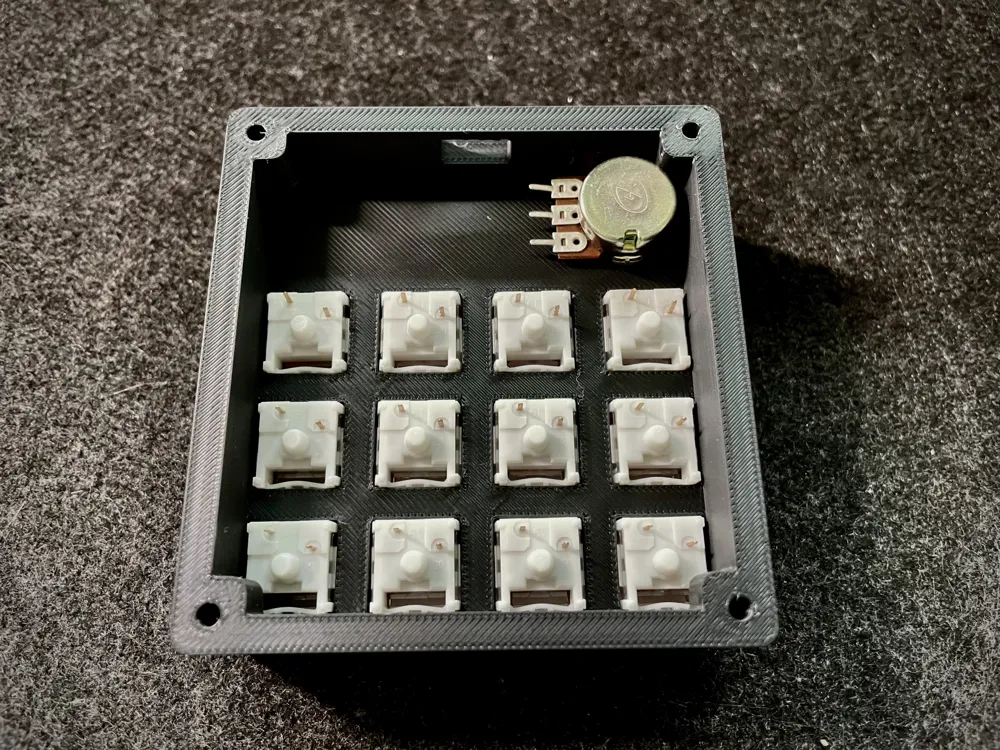
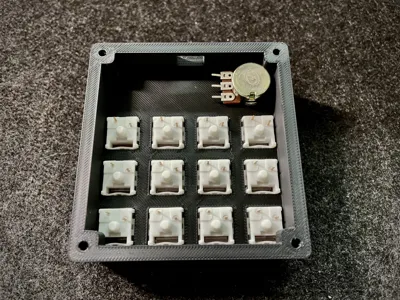
- Switches - Buttons: Momentary push buttons for Gateron Cherry MX keyboard keys.
- Potentiometer: 10k linear potentiometer for volume control.
- Silicone wires: 24 AWG silicone electrical wire kit.
3D Printed Parts
All parts are designed to be easily 3D Printed. I used a Bambu Lab A1 mini:
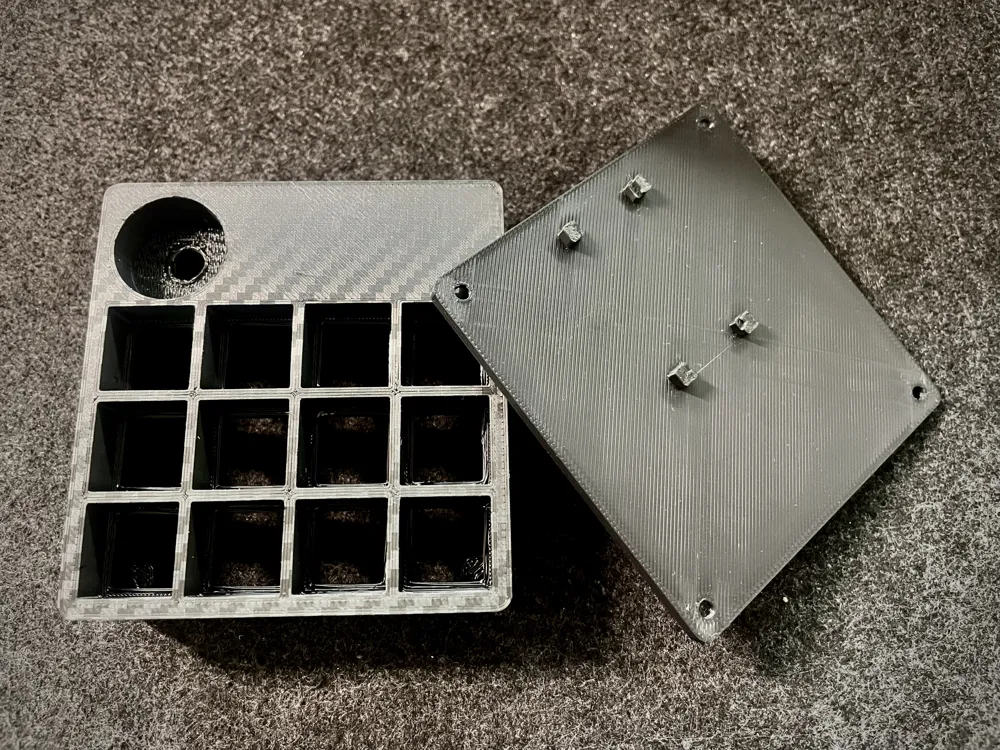
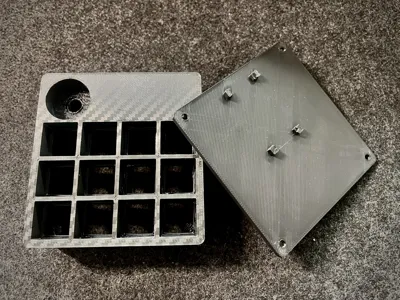
- Macro Pad Box: Top casing for switches and potentiometer.
- Bottom casing: Lid to close the box with M3 screws.
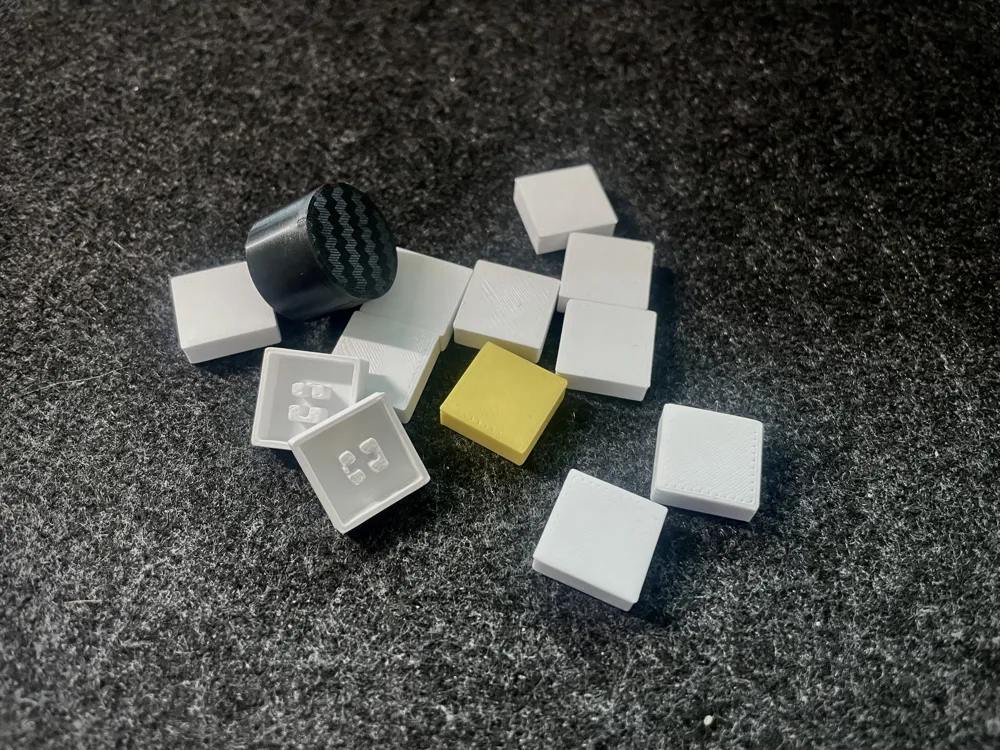
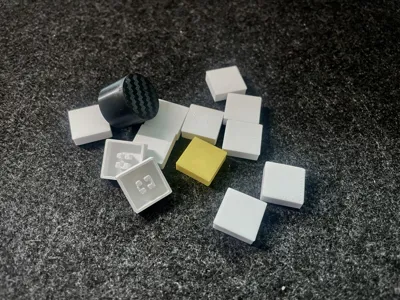
- 12 low-profile keycaps.
- Knob for the potentiometer
Software
The macro pad uses Hammerspoon to automate macOS. The device sends Hyper shortcuts, which Hammerspoon interprets to execute actions or launch applications.
I'm also providing the Gitlab repository where you can download the code with the firmware to install on the Arduino. The repository itself contains a README.md with all the instructions to modify the code and adapt it to your needs.
License

You shall not share, sub-license, sell, rent, host, transfer, or distribute in any way the digital or 3D printed versions of this object, nor any other derivative work of this object in its digital or physical format (including - but not limited to - remixes of this object, and hosting on other digital platforms). The objects may not be used without permission in any way whatsoever in which you charge money, or collect fees.


Comment & Rating (0)