
Spring Flower Bouquet Fidget Clicker
Print Profile(1)
Description
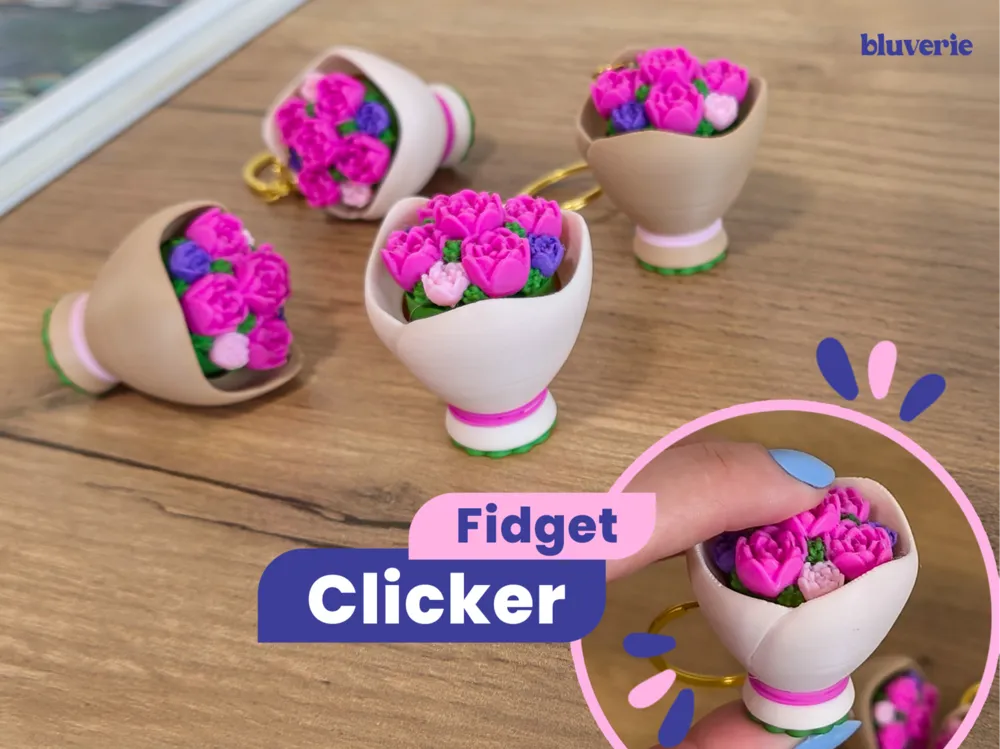
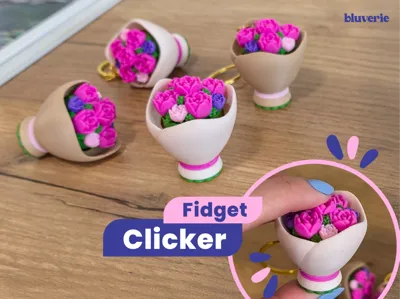
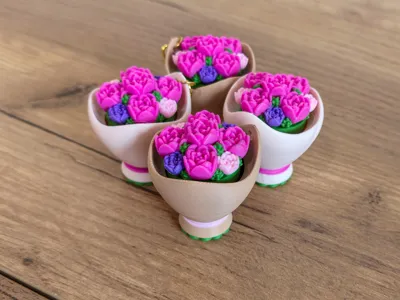
Spring is a season full of soft colors, fresh air, and blooming flowers. A time that invites you to slow down and enjoy simple moments, like going for a walk and coming back home with a small bouquet in your hands 🌷
✨ This model is printed in two main parts and requires a Cherry MX–style mechanical keyboard switch (see details below).
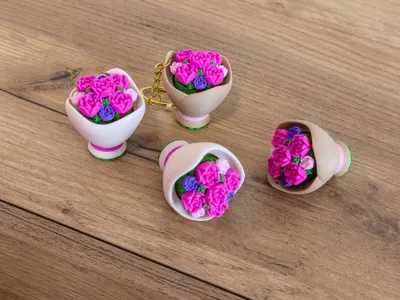
🌿 Base (Bouquet Wrap)

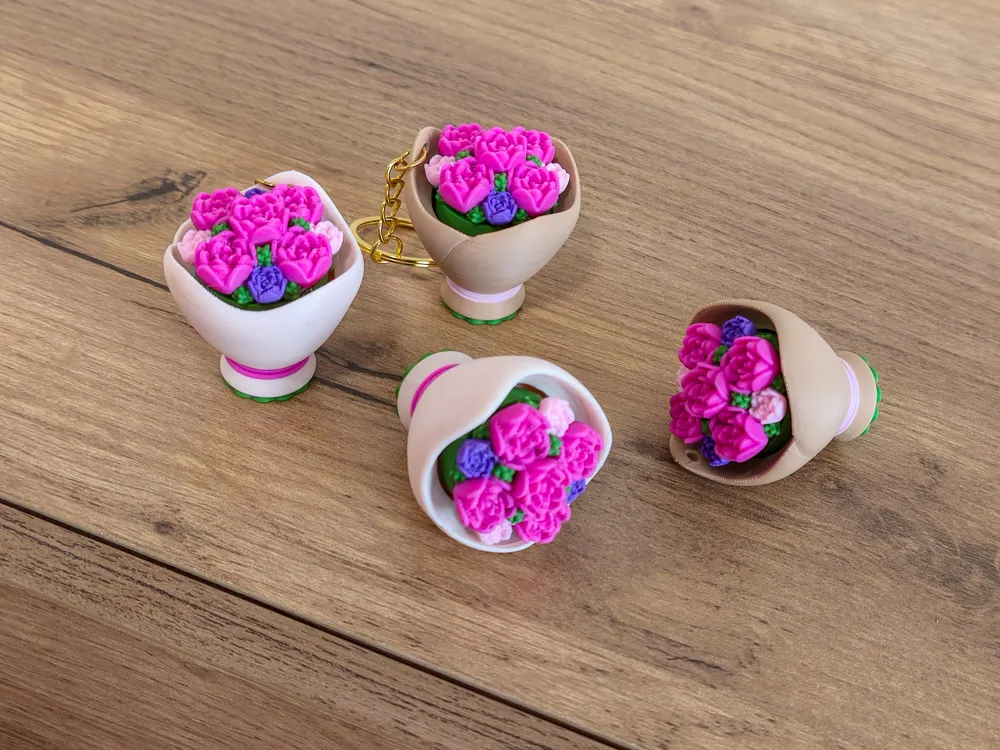
The base represents the paper wrap that holds the flowers. A small green detail at the bottom shows the tips of the stems 🌱 Soft pink strings wrap around the bouquet like a delicate tie.
For the prints, paper like and kraft paper colors were used to give a natural bouquet look, but you can customize the base in any color you prefer.
The base comes in two versions – pick your favorite style:
• With hole: perfect for attaching to a keychain or bag
• Without hole: the standard clicker version
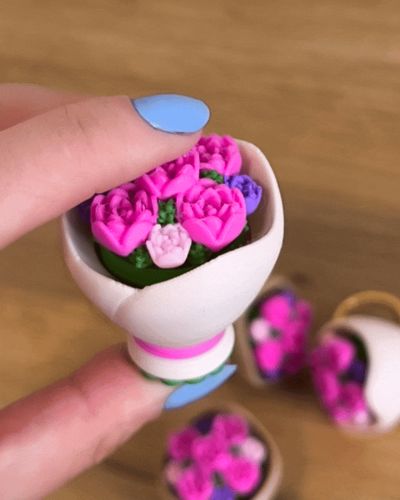
🌺 Top (Flowers)
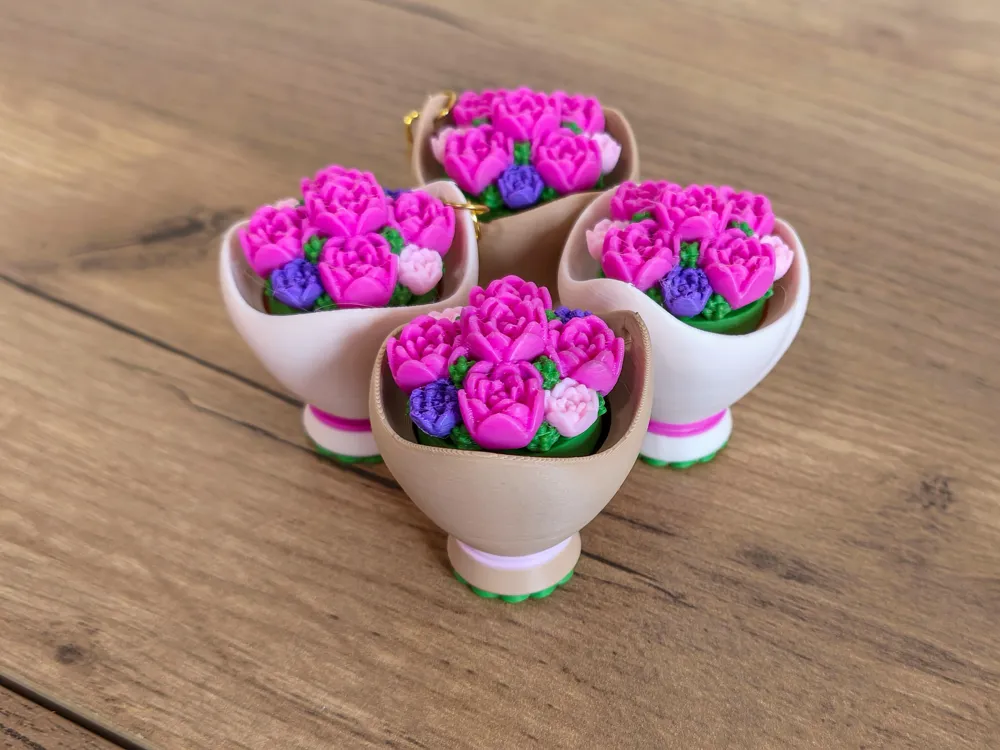
The top piece is the flower arrangement.
I printed it mixing: dark pink, light pink, purple and green, but feel free to create your own color palette, pastel, vibrant, monochrome...make it your bouquet 💐
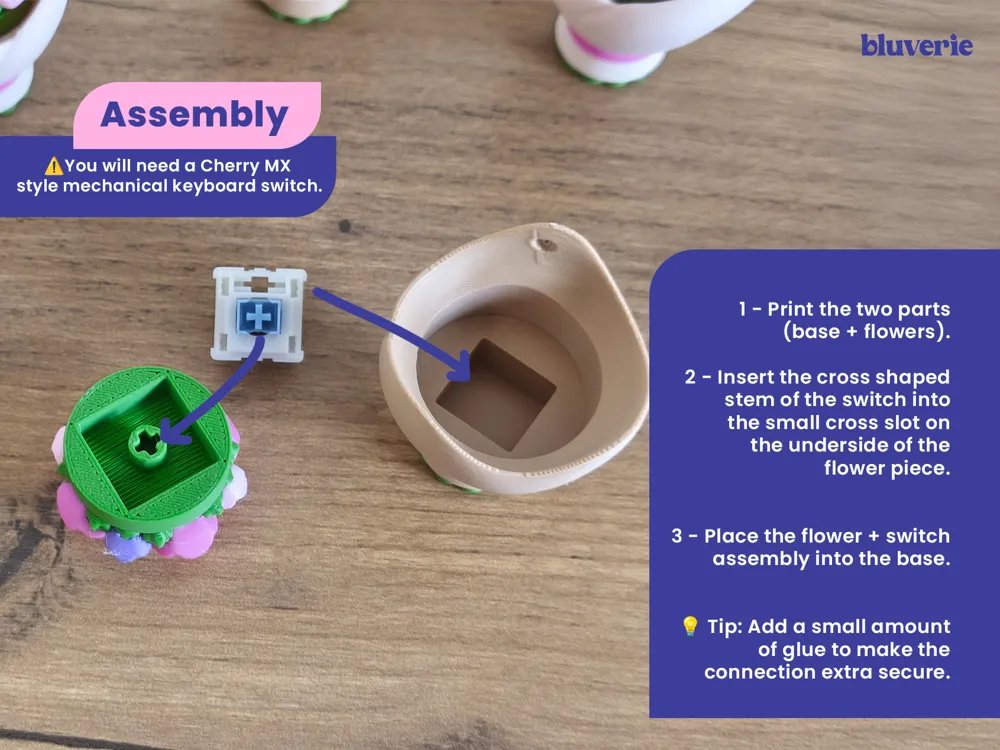
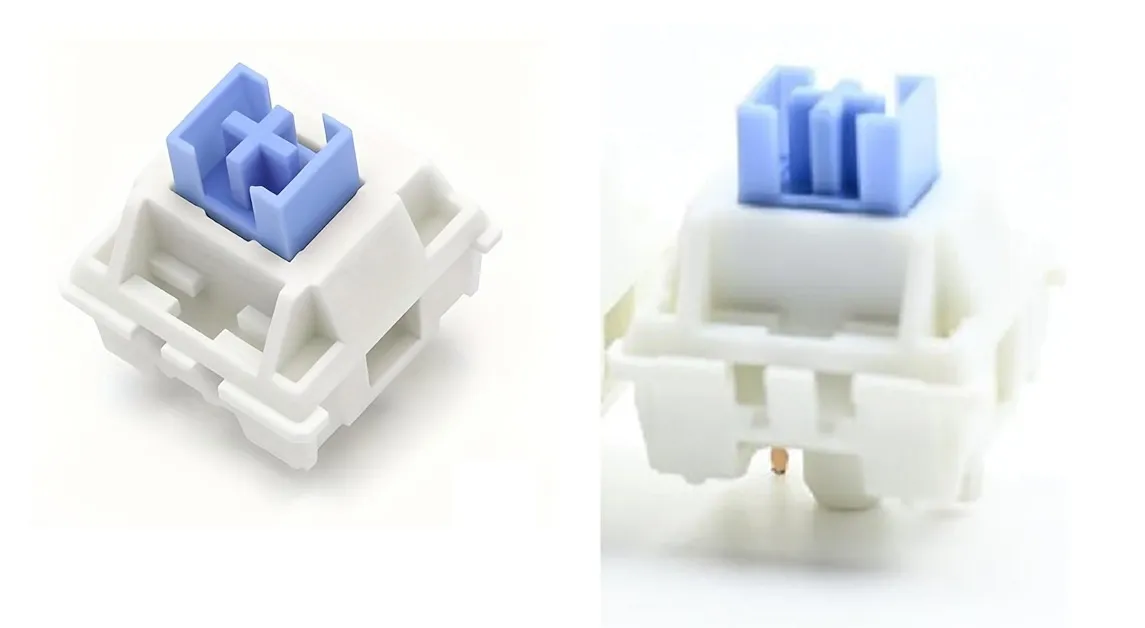
⚠️You will need a Cherry MX style mechanical keyboard switch. I used a square edged switch like in the photo, but I also tested with a smooth edged one and it worked fine. Make sure to check your switch model before printing and assembling!
⌨️ ✨ For those who aren’t sure which switch to get:
I use a Cherry MX–style mechanical keyboard switch. It has a small cross-shaped stem on top where my models attach. You can find these switches in mechanical keyboard stores, electronics shops, or DIY keyboard sites. I can’t include a link here, but I’ve added a photo for reference.
Assembly:
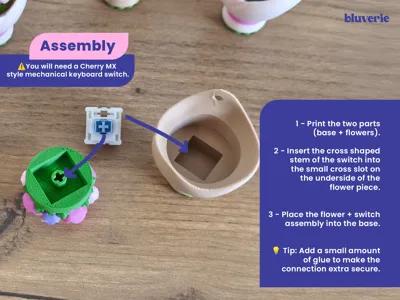
Print the two parts (base + flowers).
Insert the cross shaped stem of the switch into the small cross slot on the underside of the flower piece.
Place the flower + switch assembly into the base.
💡 Tip: Add a small amount of glue here to make the connection extra secure.
A mini bouquet that blooms… and clicks! 💐
🌸 License Notice!!
Personal use only.
Any commercial use including selling physical products, giveaways, freebies, subscriber rewards, or promotional use requires a Commercial License. A Commercial License is available here: https://bluveriestudio.gumroad.com/
License

You shall not share, sub-license, sell, rent, host, transfer, or distribute in any way the digital or 3D printed versions of this object, nor any other derivative work of this object in its digital or physical format (including - but not limited to - remixes of this object, and hosting on other digital platforms). The objects may not be used without permission in any way whatsoever in which you charge money, or collect fees.


Comment & Rating (46)