
Snowy Owl Clicker
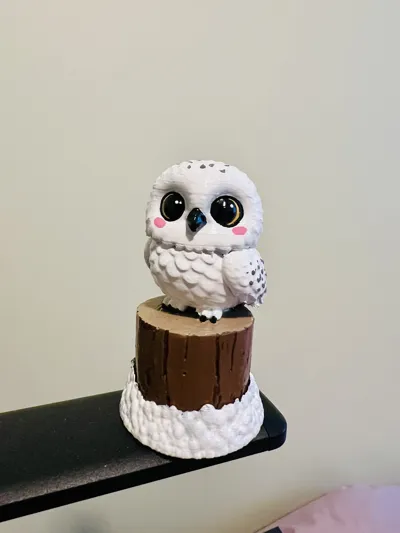
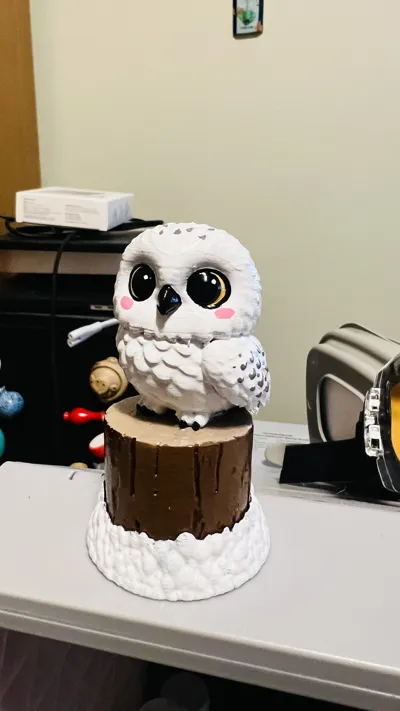
Print Profile(6)


Bill of Materials
- Glorious Raptor Clicky Switches for Mechanical Keyboards for Gaming x 1: https://www.amazon.ca/dp/B0BX71CC36 (my choice)
- Cherry MX RGB Blue Switches x 1: https://www.amazon.ca/dp/B0C6FH6XQ7 (cheaper)
Description

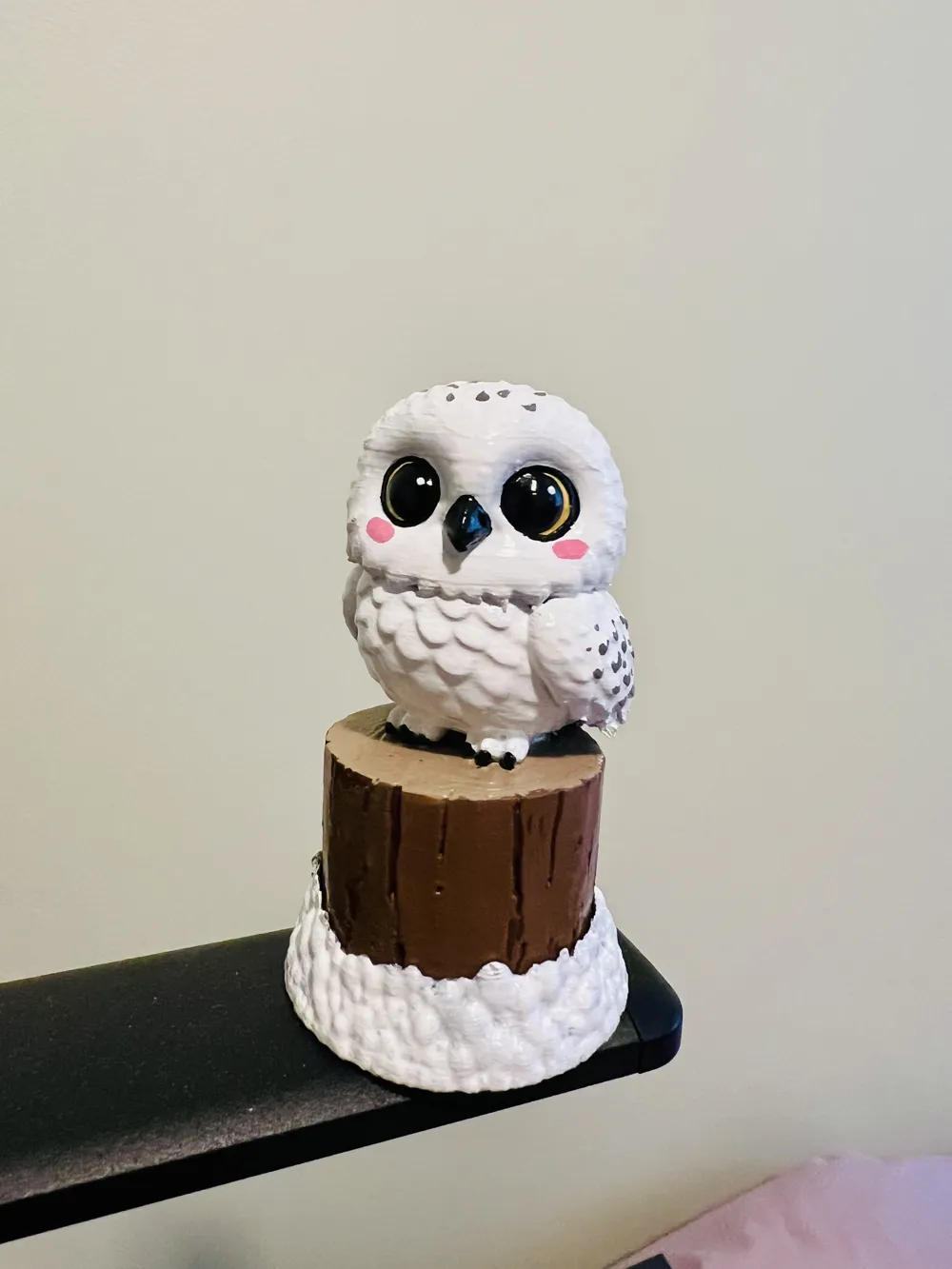
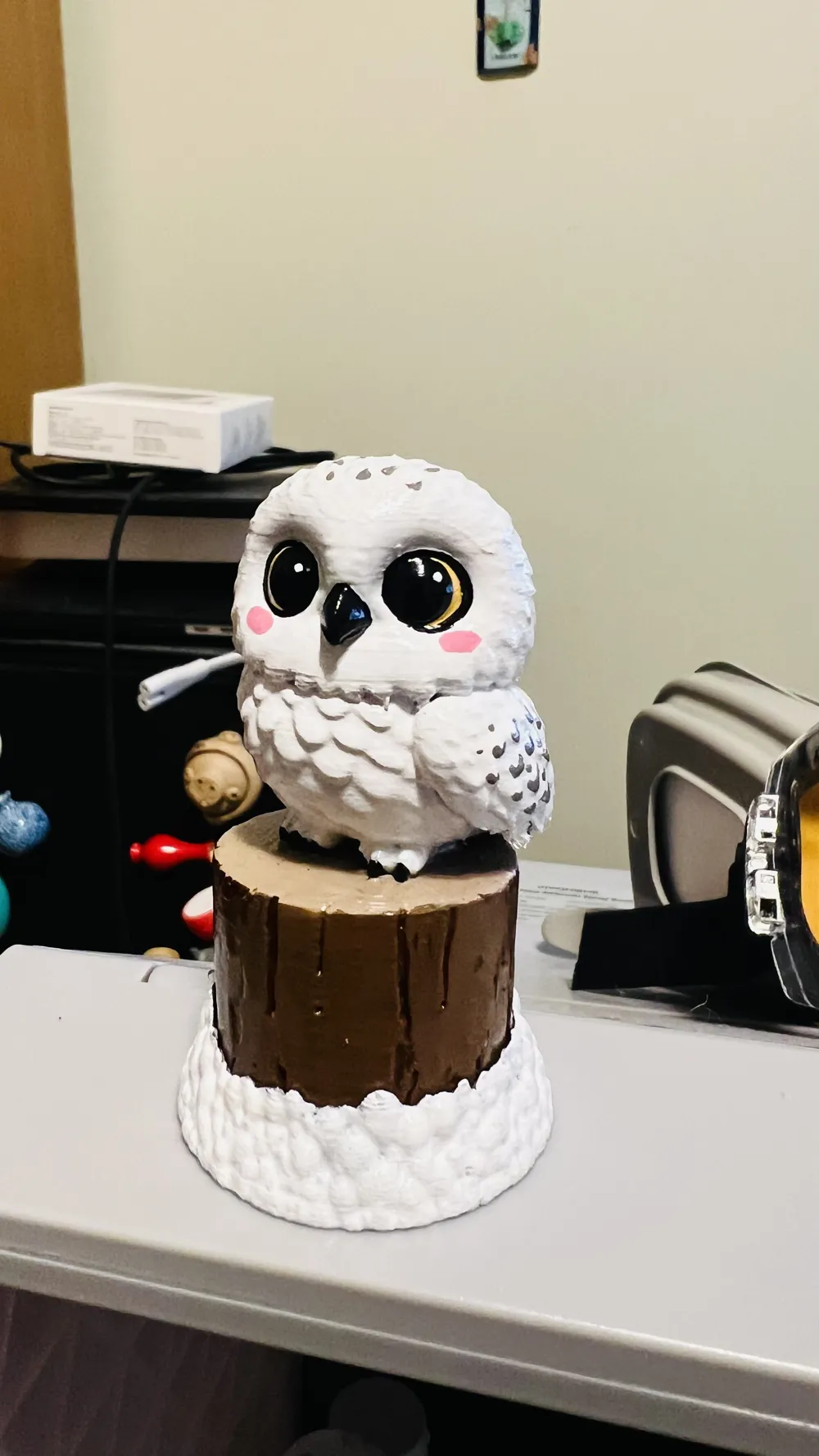
This clicker contains two parts, the snow bottom and the Snowy Owl & Wood top.
You'll need to put in a mechanical keyboard switch in-between and glue everything together.
For the best result, print with an 0.2 nozzle and thinner layer height, preferably with Support for PLA for the support top.
YOU'LL NEED A MECHANICAL KEYBOARD SWITCH FOR THE CLICKY EFFECT
There are in total 3 different profiles:
- SnowyOwlNonColored: This is a single-colored profile. Choose this if you want to color it yourself.
- SnowyOwlColored4: This uses 4 different colors. You can refine/color yourself afterwards.
- SnowyOwlColored7: This uses 7 different colors. Choose this if you have 2 or more AMSs or you know how to pause and replace filaments.
If your keyboard switch contains metal needles, cut them out.
Assemble everything first before gluing them. If you feel it's too sticky, rotate the snow base to a different angle 0 there's one side that fits better. When you are satisfied, glue the switch top (usually a cross pattern) into the Snowy Owl's bottom, let it dry. When it's dried, glue the switch bottom to the snow base.
Boost Me (for free)
Buy me a coffee? ;)
License

You may create derivative works based on this object, provided that all such derivative works are published exclusively on the MakerWorld platform and include proper attribution to the original creator. You may not share, upload, host, distribute, or publish this object—or any derivative work of this object—on any other digital platform, marketplace, or distribution channel. Commercial use of this object and any derivative works is strictly prohibited. This includes, but is not limited to, selling, renting, sublicensing, or using the object in any context in which you receive monetary compensation or other financial benefits.


Comment & Rating (9)