Search models, users, collections, and posts

Dragon Hatchling Clicker
Print Profile(1)

All
H2C
A1
X1 Carbon
X1E
H2D Pro
P1P
H2D
A1 mini
H2S
P2S
X1
P1S
A2L

Base model - Clicker
Designer
2.8 h
3 plates
4.5(26)

Open in Bambu Studio
Boost
350
1063
58
11
370
257
Released 

Description

Boost Me (for free)

Thank you so much for the Boost! Glad you like it. I hope you can share a picture if you print it! 🚀

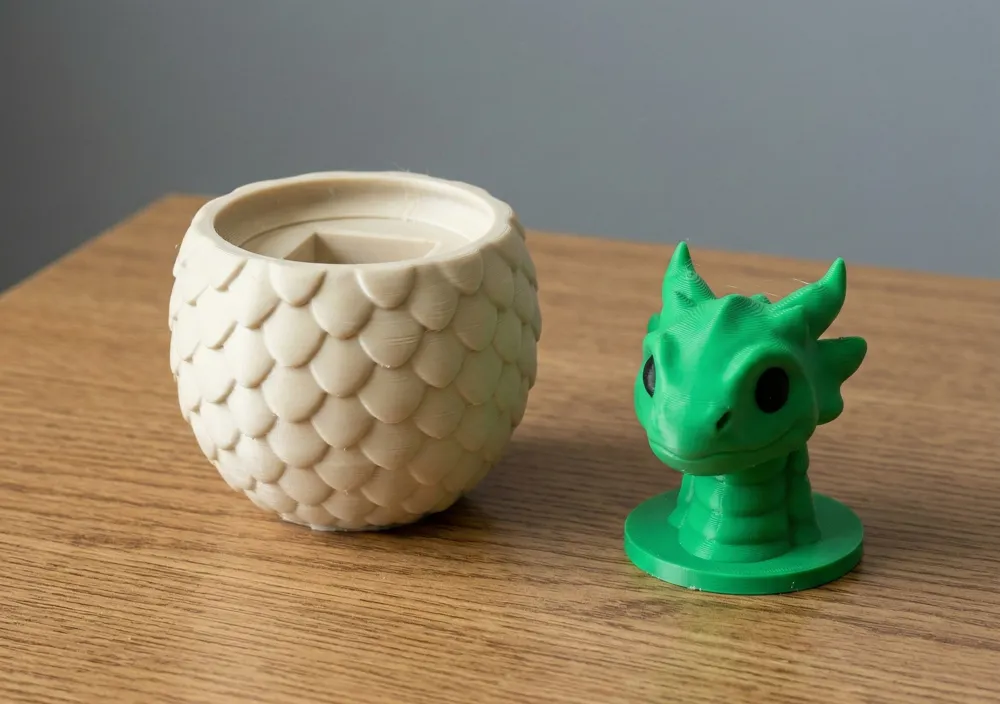
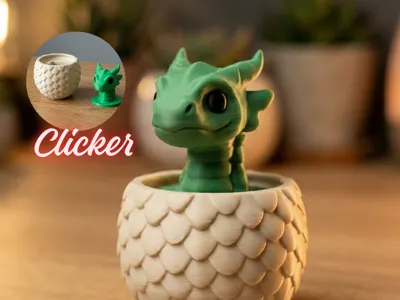
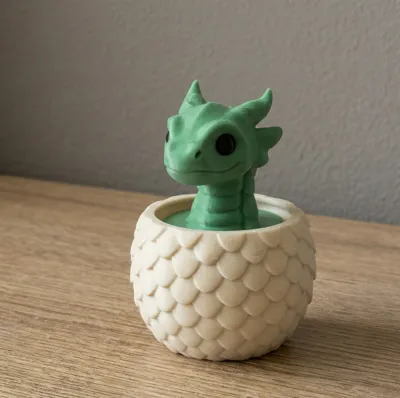
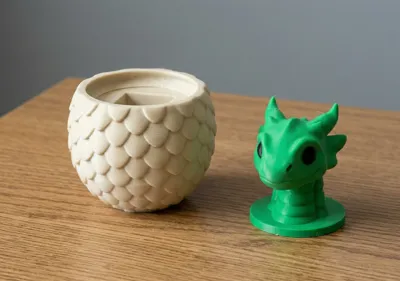
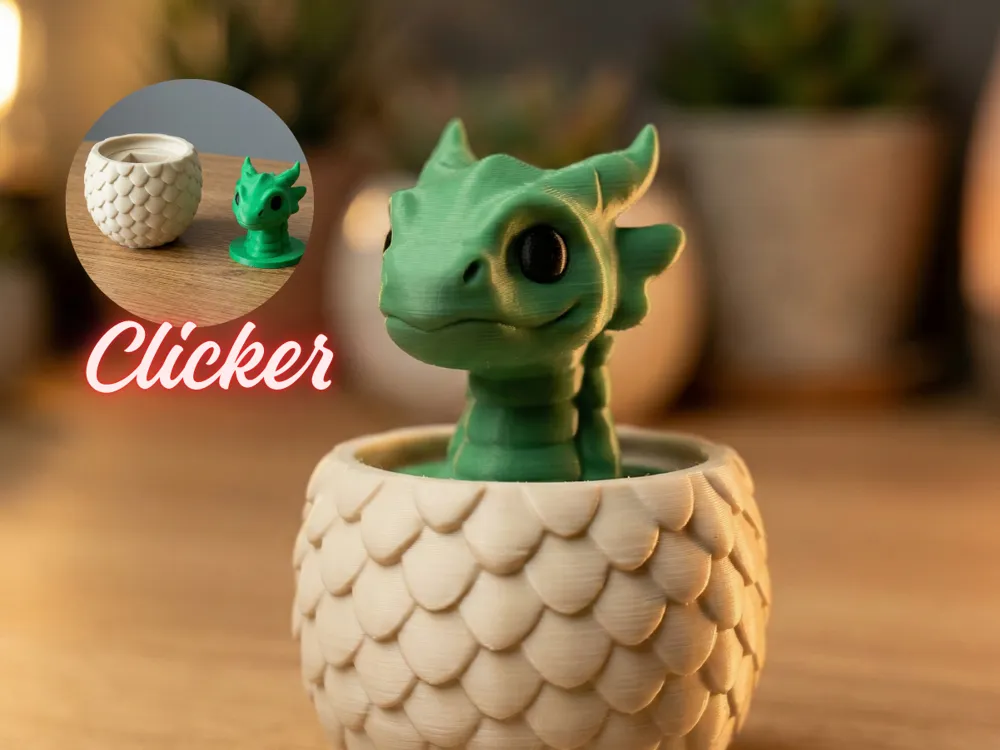
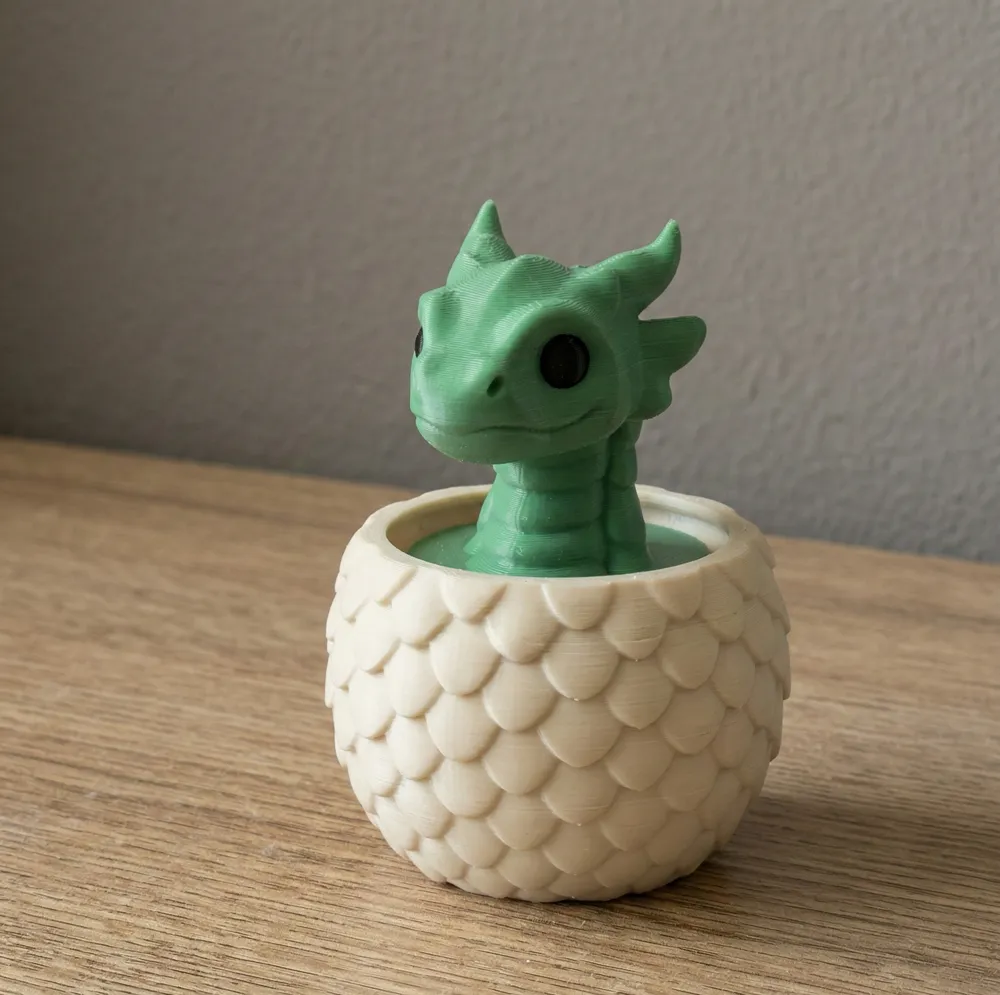
Hatch your very own desk companion! This little dragon might not breathe fire, but it does breathe... incredibly satisfying mechanical clicks! Designed to house a standard mechanical keyboard switch, this adorable hatchling doubles as the ultimate tactile fidget toy. Whether you need to focus, destress, or just enjoy the perfect thwack of your favorite switch, this little guy has you covered. 

You can use Cherry Mx switches.


Recommended Print Settings:

  • Layer Height: 0.12mm - 0.16mm (Highly recommended to capture the fine details of the scales and the dragon's face).
  • Infill: 15% - 20% (Adds a nice bit of weight to the egg base so it stays stable while you click).
  • Wall Loops: 2-3 walls for durability.
  • Supports: Minimal to none. Depending on your printer's cooling, you might want a tiny tree support under the dragon's chin or horns, but the egg base prints beautifully support-free.
  • Material: PLA works perfectly and offers great detail!

Thank You! Thank you so much for downloading and supporting my design! If you print this out, please share your makes and upload a picture. I'd absolutely love to see your color combinations and hear which mechanical switch you decided to use for your dragon! Happy printing!

Comment & Rating (58)

(0/1000)

Print Profile
Base model - Clicker
adorable but the top isn’t made to hold the clicker, I glued it together instead. totally cute but doesn’t click
The profile uploader has replied
2
Reply
wish I had read this before printing. but this is correct, the base of the dragon head does not correctly fit on a clicker. I also glued them together so as not to waste the print
(Edited)
1
Reply
Replying to @Dustypig :
disappointing but still cute lol
0
Reply
@Dustypig @user_1009508525 I adapted to add a keyboard switch , sorry for the inconveniences! Thank you to download and print my model!
(Edited)
4
Reply
Thank you for the model. printed without any issues. my keyboard switch fits well and is well secured. it all does the job. a boost for the model. thanks
The designer has replied
Show original
0
Reply
Thanks a lot for sharing—your print quality looks absolutely impressive!
0
Reply
Works great with a keyboard switch. I don't have AMS so I painted on the eyes.
The designer has replied
0
Reply
Looks stunning with that green! Thank you!!
0
Reply
dont know how to attach the clicker? the base of dragon does not have inset for it?
The designer has replied
2
Reply
me too I ended up just gluing it together, it’s cute but it’s not a clicker 😔
(Edited)
designer
1
Reply
Replying to @user_1009508525 :
I adapted to add a keyboard switch , sorry for the inconveniences! Thank you to download and print my model!
(Edited)
0
Reply
Replying to @Hacher23 :
perfect thank you
0
Reply
Print Profile
Base model - Clicker
Came out super cute. Thank you!
0
Reply
Print Profile
Base model - Clicker
Cute model, but it might be helpful to edit the instructions to make it clear that the support underneath the dragon wrapping around the MX switch post has to be removed (and not just mention it in the comments). With the way the support prints, it's not clear that it's a support at all, and I only figured it out thanks to the photo from @user_1009508525 (reposted). Very nice model though - overall a good effort! (Printed mine with fuzzy skin and added some glass eyes)
(Edited)
0
Reply
Print Profile
Base model - Clicker
The clicker part was fixed on the head and it works great. I did have to stretch the egg higher so the head fit flush in it but other than that is is very cute.
0
Reply
is the print profile next to your name the version you modified? sorry - new to this!
0
Reply
Replying to @ace_of_prints :
I am not sure, i am new to this also. All is did was bring in the model and resized the egg. I used 40 x 39.2252 x 36. Hope this helps.
0
Reply
Replying to @user_1398229520 :
Thanks for the reply. It does!
0
Reply
Print Profile
Base model - Clicker
printed beautifully but clicker does not fit. If it did the top would be up high (on top of the clicker) and would have a open space from the bottom of the head to the top of the egg.
The profile uploader has replied
0
Reply
I adapted to add a keyboard switch , sorry for the inconveniences! Thank you to download and print my model!
0
Reply
Replying to @Hacher23 :
thank you for adjusting it! I will give it another go soon and try it out! 🙂
0
Reply
Replying to @Freckl3dMama :
You may not need to reprint it, @Freckl3dMama - I didn't realize most of the bottom of the dragon piece prints as a support that needs to be removed; maybe that helps?
0
Reply
Print Profile
Base model - Clicker
Parfait!
The profile uploader has replied
0
Reply
Thank you so much for rating the print profile!
0
Reply
didn't fit my keyboard switch at all. very disappointing cuz it's so cool looking.
0
Reply
Was it the dragon top not fitting on your switch? That happened to me until I realized most of the bottom of the dragon piece is a support that has to be removed (photo is by @user_1009508525)
0
Reply

License

This user content is licensed under a Standard Digital File License.

You shall not share, sub-license, sell, rent, host, transfer, or distribute in any way the digital or 3D printed versions of this object, nor any other derivative work of this object in its digital or physical format (including - but not limited to - remixes of this object, and hosting on other digital platforms). The objects may not be used without permission in any way whatsoever in which you charge money, or collect fees.