Search models, users, collections, and posts

Imperial Baroque CHESS set
Print Profile(1)

All
A1
P1P
P2S
A1 mini
H2S
P1S
X1E
X1 Carbon
H2D Pro
X1
H2C
H2D
X2D
A2L

0.12mm layer, 3 walls, 95% infill
Designer
19.3 h
1 plate
4.9(8)

Open in Bambu Studio
Boost
319
968
27
10
314
82
Released 

Description

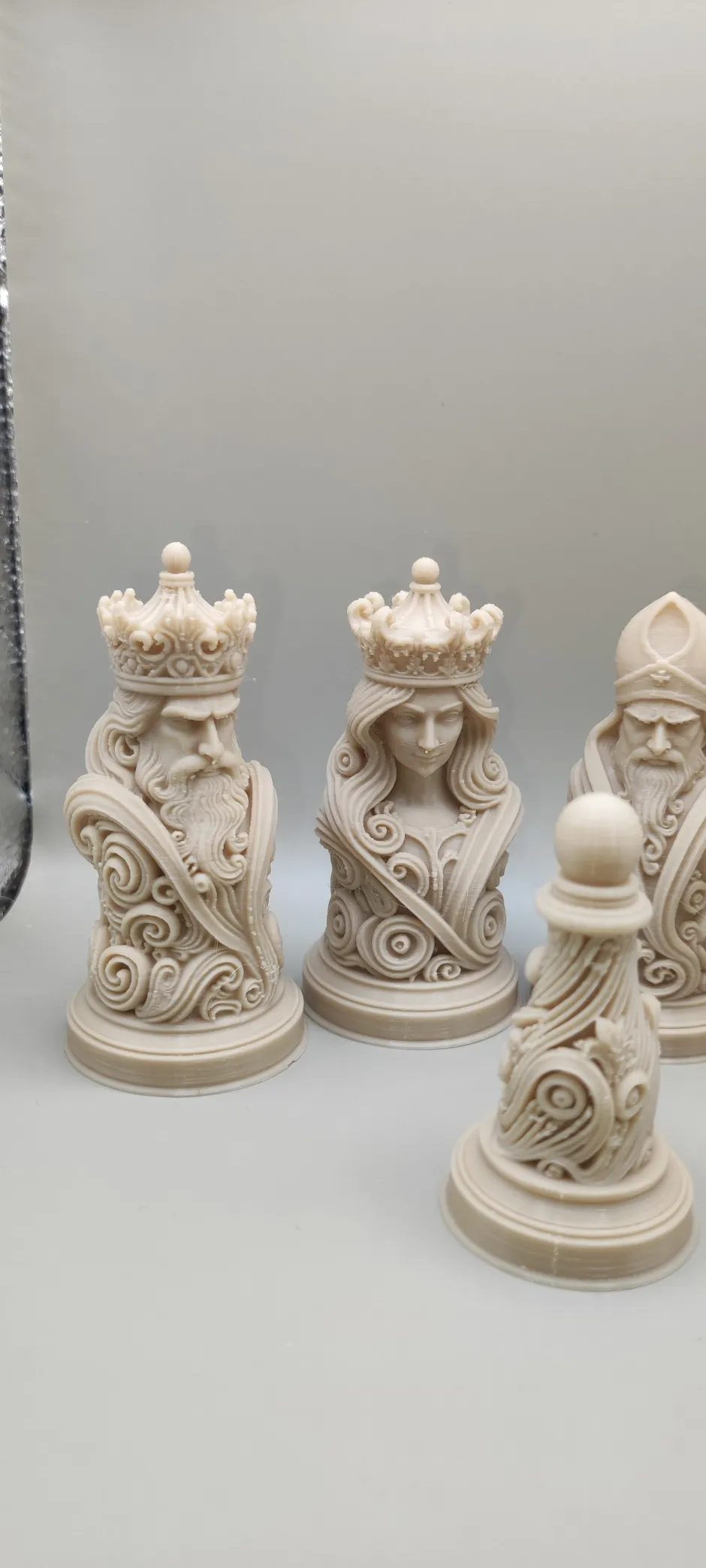
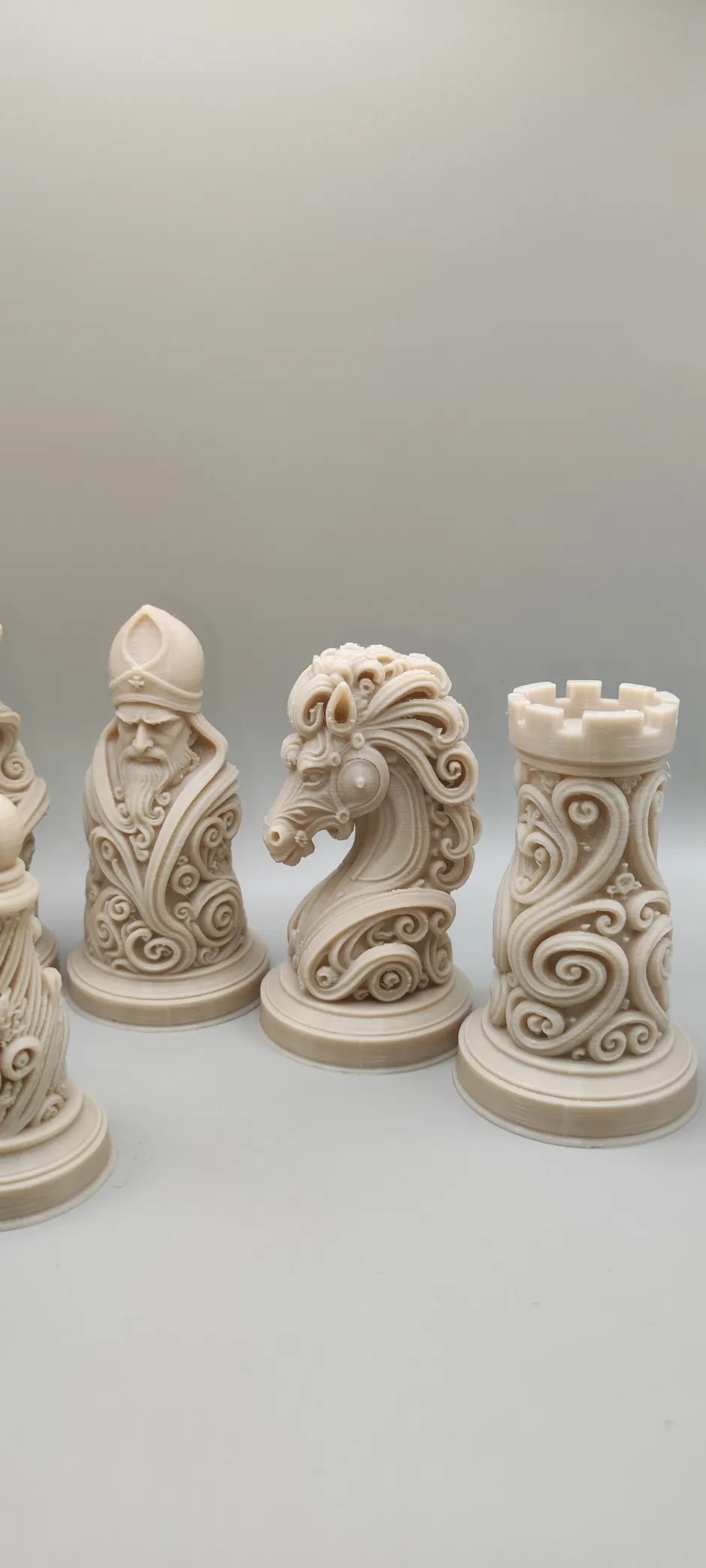
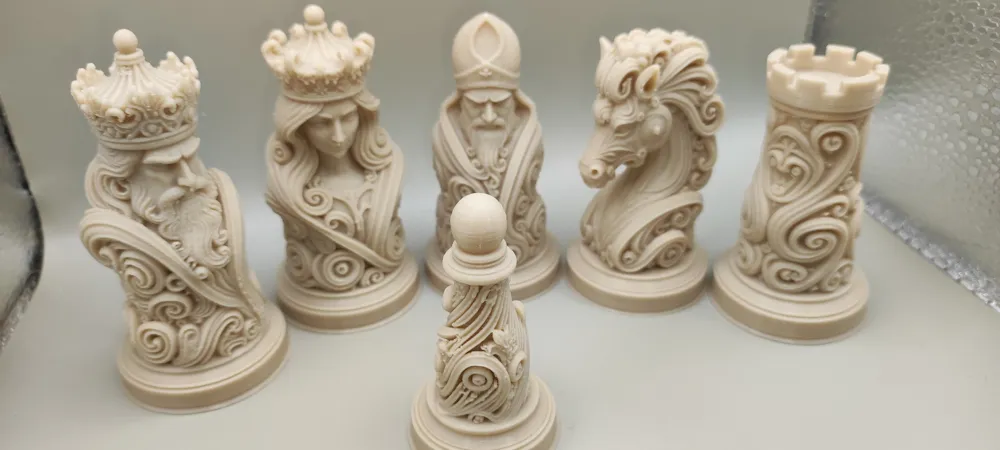
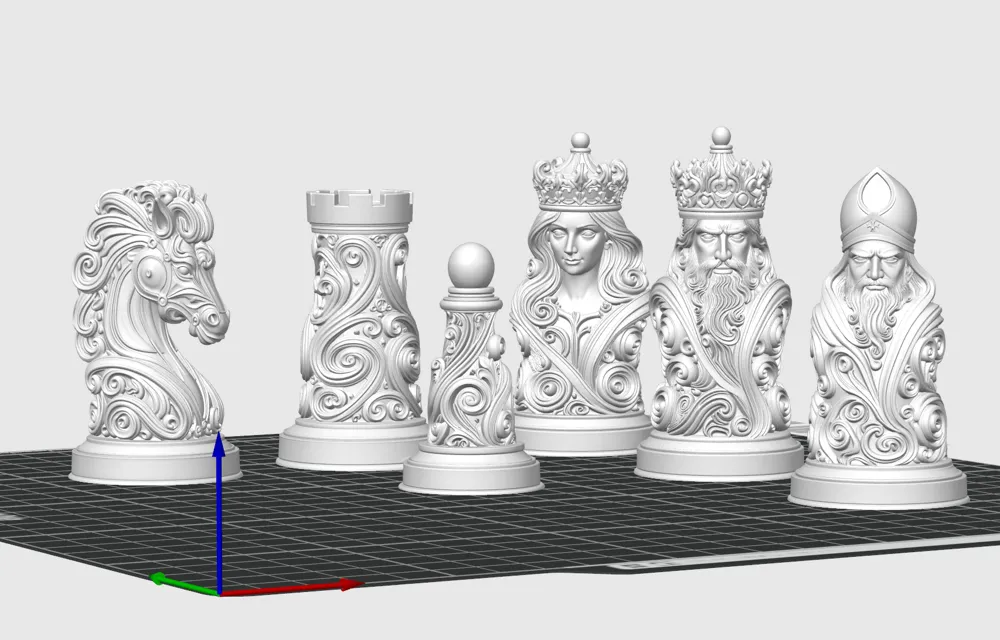
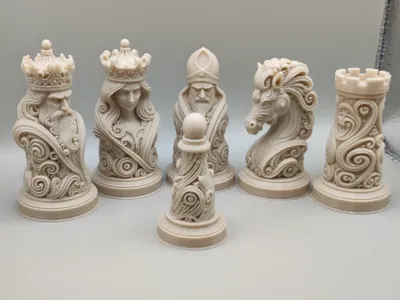
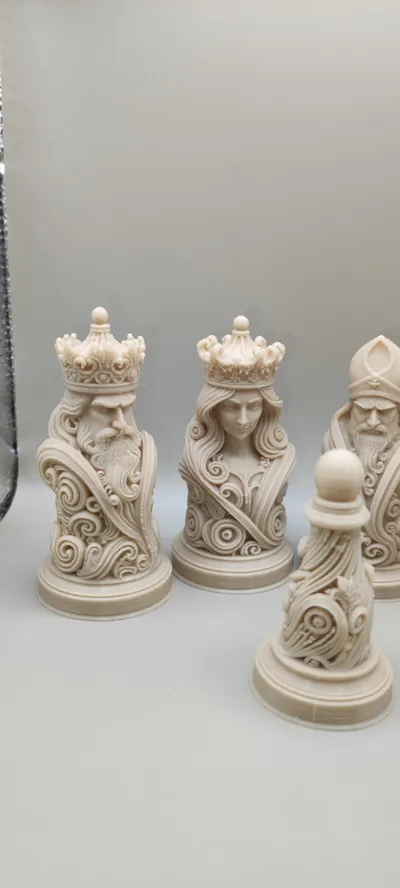
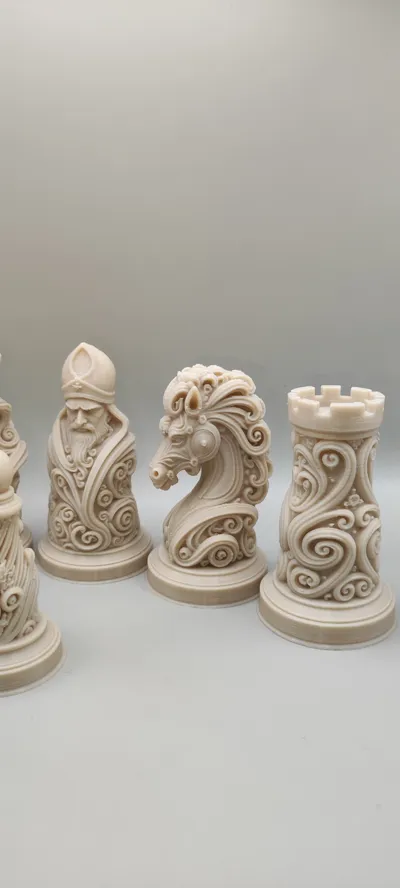
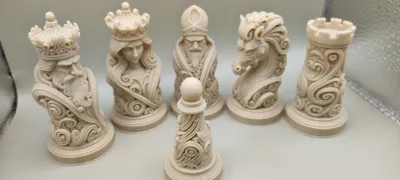
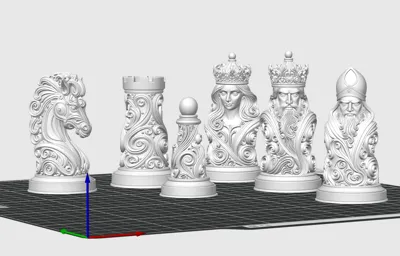
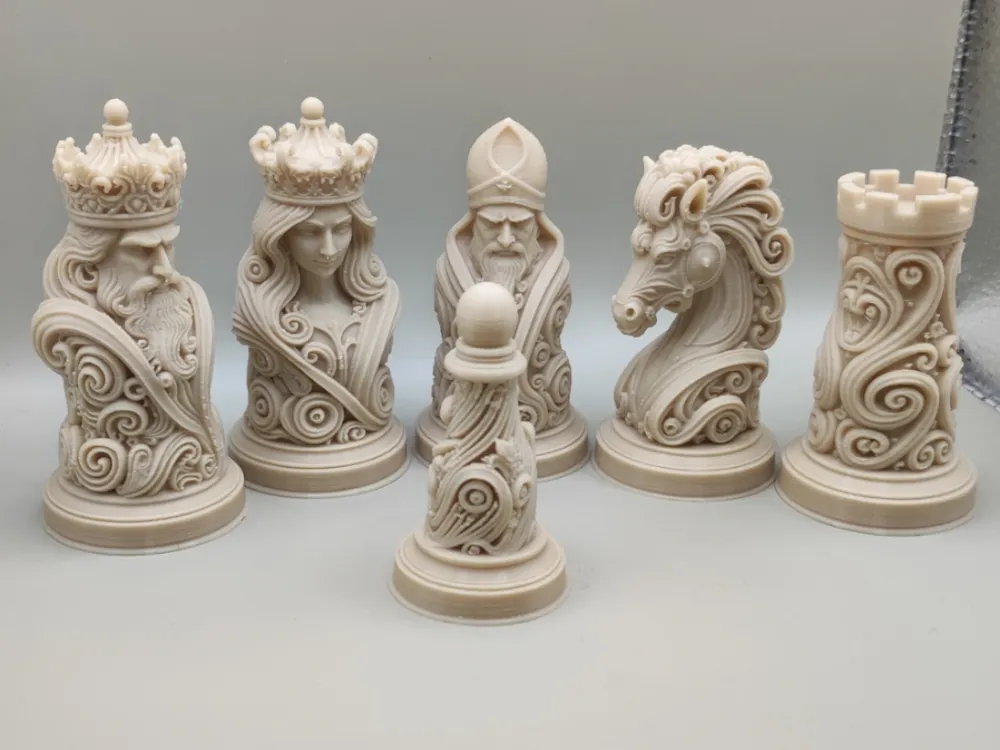
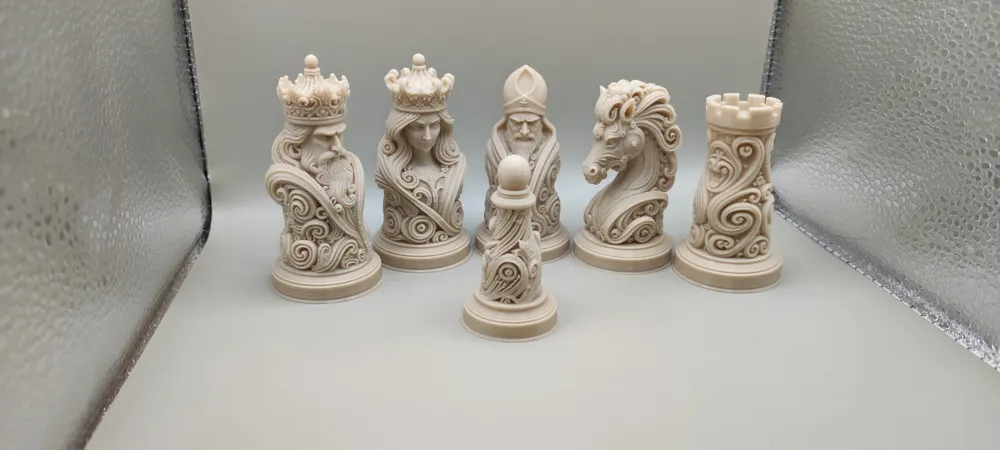
Imperial Baroque CHESS set


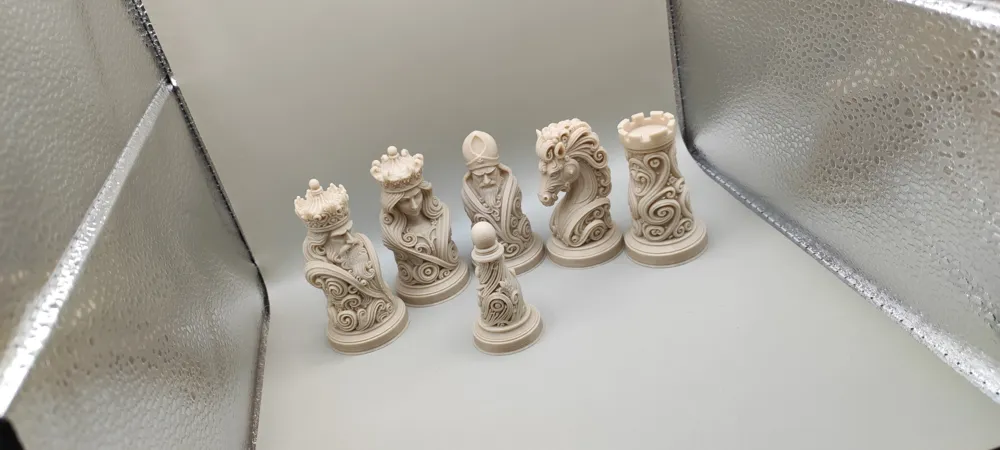
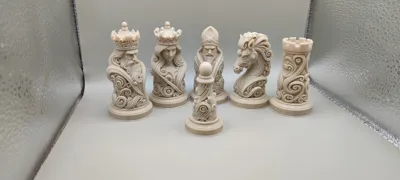
I printed them, the tallest figure is 80mm, the rest are correspondingly smaller. 
Of course, you can scale them up to make them even bigger, they'll look even nicer :)


eSUN High Speed PLA+ filament (Bone White)


*0.12mm High Quality @BBL A1; 0.4 nozzle; 3 walls, 95% infill


I publish my models only on the MakerWorld.com platform.

Happy printing!
 

Boost Me (for free)

One small “BOOST” click, one giant leap for my project. Happy printing!


To print my models before posting them on MakerWorld, 
I use the BambuLab A1 and P2S printer + the [BIQU Panda Buildplate CryoGrip] and [BIQU Panda Buildplate CryoGrip Pro Frostbite] plate, 
which has much better adhesion than standard PEI. 
Remember to make sure before you start printing that your plate is ready for printing, it should be clean and degreased.


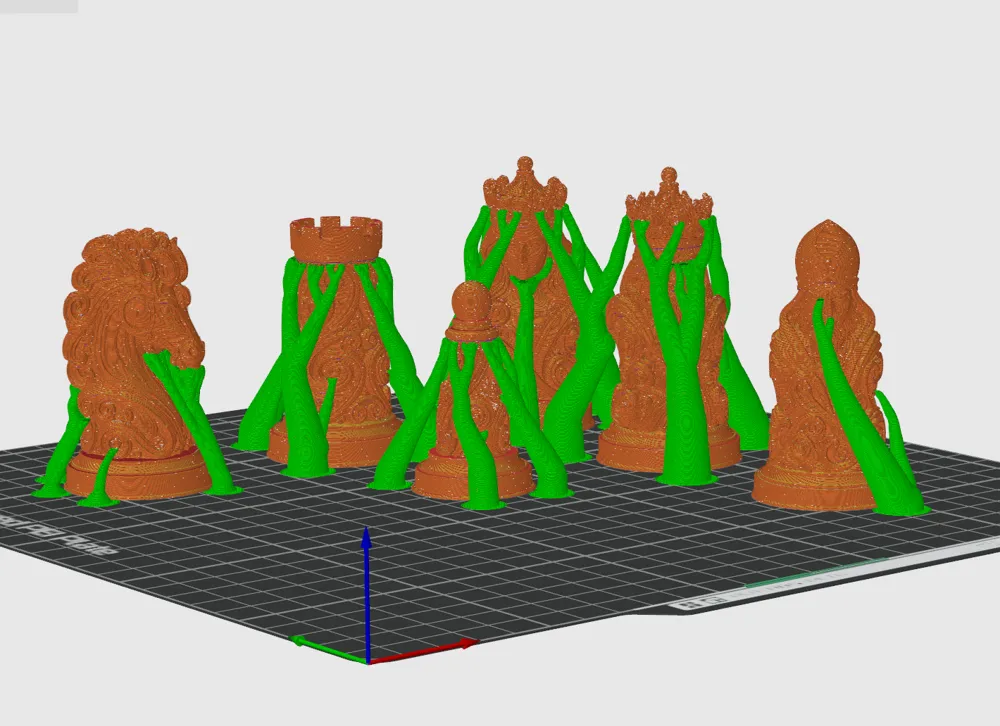
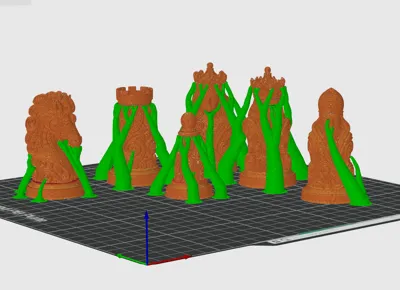
The models are so detailed that you need to be careful when removing supports for small elements (e.g., hands, fingers). Of course, this problem is significantly minimized when printing at a larger scale. Remember to exercise extreme caution.

Make sure the print profile is adjusted to the filament you're currently printing with. 
Remember to adjust the print parameters to the filament you're printing with. 
Even regular PLA requires different print parameters, especially the Silk or Matte PLA versions. 
Also, make sure your filament is properly calibrated to ensure smooth prints.


Membership

Full Access Membership to Commercially sell my product!

Join

Comment & Rating (27)

(0/1000)

This is amazing! I'm getting some problems though with supports on the knight's head. It keeps breaking the support and will not complete - is there a setting you can recommend to fix this? I've doubled the zhop retraction distance - should I strengthen the support?
GIF
The designer has replied
0
Reply
It's clear you're experiencing a lack of adhesion to the build plate, as the support isn't breaking, but is simply falling off the build plate. Clean the build plate thoroughly before printing. You can also extend the first support layer, or reduce the support-to-object distance to 0, but you're clearly having a problem with adhesion to the build plate. Alternatively, increase the bed temperature. There are several options to solve this problem, but each printer and filament must be tailored to their specific needs; the model's print profile isn't a sure thing. Best regards, and happy printing.
0
Reply
Replying to @Atomic99 :
Thanks @Atomic99 , I've changed to the cooltack plate and will give it some spray adhesive for the next test. In the gif, you can see the head trying to print the chin and it's pushing the support off. In my last test with the cooltack, it worked better, but same thing, some collision and the support snapped, luckily the chin remained adhered to the body-to-body support.
0
Reply
Print Profile
0.12mm layer, 3 walls, 95% infill
beautiful! worth the wait, great detail. can't wait to print the rest of the team edit: I did print the whole plate so there are 5 or 6 pieces already.
(Edited)
The profile uploader has replied
1
Reply
Thank you very much for 5*
(Edited)
1
Reply
Thank you so much, too pretty I continue Marble PLA 0.16 layer 3 walls 15% infill
(Edited)
The designer has replied
Show original
0
Reply
Nice color.
0
Reply
Boosted
all your designs are very good
The designer has replied
Show original
0
Reply
Thank you very much for your support, it's great that you like my models.
1
Reply
Print Profile
0.12mm layer, 3 walls, 95% infill
great fantastic
(Edited)
The profile uploader has replied
0
Reply
Thank you very much for 5*
0
Reply
Print Profile
0.12mm layer, 3 walls, 95% infill
Beautiful!!
The profile uploader has replied
Show original
0
Reply
Thank you very much for 5*
0
Reply
I am new to the whole 3D printing thing, but LOVE the Imperial Baroque style chess set, to replace what I have, but is there a way to print more Pawns, instead of the full set a bunch of times ? Sorry to seem so clueless on this, but I am 😉
The designer has replied
0
Reply
Select the object you want to duplicate and the keyboard shortcut in BambuStudio "CTRL+K"
0
Reply
what size is the base of these chess pieces. I have an 11in x11in chess board and I’d like them to fit in those squares (just a tad over 1.25in x 1.25in). I would normally download and look on the slicer but I do not have access to my slicer. please and thank you! these pieces look really nice.
The designer has replied
0
Reply
At approximately 1.57 x 1.57 in, these are more of decorative chess pieces, but if you scale them to your needs, they will also be functional.
0
Reply
Print Profile
0.12mm layer, 3 walls, 95% infill
The profile uploader has replied
0
Reply
Thank you very much for 5*
0
Reply
Print Profile
0.12mm layer, 3 walls, 95% infill
The profile uploader has replied
0
Reply
Thank you very much for 5*
0
Reply

License

If you want to use this model commercially, please join my membership.
Join Now
This user content is licensed under a Standard Digital File License.

You shall not share, sub-license, sell, rent, host, transfer, or distribute in any way the digital or 3D printed versions of this object, nor any other derivative work of this object in its digital or physical format (including - but not limited to - remixes of this object, and hosting on other digital platforms). The objects may not be used without permission in any way whatsoever in which you charge money, or collect fees.