Search models, users, collections, and posts

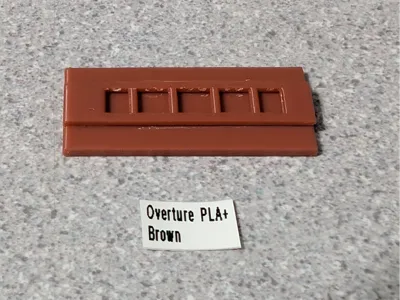
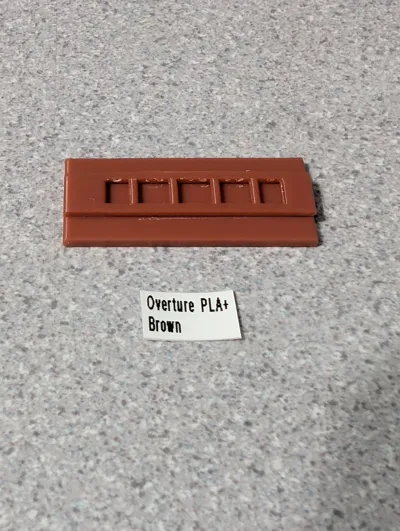
Cutting Guide for PolyNova Mini Filliment Swatch
IP Report
Print Profile(1)
0.2mm layer, 2 walls, 15% infill
Designer
19 min
1 plate
Open in Bambu Studio
Boost
0
0
0
0
0
0
Released
Description
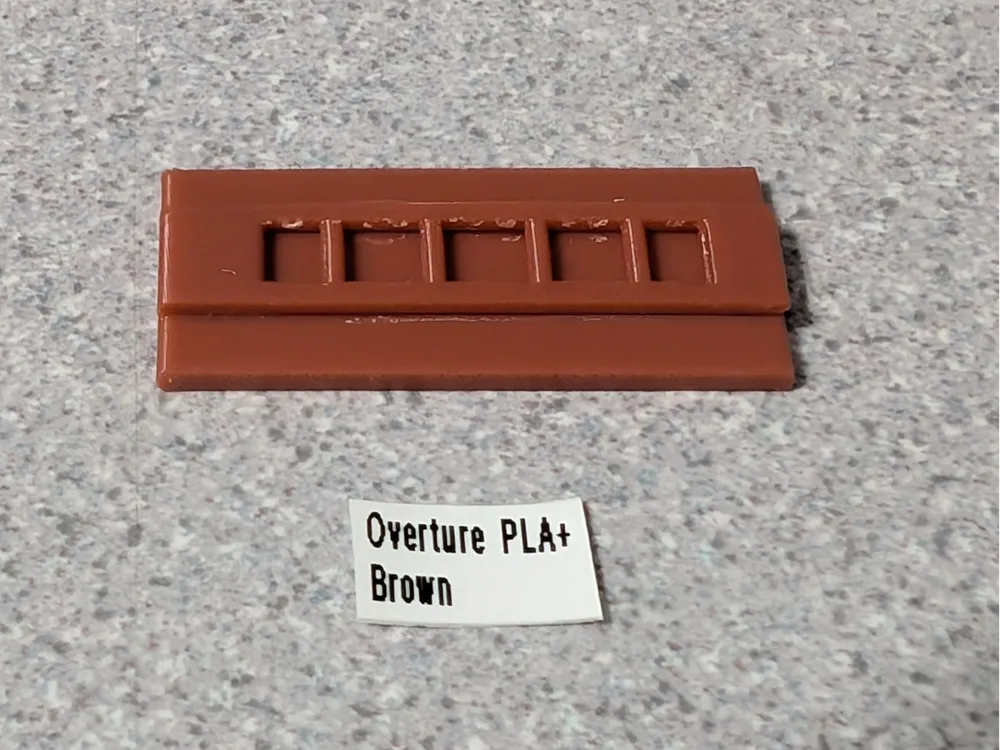
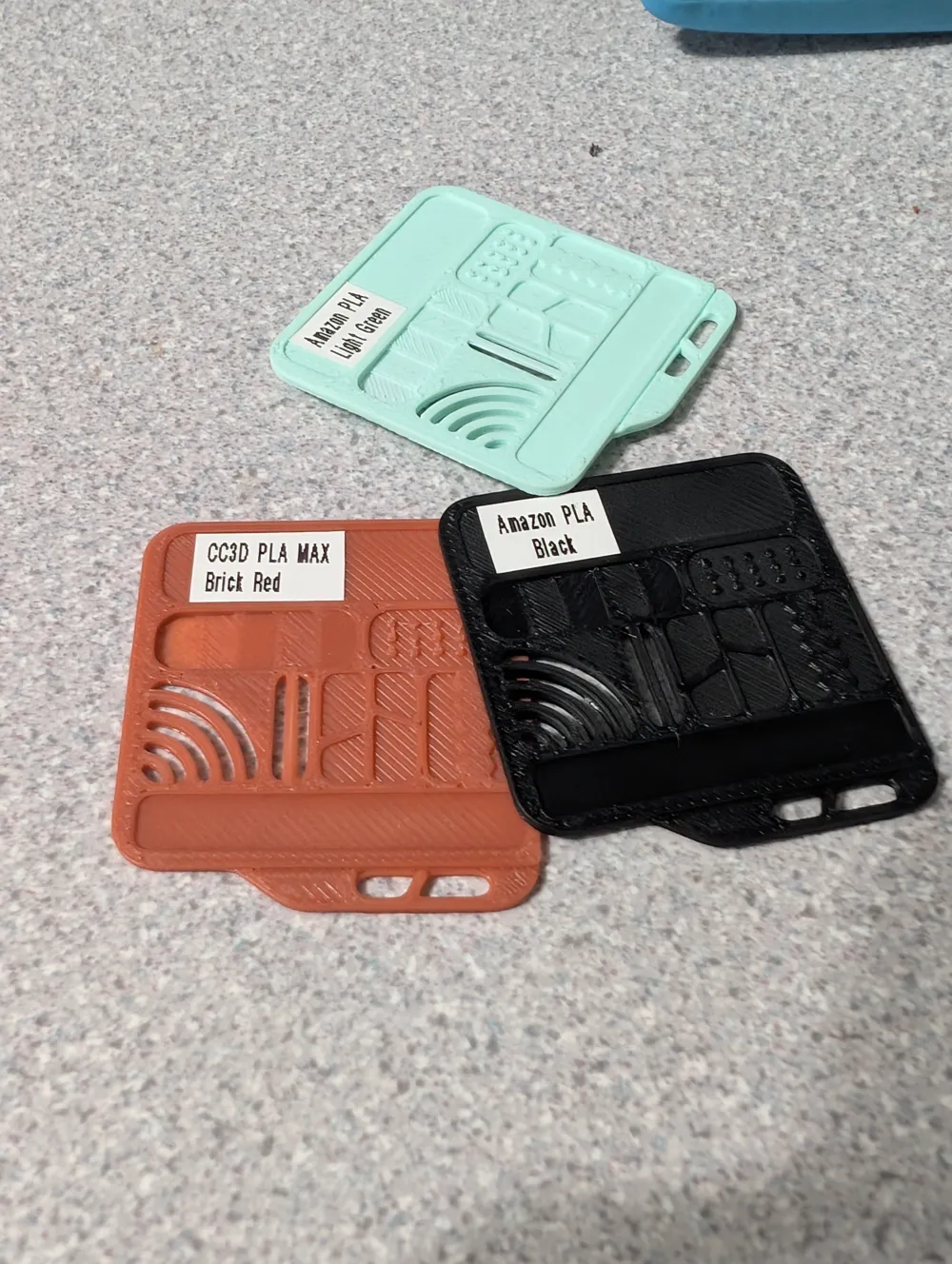
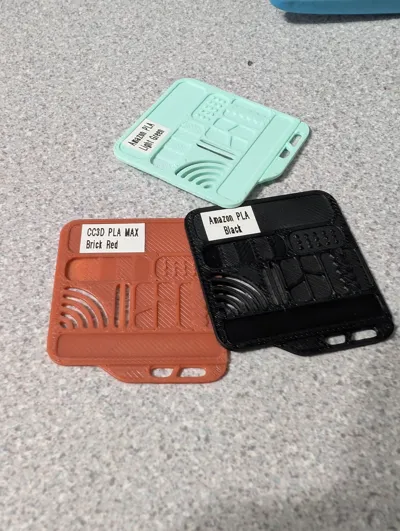
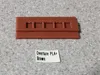
Printed some of PolyNova's Mini filament swatched but didnt care for printed text since I wanted more info on my swatches.
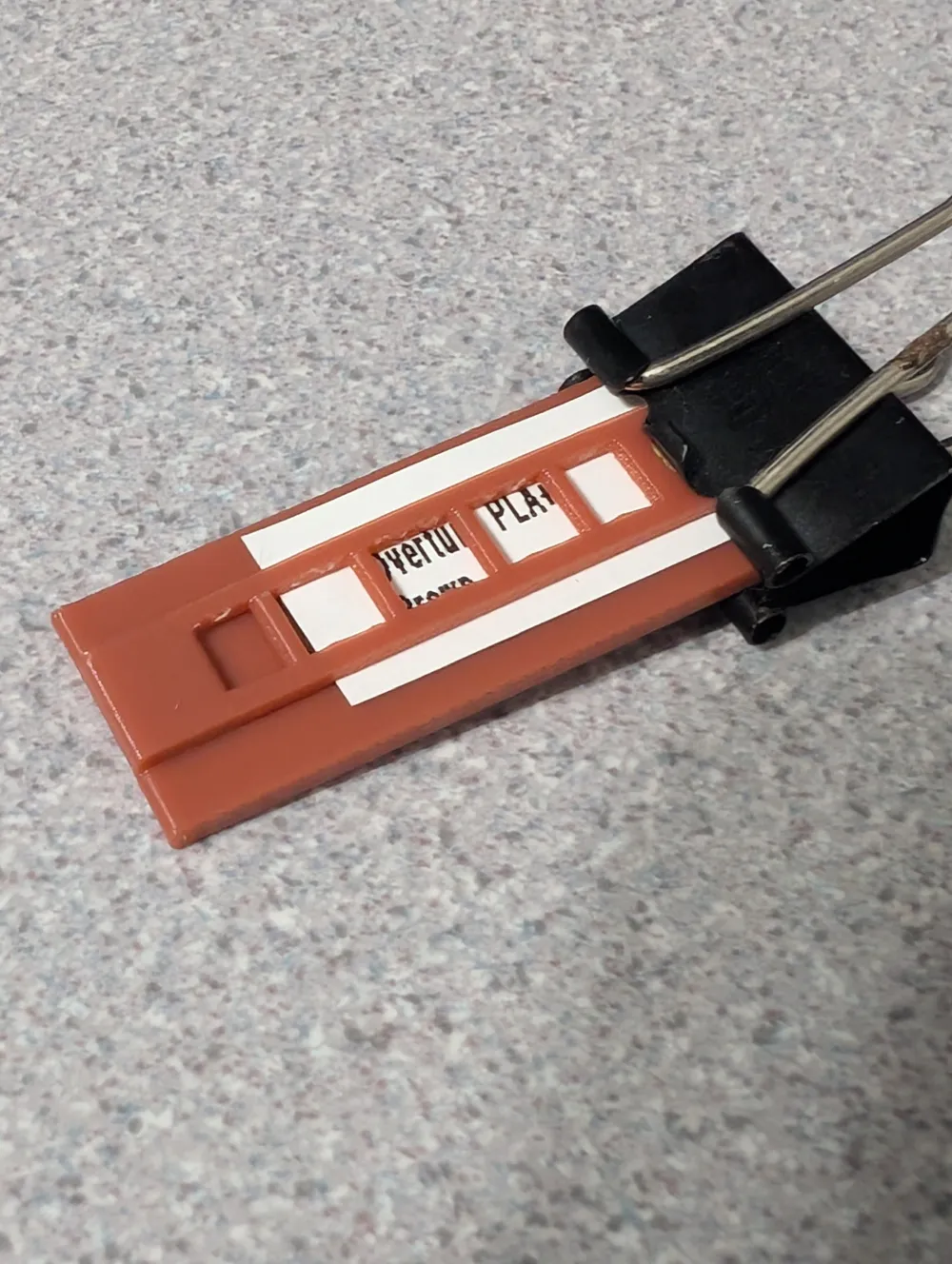
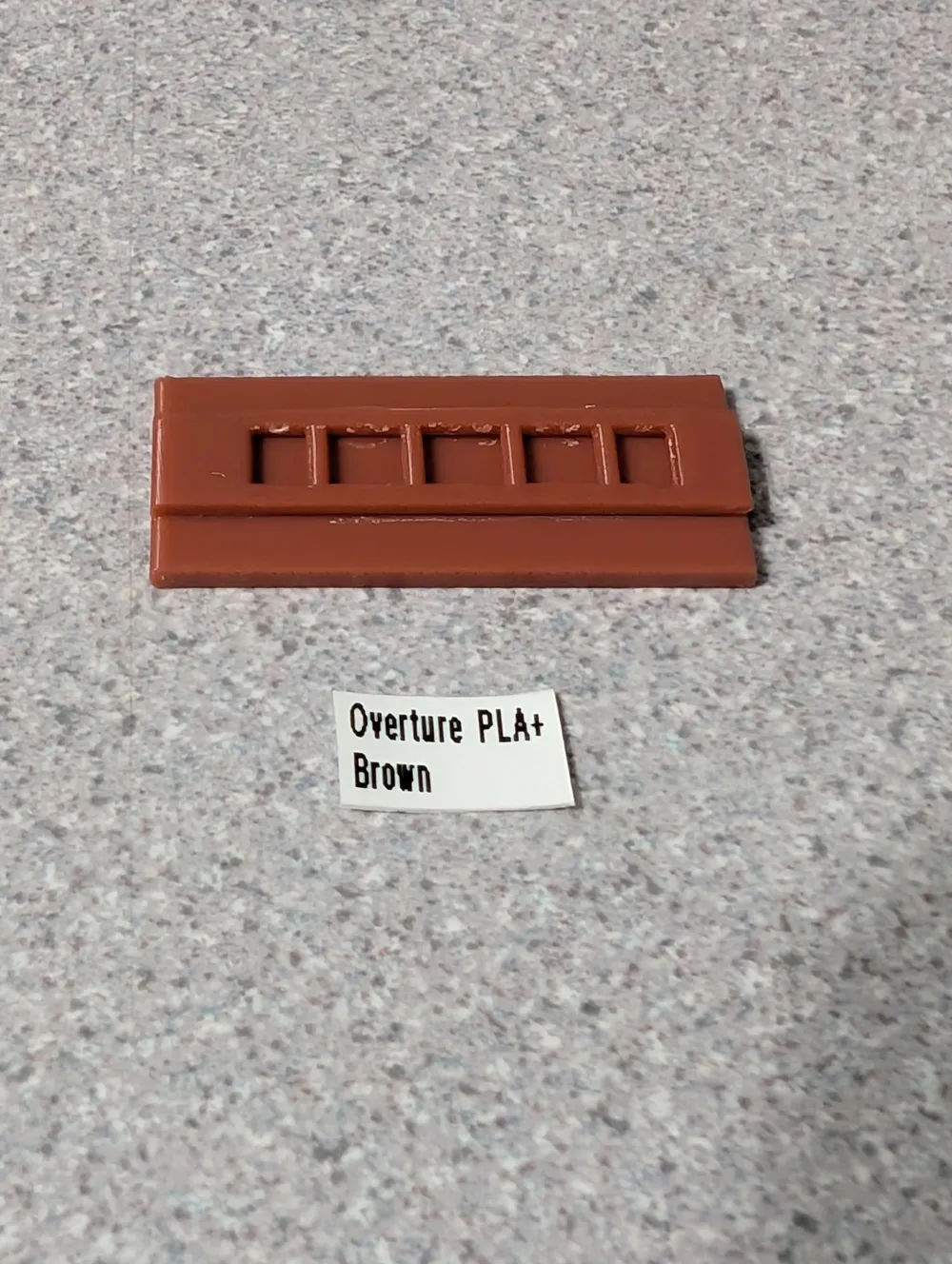
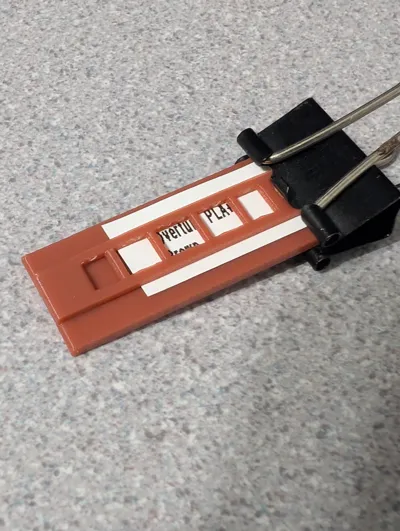
- Print the label and slide it under the clip centering the text the best you can.
- Clamp the side with a binder clip or something similar.
- Cut along sides of clip with exacto blade.
Clip might need freed from the cutting base with an exact after printing.
Filament used in photo example is CC3D PLA MAX Brick Red
Labels printed with Brother PT-90 label printer with small text and half width letters.
License

This user content is licensed under a
Creative Commons Attribution


Comment & Rating (0)