
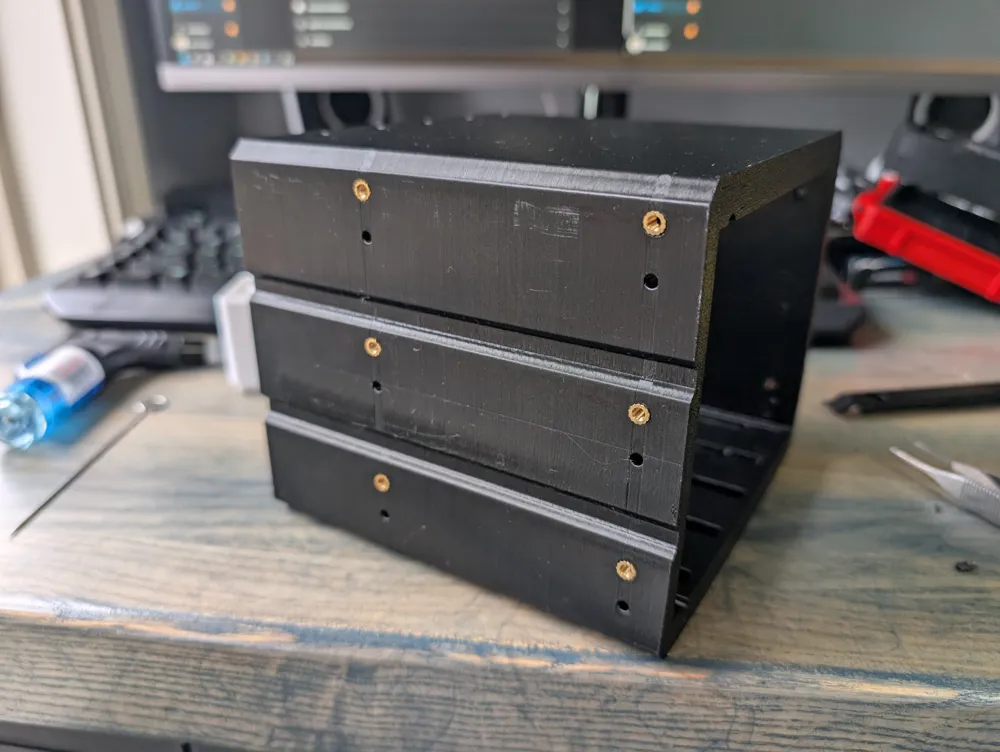
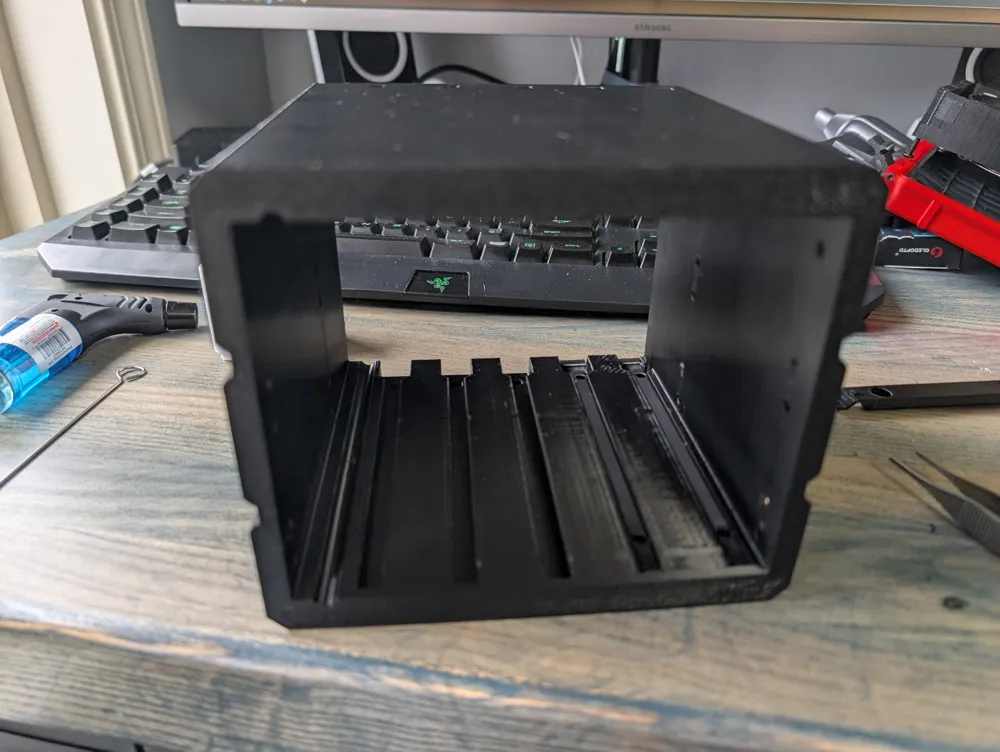
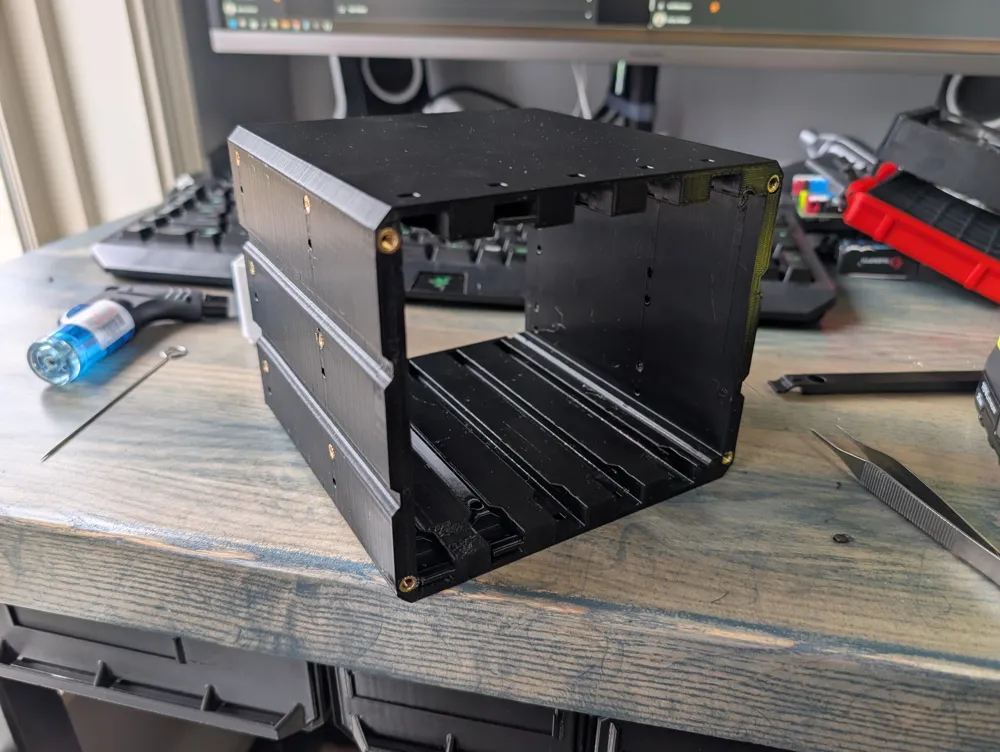
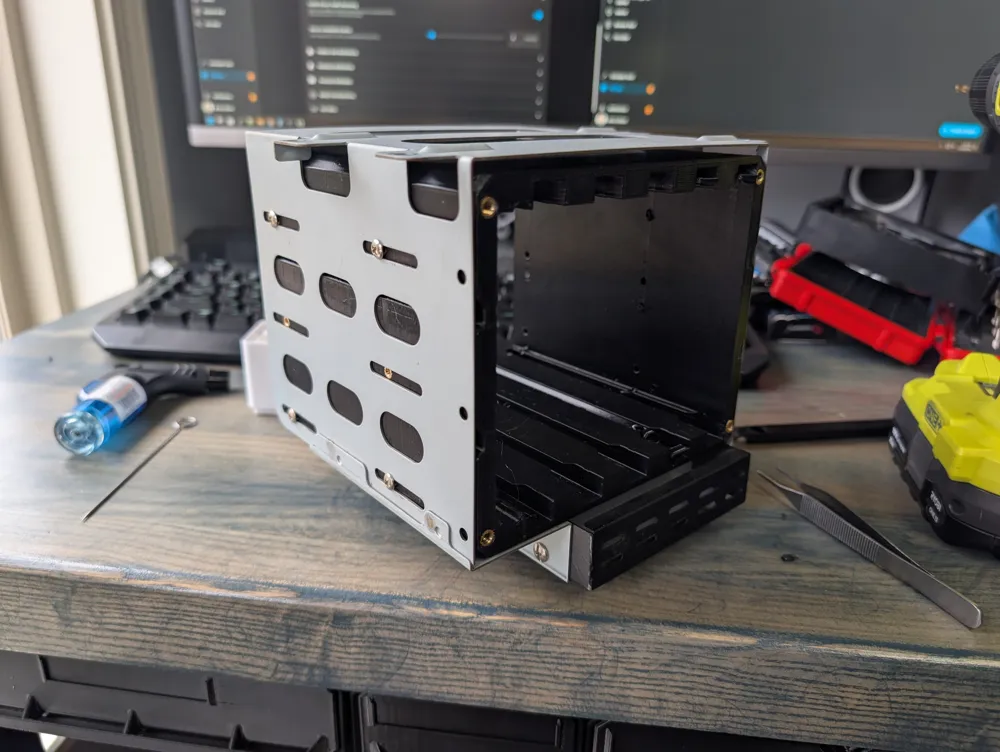
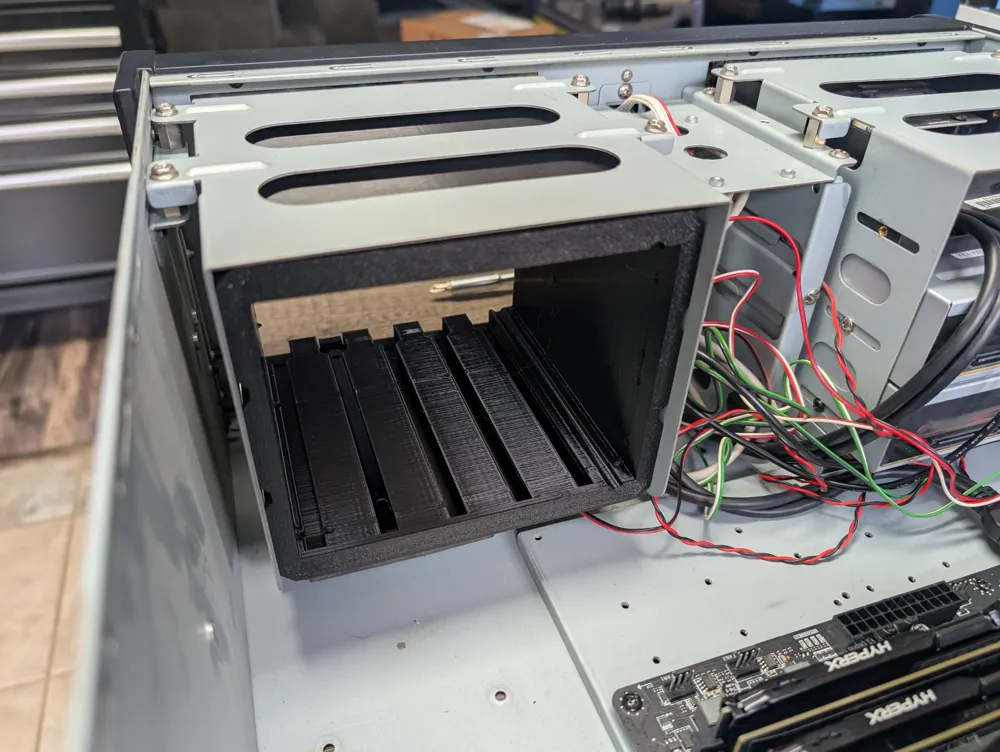
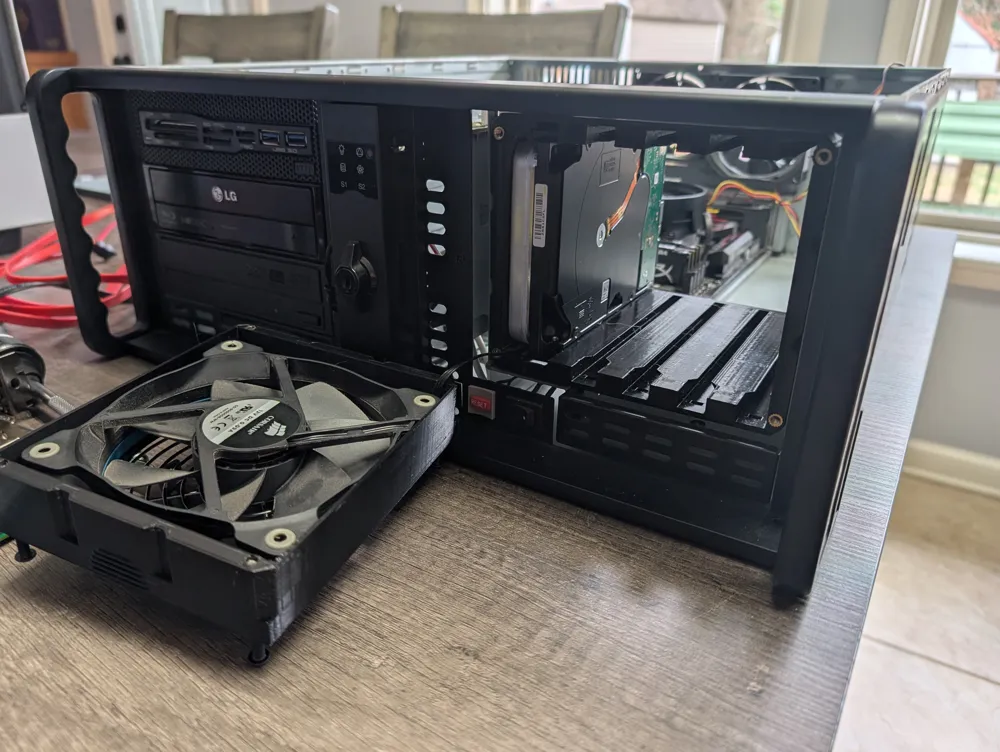
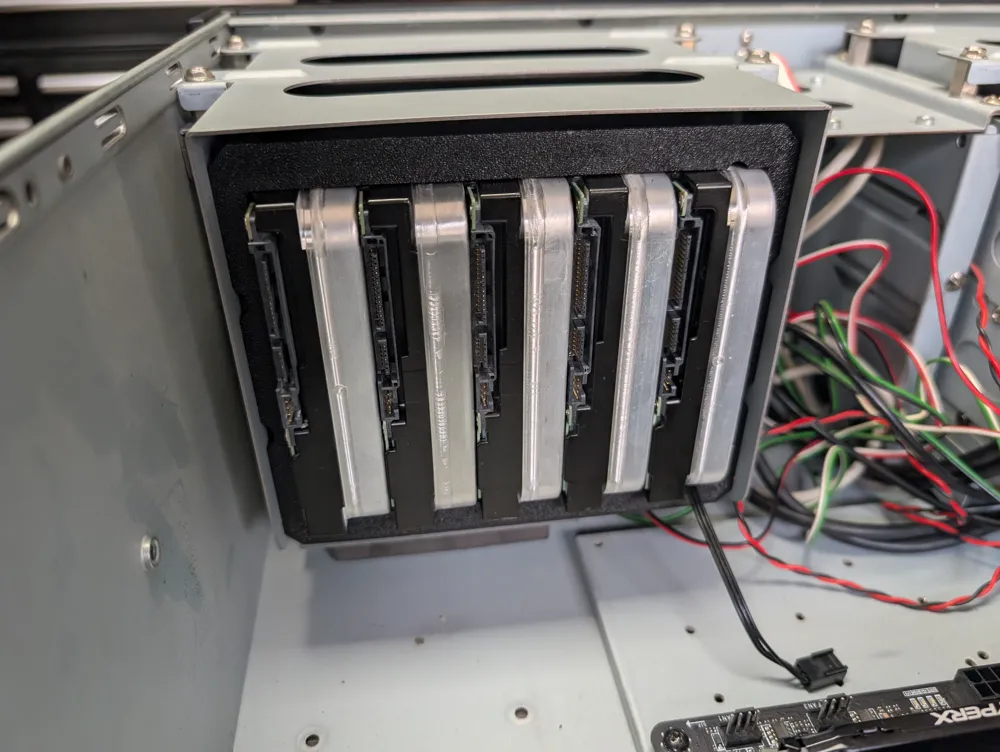
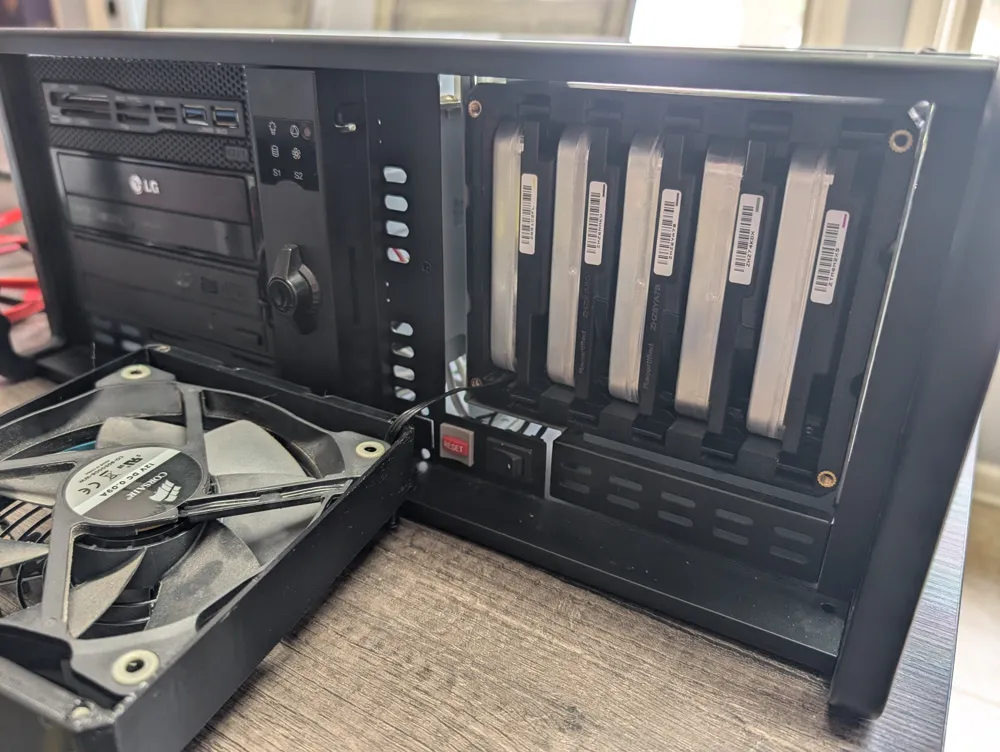
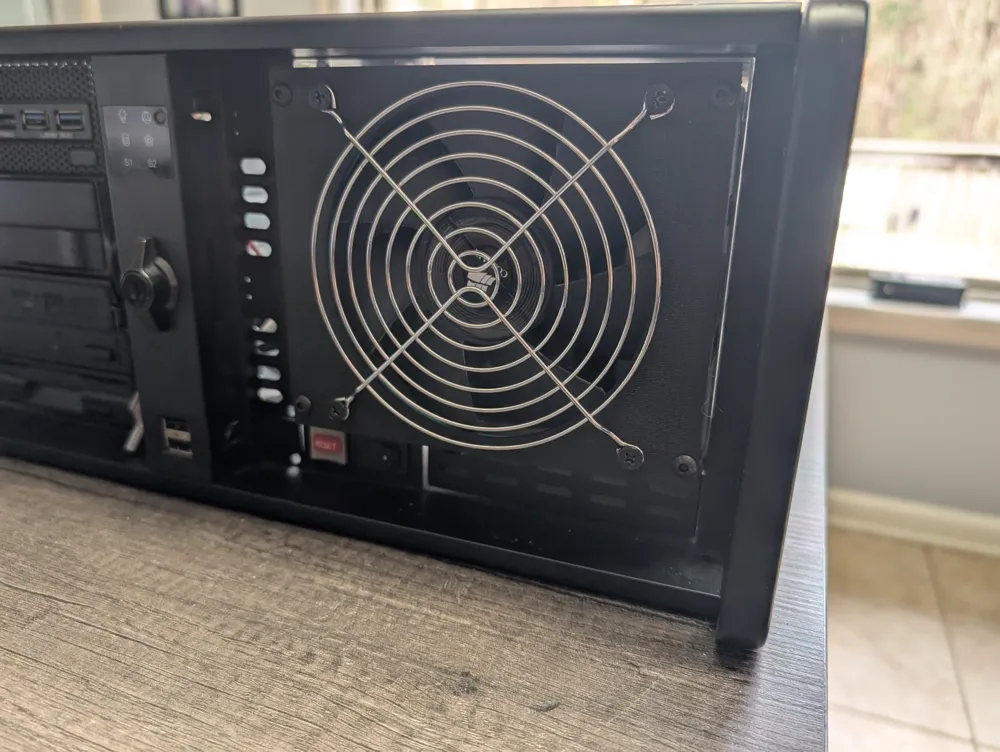
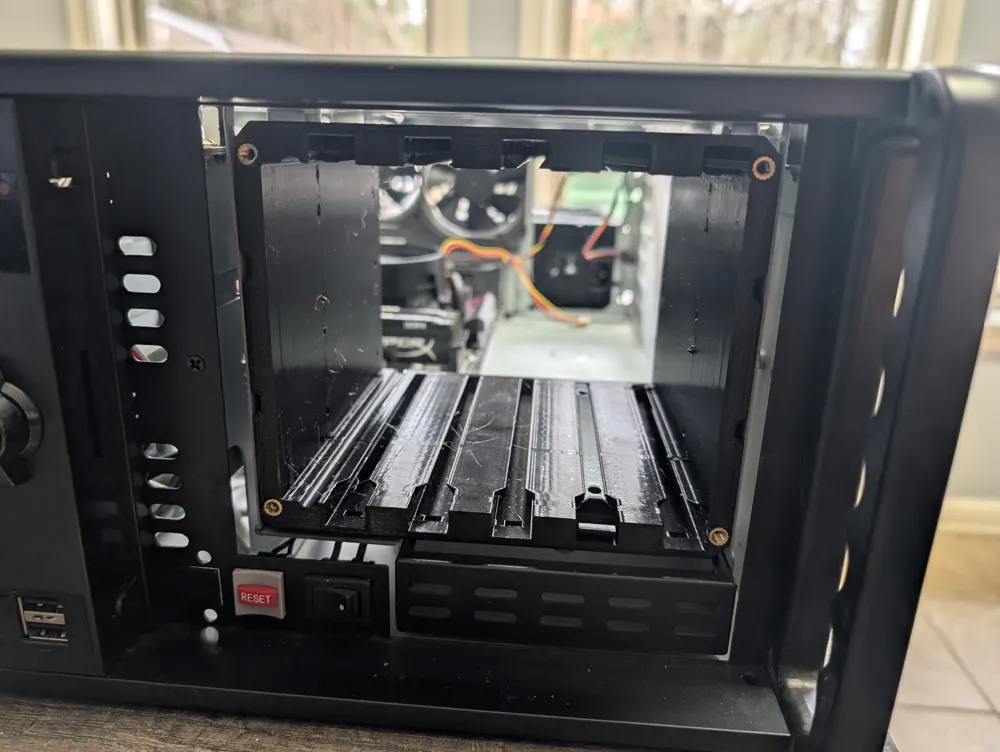
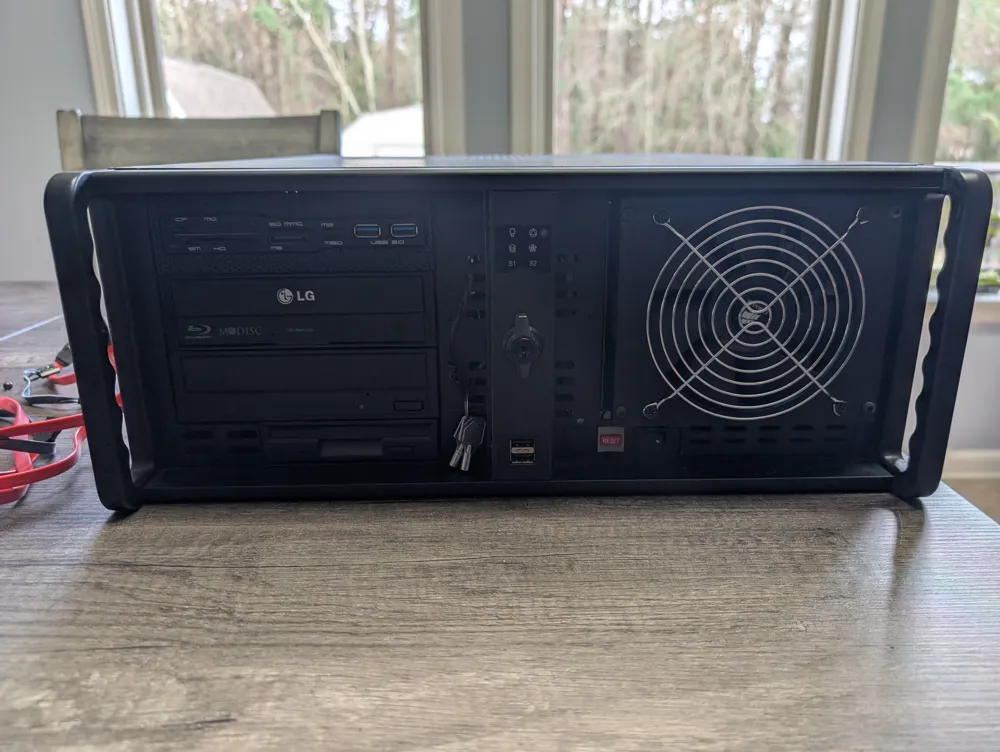
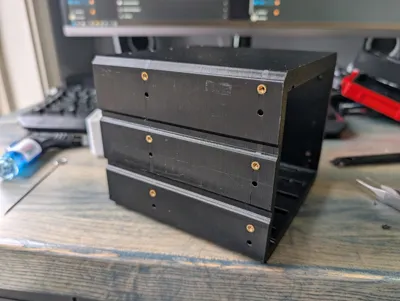
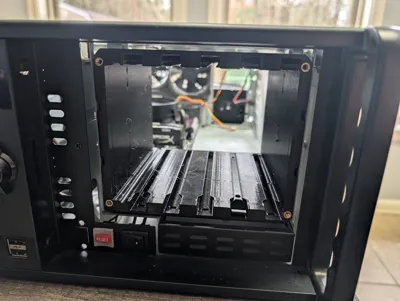
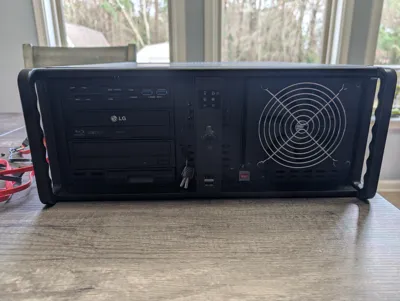
3 x 5.25in bay to five 3.5in hard drives cage
Print Profile(1)

Bill of Materials


Description
5-Drive 3.5" HDD Cage (3x 5.25" Bay)
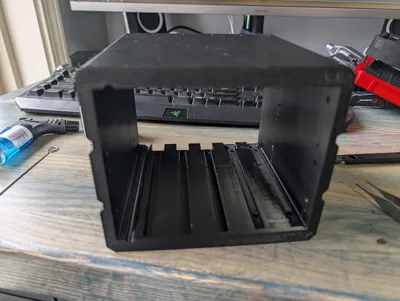
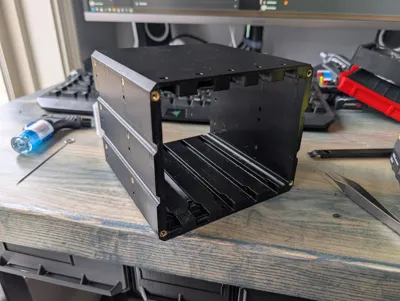
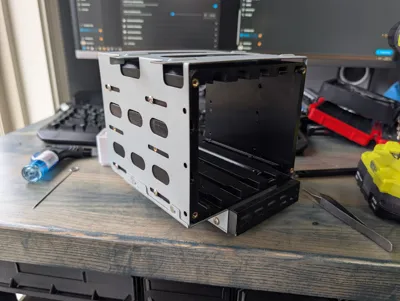
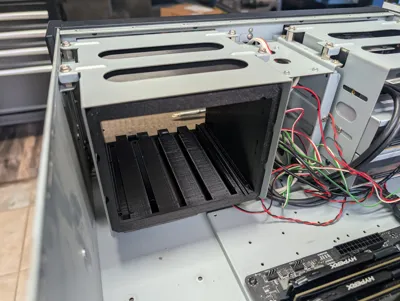
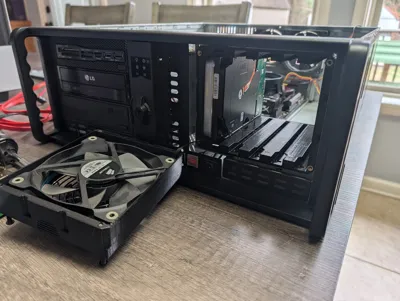
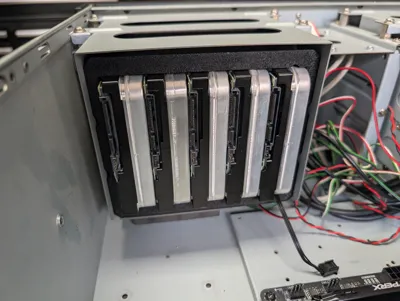
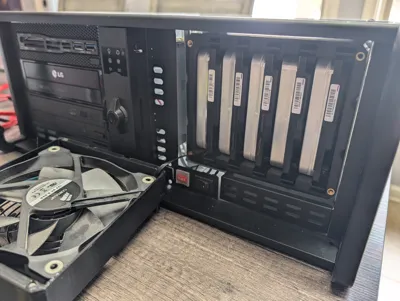
This is a high-density, parametric OpenSCAD model designed to fit 5x 3.5" HDDs into a standard 3x 5.25" drive bay stack. This design is an evolution of the proven 4-drive cage by AnthonyZ71, optimized for the maximum possible storage density (5 drives) while maintaining structural stability and cooling.
⚠ CRITICAL: The "0.1mm" Challenge
Fitting 5 drives into a 146.1mm wide bay is mathematically at the limit. After accounting for the 5 drives and the 7.5mm structural side walls, you are left with only 0.1mm of total clearance.
DO NOT skip the test print. Open cage_5drive.scad, set PART = "single_slot_test", and print it first. If your rail doesn't slide in smoothly, you must adjust the tolerance parameter in OpenSCAD before committing to the 18-hour main cage print.
🛠 Features
- Maximum Density: Fits 5 full-sized 3.5" HDDs in 3 bays (Maximum limit).
- Parametric: Supports configurations for 3, 4, or 5 drives (defaulted to 5).
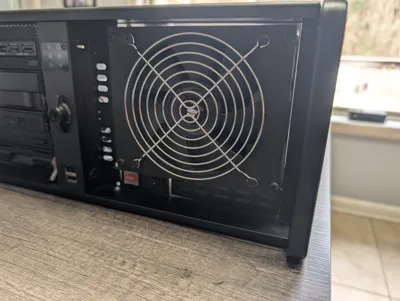
- Fan Support: Integrated shroud for 120mm fan with multiple grill styles.
- Mounting Styles: Toggle fan_mount_style between Heat-Set Inserts ("heat_set") or Snap-Pins ("snap_pins").
- Maximum Airflow: Completely open-back design for high-RPM drives.
📦 Print Settings & Parts List
Set the PART variable in OpenSCAD to render each component:
| Part Name (PART) | Qty | Material | Settings | Orientation |
| cage | 1 | PETG / ABS | 0.2mm layer, 3-4 walls, 25% infill | Back flat on bed |
| rail | 10 | PETG | 3 perimeters, No Supports | On edge (long side down) |
| fan_shroud | 1 | PETG / PLA | 0.2mm layer, 20% infill | Face down |
| single_slot_test | 1 | Same as Cage | Same as Cage | Print this first! |
| fan_mounting_pin | 4 | PETG | 100% infill | Only for snap_pins style |
Note: PETG is highly recommended for the cage and rails to handle drive heat and provide the necessary "spring" for the rail tabs to lock into place.
⚙ Calibration & Parameters
If you need to customize the fit, adjust these key variables in the code:
- drive_count: Default is 5. While the code allows lower numbers (3 or 4), 6 drives will not fit within standard 5.25" bay dimensions.
- tolerance (Default: 0.1mm): The most important setting.
- Too tight? Increase by 0.05mm.
- Too loose? Decrease by 0.05mm.
- spacing_w: Set to 7.5mm. This is required for 5 drives. Do not reduce this or the cage walls will become structurally unsound.
- insert_depth: Defaults to 10mm. Ensure your screws are long enough to utilize the full depth.
🔧 Assembly & Hardware
- Calibration: Attach rails to an HDD and test in the single_slot_test print. Adjust tolerance until the fit is snug but smooth.
- Inserts: For "heat_set" style, use 4x M3 inserts (5mm L, 4mm OD) in the front bosses.
- Fasteners: * Rails: 20x M3x5mm flat-head screws.
- Fan Shroud: 4x M3x10mm screws.
- Case: Standard M3 fine-thread computer case screws.
❓ Troubleshooting
- "Rails are snapping": You likely printed them flat. They must be printed on their side (edge) so the layer lines run the length of the tab.
- "Won't fit in case": Verify cage_w in the OpenSCAD console is 146.1mm. If your printer over-extrudes, the cage will be too wide for the bay. Check for internal case tabs that may need flattening.
Credits: Based on the original 4-drive design by AnthonyZ71. Fan grill logic by OutwardB. Snap-pins by Emmett Lalishe.
This remix is based on

License



Comment & Rating (2)