Search models, users, collections, and posts

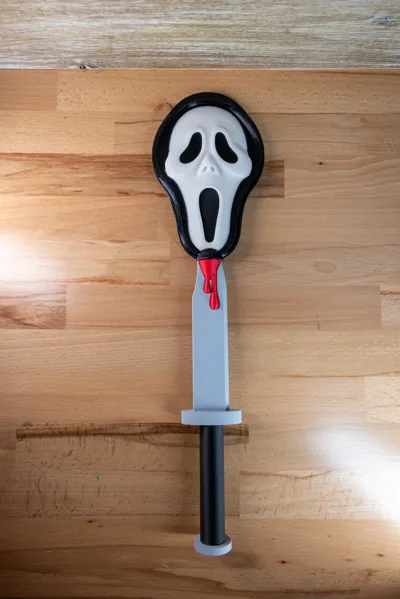
Tap to Pay Scary Mask Design
Print Profile(2)
All
H2D
A1
X1 Carbon
H2C
X1E
H2D Pro
P1P
A1 mini
H2S
P2S
X1
P1S

Glue Version
Glue Version
Designer
5.4 h
4 plates
5.0(3)

Multicolor Version
Multicolor Version
Designer
6.7 h
3 plates
5.0(2)

Open in Bambu Studio
Boost
169
410
43
3
88
72
Released 

Description

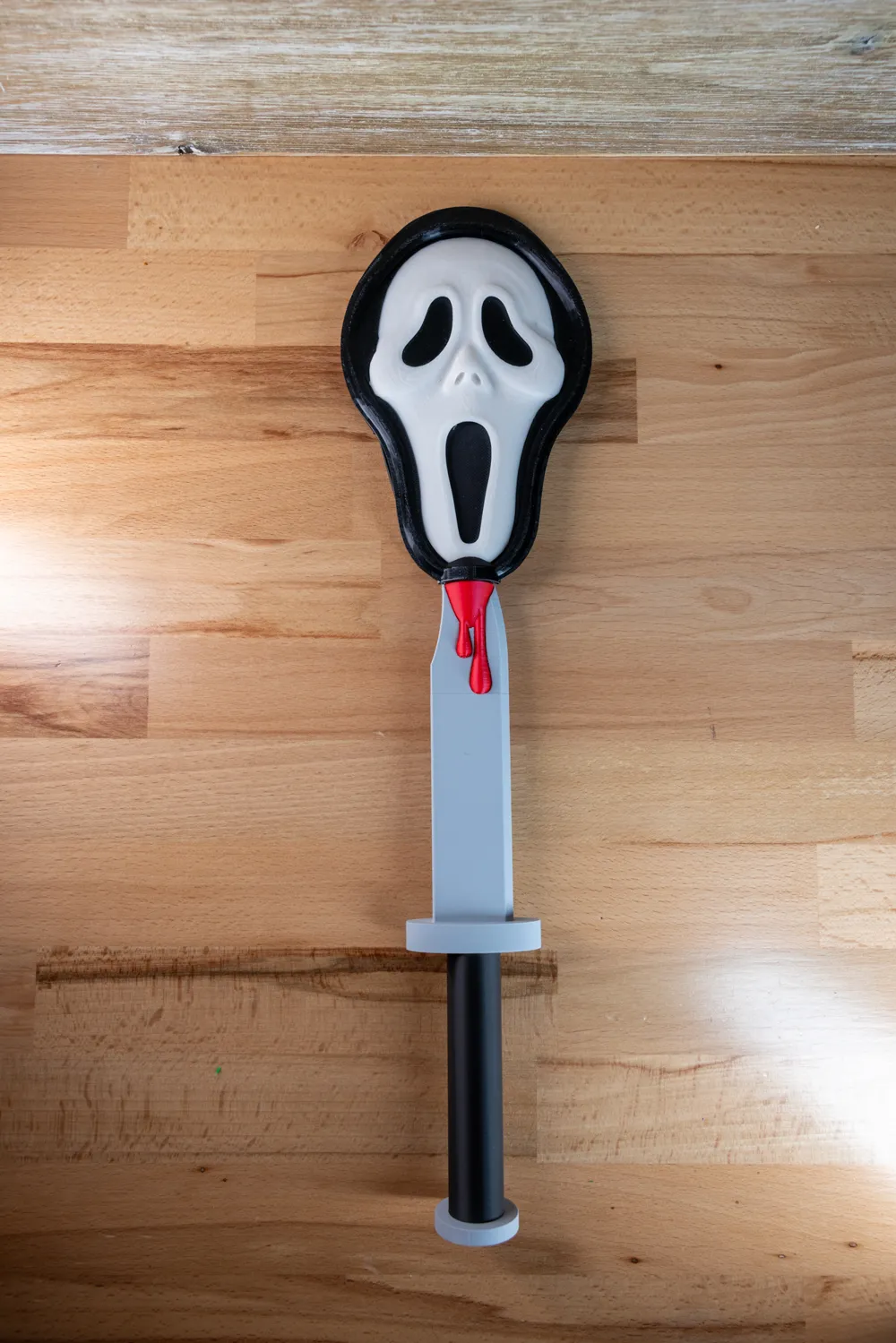
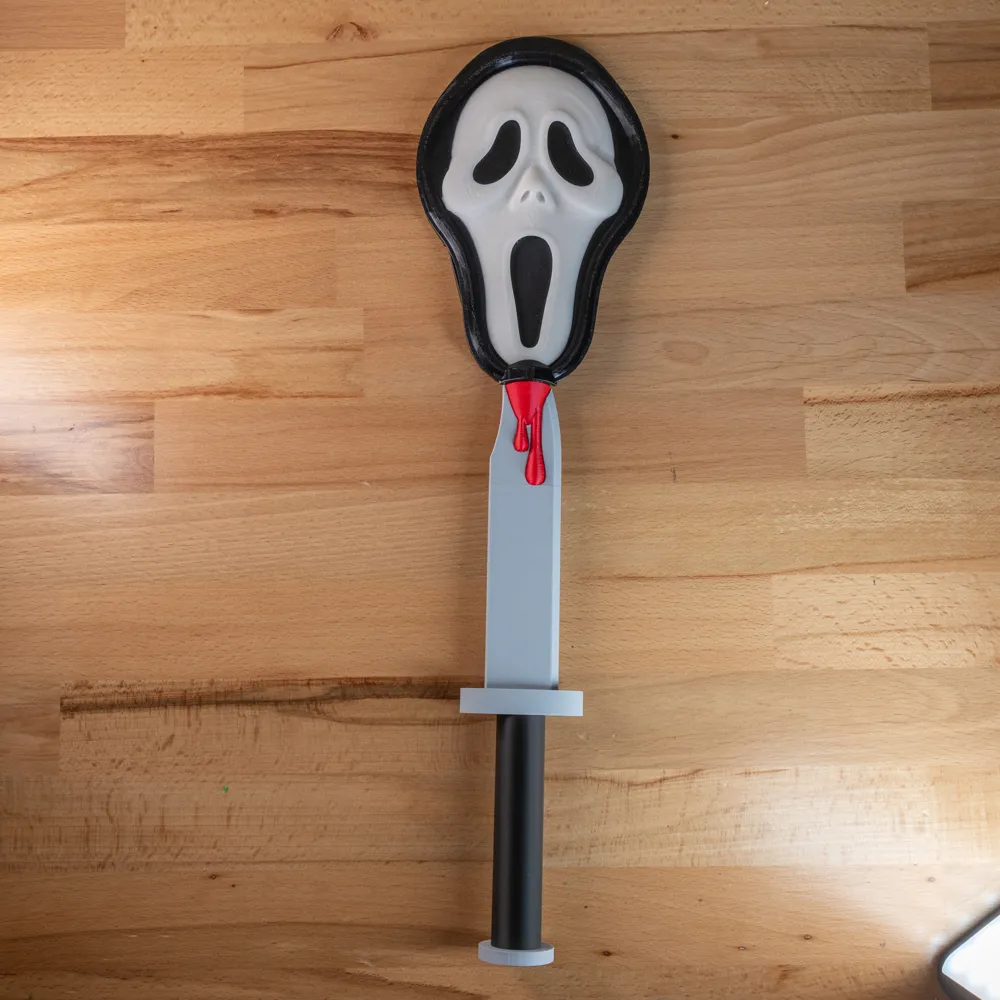
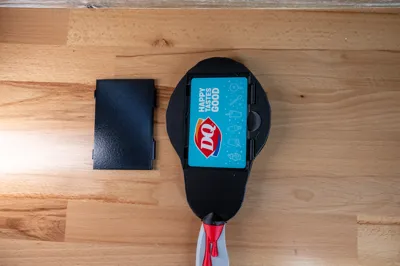
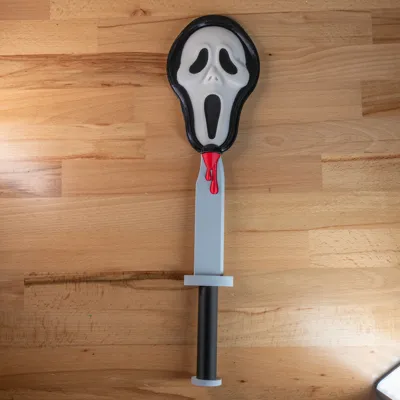
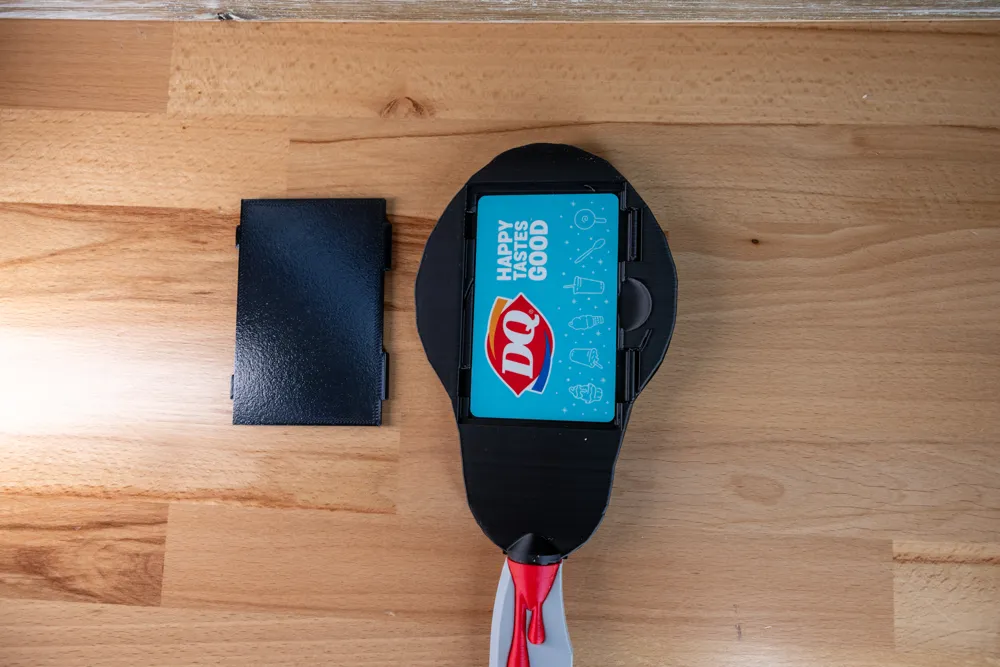
A tap to pay credit card scary mask design.  Credit card goes in the other side f the mask then you put the door on and then you can use it to tap-to-pay at locations (provided your card has a chip)

Two Versions:
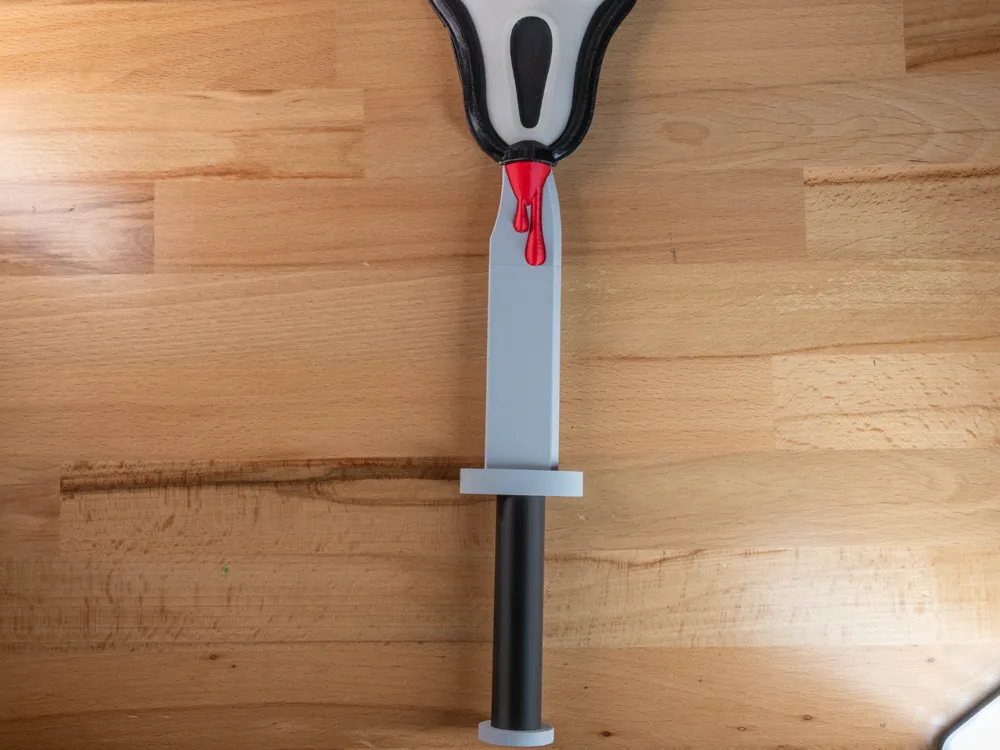
Regular: Multicolor print for the blood/knife
Glue: The blood and knife print separately for less waste and time but you will need to glue them


See all my Tap-to-Pay designs here https://makerworld.com/en/collections/20623205-tap-to-pay-designs


Pictures: I love seeing pictures of your final prints from my design (genuinely).  If you are doing cake pops I love seeing the final cake pops also!

Design requests: If you have a design request feel free to send me a message regarding it and if it's something I can do I will give it a try!


Ratings: If you rate less than a 5 star rating please provide detailed reason as to what the issue is and pictures if possible.  I'm always looking to improve designs but can't do so without feedback.  Please make sure the issue isn't related to your specific setup/filament and keep in mind silk filament tends to be weak.

Please boost!! Boosting my designs helps me fund my hobby and keeps the designs coming!  Thank you to all that provide boosts!

Boost Me (for free)

Selling: If you would like to sell prints of my designs please please subscribe to my membership.  I think I have the memberships priced affordably for most people and the funds help me continue my hobby and cover filament/maintenance.  Thank you for those who subscribe and don't steal the designs.

Membership

Join

Comment & Rating (43)

(0/1000)

how can I make the lines smoother ? I turn in iron setting already it looks rough
The designer has replied
0
Reply
decrease the layer height but it'll increase your print time
0
Reply
Replying to @dry3210 :
to what? it's currently at 0.20
0
Reply
Replying to @MissRand0m90 :
I would try 0.12. You could do 0.08 but it'll increase print time by a lot probably
0
Reply
Print Profile
Multicolor Version
Generally printed very well. Had some assembly issues with the ghost face not lining up with the raised areas where the card goes. Designer mentioned fixing this issue after I shared. I cut off the raised parts and glued them together.
(Edited)
profile
1
Reply
did I do the glue version multi color? I'm having trouble with the blood connecting with the head it's not clicking in
0
Reply
Replying to @MissRand0m90 :
I did the multi color, so the blood printed with the knife part.
0
Reply
I’m havin trouble with same piece
0
Reply
Do you think you could make a pirate saber?
The designer has replied
designer
1
Reply
I was thinking it would be really cool to have a pirate-style hilt or guard around the hand, something like the original saber print but with a swashbuckling twist. Let me know if that’s something that could be possible! Thank you so much for your amazing designs!
designer
1
Reply
Replying to @usermeganprints :
So I do have a machete/sword design already. However more of a pirate saber creates a challenge given the curve would not allow the CC to go in through the bottom. I have a door design on this one but for a blade it would make it looks silly on the side the door is on. I'll need to put some thoughts into if I can figure out a solution. Also, I have no idea what swashbuckling twist means!!!
designer
2
Reply
Replying to @dry3210 :
Thanks so much for your reply! Totally understand, by “swashbuckling” I just meant giving it a little pirate flair, like a hand guard or hilt that feels more “pirate-y” rather than a plain saber lol!! I think it could still work as a straight sword if a full curve is tricky, or maybe the end could be a slight sharp curve. Excited to see what you think might be possible!
designer
1
Reply
im having issues with the black bleeding through the white. ive increased my purge, but it seems like the top layers are too thin and allowing the black to come through. ive tried 3 different white pla and still same issue
The designer has replied
0
Reply
I would possibly try another white from another brand. For instance Sunlu white is semi transparent which makes it great for lithophane and light box prints but maybe not for things like this. As much as I don't like eSun their white is pretty opaque. unfortunately making the design thicker may cause too much strain on the connections with added weight
0
Reply
I cannot get the ghostface mask to line up with the black base. The 2 pieces sticking up from the black base do not line up with the parts on the back of the scream mask. :/ Huge bummer to find this out after spending around 11 hours to print all the parts on the P2S. :/
The designer has replied
0
Reply
you need to really push. it's designed to be tight
0
Reply
Replying to @dry3210 :
I did push hard but one side clicks in and the other doesn’t line up.
0
Reply
Replying to @user_3854297957 :
Unfortunately it looks like you are correct and that things shifted in the design. I've fixed it and reuploaded but it would require a reprint of both the CC holder and the mask. Alternatively you could cut off the tabs/clips and glue it on. Or if you message me your address I'll mail you the one I printed.
0
Reply
when I print the blood drips they come out printed together and it won't attach to the knife
The designer has replied
0
Reply
can you post a picture?
0
Reply
Replying to @dry3210 :
This is the issue I am having also Printkng with the AMs is extremely long and a lot of waste so having this issue fixed would be amazing
0
Reply
Replying to @MichelleRogan :
Oh yeah. They aren't designed to be printed separate. Depending on your printer and your setup this is just a fundamental issue with multicolor prints as far as taking longer and having more waste (better printers tend to have less and printer faster but still have waste and add time when doing multicolor. I can likely split the two parts to allow them to be glued on but I personally find glue to be a bad alternative as it tends to look worse and break easy.
0
Reply
Print Profile
Glue Version
profile
1
Reply
Would there be anyway to separate the blood from the knife to save on filament and time?
The designer has replied
0
Reply
only if you want to for glue it
0
Reply
Replying to @dry3210 :
The below comment is the issue I’m referring to also
0
Reply
did you do the glue file? if so I would like to know how you got the head to screw into the blood?
0
Reply
Print Profile
Glue Version
Great item, would print again
profile
1
Reply
has these file been fixed? i see people had issues but want to make sure before i print
The designer has replied
0
Reply
the regular version should be good. the glue version works in all my testing but one person for some reason still couldn't get it to work. the mask does take a bit of love to click in
0
Reply

License

If you want to use this model commercially, please join my membership.
Join Now
This user content is licensed under a Standard Digital File License.

You shall not share, sub-license, sell, rent, host, transfer, or distribute in any way the digital or 3D printed versions of this object, nor any other derivative work of this object in its digital or physical format (including - but not limited to - remixes of this object, and hosting on other digital platforms). The objects may not be used without permission in any way whatsoever in which you charge money, or collect fees.