
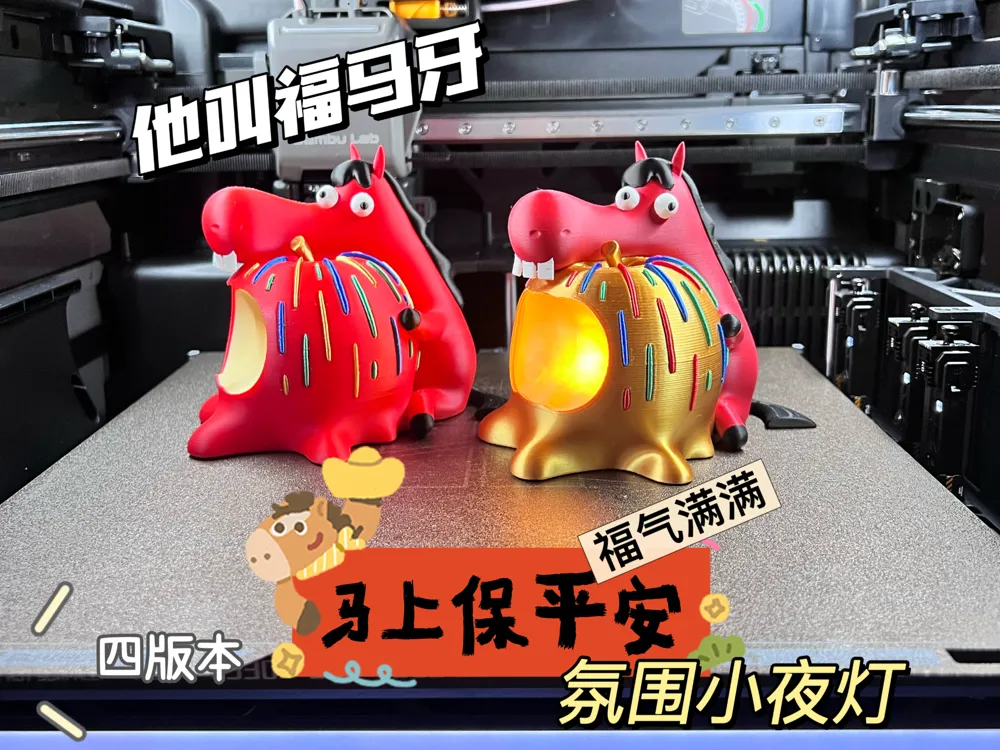
Year of the Horse Series IP: Fu Ma Ya, a night light bringing abundant blessings and immediate peace (multiple versions)
Print Profile(4)
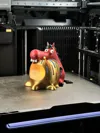
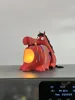
Description
Please read before printing!!!
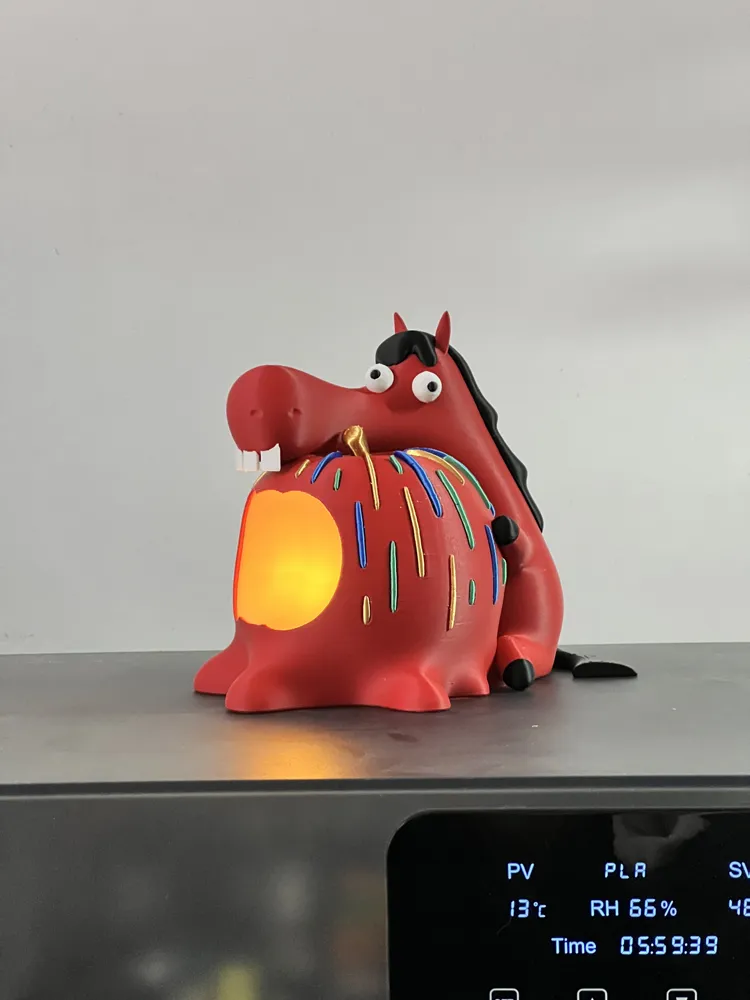
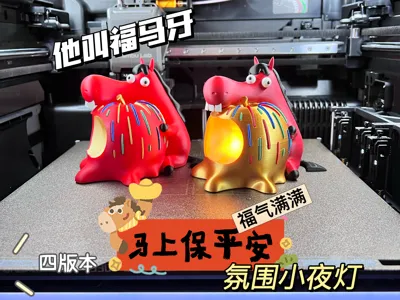
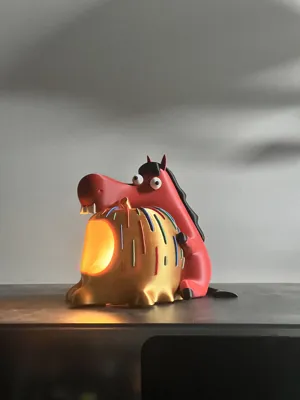
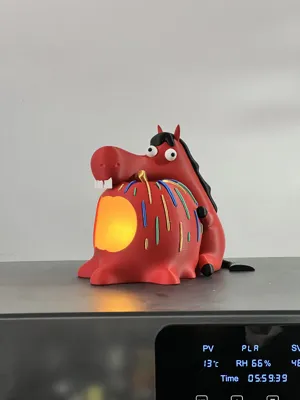
A Year of the Horse exclusive IP character, Fu Ma Ya, has been designed~
This is the second small design in this series~

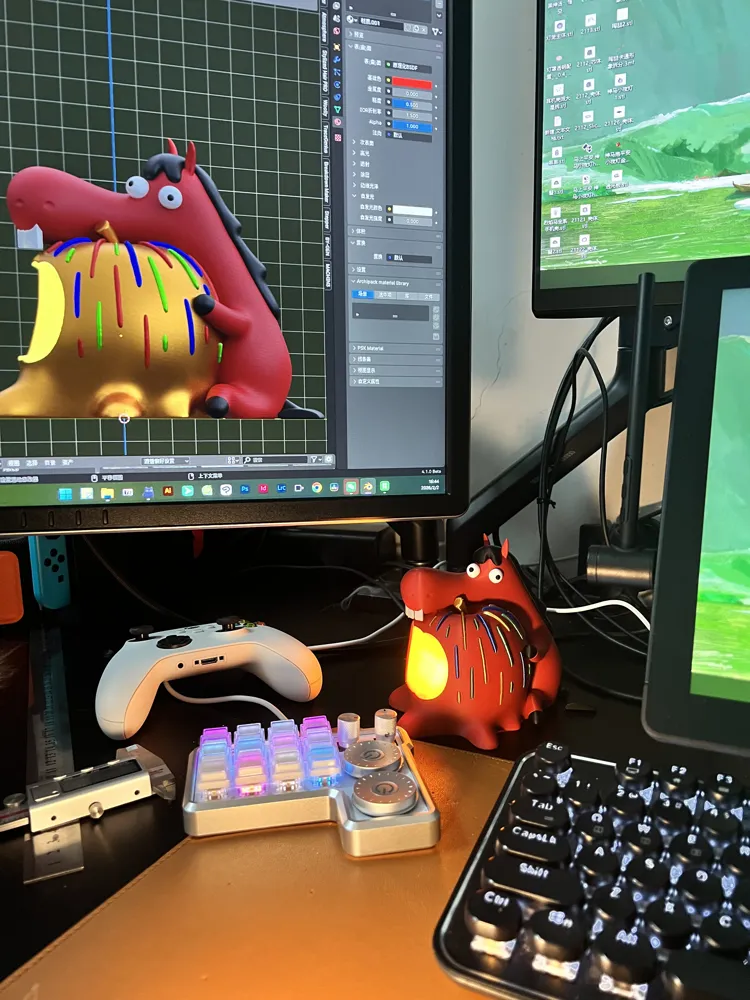
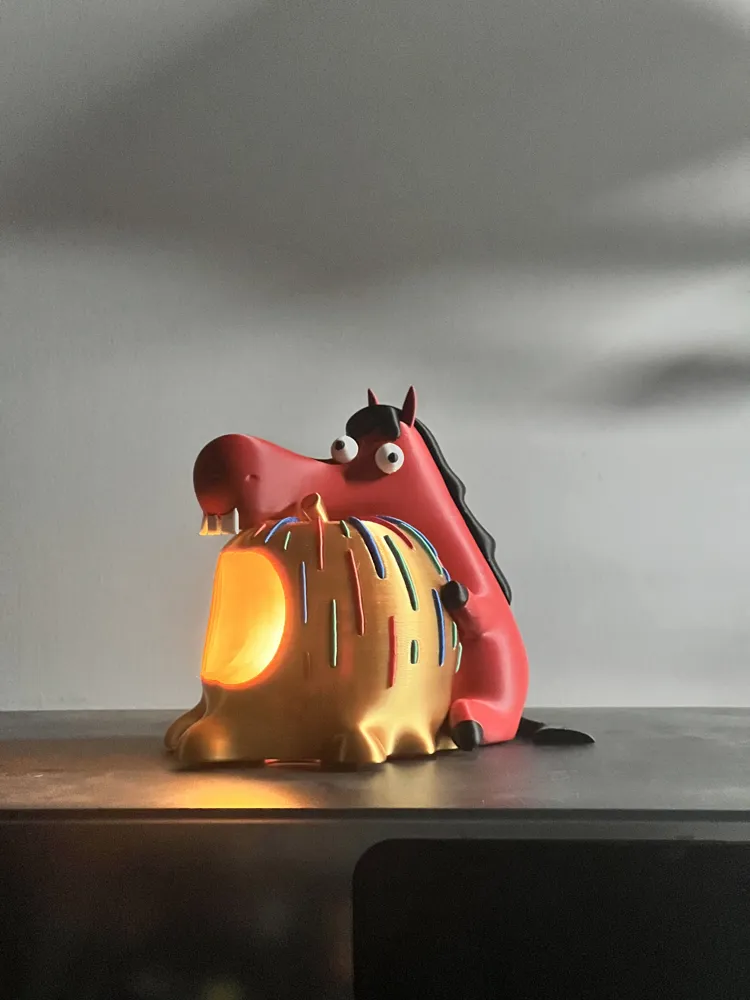
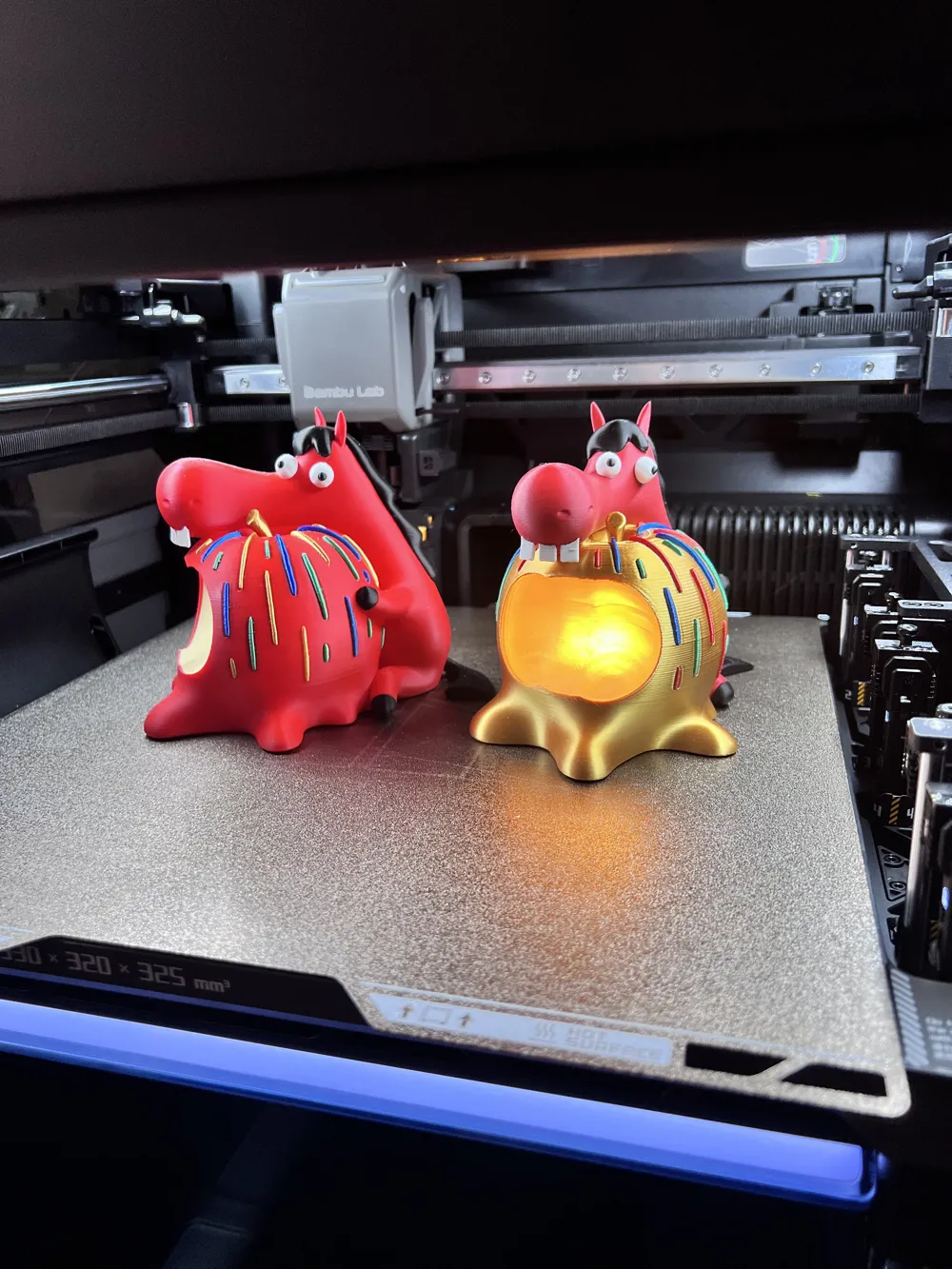
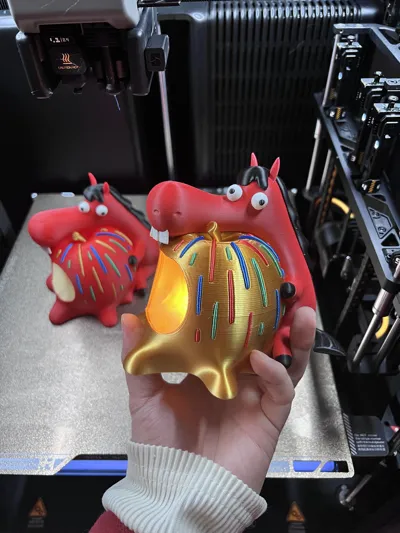
The model features Fu Ma Ya holding an apple, a homophone for immediate peace and safety~
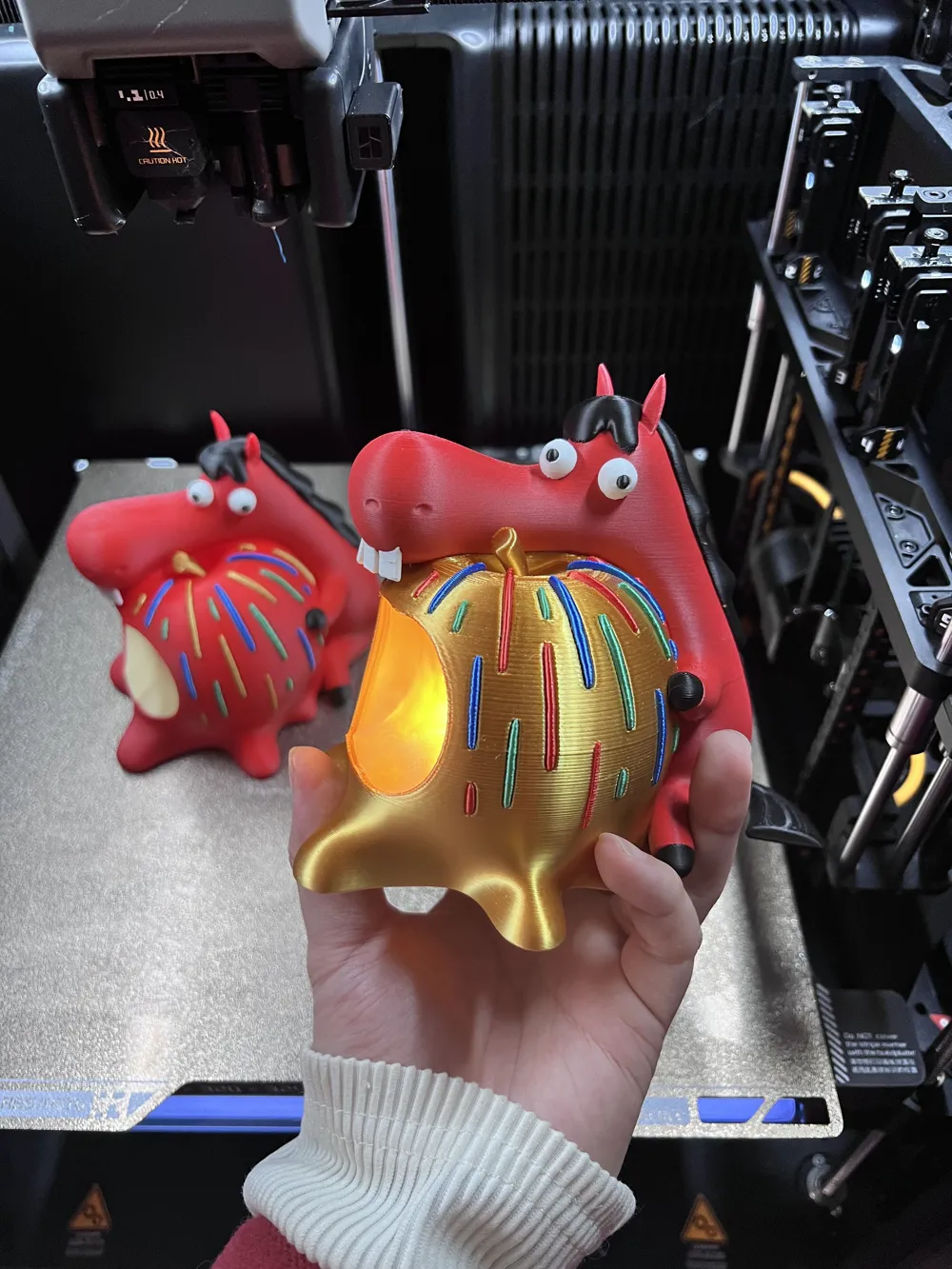
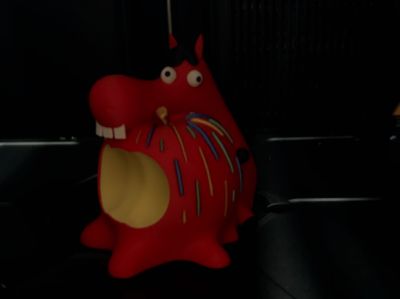
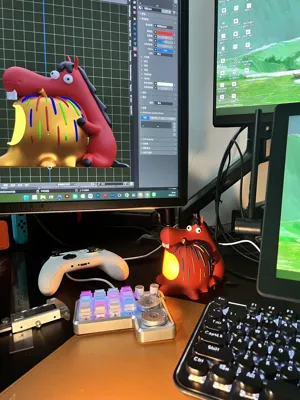
The apple itself glows from within, with colorful fireworks blooming around it, primarily in red and gold hues
I hope everyone has a year full of blessings, splendor, and joy for the entire Year of the Horse~
Notes:
Considering that everyone has different printers and aims for different effects, to best meet everyone's printing needs and save time
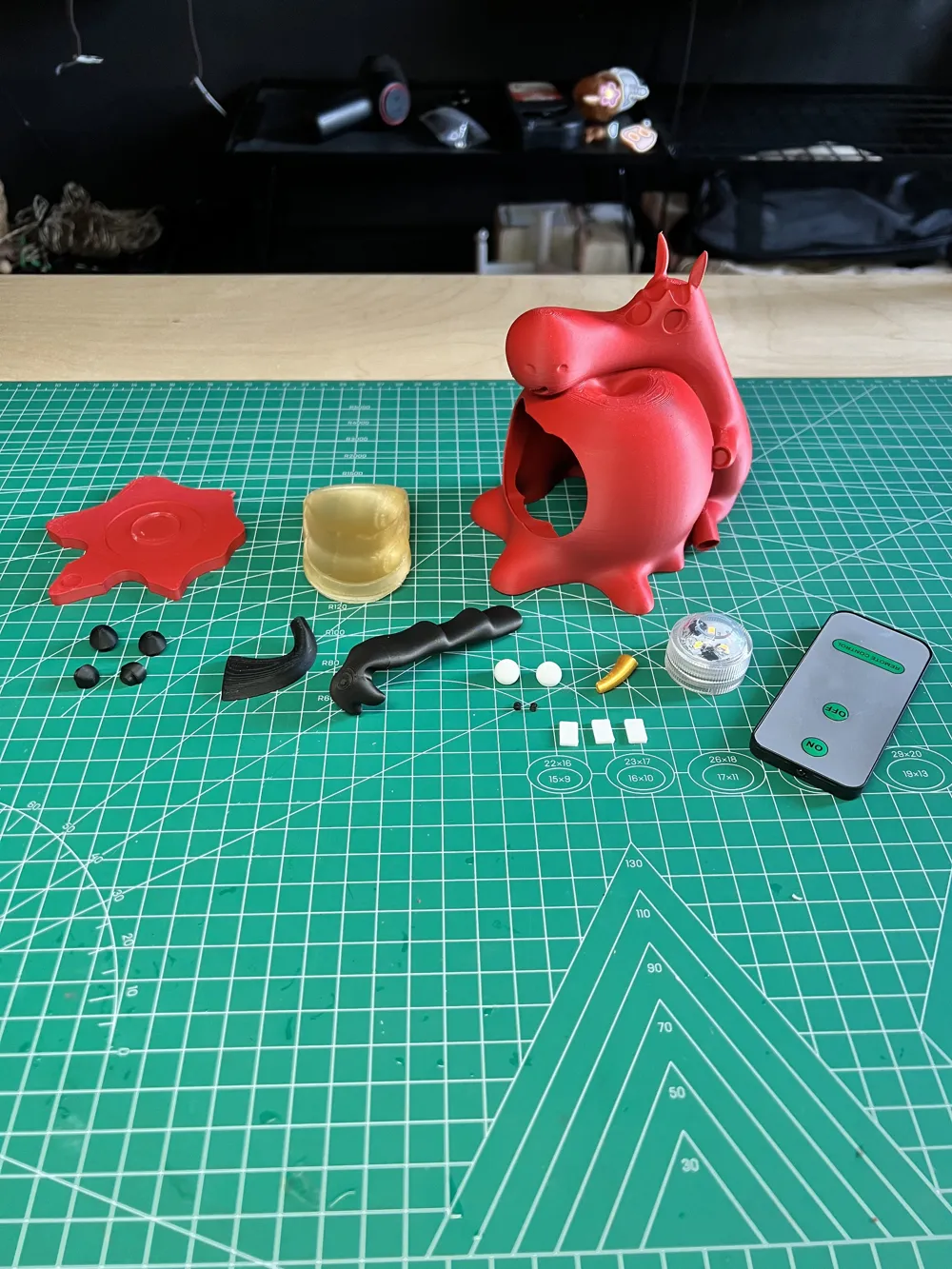
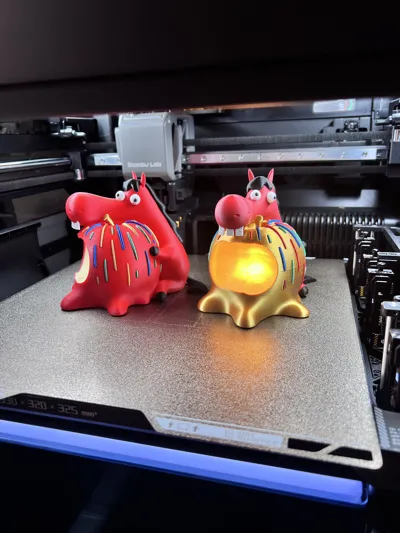
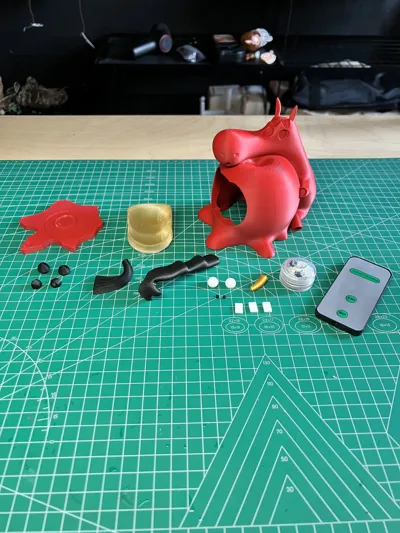
Four versions have been specially designed for you to choose from: disassembled simple, disassembled hand-painted, and multi-color print-in-place (two versions)
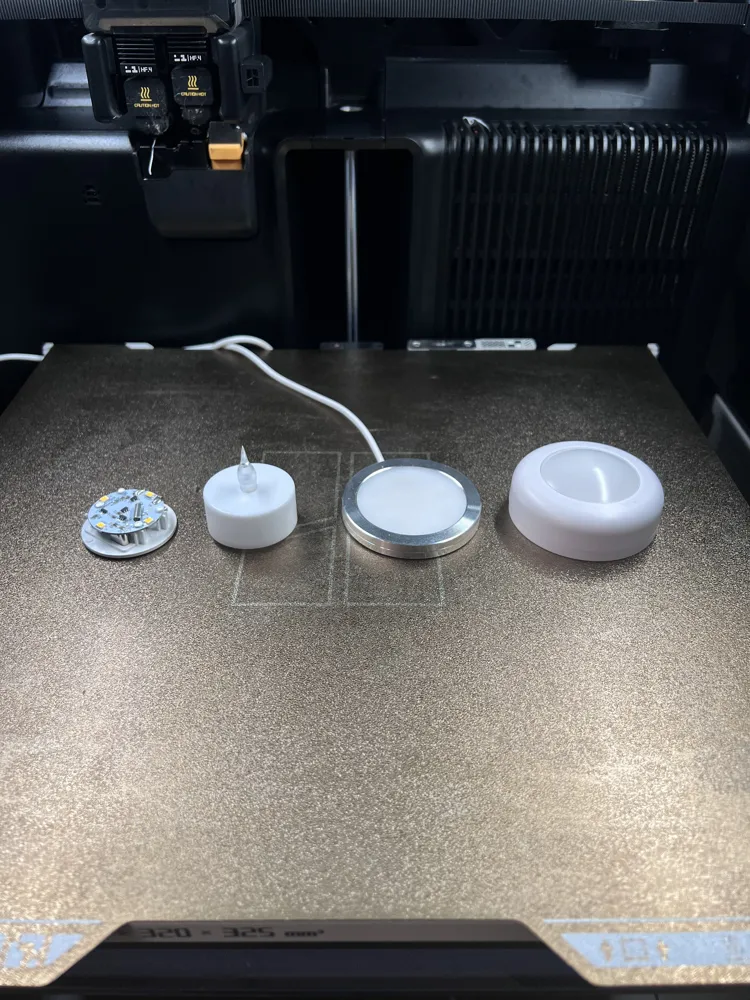
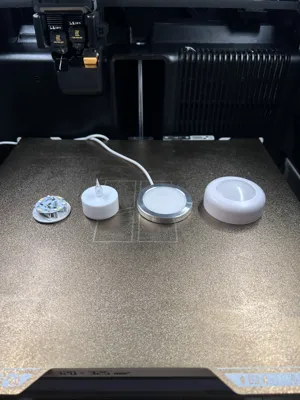
The base is designed with two types to adapt to various Bambu Lab lighting components, meeting user needs for different scenarios such as wired, wireless, remote control, and magnetic control
Additionally, a link to a tap light has been added~ just stick it to the bottom with traceless adhesive for a tap-to-light effect
When printing, pay attention to the choice of filament; different transparent or opaque materials will produce vastly different results
For those who like transparency, use the Basic and Transparent series; for opaque, you can use the matte and Silk series
However, the glowing part of the apple must be printed with Basic or transparent filament~~
The teeth of the print-in-place version of Fu Ma Ya are fragile, please disassemble with care!!!
Finally, before printing, remember to dry your filament, clean your build plate, and apply glue to increase the success rate~~~
I look forward to everyone printing their own Fu Ma Ya, full of blessings, from different places~
Links to various lights
Tap light:https://mobile.yangkeduo.com/goods1.html?ps=xUgf0b8Pn6
Bambu Lab KC007 Remote Control Ambient Light:https://e.tb.cn/h.i0LAh3Nq2iIgXtq?tk=u1wkUI45w8e
Bambu Lab MH001:https://e.tb.cn/h.iYIDrvd5hNhtNy3?tk=JPl8UI4hJkM
Bambu Lab Candle Light:https://e.tb.cn/h.ibJyXJOWgVYZQwC?tk=gYXXUI4jMbu
Bambu Lab 8x2mm Magnet X2:https://e.tb.cn/h.ib46qqQI6fzIUDT?tk=EbzRUI4ujtR
Boost Me (for free)
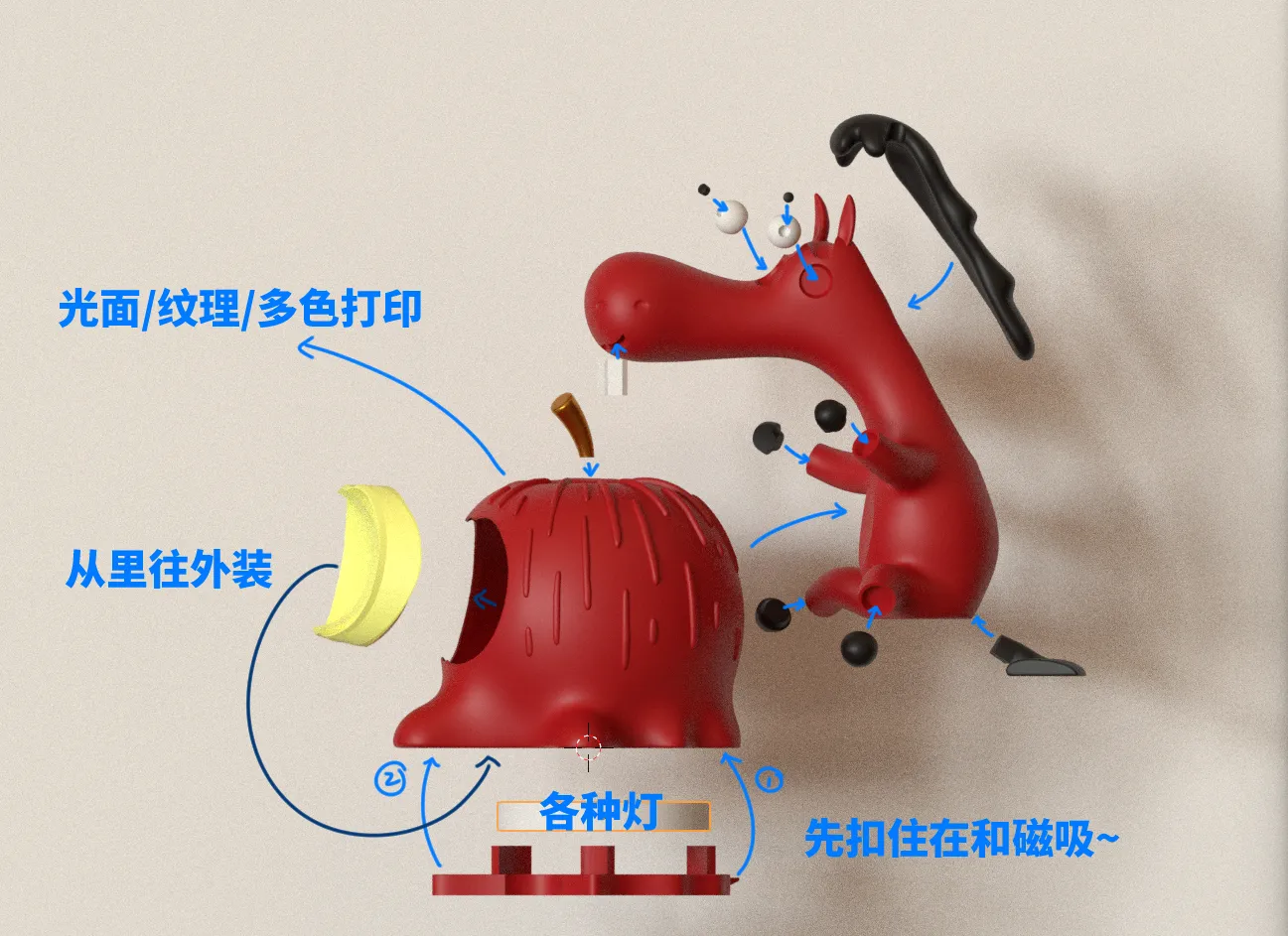
Installation and disassembly exploded view:
License

You shall not share, sub-license, sell, rent, host, transfer, or distribute in any way the digital or 3D printed versions of this object, nor any other derivative work of this object in its digital or physical format (including - but not limited to - remixes of this object, and hosting on other digital platforms). The objects may not be used without permission in any way whatsoever in which you charge money, or collect fees.


Comment & Rating (0)