
Print Profile(1)
Description

Membership
Want to sell my designs? Join one of my membership tiers to unlock official commercial rights!
Boost Me (for free)
If you enjoy this model, please consider giving it a boost to help others discover it too! I put a lot of care into designing it for quality, ease of printing, and functionality. Your support means a lot to me and feedback is always welcome, feel free to leave a comment or remix it. Thanks for checking it out, and happy printing! 🚀🖨️
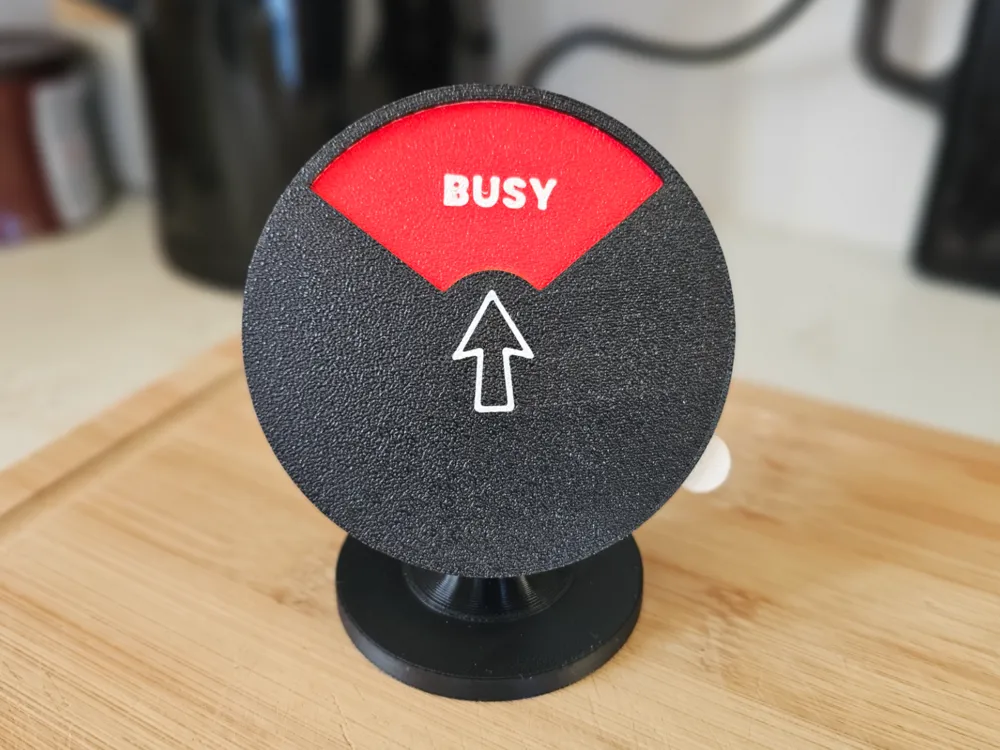
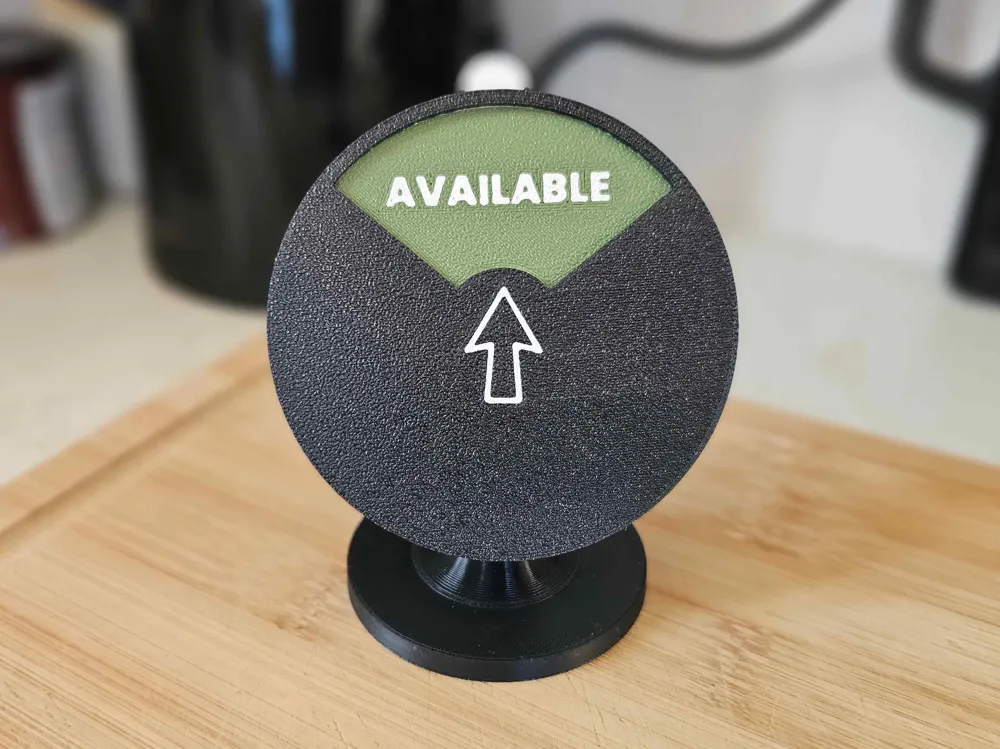
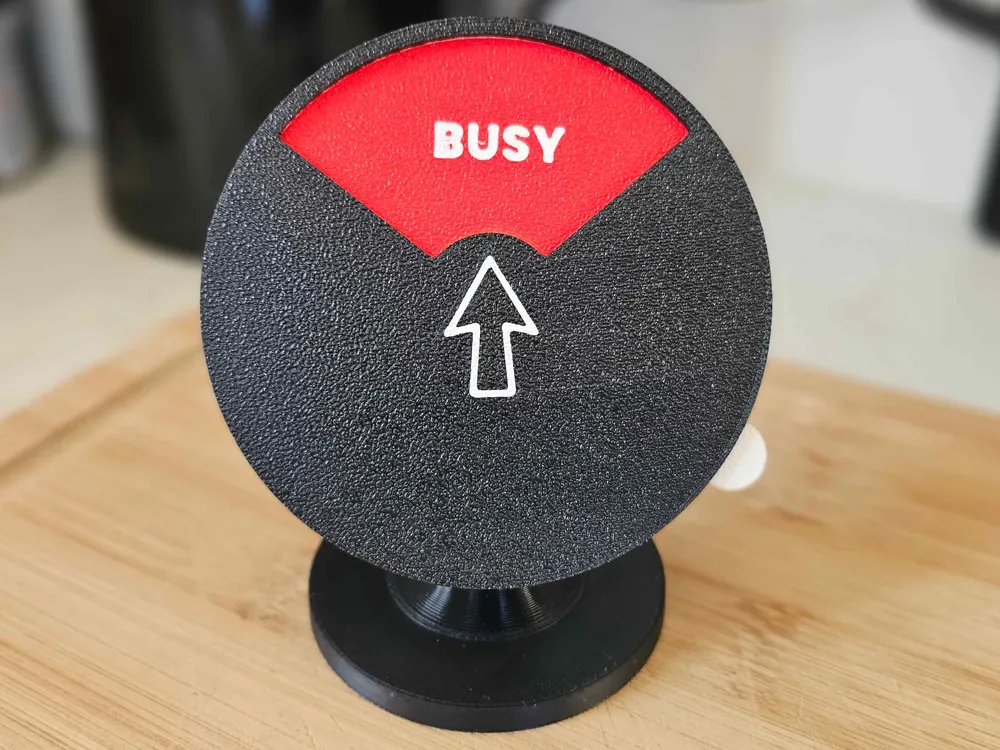
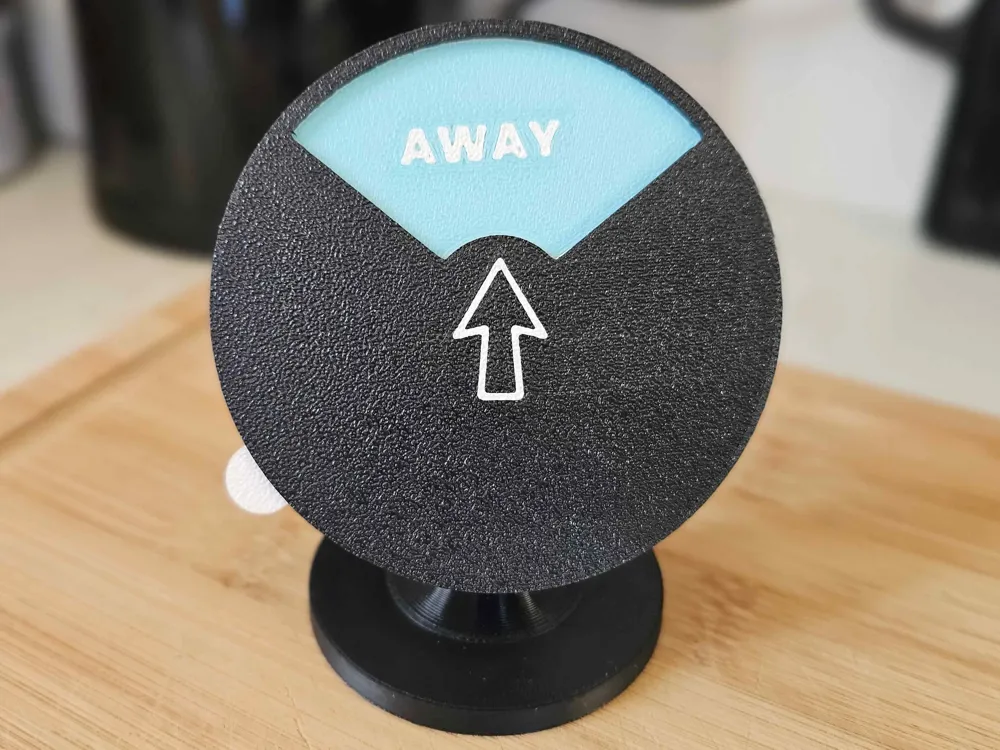
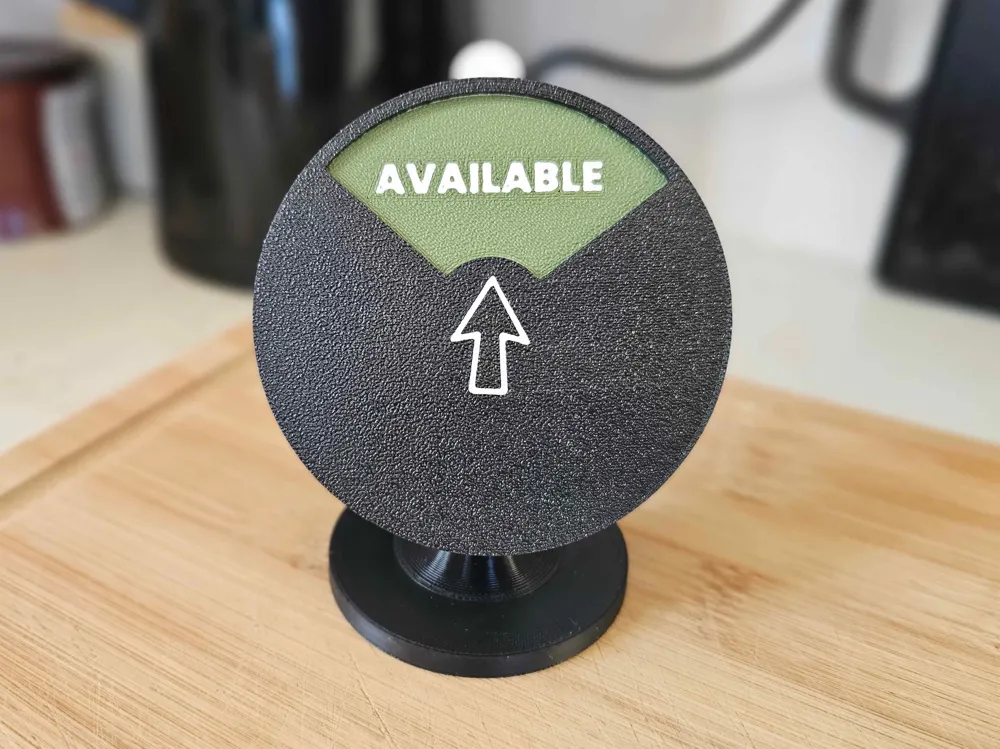
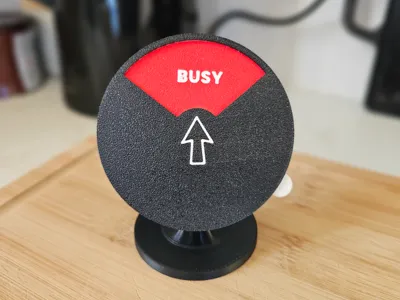
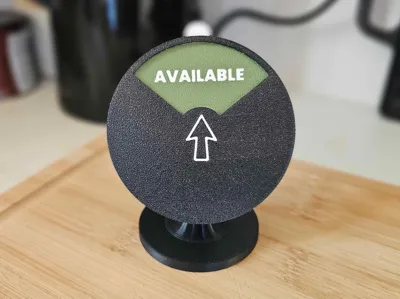
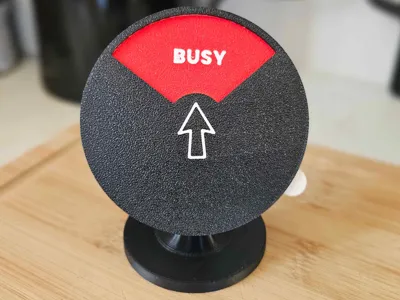
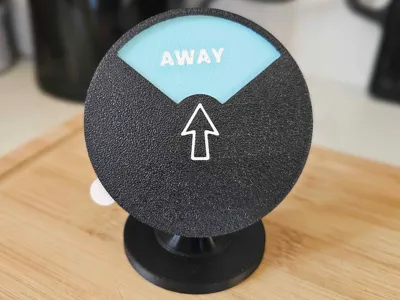
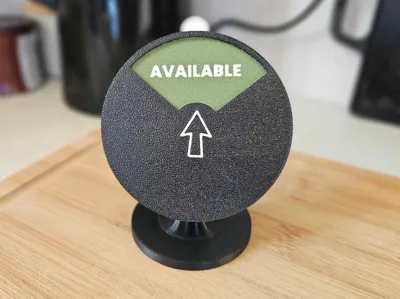
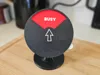
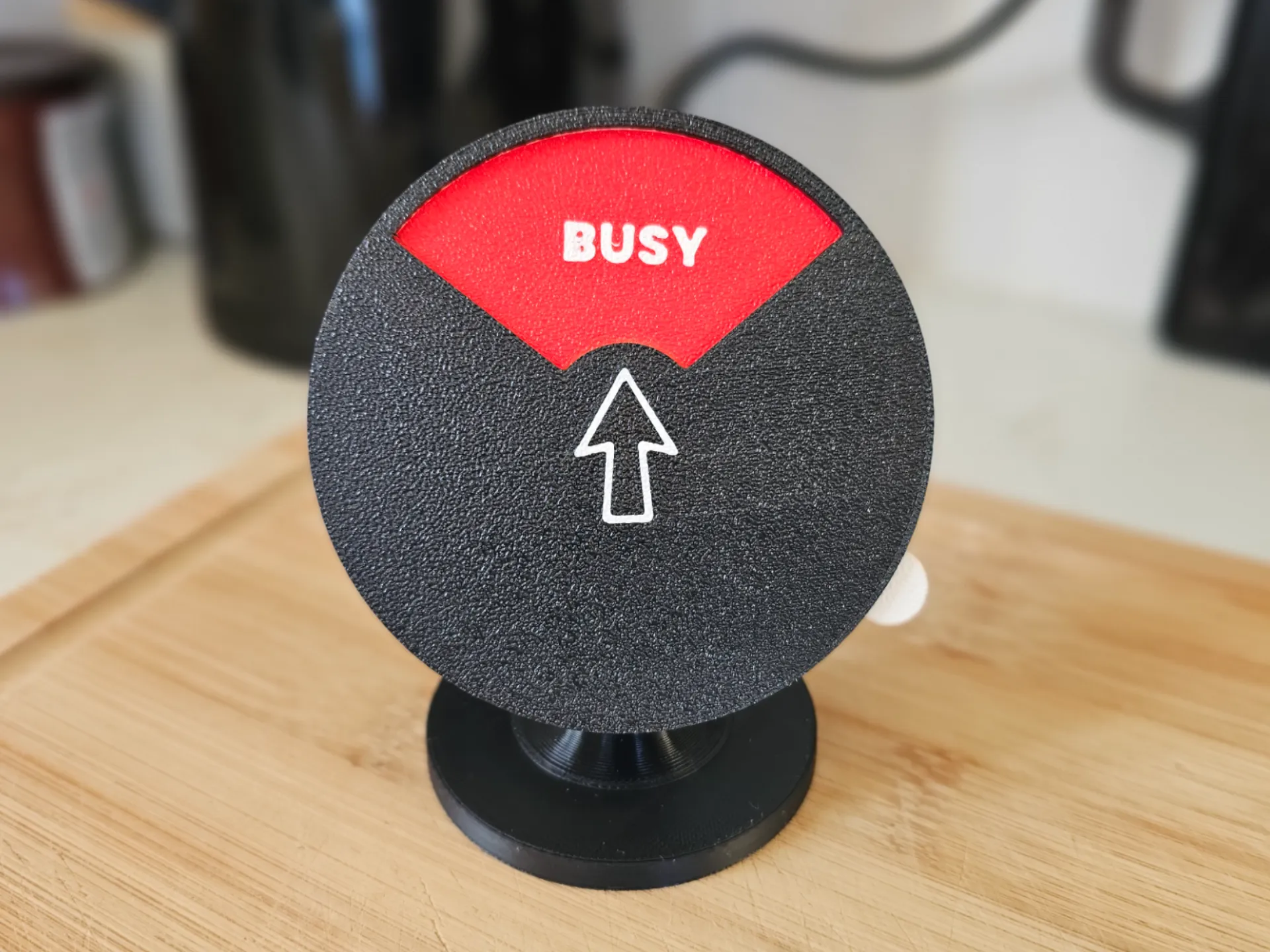
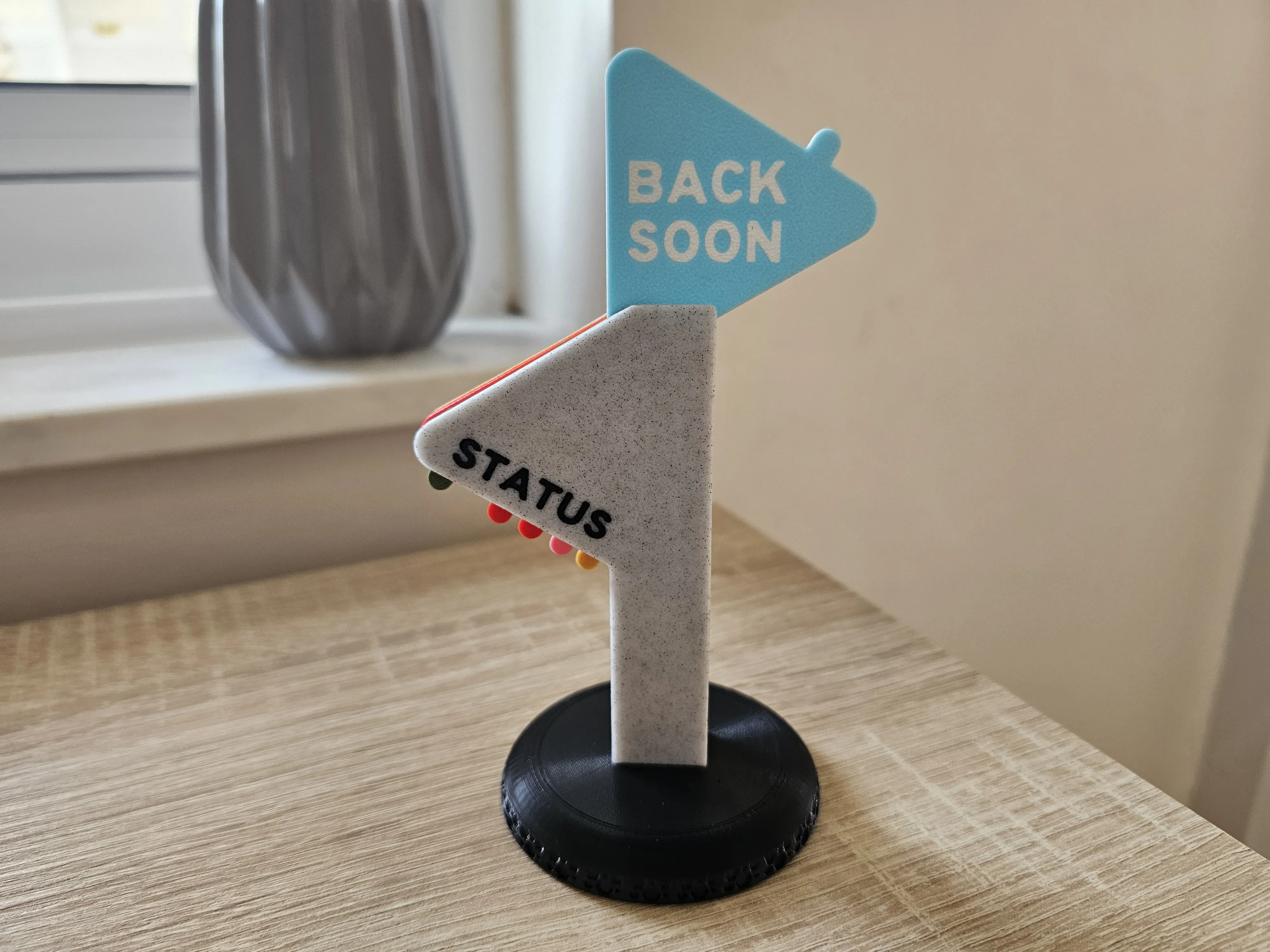
Keep your workspace boundaries clear with this modern, Desk Status Indicator. Whether you're in the zone, grabbing a coffee, or ready to chat, this tactile sign does the talking for you.
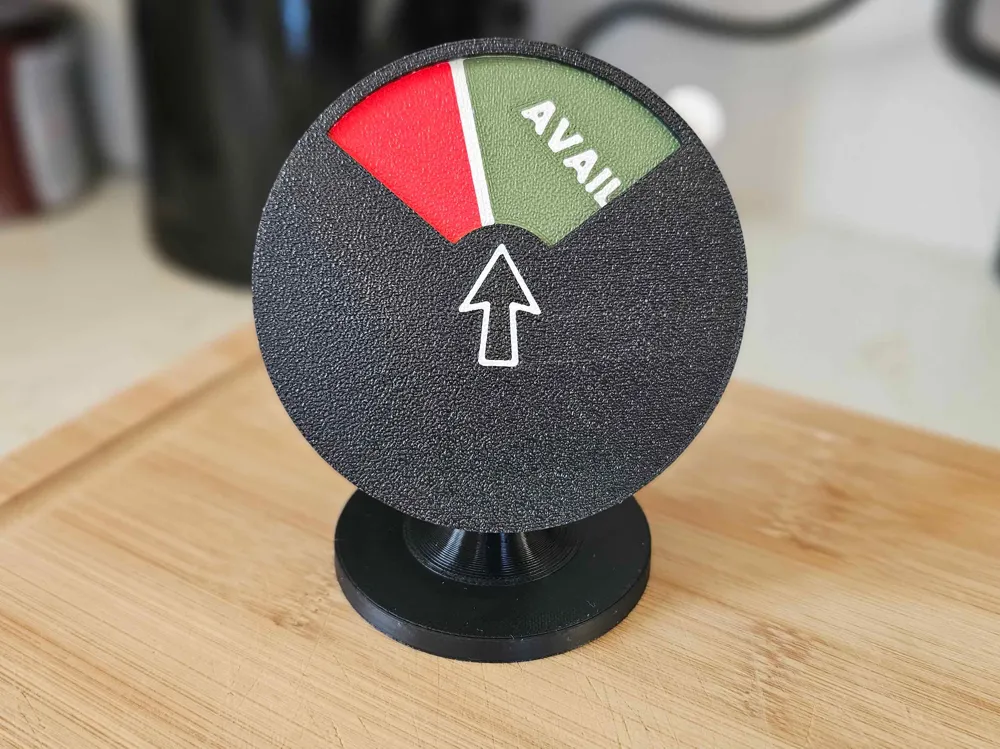
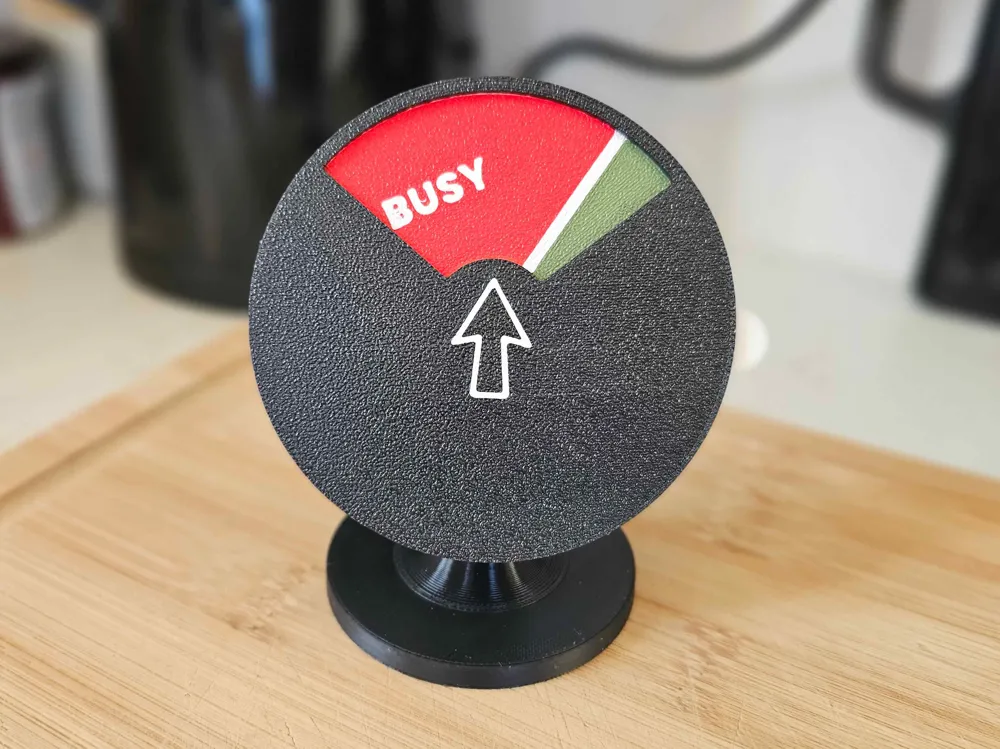
Designed for simplicity and functionality, this model features a satisfying mechanical feel without the need for any extra hardware.
Key Features
- No Glue Required: Everything is designed to snap-fit together securely.
- Easy Customisation: The "Middle Status Plate" is set up for easy text manipulation directly within Bambu Studio.
- Clean Aesthetic: A minimalist circular design that fits perfectly on any modern desk or office shelf.
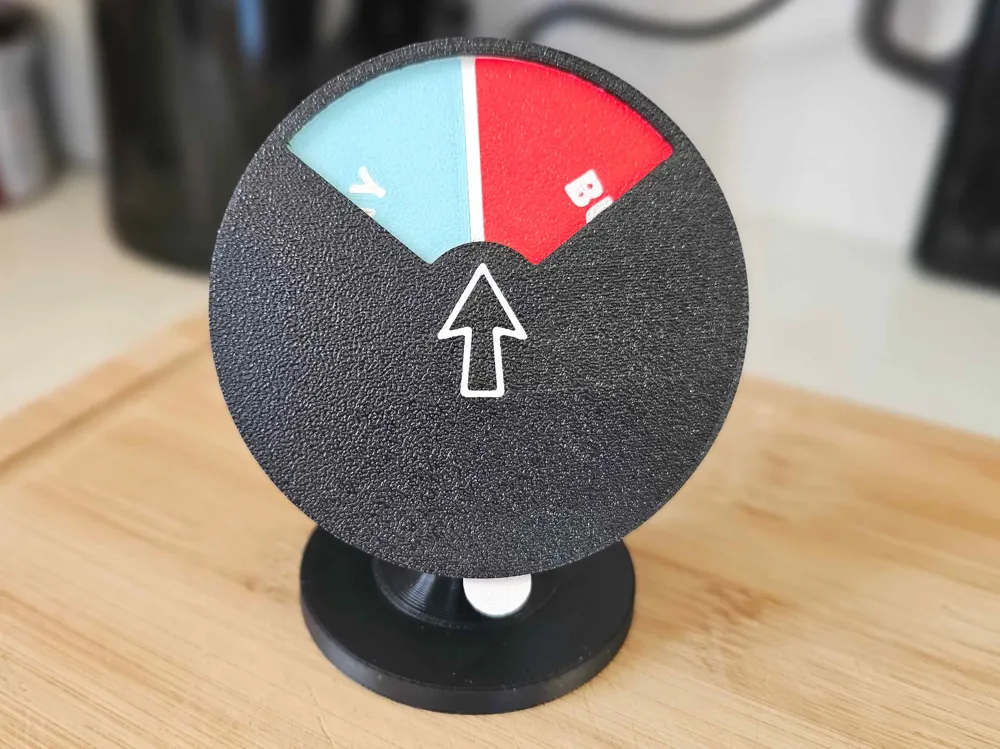
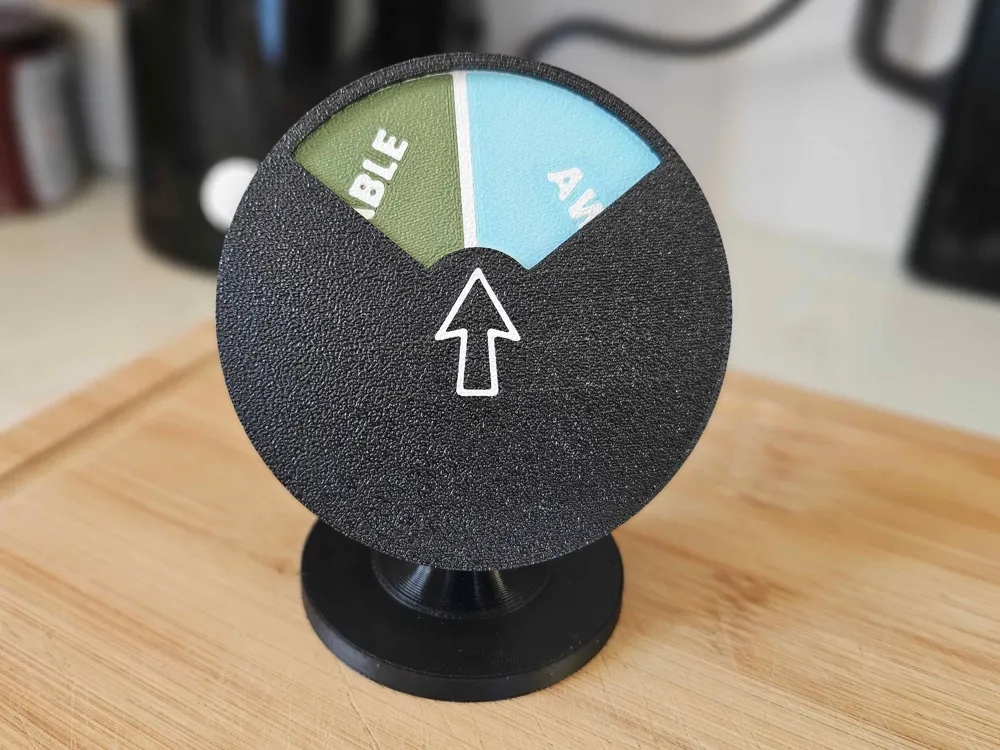
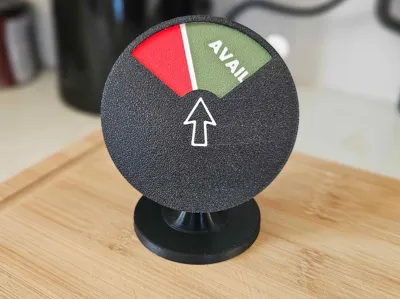
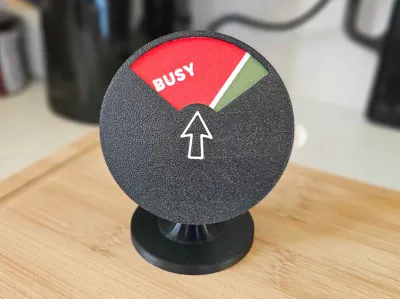
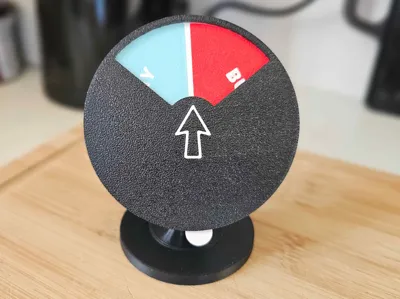
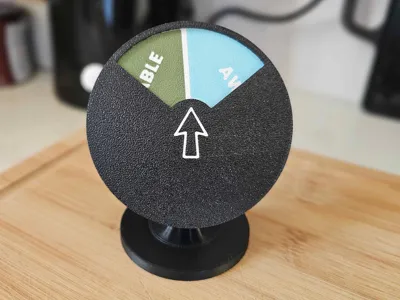
- Tactile Feedback: Smooth rotation to switch between your current status.
Customisable Statuses
The provided 3MF file includes three pre-set text options that you can easily toggle or modify:
- AVAILABLE (Green)
- AWAY (Blue)
- BUSY (Red)
How to Change Text in Bambu Studio:
- Open the 3MF file.
- Right-click the Text Shape object in the "Objects" list.
- Select Edit Text.
- Type your desired status and re-slice!
Assembly Instructions
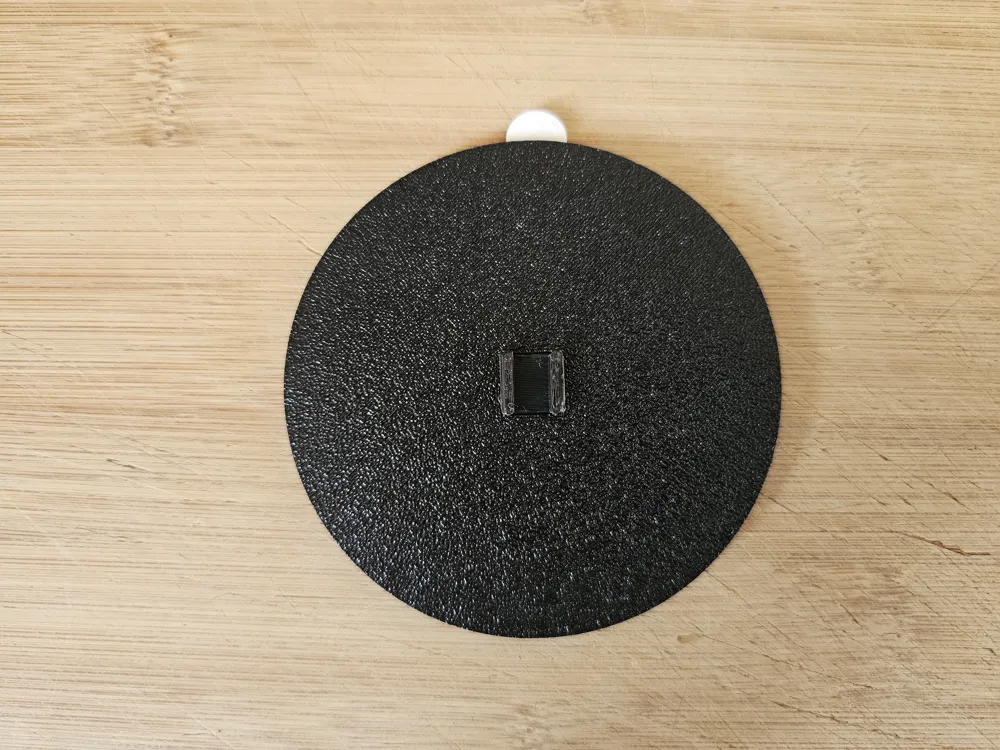
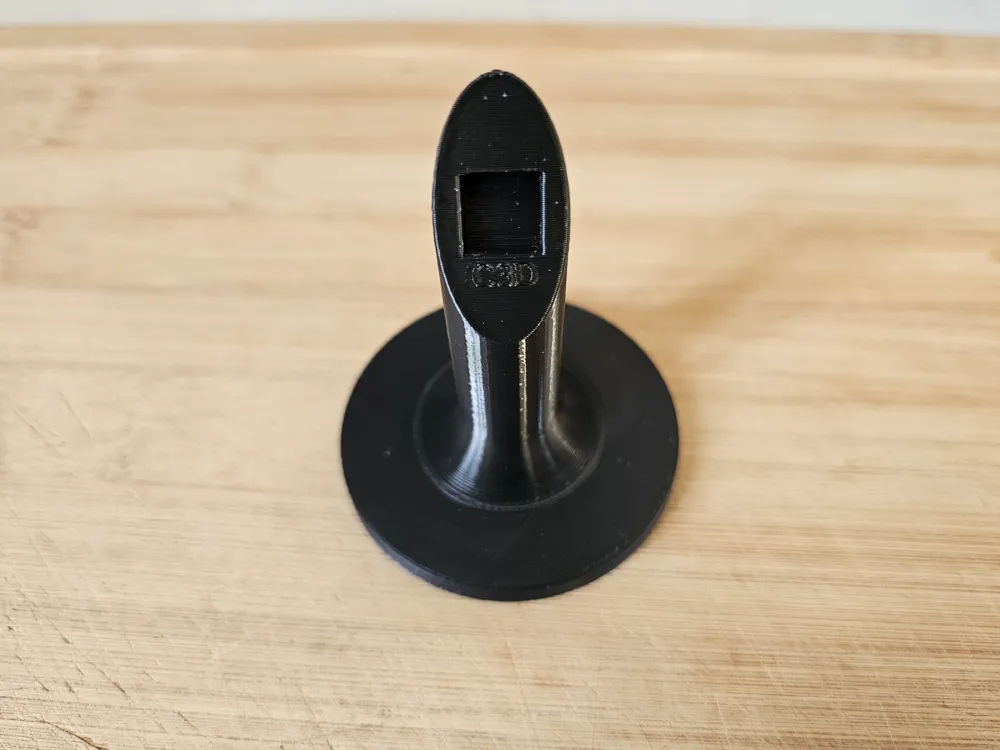
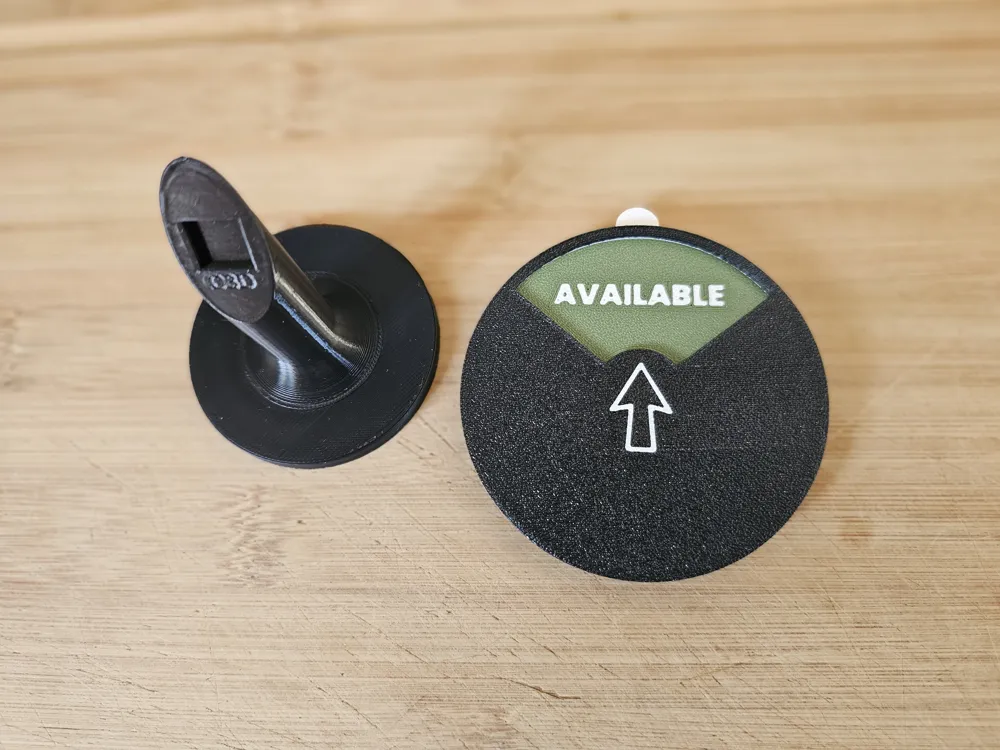
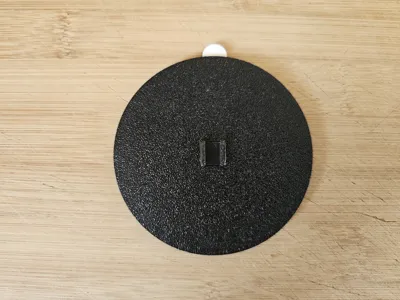
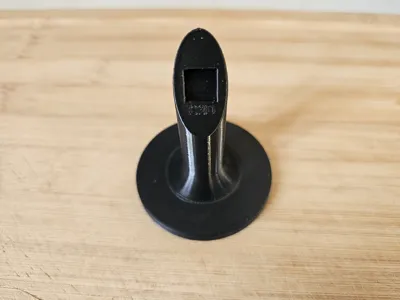
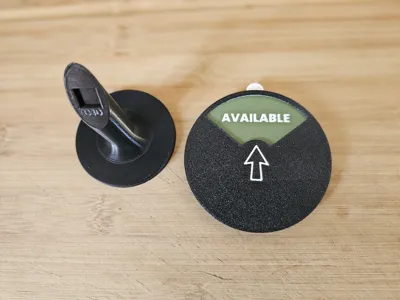
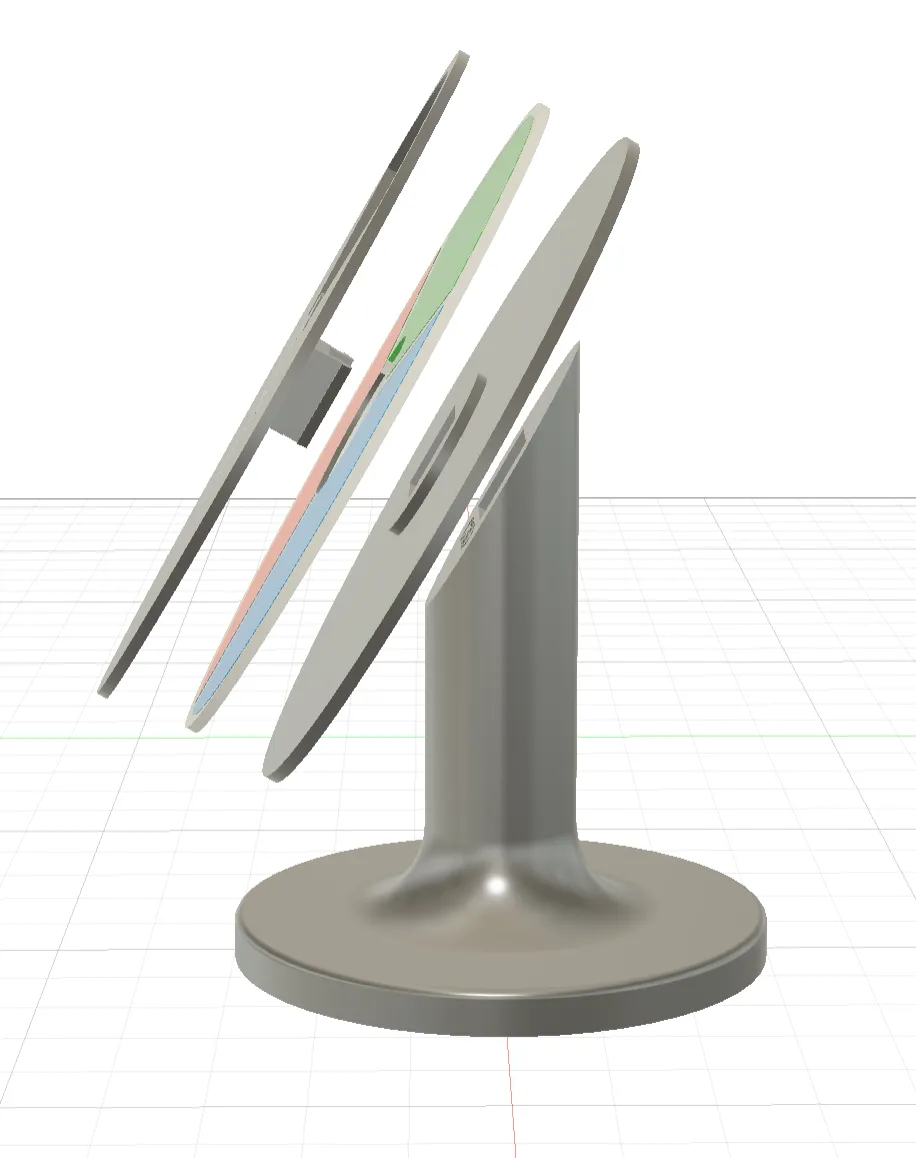
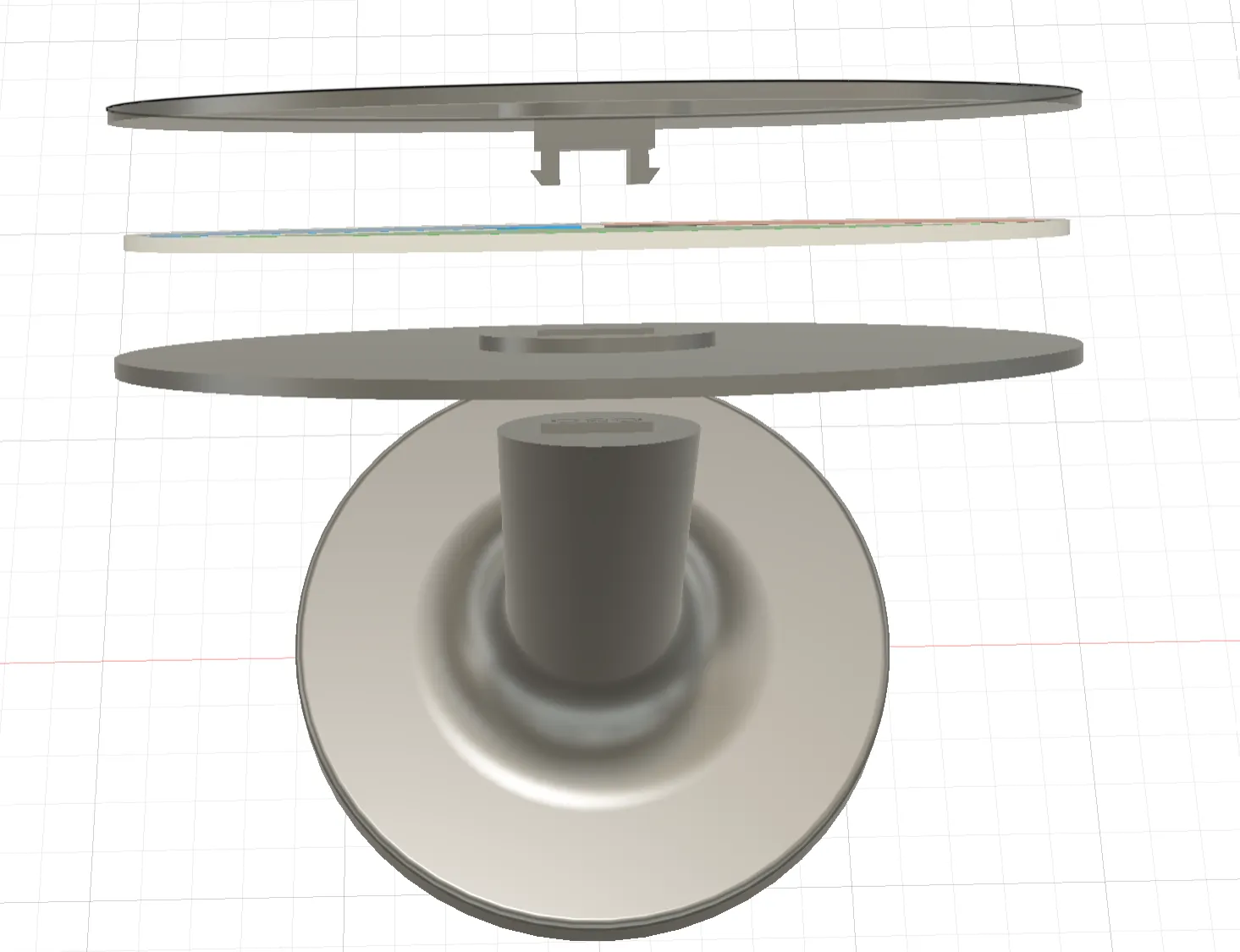
- Print all parts: Top, Middle, Bottom and Stand.
- Insert the Dial: Place the status dial into the circular housing of the bottom model.
- Insert the Top: Align the top and insert through both the middle and bottom part. Snap the clip into the stand and press firmly. You should hear an audible click.
- Rotate & Update: Give it a spin to ensure smooth movement.
 |  |
Print Settings Recommendation:
- Material: PLA, PETG, or Matte PLA for a premium look.
- Layer Height: 0.2mm
- Supports: None required!
I love seeing how these prints turn out! 🖨️ If you download this, please **post an image of your print** or **leave a review**. ✅ If you have any issues or suggestions, drop a comment, I’m always looking to refine and improve my designs based on your feedback! 🔧📐
Check out some of my other designs:

License

You may create derivative works based on this object, provided that all such derivative works are published exclusively on the MakerWorld platform and include proper attribution to the original creator. You may not share, upload, host, distribute, or publish this object—or any derivative work of this object—on any other digital platform, marketplace, or distribution channel. Commercial use of this object and any derivative works is strictly prohibited. This includes, but is not limited to, selling, renting, sublicensing, or using the object in any context in which you receive monetary compensation or other financial benefits.


Comment & Rating (30)