
Complete Filament Labeling System - Customizable
Print Profile(6)
Description
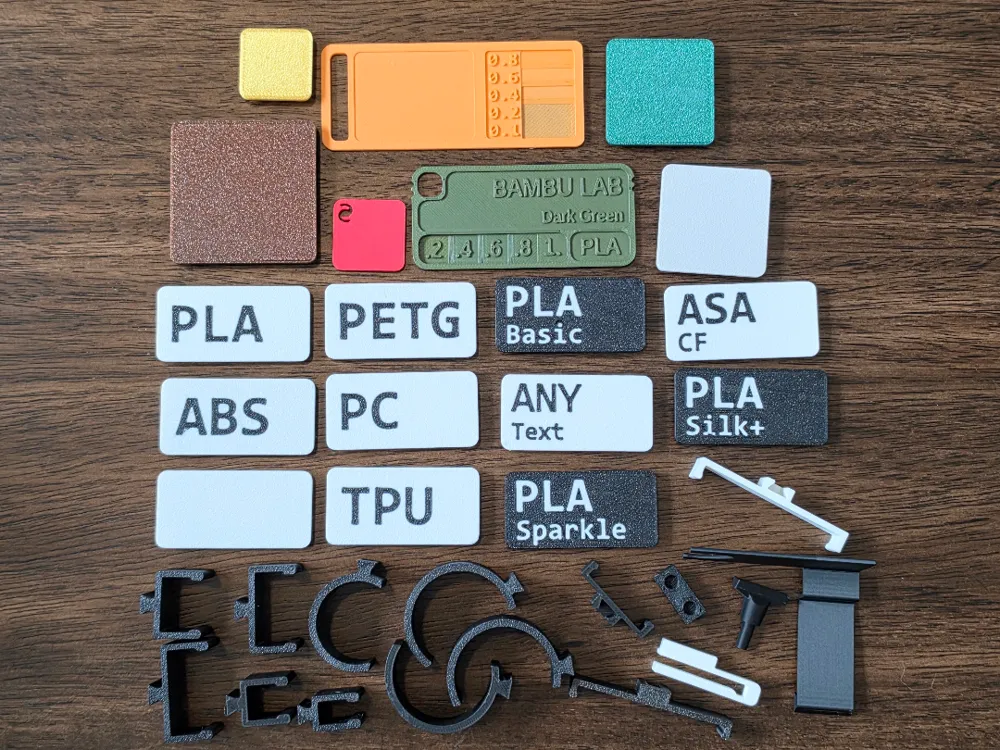
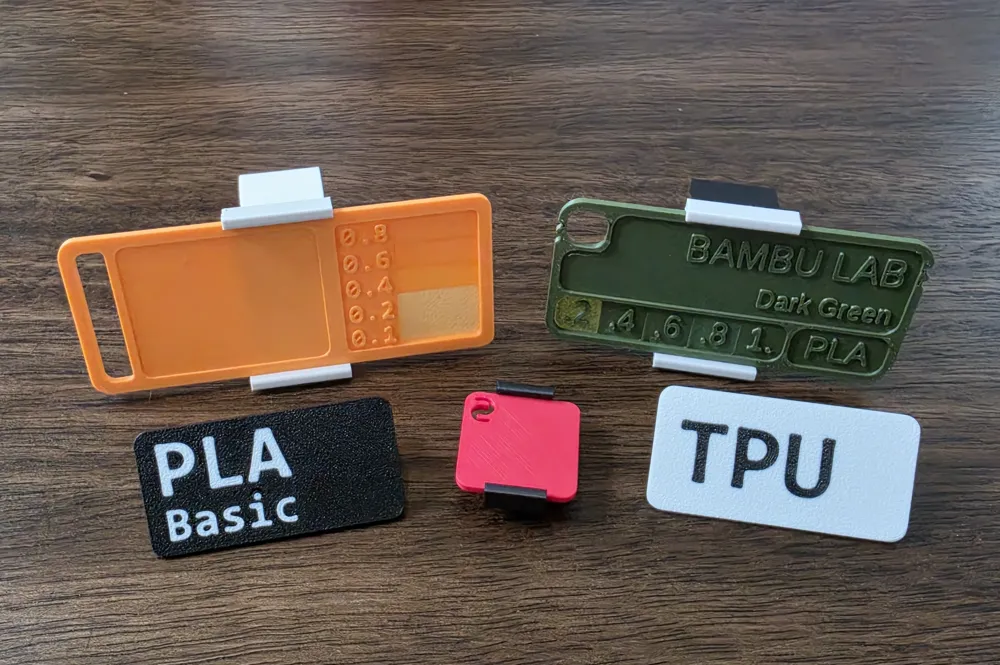
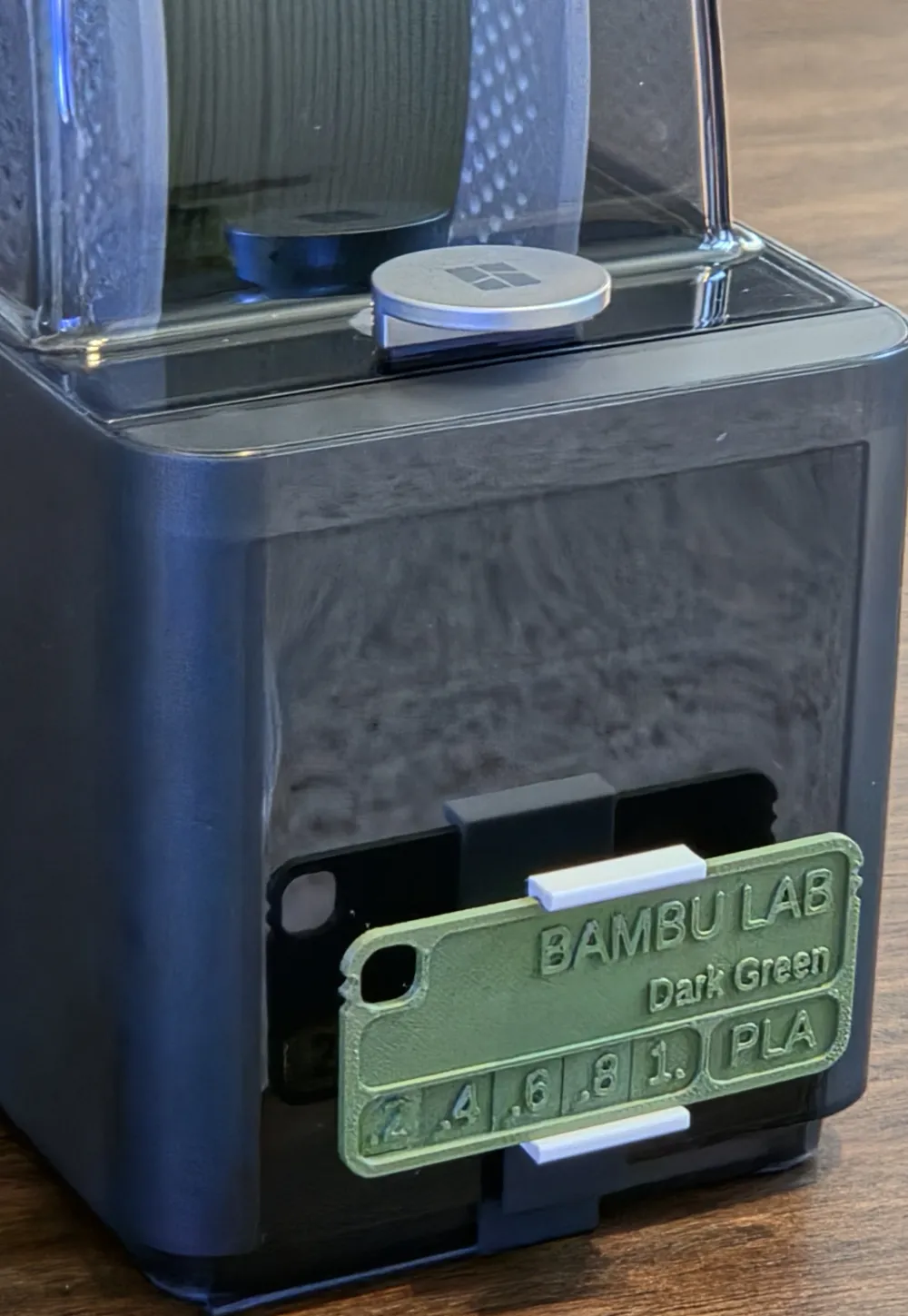
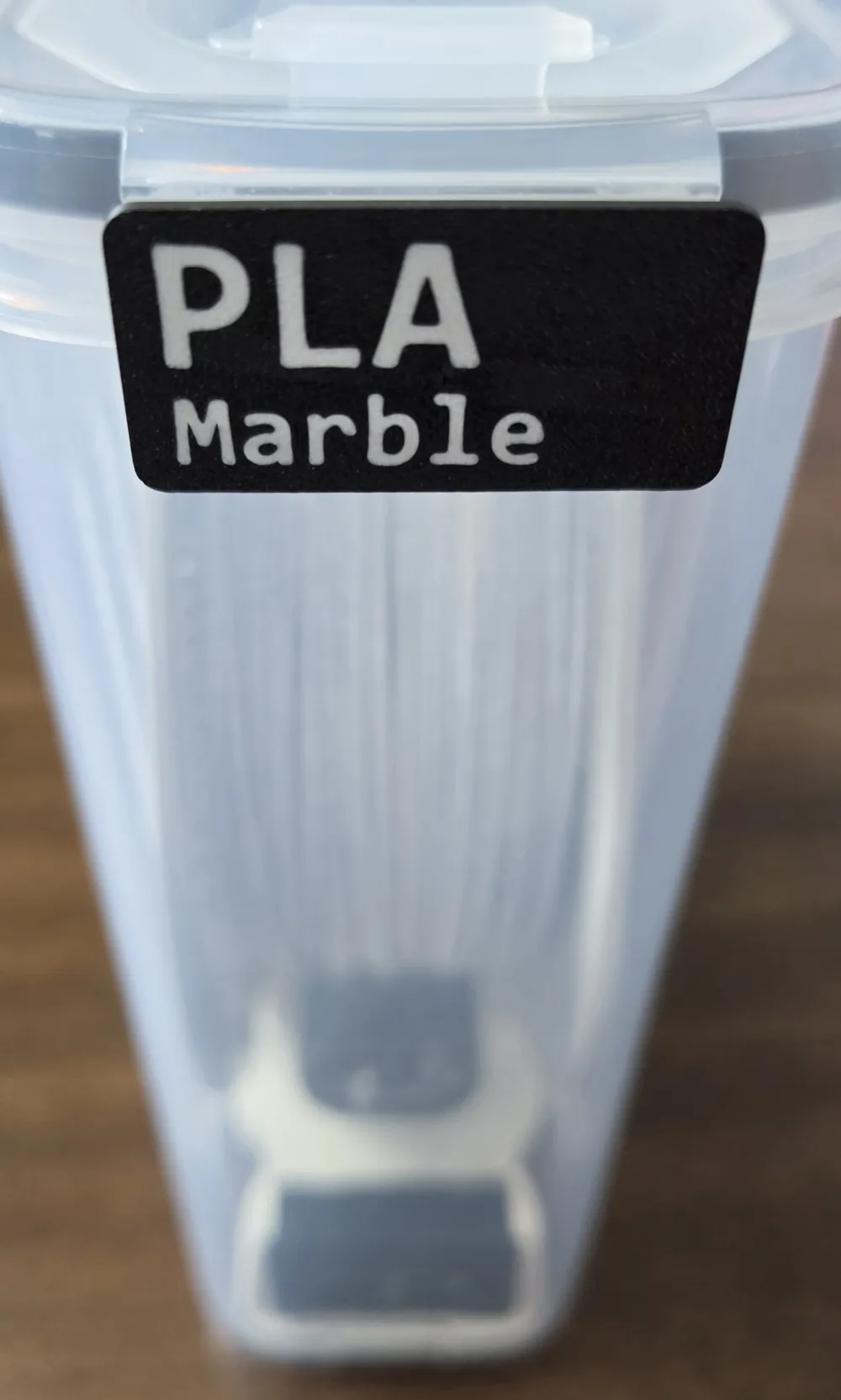


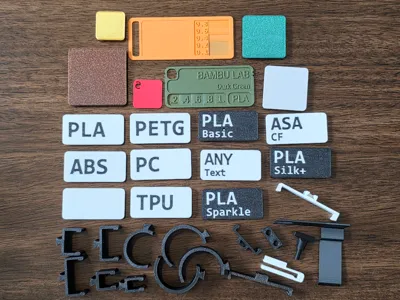
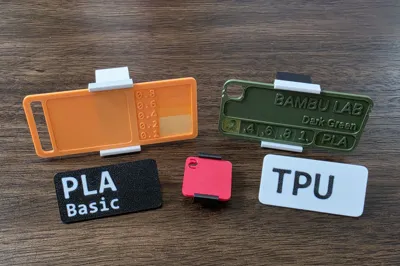
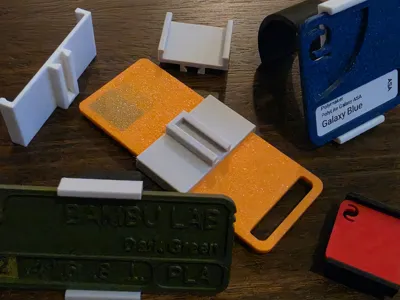
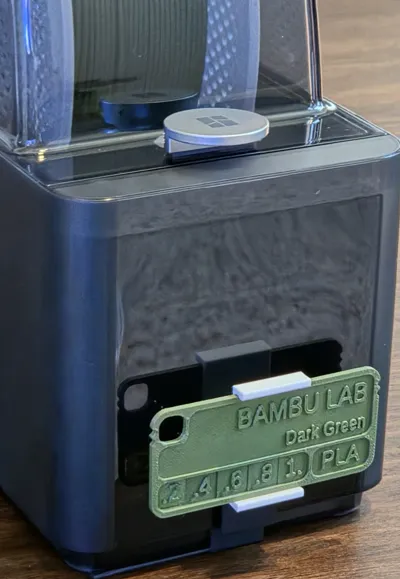
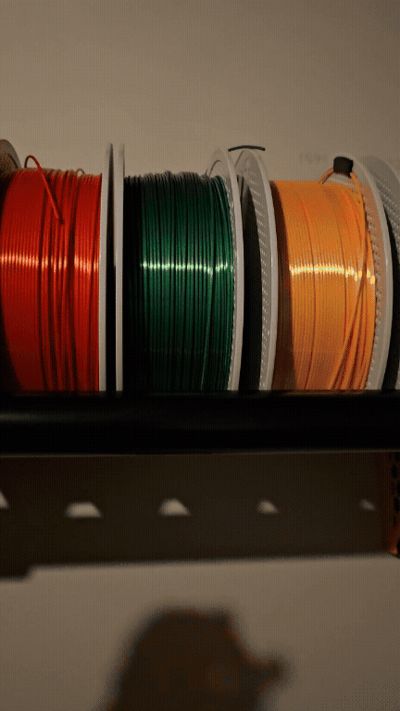
This is a easy to use filament labeling system made to label and organize your filament. You can go as simple as organizing by basic type of filament through individual labels for each roll. It not only supports the 30+ labels you can get here but also the standard Bambu swatches along with multiple popular filament swatches from other designers that you may have already printed.
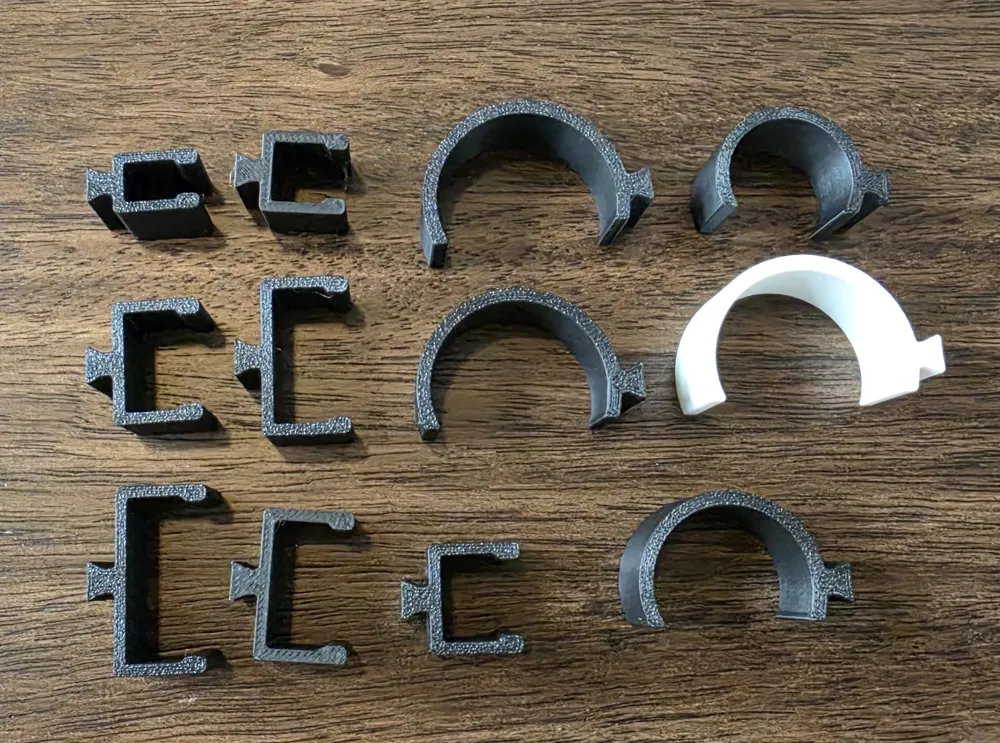
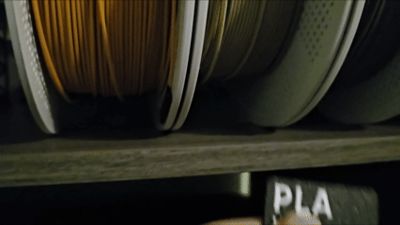
It's made to fit rods used in many popular filament storage racks that utilize closet rods, broom rods, EMT pipes, and also can use clips that slide onto the edge of shelves. Other mounts are available for things like PolyDryer boxes, Bambu AMS-HT, standard cereal boxes, and more.
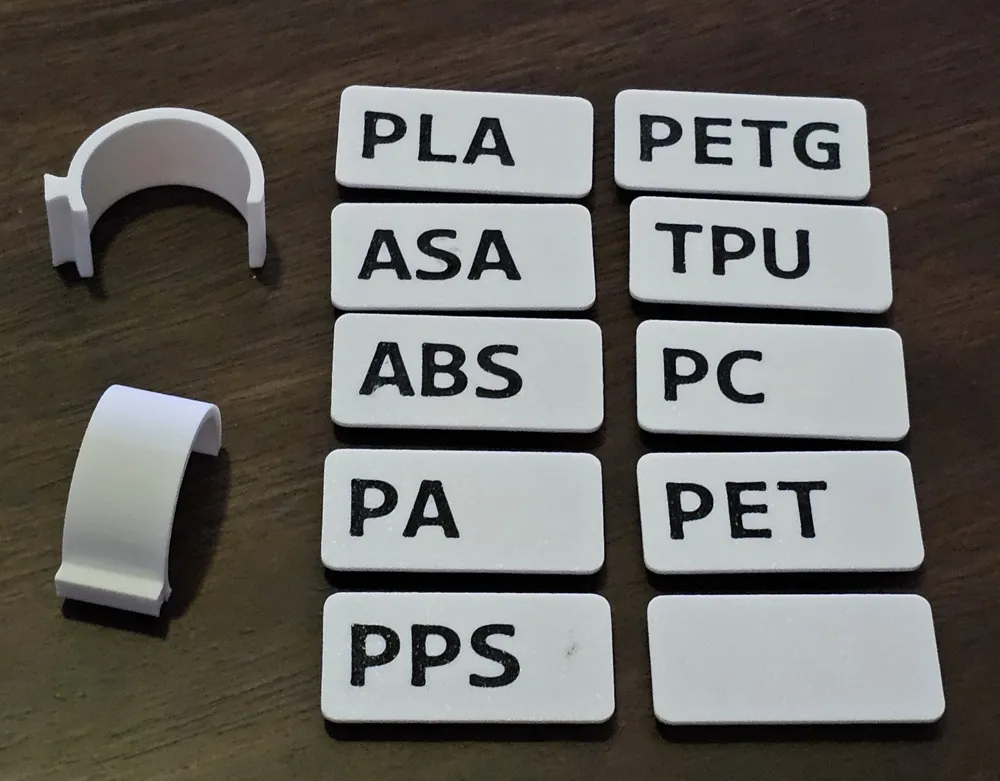
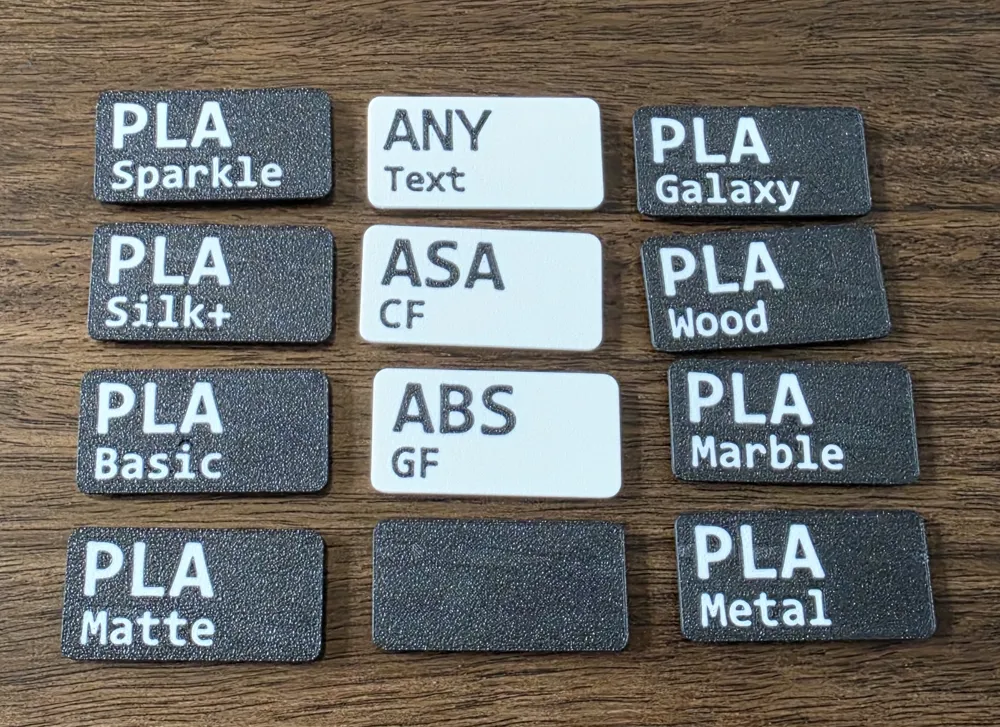
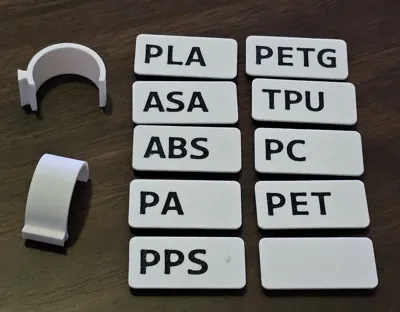
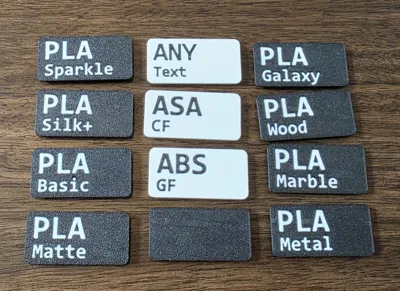
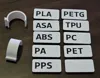
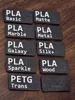
There are two sets of labels and a group of filament swatches:
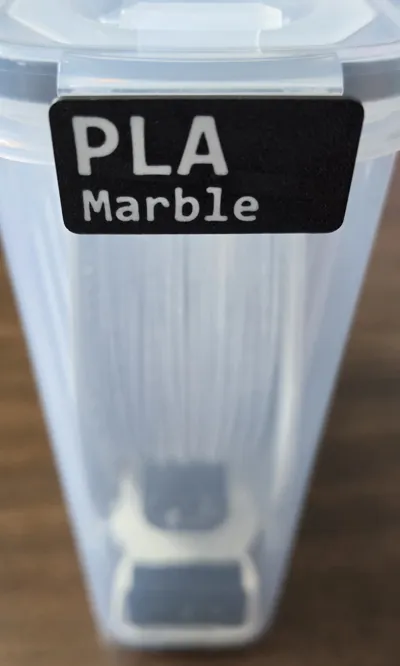
- A basic set consisting of the standard filament types such as PLA, PETG, etc including one that can can be customized within the slicer with your own single line of text.
- A detailed set consisting of most filament types and the sub types such as PLA Matte, PETG-CF, ASA Aero, etc including one that can can be customized within the slicer with your own two lines of text.
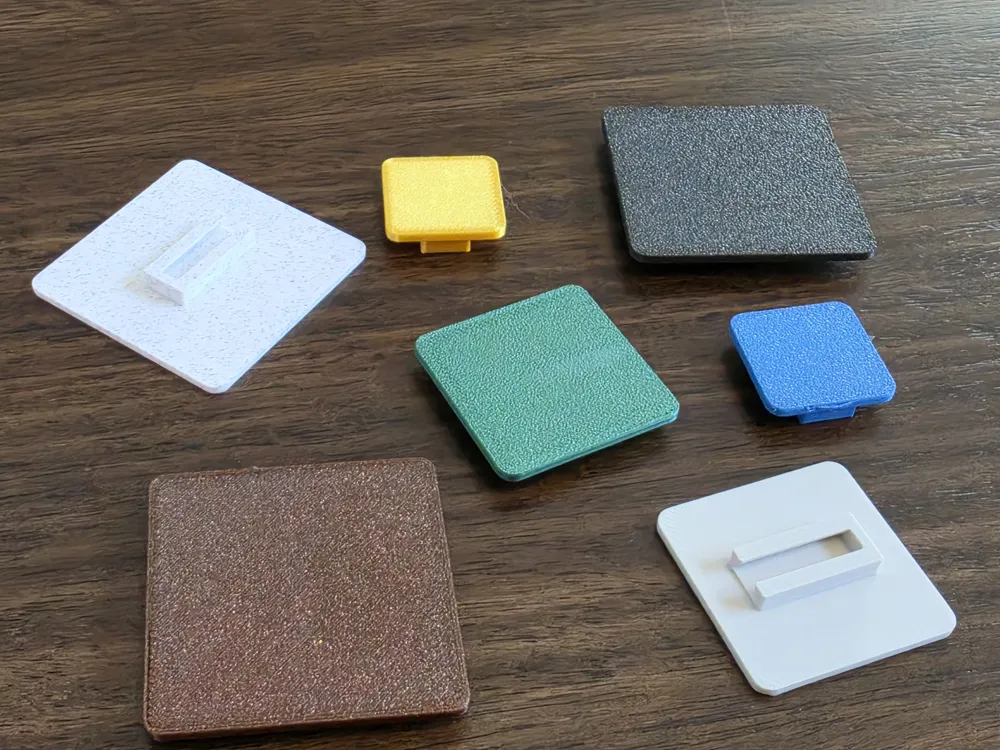
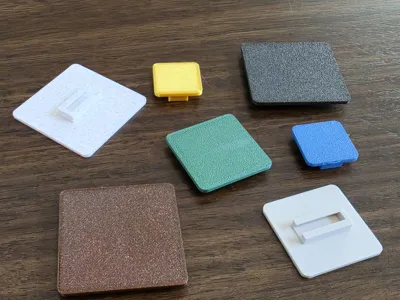
- A small set of filament swatches in three sizes: 24x24 (Bambu standard swatch size), 32x32, and 48x48.
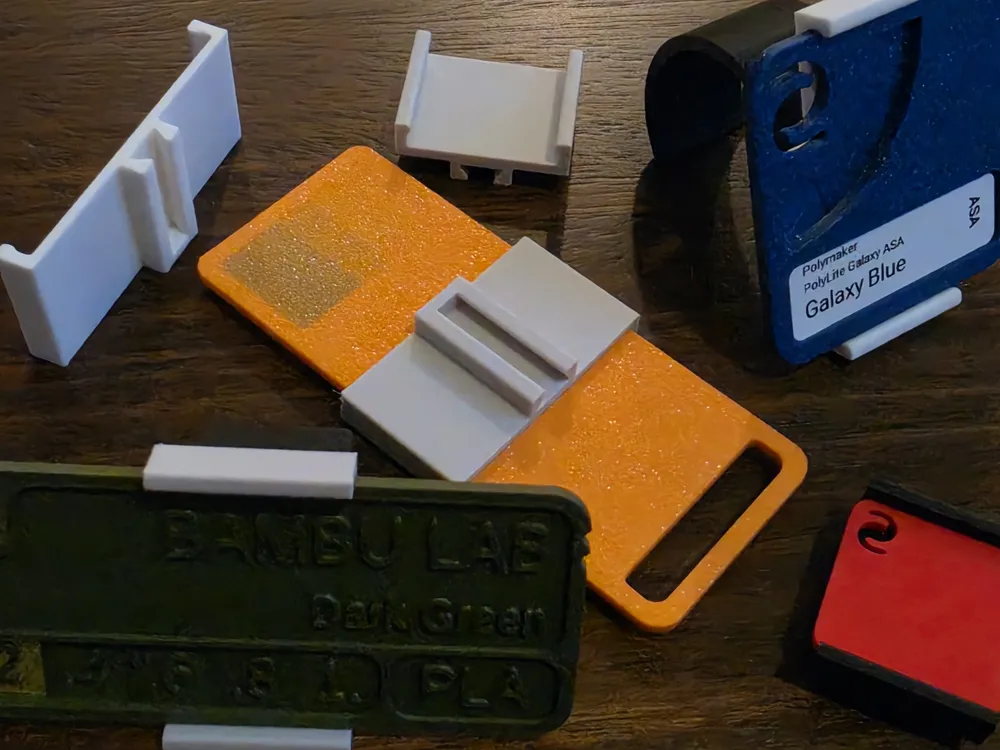
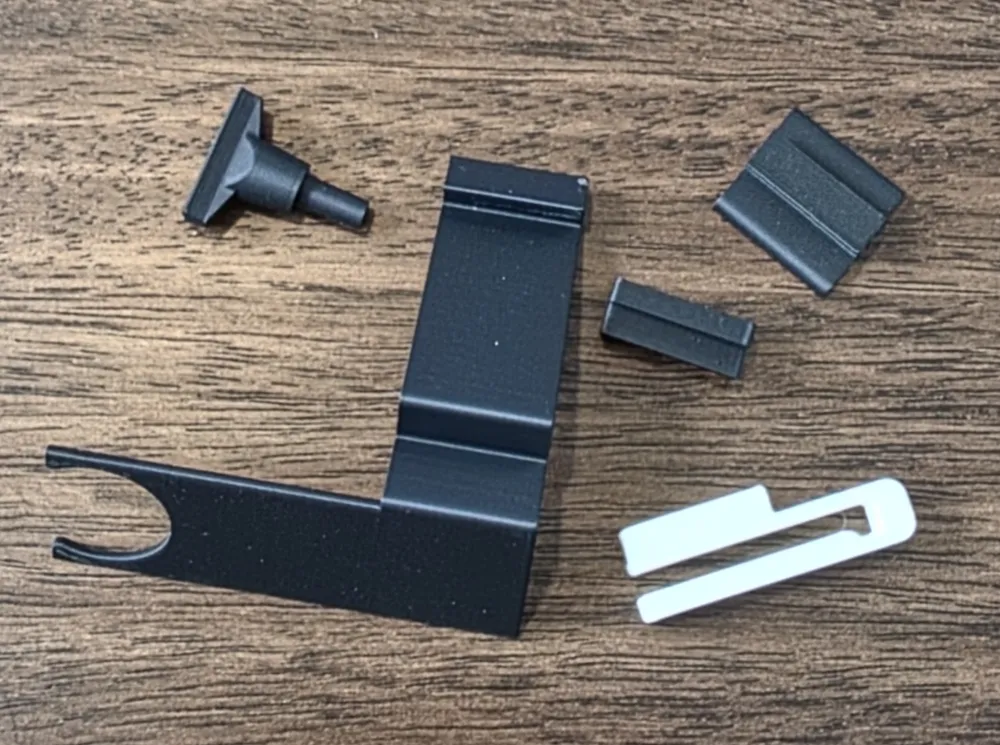
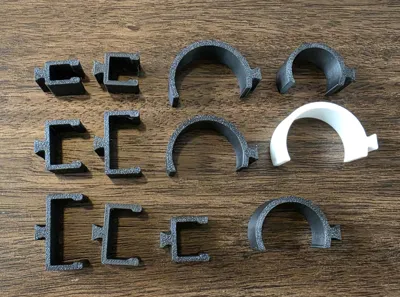
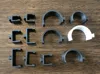
There are 17 different mounts:

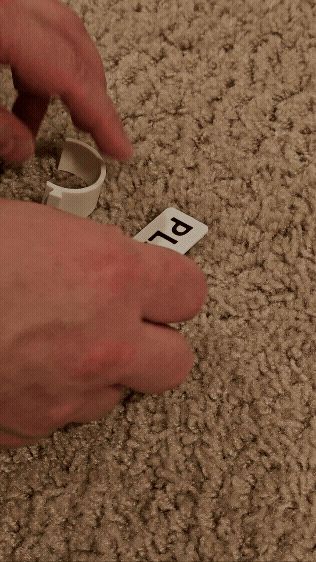
- 5 are snap on rings covering most standard rod sizes:
- 34mm / 1.31in which is the US heavy duty closet rod size.
- 32.5mm / 1.28in which is the US standard closet rod size.
- 28mm / 1.125in which is the US heavy duty broom handle size. This should also fit 1" EMT conduit.
- 24mm / 0.98in which is the US standard broom handle size. This should also fit 3/4" EMT conduit.
- 18mm / 0.71in which should fit 1/2" EMT conduit.
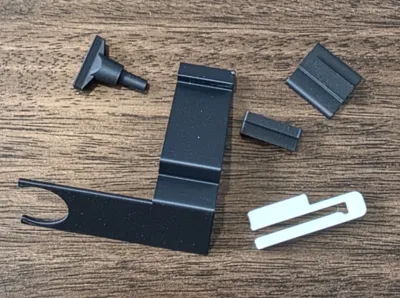
- 7 are made to slide directly onto the front edge of shelving:
- These range from 7mm (1/4") through 26mm (1.0") and each 1/8" between.
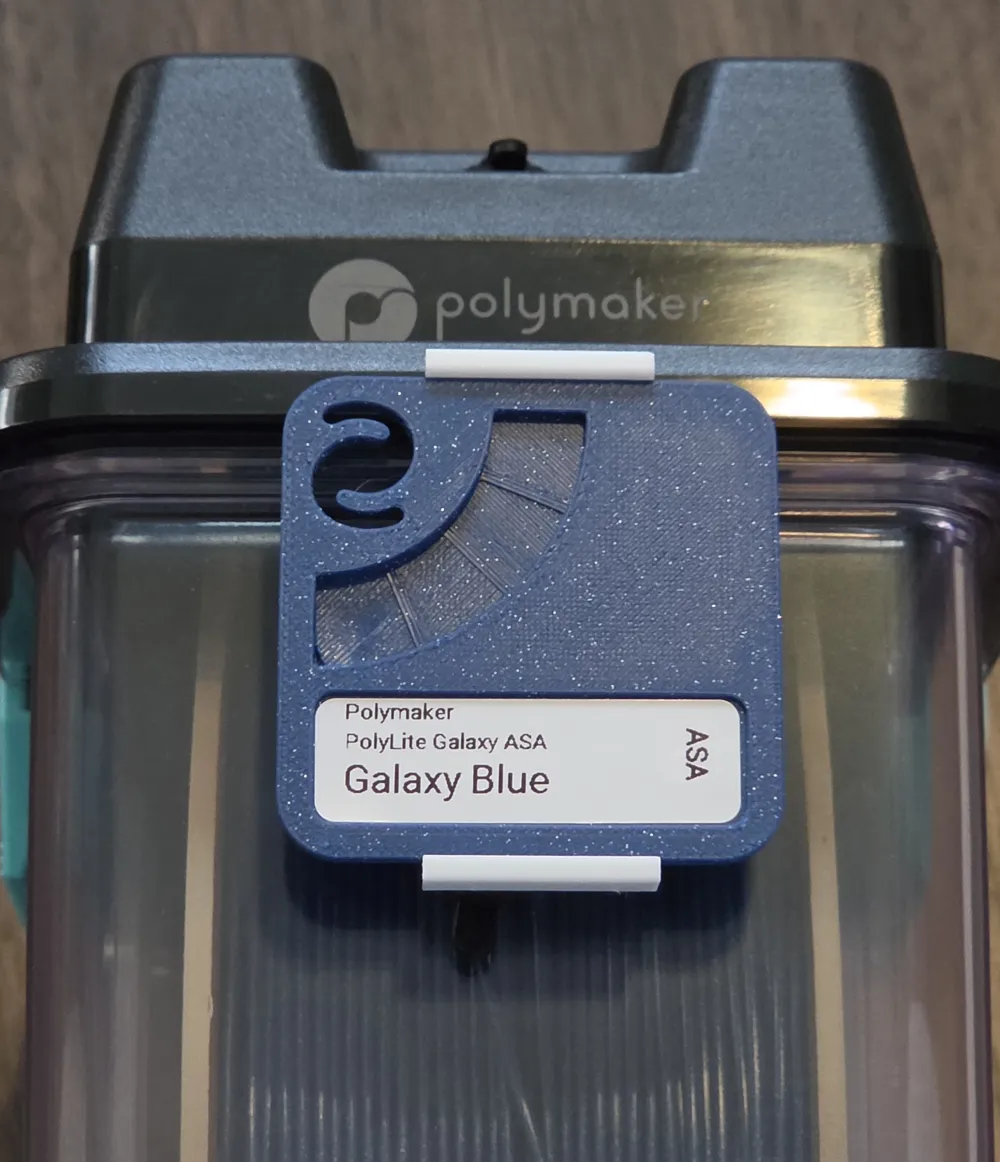
- 5 are made for other containers:

- One fits on the front clip of popular cereal storage boxes.
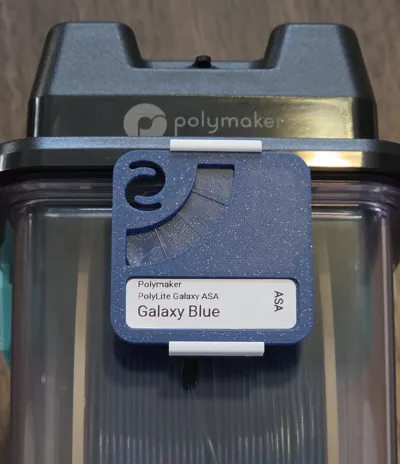
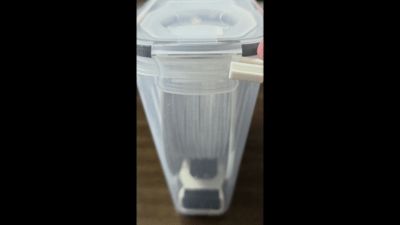
- One fits into the front filament plug of a PolyDryer storage box.
- One slides under a Bambu AMS-HT.
- One has two spots for 2x4mm round magnets to attach to any metal surface.
- One is a plain base to glue or double side tape to a container.
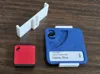
There are 5 different adapters to hold your existing filament swatches:
- A adapter for the standard 24x24 Bambu filament swatch which you can also print from the Bambu Lab filament swatches model: https://makerworld.com/en/models/18220-bambu-lab-filament-swatches
- A adapter for the larger 48mm x 48mm swatches such as Mega Swatches: https://makerworld.com/en/models/469183-mega-swatches-w-case
- A adapter for the Favorite Filament Sample: https://makerworld.com/en/models/487839-favorite-filament-sample-customize-color-swatch
- A adapter for the Filament Sample Card: https://makerworld.com/en/models/70155-filament-sample-card
- A adapter for the Filament Swatch with Test: https://makerworld.com/en/models/64888-filament-swatch-with-test
All the labels easily slide onto the mounts. All your existing filament swatches snap into the adapters. All the mounts either snap onto the rods or friction fit onto the shelves. No supports required to print, no glue to attach the labels to the mounts, no screws or anything else are required. All print quickly with very little filament needed. I also tried to cover most different sized for the ring and shelf mounts but if you need another size please message me as they can easily be created.
These also go great with my Wall Mounted Filament Rack.
Customizing the Labels Within the Slicer
Each set has a blank label which you can make copies of and customize the text on. Unfortunately the slicer gets a little goofy when changing text and sometimes will move stuff around, especially if you change the font size, but once you know that you can work around it. To customize the label:
- Double click the label on the plate to get to the objects tab
- Click on the object called “Text”. Or for the detailed labels its “Text on Top” and “Text on Bottom”
- Click the “Text Shape” button in the slicers top menu that looks like a upper and lower T.
- Change the text then click the “Text Shape” button again to turn it off
- Rotate the plate so you can see under it and see your change
- Click the “Move” button and make sure the “Z” value is 0.0mm which puts it at the surface
- If you need to move the text up/down or left/right on the label you can do that here by changing X and Y
- Click the “Move” button again to turn it off
- Slice it and make sure you can see your text in the preview.
Customizing the Labels Using FreeCAD
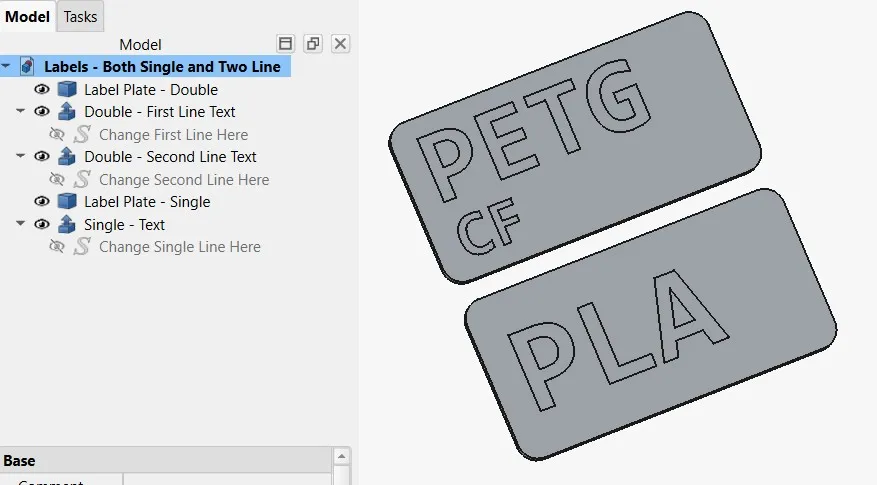
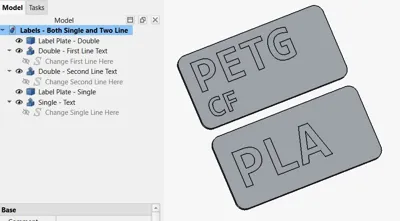
The cleanest way to customize the text is directly within the original CAD file which is included. Open the file using FreeCAD and you will see the Single and Double labels along with the text for both:
- Select the text you want to change. For example select the object on the tree called “Change Single Line Here”
- In the properties scroll down to “String” and change it from PLA to whatever you want
- To export it out, on the tree, highlight the “Label Plate - Single” then hold CTRL and select “Single - Text” so both are highlighted
- Go to File → Export and save as type “STEP with colors” and give it a name
- In Bambu Slicer create a new project then go to File → Import and import your file
- Go to the Objects tab and change the color of the plate and the text
You can do the same with the two line plate by selecting that plate and the two lines of text and exporting that out also. In fact you can make multiple custom labels, change the font size, change the font style, and customize it as much as you want.
Boost Me (for free)
All of my models are free to download. I have no patreon, donation links, or affiliate links in any of my listings. With that said if you want to give me a like or a free boost I would very much appreciate it. Thank-you.
License

You may create derivative works based on this object, provided that all such derivative works are published exclusively on the MakerWorld platform and include proper attribution to the original creator. You may not share, upload, host, distribute, or publish this object—or any derivative work of this object—on any other digital platform, marketplace, or distribution channel. Commercial use of this object and any derivative works is strictly prohibited. This includes, but is not limited to, selling, renting, sublicensing, or using the object in any context in which you receive monetary compensation or other financial benefits.


Comment & Rating (11)