
SpinTop Pencil Fidget – Wing Edition
Print Profile(1)

Description

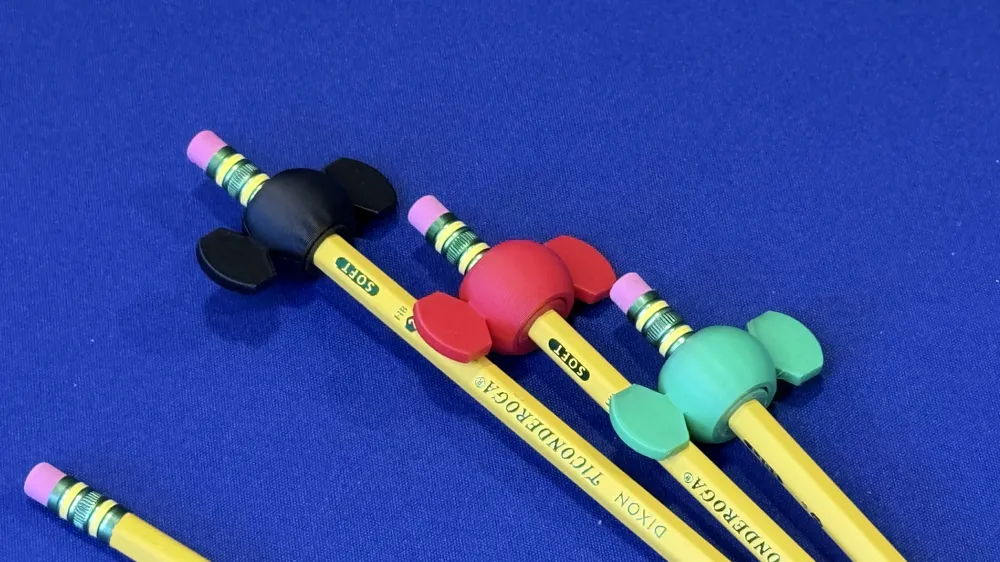
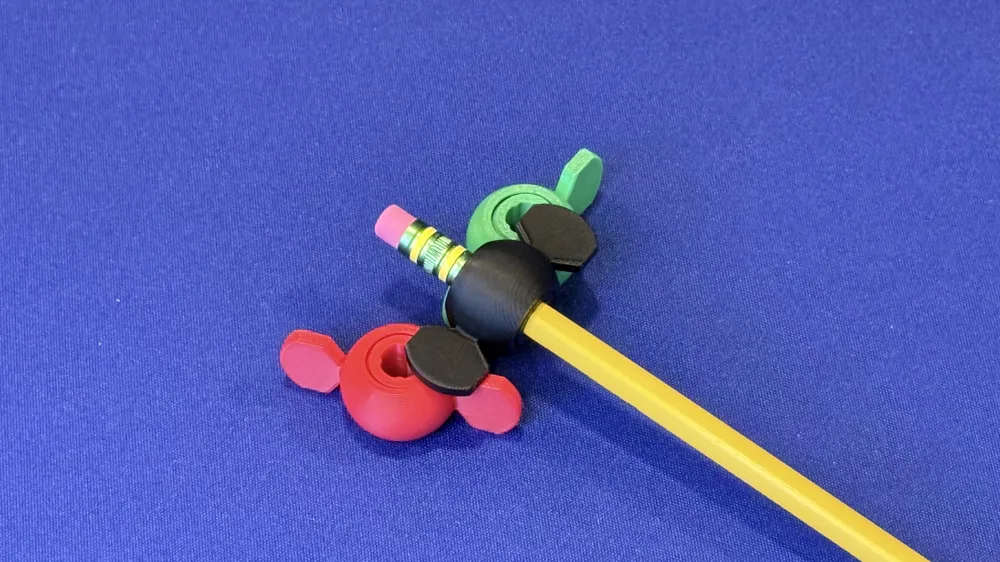
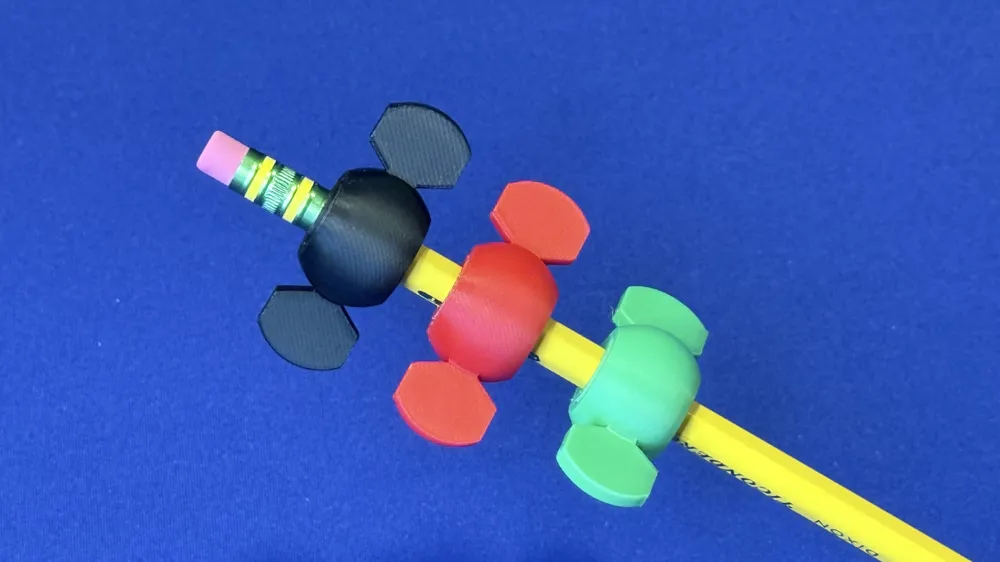
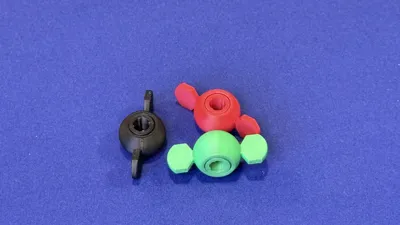
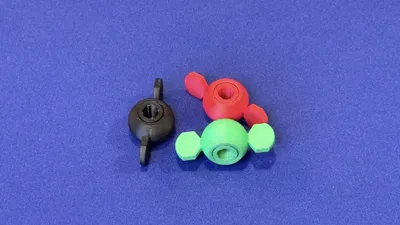
This is a winged variation of my original SpinTop Pencil Fidget—same satisfying pencil-top spinner idea, now with a “wing” look and feel.
⚠️ Commercial Use Requires Active Subscription. Free for personal use. Selling prints requires an active HexByte Commercial License — rights end on cancellation, including for existing inventory. See profile to subscribe.
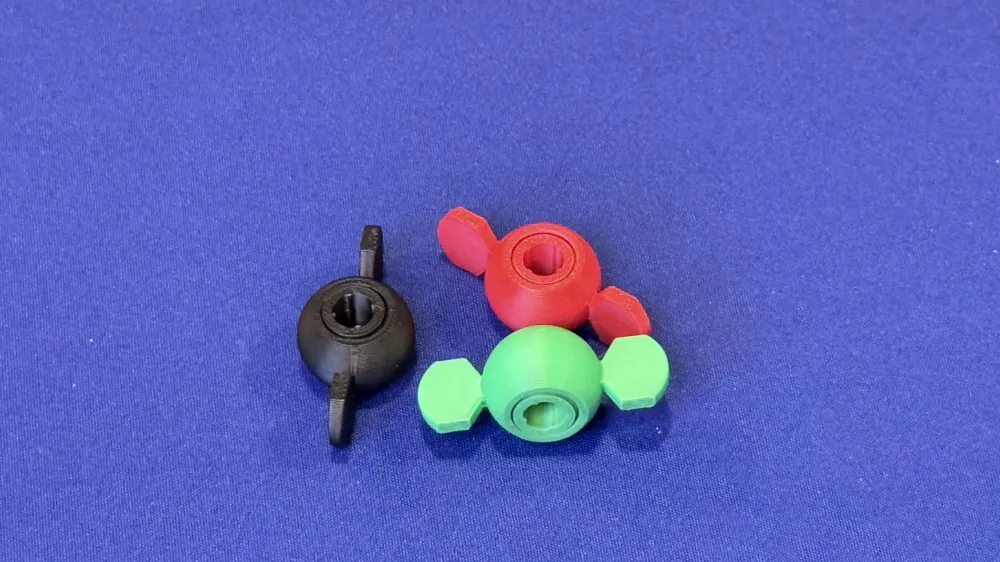
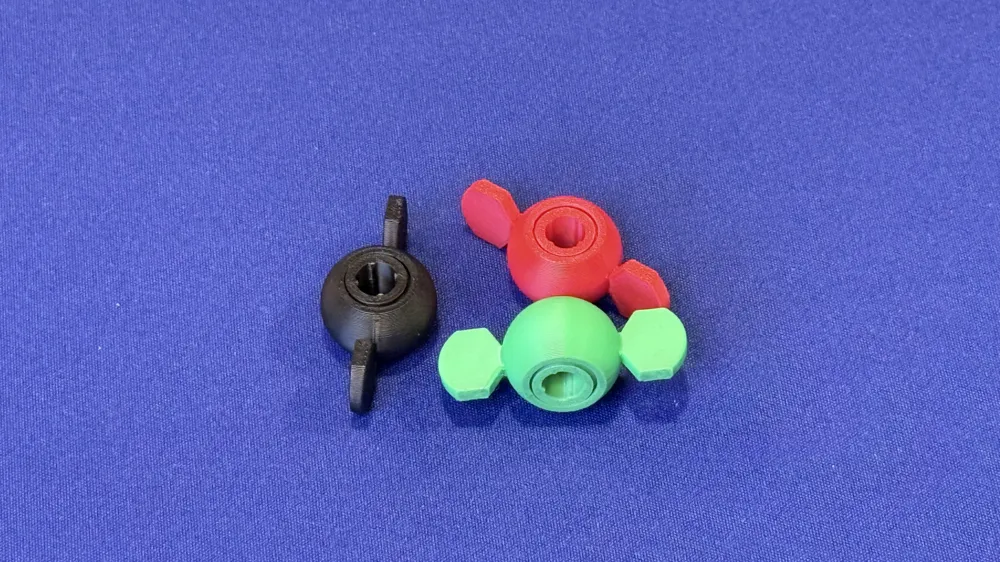
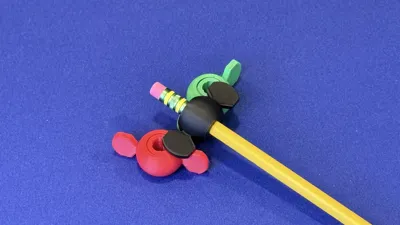
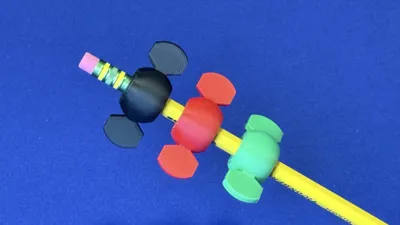
SpinTop Pencil Fidget – Wing Edition is a simple, satisfying fidget that slips onto the pointed end of a standard hex pencil. The slotted “orb” design flexes slightly for a snug fit, and the smooth rounded shape is great for spinning, rolling between your fingers, or just absent-minded desk fidgeting while you work.
Features
- Press-fit fidget that mounts on the pointed end of most #2/standard hex pencils
- Comfortable rounded “orb” shape for spinning and thumb rolling
- Slotted shell provides a little springy grip without extra hardware
Printing
- Prints without supports
- Recommended: 0.2 mm layer height, 2–3 walls, 10–20% infill
- Material: PLA/PETG works great. (TPU also works if you want extra grip, but may feel less “spinny.”)
Fit notes
Pencils and filament shrinkage vary. If it’s too tight, scale the model up 1–2%. If it’s too loose, scale down 1–2%.
A great companion to the rest of the SpinTop Pencil Fidget series.
SpinTop Pencil Fidget - https://makerworld.com/en/models/2346914-spintop-pencil-fidget#profileId-2566107
SpinTop Pencil Fidget: TwistWrap Edition - https://makerworld.com/en/models/2504960-spintop-pencil-fidget-twistwrap-edition#profileId-2754169
SpinTop Pencil Fidget: Orbit Edition - https://makerworld.com/en/models/2505243-spintop-pencil-fidget-orbit-edition#profileId-2754430
Printing Notes / If it won’t stick to the build plate
A few users reported that the original model can be prone to poor first-layer adhesion depending on printer, plate type, and filament. If you run into the same issue with this Wing Edition, try these steps:
Clean the build plate
Oils from fingerprints are the #1 cause of random adhesion problems. Wash with dish soap + warm water, dry, and avoid touching the print area. (IPA wipe can help too.)
Slow down the first layer
Use a slower first layer speed (example: 15–25 mm/s) and make sure your first layer is going down smoothly and slightly “squished,” not rounded.
Re-check Z-offset / first-layer squish
If lines look too thin / you see gaps → you’re too high.
If it’s overly rough or the nozzle drags → you’re too low.
Add a brim if needed
If you’re printing on a plate/filament combo that’s finicky, a 3–6 mm brim can make this print much more reliable. You can remove it cleanly after.
Plate / filament tips
- PLA: usually sticks best on a clean textured plate or PEI; brim helps if corners lift.
- PETG: avoid printing directly on smooth PEI without a release layer; use your usual PETG plate routine.
If you try these and still have trouble, feel free to comment on the model with your printer + filament + plate type and I’ll help troubleshoot.
License

You shall not share, sub-license, sell, rent, host, transfer, or distribute in any way the digital or 3D printed versions of this object, nor any other derivative work of this object in its digital or physical format (including - but not limited to - remixes of this object, and hosting on other digital platforms). The objects may not be used without permission in any way whatsoever in which you charge money, or collect fees.


Comment & Rating (3)