
Print Profile(4)
Description
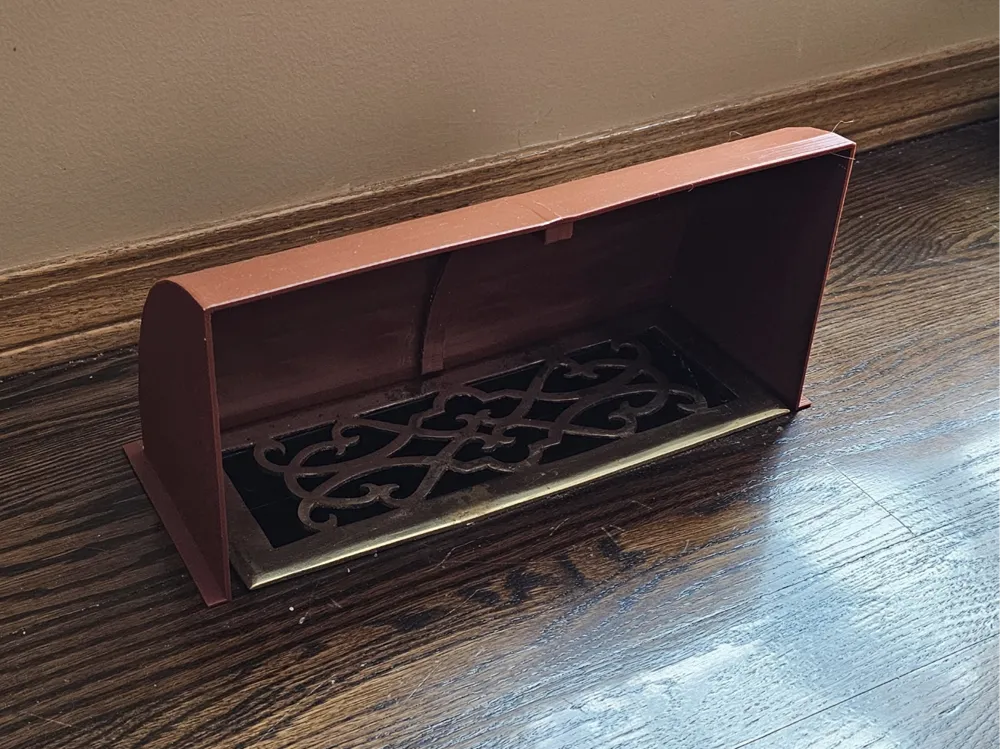
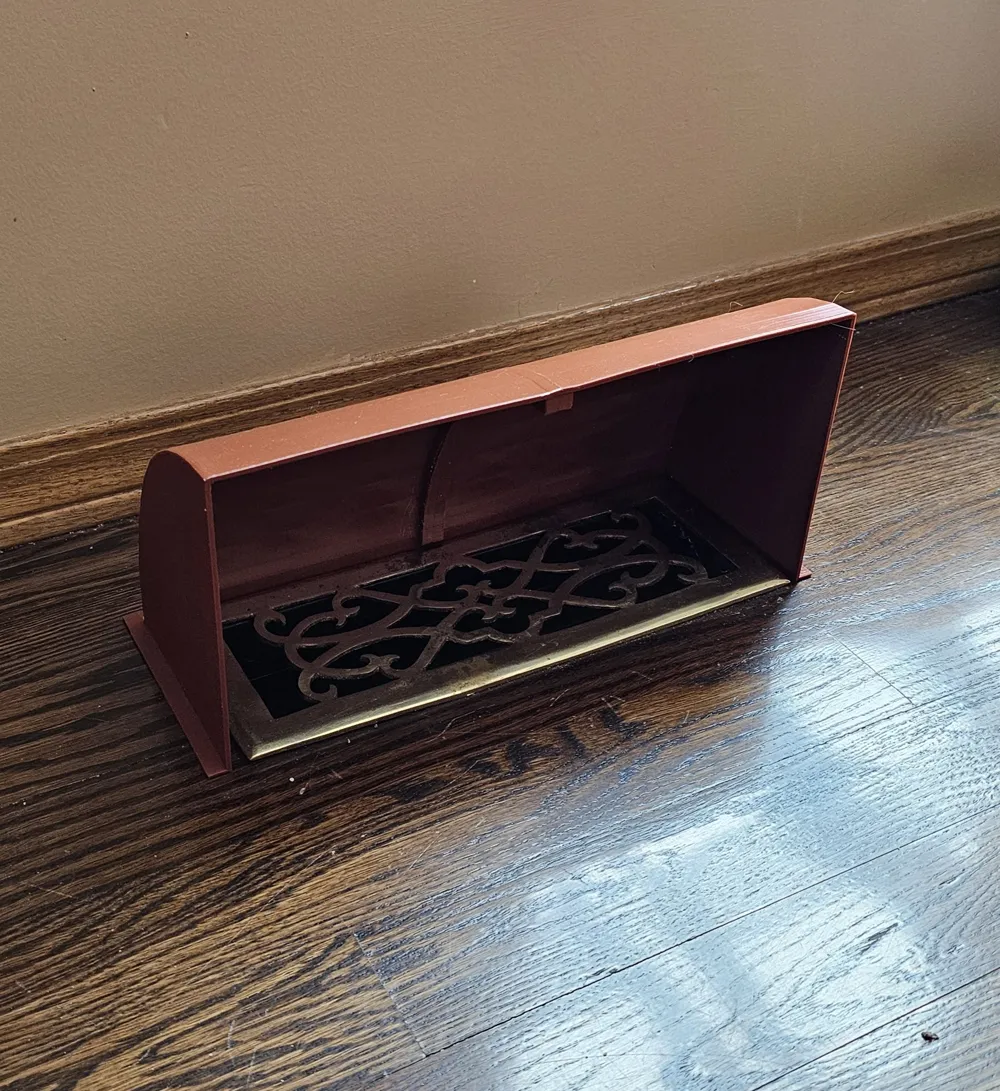
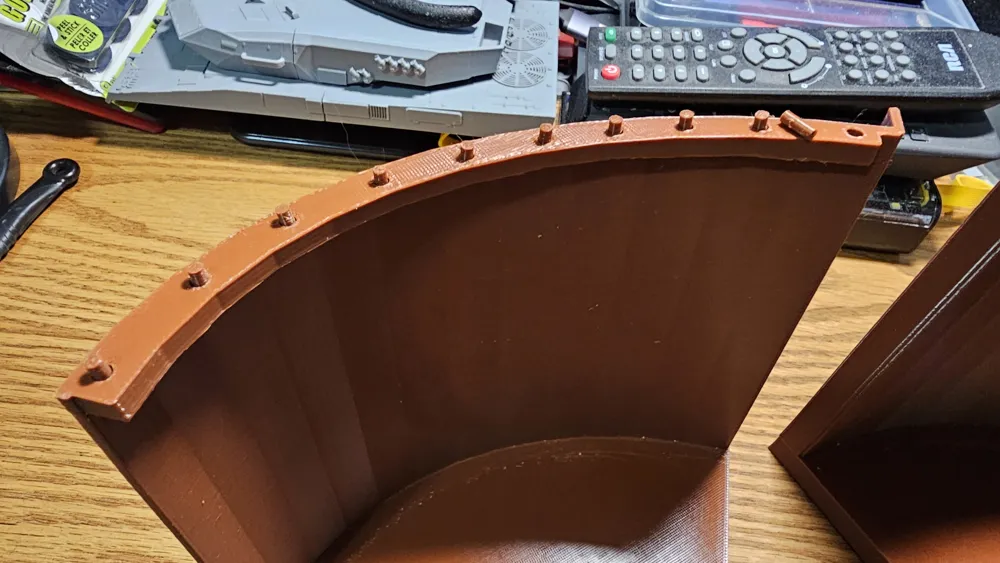
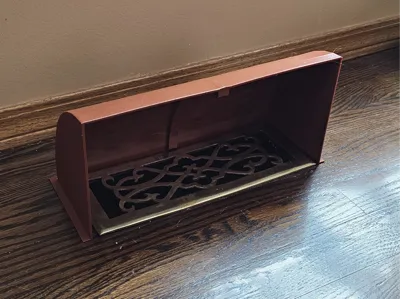
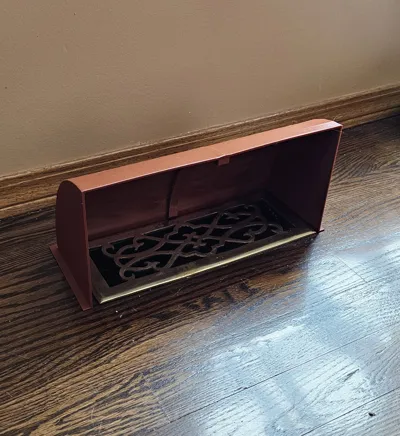
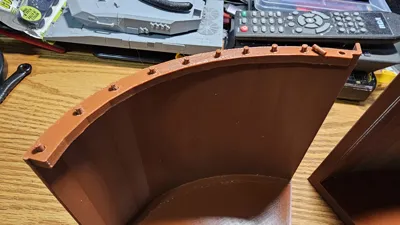
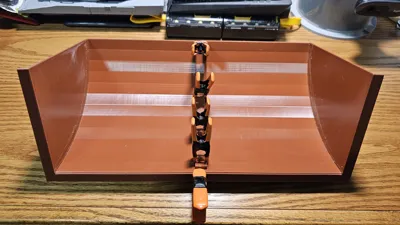
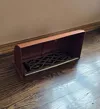
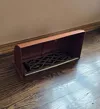
This is a simple air deflector to place over floor mounted hot air register covers. It's sized to fit around register covers that are 285mm x 105mm in size, but if your register is larger than that, you can apply scaling to the X and Y axis. Scaling will affect the size of the holes for the pins that you use to glue the two halves together, so the fit would be a little more loose but you'd still be able to align the secure the two halves.
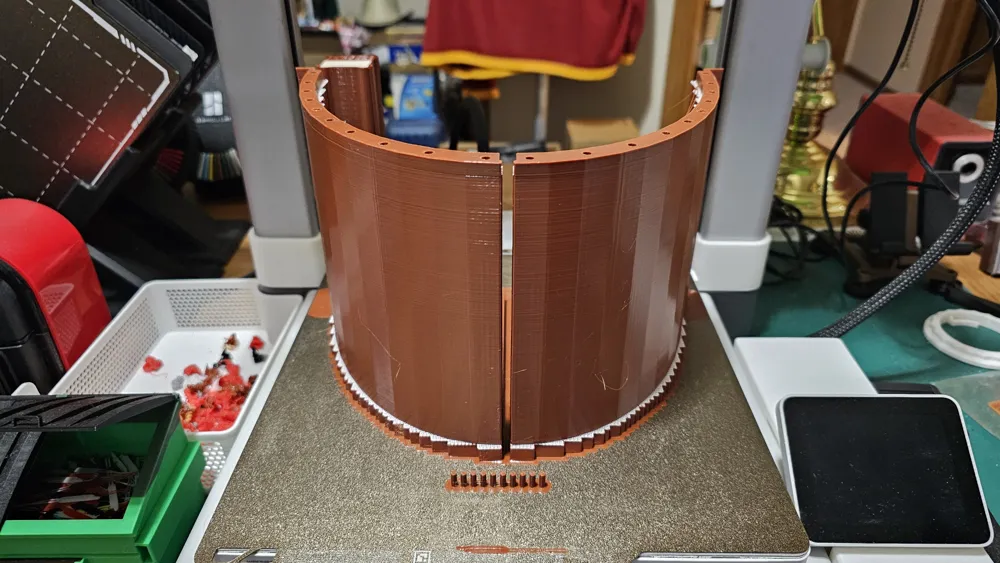
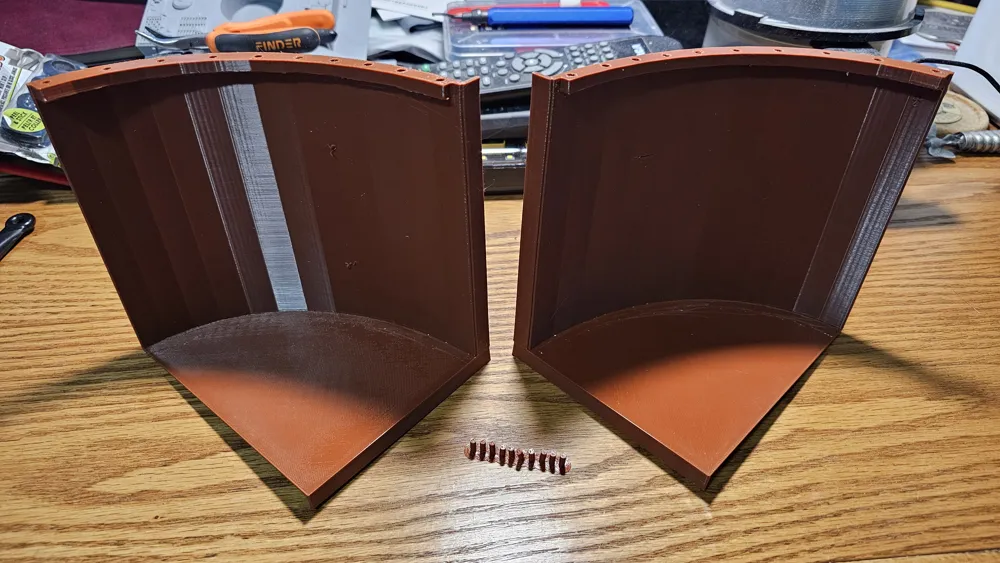
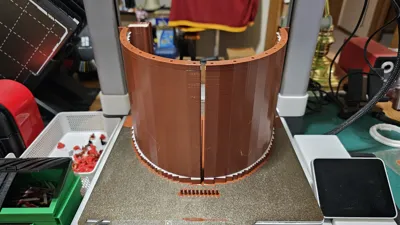
Why two halves? Because the deflector is larger than anything I can print on the plate of my Bambu Lab A1, and I suspect, too large to be printed in one piece by any of their current printer models.
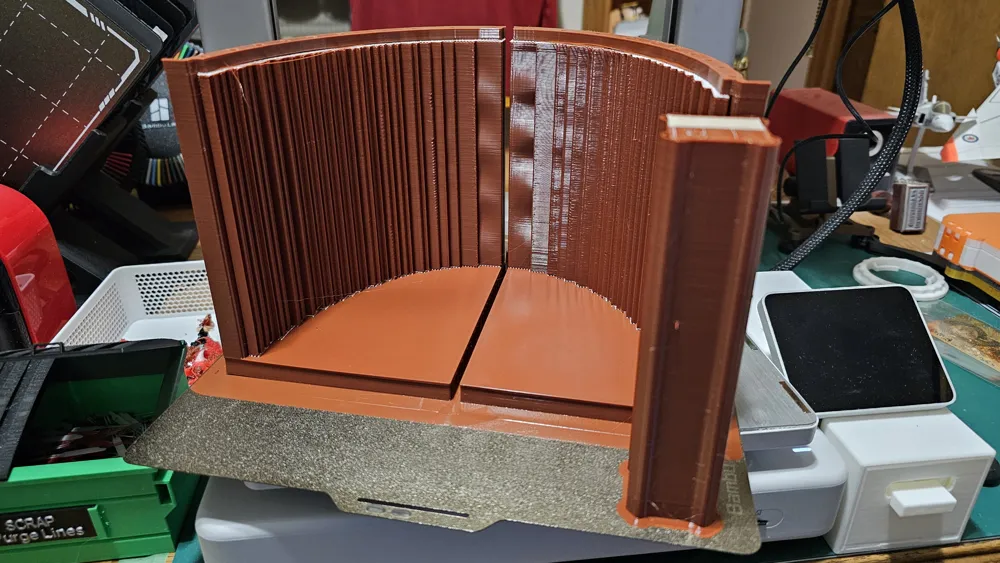
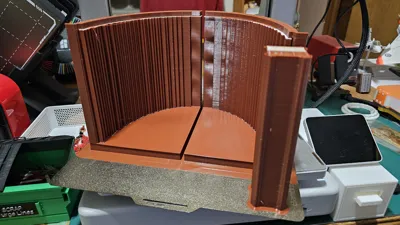
I used PETG for its greater tolerance to heat and avoid warping or sagging. I will post two variations. This one uses Bambu Lab “support for PLA/PETG”, which makes removal of the support structures extremely clean and simple. If you use this, you will need to make a change to your Bambu Studio preferences to allow materials with different heat settings to be printed together. It will give you lots of warnings about potential damage to hotends and clogging, but my personal experience is that it printed with absolutely no issues whatsoever. In the image below, click on the down area shown in the red circle at the top left of the image… then select “preferences”, and when that window opens, check the box I've circled in red. NB… when you're done printing this file, I strongly recommend you change the setting back to disable combined printing of different temp materials.
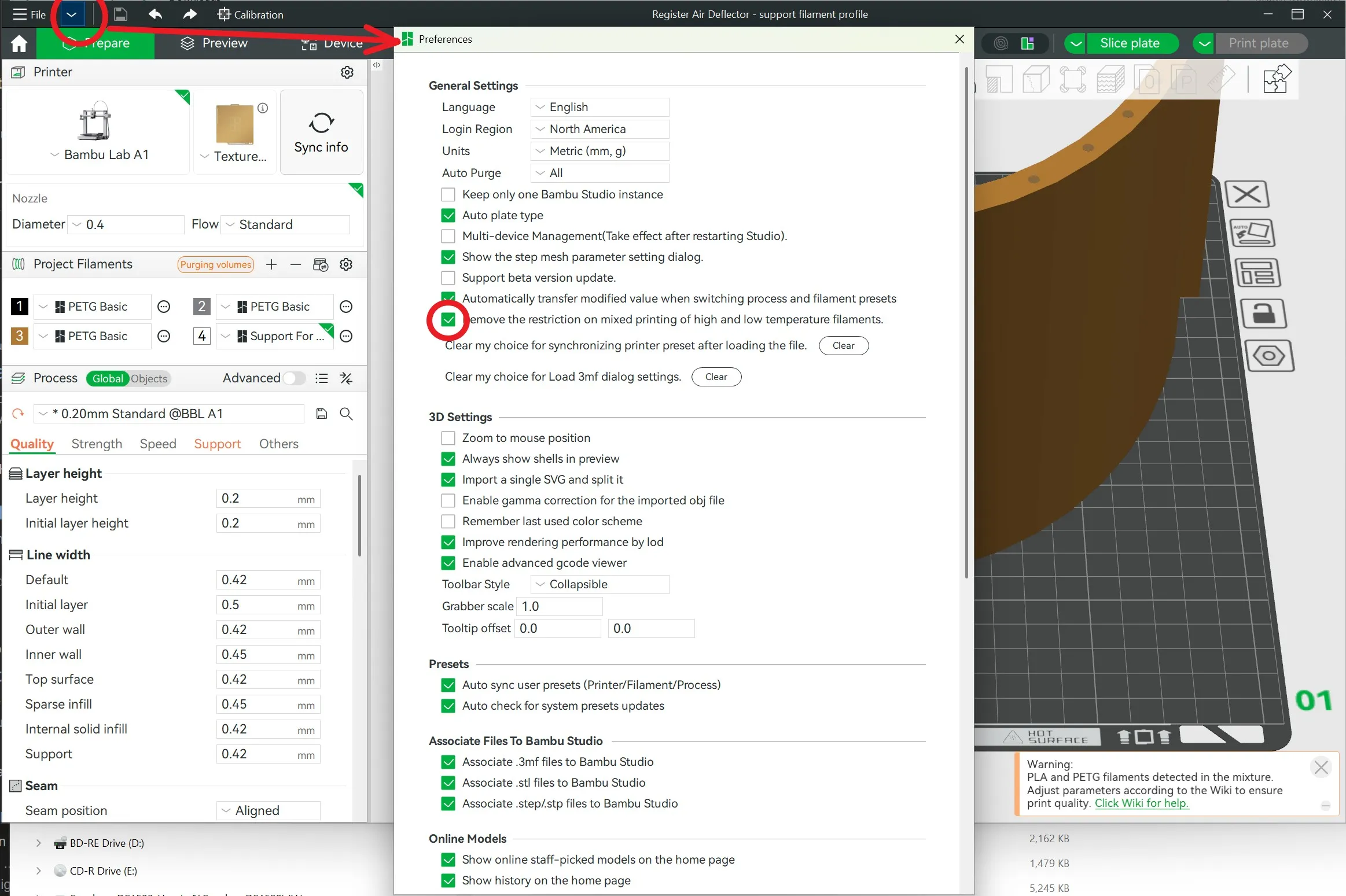
Also note that to use the Support for PLA filament, you'll want to double check that in the supports settings for the model that the interface material has been changed from “default” to “support for PLA”. This should be in place as part of the print model profile, but if not, ensure it's set properly. Lastly, Bambu Studio always wants to change a bunch of settings as soon as you select support filaments as the interface layer… ignore the recommended changes. I find their recommended changes work worse, not better. If you have more experience with this, then proceed as you normally do for your printing.
If you don't have or want to use BL “Support for PLA”, use the second print profile that I'm adding which uses PETG for supports as well as the model itself.
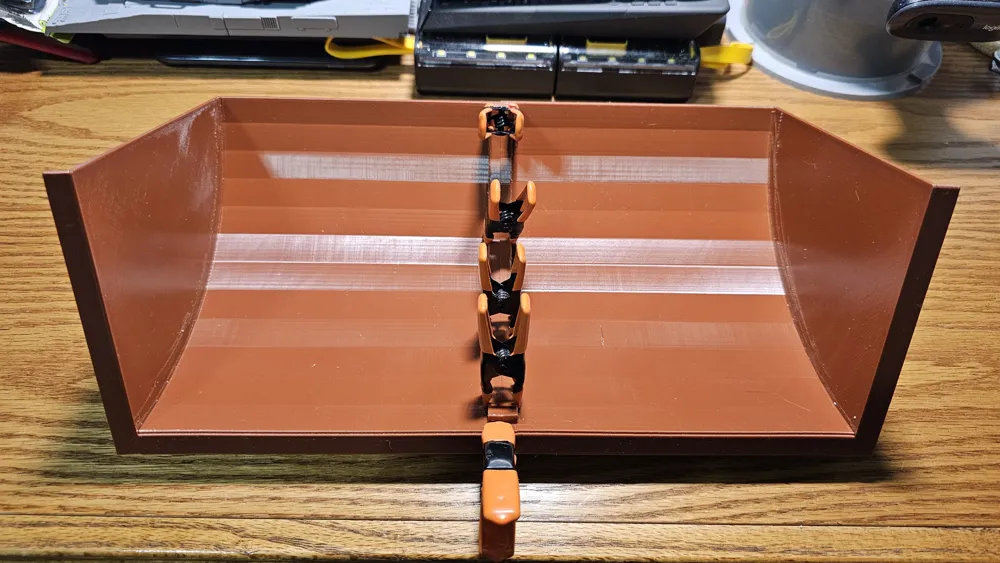
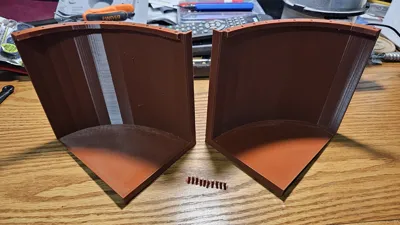
As for the completed model, you'll get the two halves and a set of pins you'll use when gluing the two halves of the shell together. I used some clips to hold the two halves together till the glue set up, but after that, it should be rock solid.
License

You shall not share, sub-license, sell, rent, host, transfer, or distribute in any way the digital or 3D printed versions of this object, nor any other derivative work of this object in its digital or physical format (including - but not limited to - remixes of this object, and hosting on other digital platforms). The objects may not be used without permission in any way whatsoever in which you charge money, or collect fees.


Comment & Rating (0)