
First Layer Flow Calibration - Perfect First Layer
Print Profile(1)
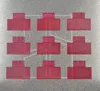
Description
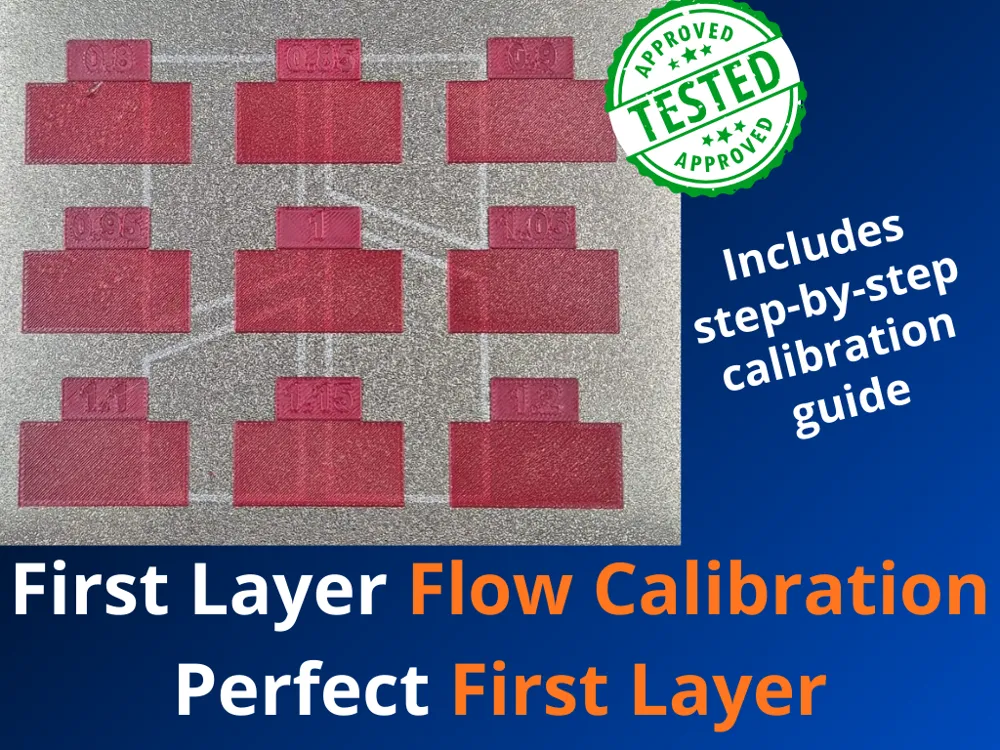
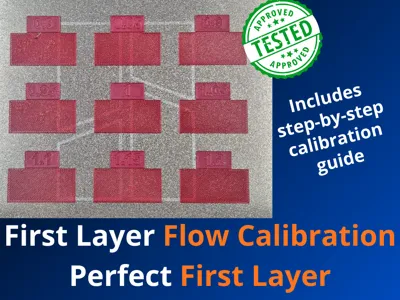
🎯 First Layer Flow Calibration Kit — Perfect First Layer Every Time
Achieving a flawless first layer is the foundation of every successful print. This calibration kit gives you a fast, reliable, and visual method to dial in the optimal flow rate for your first layer, eliminating the guesswork that leads to failed prints, poor bed adhesion, and uneven surfaces.
What's Included
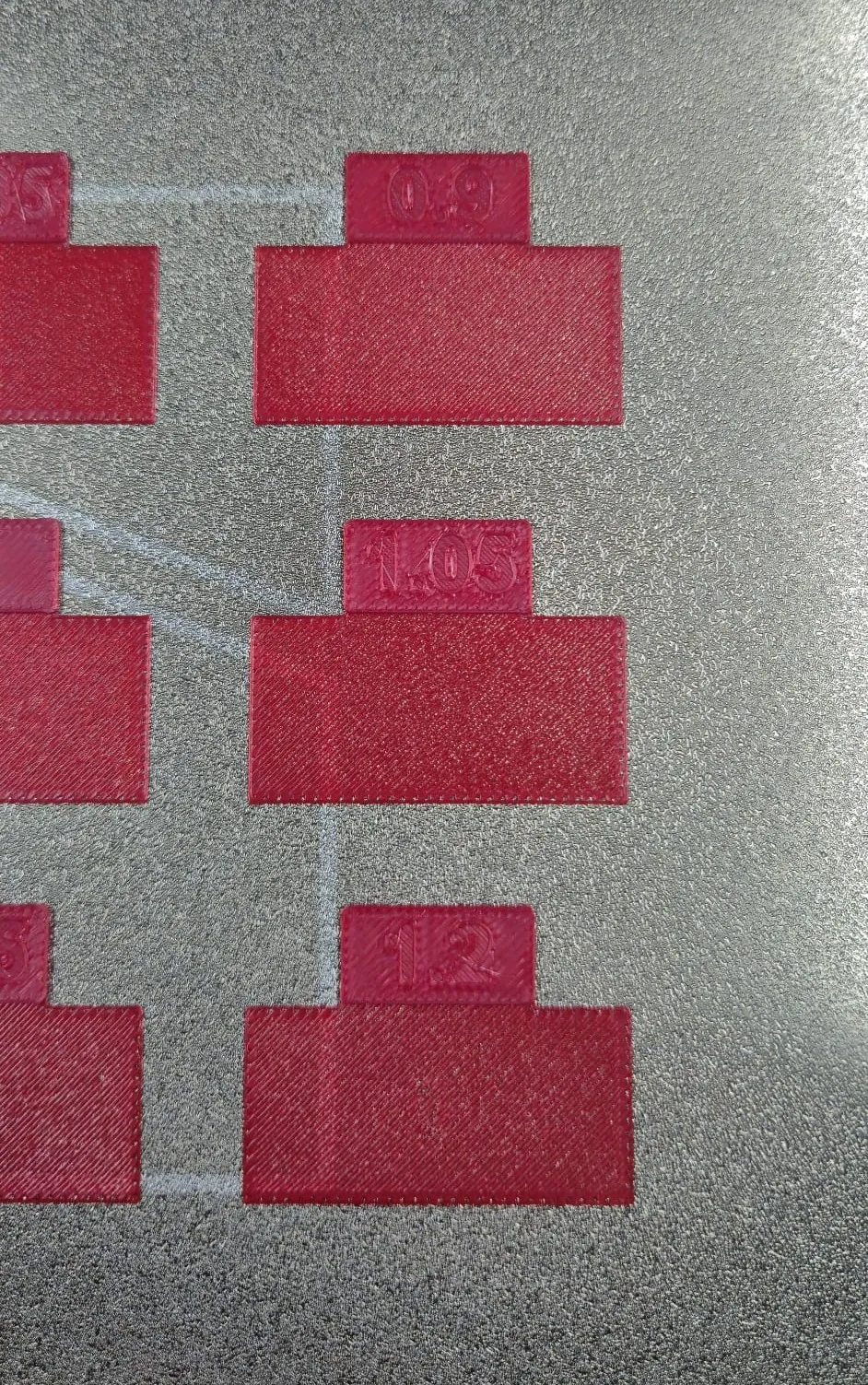
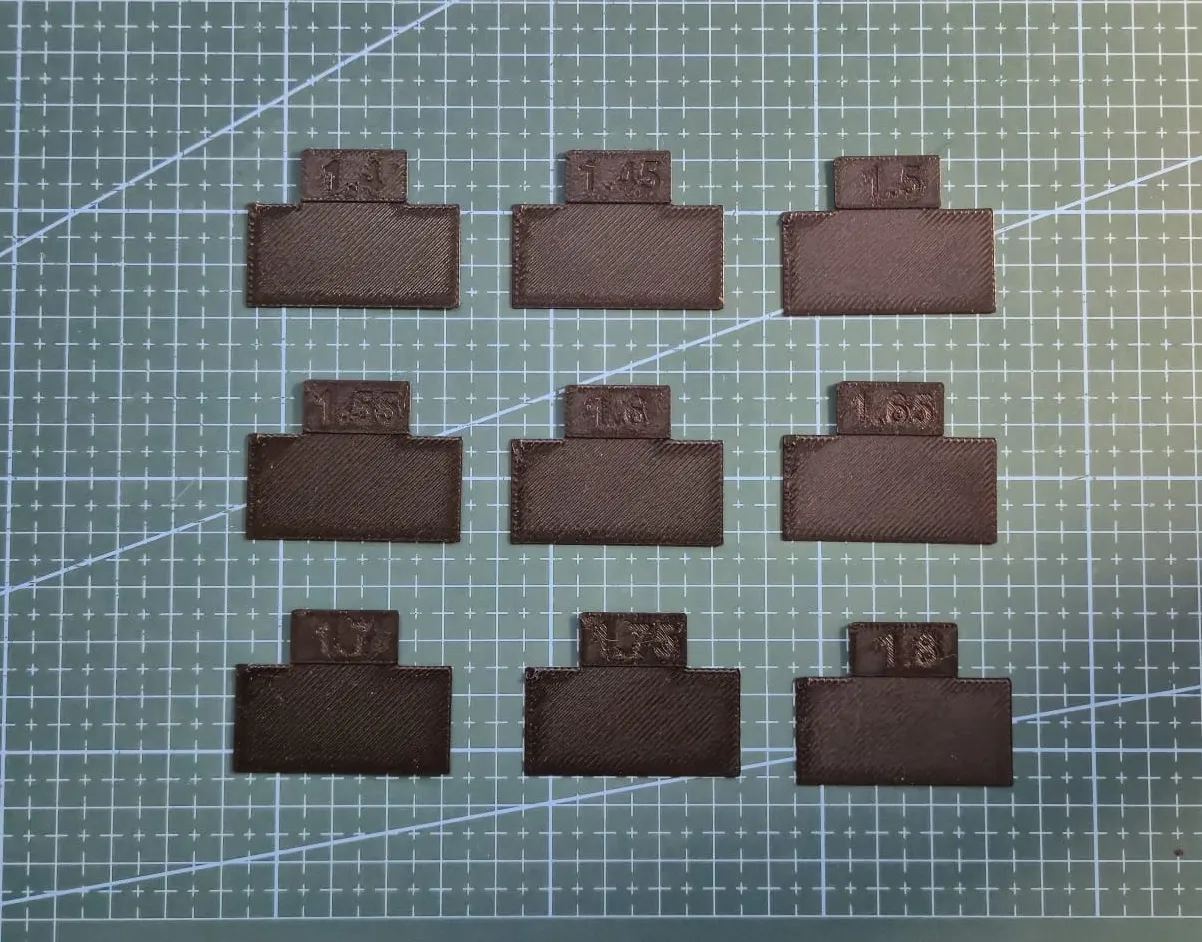
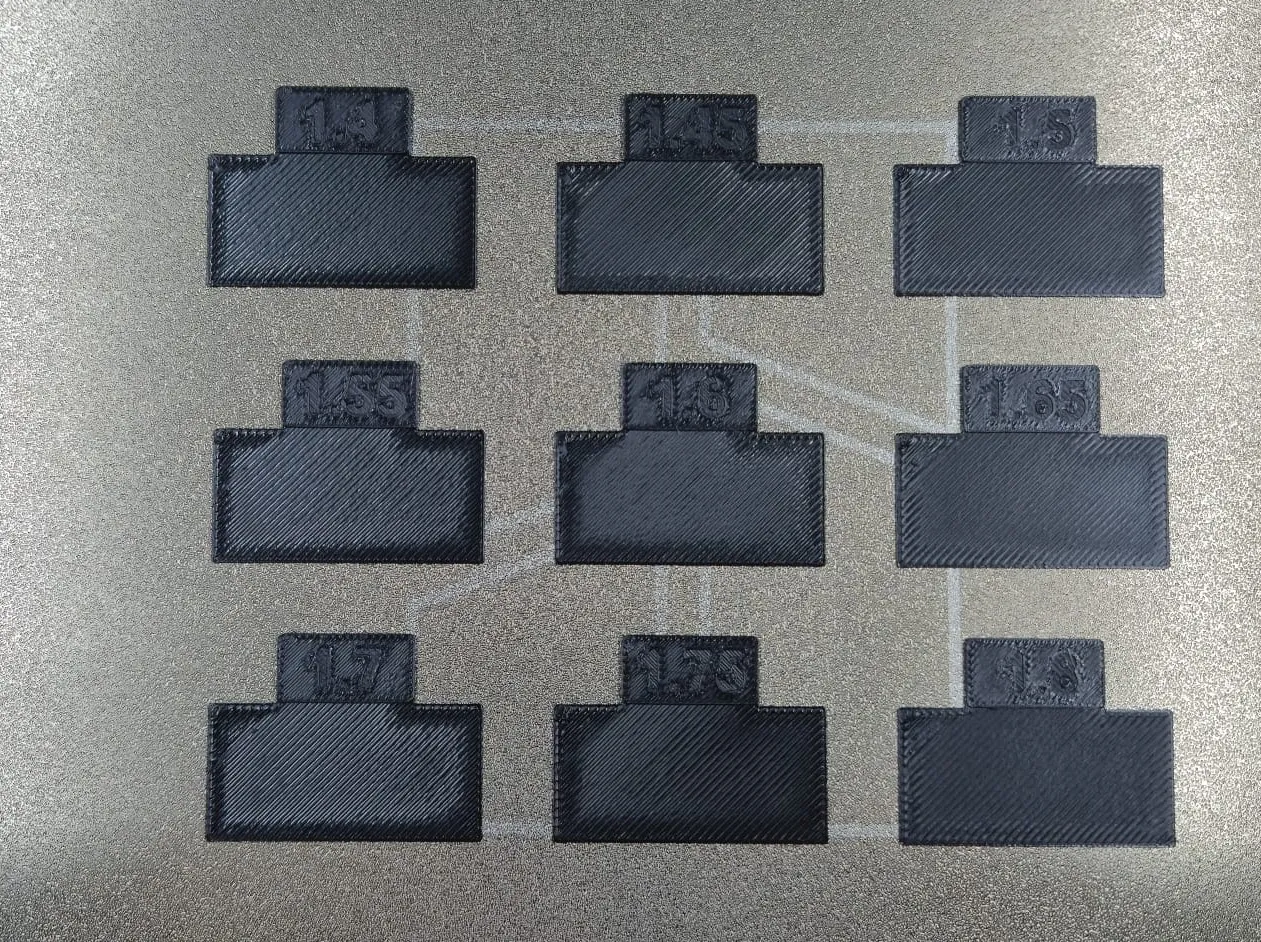
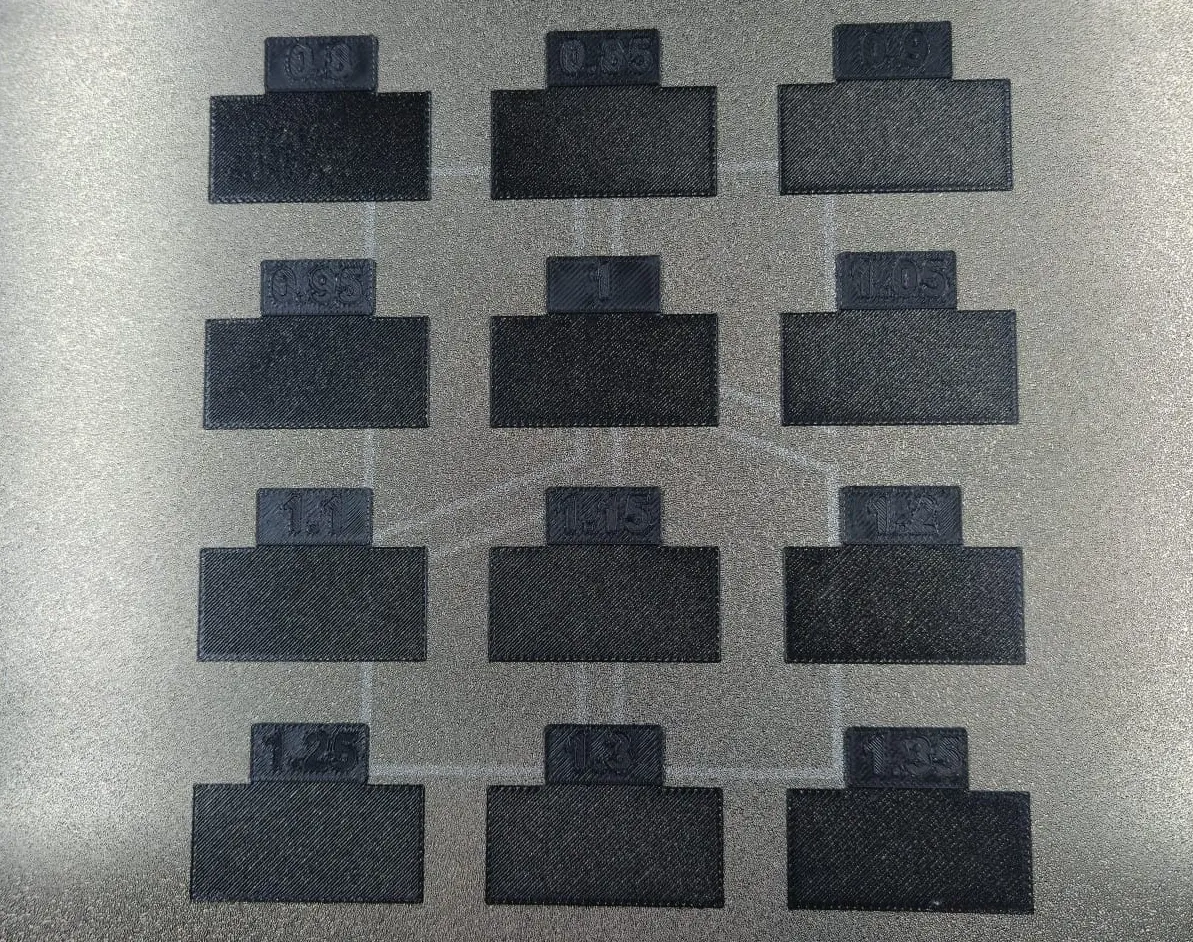
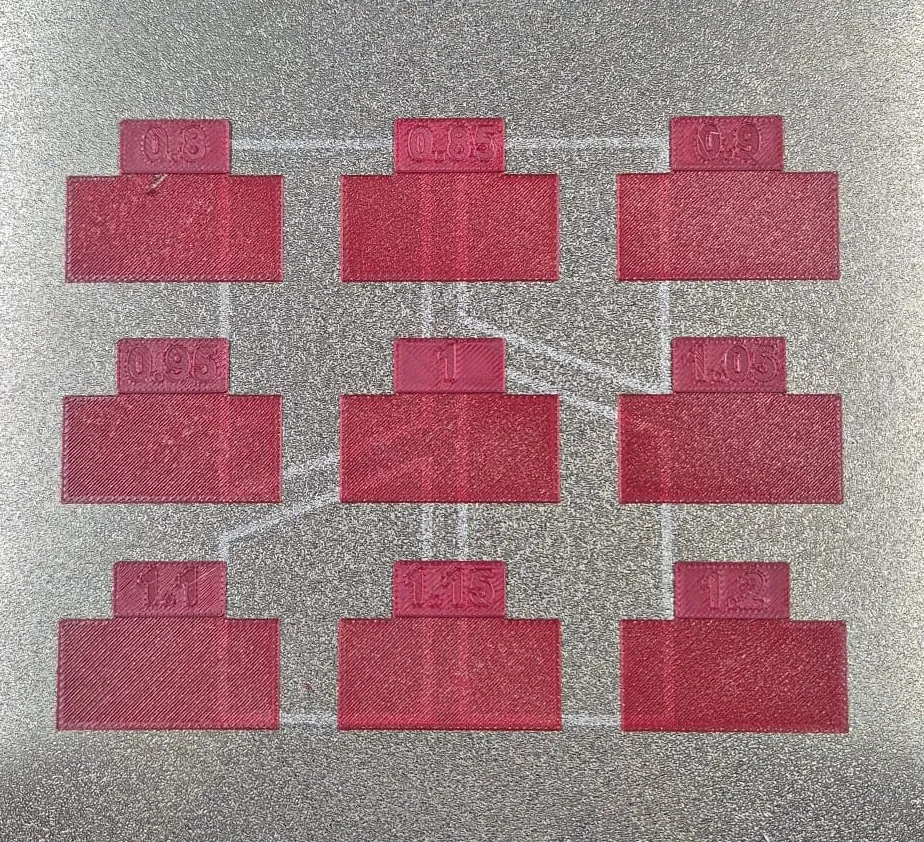
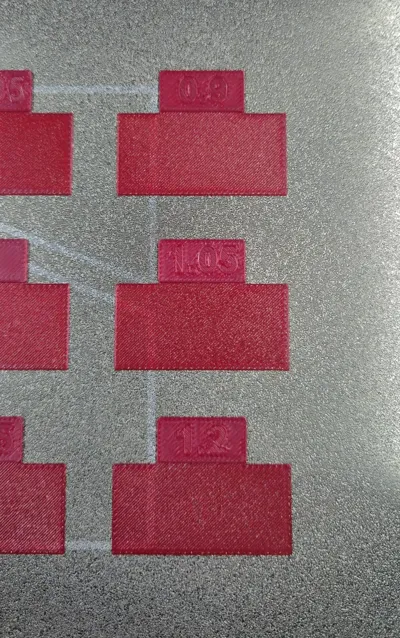
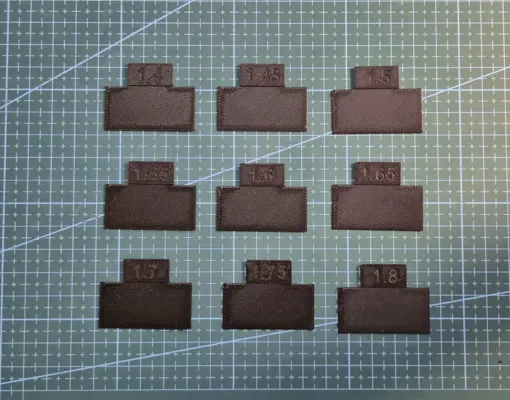
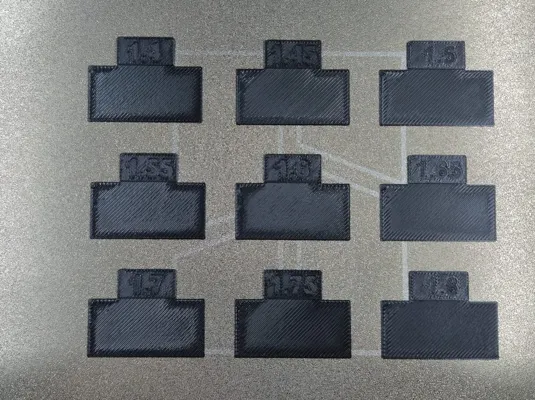
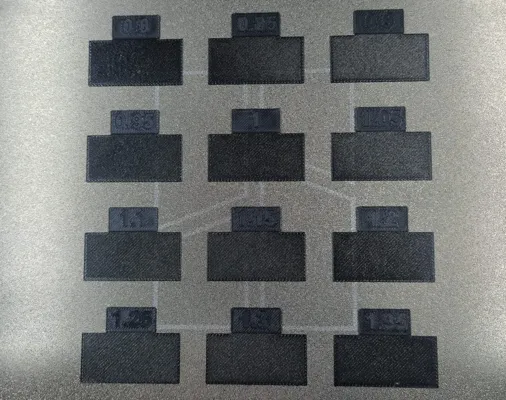
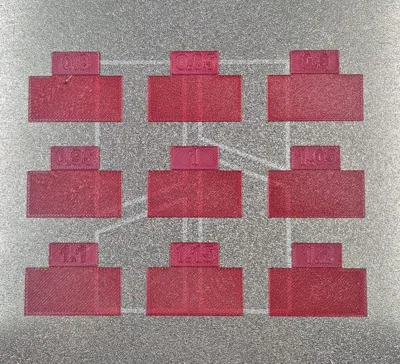
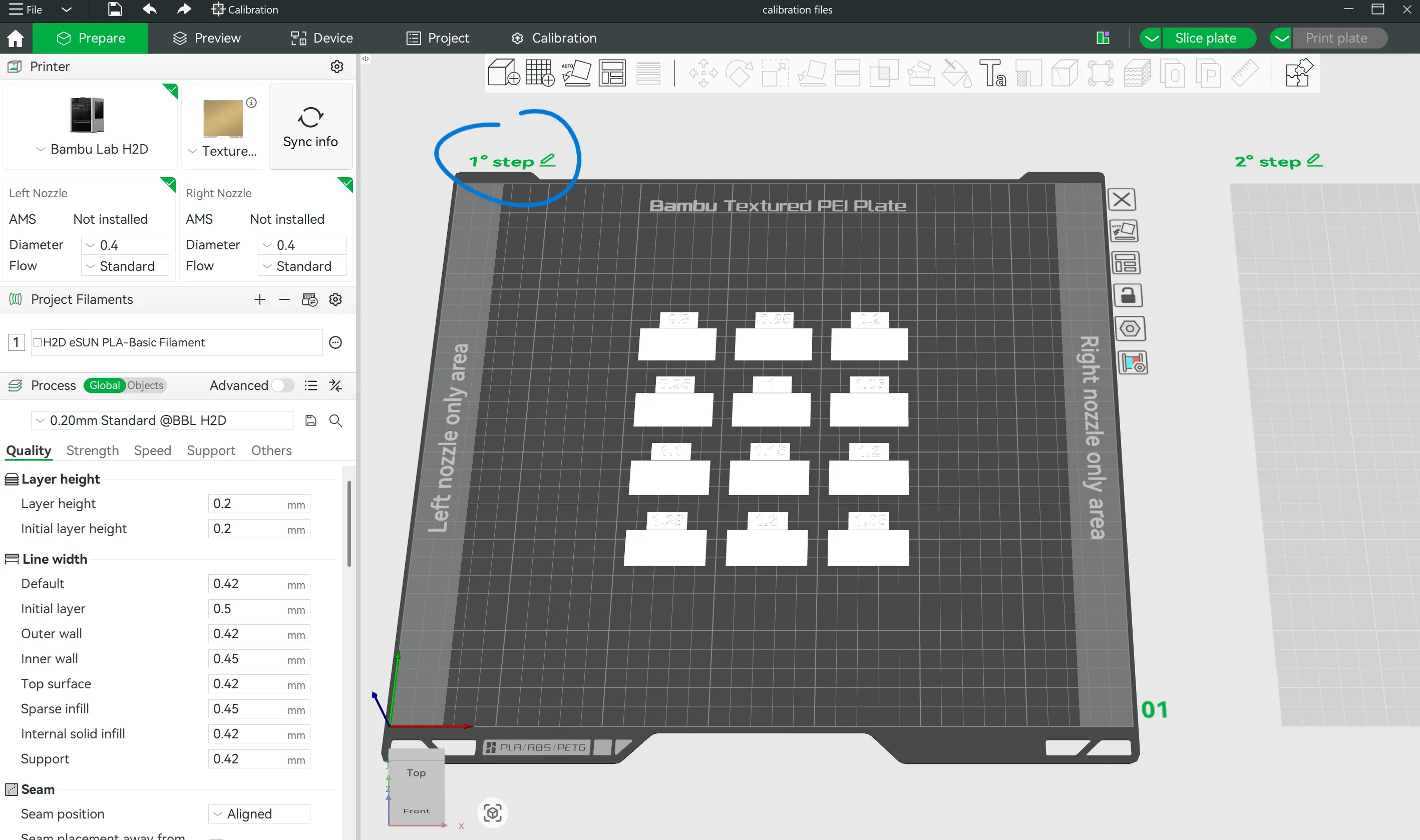
The kit consists of 12+9 small calibration blocks, each printed with a different first-layer flow rate value. By comparing the results side by side, you can instantly identify the ideal setting for your specific filament, bed surface, and printer — no more trial and error across full prints.
🛠️ How to Use It
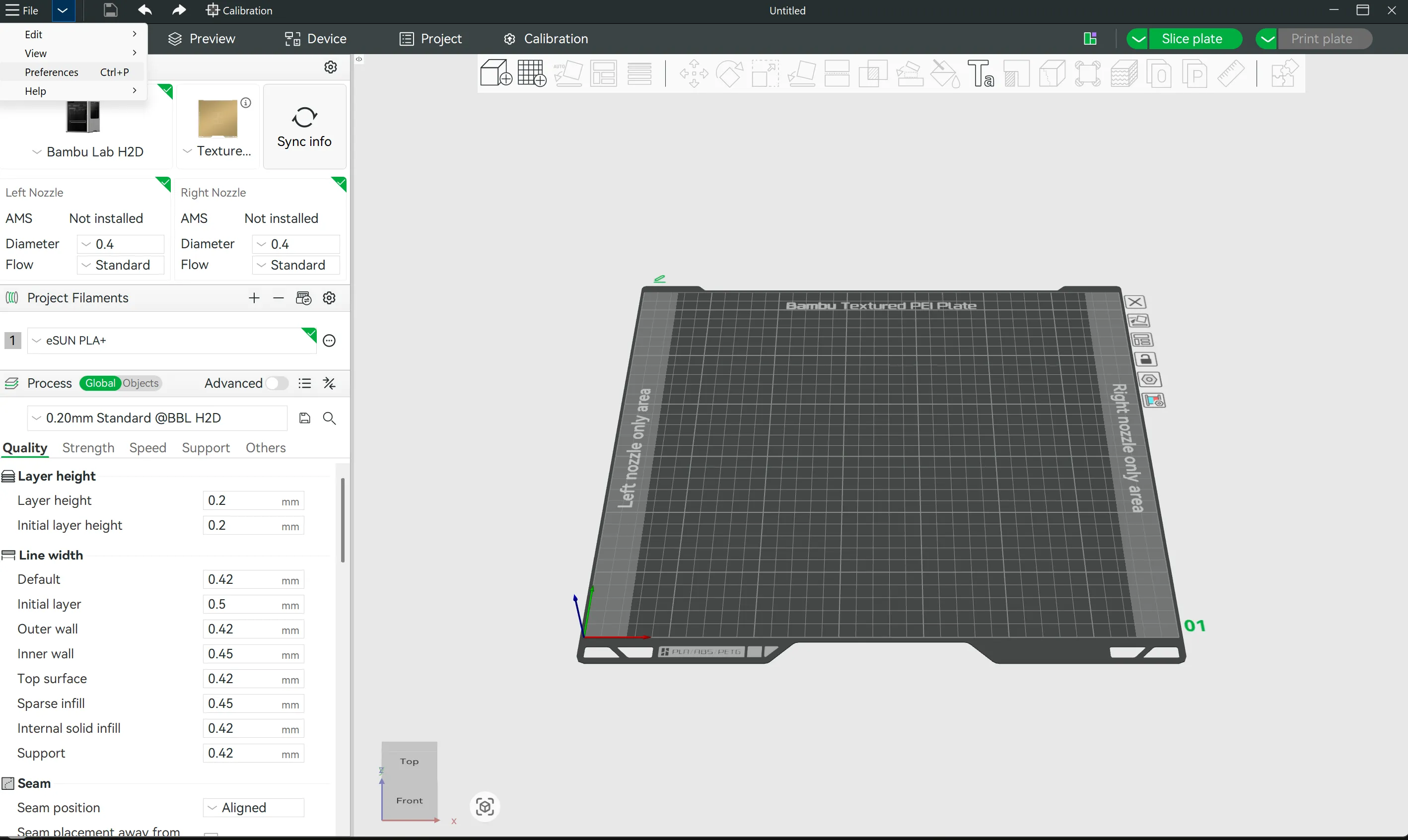
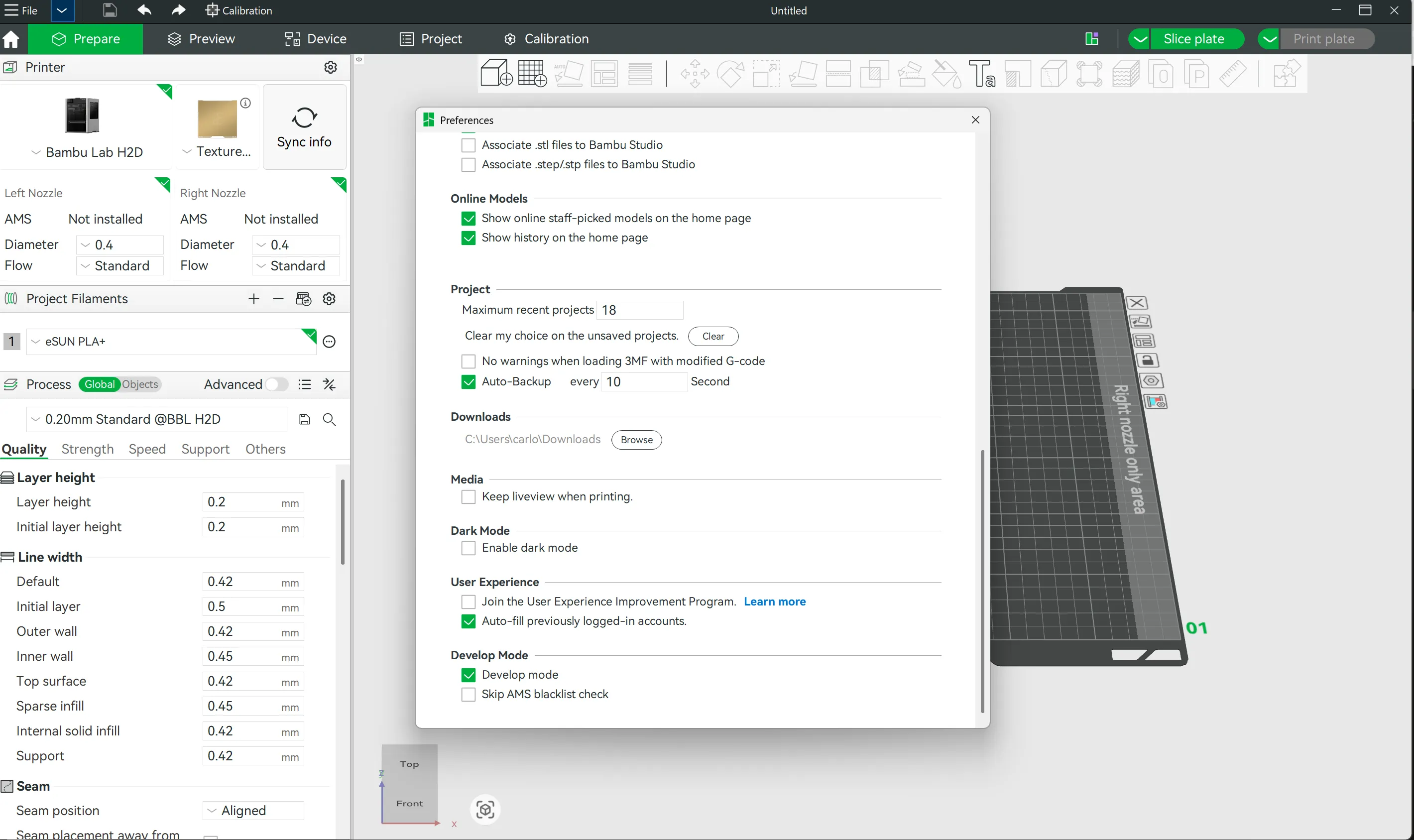
1. Enable Developer Mode
Open Bambu Studio, go to Preferences → Developer Mode and enable it. This unlocks the per-block flow rate settings in the slicer.
2. Print the Calibration Kit
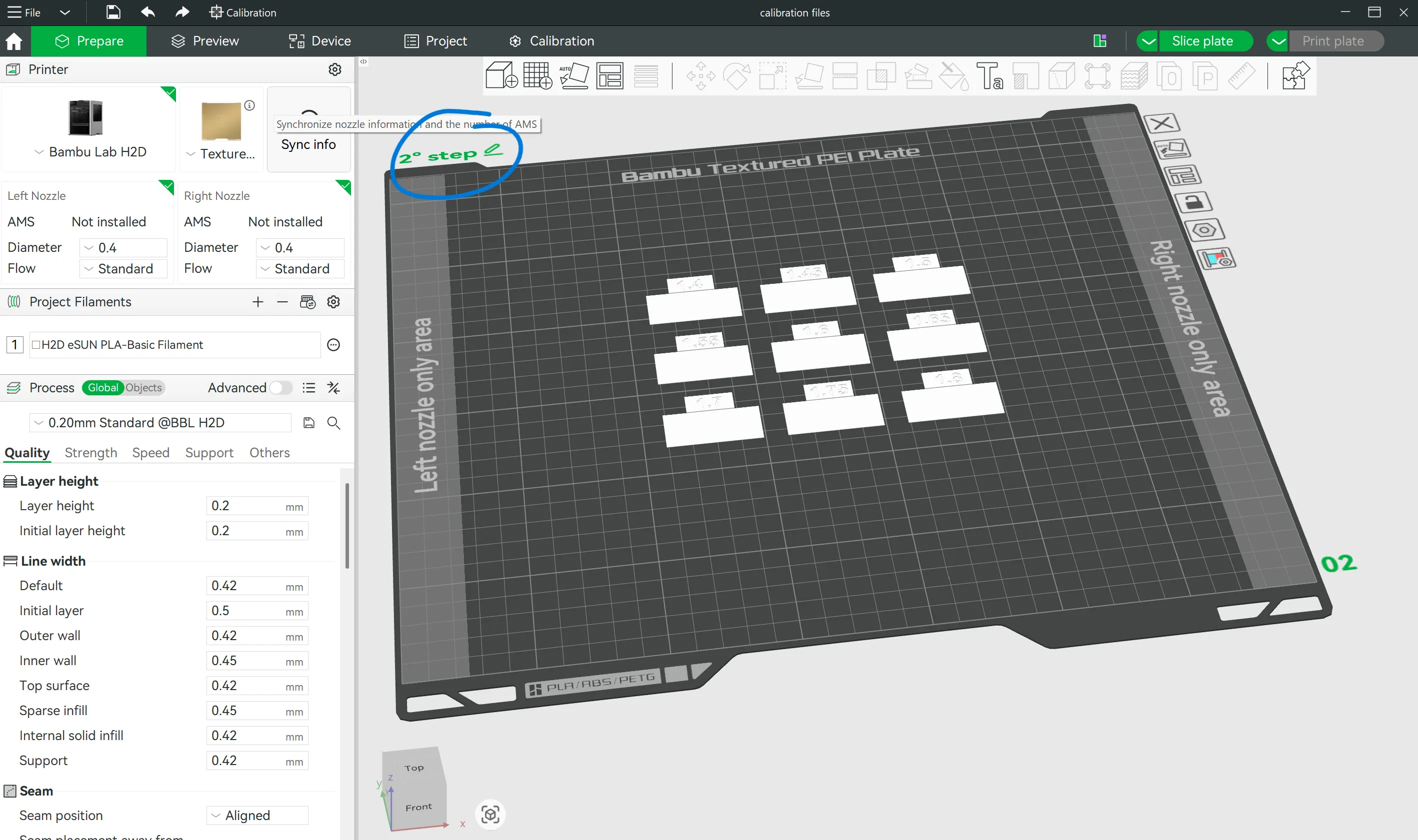
Import the model and print it (1° step) with the exact filament you want to calibrate.
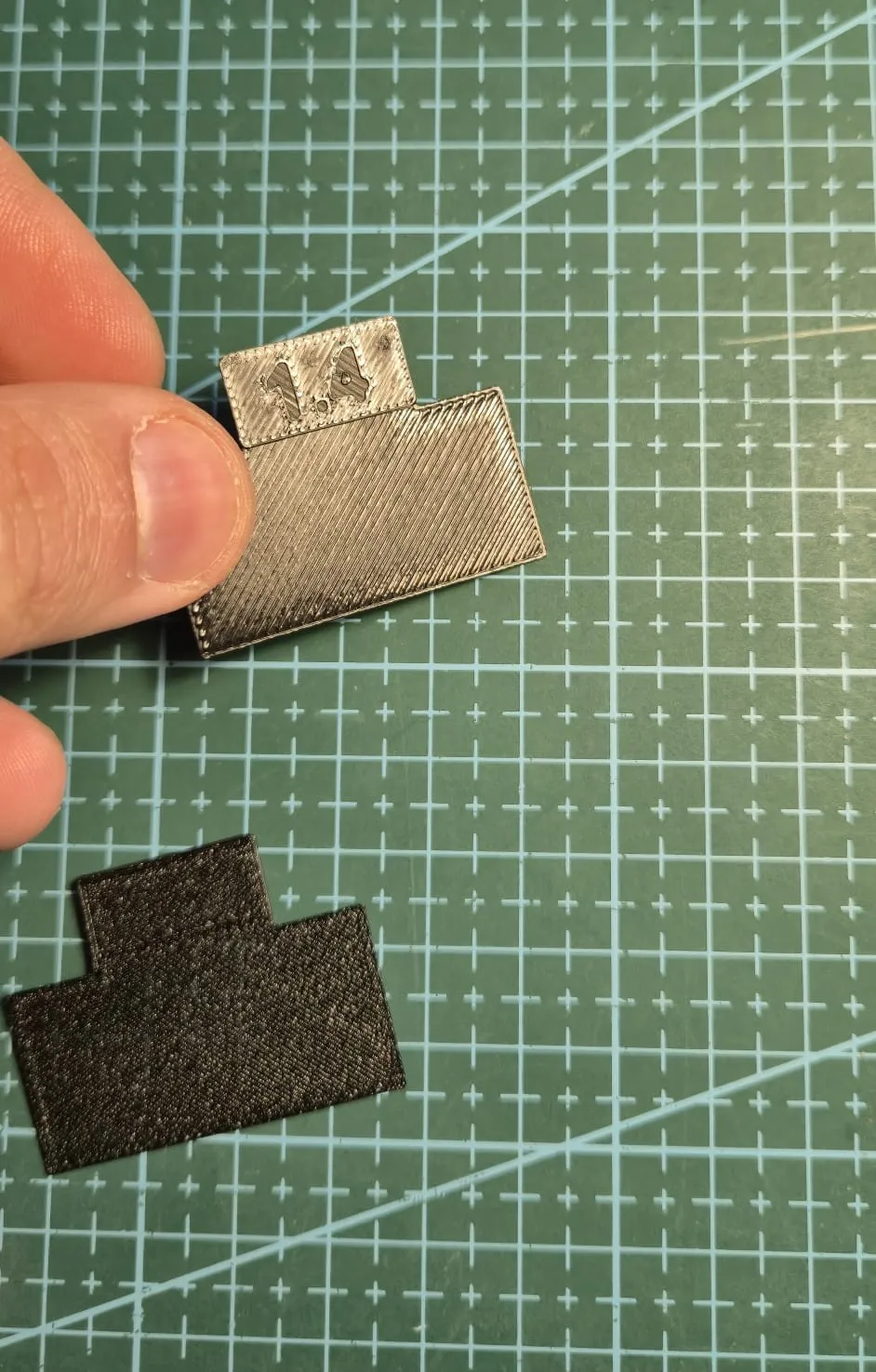
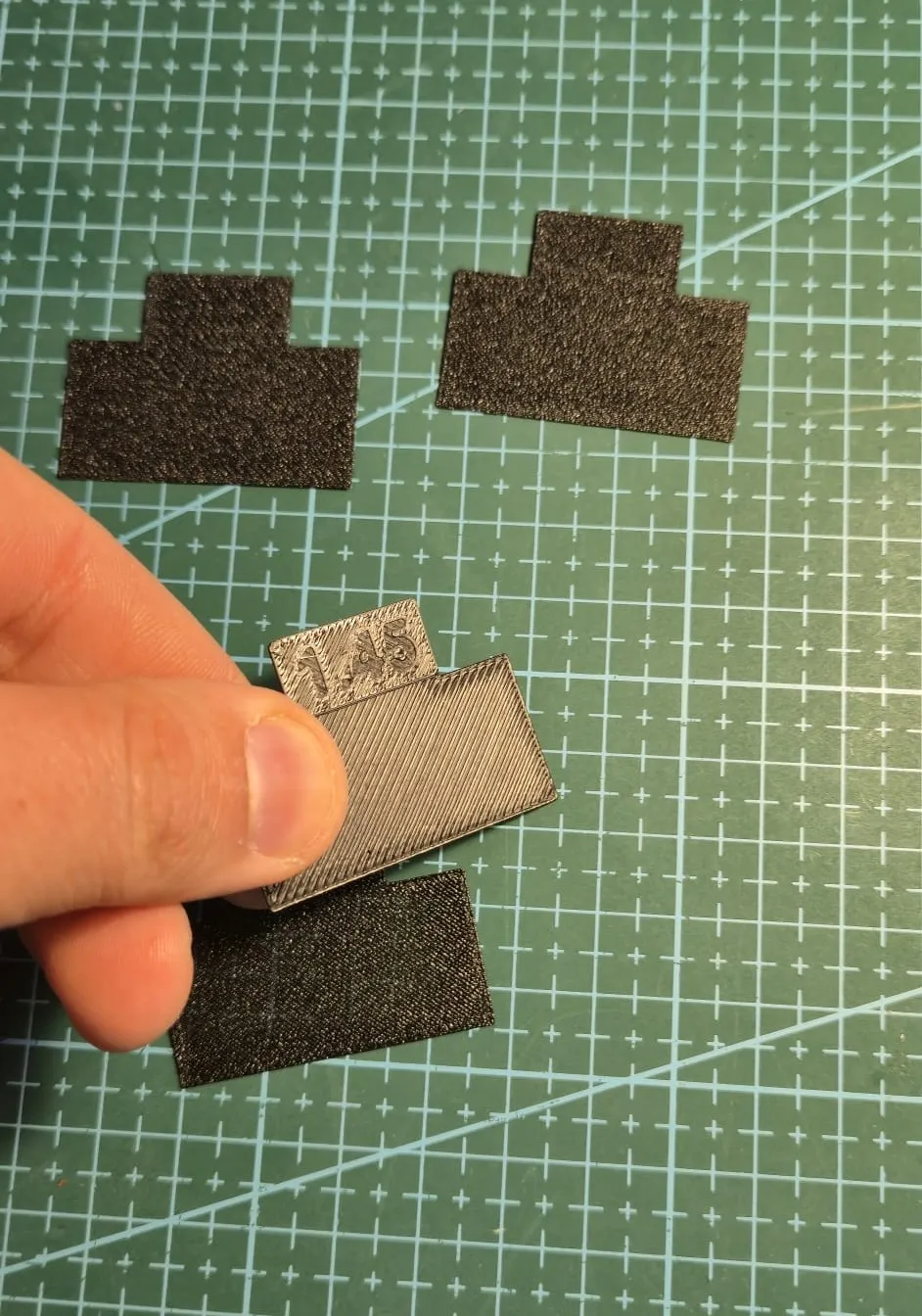
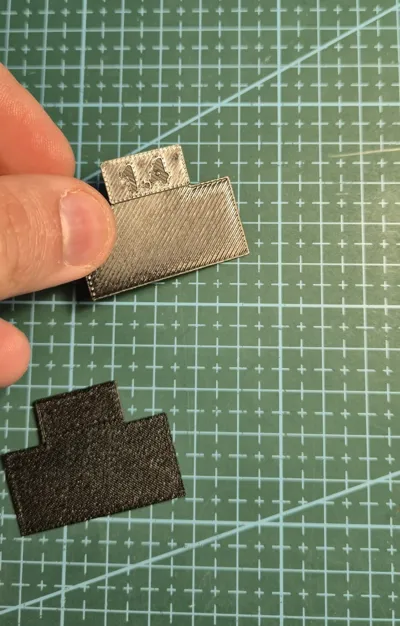
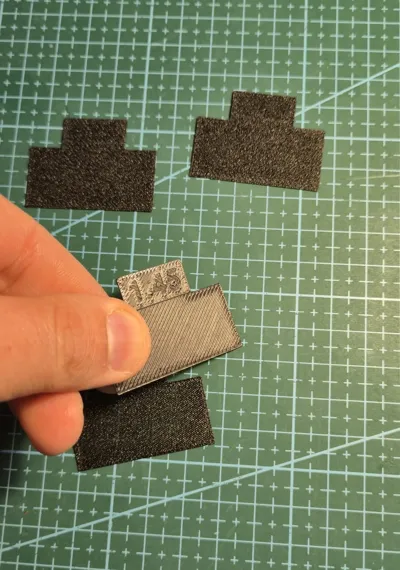
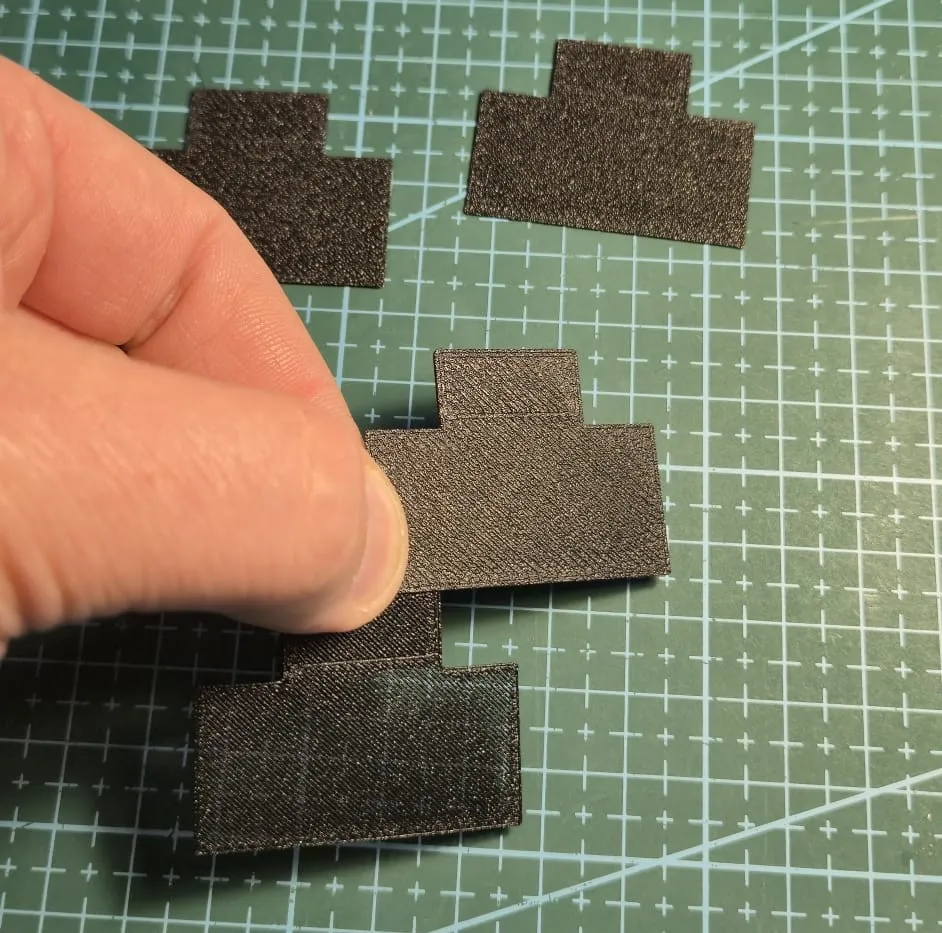
3. Inspect the Results
Examine each block carefully, both visually and by touch:
- Look for the smoothest and most uniform bottom surface
- Check for proper layer fusion without gaps or over-squishing
- The best block is the one with the flattest, most consistent surface finish
If you are not satisfied, print the 2° step and re-analyze the obtained blocks.
4. Apply Your Value
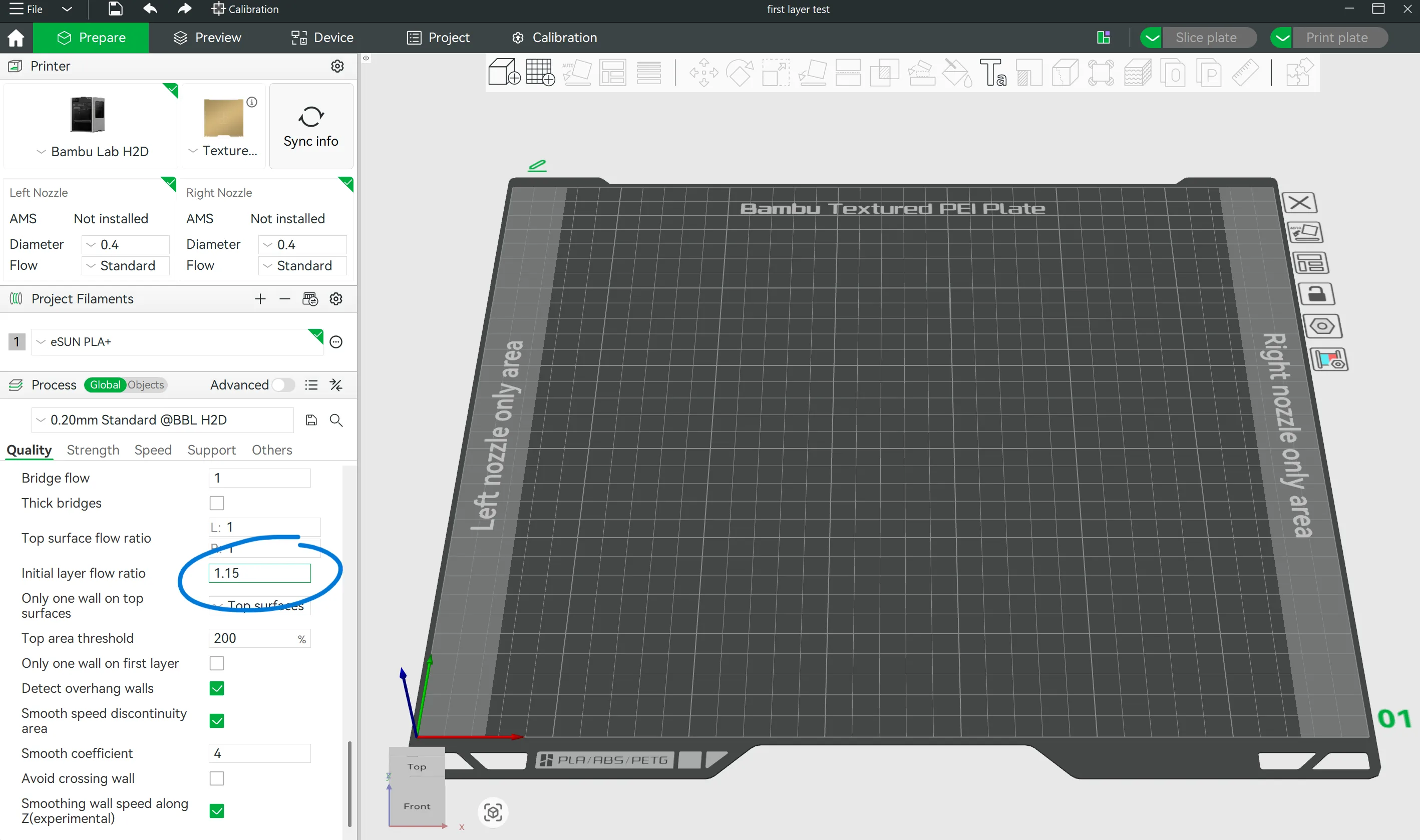
Load your actual model in Bambu Studio and set the "Initial Layer Flow Rate" to the value of your winning block. That's it — your first layer is now perfectly dialed in.
⚠️ Important — Flow Calibration Order Matters
If you also run a standard flow calibration to improve your top surface finish, keep in mind that changing the global flow rate will affect the first layer too. Always re-run this calibration after any flow rate adjustment to make sure your first layer stays perfectly tuned.
Boost Me (for free)
🚀 If this kit saved you at least one failed print, consider giving it a boost! It helps other makers find it and spend less time fixing first layers — and more time printing cool stuff. 😄 Every boost means the world to a solo creator. Thank you! 🙏
PS: Do you use filaments from different brands or Bambu Lab? I’ve put together some highly optimized print profiles for the different Bambu printers—you’ll find everything at the link below, take a look!
https://makerworld.com/it/models/2196052-bambulab-optimized-print-profiles#profileId-2384951
eSun preset filament for A1 mini → https://makerworld.com/it/models/2445352-the-no-fail-esun-profile-pack-for-a1-mini#profileId-2683942
eSun preset filament for P2s → https://makerworld.com/it/models/2223079-esun-perfect-preset-for-p2s-all-filament#profileId-2417841
License

You shall not share, sub-license, sell, rent, host, transfer, or distribute in any way the digital or 3D printed versions of this object, nor any other derivative work of this object in its digital or physical format (including - but not limited to - remixes of this object, and hosting on other digital platforms). The objects may not be used without permission in any way whatsoever in which you charge money, or collect fees.


Comment & Rating (15)