
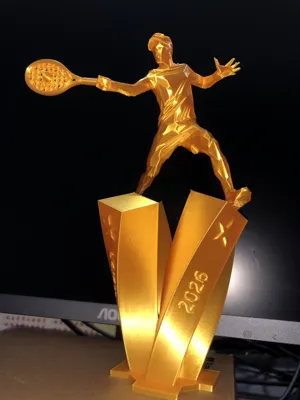
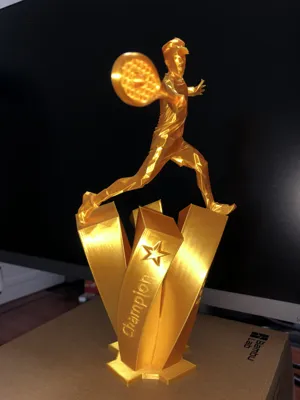
Tennis Match Trophy - Customizable Text
Print Profile(1)
Description
Boost Me (for free)
Every like, collection, follow, and boost from you is a great encouragement for me to persevere in creating original models, thank you!
For more interesting models, please visit my homepage: CuriousAnt | Home - MakerWorld
♦ ♦ ♦ ♦ ♦ ♦ ♦ ♦ ♦ ♦ ♦ ♦ ♦ ♦ ♦ ♦ ♦ ♦ ♦ ♦
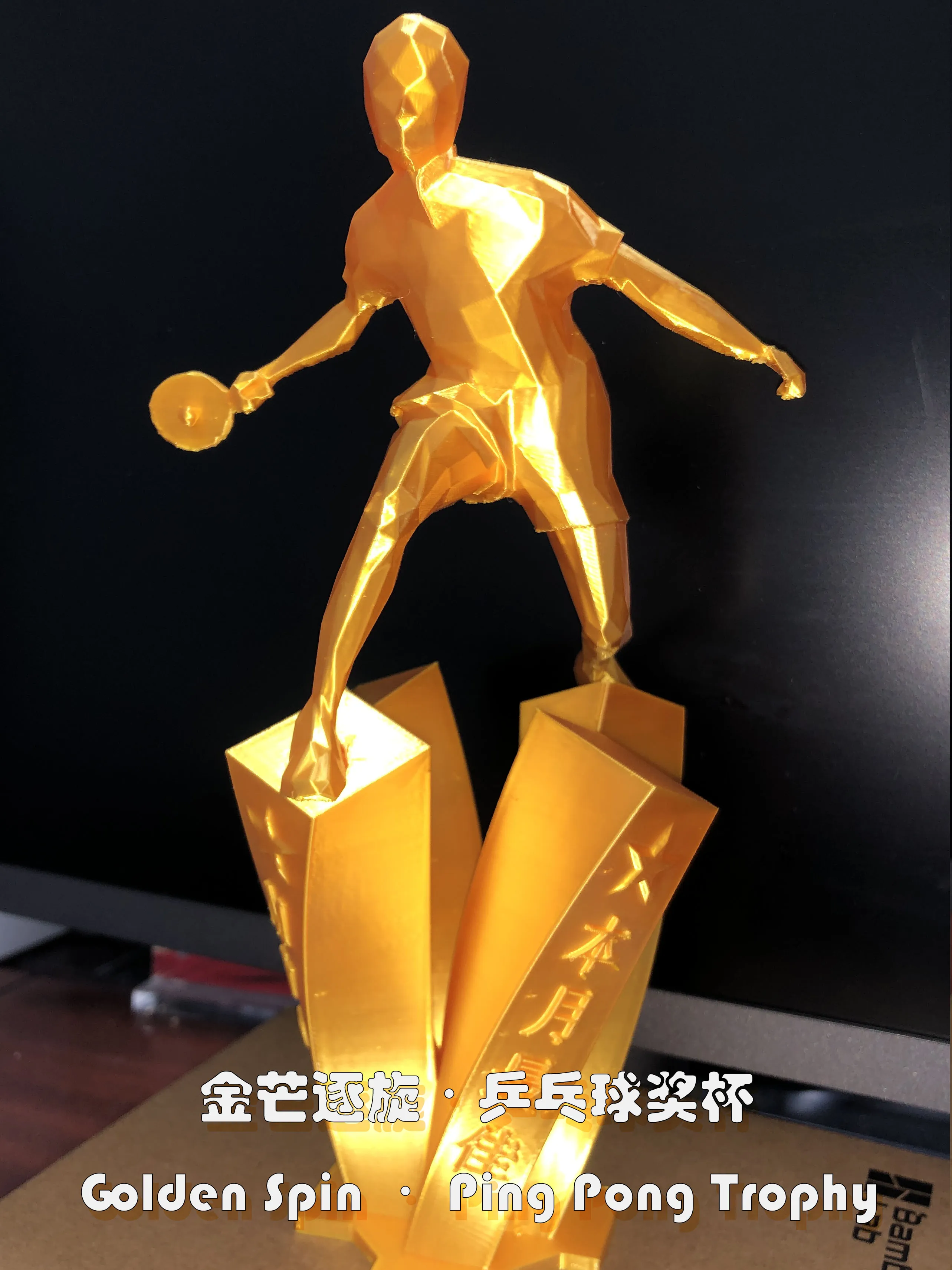
Table tennis themed trophy here: Table Tennis Match Trophy - Customizable Text
--------------------------------------------------------------------------------------------------------------------------------
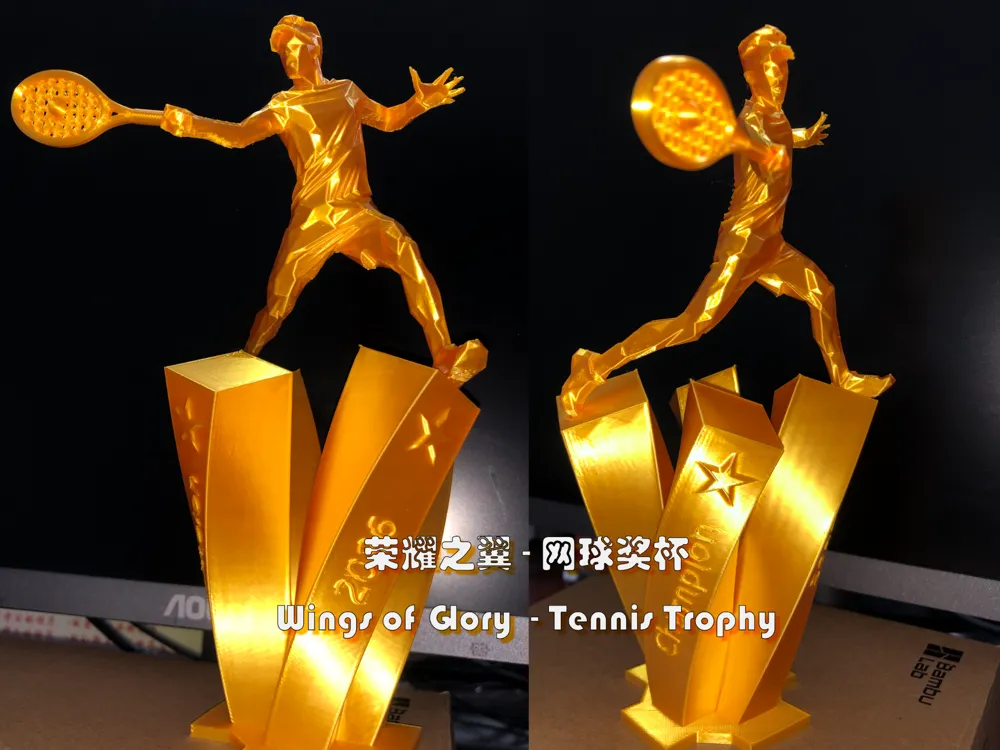
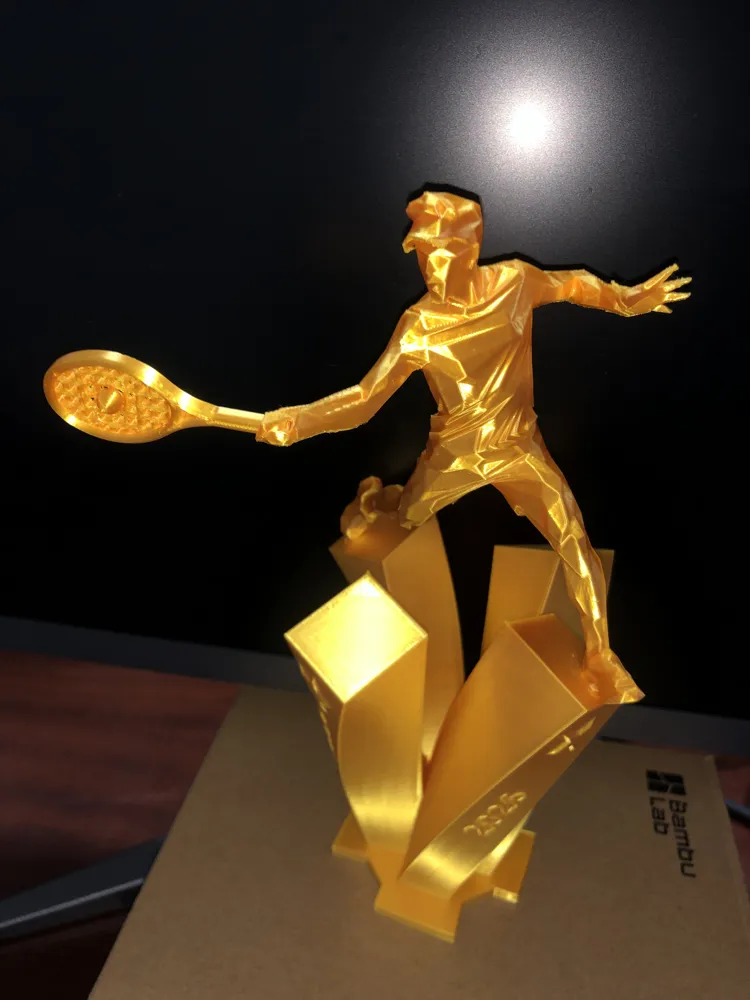
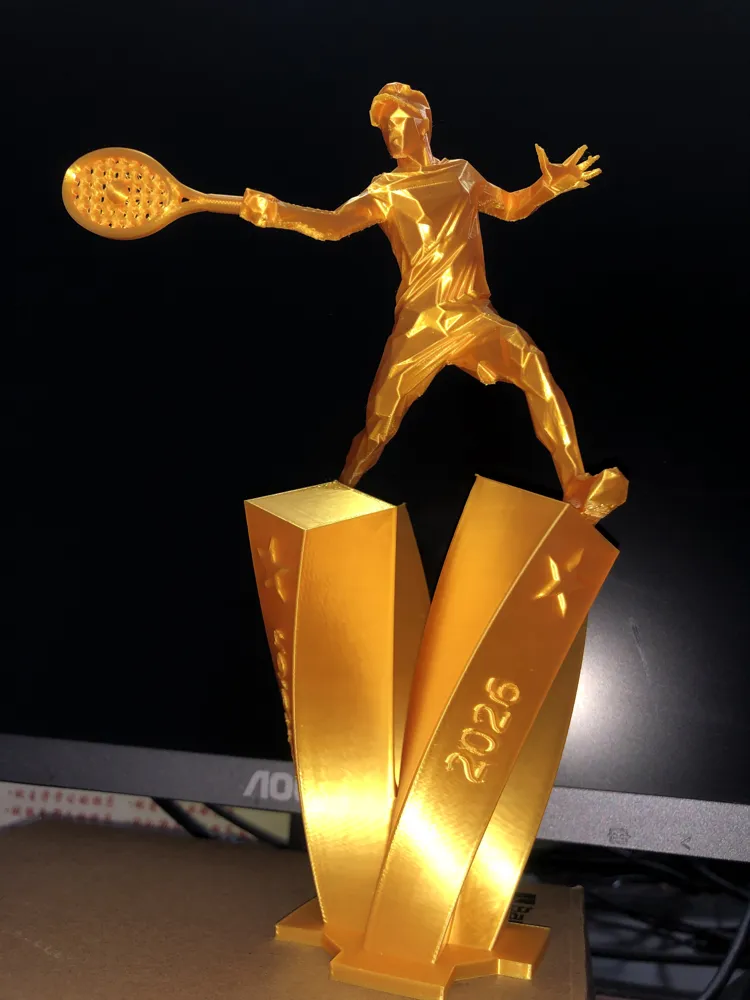
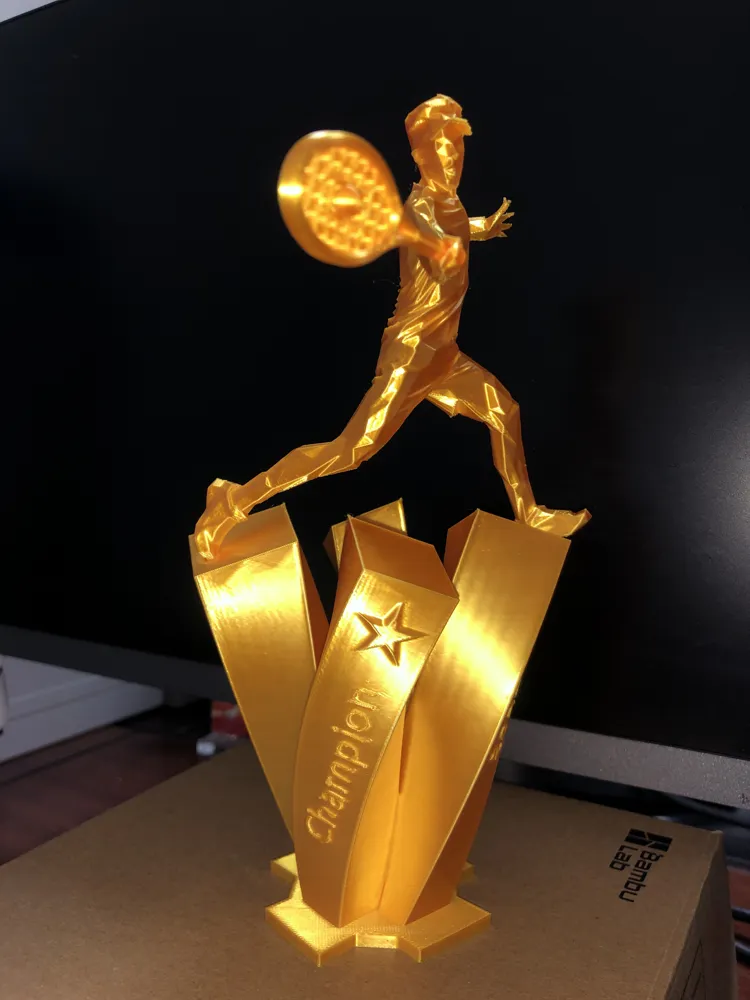
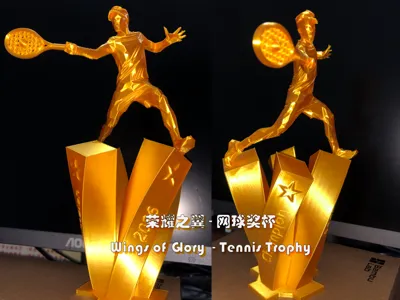
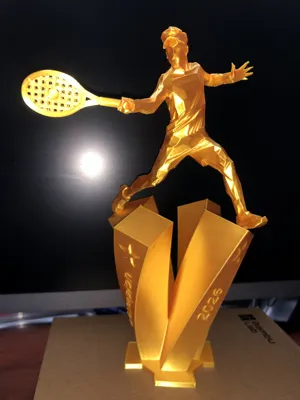
🏆 Wings of Glory・Tennis Champion Trophy
This golden trophy embodies the power of every swing and the glorious culmination of every victory
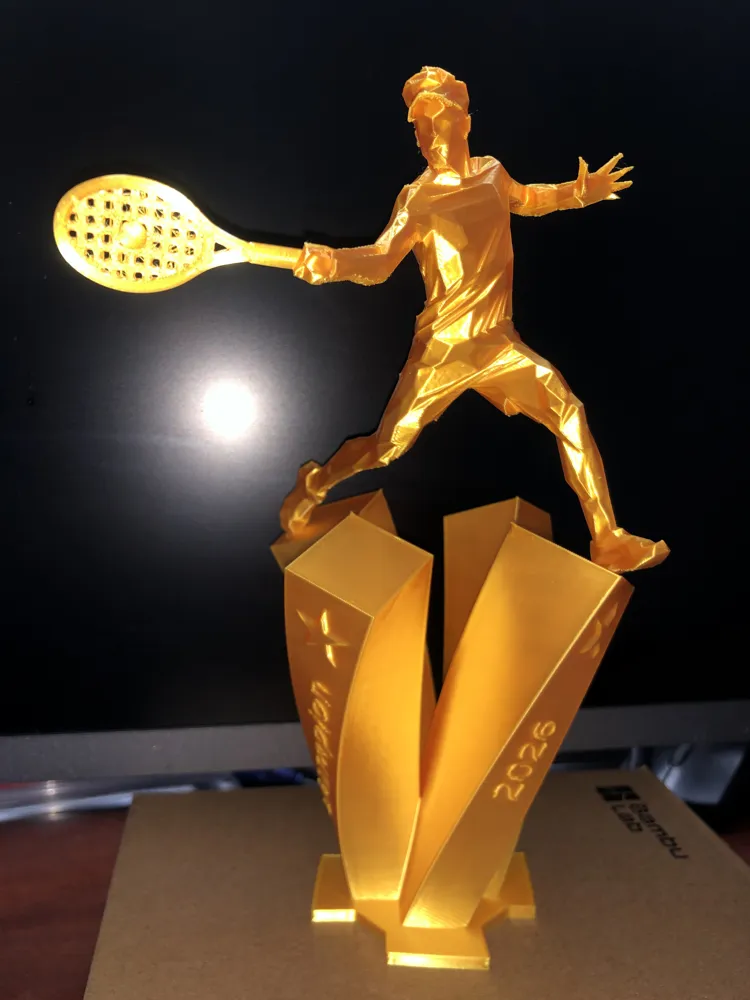
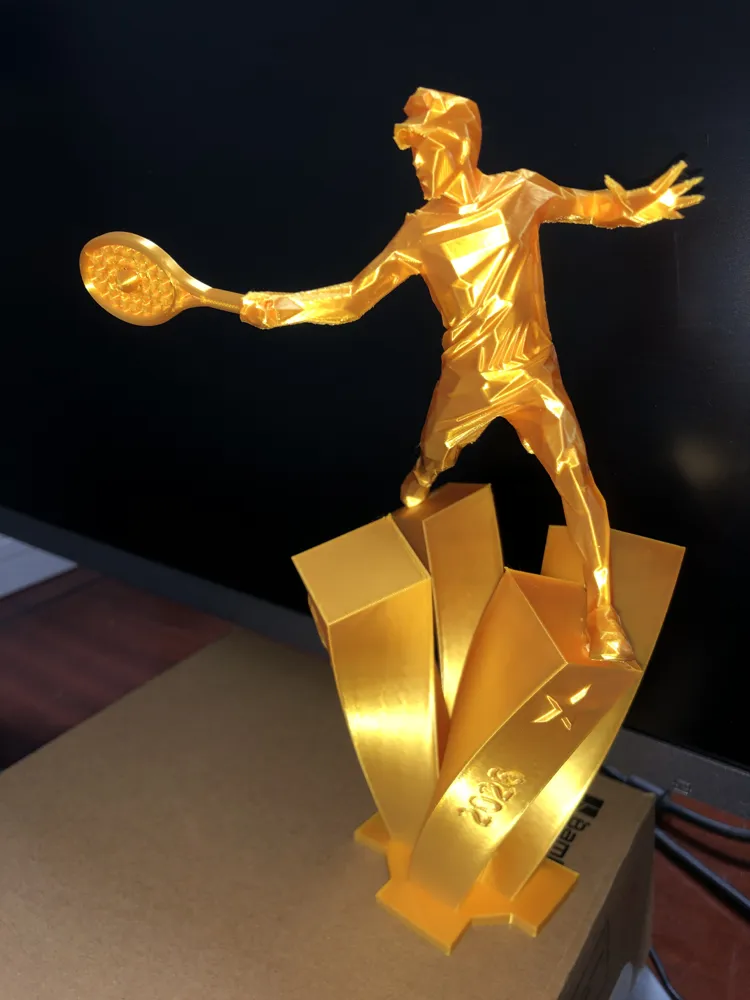
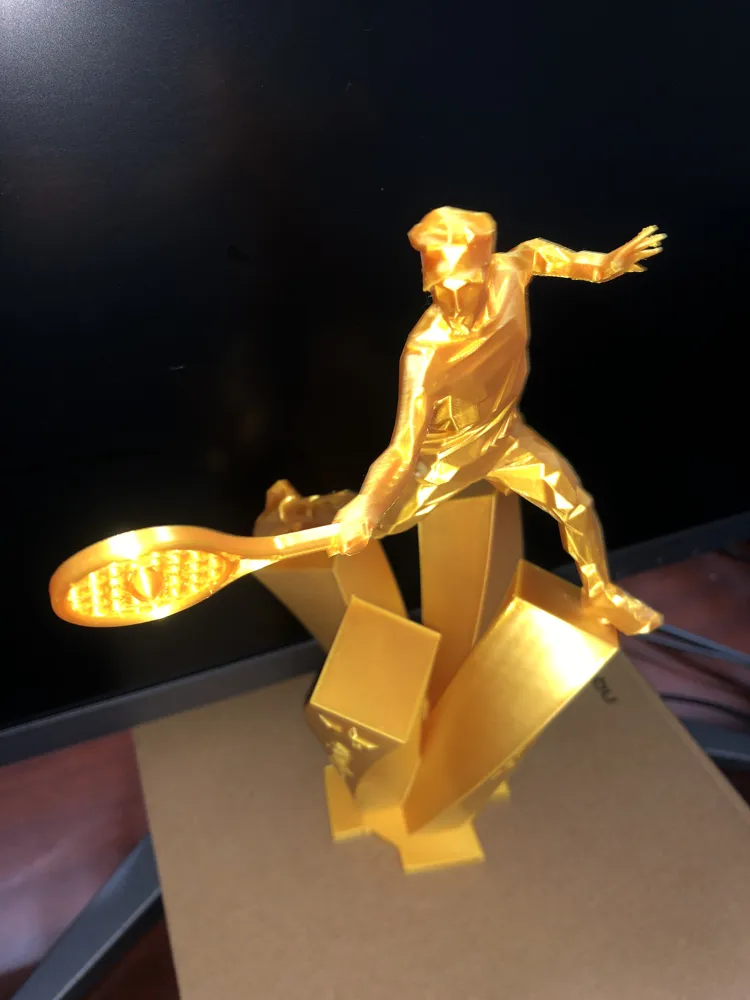
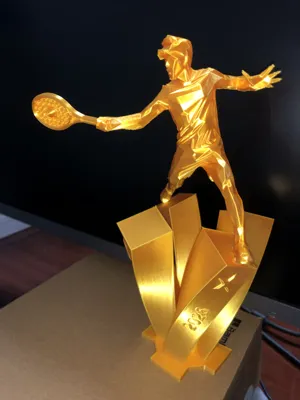
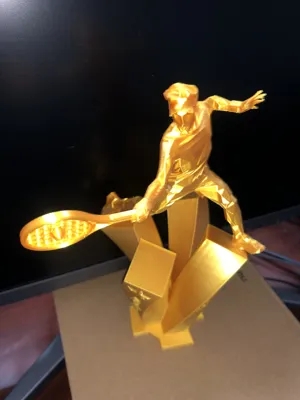
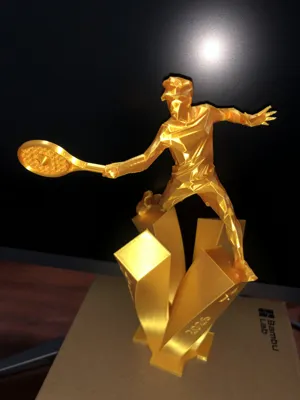
With its low-poly avant-garde aesthetic, it captures the tennis player's most dynamic moment: body leaning forward, arms outstretched, the arc of the racket seemingly still vibrating in the air, fingertips spread, revealing an intense desire for victory. Every sharp, angular line tells a story of focus and courage on the court; every shimmer of metallic luster radiates with the glow of sweat and glory
The base, with its interlaced geometric structure, supports the champion's figure, while engraved text and starburst marks serve as an eternal reminder of peak moments. It is not merely a trophy, but a tribute to the spirit of sport — transcending oneself with every run, every hit
This trophy belongs to every seeker of light who gives their all on the court
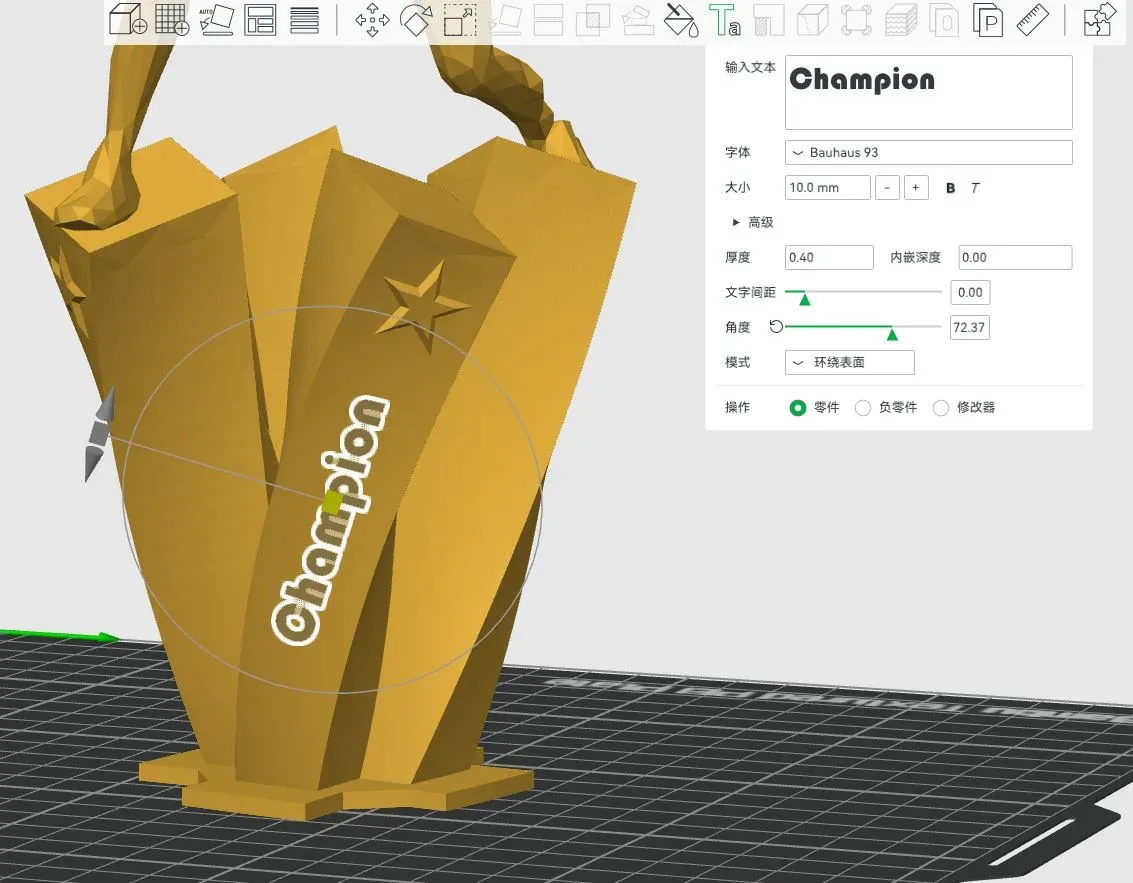
- Since everyone's needs vary, the text on the trophy is not fixed to the model; you can add your desired text in the slicing software. The image below is an example, and you don't have to follow my parameter settings exactly. If you select 'Part' under 'Operation', you will create embossed text; if you select 'Negative Part', you can create debossed text
- I have pre-set four groups of text; you can double-click the text on the model to modify or delete it
- Assembly requires glue
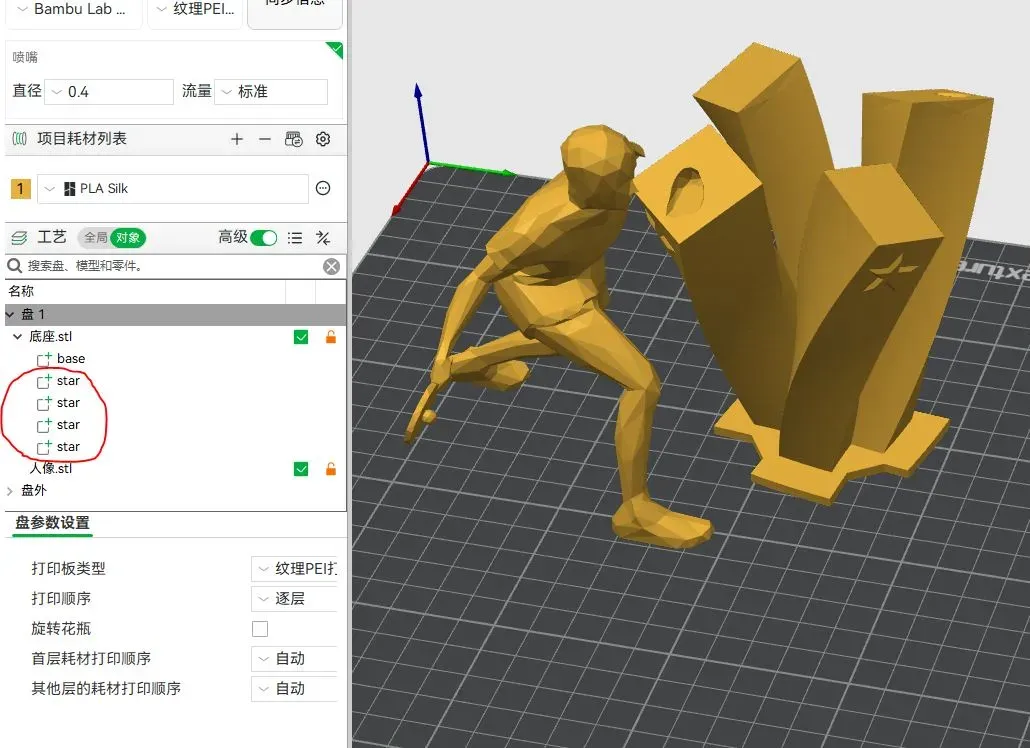
- Some people may not want the four stars on the base, which can be easily removed in the slicing software without affecting the printing of other parts of the model. As shown in the example below, simply delete the part named 'star' in the red box
License

You shall not share, sub-license, sell, rent, host, transfer, or distribute in any way the digital or 3D printed versions of this object, nor any other derivative work of this object in its digital or physical format (including - but not limited to - remixes of this object, and hosting on other digital platforms). The objects may not be used without permission in any way whatsoever in which you charge money, or collect fees.


Comment & Rating (6)