
Reese's Peanut Butter Cup Clicker Fidget Toy
Print Profile(4)
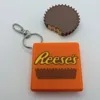
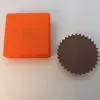




Description
Thank you for your support! If you like our family's designs - you can sell the physical prints through a paid Patreon membership:
https://www.patreon.com/c/SpacedOutStudio
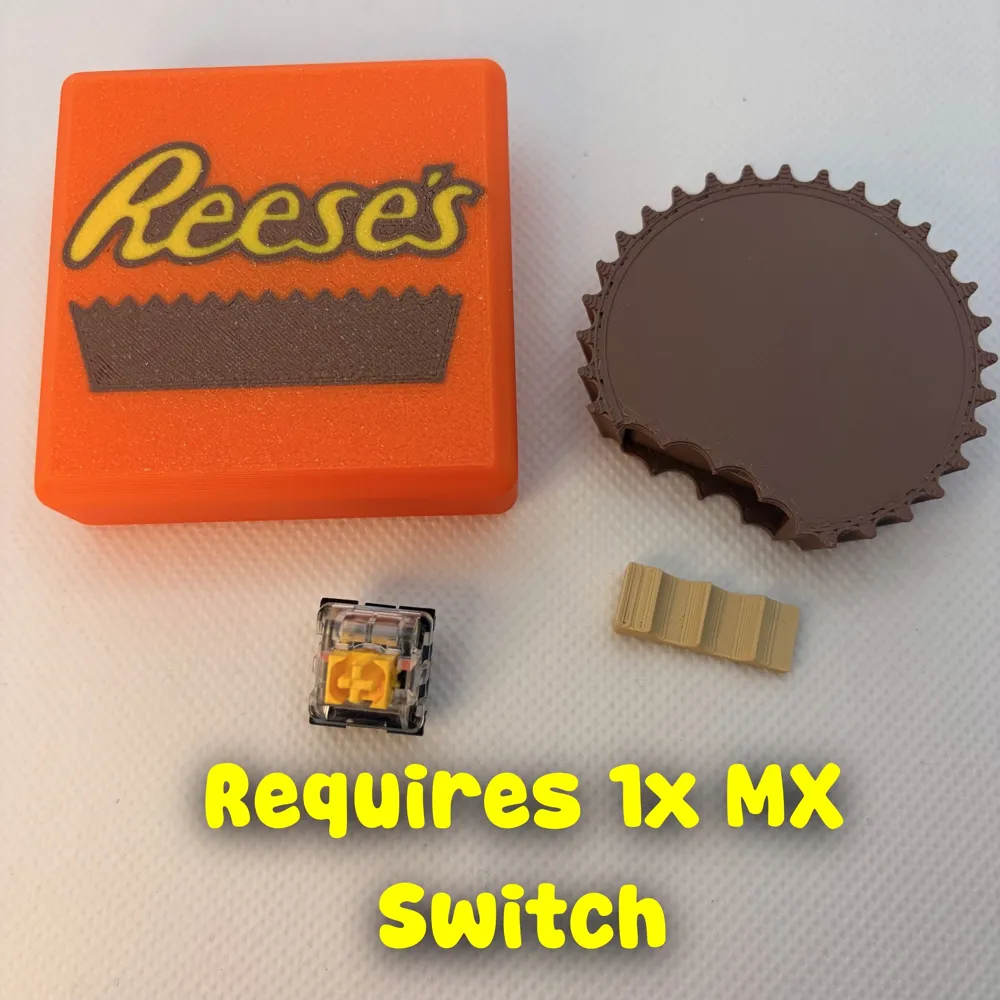
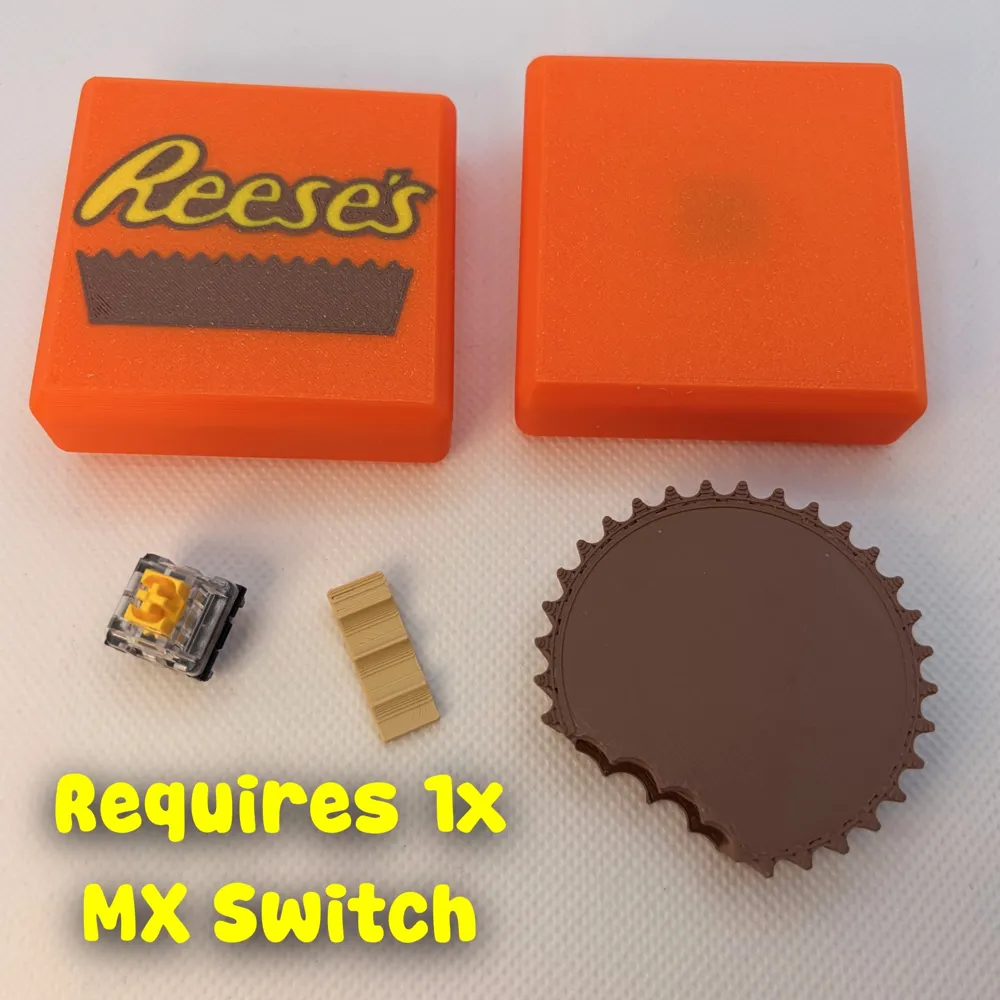
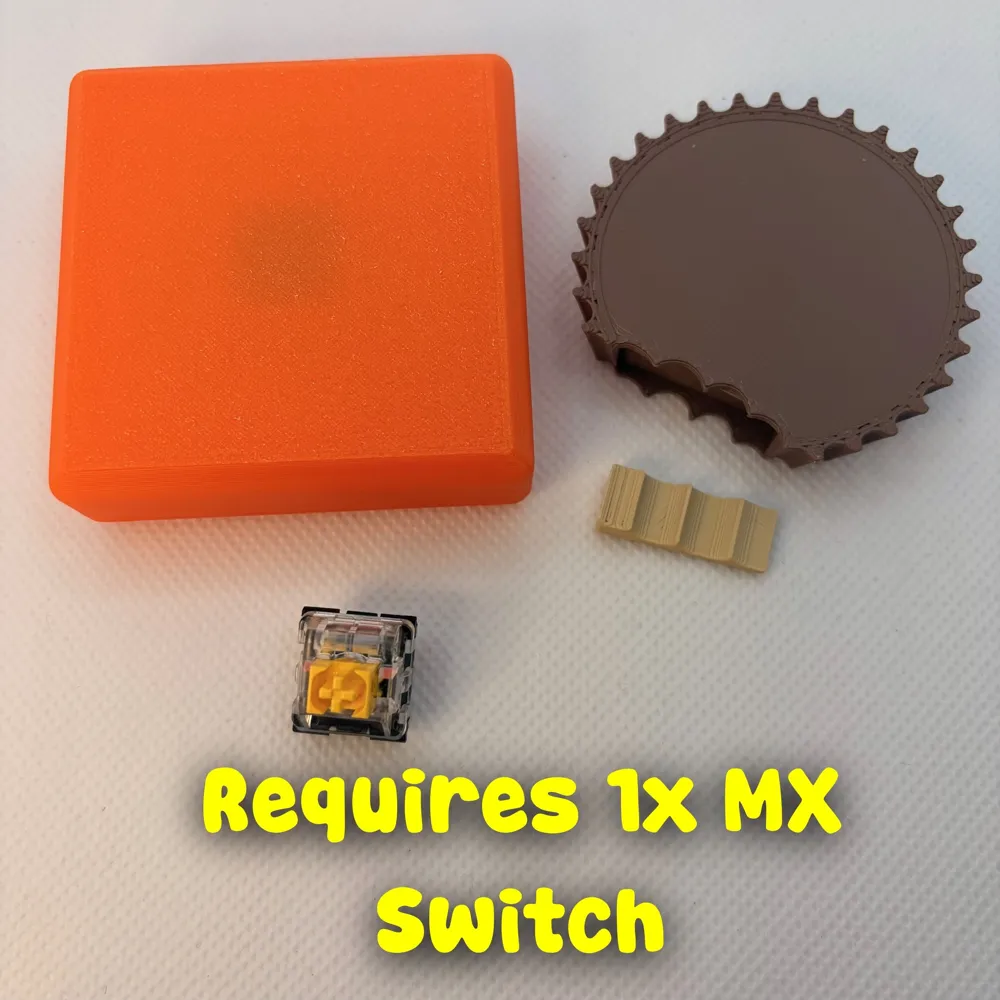
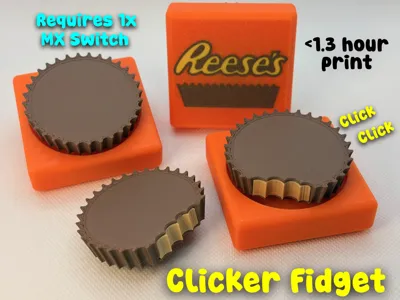
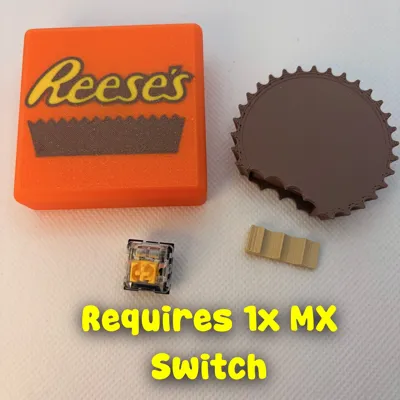
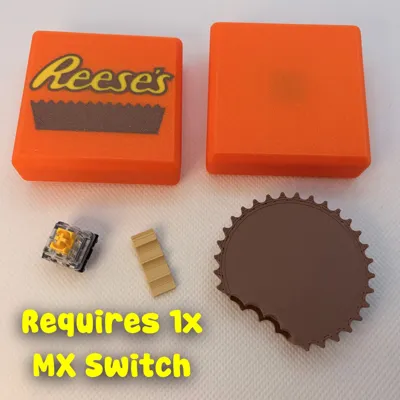
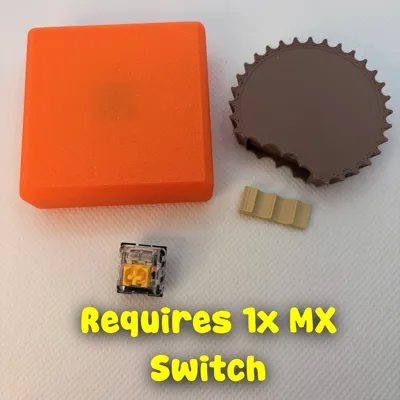
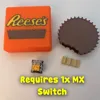
REQUIRES One (1x) MX keyboard switches
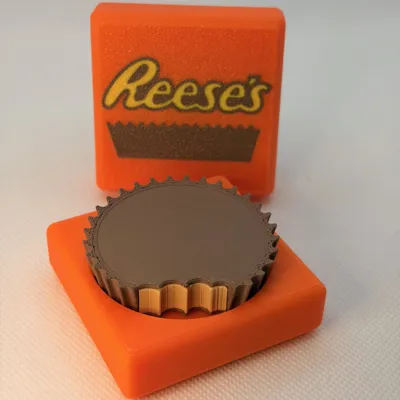
Peanut Butter Cup Clicker Fidget
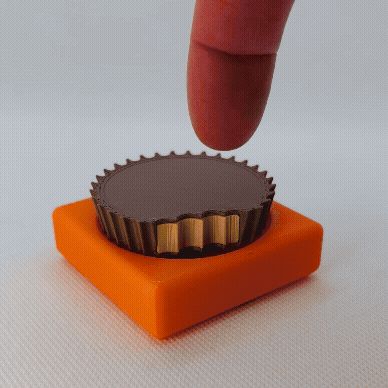
Chocolate + peanut butter + mechanical click = perfection.
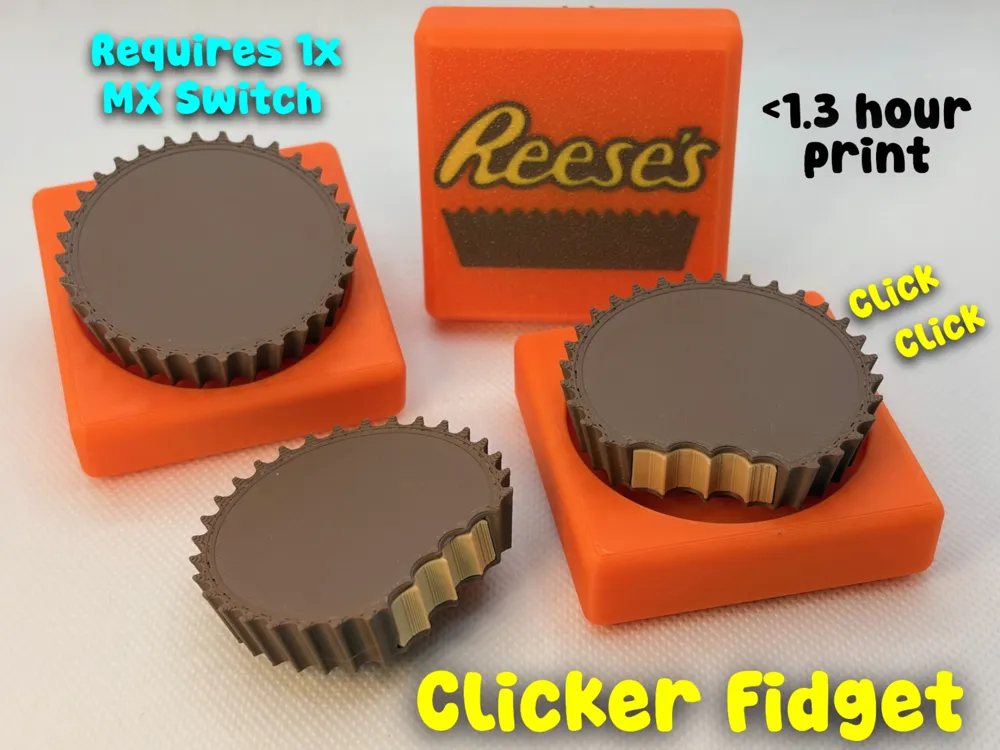

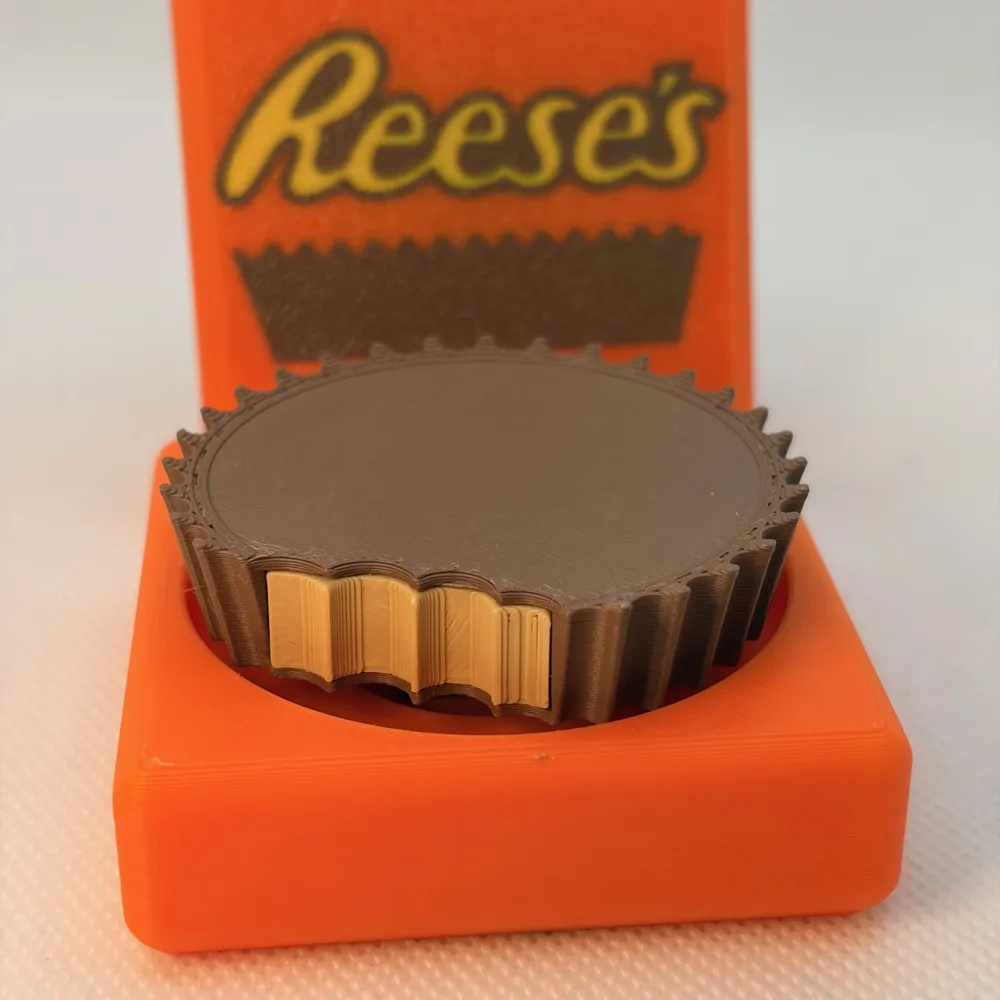
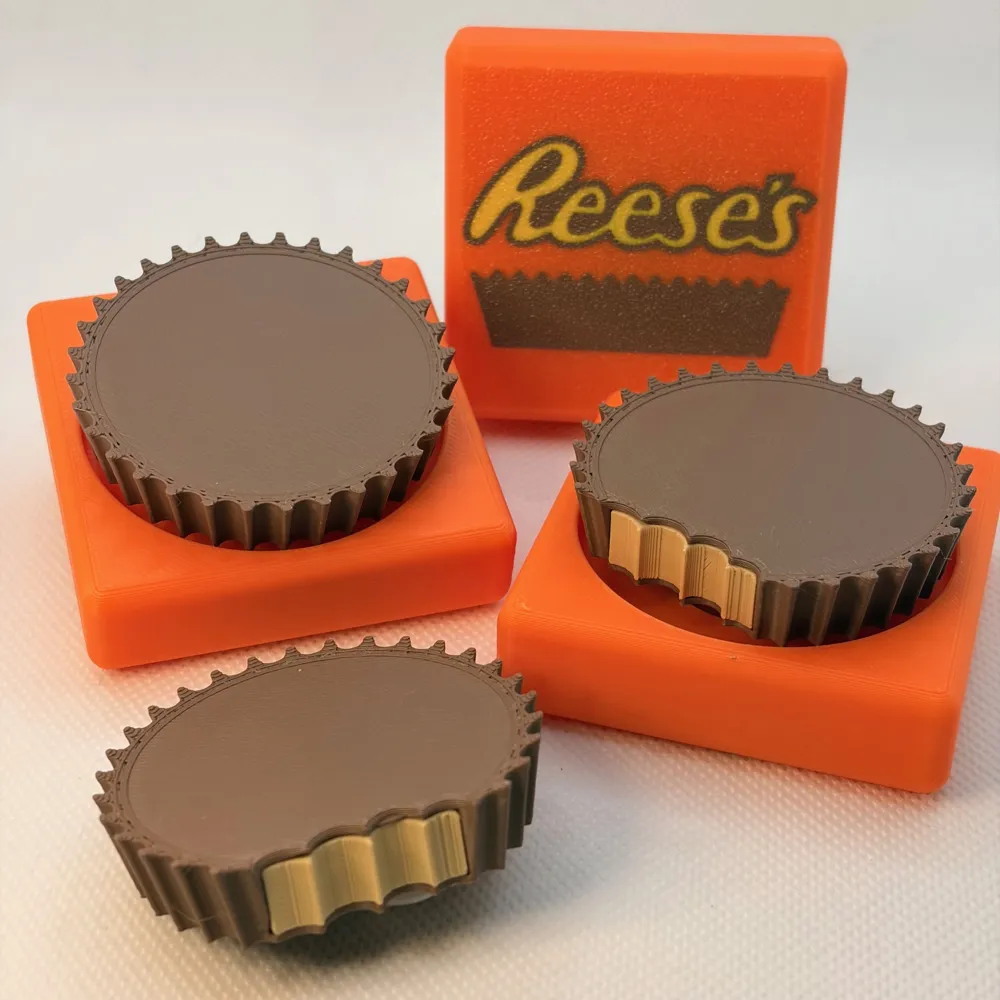

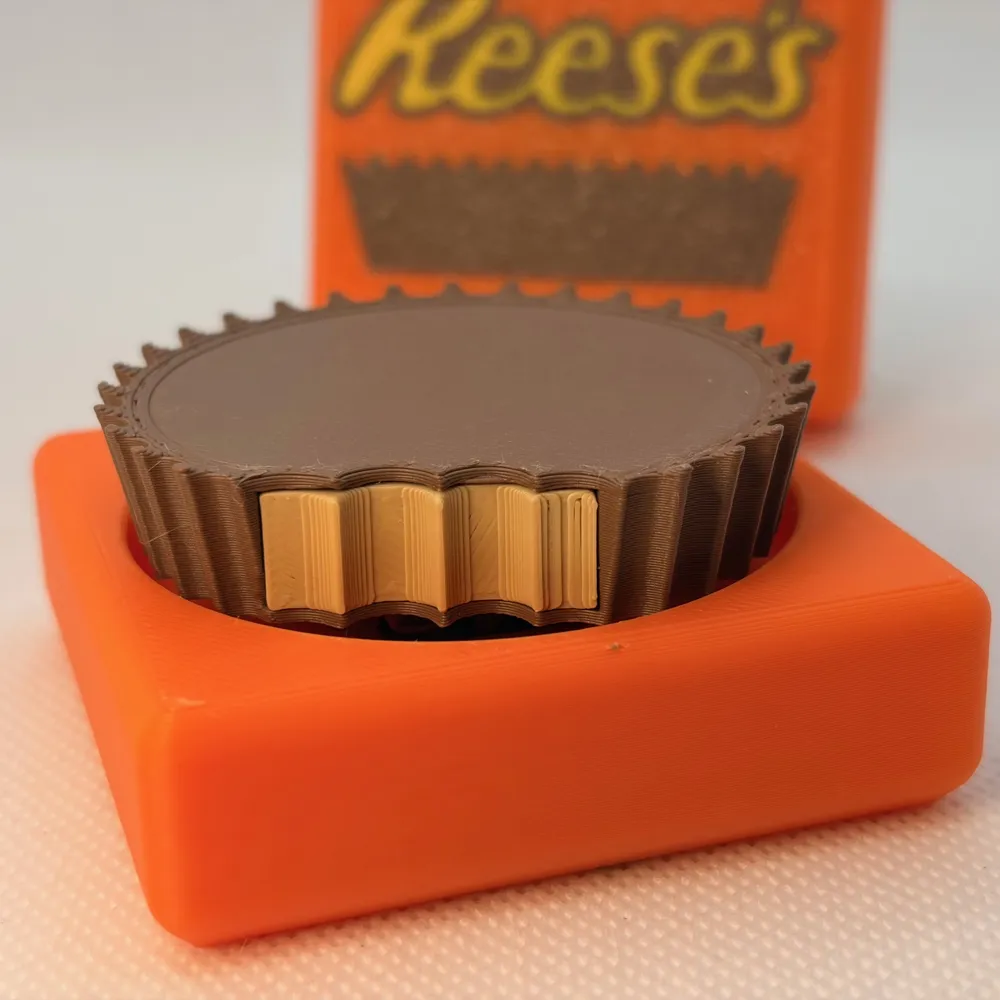
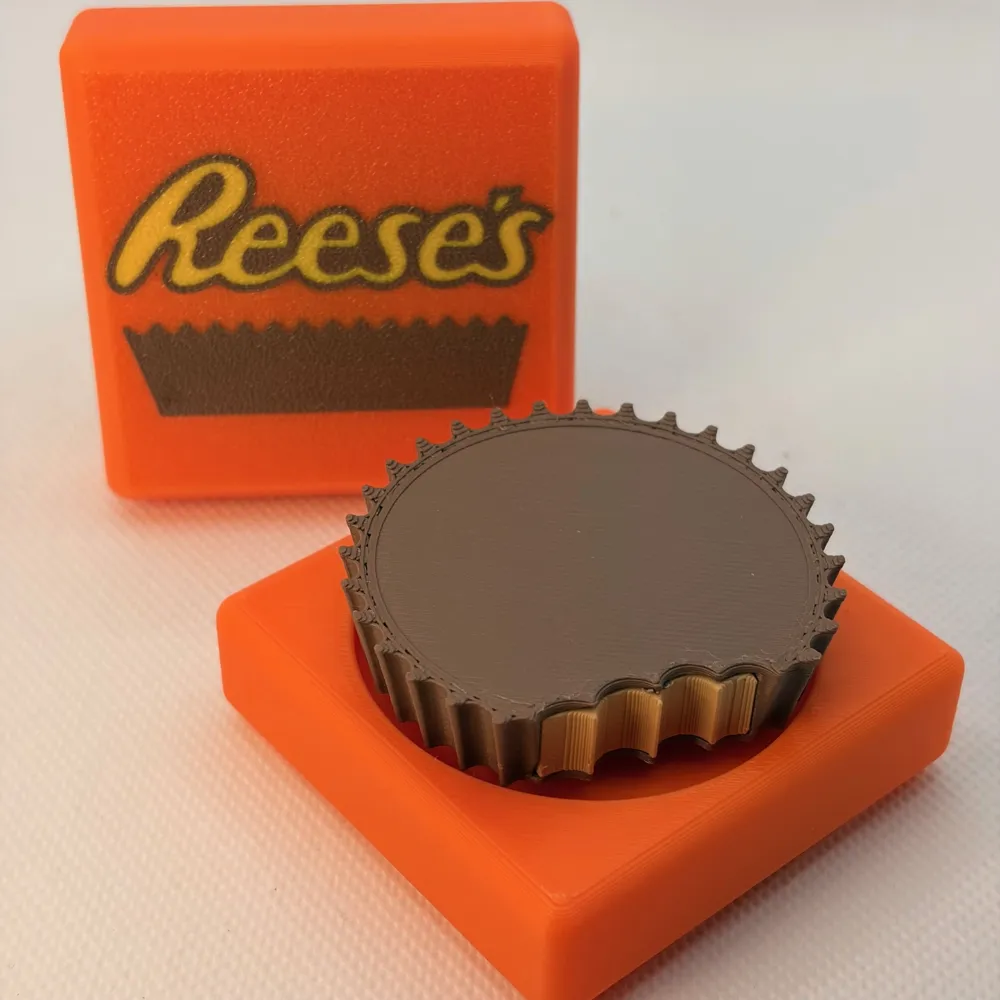
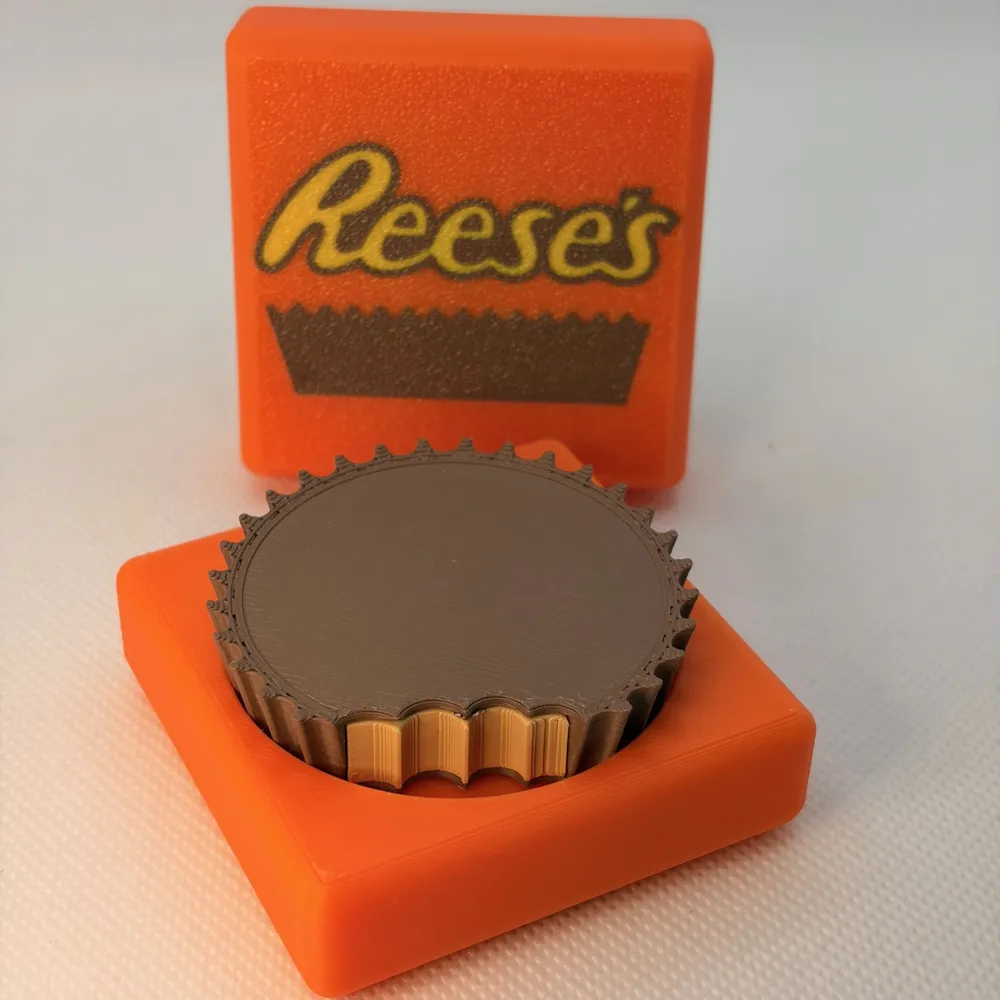
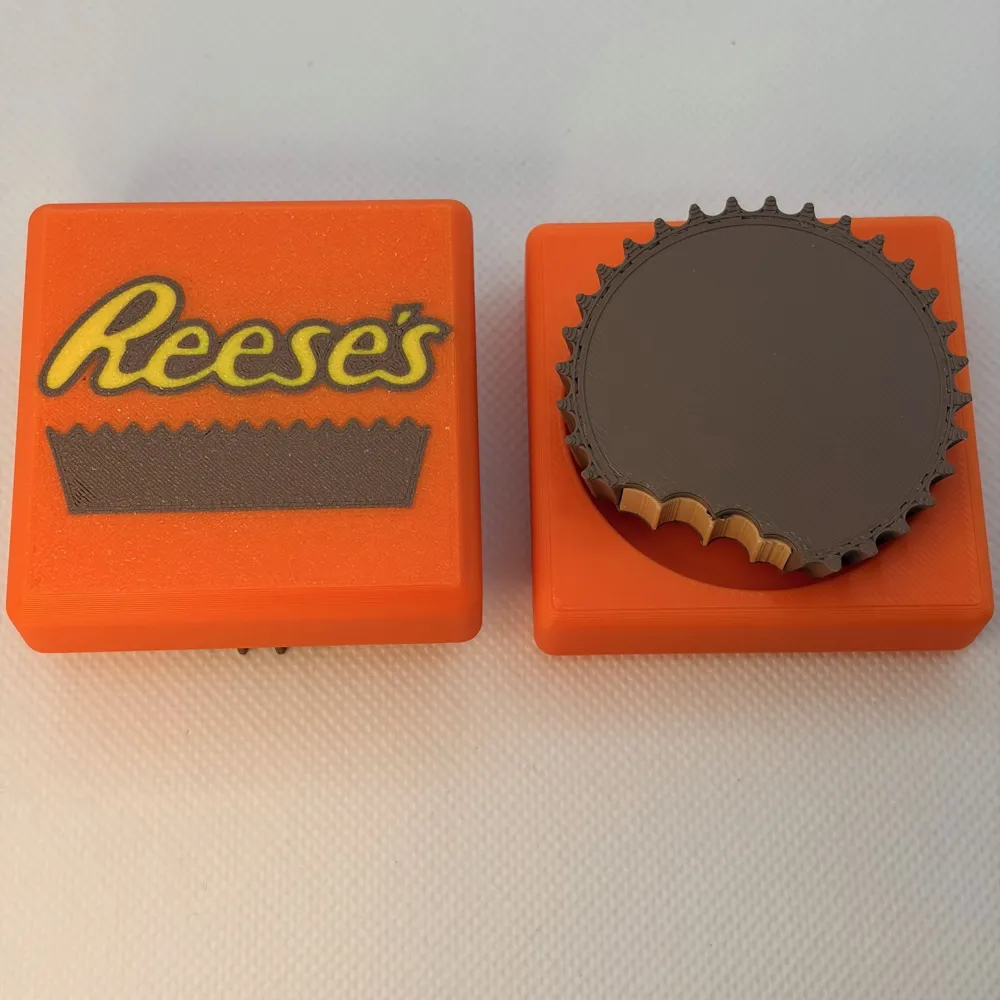
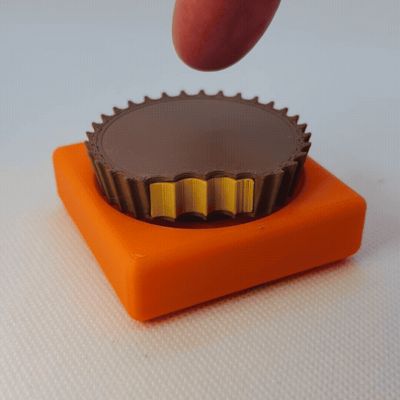
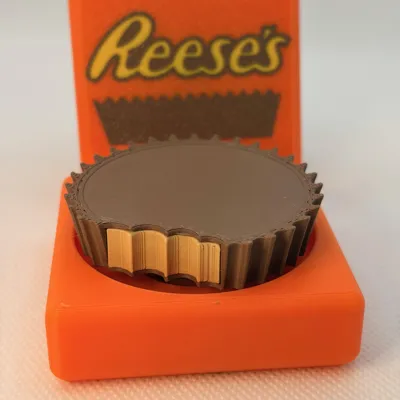
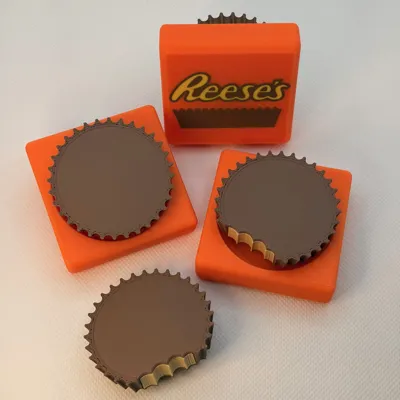
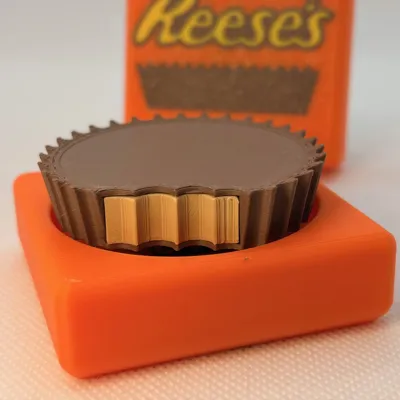
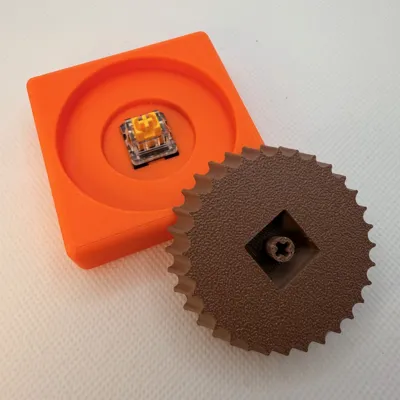
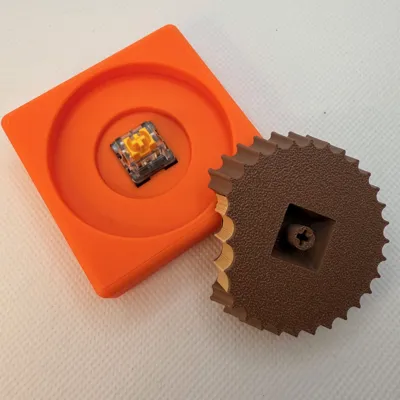
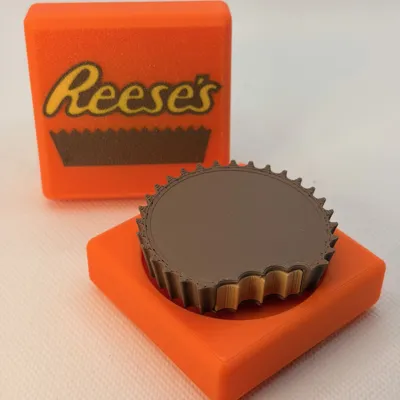
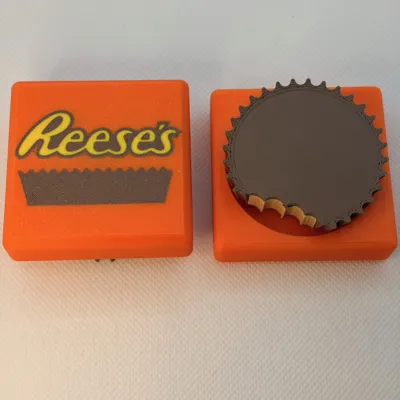

This Reese's Inspired peanut butter cup clicker fidget looks just like your favorite candy treat — complete with crimped chocolate edges and an optional bite detail that reveals the “peanut butter” center. It delivers one crisp, satisfying press using 1 MX-style mechanical keyboard switch per clicker.
Choose your style:

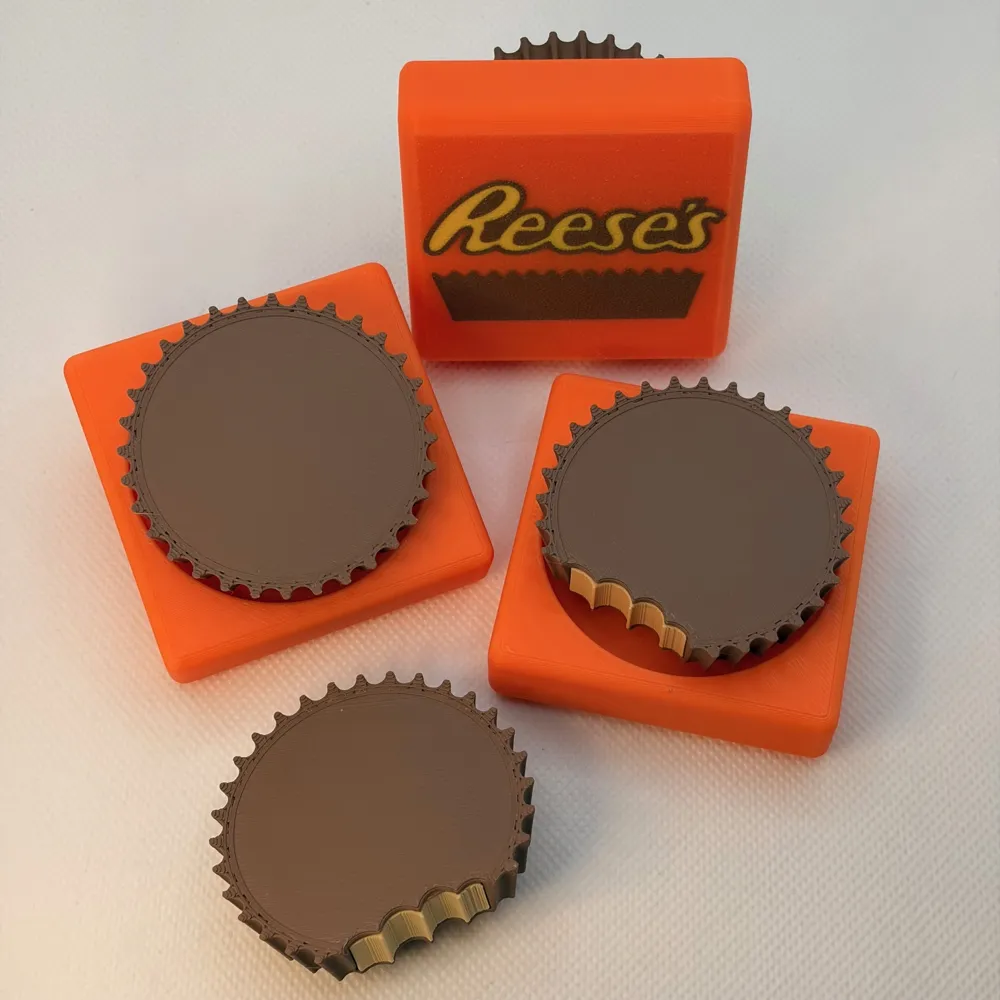
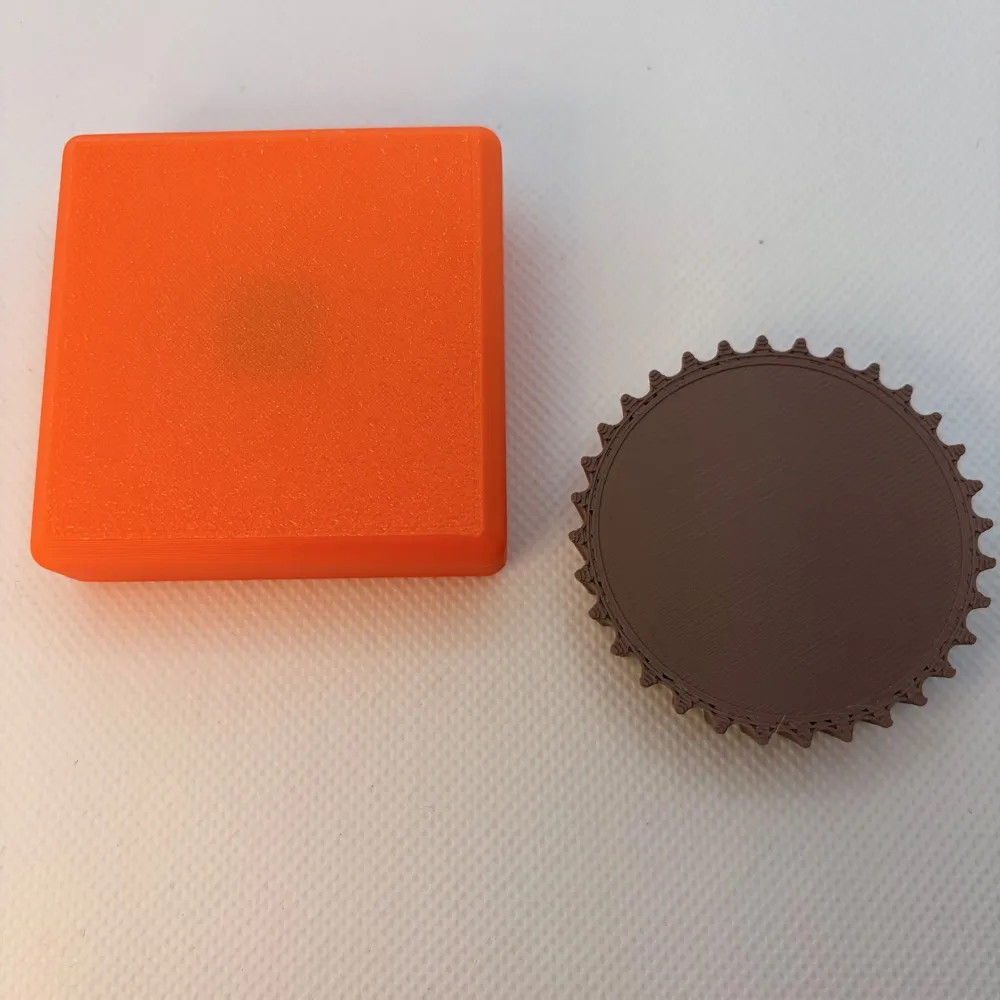
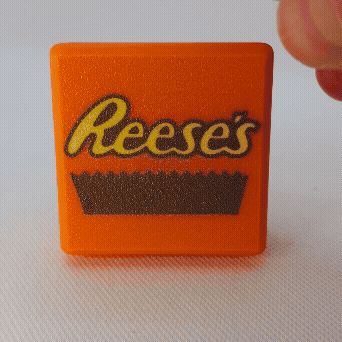
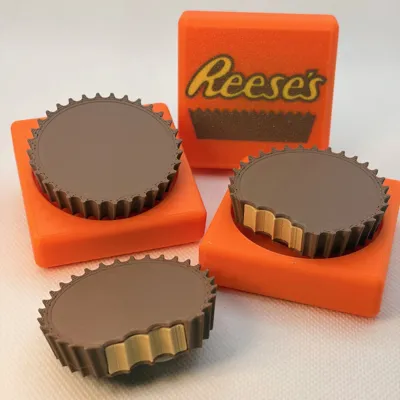
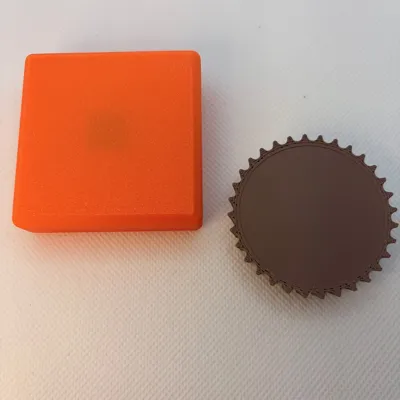

- 🟧 Plain wrapper or Reeses inspired wrapper
- 🍫 Full Reeses cup or bite taken out
- Print by object (single plate) or per plate
- Compatible with AMS or single color setups
This prints in either 4 colors or two colors in less than 1.3 hours. It’s the perfect desk toy for candy lovers, mechanical keyboard fans, and anyone who needs a little stress relief without actually raiding the snack drawer.
Warning: looks delicious. Still not edible. Your coworkers will ask.
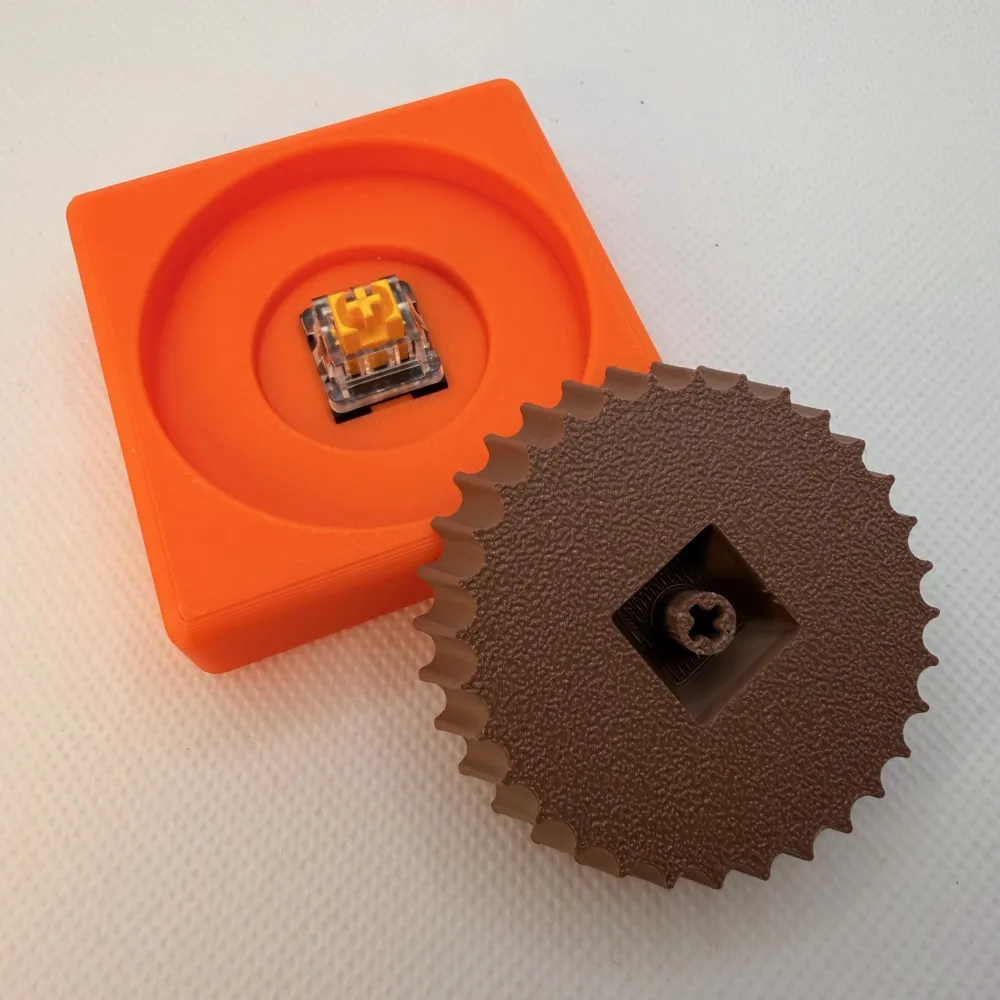
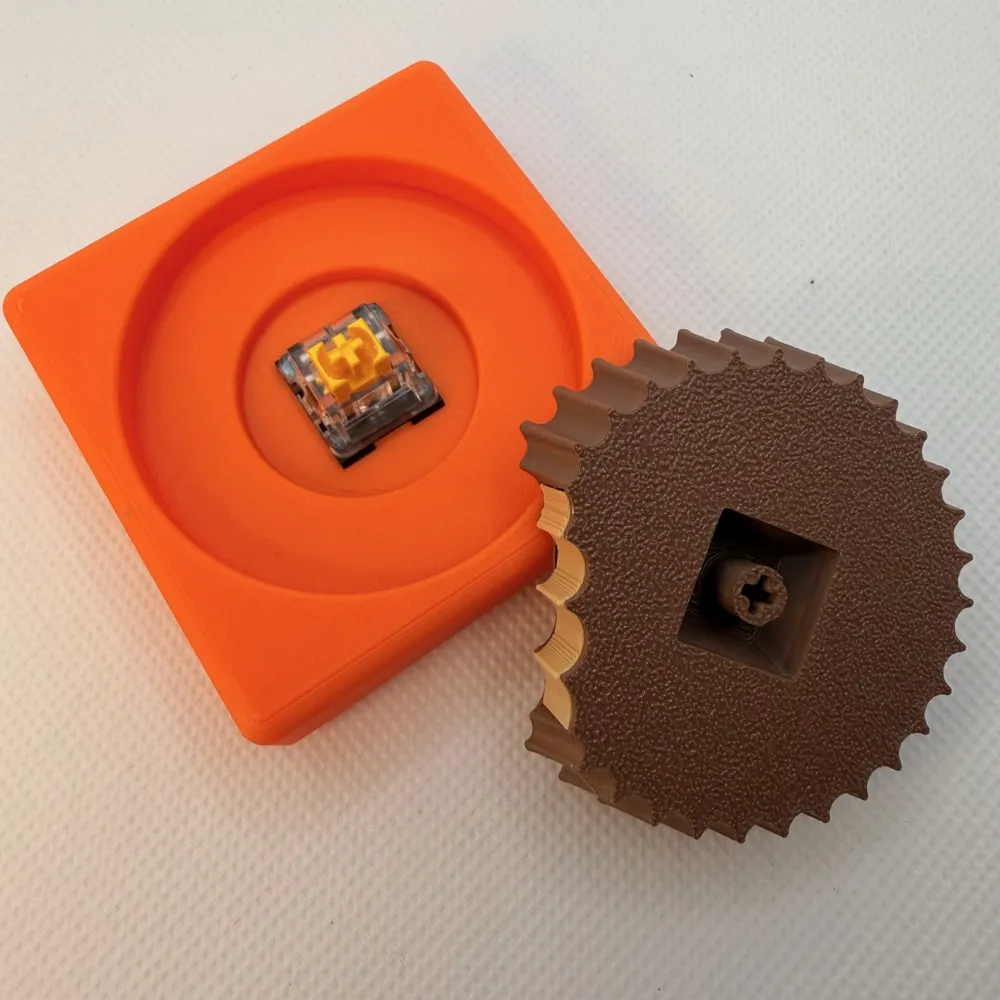
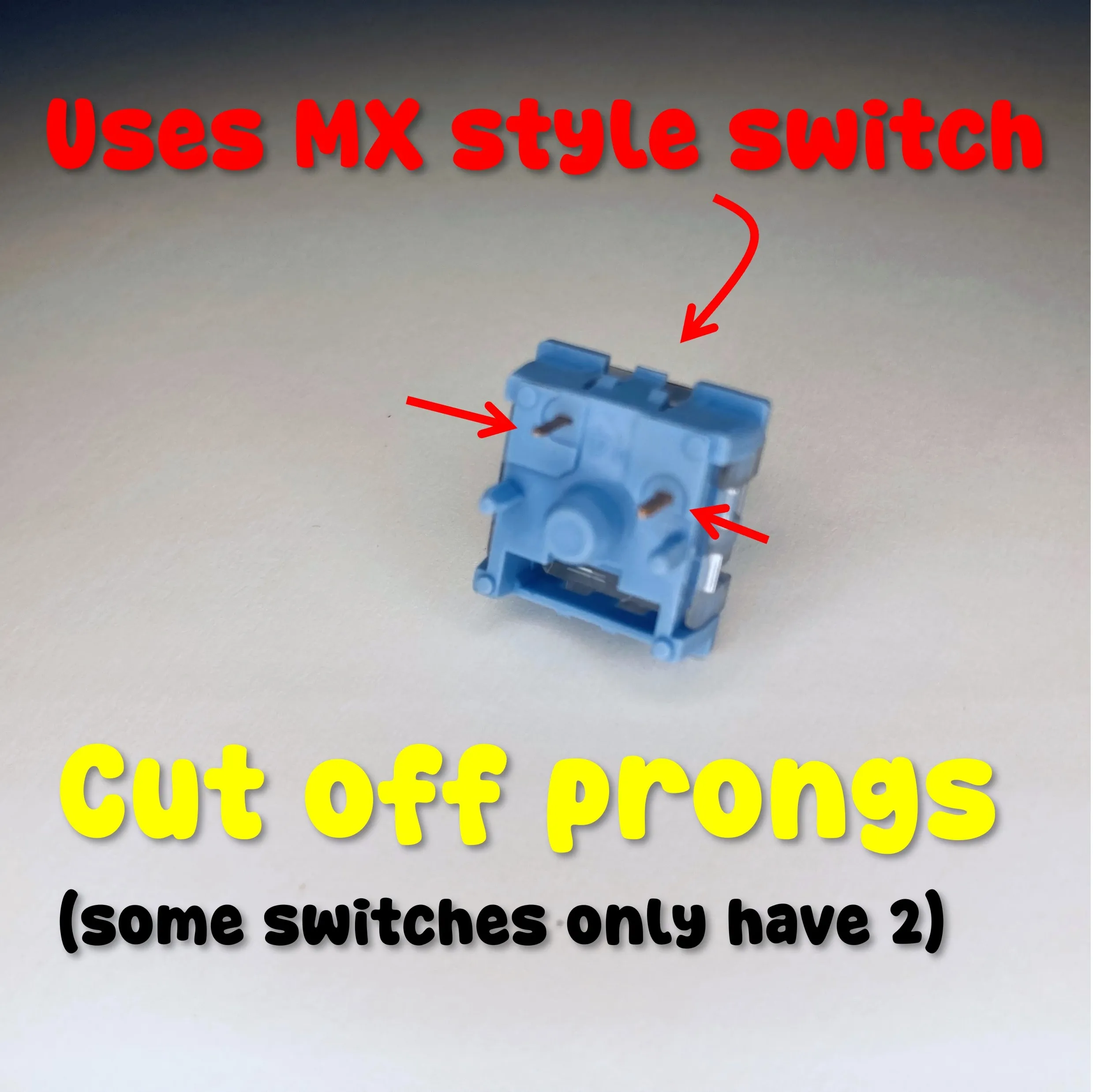
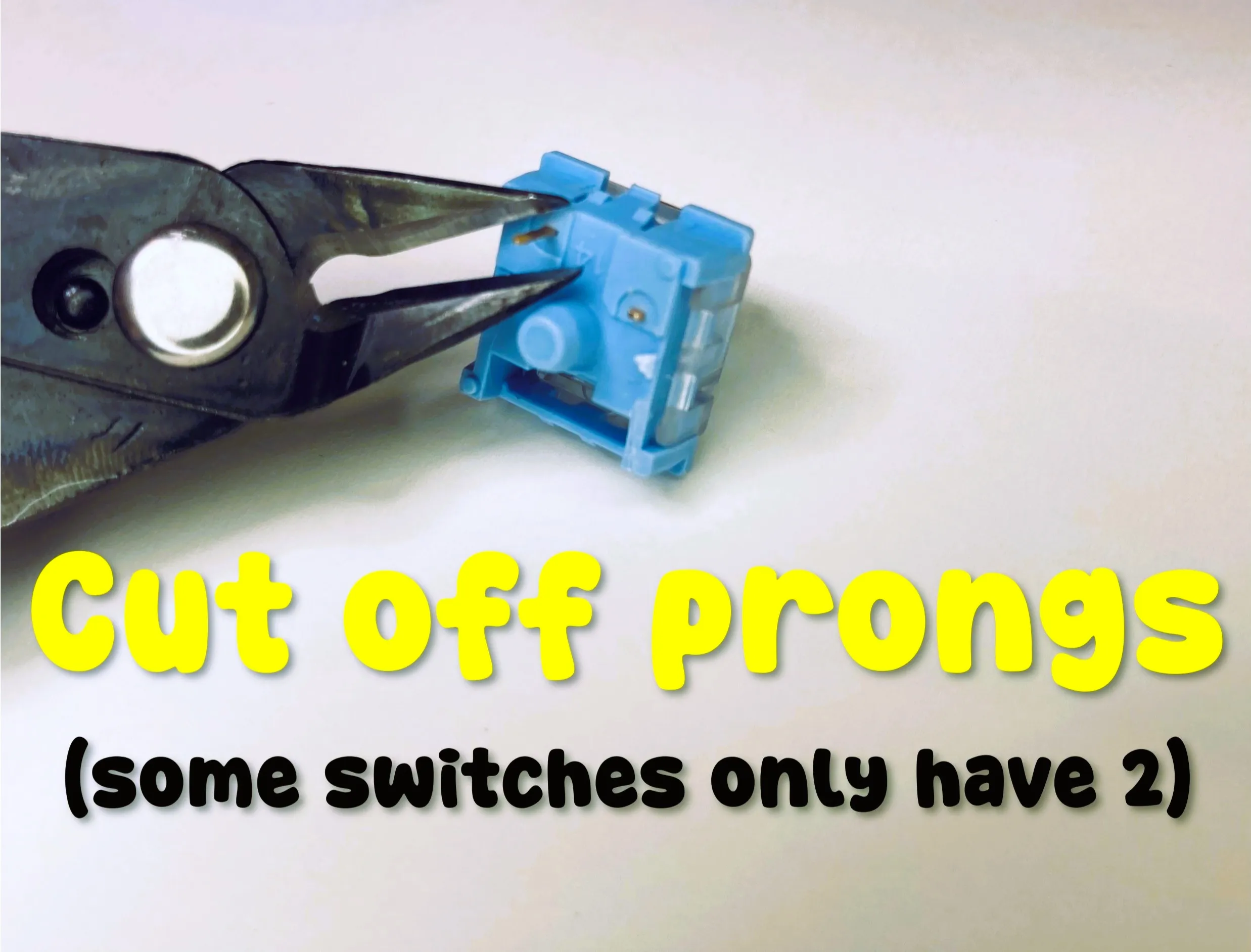
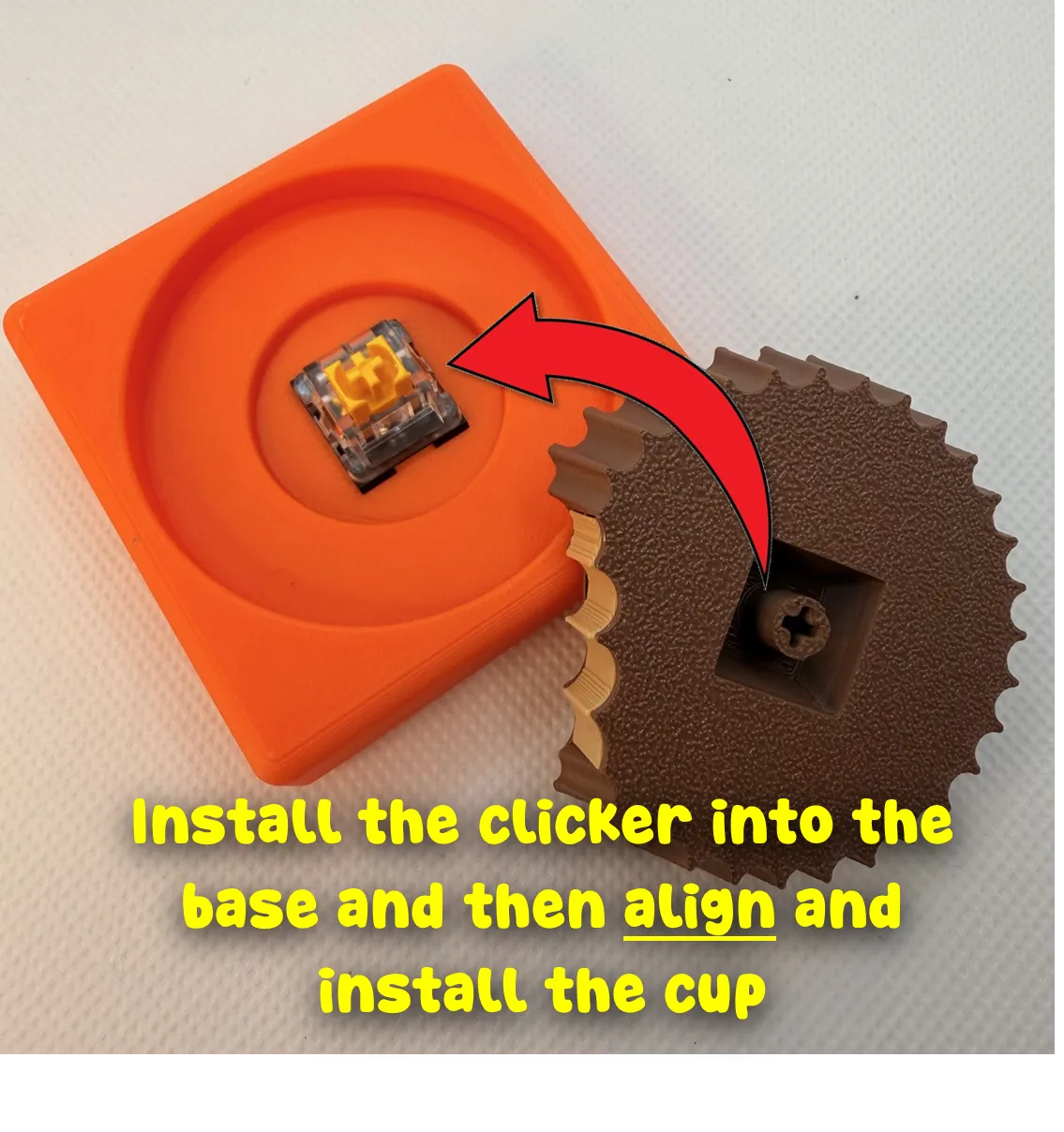
Installation: Remove the pins from the MX switches (See instructions below). Install the clicker switch onto the peanut butter cup and then install into the base (you can also do this vice versa – just make sure it is aligned properly. Install the peanut butter into the cup (glue is optional). Enjoy!
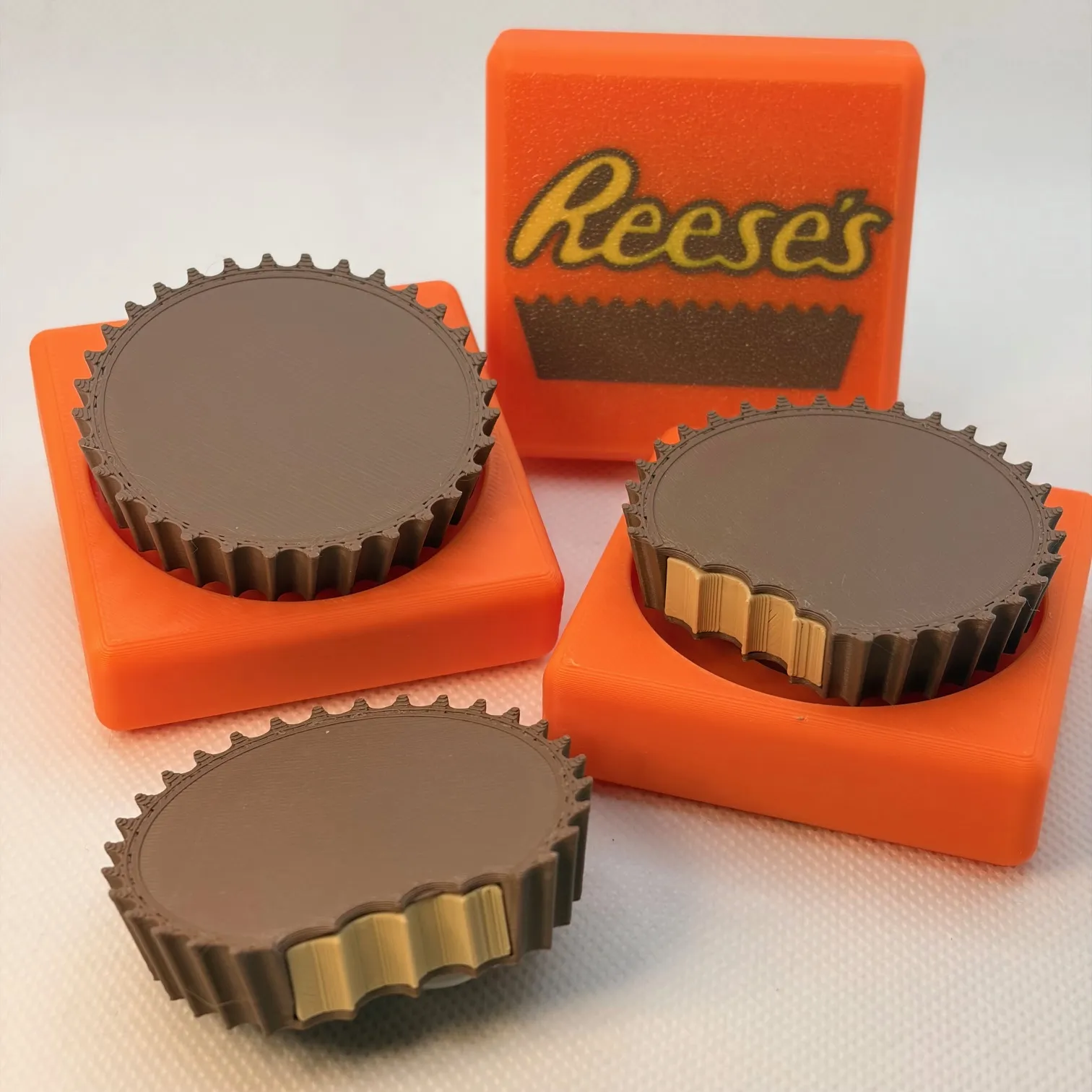
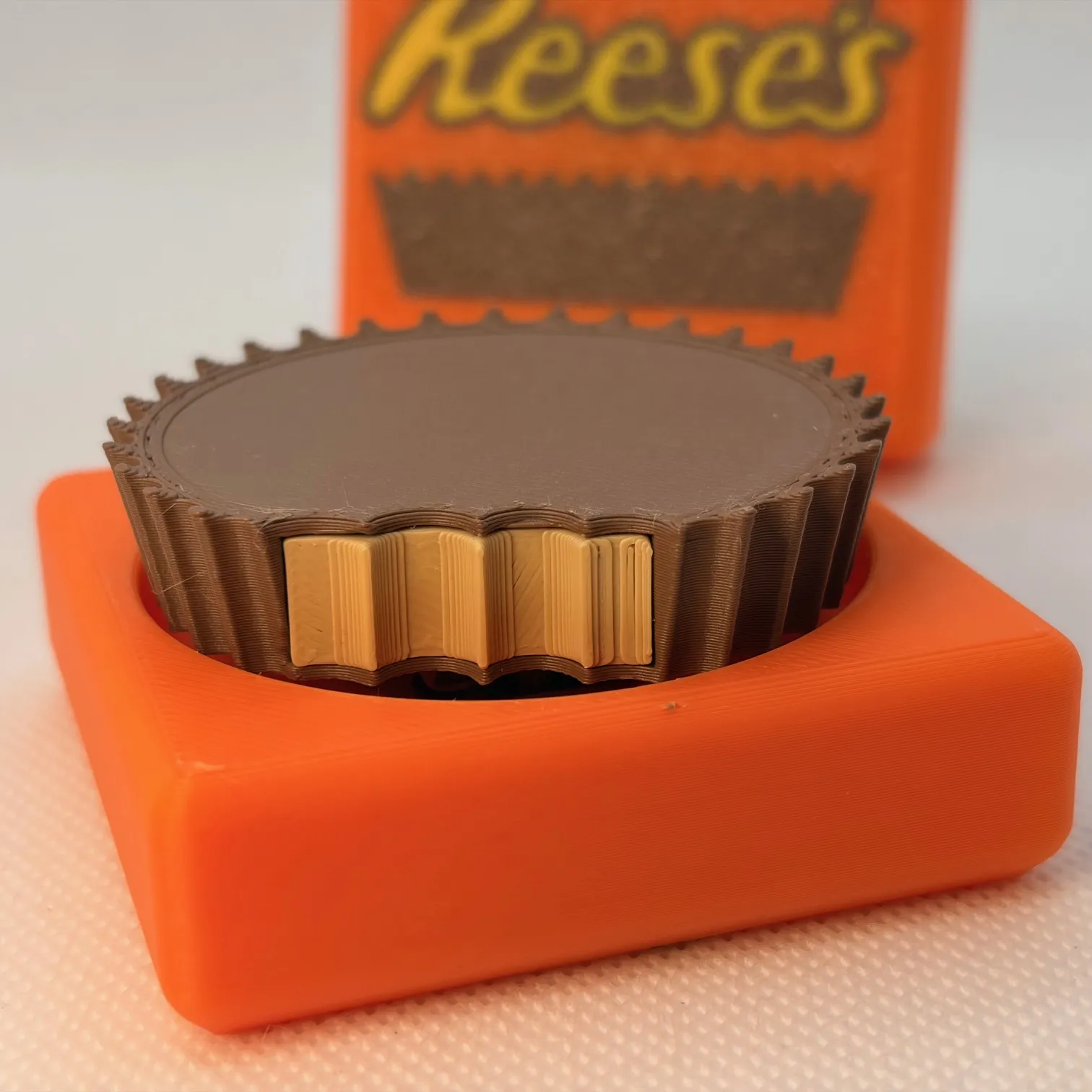
INSTRUCTIONS
First, remove the prongs from the keyboard clicker bases as shown:
Remove supports from the Reese's cup with the bite.
Install the peanut butter into the cup (you can also glue this in).
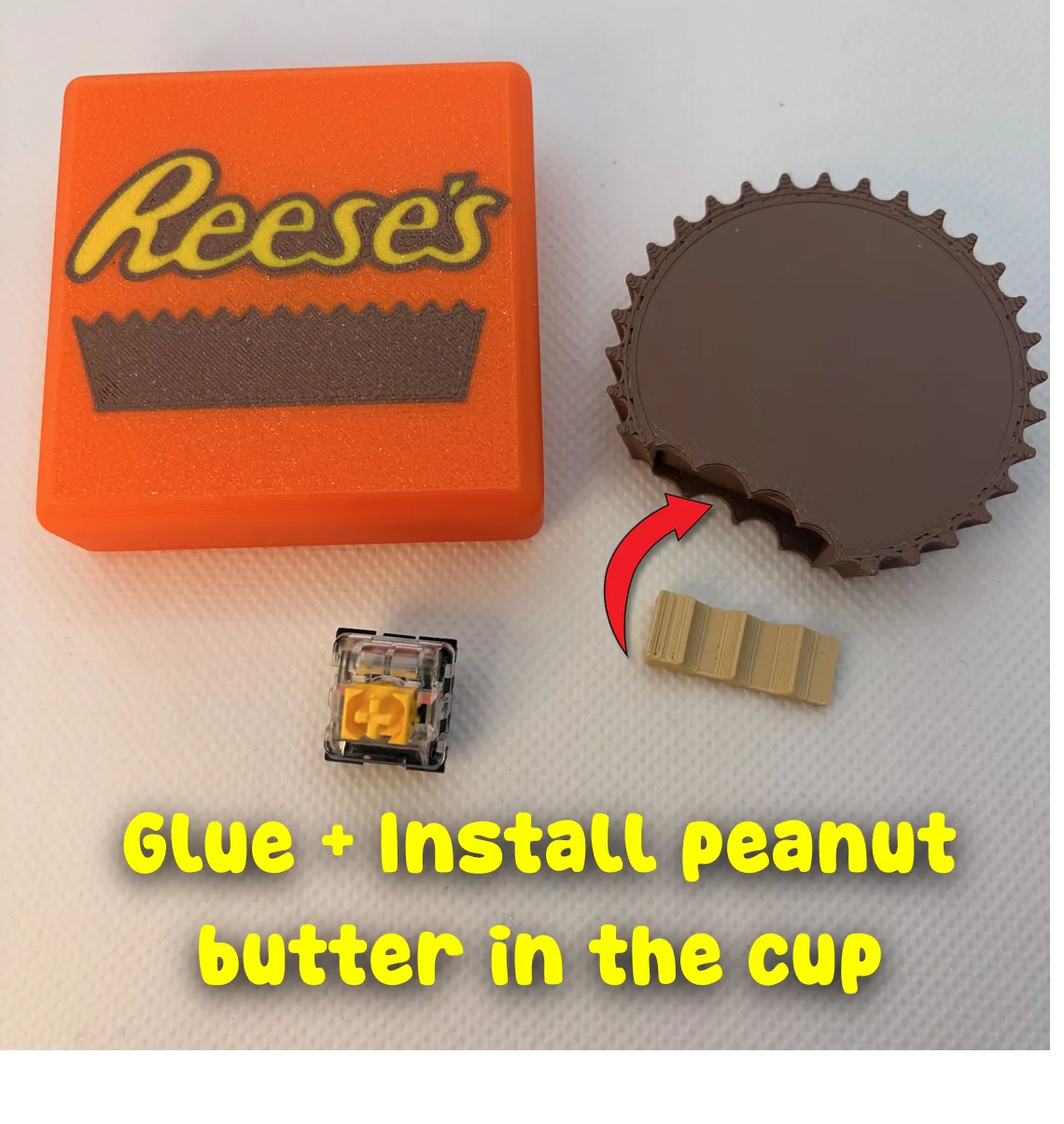
Install the clicker into the base and then align the peanut butter cup and install onto the clicker. You can also install the clicker onto the peanut butter cup first and then install into the base.
Boost Me (for free)
Our family designs and prints together and we would be honored if we can earn your boost!
Documentation (1)
License

You shall not share, sub-license, sell, rent, host, transfer, or distribute in any way the digital or 3D printed versions of this object, nor any other derivative work of this object in its digital or physical format (including - but not limited to - remixes of this object, and hosting on other digital platforms). The objects may not be used without permission in any way whatsoever in which you charge money, or collect fees.


Comment & Rating (175)