
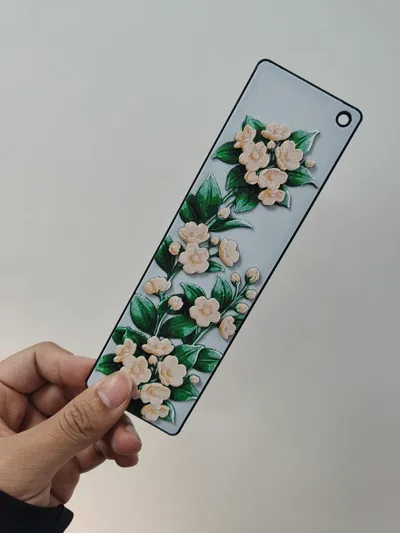
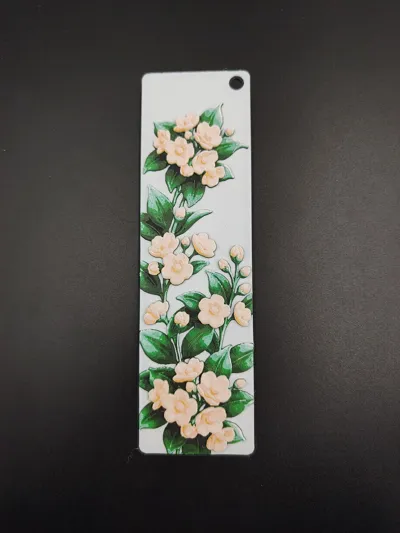
Mock Orange Embossed Bookmark | Hebei Provincial Flower Embossed Bookmark | 【Chinese Provincial Flower Series Bookmarks】
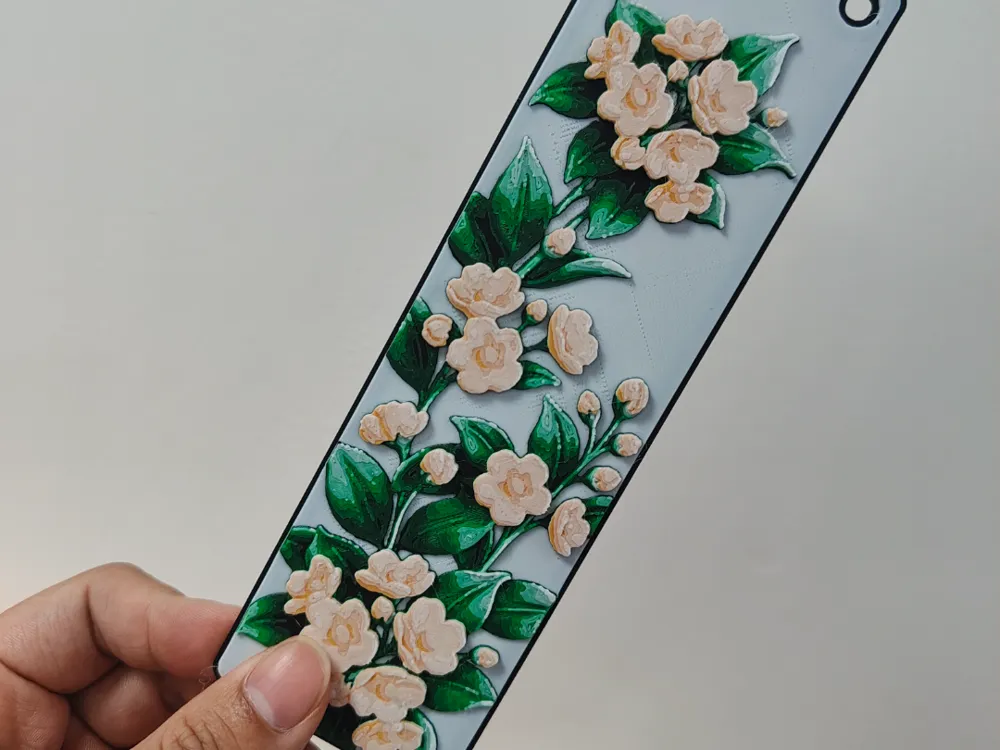
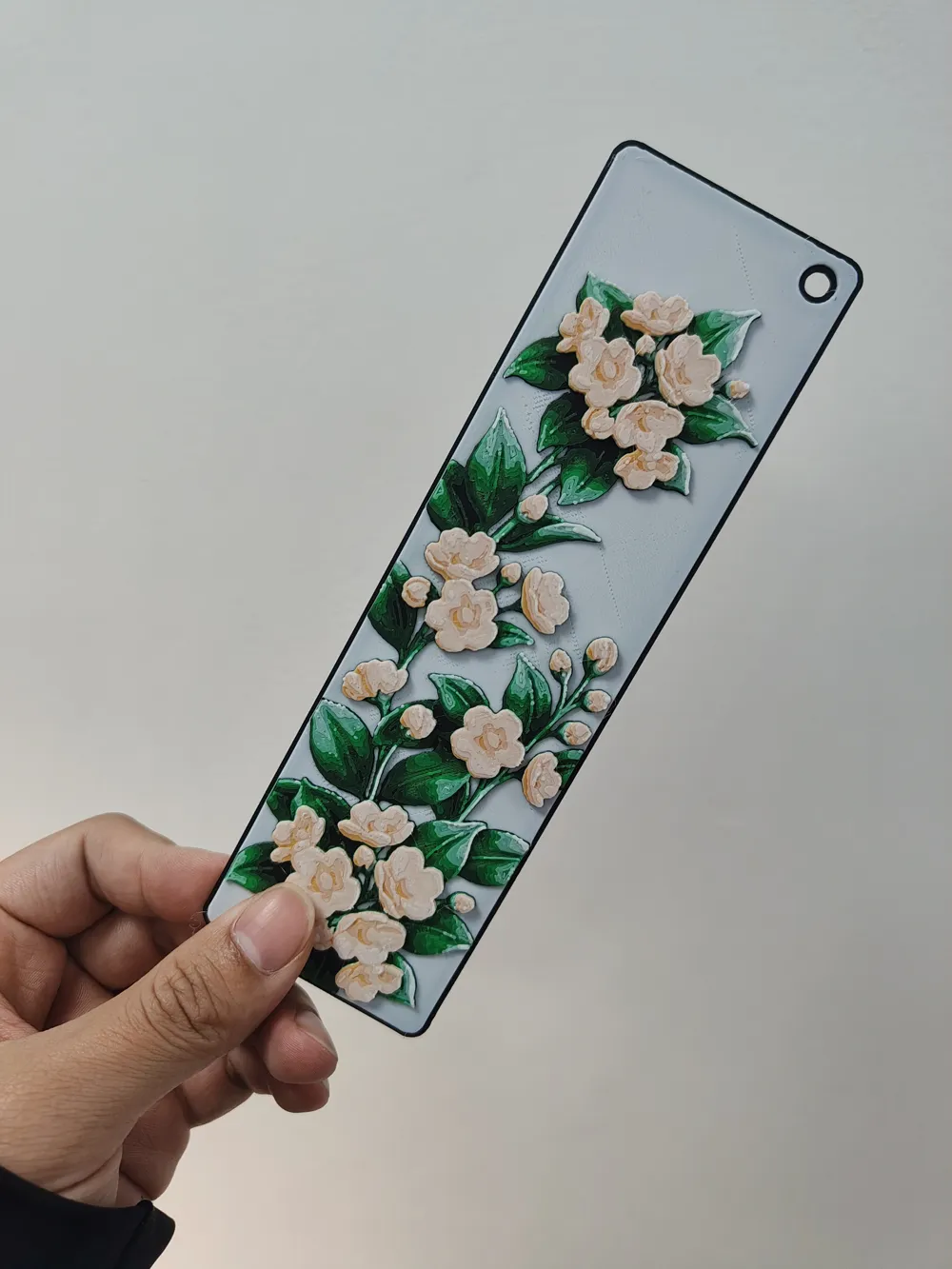
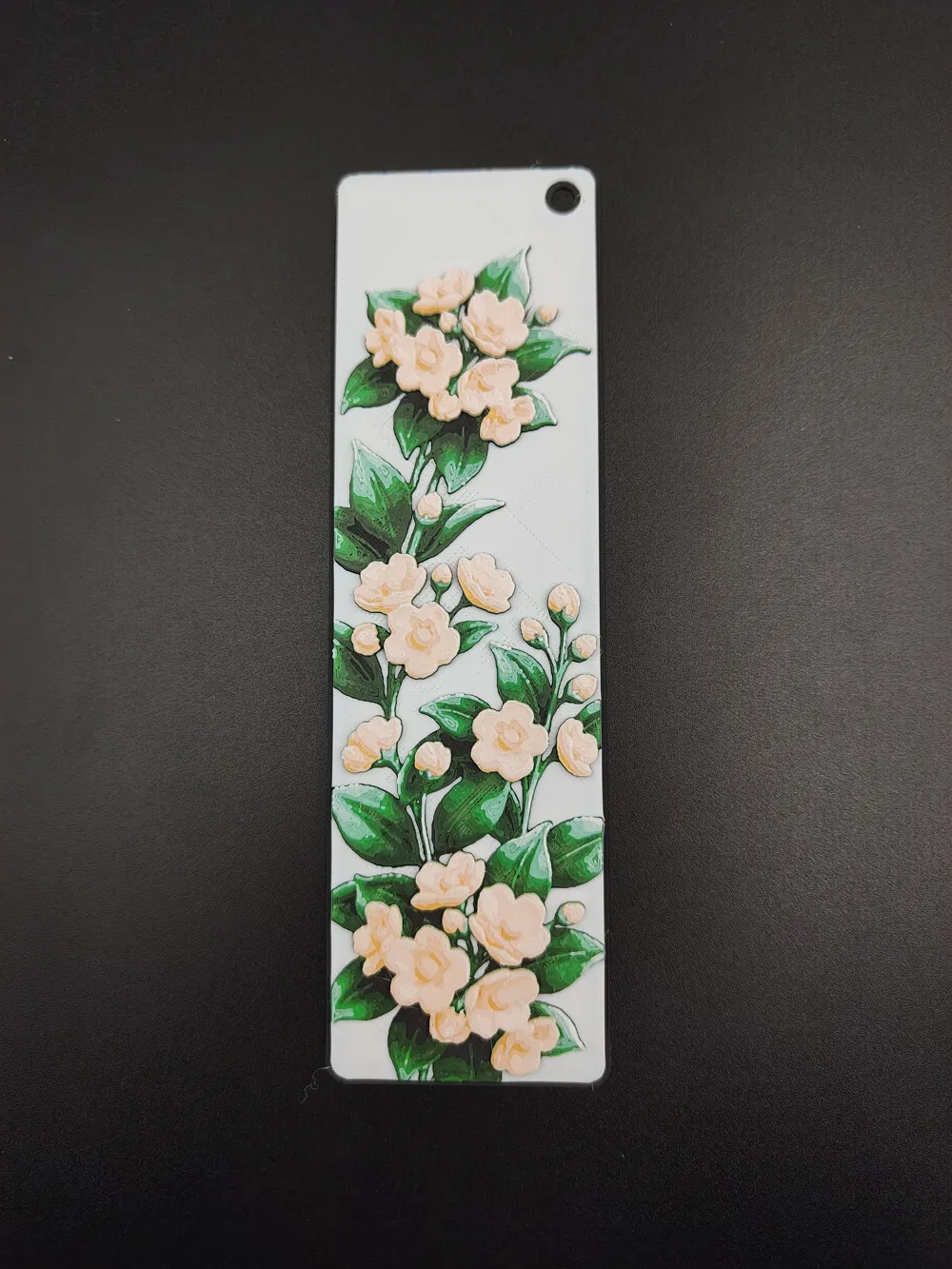
Print Profile(1)
Description

🌟 [Taiping Flower Embossed Bookmark]
🎨 Project Introduction | Description
Taiping Flower, the provincial flower of Hebei Province
Taiping Flower, a deciduous shrub of the genus Deutzia, Hydrangeaceae family. Young branches are smooth, purplish-brown, and old branches have grayish-brown bark. Single leaves are opposite, and leaf blades are ovate to narrowly ovate. It has a raceme inflorescence, with obovate, milky-white petals. The capsules are spherical or obconical, with persistent sepals. The flowering period is May-June, and the fruiting period is August-September. [9] Taiping Flower began to be planted in courtyards during the reign of Emperor Renzong of Song. It is said that Emperor Renzong of Song named it "Taiping Ruisheng Flower," and later Emperor Daoguang of Qing renamed it "Taiping Flower." (Description source: Baidu Baike)
This is one of the [Provincial Flowers of China Bookmark Series], I hope you like it
🚀 Technical Core: hicolors-3d
This model is generated using the hicolors-3d workflow, which offers the following advantages compared to traditional processes
No AMS color changing system required: By using a layered color change design, models can be printed even without a color changing system. You only need to manually change the filament at the corresponding layers, saving a lot of filament
Precise Layer Height: All possibilities of superimposed colors are calculated through physical simulation, effectively allocating the usable height within limited layer heights, saving layer height occupancy
Intuitive Matching: Based on color and region matching logic (there is no situation where a region cannot be matched to the desired color), it is more intuitive than traditional grayscale matching
Physical-level Simulation: The preview effect is the print effect, accurately simulating color superposition at different layer heights
Light and Shadow Aesthetics: Designed specifically for FDM printing, fully utilizing the light transmission and color superposition properties of PLA materials and similar
🔄 Color Change Instructions | Color Change Instructions
No multi-color 3D Printer (AMS) needed, a regular single-nozzle printer can change colors manually
Color change information is already included in the 3mf file, just download and view it
Here is the filament information used for printing, for your reference:
Base/Start color:black - TD: 0.1
| Color Change Height | Cumulative Layers | Change to | Brand | HEX | RGB | TD |
|----------|----------|--------|------|-----|-----|-----|
| 0.64mm | 7 | white | - | #ffffff | rgb(255, 255, 255) | 4.4 |
| 1.12mm | 13 | black | - | #000000 | rgb(0, 0, 0) | 3 |
| 1.44mm | 17 | green | - | #519b42 | rgb(81, 155, 66) | 2 |
| 1.76mm | 21 | white | - | #ffffff | rgb(255, 255, 255) | 4.4 |
| 2.24mm | 27 | earthy yellow | - | #eab242 | rgb(234, 178, 66) | 2.3 |
| 2.48mm | 30 | white | - | #ffffff | rgb(255, 255, 255) | 4.4 |
🛠️ Print Settings | Print Settings
For best results, please strictly adhere to the following settings
Infill: 100% (Required)
Layer Height: 0.08mm
First Layer Height: 0.16mm
Nozzle Recommendation: 0.2mm is recommended (for strongest detail), 0.4mm is also acceptable (the actual photos were taken with 0.4mm)
Model Scale: Do not adjust the model's Z-axis scale to ensure correct layered color change information. You can freely adjust the X and Y axis scaling to get your desired size
Post-processing Tip: Quickly sweep a lighter over the model's surface to perfectly remove common fine stringing found in FDM prints. 🔥
✨Click on the homepage to view more of our high-quality works
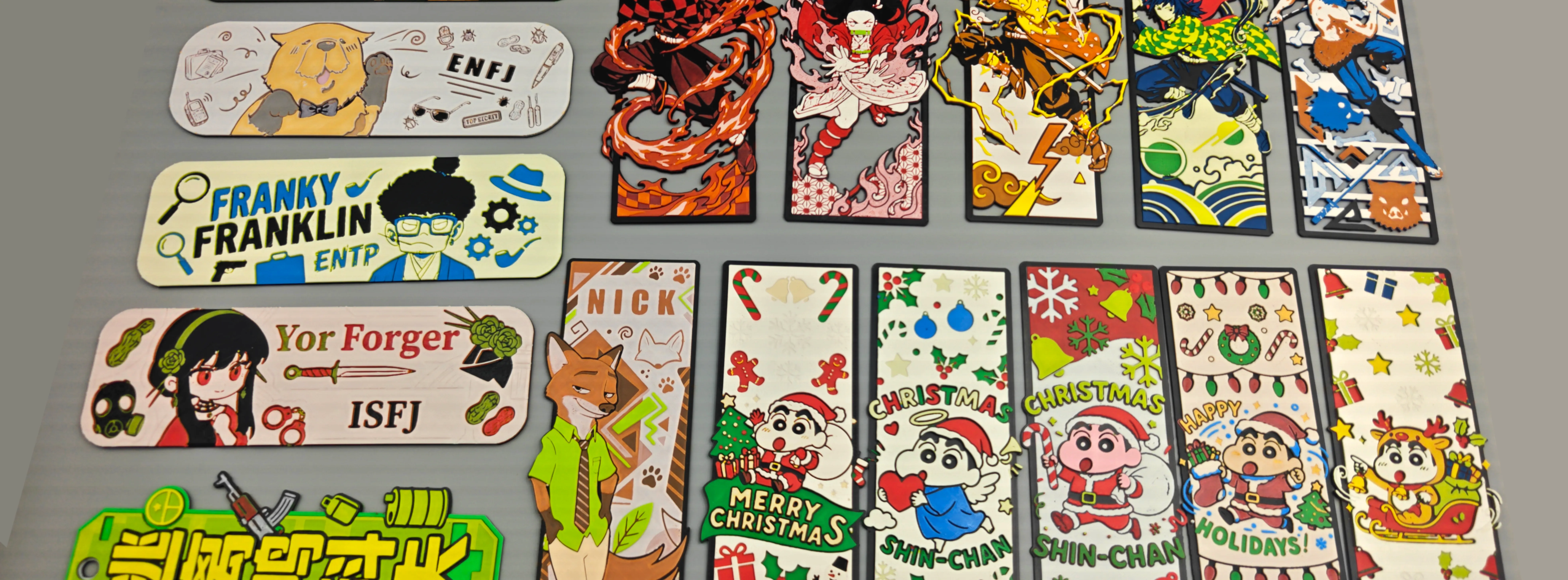
💰 Commercial Authorization and Support | Commercial License
Software Communication: Want to experience the hicolors-3d software? Please follow our social media accounts. The Bilibili account has the same name
License



Comment & Rating (0)