
Mech Bunny Insert and HUD
Print Profile(1)
Description
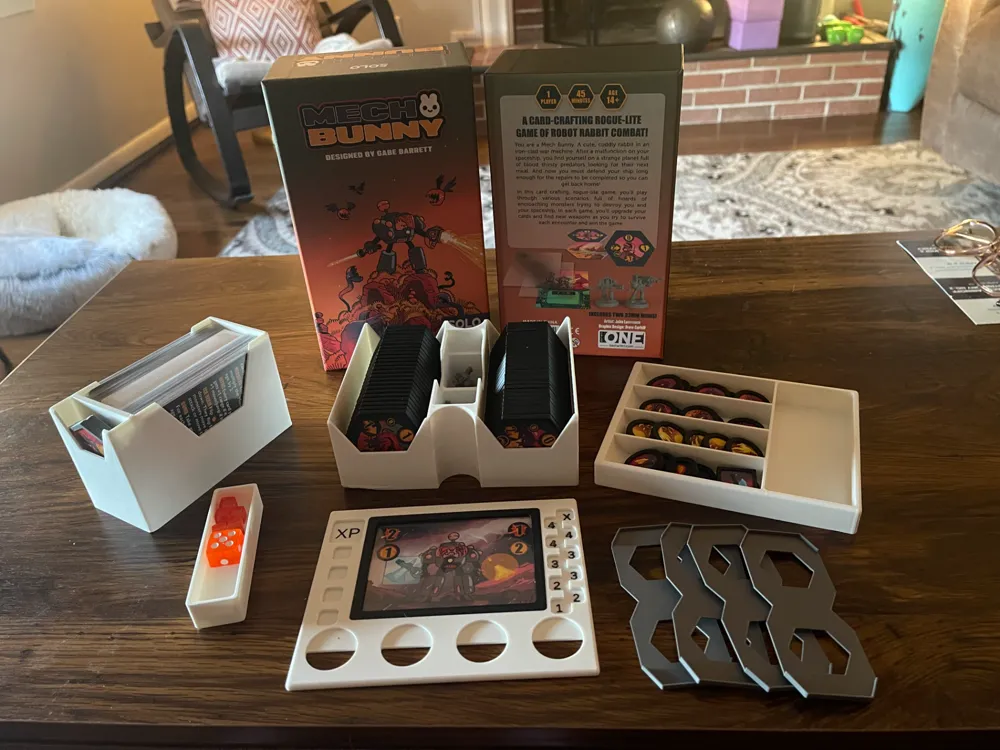
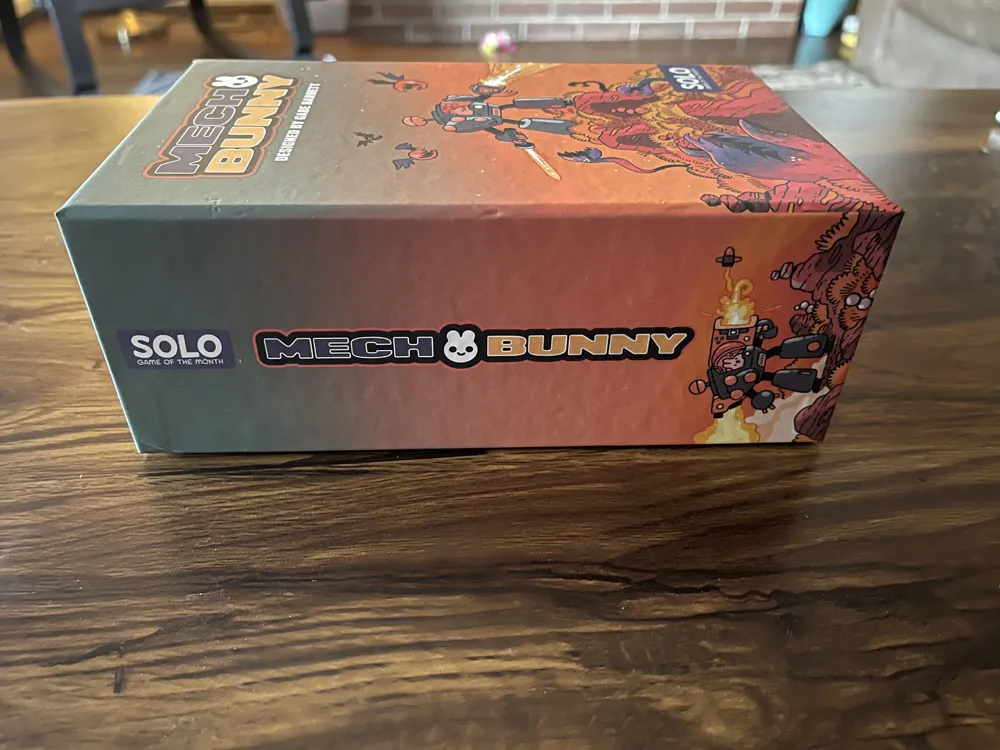
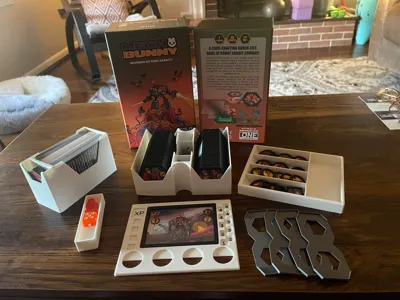
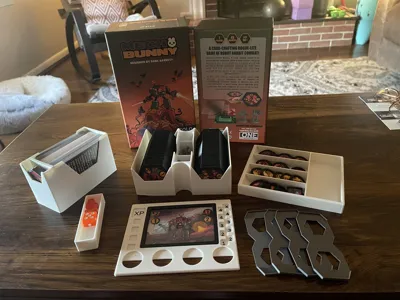
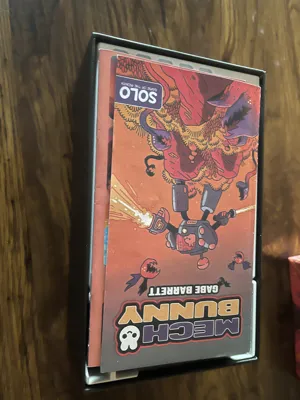
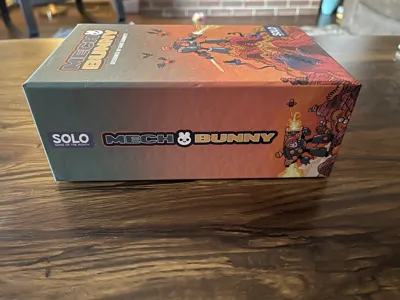
This insert sorts and stores all the components for the board game Mech Bunny from Best With 1 Games (part of their Solo Game of the Month line). Horizontal and vertical storage are supported
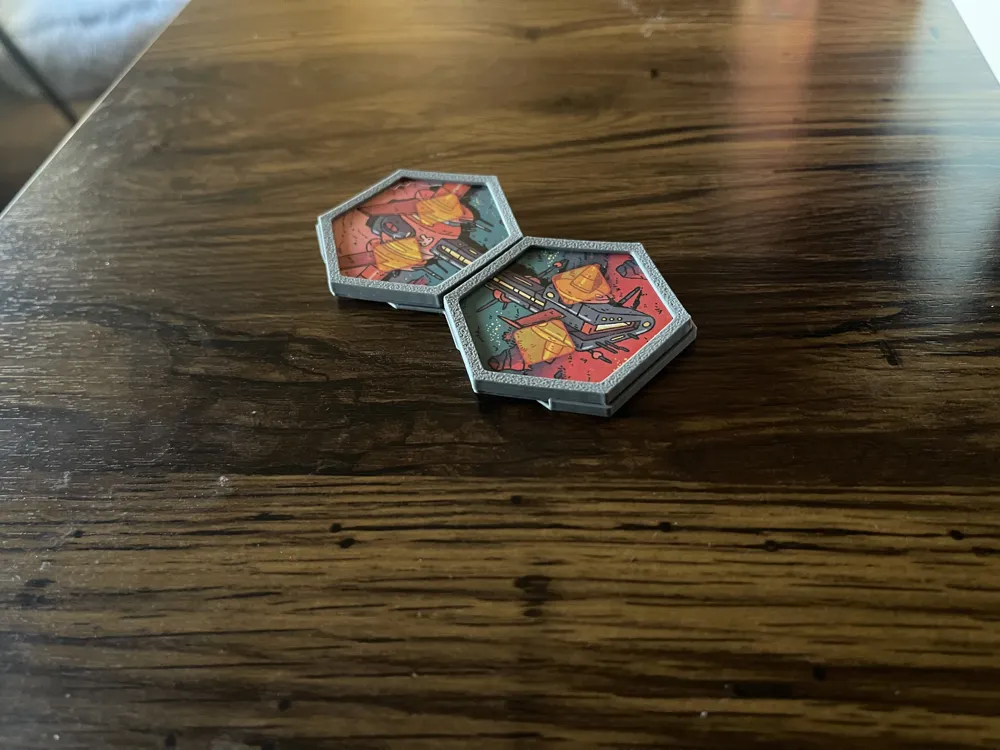
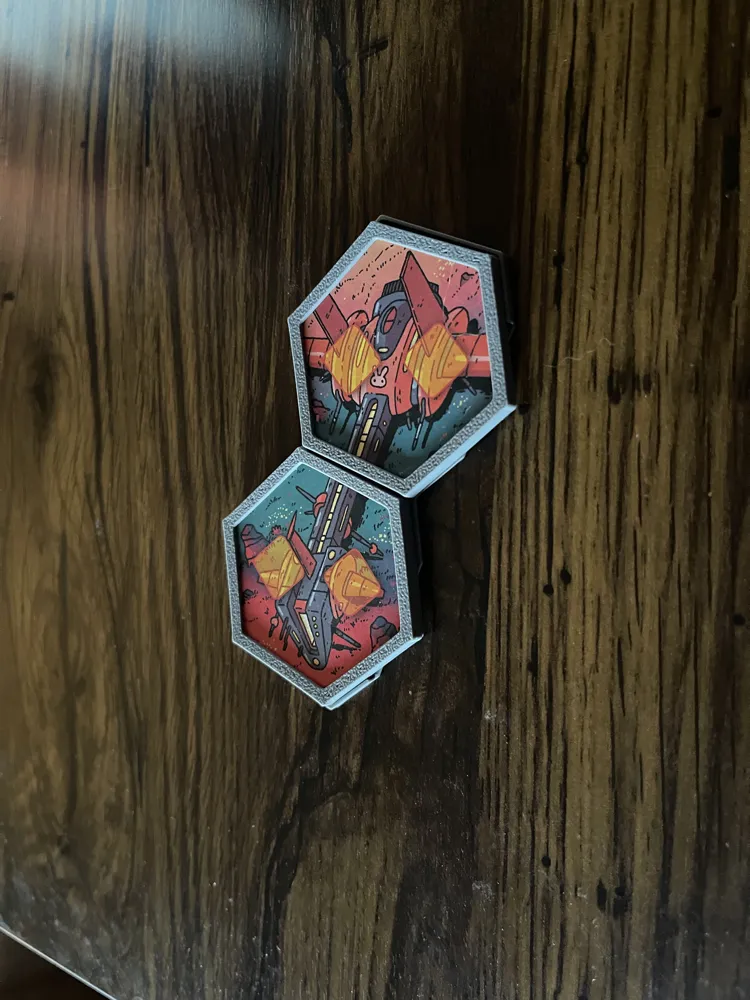
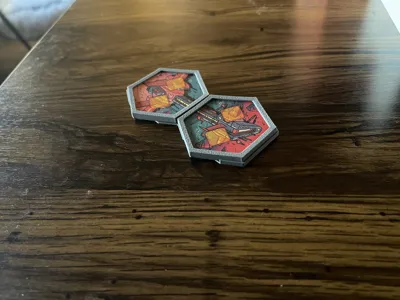
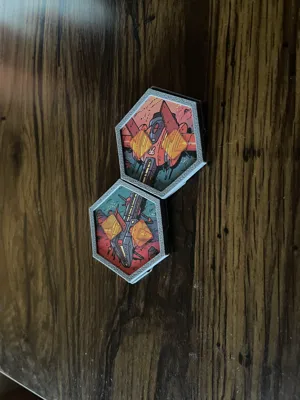
Due to some early wear on the tiles, I printed off these token protectors for the hex tiles, and I liked them so much I printed the round and square protectors as well.
https://makerworld.com/en/models/2444586-token-tile-protectors-for-mech-bunny-board-game
For all the land and monster hex tiles I printed the closed bottom tiles. This gave them a satisfying tactile feel, and (bonus) you can use one flipped over to mark the void space where there is no land.
READ THIS BEFORE PRINTING: There are two versions of some files- PLEASE READ the listing below and print what you need.
There are only 6 core components (plus a small accessory you can print if you find it useful):
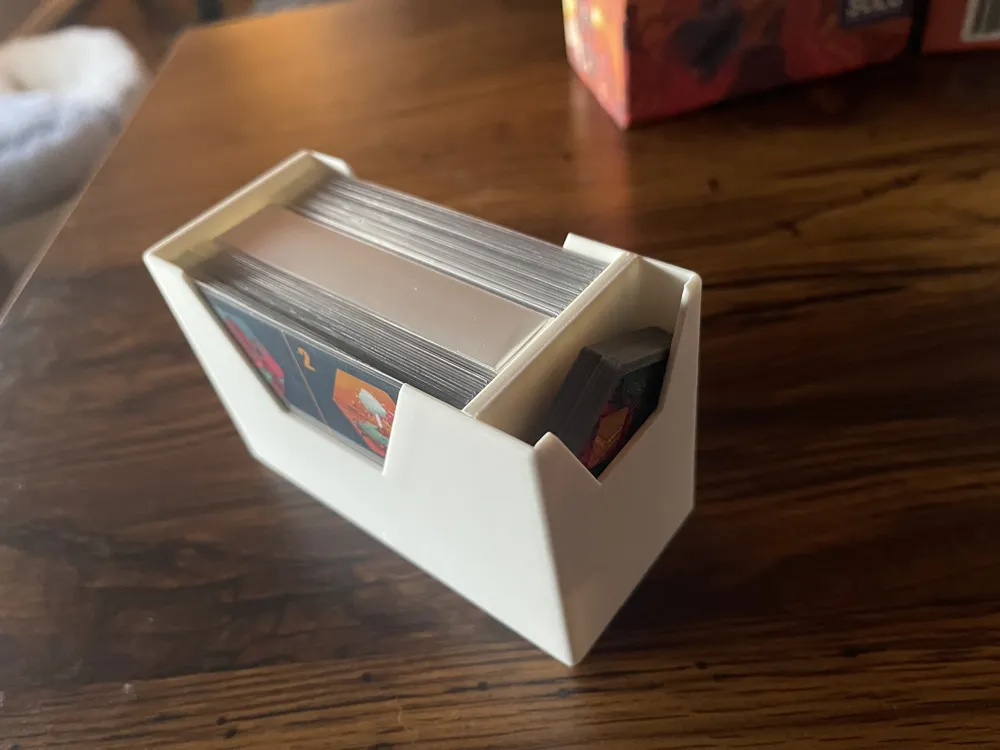
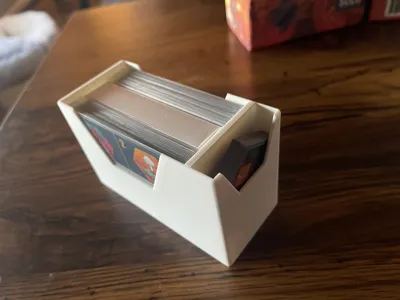
- Card Box: Stores all cards and the two ship tiles.
- I didn’t feel the need for a divider, but you may be able to fit a thin cardstock divider in (I haven’t tried this to verify).
- Ship tiles fit securely in the side slot.
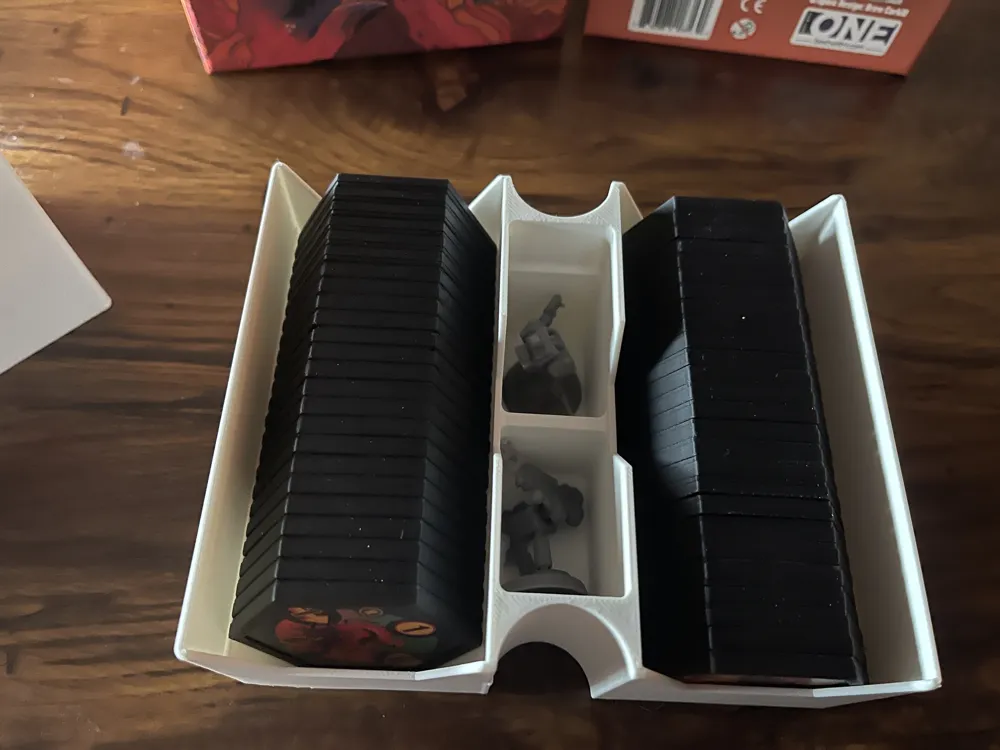
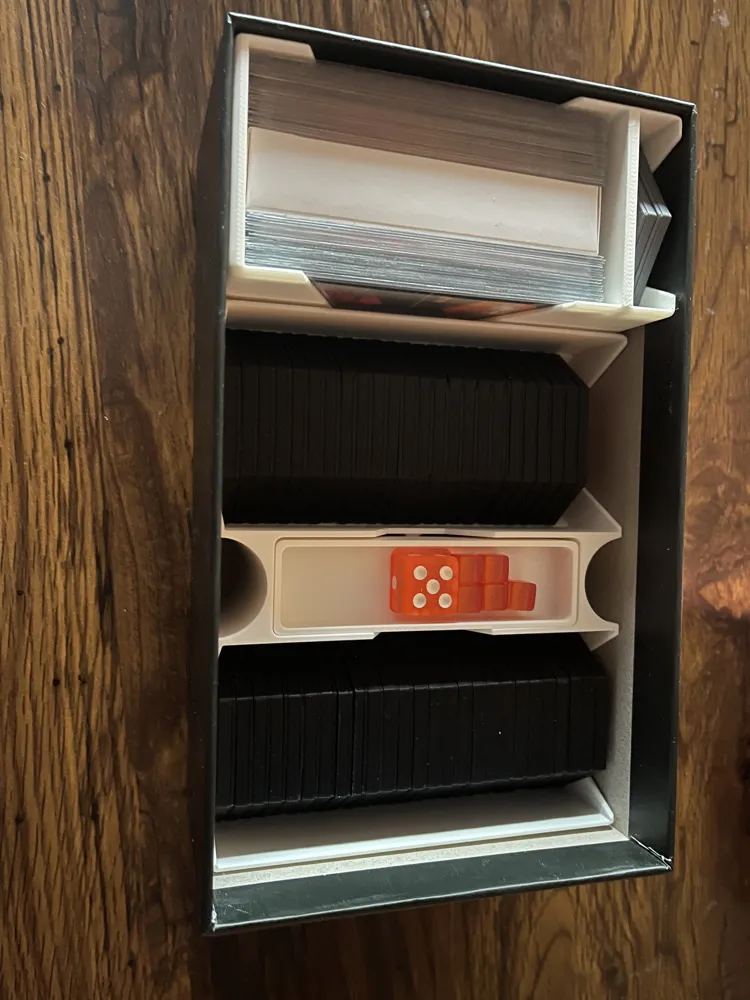
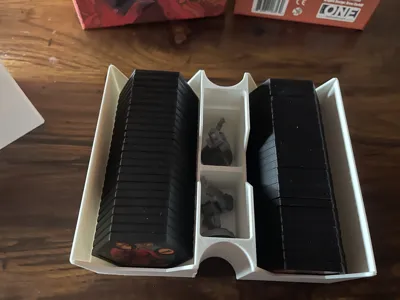
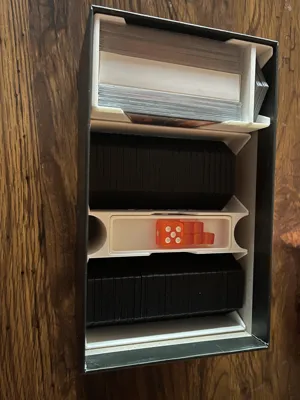
- Tile Tray: Holds your tiles in two rows, and the minis in individual wells (one has to be sideways).
- Two versions:
- TileTray(No Protectors) has some dividers to help take up space. There will still be extra space.
- TileTray(Protectors) no dividers- it's fits 26 tiles per row. The tile protectors double the thickness of the tile- be aware before you print them all out. To keep things organized, I keep Monsters A-D and the Spawn tiles in one row (26 tiles), and Monsters F-H and the remaining Land tiles in the other (24 tiles).
- Two versions:
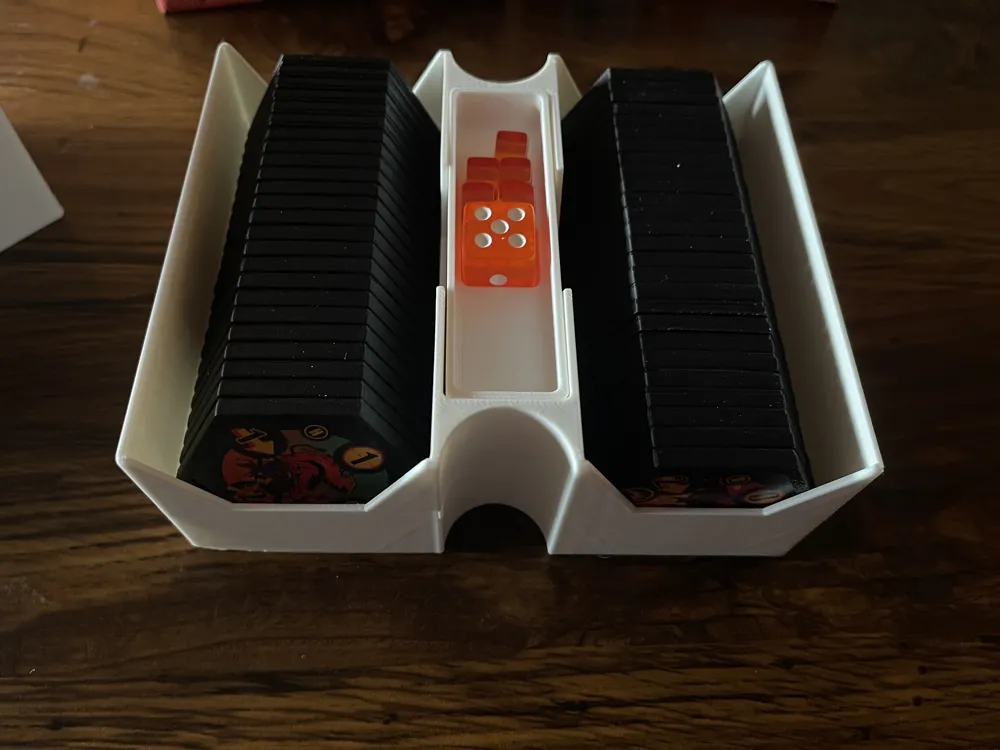
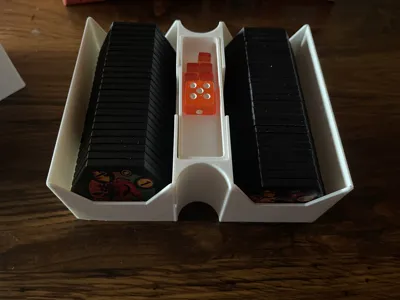
- Dice and Cube Tray: Sits inside the Tile Tray between the two rows and covers the mini wells.
- It has a recess to hold your XP die, and enough room for all your orange tracking cubes.
- The top of this tray should be flush with the top of the Tile Tray. If it is NOT flush, check that your minis are not sticking up too high, one may need to be rotated on its side, the other can stand up without issue. Don't try to force it (you may damage the miniature).
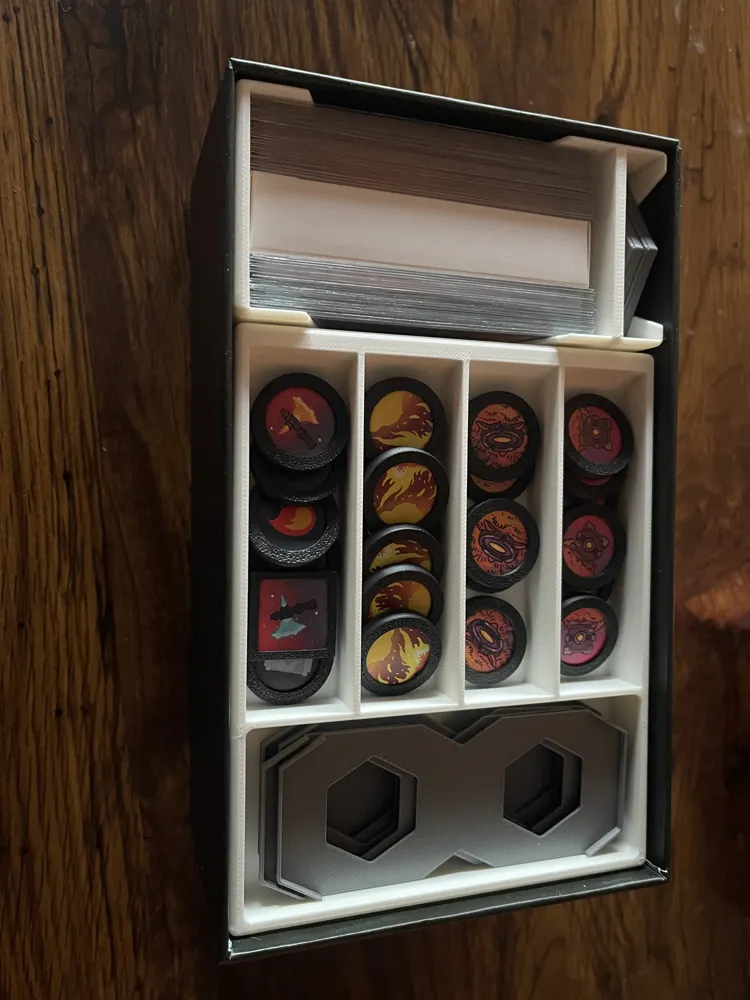
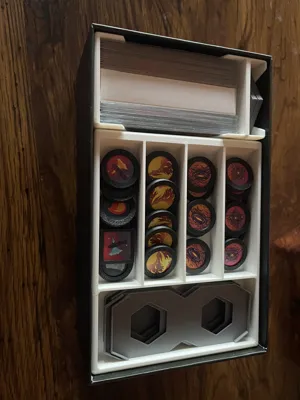
- Token Tray: Holds all you carboard tokens
- 4 slots with sloped bottoms to make it easier to remove tokens
- 1 larger space for the Ship/Land Dual Hex Holders.
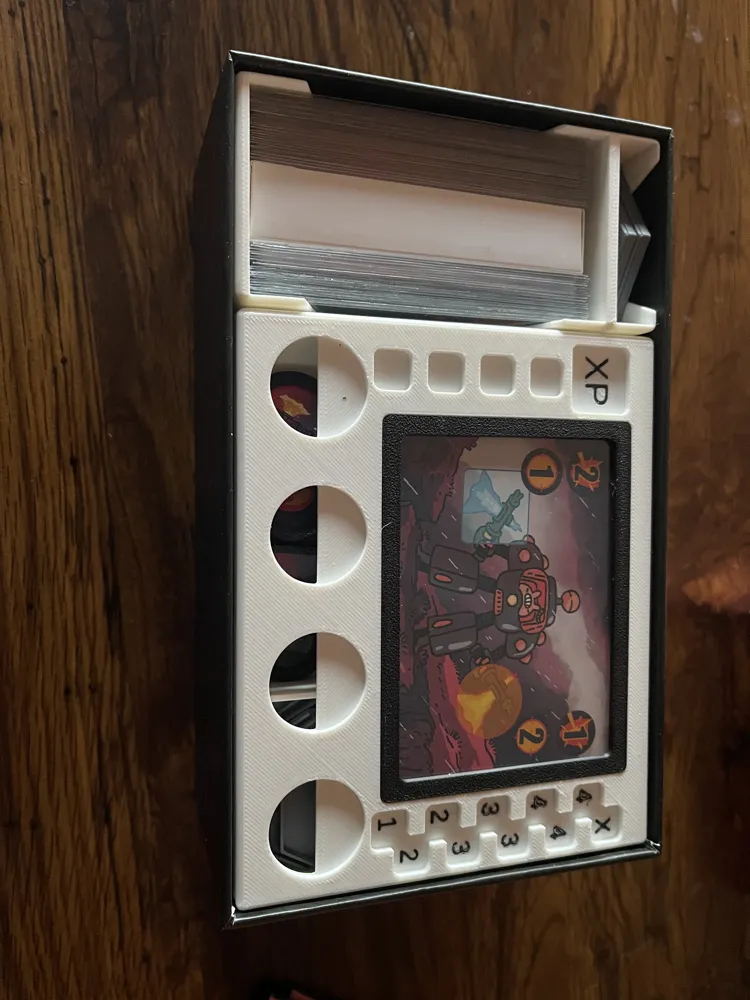
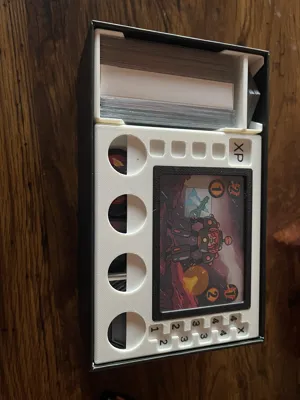
- HUD/Dashboard:
- Two versions:
- Flush Multicolor .3mf file. XP and Spawn tracking values are flush with the surface.
- Recessed, Single color .stl file. XP and Spawn tracking values are flush with the surface. (I have not printed the recessed version- You may need to modify this for best results).
- Holds the Mech Bunny card for use with the axes.
- The card is held in place by the HUD frame (below) using friction only - no glue is required and it can be easily removed if needed.
- Has a place for the:
- Battery tokens (if you use the token protectors, the fit can be snug, but they pull out easy as long as you don't jam them in- I had a cat throw this earlier hence the slightly tighter fit).
- XP tracking die
- Damage cube holder
- Spawn track
- Two versions:
- Hud Frame
- Press fit into the HUD to secure the mech a bunny card.
- I used one of the included sleeves to help protect the card.
- The frame is held in place by friction only - I would NOT glue this. Again, you may need to test the tolerances on your printer to get a good fit (similar to the linked token protectors if you print those).
- Press fit into the HUD to secure the mech a bunny card.
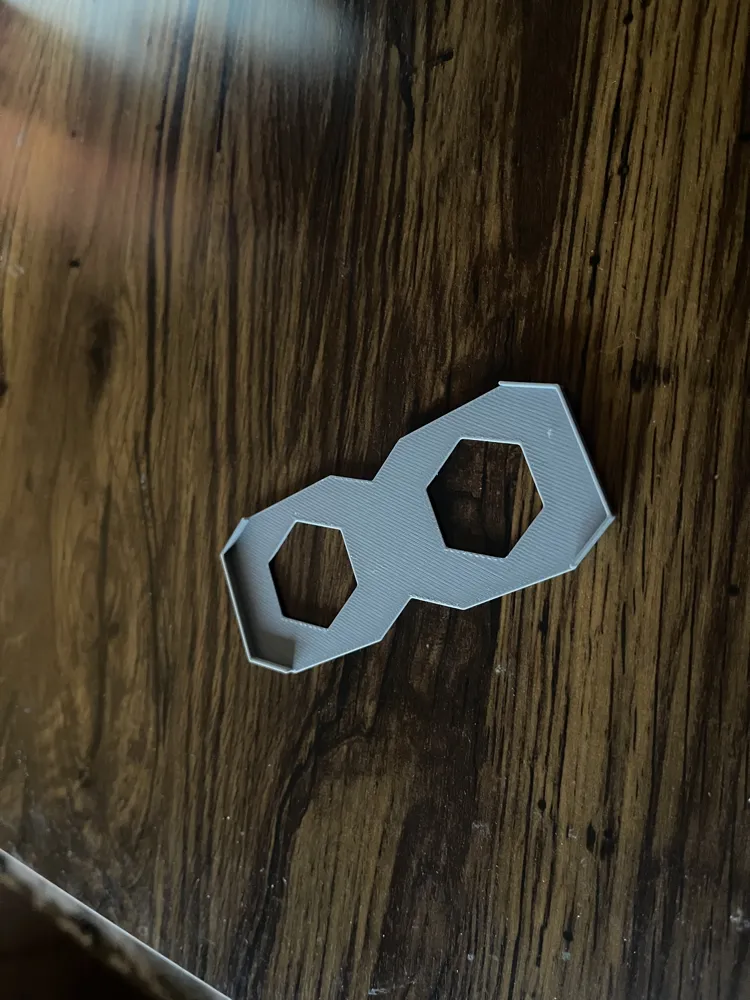
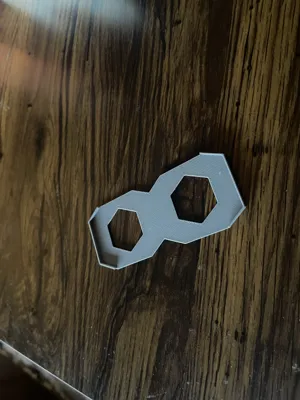
- Ship/Land Dual Hex Holders-
- Small trays to hold the ship hexes together, or a land and spawn point together.
- These are not a tight fit, but do securely hold the tiles together
- These are only a good fit if you print out the Hex Token Protectors linked above.
- Print 4 times.
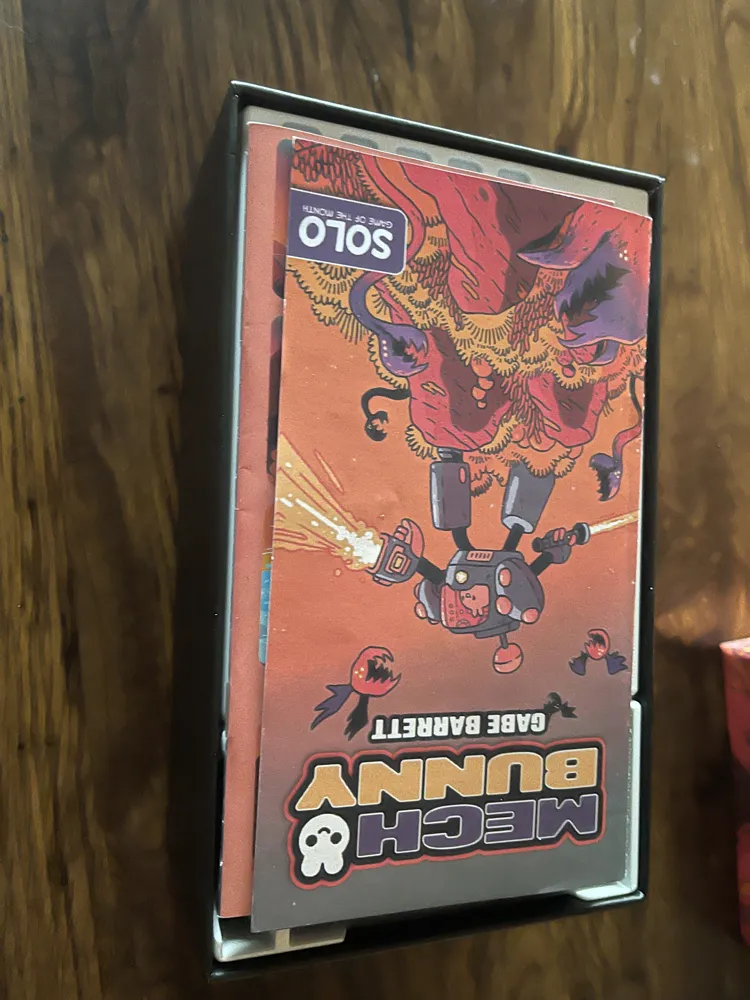
Whatever options you choose the rule book and scenario book sit flush with top and there is no lid lift.
License



Comment & Rating (4)