
FALSTAFF Beer ~ Double-Sided LED Lightbox Sign
Print Profile(1)







Description
NOTICE!!! ***I WILL BE OUT ON VACATION 6/10/26 ~ 6/15/26*** NOTICE!!!
All Compatible Lightbox Frames & Mounts Available Here!
🛠️ Recommended Gear
Check out my Amazon Storefront by clicking here!
Bed Adhesion (Fix First Layer Issues) Magnets (for optional mounts)
Recommended LED Light Strips Battery Powered LED Light Strips Double Sided Tape for Lens: Optional
Custom One-Off Designs Available - CLICK HERE
Printing tips are located at the bottom of this listing
___________________________________________________________________________
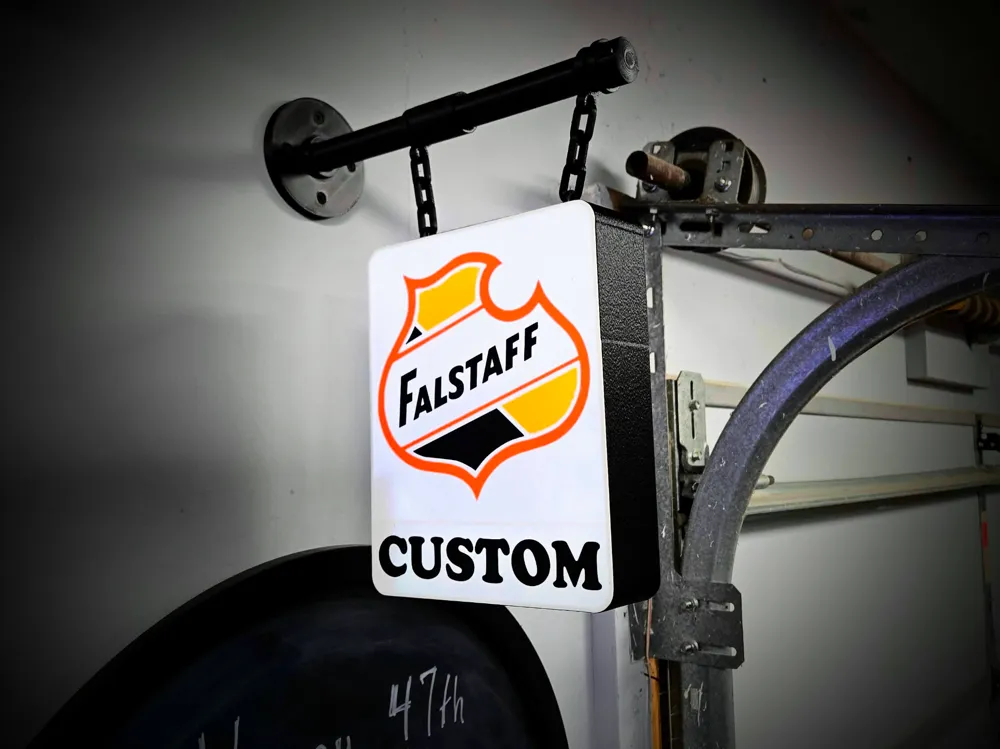
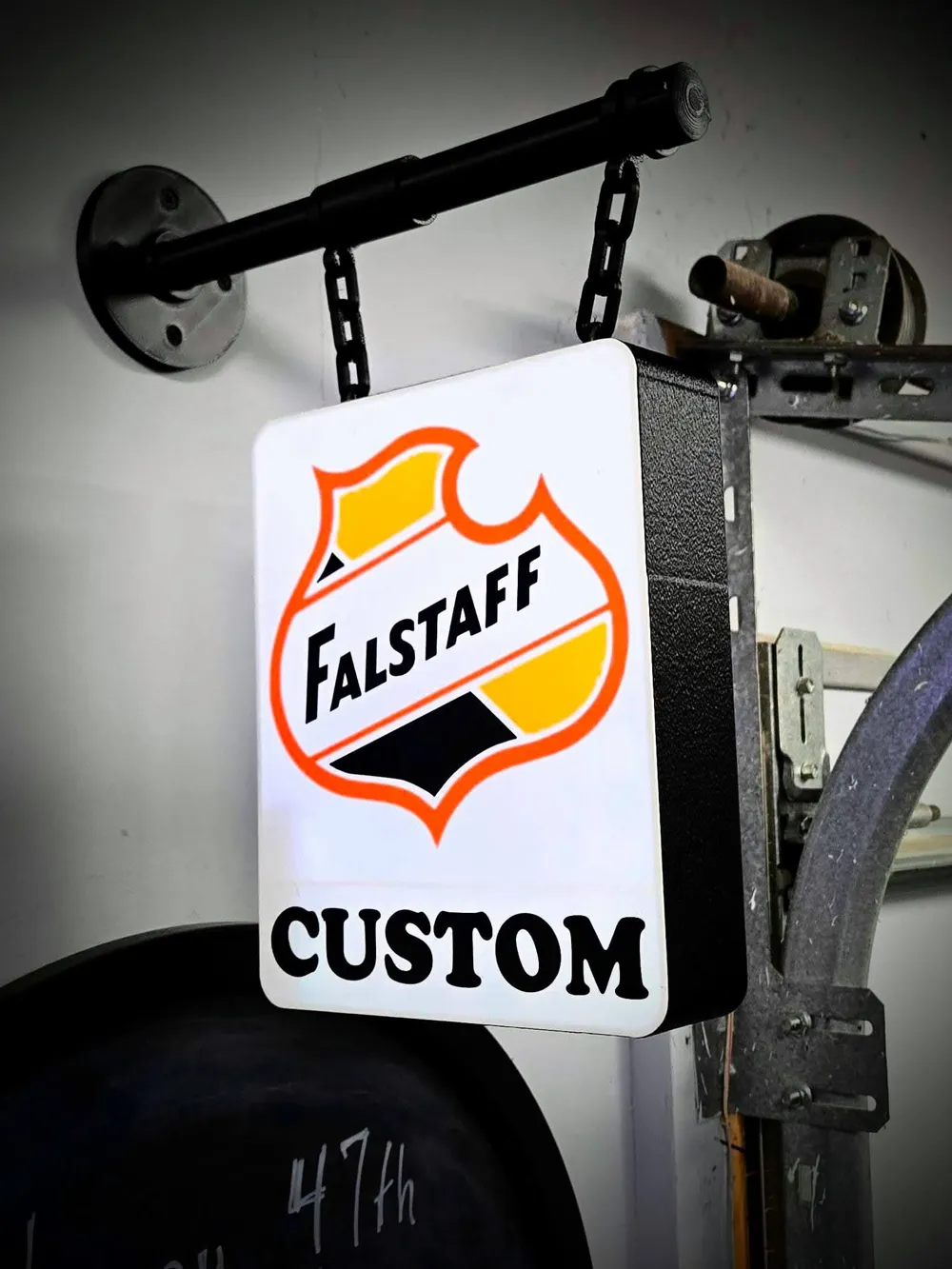
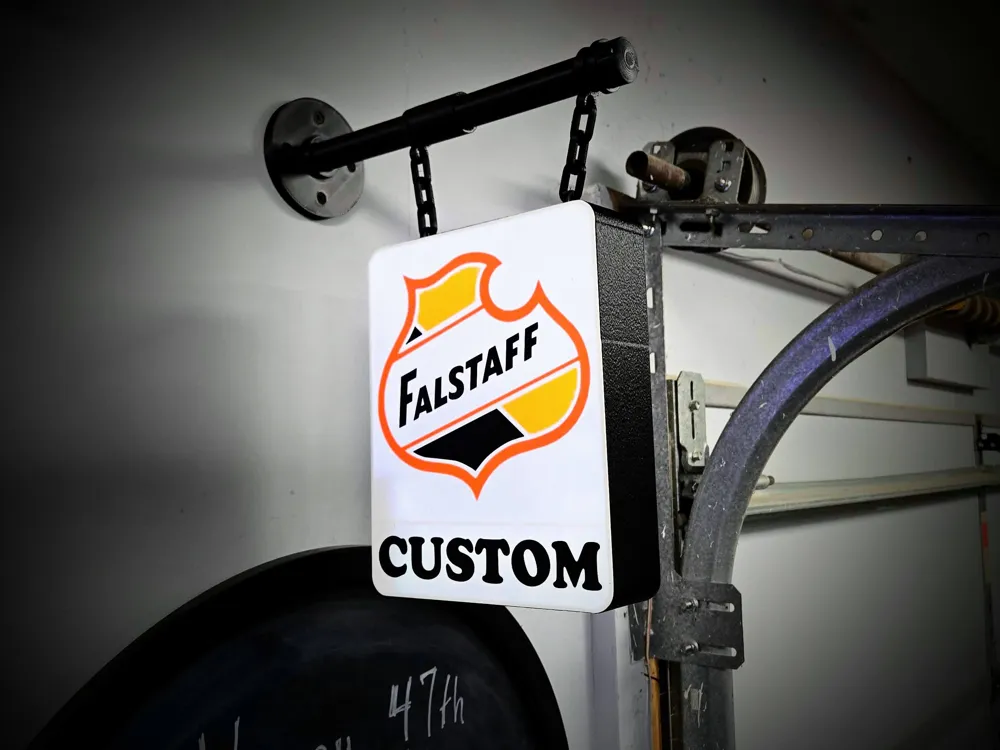
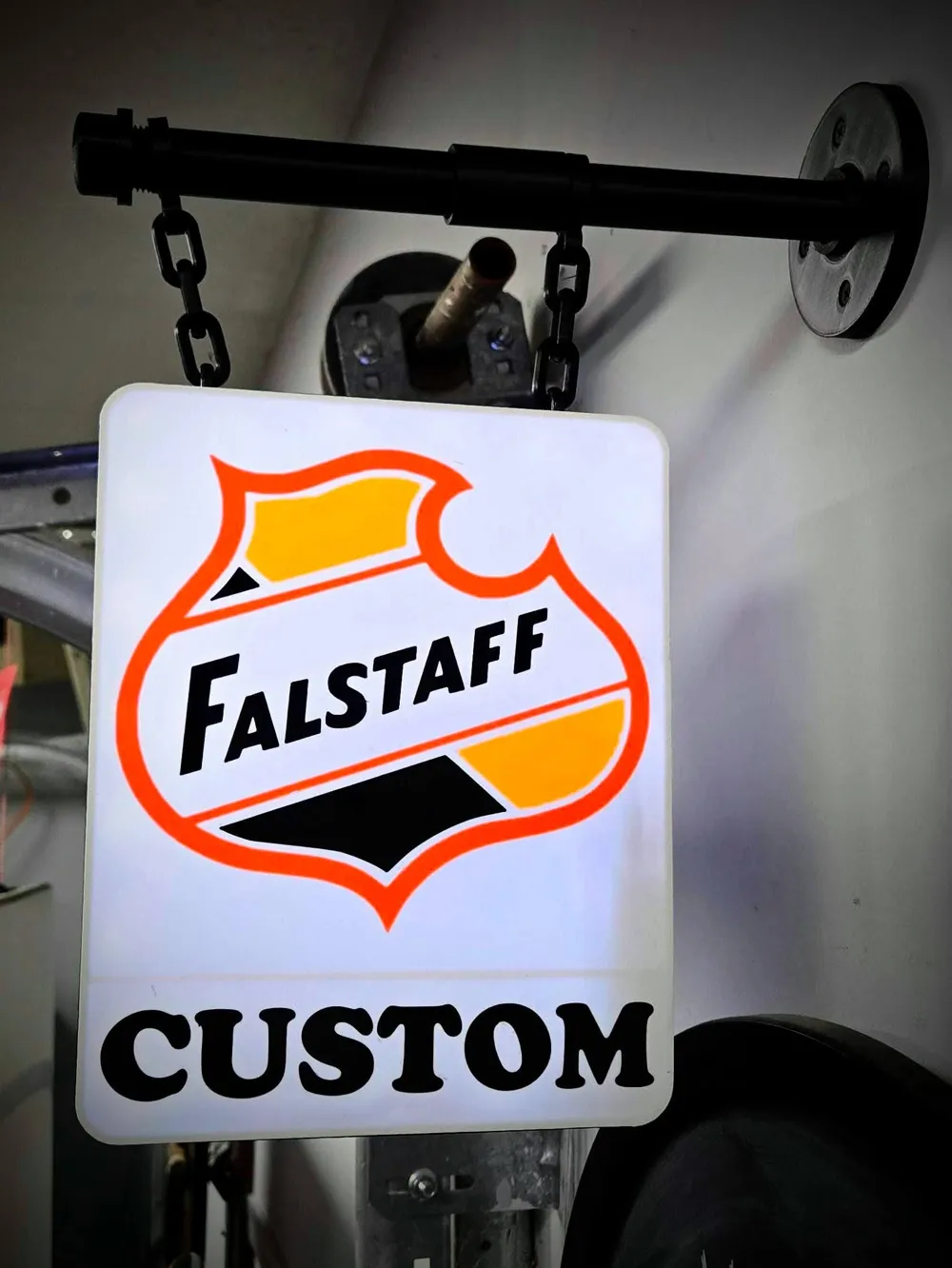
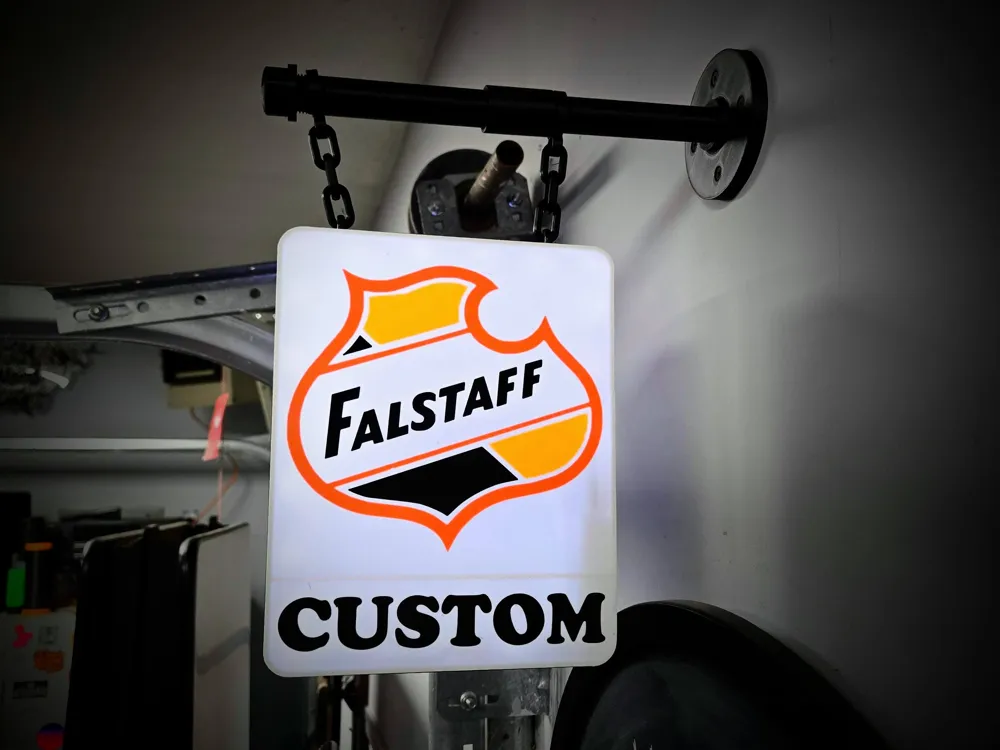
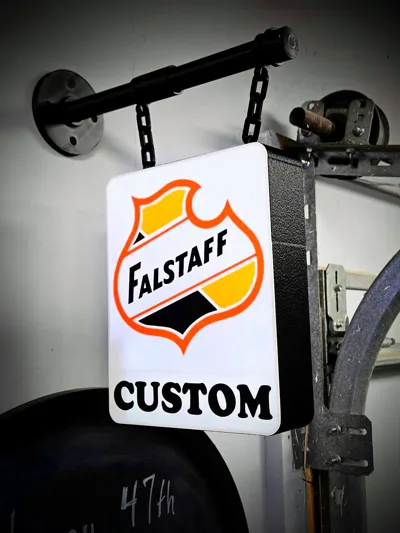
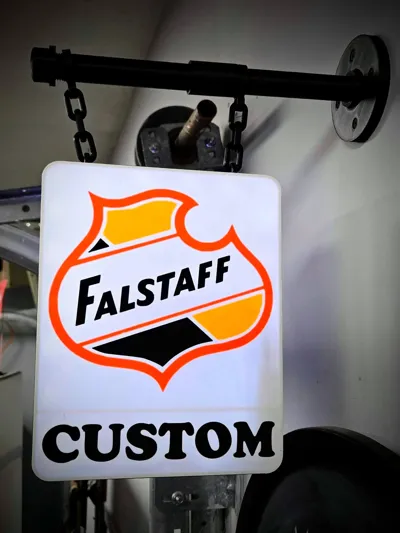
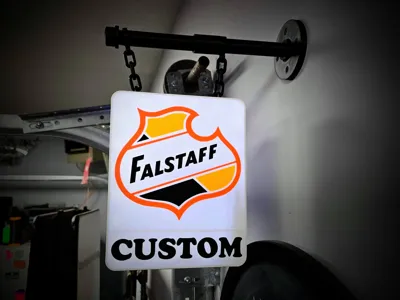
This custom-name FALSTAFF-style lightbox is a fully 3D printed, double-sided wall sign designed to hang from a faux black pipe bracket with chain — all printed, no metal required.
The entire setup (pipe, brackets, chain, and lightbox housing) is 3D printed. The only hardware needed is your own LED strip kit. The example shown uses a wireless battery-powered LED strip with remote.
I use these LED lights linked here and you can link them to an app on your phone. https://a.co/d/057lMkKx
This version prints in just 4 colors, making it easy to produce with a single AMS unit.
Features
- Overall lightbox size: 185 mm × 243 mm
- Double-sided illuminated panel
- Fully 3D printed faux pipe + chain hanger
- 4-color print (AMS friendly)
- Clean, simple assembly
- Name is fully customizable in slicer
✏️ How to Change the Name
Changing the name is simple:
- Open the project in Bambu Studio (or your slicer).
Locate the object labeled "Change Name Here" in the object list.
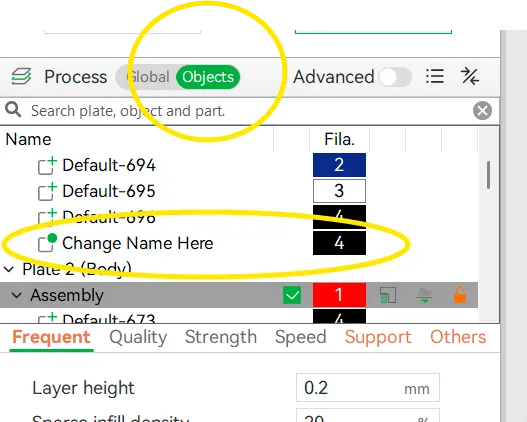
- Right-click the text object to edit.
- Edit the text to your desired name.
- Re-slice and print.
No CAD editing required.
Printing Notes
- Designed for use with Battery-powered LED strip lighting inside the box
- PLA works great for indoor display
- PETG recommended if installing in warmer environments
- Adjust LED brightness to get the glow level you prefer
FILAMENTS USED
- Bambu Basic PLA - Black
- Bambu Basic PLA - Jade White
- Bambu Basic PLA - Sunflower Yellow
- Bambu Basic PLA - Pumpkin Orange
Whether you're decorating a garage, shop, bar area, or man cave, this customizable lightbox adds a clean illuminated look with a personal touch.
_________________________________________________________________________________________________
Thanks for downloading from Chopper Originals.
If this print earned a spot on your printer and you’re out of Boosts, consider buying me a coffee ☕ to help support future designs and releases.

___________________________________________________________________________________
Affiliate Disclosure
Some links in this listing are affiliate links. As an Amazon Associate, I earn from qualifying purchases at no extra cost to you.
____________________________________________________________________________________
Having issues getting that first layer to flow and stick good? Follow these steps, it helps! ***If using an enclosed printer, be sure to remove the lid and leave door open to avoid heat creep***
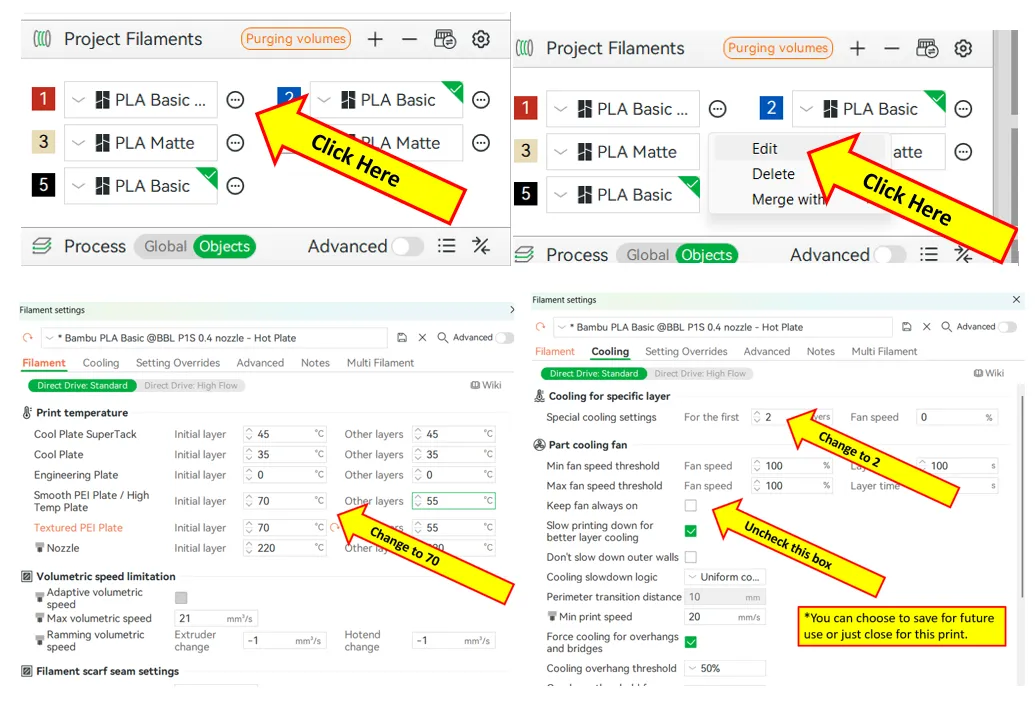
If using multiple brands/types of filament, you will need to save each as a Custom Filament setting. Otherwise the settings will change when your colors switch.
License



Comment & Rating (0)