Search models, users, collections, and posts

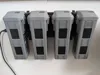
DJI Matrice Holder Charging Station
IP Report
Print Profile(1)
0.2mm layer, 4 walls, 15% infill
Designer
2.6 h
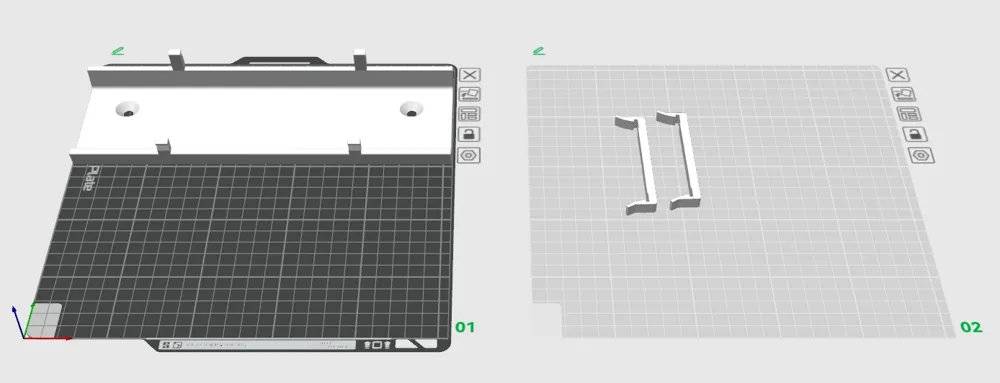
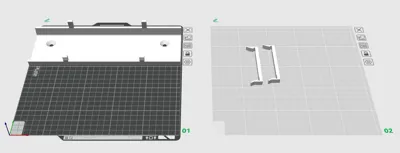
2 plates
Open in Bambu Studio
Boost
20
61
2
1
59
36
Released
Description
Content has been automatically translated.
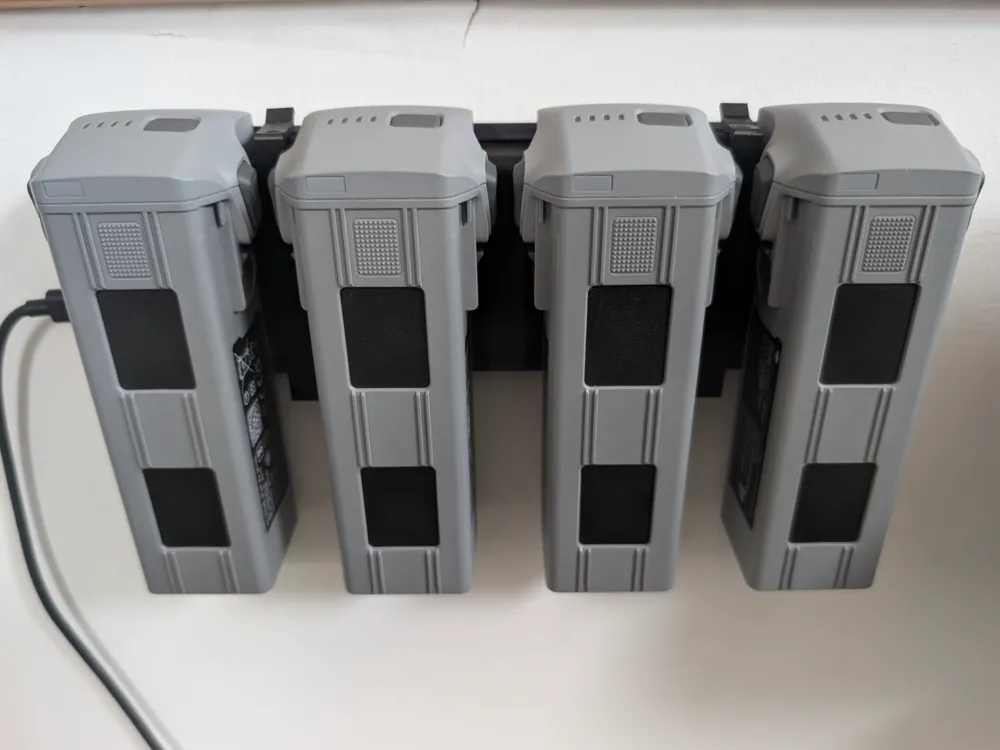
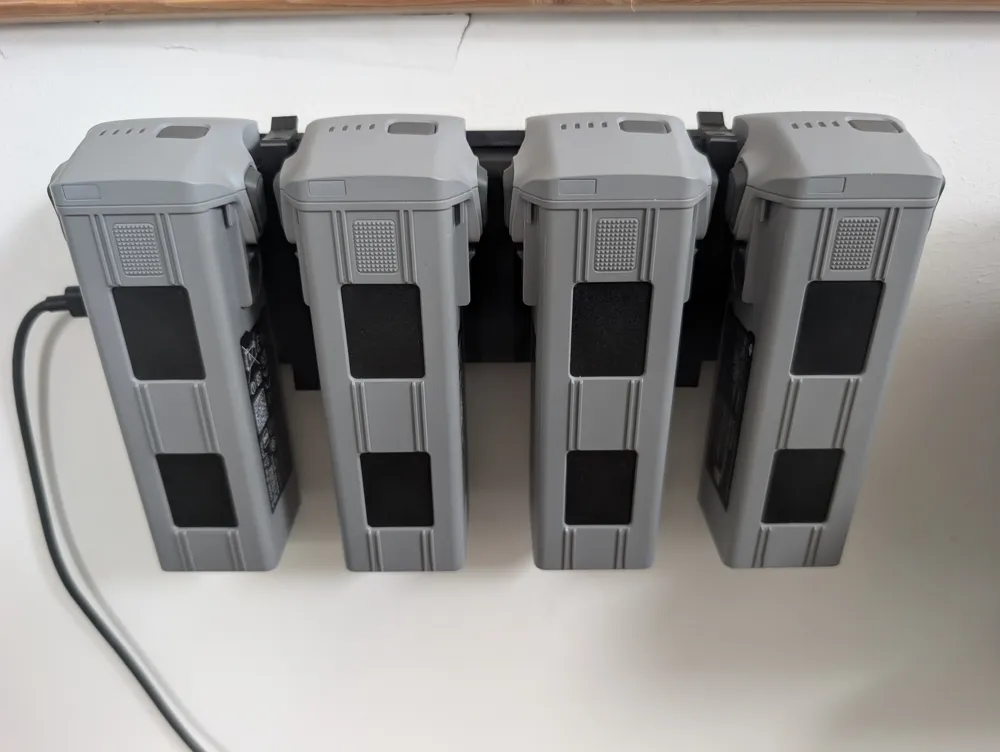
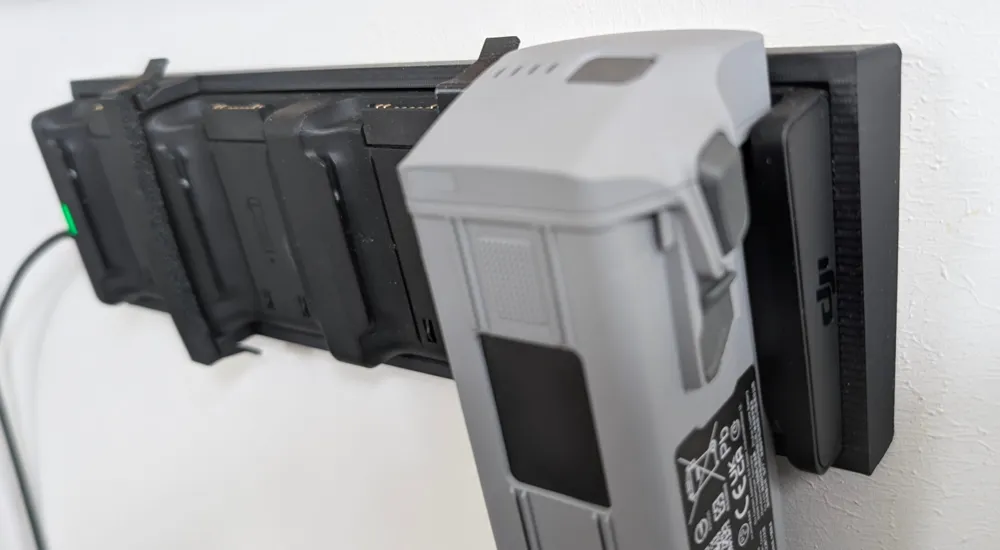
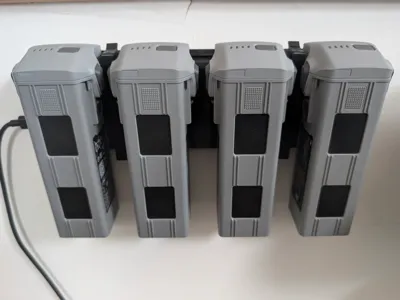
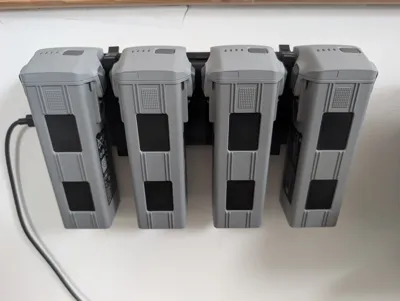
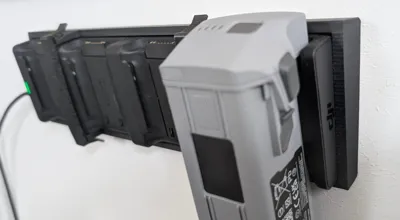
DJI Matrice Charging Station – Wall Mount (PLA + TPU)
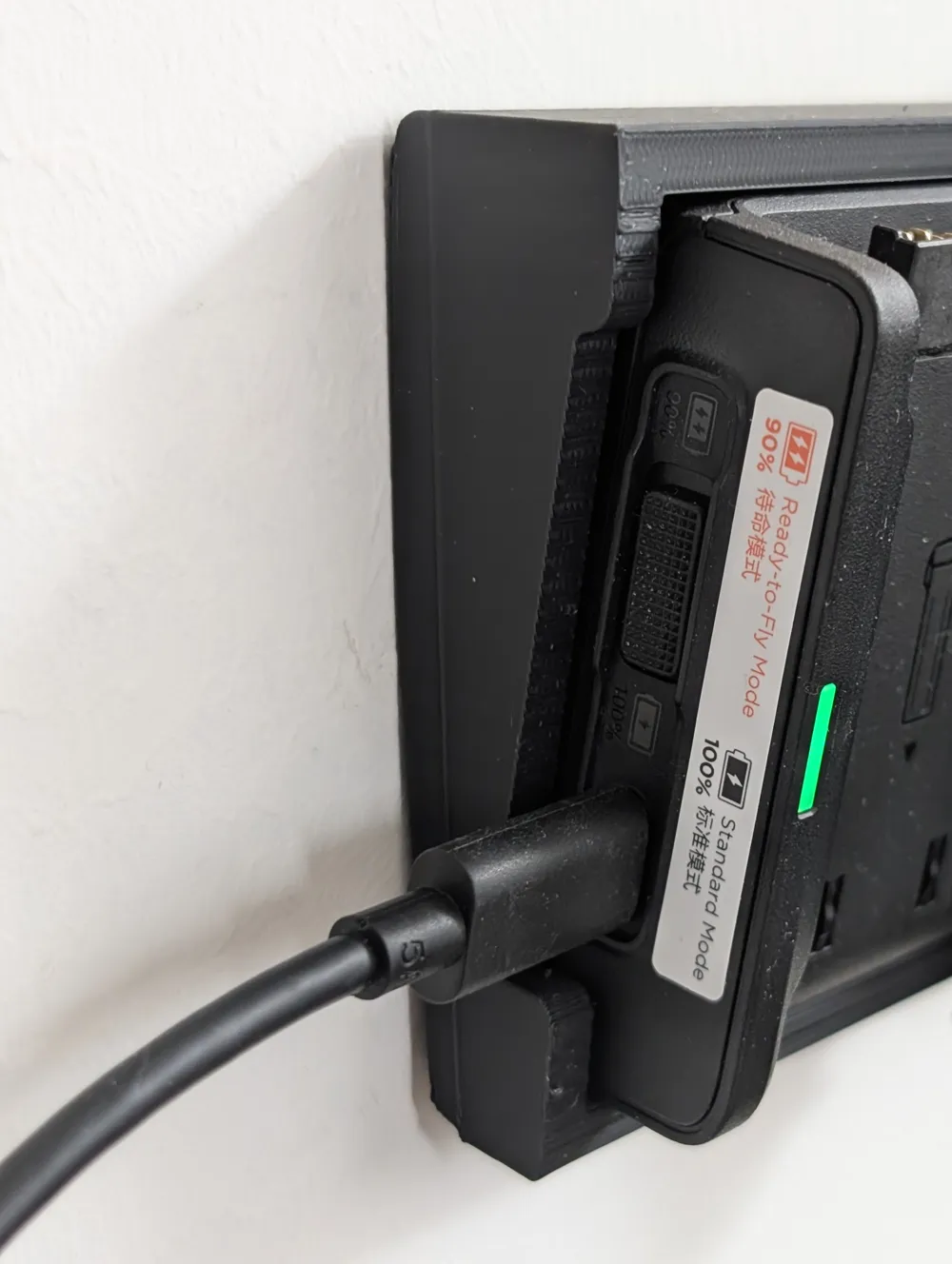
With this wall mount, the DJI Matrice Battery Charging Station can be permanently and securely attached to the wall.
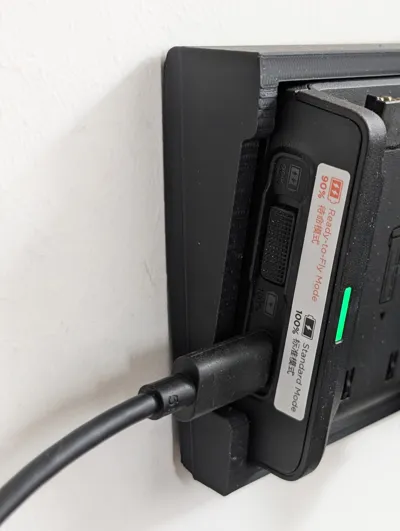
This means the charging station no longer sits around on the table, cables are no longer loose in the office, and the workspace remains tidy.
The mount is specially designed for daily use in the office or workshop: a sturdy PLA frame and flexible TPU retaining clips that securely hold the charging station without scratching it.
✨ Features
- Space-saving wall mounting of the charging station
- Clean cable management possible & tidy workspace
- No damage to the housing thanks to TPU contact surfaces
- Charging station can be removed at any time
- Robust construction for continuous insertion and removal of batteries
- No tools required to insert the station
🧩 Structure
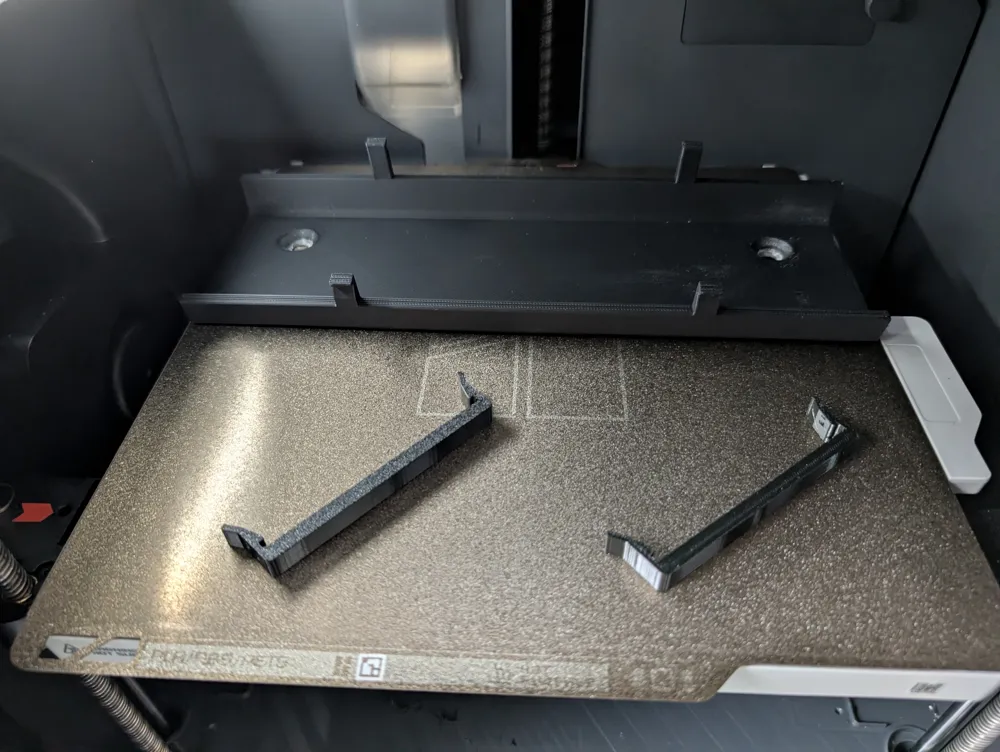
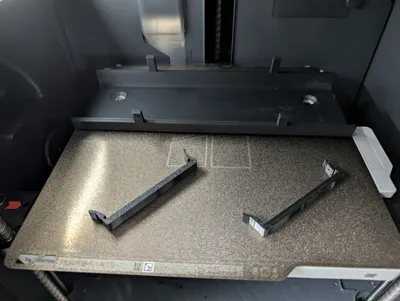
The holder consists of two types of components:
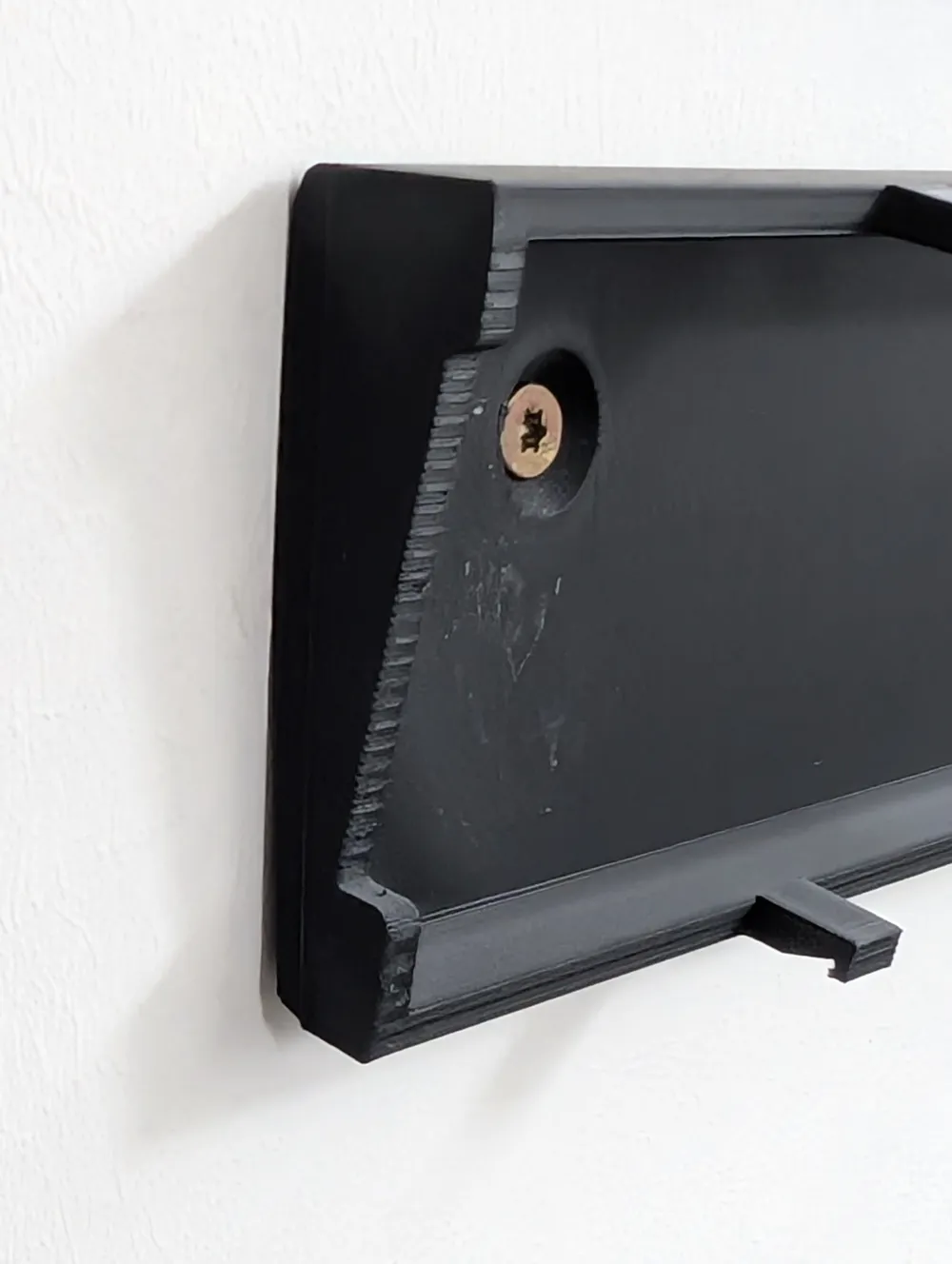
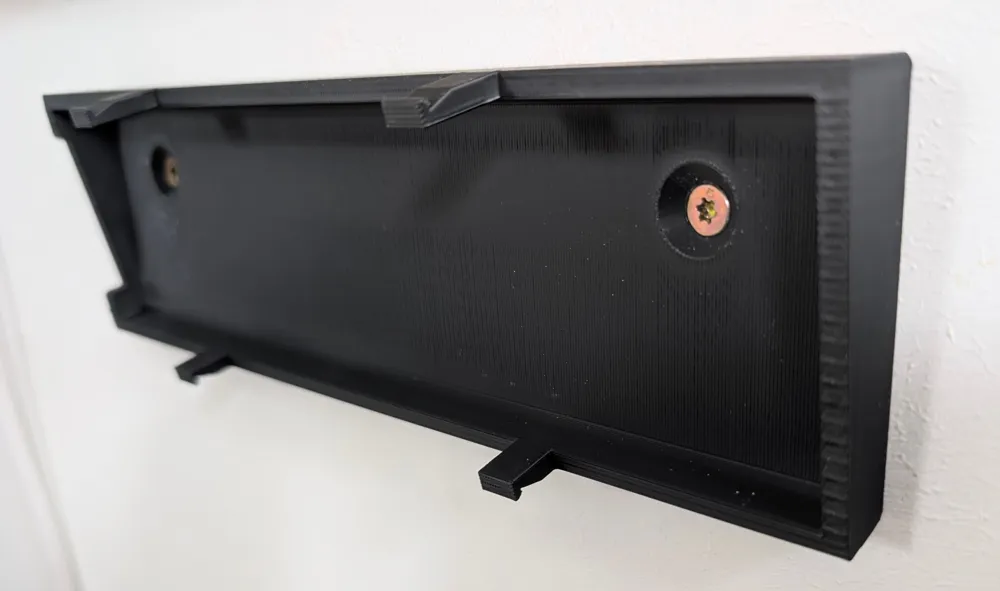
- Main body (PLA)
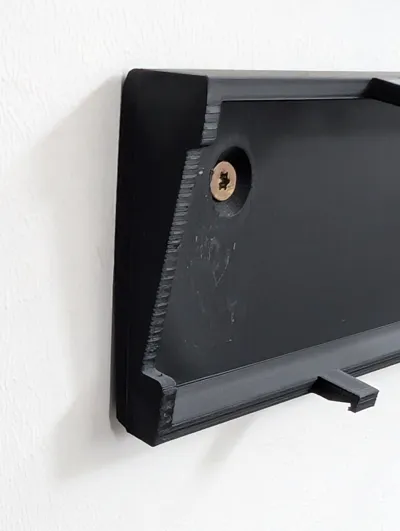
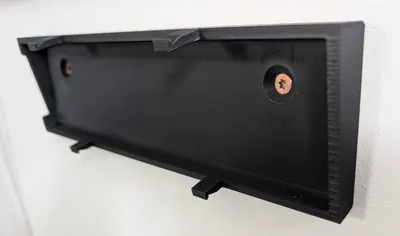
Holds the charging station and is screwed to the wall. - Flexible retaining clips (TPU)
These clamp the charging station slightly resiliently.
This means:- it sits firmly
- does not rattle
- does not get scratched
The charging station is simply inserted from the front and can be removed at any time without tools.
🖨️ Print Settings
PLA (Main body)
- Material: PLA / PLA+ recommended
- Layer height: 0.2 mm
- Infill: 15 %
- Wall lines: 4
- Supports required
TPU (Retaining clips)
- Material: TPU 95A
- Layer height: 0.2 mm
- Infill: 100 % (important for spring action)
- Supports: not necessary
🔧 Installation
- Hold the mount in the desired position
- Mark drill holes
- Mount with wall plugs (or suitable for the wall)
- Insert the charging station from the front
- Insert TPU clips into the designated receptacles
💡 Notes
- Not intended for outdoor use (PLA is temperature-sensitive).
- In very warm rooms (>40 °C), it is better to use PETG for the main body.
Happy printing!
If the model helps you, I would appreciate a like and a photo of your setup 🙂
License

This user content is licensed under a
Creative Commons Attribution-Noncommercial-NoDerivatives


Comment & Rating (2)