
iPad Magnetic VESA Wall Mount
Print Profile(3)



Description
Compatible with iPad 10th Generation, iPad A16, and iPad Air 13-inch M2/M3/M4
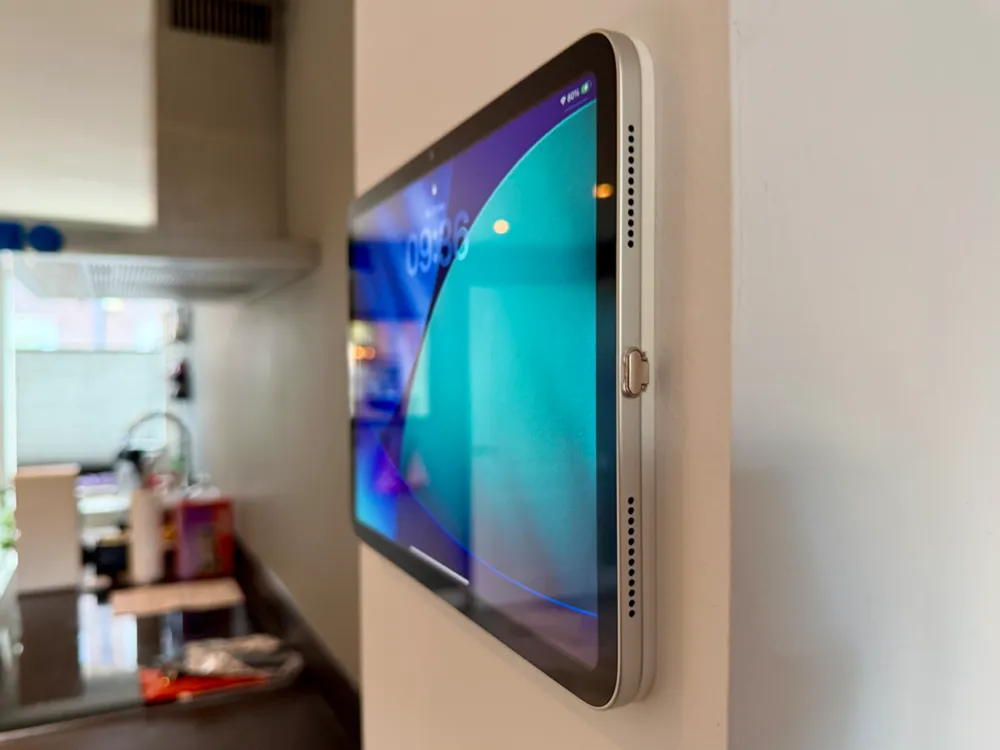
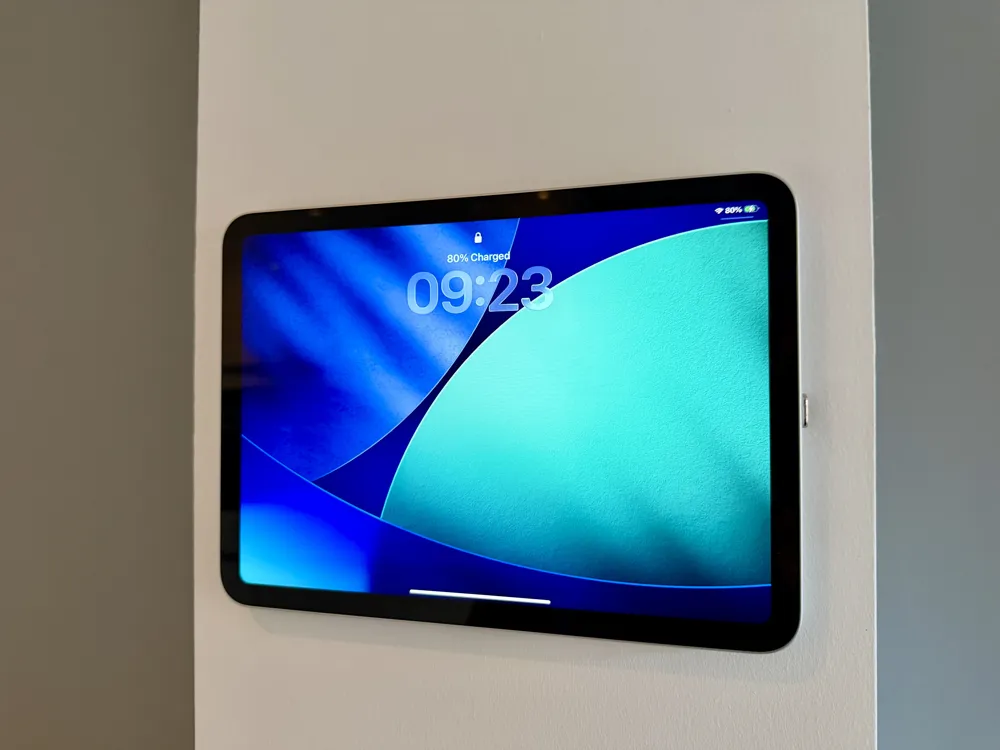
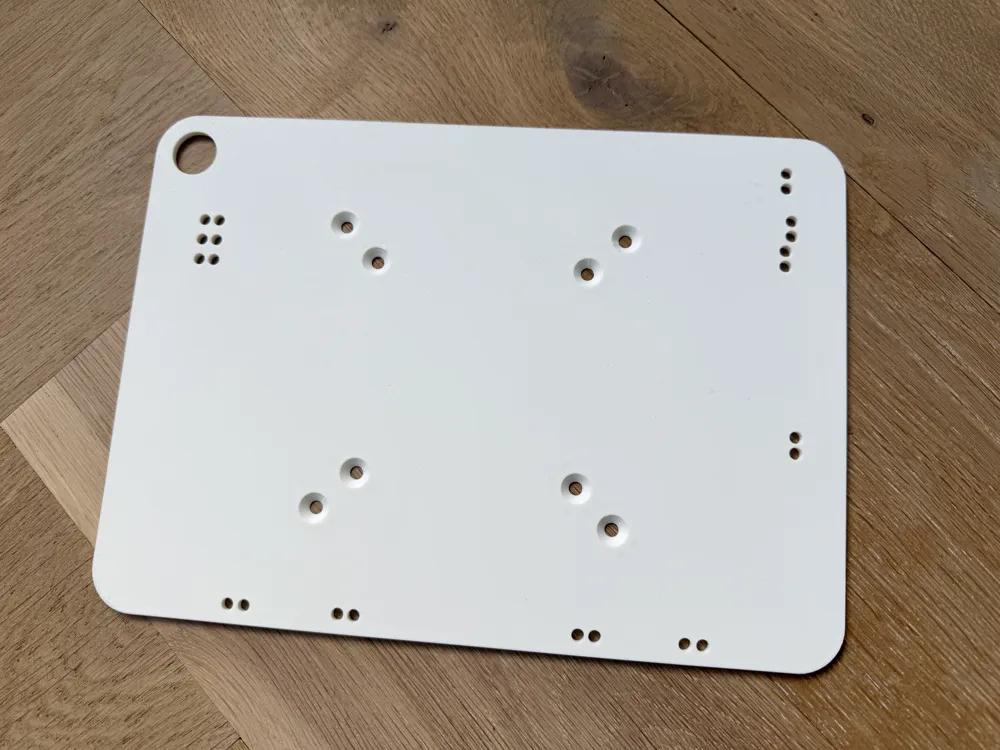
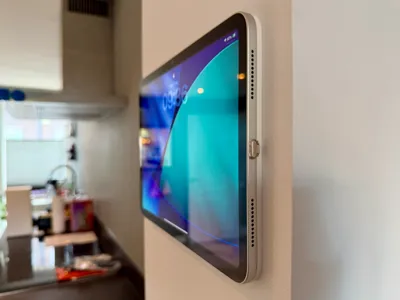
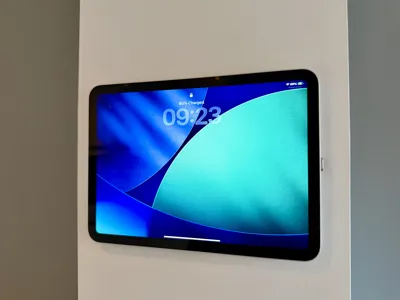
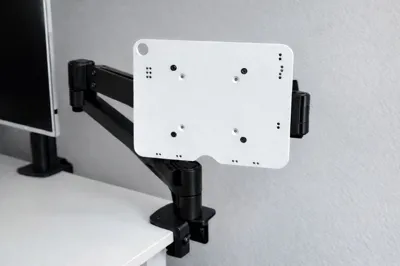
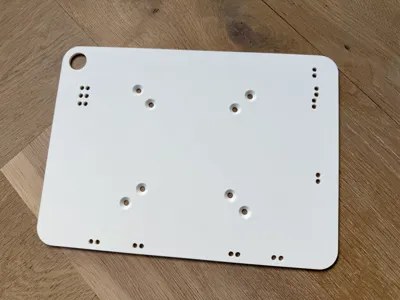
This magnetic iPad wall mount is designed for a clean and minimal wall installation, allowing the iPad to be mounted and removed effortlessly. The mount uses strong neodymium magnets and is based on the official Apple Accessory Design Guidelines, ensuring accurate magnet placement and a secure fit.
Wall Mount & VESA Compatibility
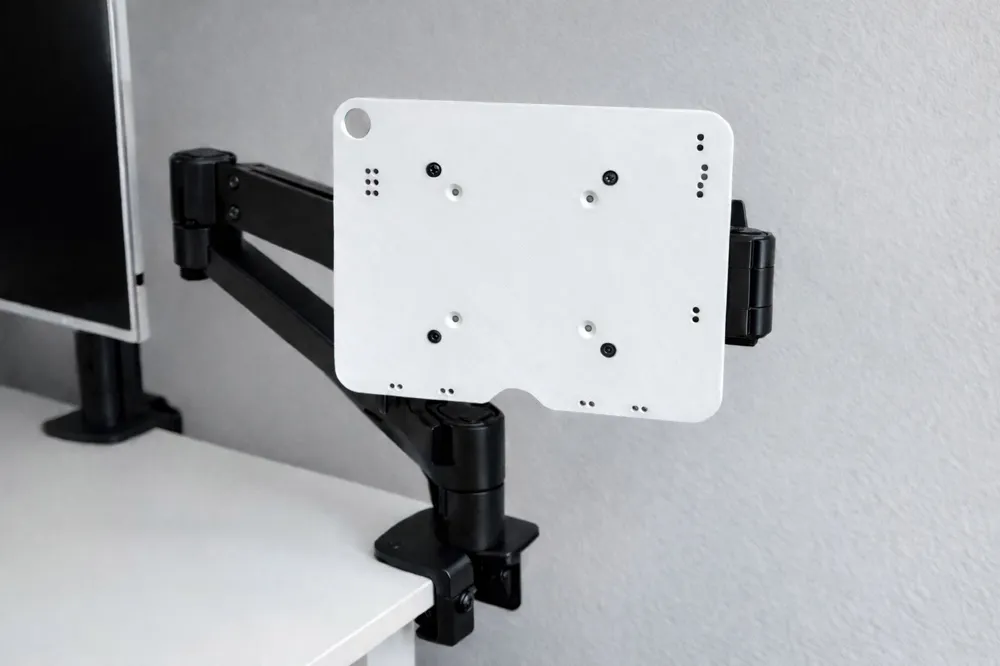
This model is primarily designed as a wall mount, providing a clean and fixed installation for your iPad. However, the mounting pattern also allows it to be used with standard VESA mounts (75x75mm and 100x100mm), such as monitor arms or adjustable mounting arms. This makes it suitable for a wide range of setups, including desks, kitchens, workshops, or smart home dashboards.
Boost Me (for free)
❤️🚀 If you like this model, please consider giving it a boost!
📏 Plate Thickness
The mounting plate has a standard thickness of 4 mm, designed for use with 4 mm thick cylindrical magnets. If you prefer making the plate even smaller to 3 mm and using 3 mm thick magnets, the plate can easily be cut and printed at 3 mm thickness without affecting functionality or magnet alignment. It is recommended to remove the material from the bottom side of the plate, so the camera inset height remain unchanged. However, the 3 mm magnets also fit the 4 mm thick model.
🧲 Magnets
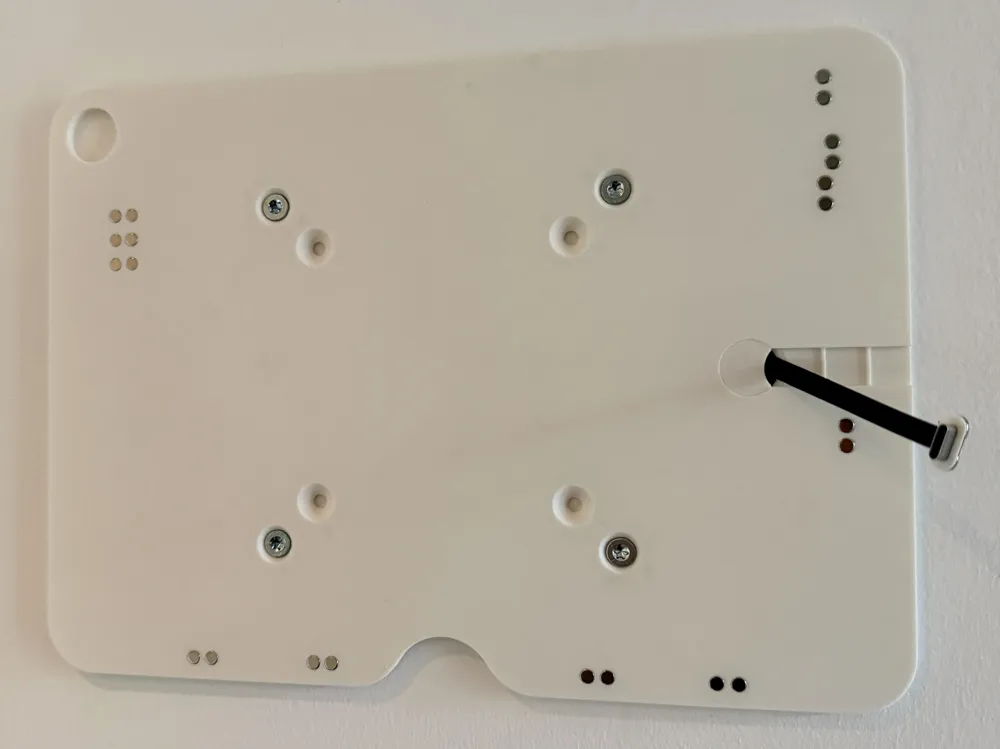
- Designed to press-fit 4×4 mm cylindrical magnets
- 4×3 mm magnets are also compatible
- Magnet type used: N45 neodymium
- The magnetic strength is more than sufficient to securely hold the iPad in place
- See instructions below on how to install them
📐 Design
- Magnet locations are based on Apple Accessory Design Guidelines
- Optimized alignment for maximum holding force and nog sliding
- Specifically suitable for
- iPad 10th Generation and iPad A16
- A2696 (10th generation)
- A2757 (10th generation) Wi-Fi + Cellular
- A2777 (10th generation) Wi-Fi + Cellular (China mainland only)
- A3162 (10th generation) Wi-Fi + Cellular (China mainland only)
- A3354 (A16)
- A3355 (A16) Wi-Fi + Cellular
- A3356 (A16) Wi-Fi + Cellular (China mainland only)
- iPad Air 13-inch (M2/M3/M4)
Because the 13-inch model is larger than the average 256×256mm print bed, the mount itself is designed slightly smaller than the iPad. An unexpected bonus: the smaller frame actually makes it much easier to grab and remove the iPad from the mount.- A3461 on iPad Air 13‑inch (M4) Wi-Fi
- A3462 on iPad Air 13‑inch (M4) Wi-Fi + Cellular
- A3464 on iPad Air 13‑inch (M4) Wi-Fi + Cellular (China mainland only)
- A3268 on iPad Air 13-inch (M3) Wi-Fi
- A3269 on iPad Air 13-inch (M3) Wi-Fi + Cellular
- A3271 on iPad Air 13-inch (M3) Wi-Fi + Cellular (China mainland only)
- A2898 on iPad Air 13-inch (M2) Wi-Fi
- A2899 on iPad Air 13-inch (M2) Wi-Fi + Cellular
- A2900 on iPad Air 13-inch (M2) Wi-Fi + Cellular (China mainland only)
- iPad 10th Generation and iPad A16
🔌 Charging
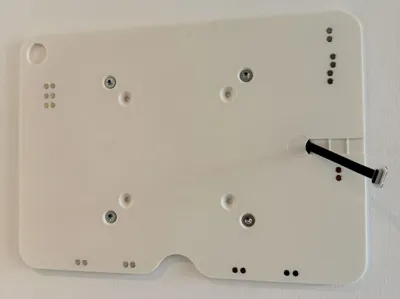
- Includes an opening for a USB-C flat cable
- The flat USB-C cable can be easily found on Amazon
- Allows the iPad to stay permanently charged with a clean, flush cable setup
🖨️ Print Information
- Designed for easy 3D printing
- Can be printed without supports (depending on printer settings)
- Recommended materials: PLA, PETG, or ABS
🔨 Installing the Magnets
After the print is finished, insert the magnets into the designated slots.
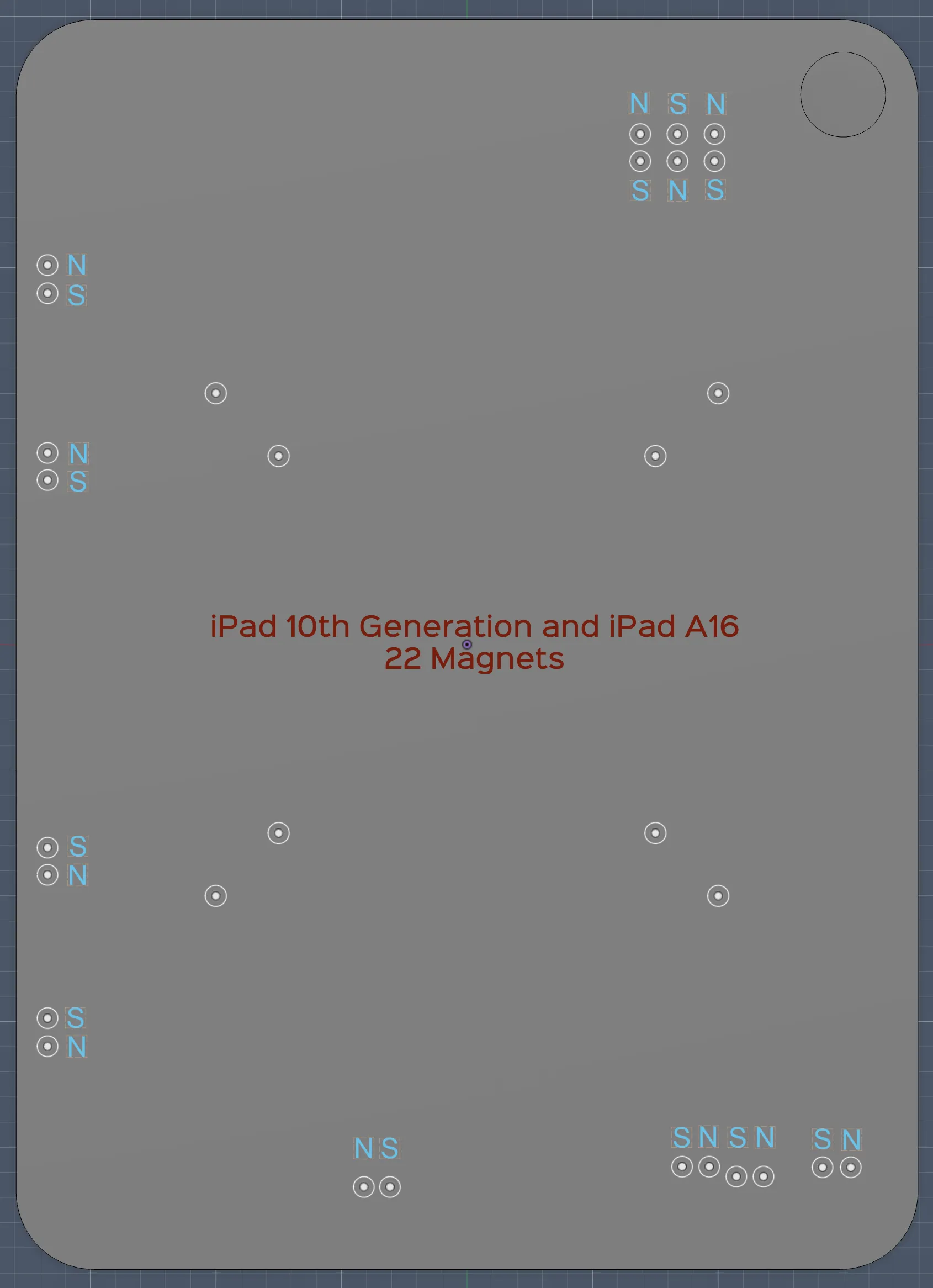
For proper alignment, stability, and optimal magnetic attachment, note that the polarity of the magnets inside the iPad alternates with every other magnet. In the drawing below you can see which polarity should face upward toward the iPad. There are specialized tools available to determine magnet polarity, but these can be quite expensive. There are also smartphone apps that claim to detect polarity, although the results can sometimes be inconsistent.
In practice, the easiest and most reliable method is to place a few magnets in the plate and test the fit directly against the iPad. This allows you to quickly confirm the correct orientation before inserting the remaining magnets. I found it easiest to first place all magnets with the same polarity (either all N or all S). Test the plate against the iPad to check the alignment, and then insert the remaining magnets with the opposite polarity if needed.
| iPad 10th Generation and iPad A16 | iPad Air 13-inch (M2/M3/M4) |
 | 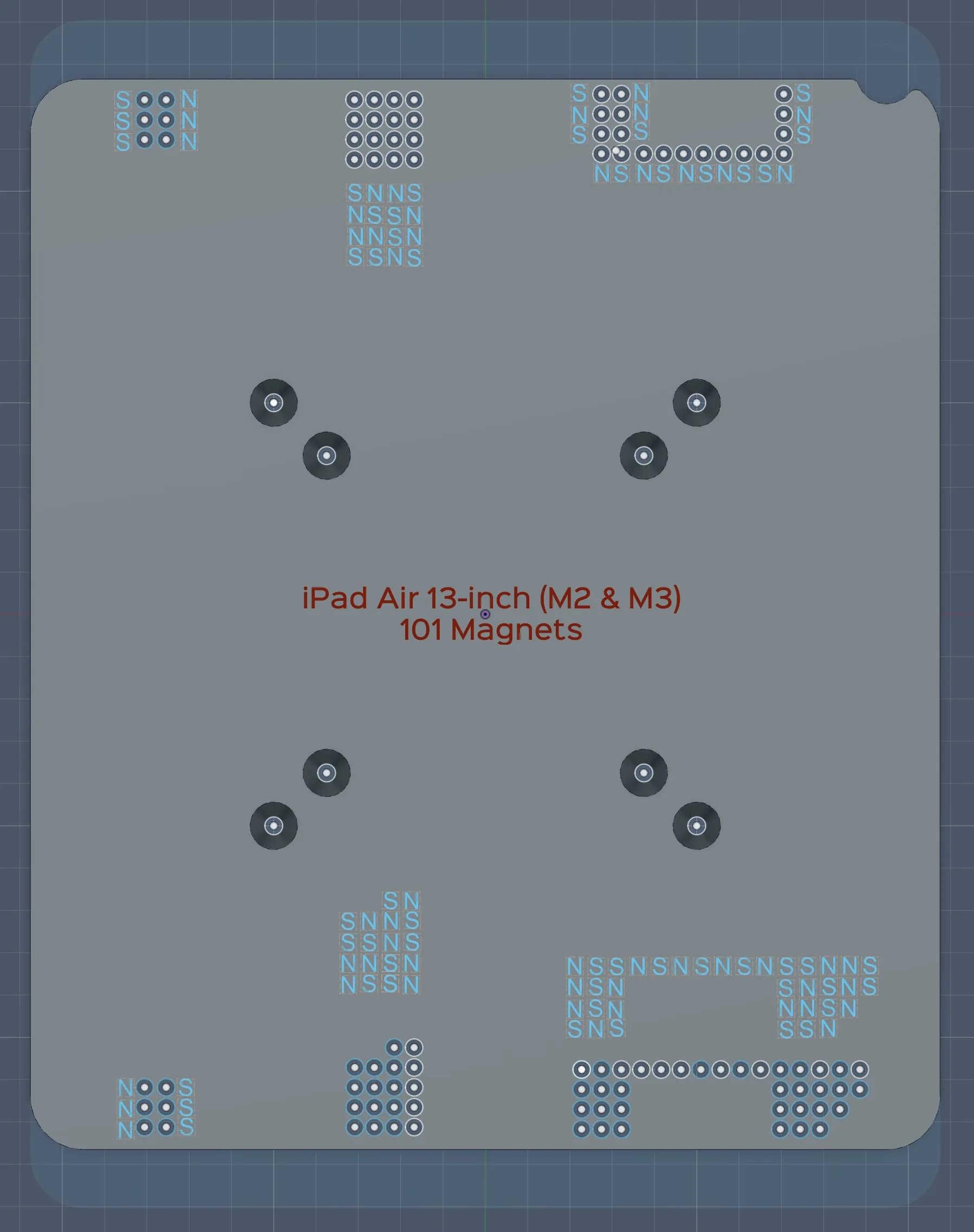 |
License

You shall not share, sub-license, sell, rent, host, transfer, or distribute in any way the digital or 3D printed versions of this object, nor any other derivative work of this object in its digital or physical format (including - but not limited to - remixes of this object, and hosting on other digital platforms). The objects may not be used without permission in any way whatsoever in which you charge money, or collect fees.


Comment & Rating (75)